

 DownloadFarloom Shaders
Get the files on 9Minecraft
Guides
Step-by-step, in-game.
Achieve Clear Water Reflections Across All Render DistancesEnable Water Reflection Features Open the shader settings and locate water-specific options. Farloom includes…Maintain Vanilla Block Colors While Using Enhanced LightingUnderstand Farloom's Vanilla-Focused Approach Farloom Shaders preserves the familiar appearance of standard Minecraft…Optimize Distant Horizons Integration for Best PerformanceConfigure Shader Settings for Distant Horizons Farloom Shaders includes dedicated lighting profiles designed to work…Troubleshoot Visual Artifacts at Chunk BordersIdentify Chunk Border Issues Visual artifacts at the boundary between loaded chunks and distant terrain usually…
Frequently asked questions
How do I set up Farloom Shaders with Distant Horizons?
Install both mods, launch Minecraft, then open Shader Settings (usually Shift+O) and look for Distant Horizons-specific toggles or lighting profiles. The shader automatically detects Distant Horizons and applies optimized lighting to far terrain; no manual configuration is required, but you can fine-tune the blend distance in shader options if chunk borders look too obvious.
Why does my water look different at far distances?
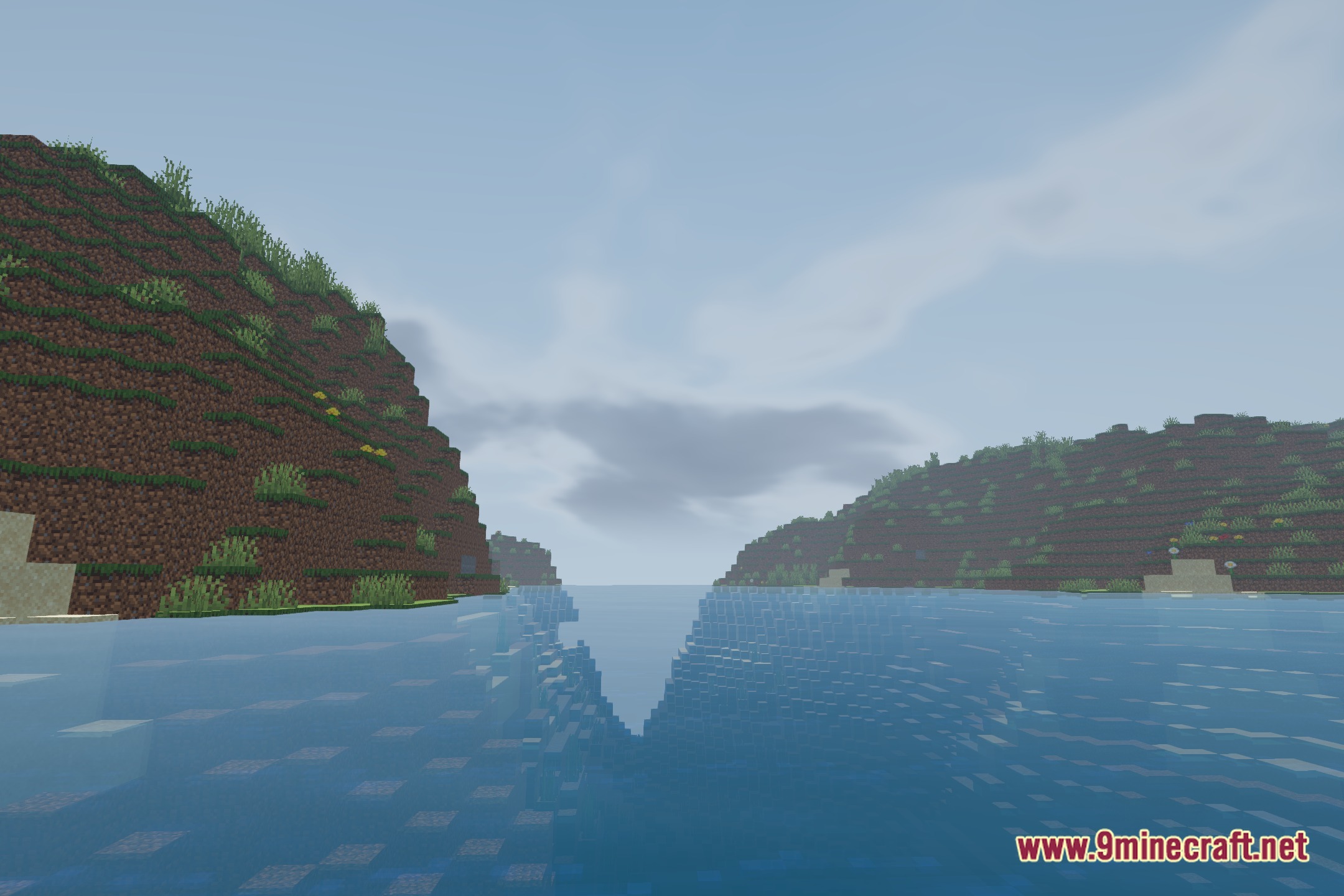
Farloom includes separate water lighting for distant terrain to keep reflections readable at extreme render distances. If water appears flat or overly bright far away, check that Distant Horizons water rendering is enabled in both mod configs, and adjust the water reflection slider in shader settings to match your preference.
How do I reduce lag when using high render distances?
Lower your render distance in Video Settings first, then in Shader Settings reduce shadow distance and disable expensive effects like volumetric lighting if performance drops. Distant Horizons itself handles most far-terrain rendering, so the shader's impact is minimal—lag usually comes from your GPU or CPU load, not the shader alone.
Can I use Farloom with other shader mods?
No, you can only have one shader active at a time in Minecraft. Uninstall or disable other shaders before enabling Farloom, or use the shader selector in Video Settings to switch between them.
See all 10 Farloom Shaders questions ›
Gallery
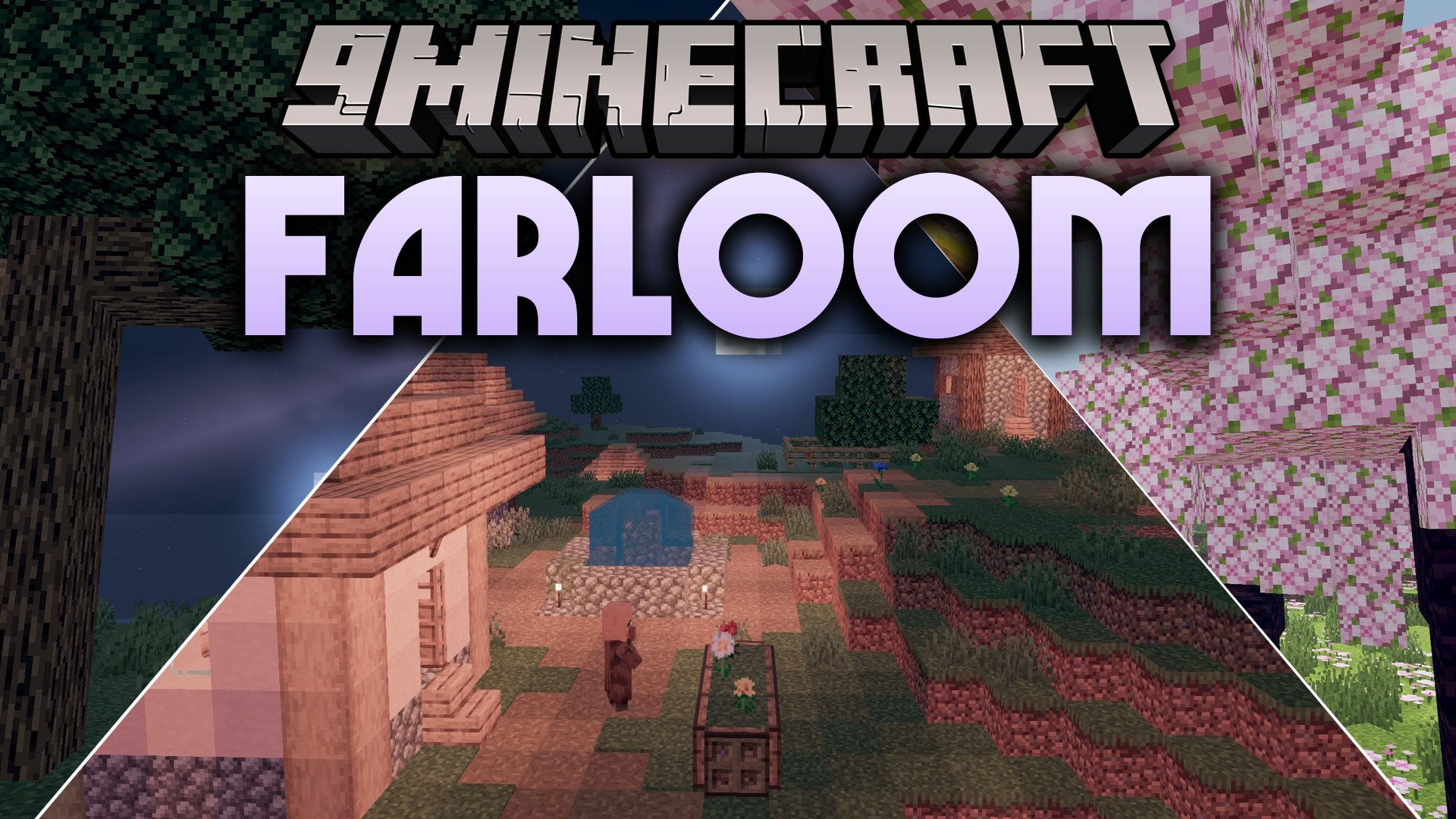
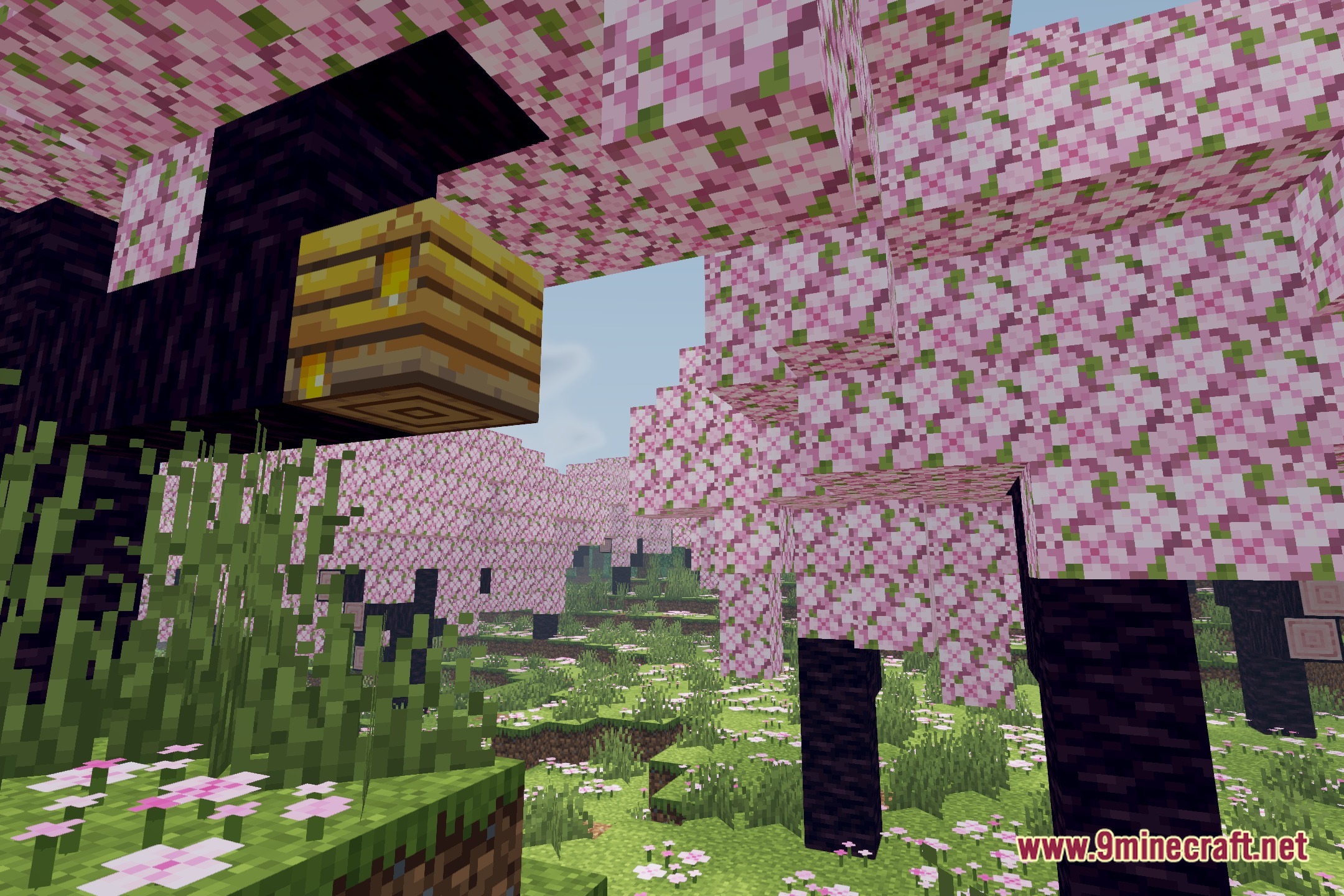
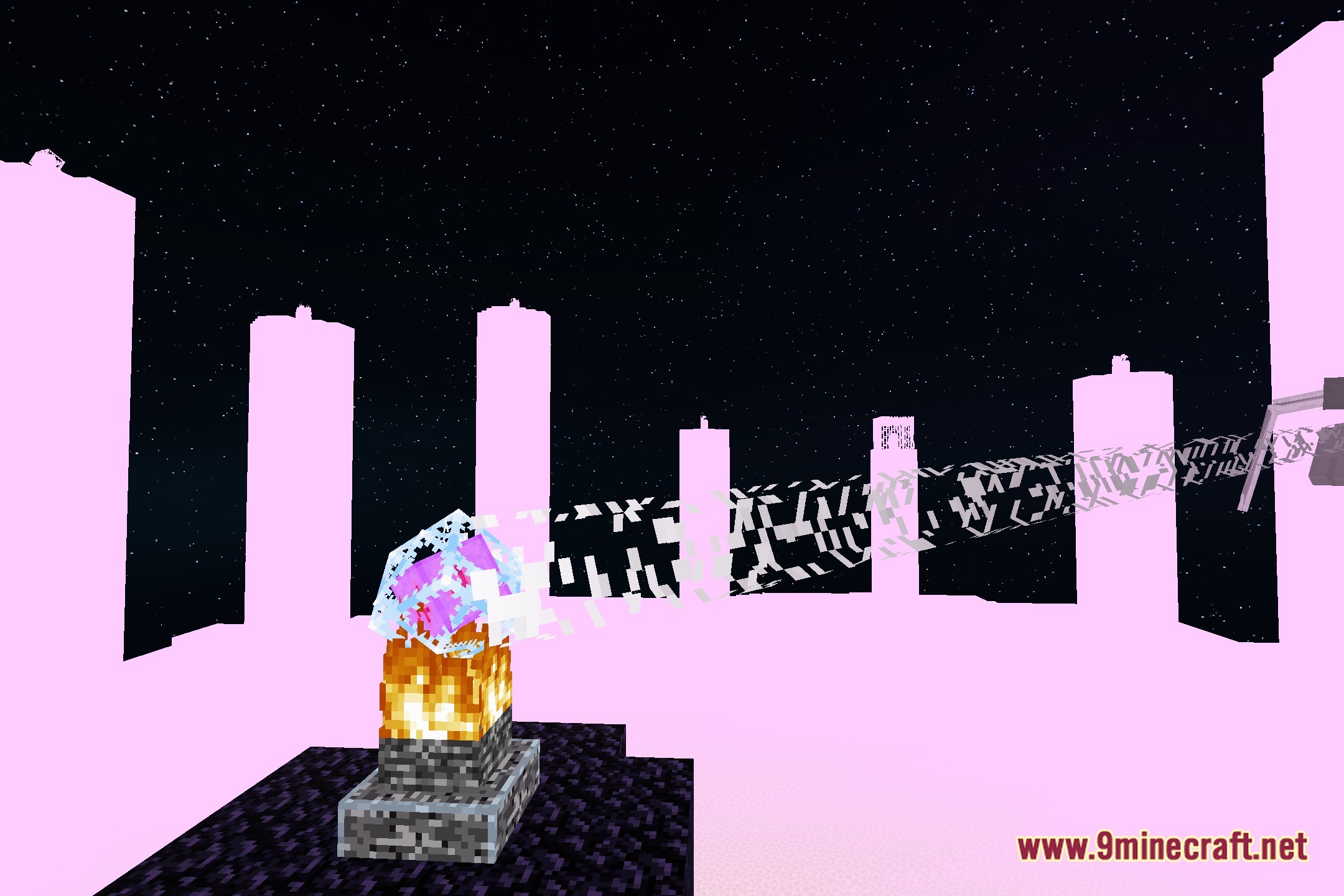
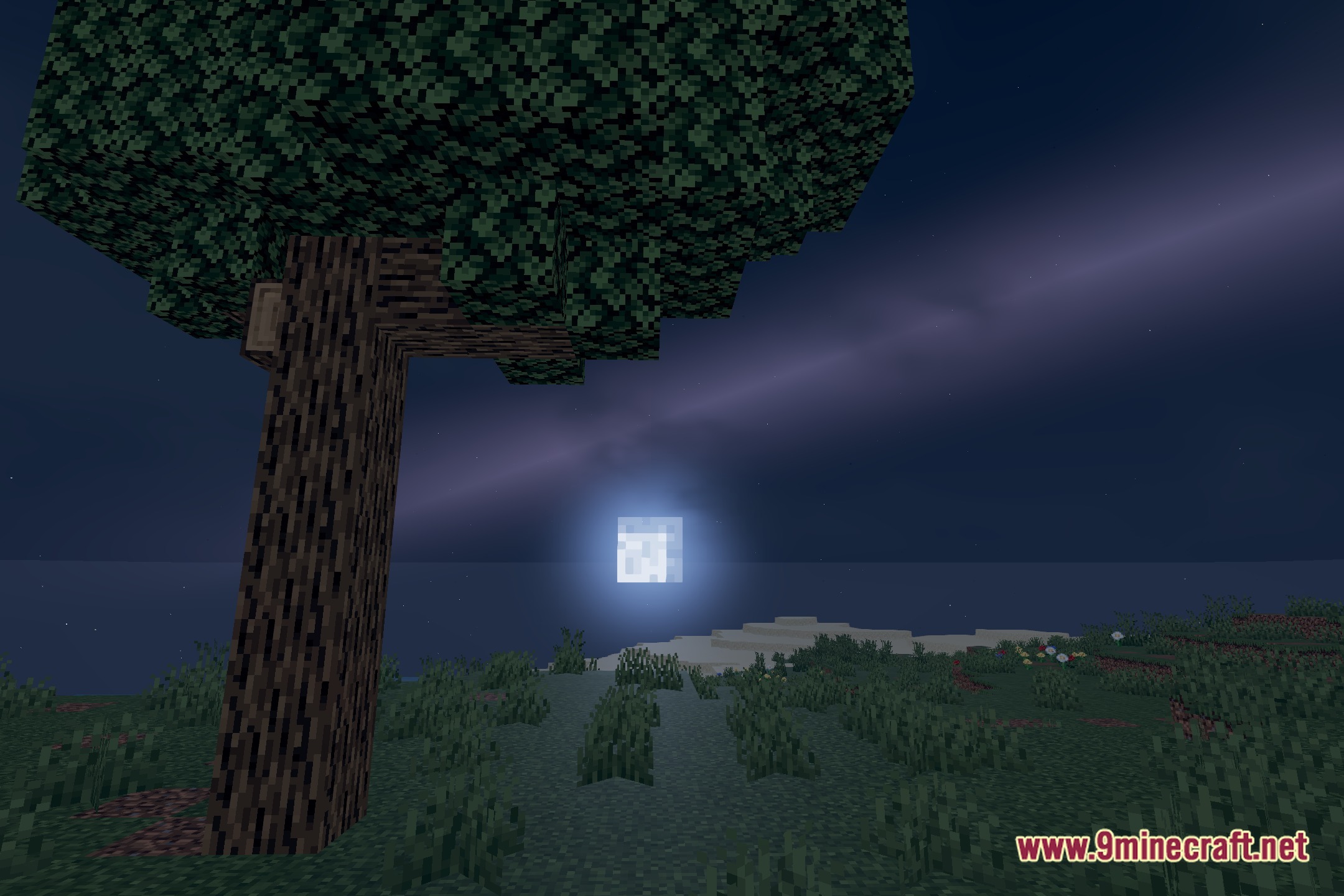
12 images from the Farloom Shaders page.
You May Also Like
Wikis that share the most with this one
Wikis on the same theme: light
More shader wikis on the site
The most downloaded mods that have a wiki here