

 DownloadEmperial Shaders
Get the files on 9Minecraft
Guides
Step-by-step, in-game.
Adjusting Brightness and Cave VisibilityFinding the Right Brightness Level Emperial Shaders automatically balances lighting, but you can fine-tune visibility…Enhancing Water and Reflection AppearanceConfiguring Water Visuals Emperial Shaders provides clean water surfaces with realistic reflections. You can adjust…Getting Better Shadows and Depth PerceptionUnderstanding Shadow Settings Emperial Shaders casts sharp block shadows to improve depth and visual clarity. These…Optimizing Performance on Lower-End ComputersReducing Shader Intensity Emperial Shaders is designed to run smoothly across many setups, but older or lower-spec…
Frequently asked questions
How do I turn on Emperial Shaders after installing it?
Open your Options menu in-game, go to Video Settings, then select Shaders. Find Emperial Shaders in the list and click it to activate—you'll see the changes apply immediately to your world.
Why are caves still too dark even with this shader?
Open the shader settings (usually by pressing a key like Right Shift or through Video Settings) and look for cave brightness or ambient light options, then increase the value to your preference.
Can I use Emperial Shaders with other mods?
Yes, Emperial Shaders works with most mods, but mods that heavily alter lighting or add custom blocks may cause visual conflicts—test in your world to be sure.
My FPS dropped a lot after installing this. How do I fix it?
Try lowering shadow quality or distance in the shader settings, disabling reflection effects on water, or reducing render distance; these changes have the biggest impact on frame rate.
See all 10 Emperial Shaders questions ›
Gallery
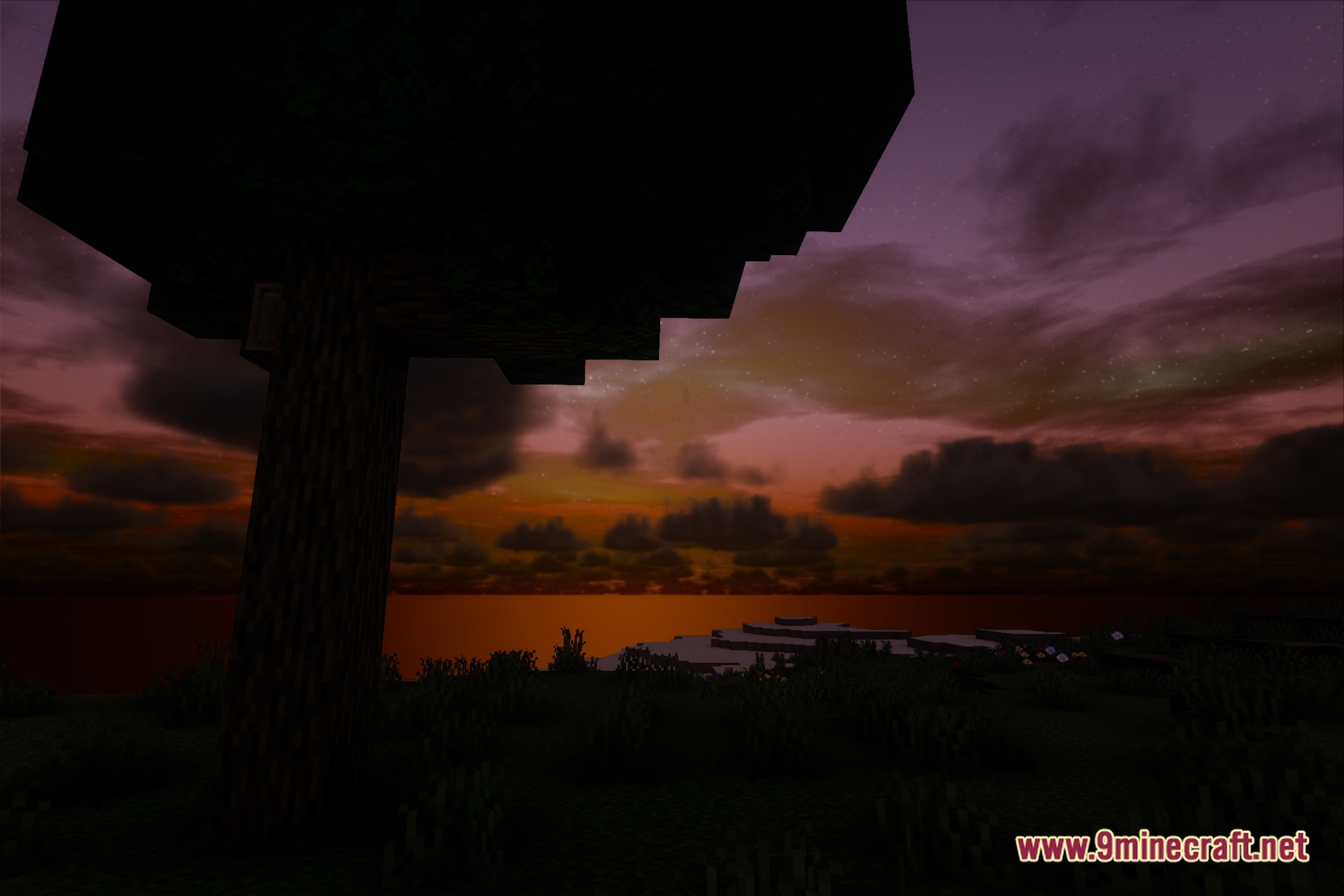
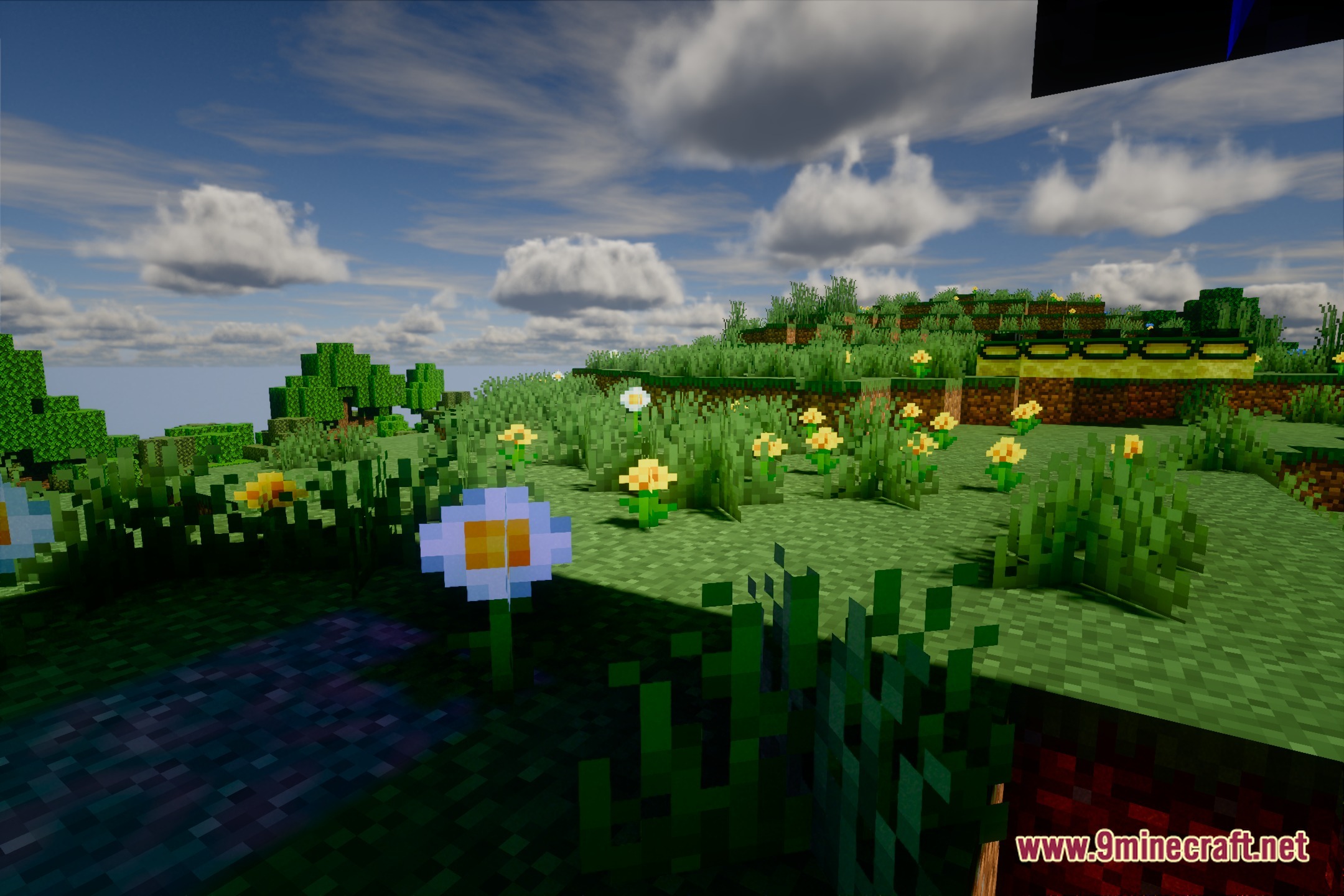
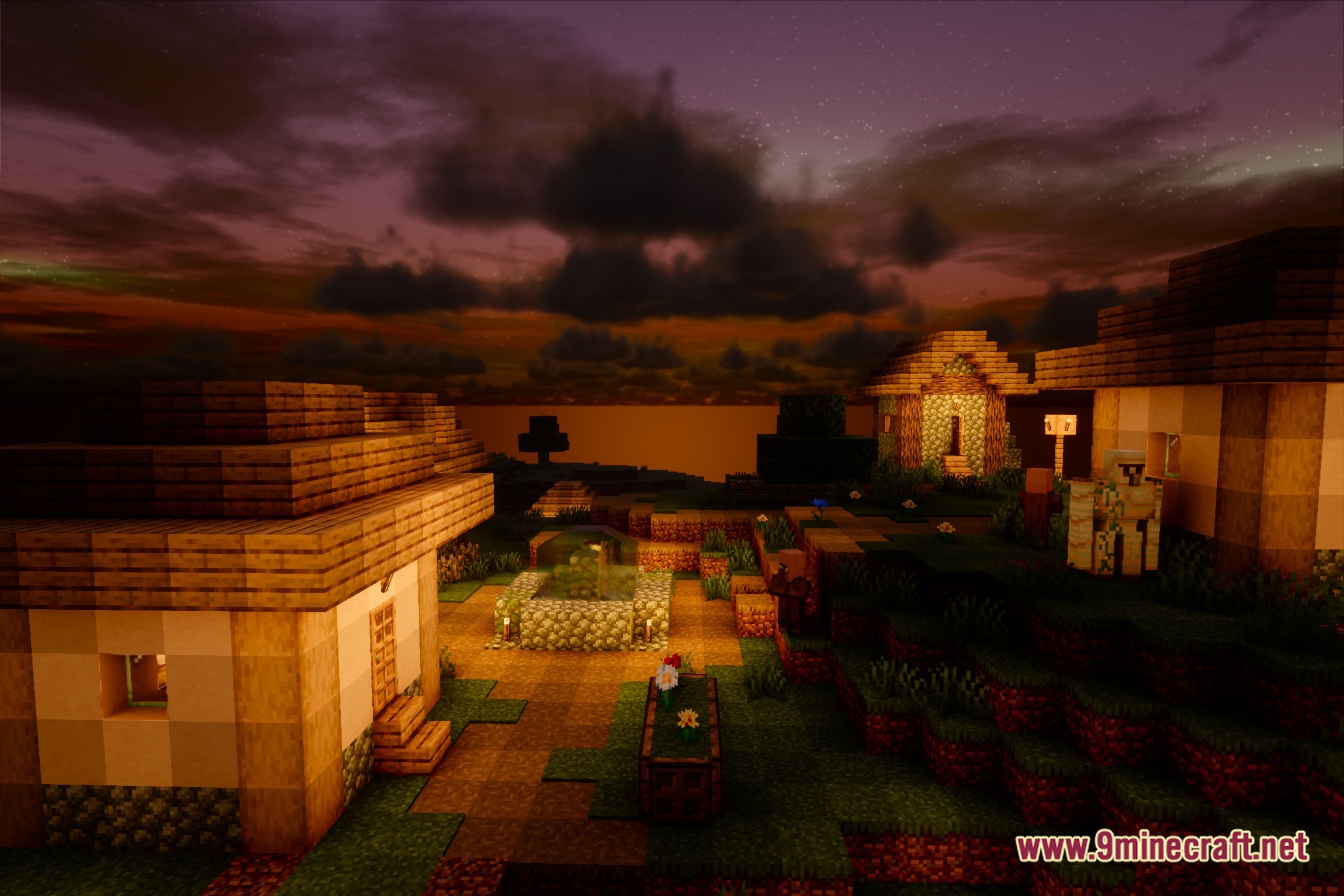
12 images from the Emperial Shaders page.
You May Also Like
Wikis that share the most with this one
Wikis on the same theme: light
More shader wikis on the site
The most downloaded mods that have a wiki here