

 DownloadBooxyx Optimized Shaders
Get the files on 9Minecraft
Guides
Step-by-step, in-game.
Adjust Shader Settings for Your PC's PerformanceAccess the Shader Menu Press the Shader Settings key (default: O ) while in-game to open the configuration panel.…Enable Water Reflections and Wet Block EffectsLocate Reflection Settings Open the shader settings menu (default: O ) and navigate to the Water & Reflections…Get Better Shadows Without Losing FramesOpen Shadow Configuration Press O to access shader settings, then find the Shadows section. Understand Shadow…Troubleshoot Dark or Washed-Out LightingCheck Sky Brightness Settings Open shader settings ( O ) and locate Sky & Ambient Light . If your world looks too…
Frequently asked questions
How do I turn on the shader after installing it?
Open your Options menu in-game, go to Video Settings, then select Shaders. Find Booxyx Optimized Shaders in the list and click it to activate. You'll see the lighting and shadows take effect immediately.
My game is running slow even with this shader. What should I do?
Open the shader settings (usually by pressing a key like Right Shift or through Video Settings) and switch to the Potato preset, which reduces shadow quality and reflection detail. If still slow, lower your render distance or disable water reflections in the shader options.
Why do my shadows look blocky or pixelated?
This is normal on lower presets—Potato and Low intentionally reduce shadow resolution to maintain frame rate. If you want smoother shadows, switch to the Medium preset, but expect a small performance cost.
Can I use this shader with other mods?
Yes, Booxyx Optimized Shaders works with most mods, but avoid using multiple shader packs at once. Some mods that heavily modify lighting or block rendering may conflict—test in-game to confirm compatibility.
See all 10 Booxyx Optimized Shaders questions ›
Gallery
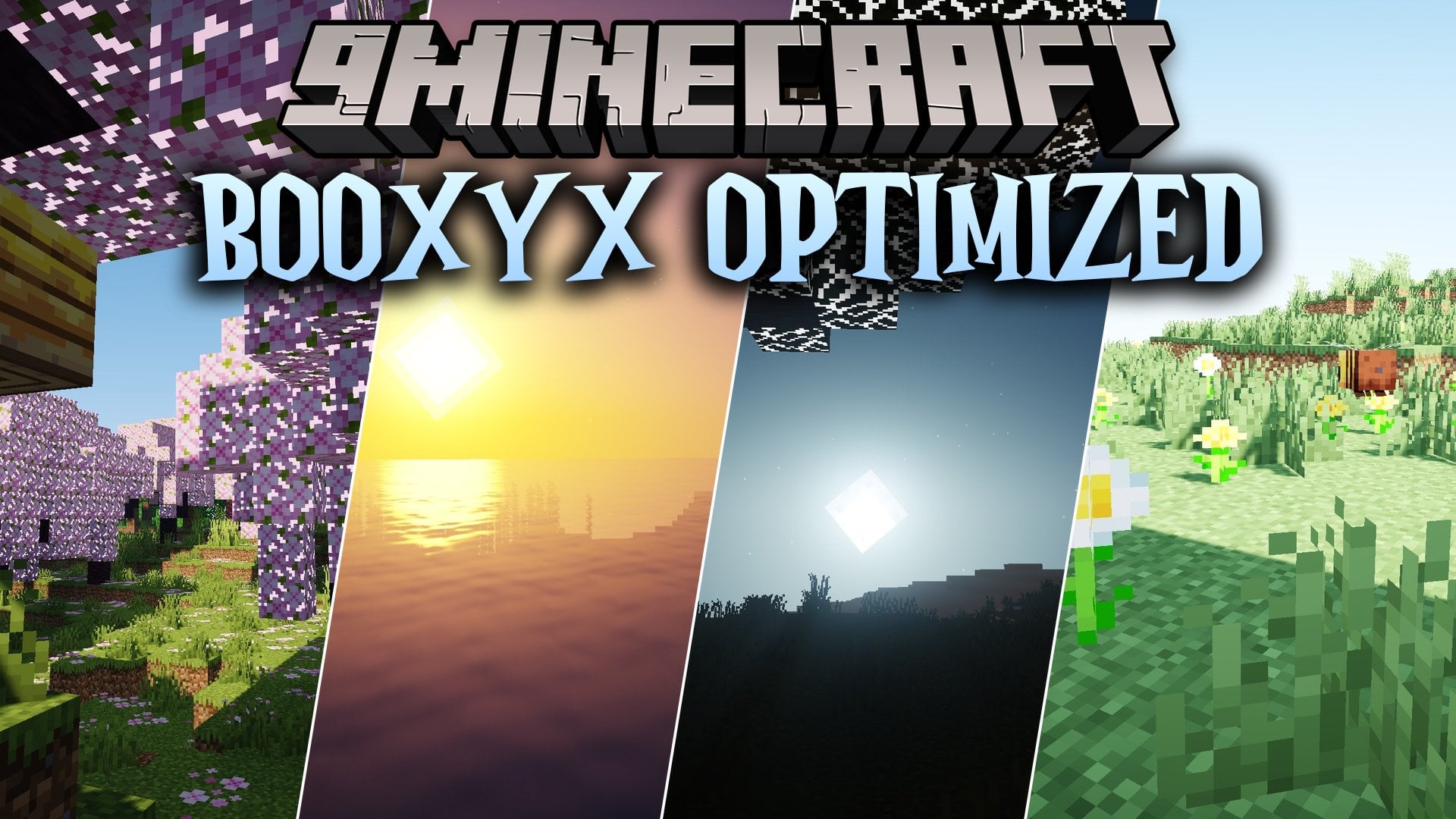
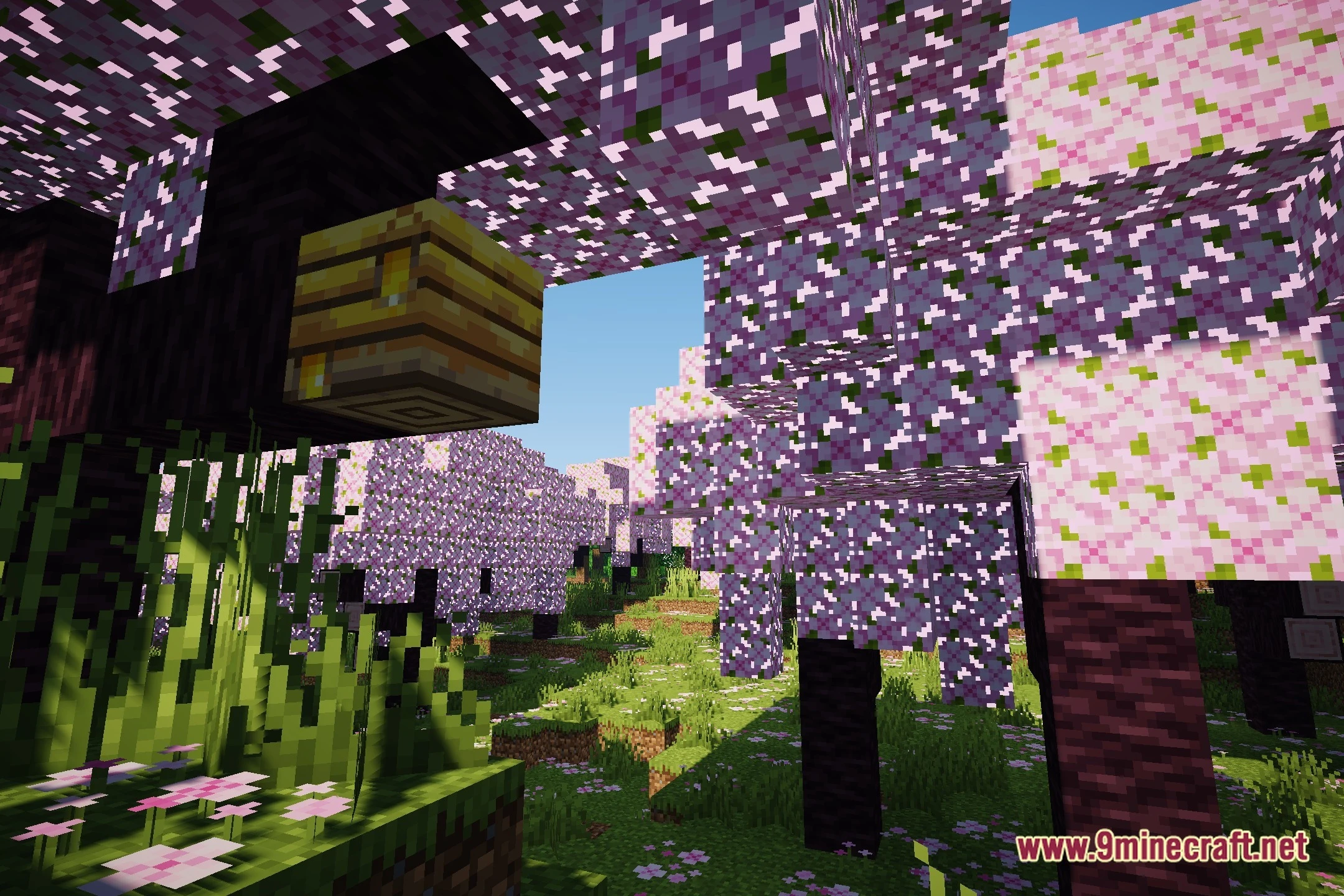
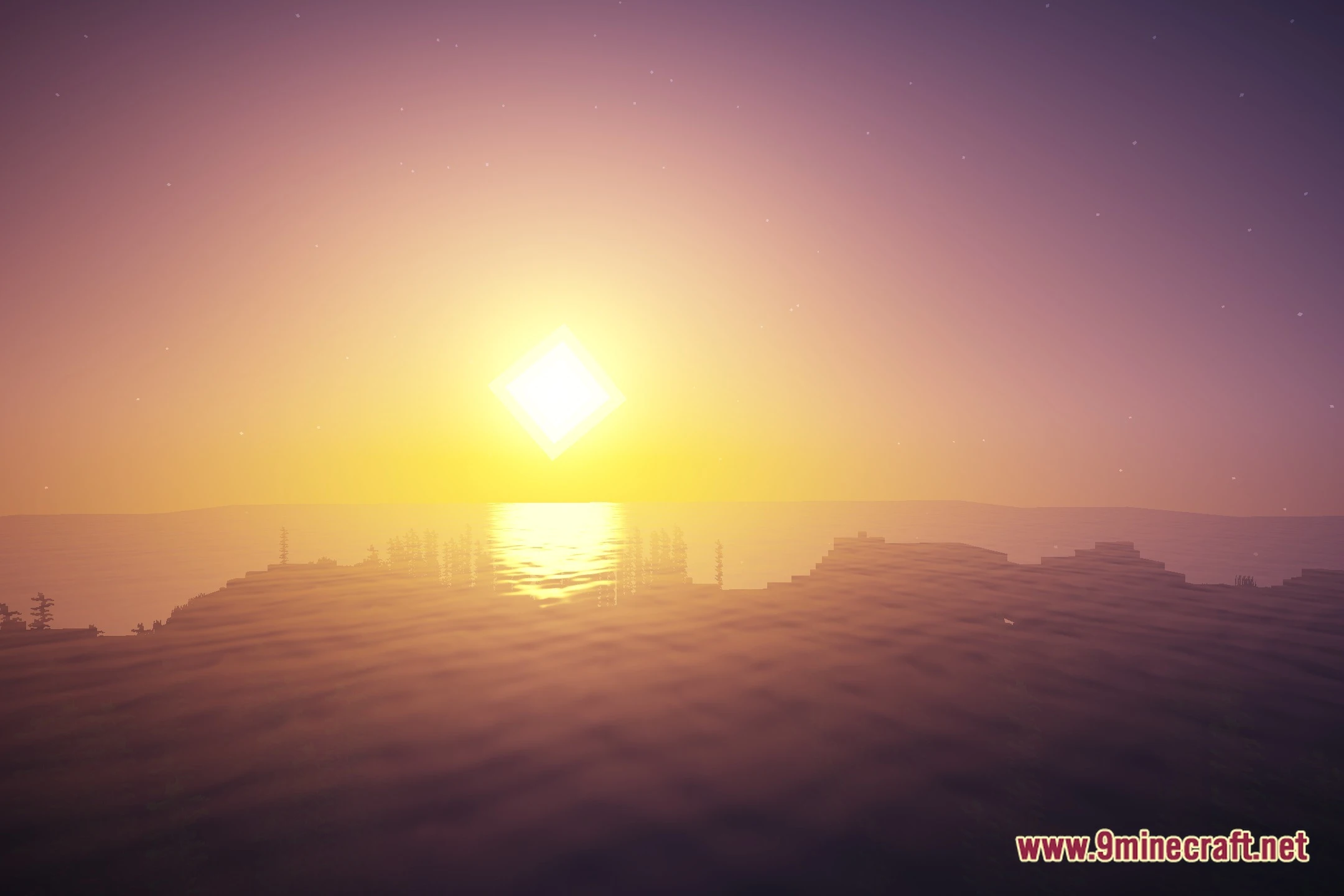
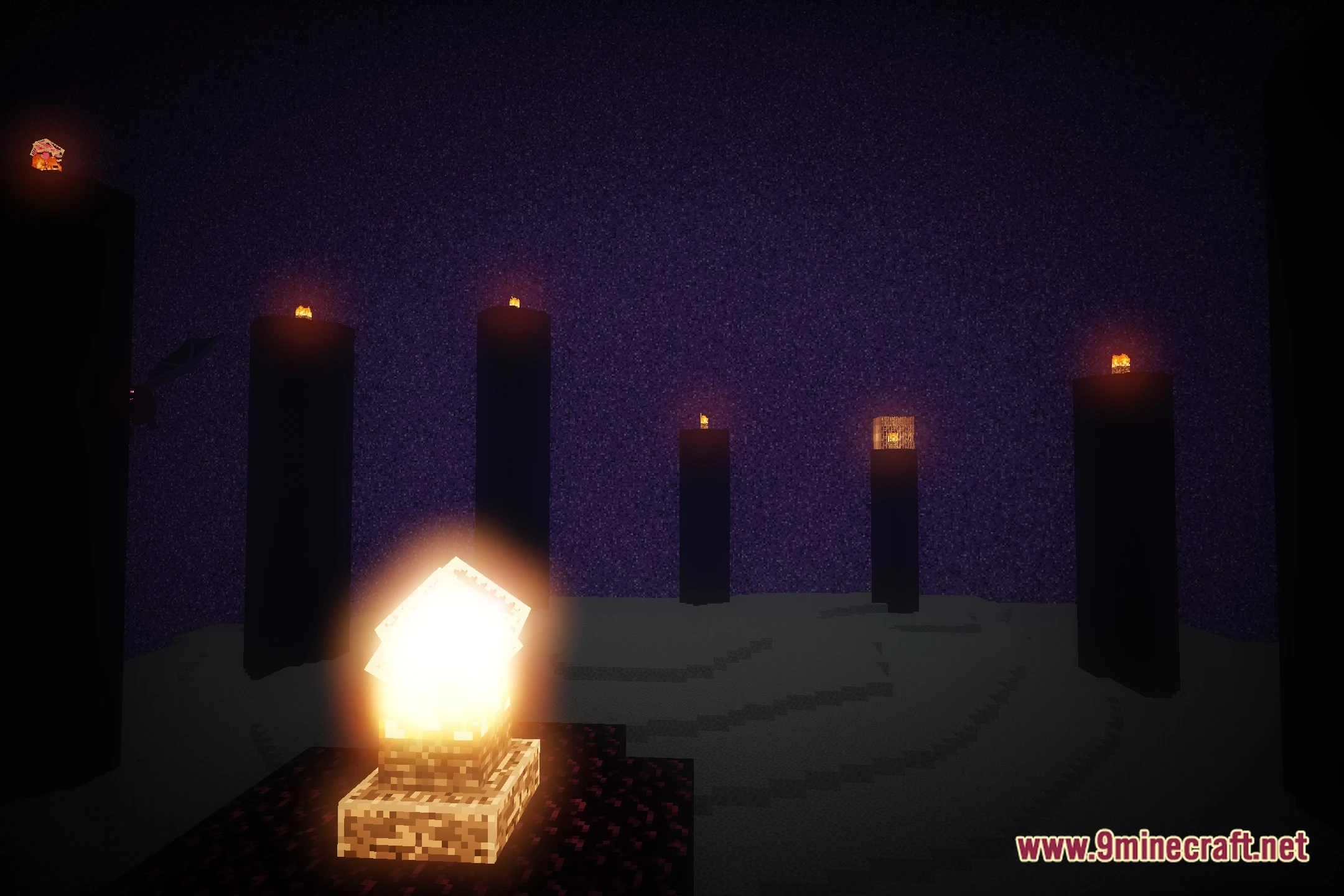
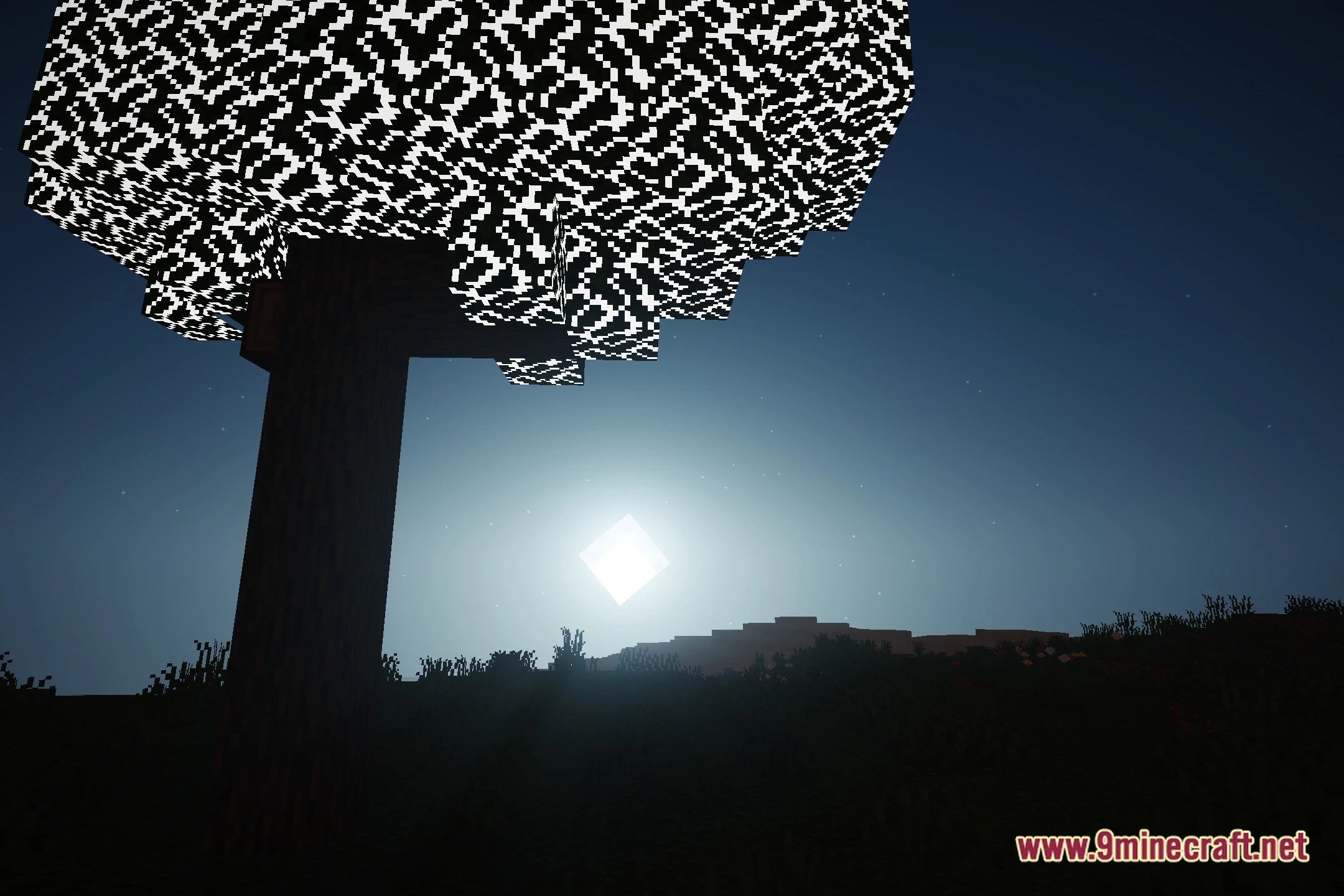
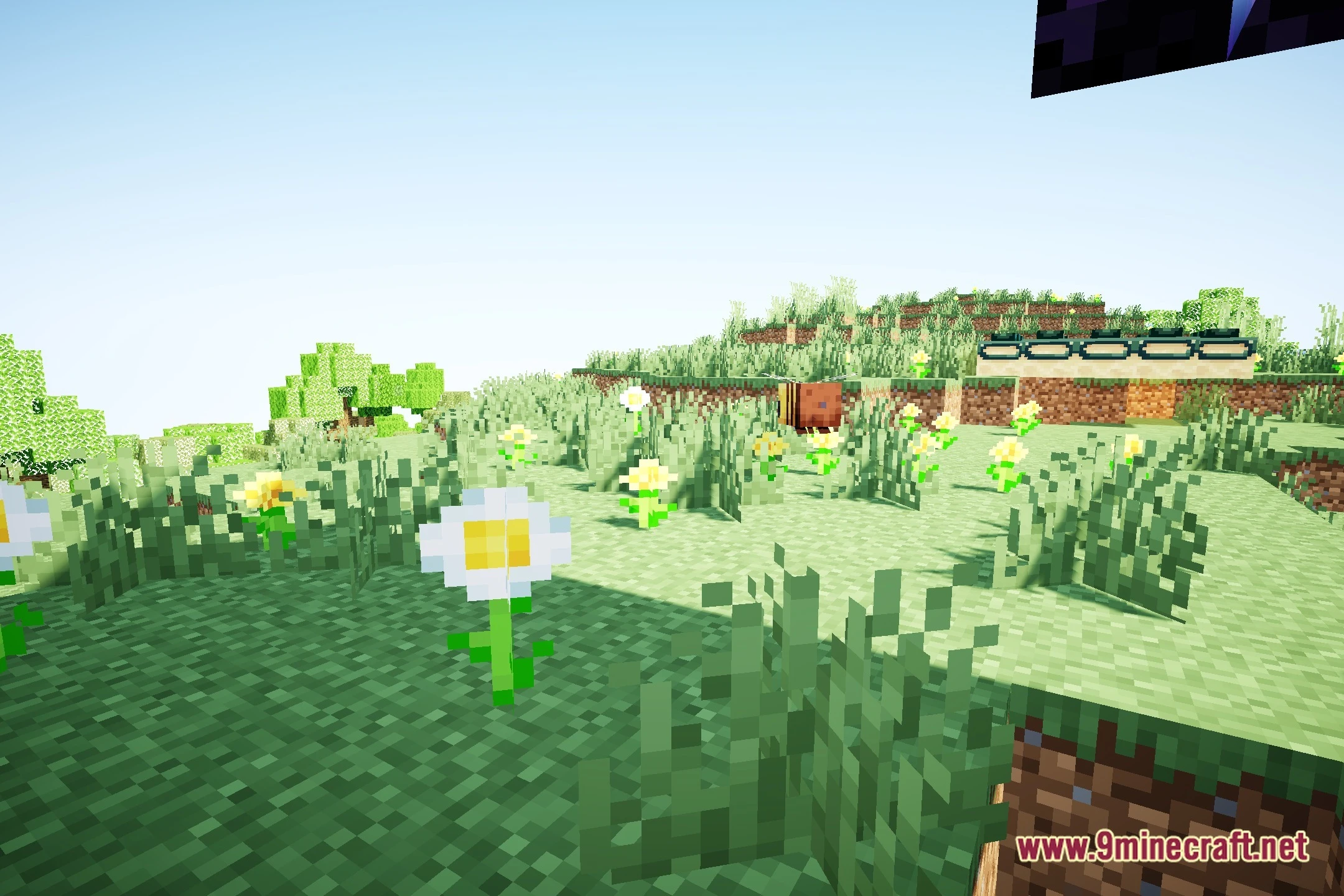
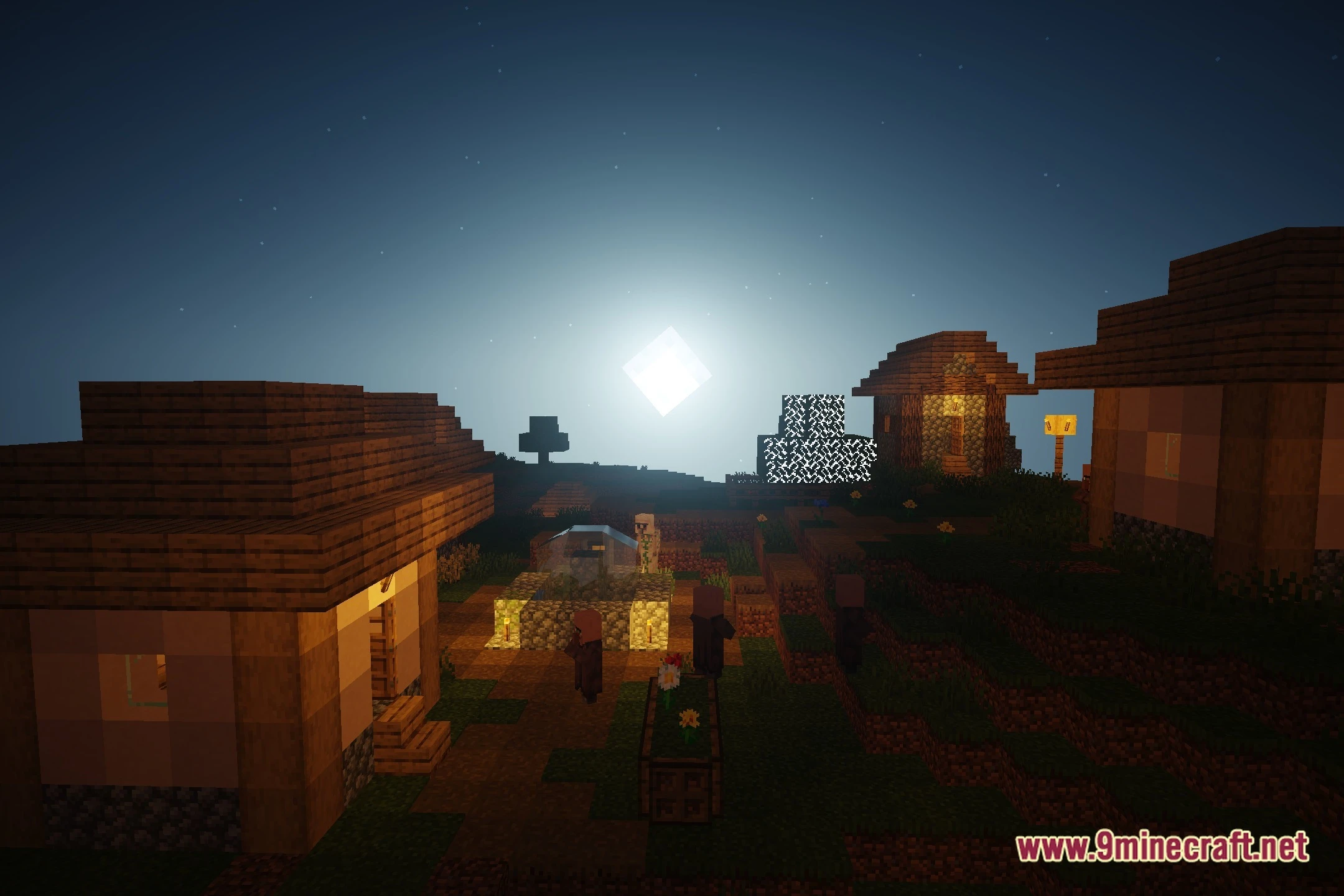
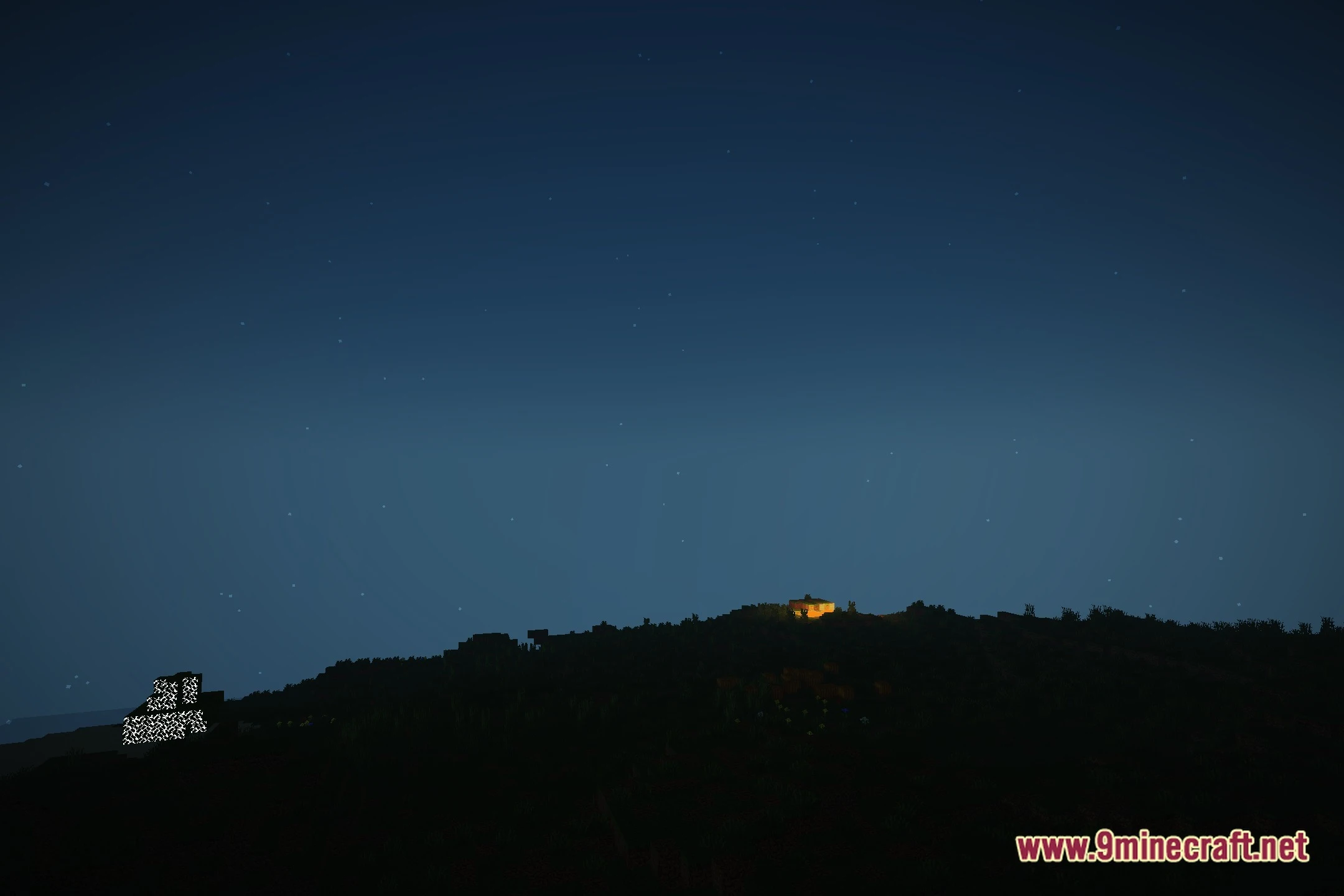
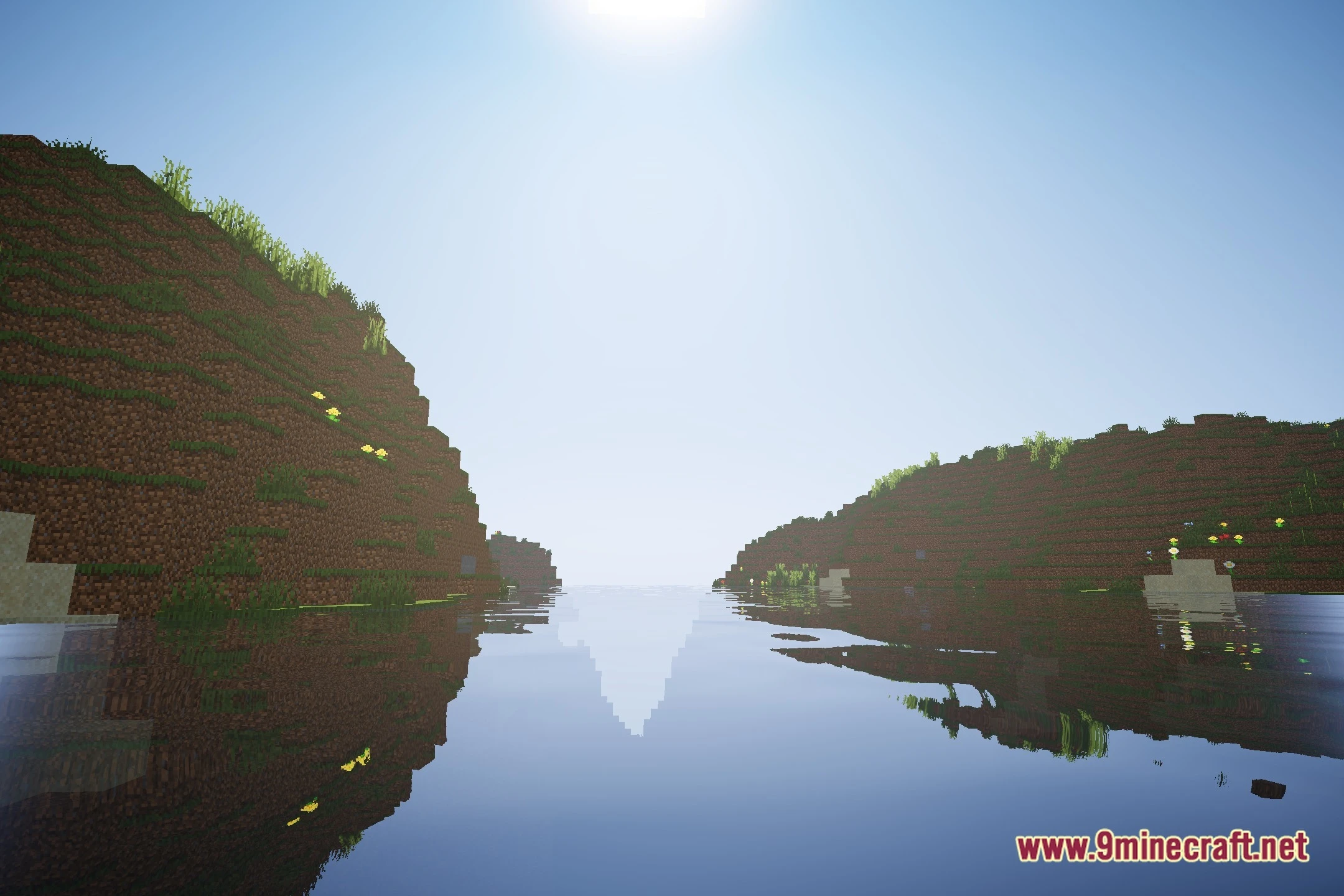
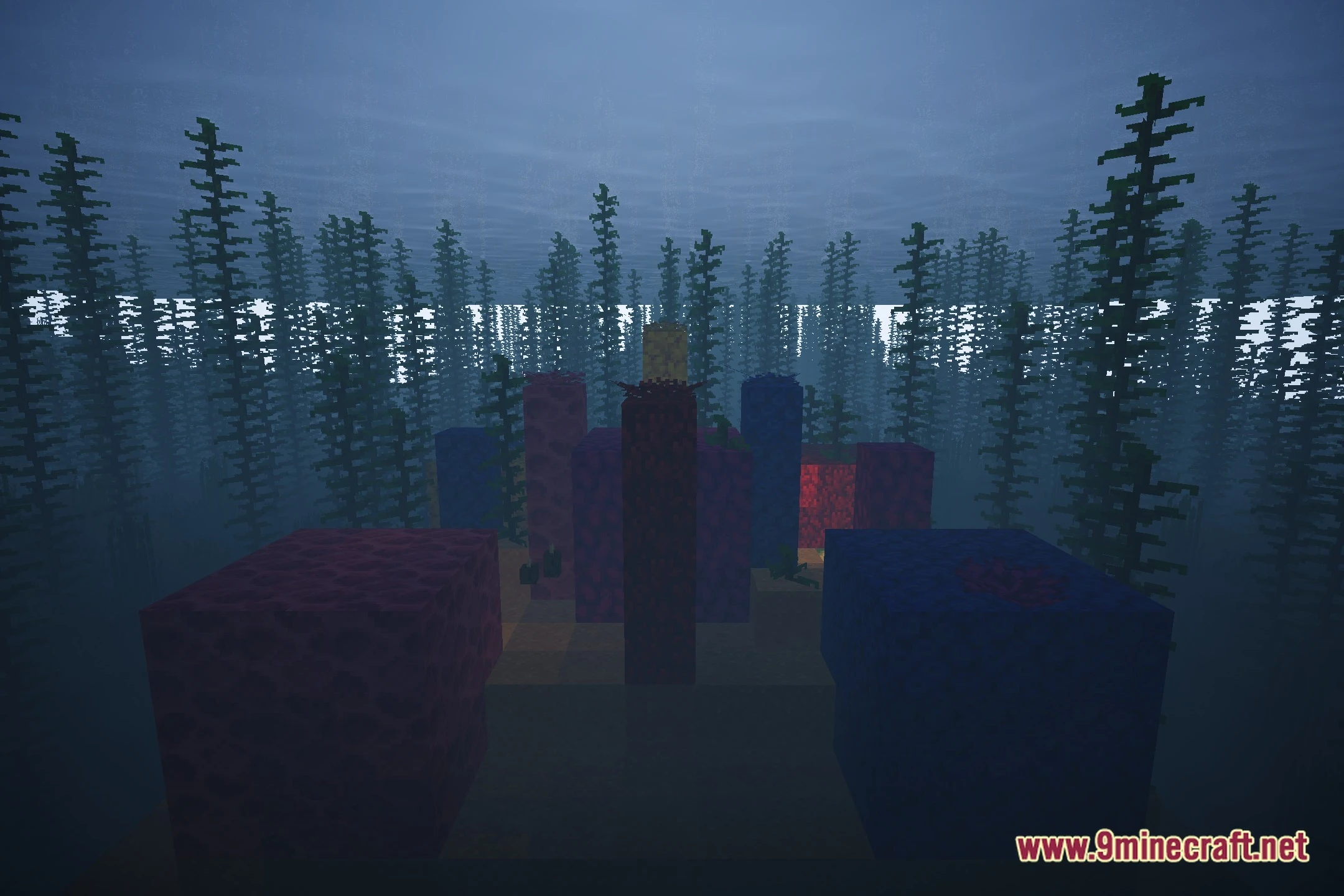
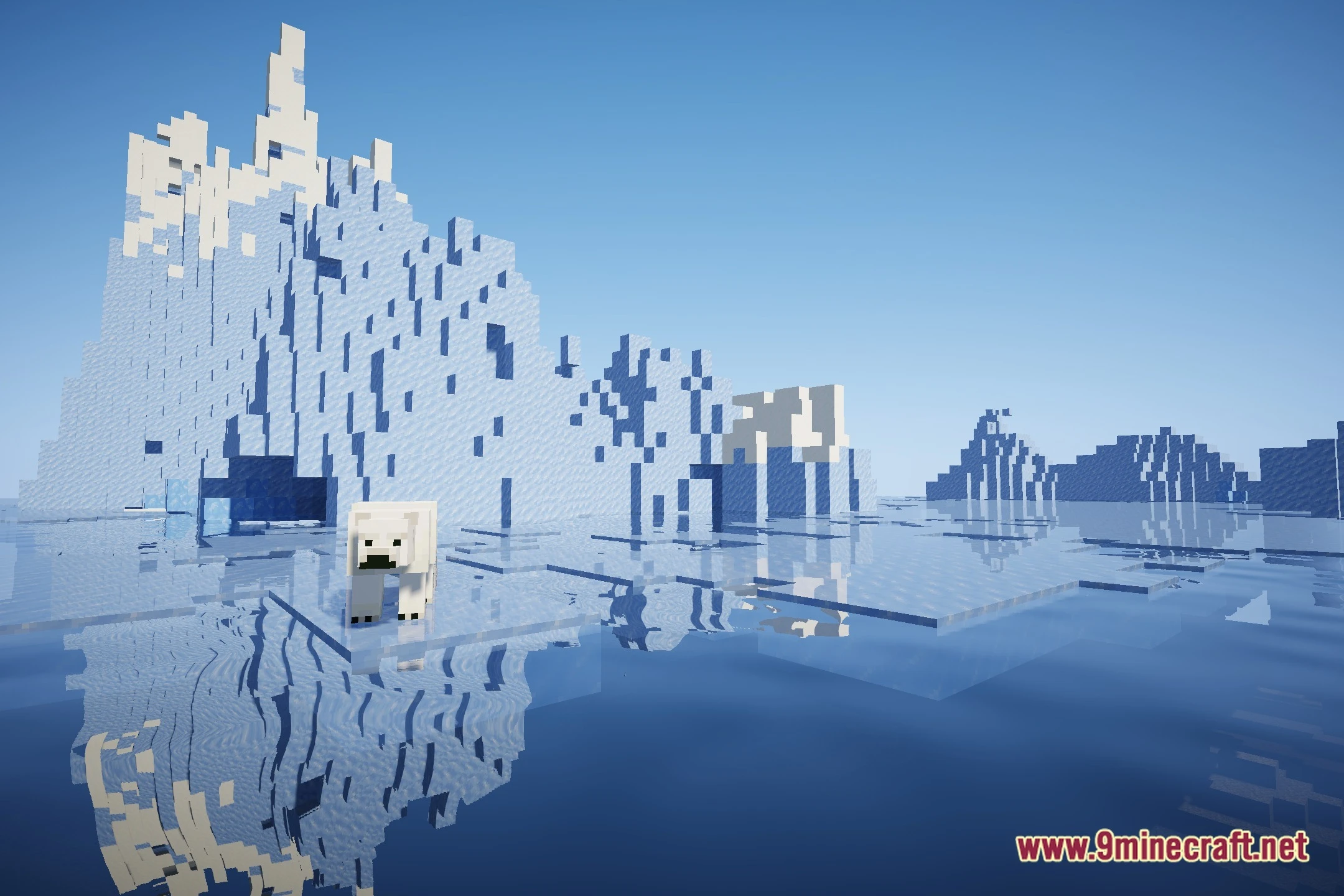
12 images from the Booxyx Optimized Shaders page.

You May Also Like
Wikis that share the most with this one
Optimized FPS ModpackOptimized Prime ShadersOptimized Fullbright ModColorFul Optimized ShadersColorFull Optimized ShadersUhc Optimized Resource Pack Optimized Bushy Leaves ModelRemarkably Optimized ModpackToms Storage Star Optimized ModBloop Official Shaders
 BloxShade ShadersBluei’s Better Visuals MacOS Shaders
Optimized Bushy Leaves ModelRemarkably Optimized ModpackToms Storage Star Optimized ModBloop Official ShadersBloxShade ShadersBluei’s Better Visuals MacOS ShadersMore shader wikis on the site
The most downloaded mods that have a wiki here