

 DownloadBCU Shades Shaders
Get the files on 9Minecraft
Guides
Step-by-step, in-game.
Adjust Shader Quality Settings for Your PCAccess Shader Options Open the Shader Options menu from your Video Settings. Look for the BCU Shades Shaders profile…Enhance Water and Reflection AppearanceEnable Water Reflections BCU Shades Shaders includes screen-space reflections for water surfaces. Ensure this feature…Optimize Lighting in Dark Areas and CavesUnderstand the Lighting System BCU Shades Shaders enhances Minecraft's vanilla lighting with realistic ambient light…Reduce Lag While Maintaining Visual QualityIdentify Performance Bottlenecks Use F3 debug screen to monitor framerate. If it drops below your target, focus on…
Frequently asked questions
How do I enable the shader after installing it?
Open Options > Video Settings > Shaders, then locate and select BCU Shades Shaders from your shader folder. Click Apply and the shader will activate immediately.
Why do caves look too dark or too bright?
Check your shader settings for lighting adjustment options—most commonly found under Lighting or Ambient Occlusion settings. You can also adjust your monitor's brightness or use the mod's built-in toggles to balance cave visibility without losing atmosphere.
Can I use this shader with other mods?
BCU Shades Shaders works with most mods, but mods that heavily alter lighting or add custom blocks may cause visual conflicts. Test compatibility by enabling the shader with your modpack and checking for obvious rendering issues.
My FPS dropped a lot after installing—what do I do?
Lower your shader quality settings in the shader options menu, reduce render distance, or disable features like shadow mapping or reflections. Start with lower quality presets and increase them until you find a balance between visuals and performance.
See all 10 BCU Shades Shaders questions ›
Gallery
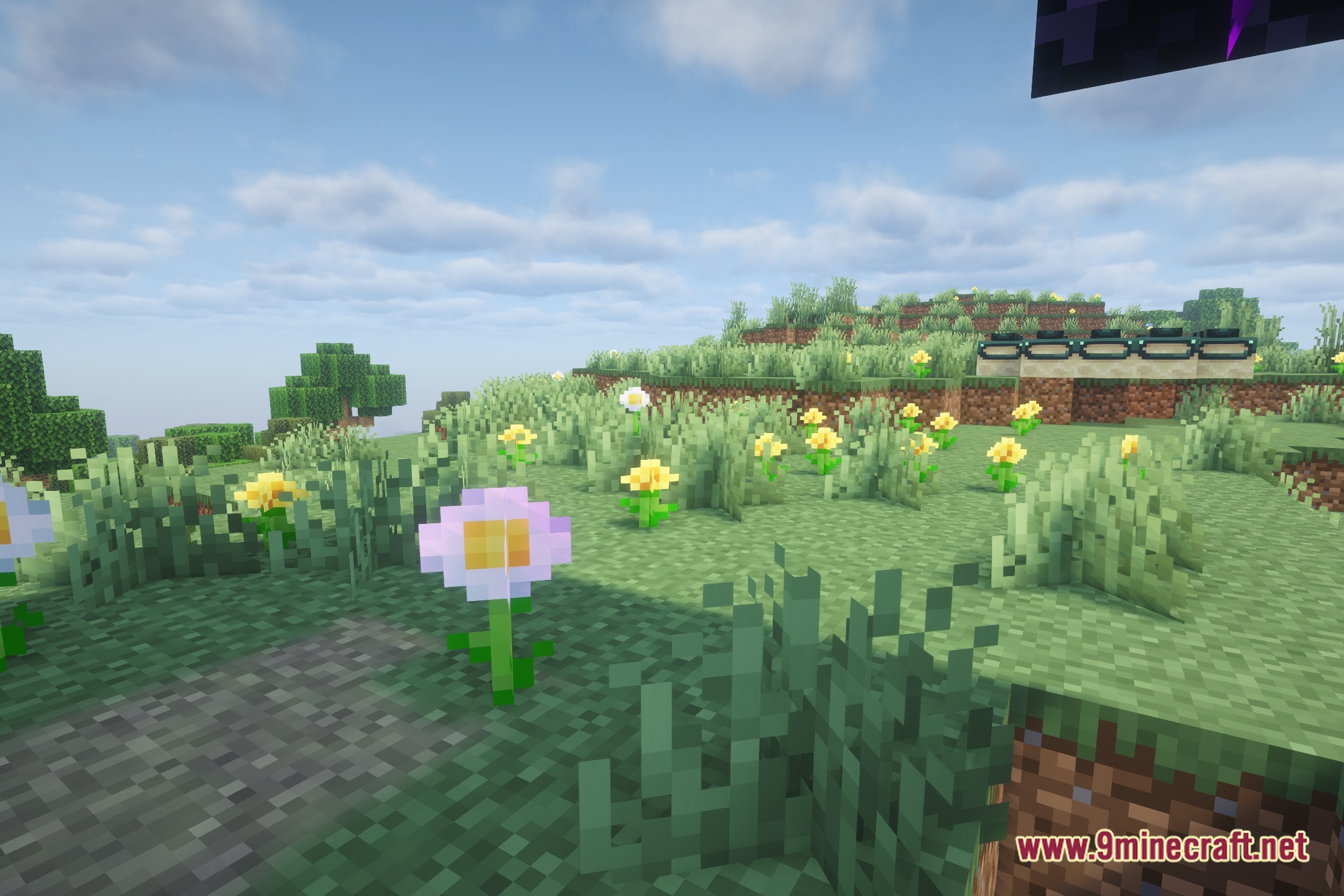
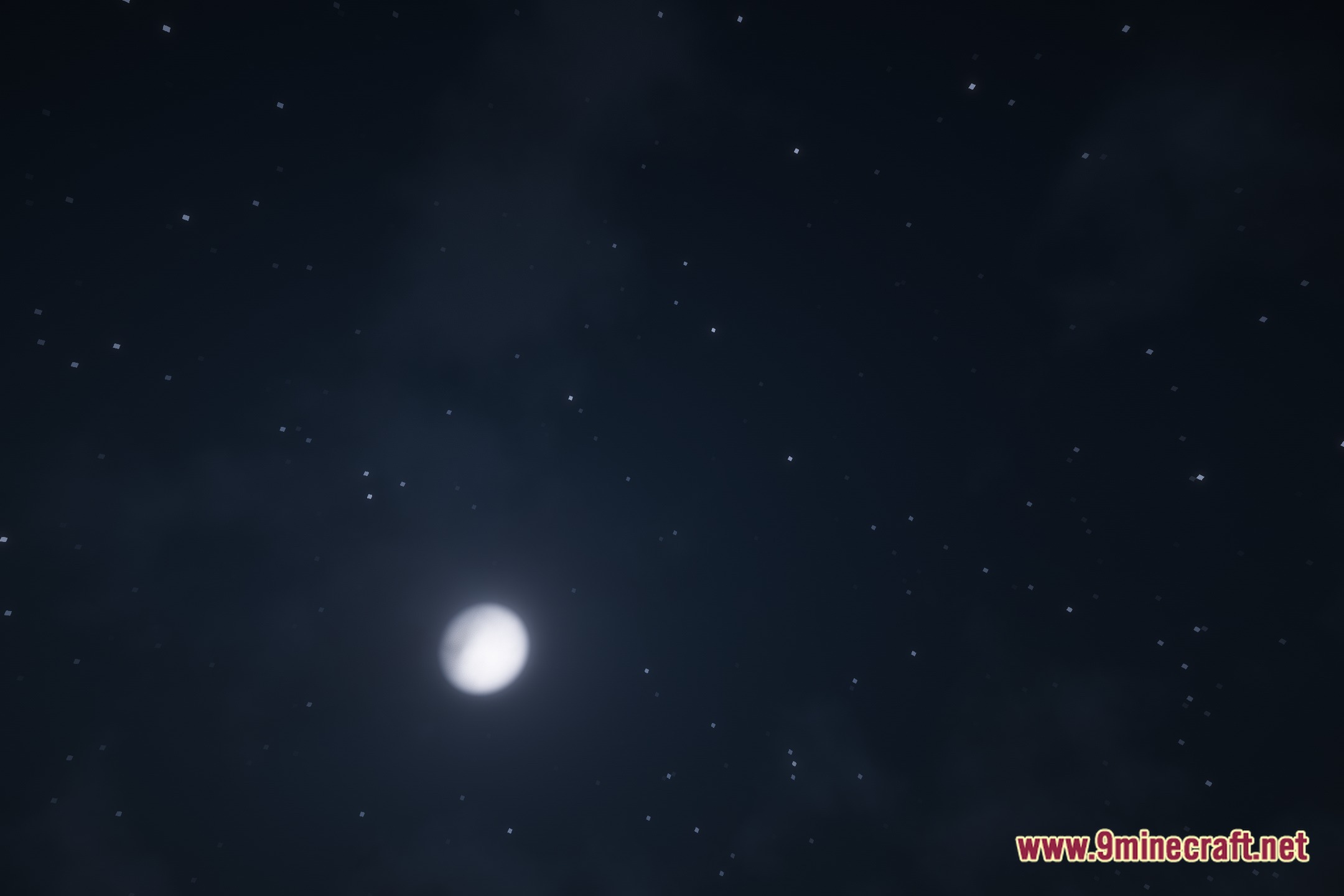
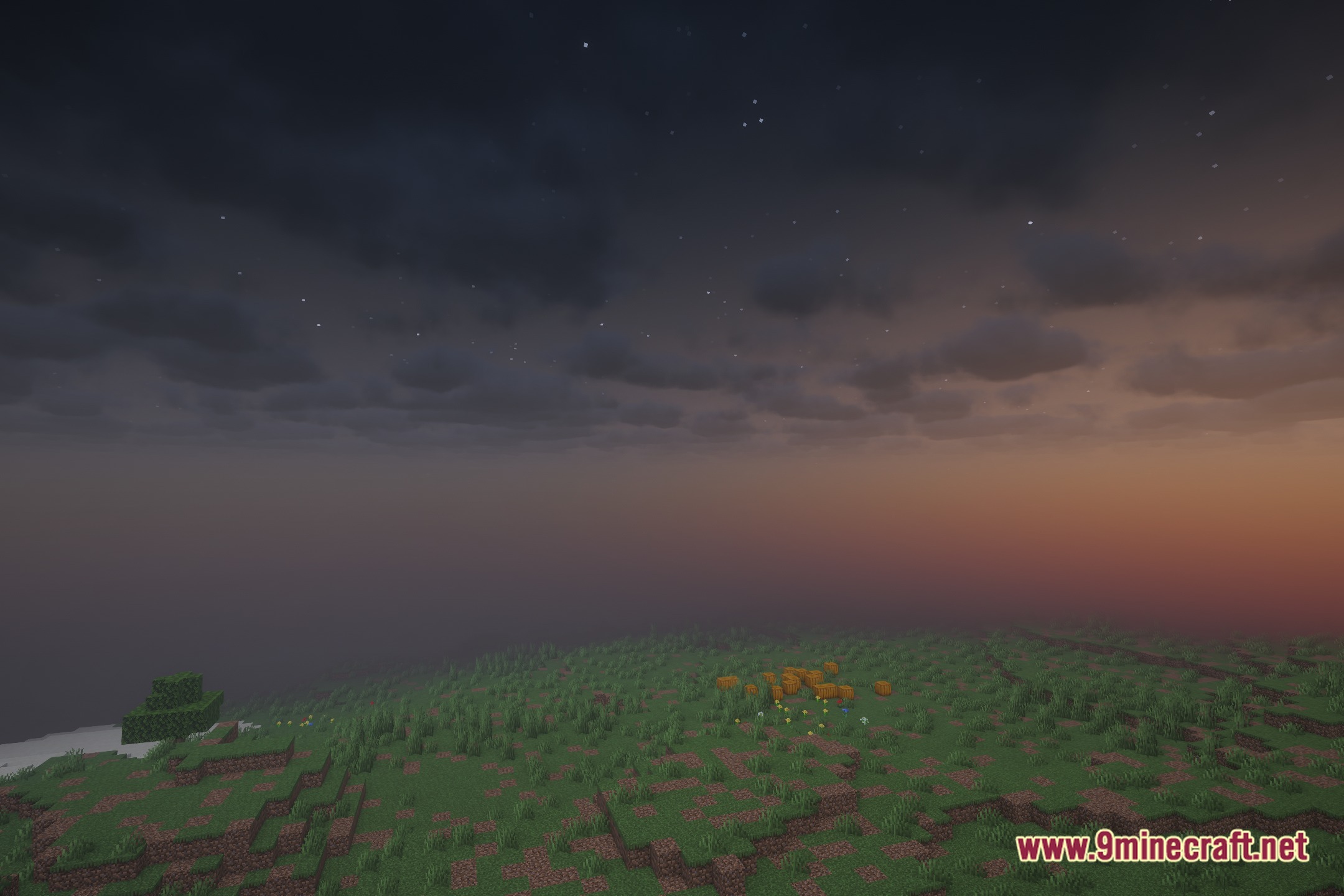
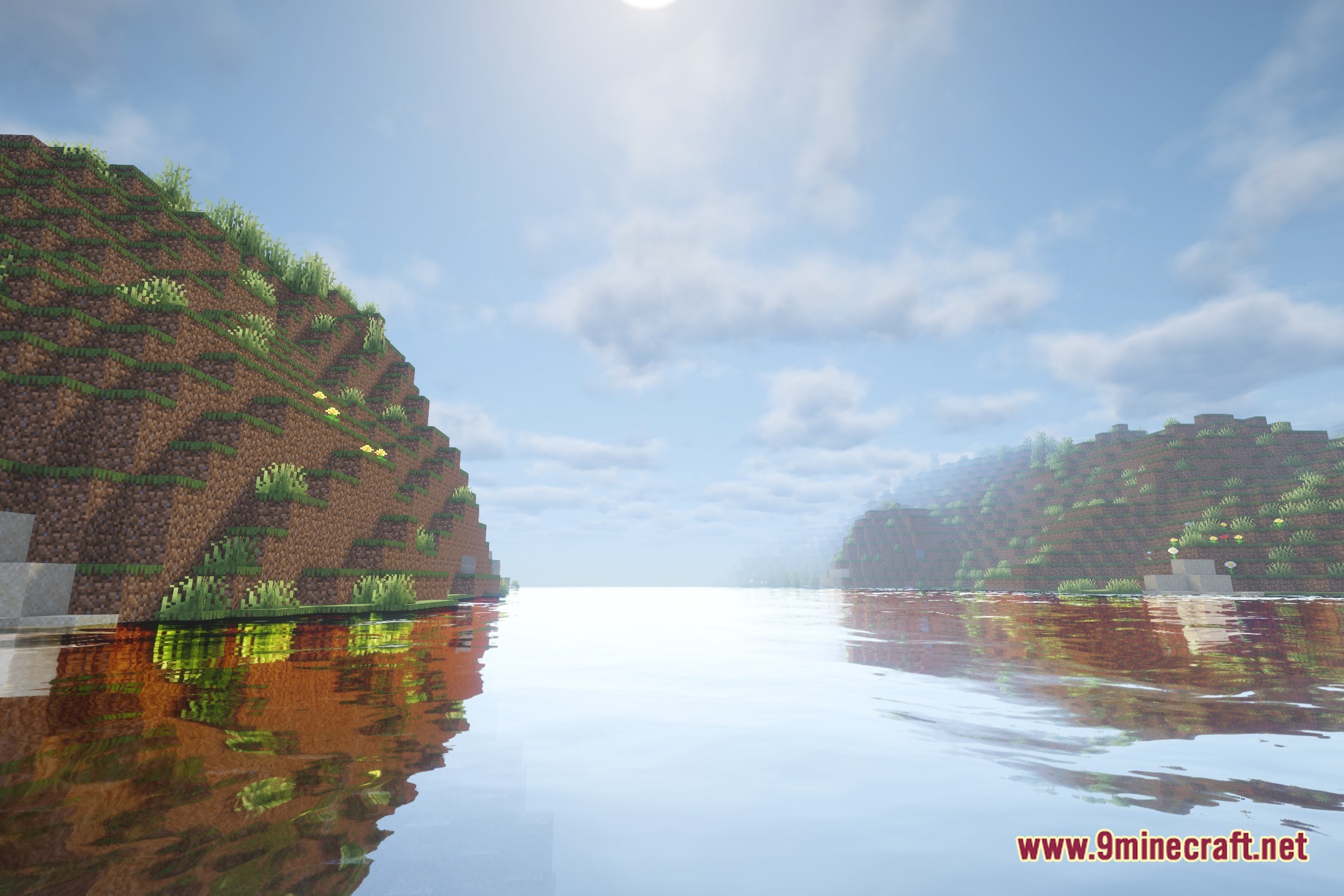
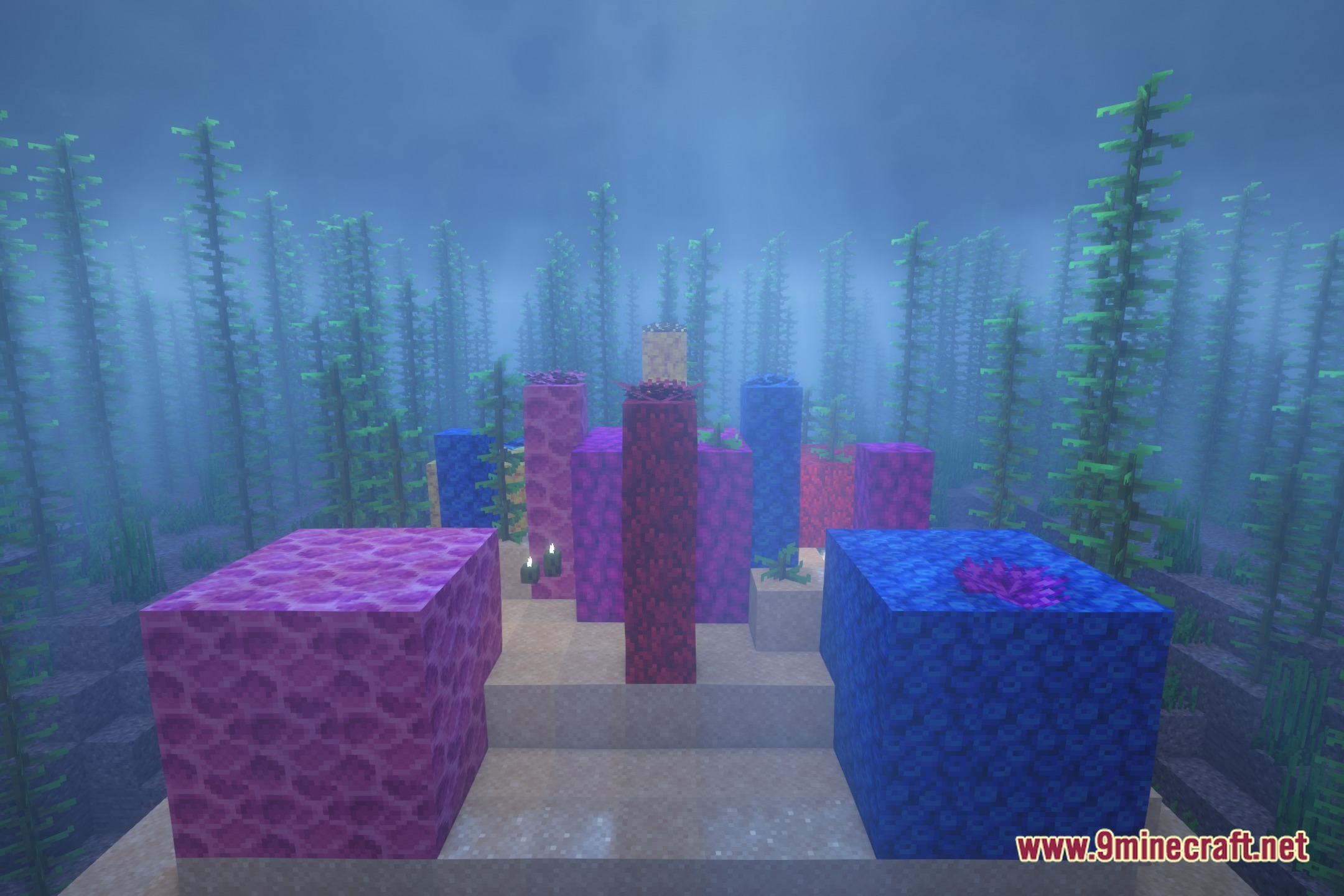
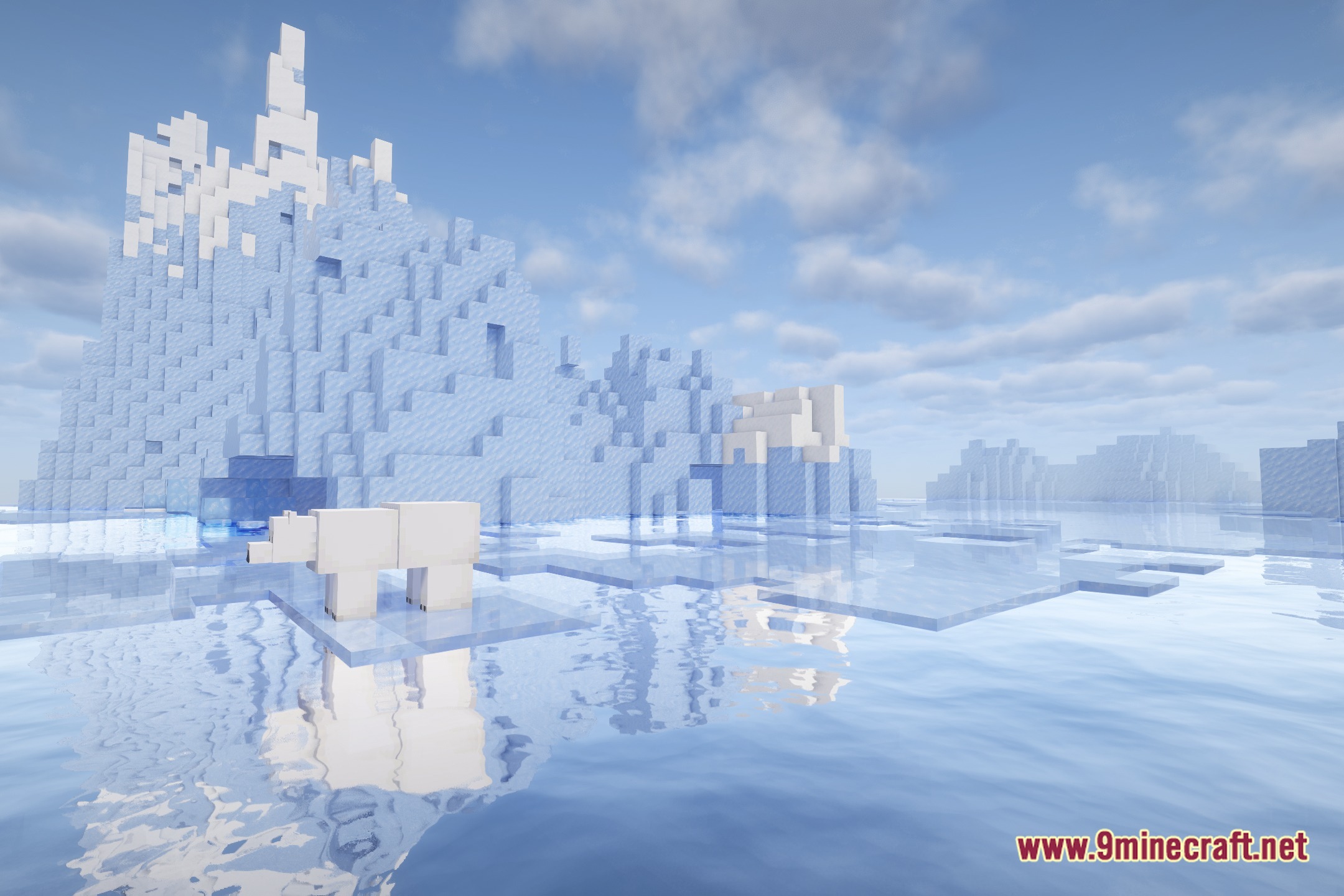
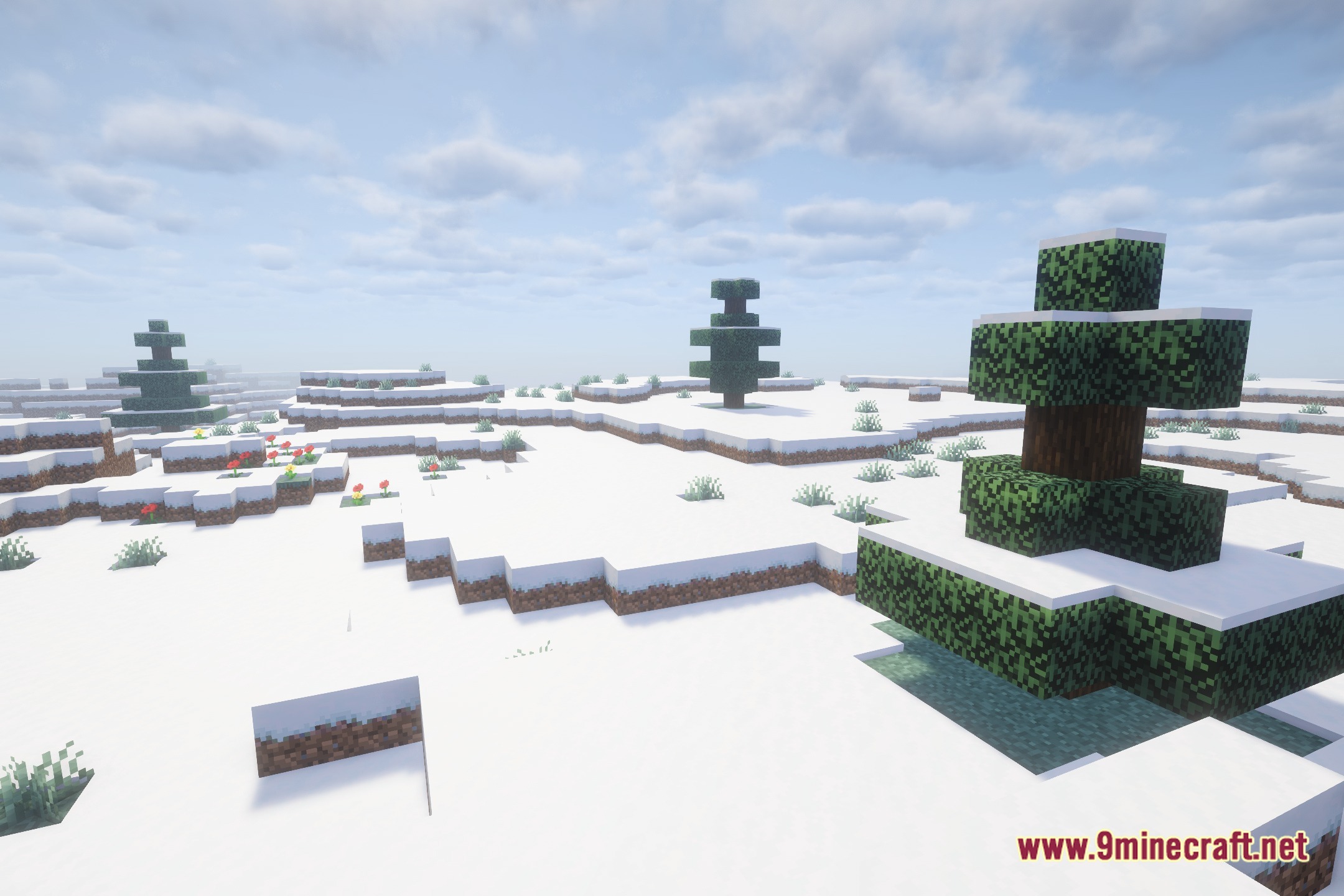
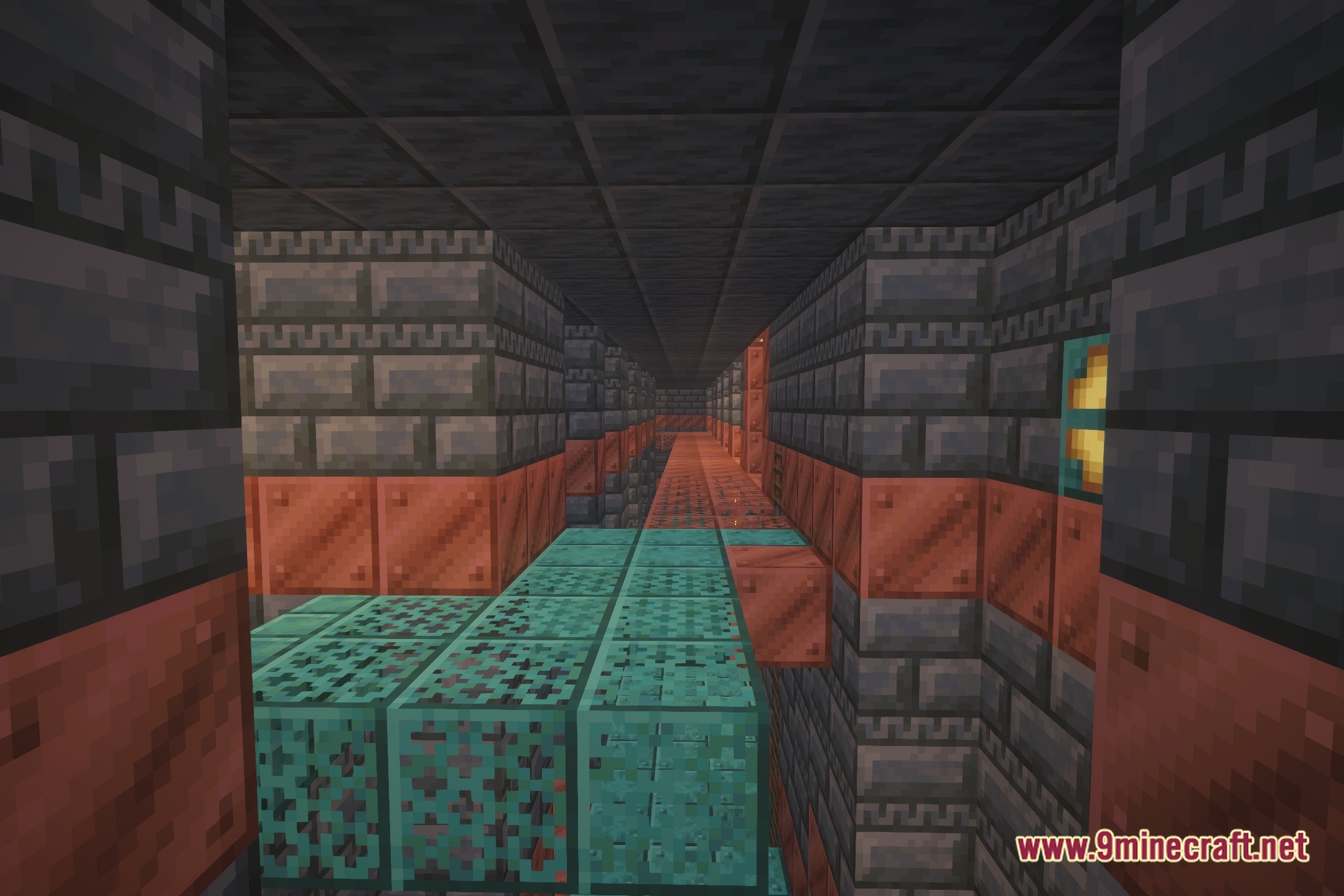
12 images from the Bcu Shades Shaders page.
You May Also Like
Wikis that share the most with this one
 Toon Shades Shaders
Wikis on the same theme: light
More shader wikis on the site
 Bad PC Shaders
The most downloaded mods that have a wiki here