

 DownloadBCR Shades Shaders
Get the files on 9Minecraft
Guides
Step-by-step, in-game.
Adjust Shader Settings for Your HardwareAccess the Shader Menu Press the key to open the shader options menu (usually Shift + O or accessible through Video…Optimize Lighting and Visibility at NightUnderstand Night Lighting in BCR Shades BCR Shades maintains readable lighting during night cycles without making…Reduce Eye Strain During Long Play SessionsDisable or Lower Bloom Effects Bloom can cause eye fatigue during extended play. In shader settings, find the Bloom…Troubleshoot Visual Glitches and ArtifactsIdentify Common Issues Flickering shadows : Often caused by shadow quality being too high for your GPU. Lower shadow…
Frequently asked questions
How do I enable the shader after installing it?
Open Options > Video Settings > Shaders, then locate and select BCR Shades Shaders from your shader pack folder. Click Apply and the shader will load on your next game restart.
Will this shader work with my resource pack?
Yes, BCR Shades Shaders is designed to work with most vanilla and custom resource packs. If you notice texture conflicts, try adjusting the shader's lighting settings or testing with a different resource pack to isolate the issue.
Why does my game look too dark at night?
Check the Shader Options menu (usually accessed by pressing a hotkey while in-game) and look for brightness, contrast, or night vision adjustment sliders. See the Optimize Lighting and Visibility at Night guide for detailed steps.
My FPS dropped after installing this shader—what should I do?
Open Shader Options and lower settings like shadow quality, render distance, or ambient occlusion intensity. Refer to the Adjust Shader Settings for Your Hardware guide to find the right balance for your PC.
See all 10 BCR Shades Shaders questions ›
Gallery
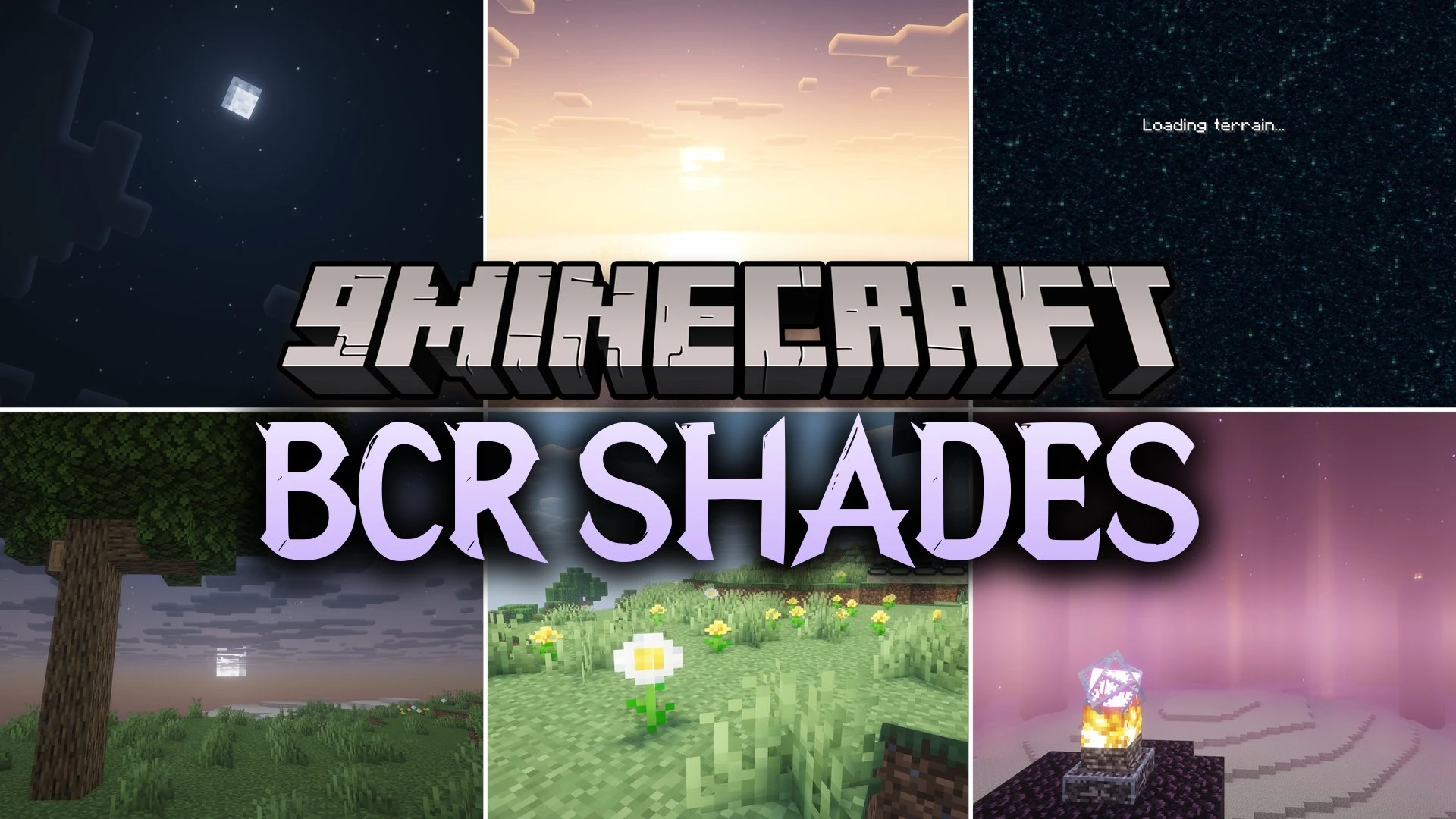
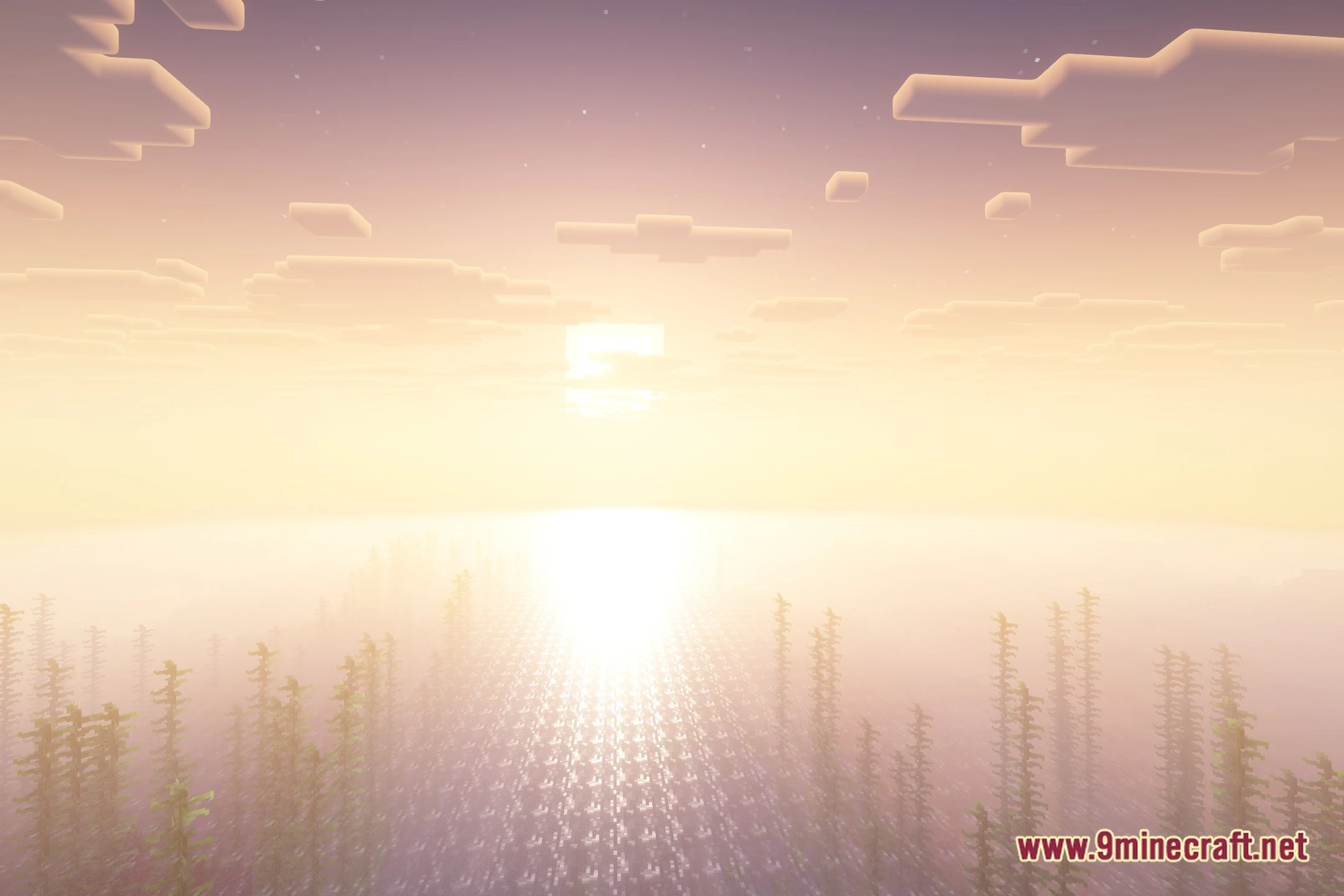
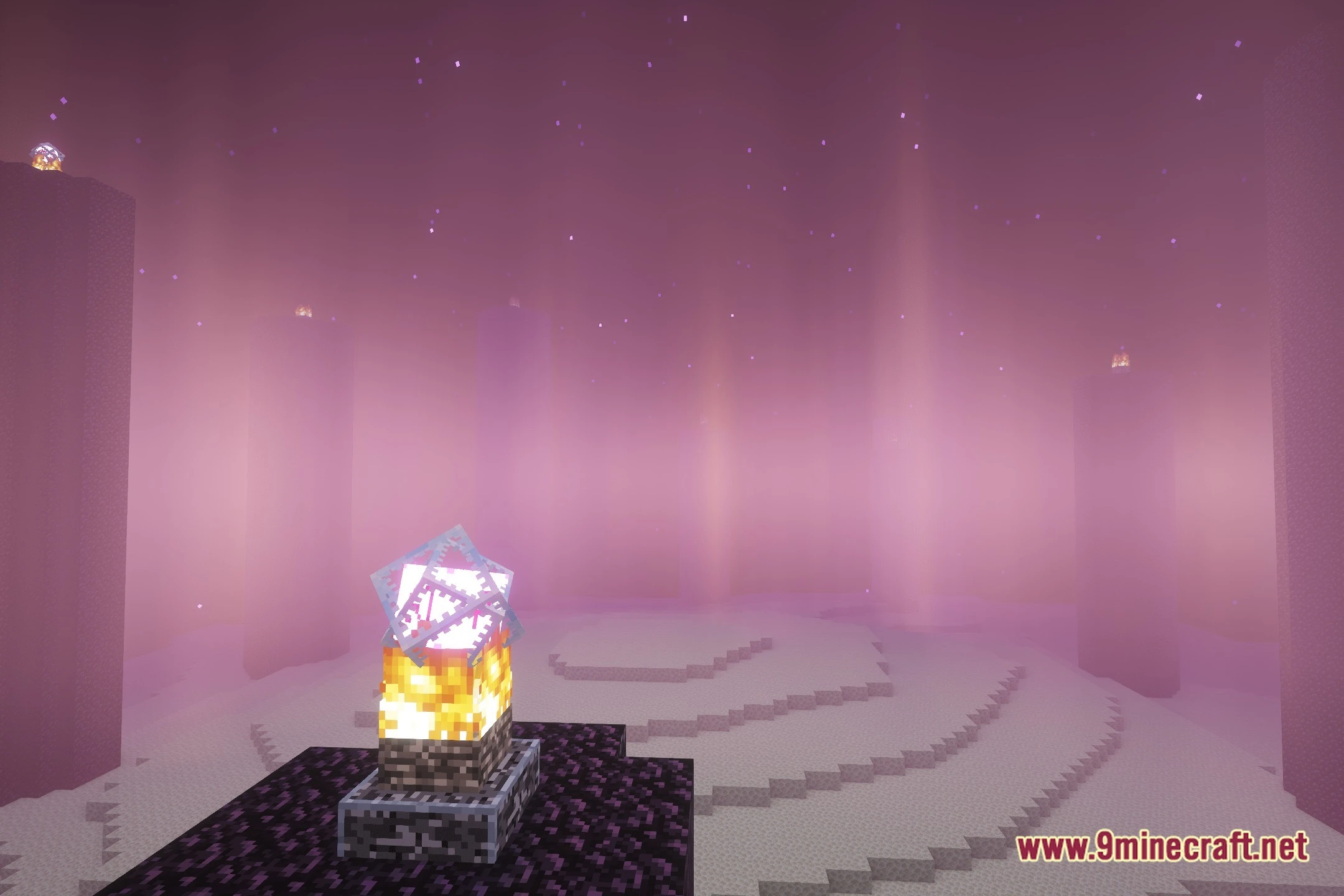
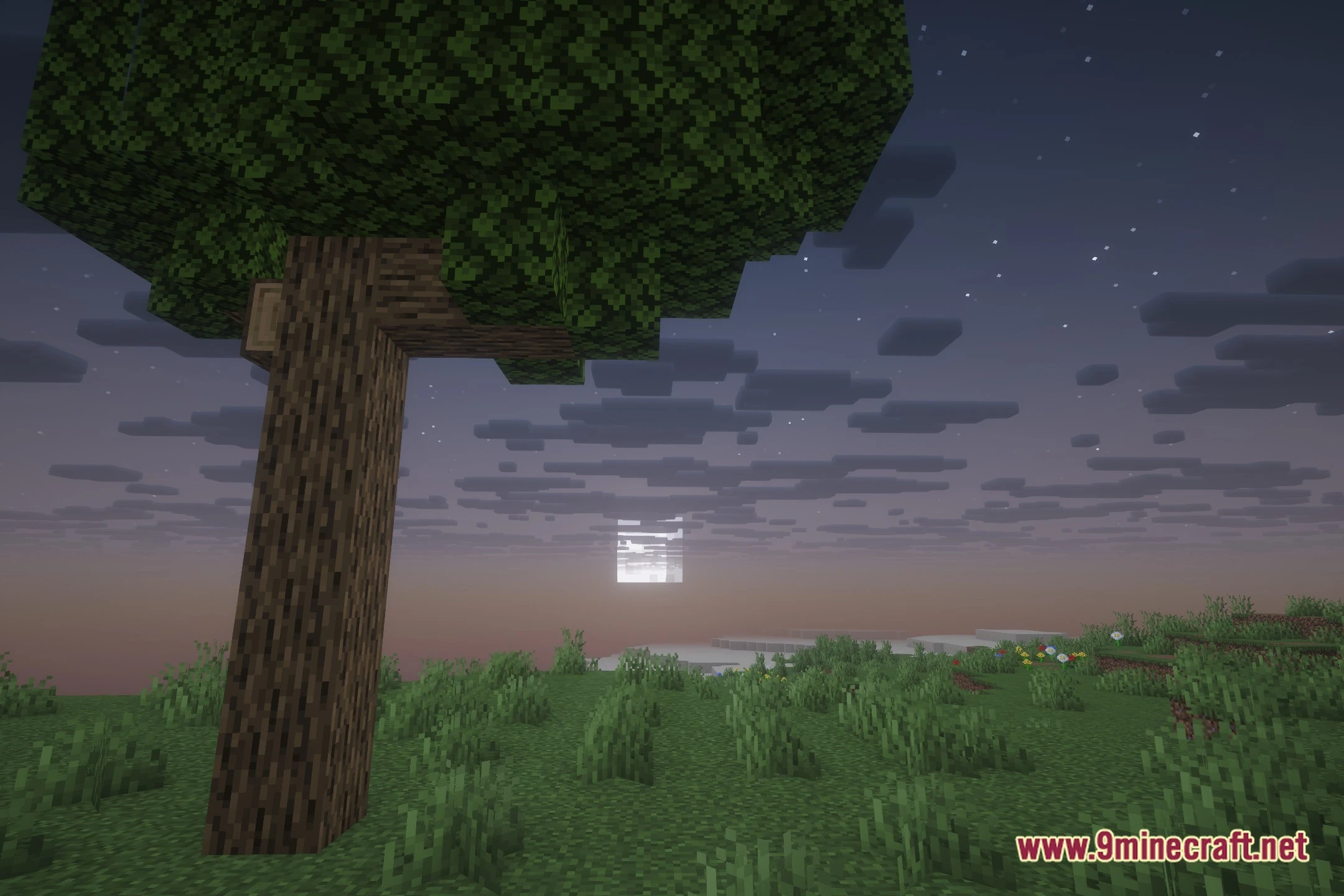
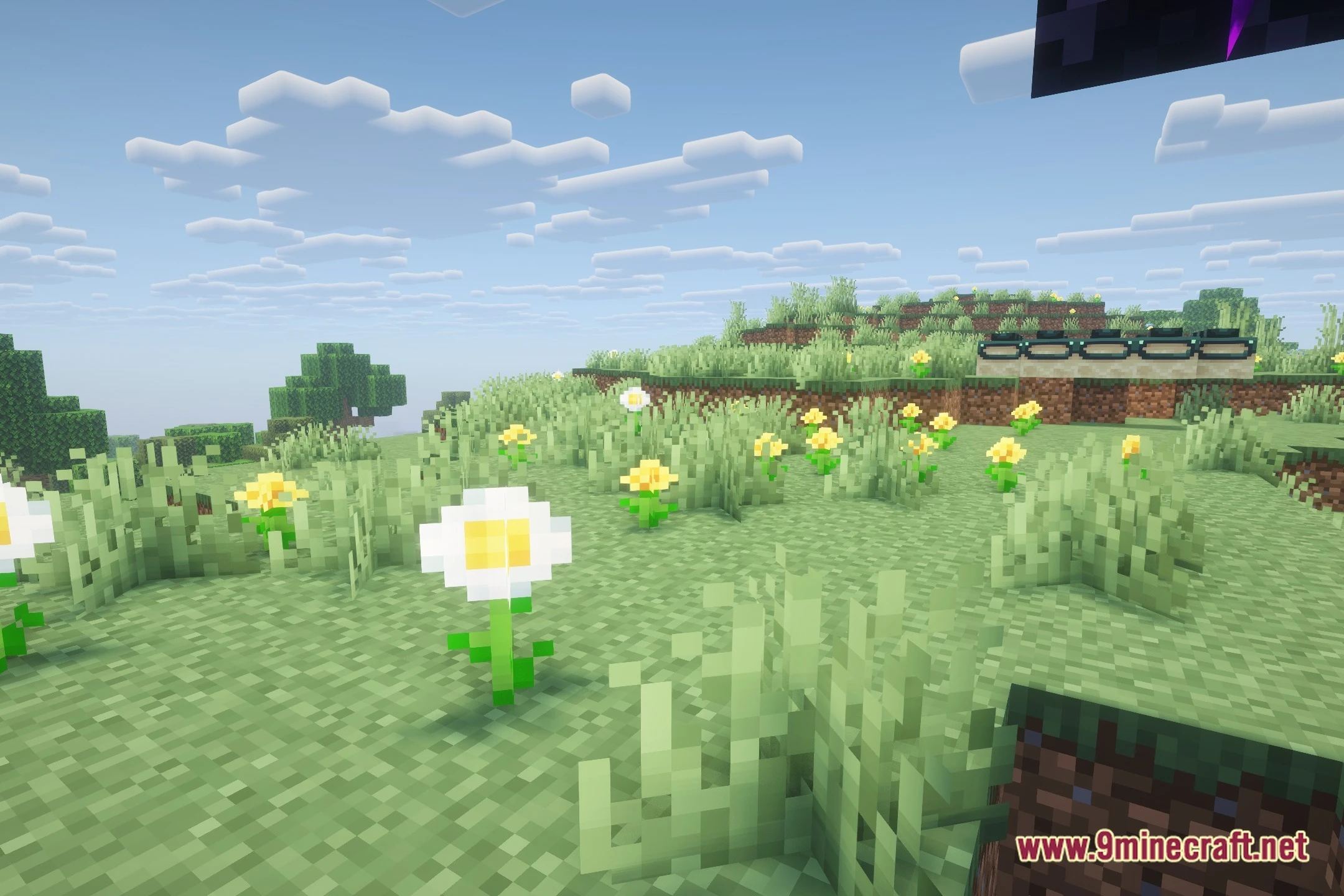
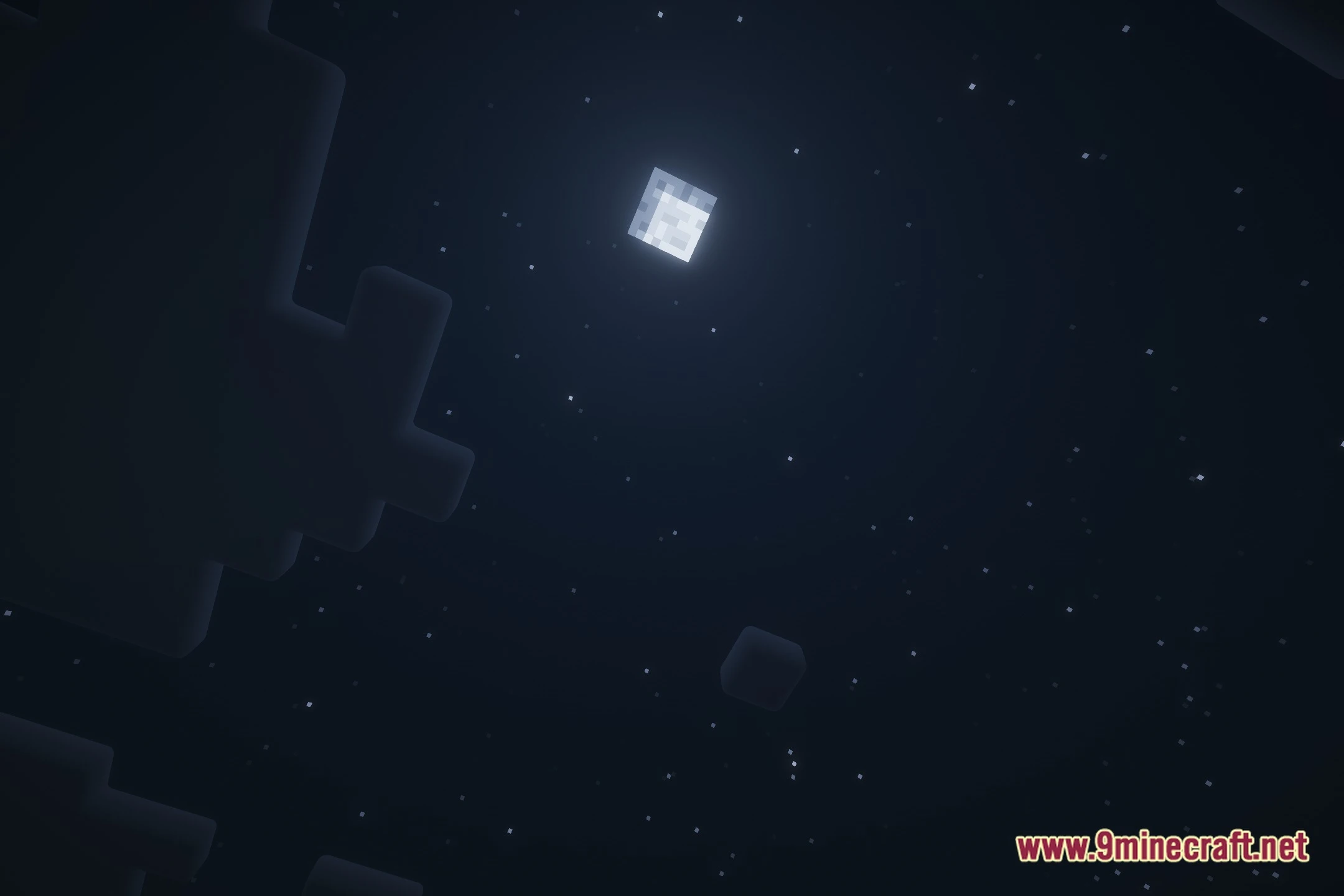
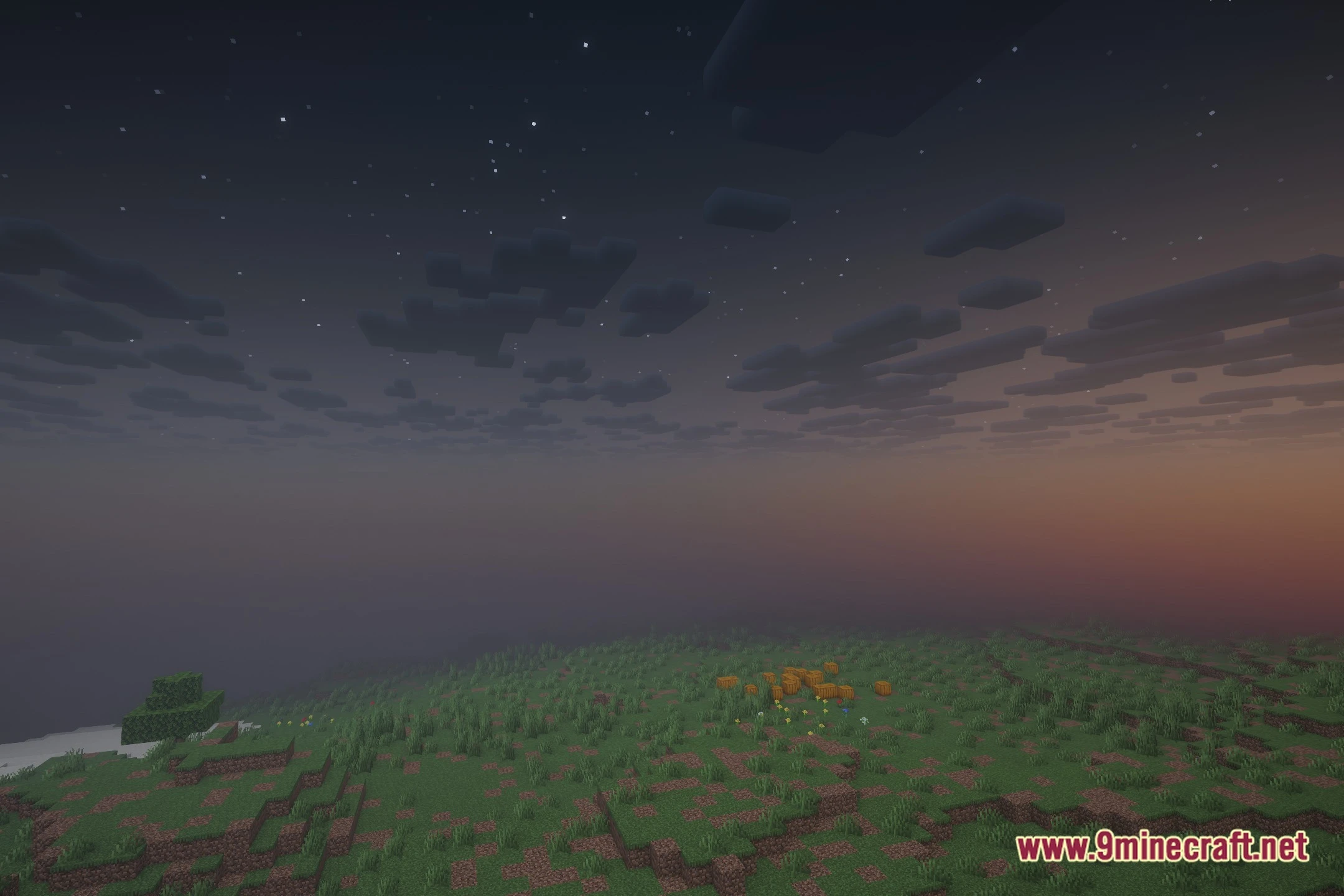
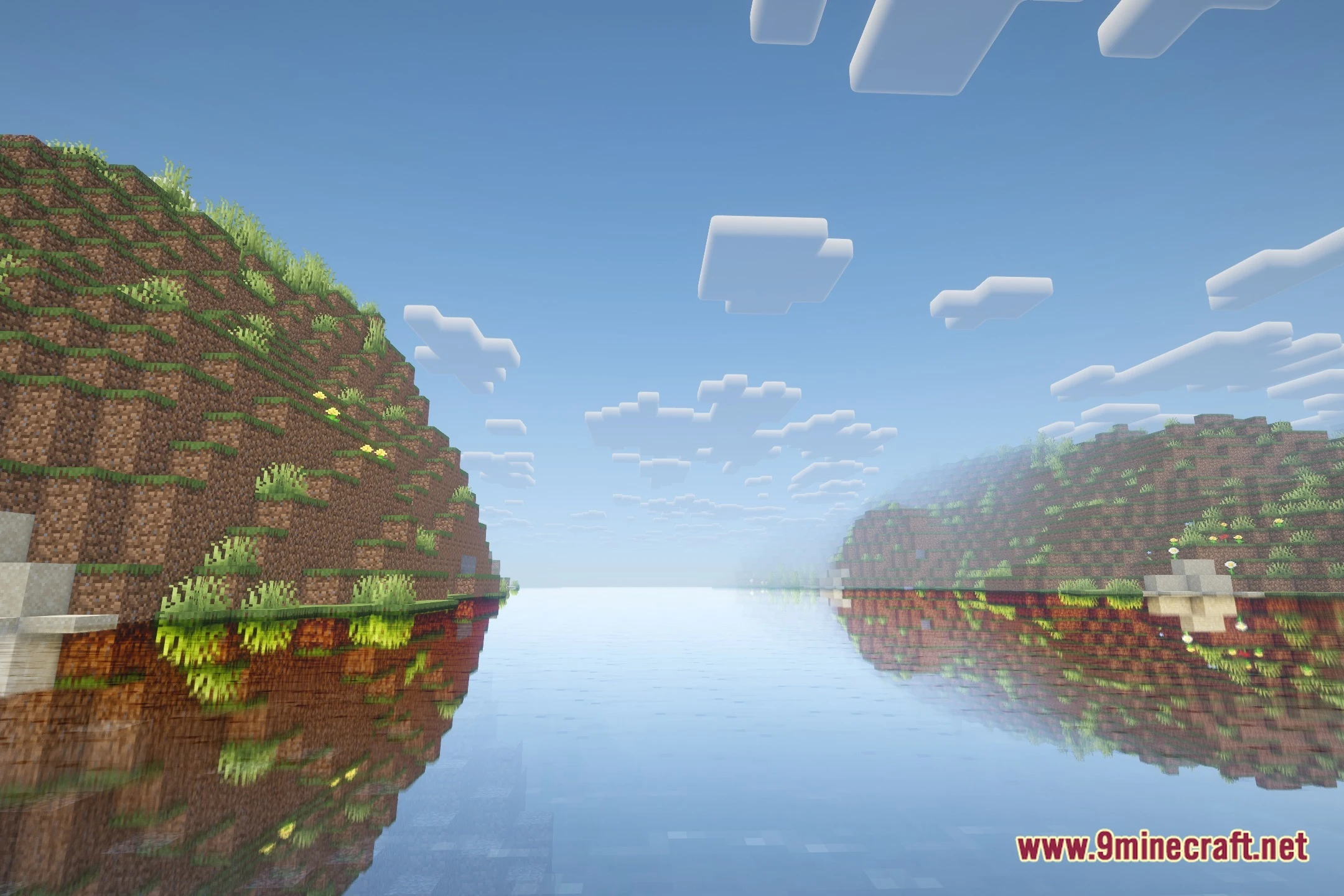
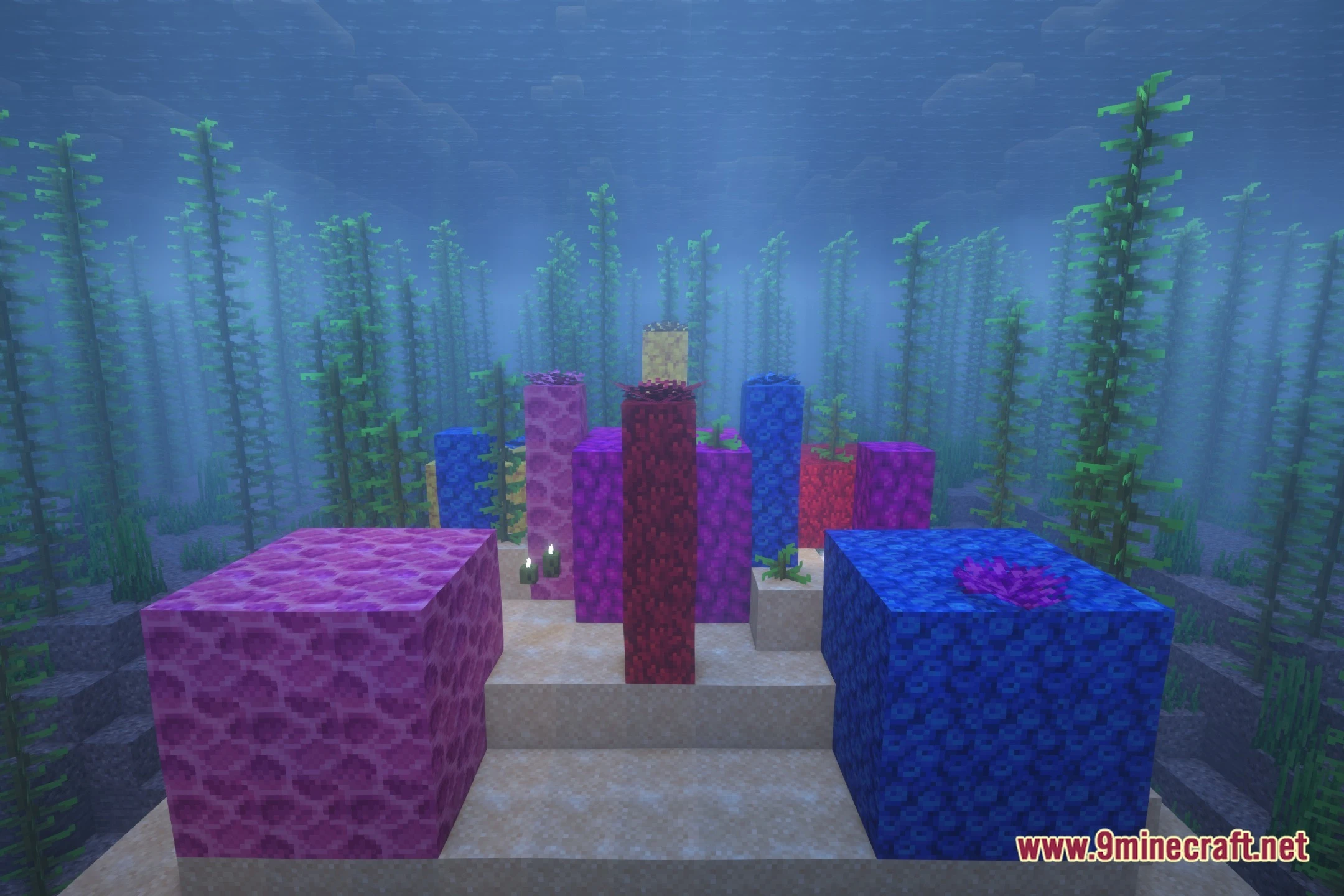
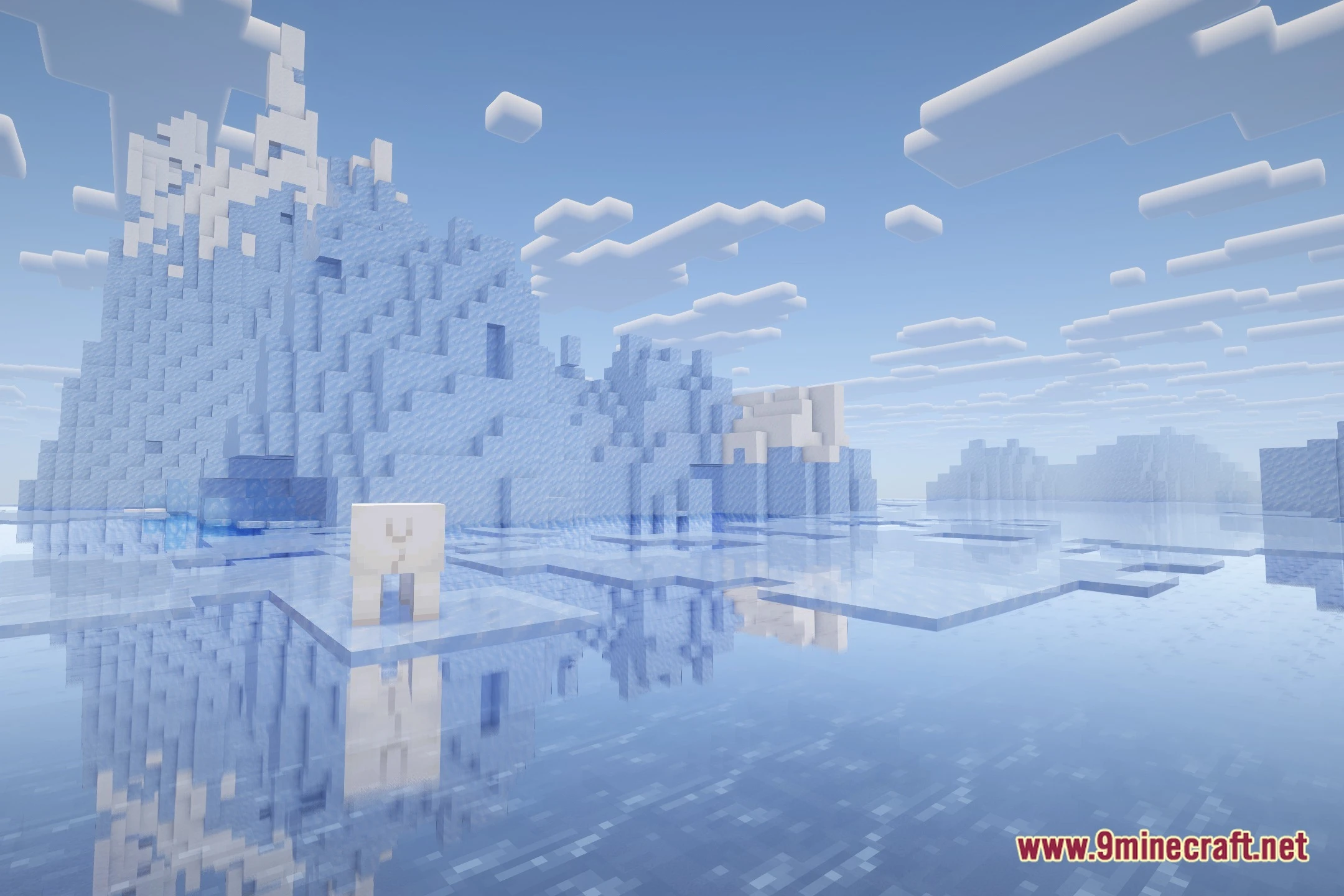
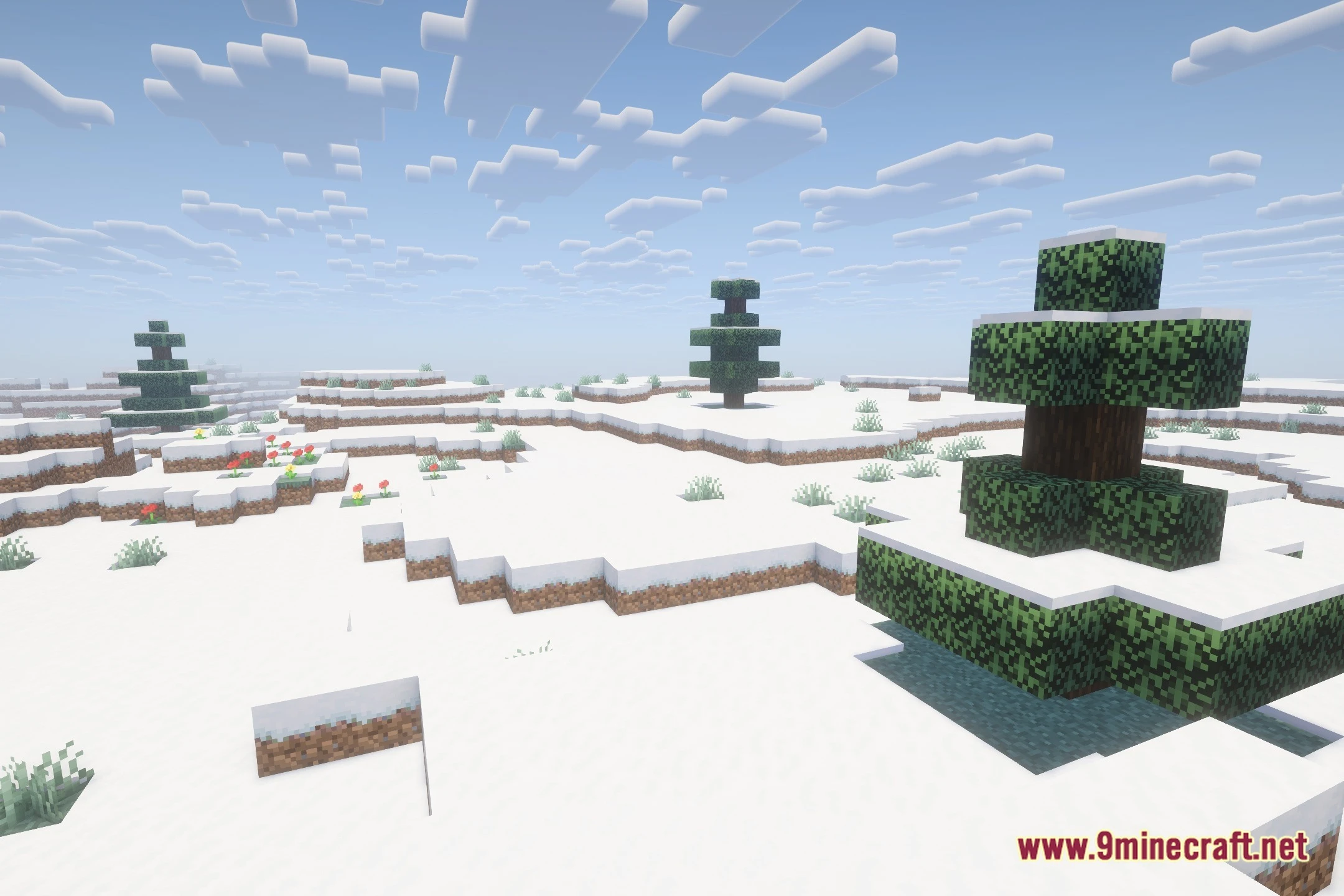
12 images from the Bcr Shades Shaders page.
You May Also Like
Wikis that share the most with this one
 Toon Shades Shaders
Wikis on the same theme: light
More shader wikis on the site
 Bad PC Shaders
The most downloaded mods that have a wiki here