

 DownloadBaunilha Shaders
Get the files on 9Minecraft
Guides
Step-by-step, in-game.
Build with Shadows to Enhance ArchitectureUnderstand How Baunilha Renders Shadows Baunilha Shaders casts soft block shadows that add depth to structures.…Improve Visibility in Dark Areas and CavesUnderstand Baunilha's Lighting Philosophy Baunilha Shaders is designed to maintain clear visibility in caves and dark…Maintain High Framerates on Low-End HardwareChoose the Right Preset for Your System Baunilha Shaders is optimized for low-end machines. Start with the Potato…Switch Between Quality PresetsAccess Shader Settings Open your in-game options menu and navigate to Video Settings . Look for the shader options…
Frequently asked questions
How do I enable the shader after installing it?
Open your video settings, navigate to the Shaders option, and select Baunilha Shaders from the list. The shader will activate immediately, and you'll see shadows and enhanced lighting on your next load or world restart.
Which preset should I use if my computer is old?
Start with the Potato preset, which gives you the shader's core features—clean shadows and depth—with minimal performance impact. If your framerate is still high, you can try Low or Medium for better visuals.
Why do caves look too dark even with the shader on?
Check the guide on improving visibility in dark areas—Baunilha Shaders preserves block texture detail in shadows rather than brightening everything. If caves feel too dim, try raising your monitor brightness or switching to a higher quality preset, which improves shadow detail.
Can I switch between quality presets without restarting?
Yes, go to video settings, open the Shaders menu, and select a different preset from Baunilha Shaders' options. The change takes effect immediately without closing your world.
See all 10 Baunilha Shaders questions ›
Gallery
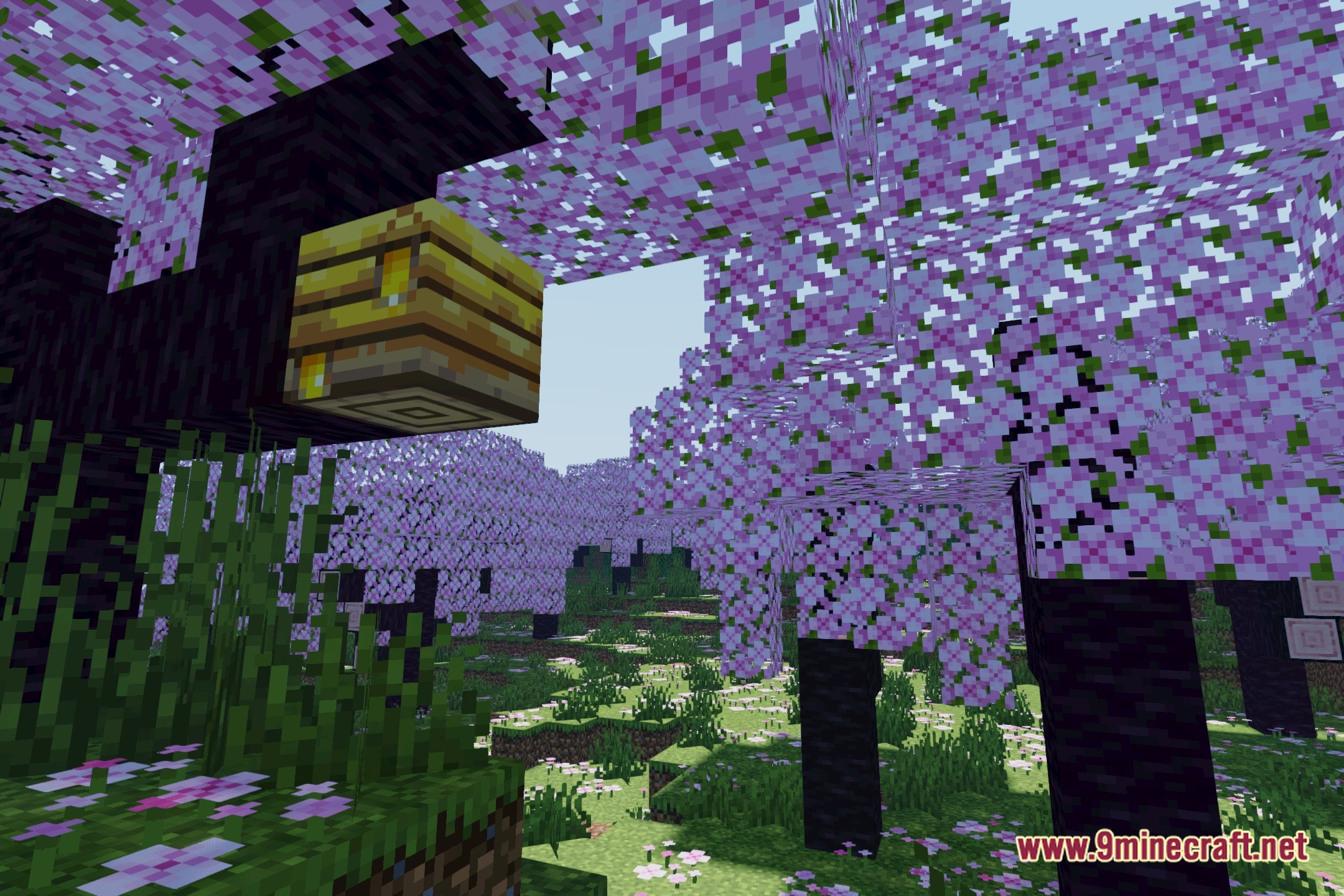
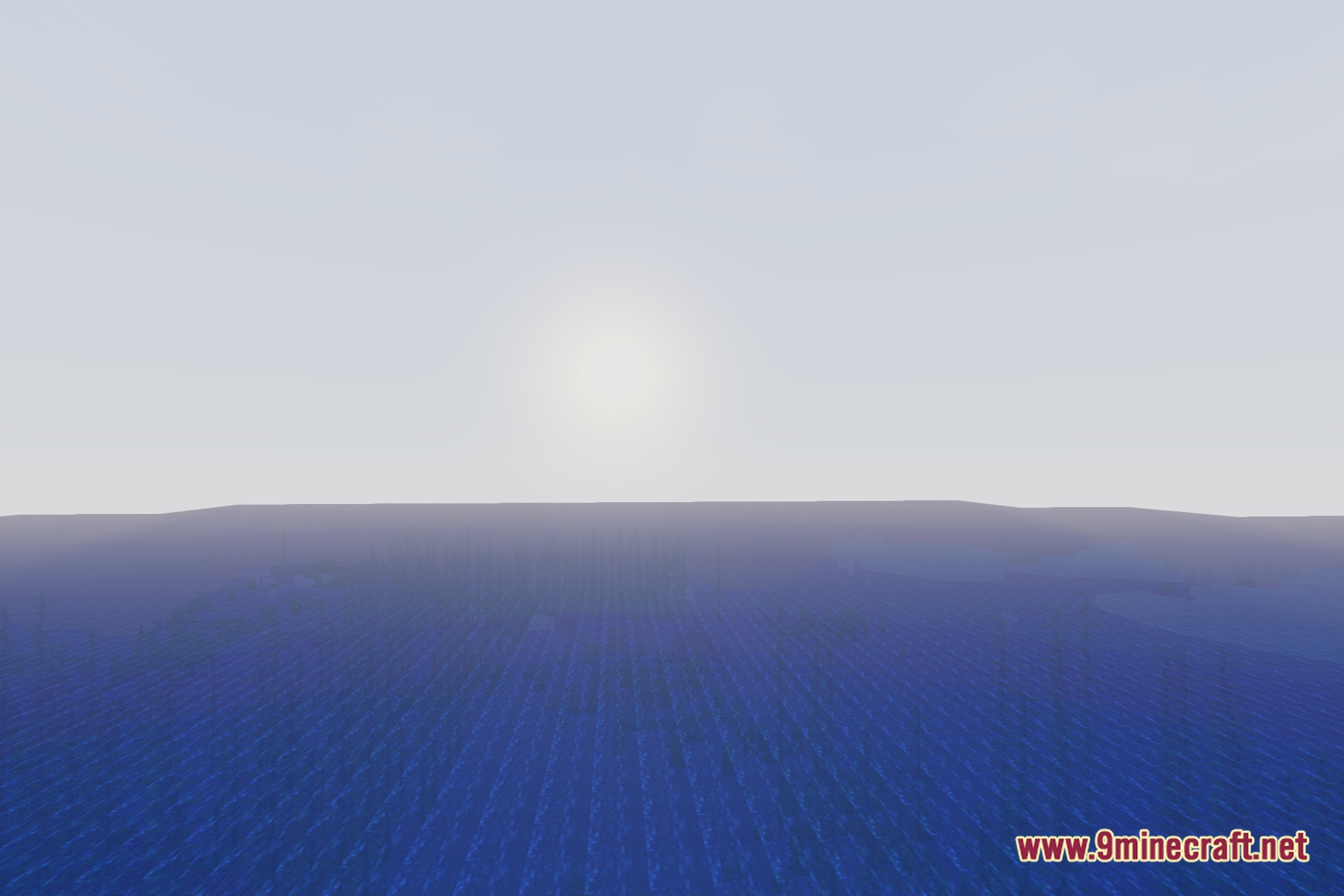
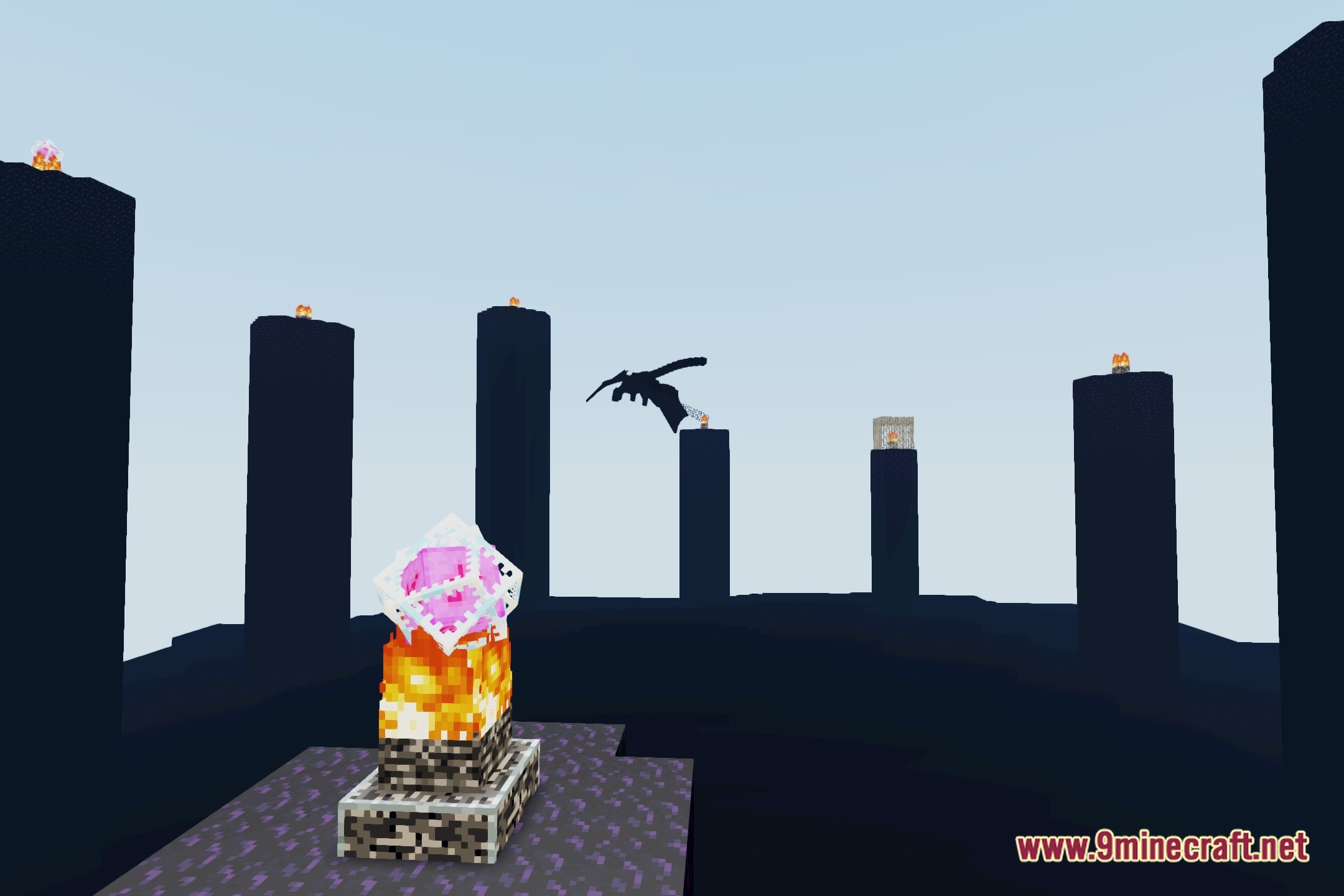
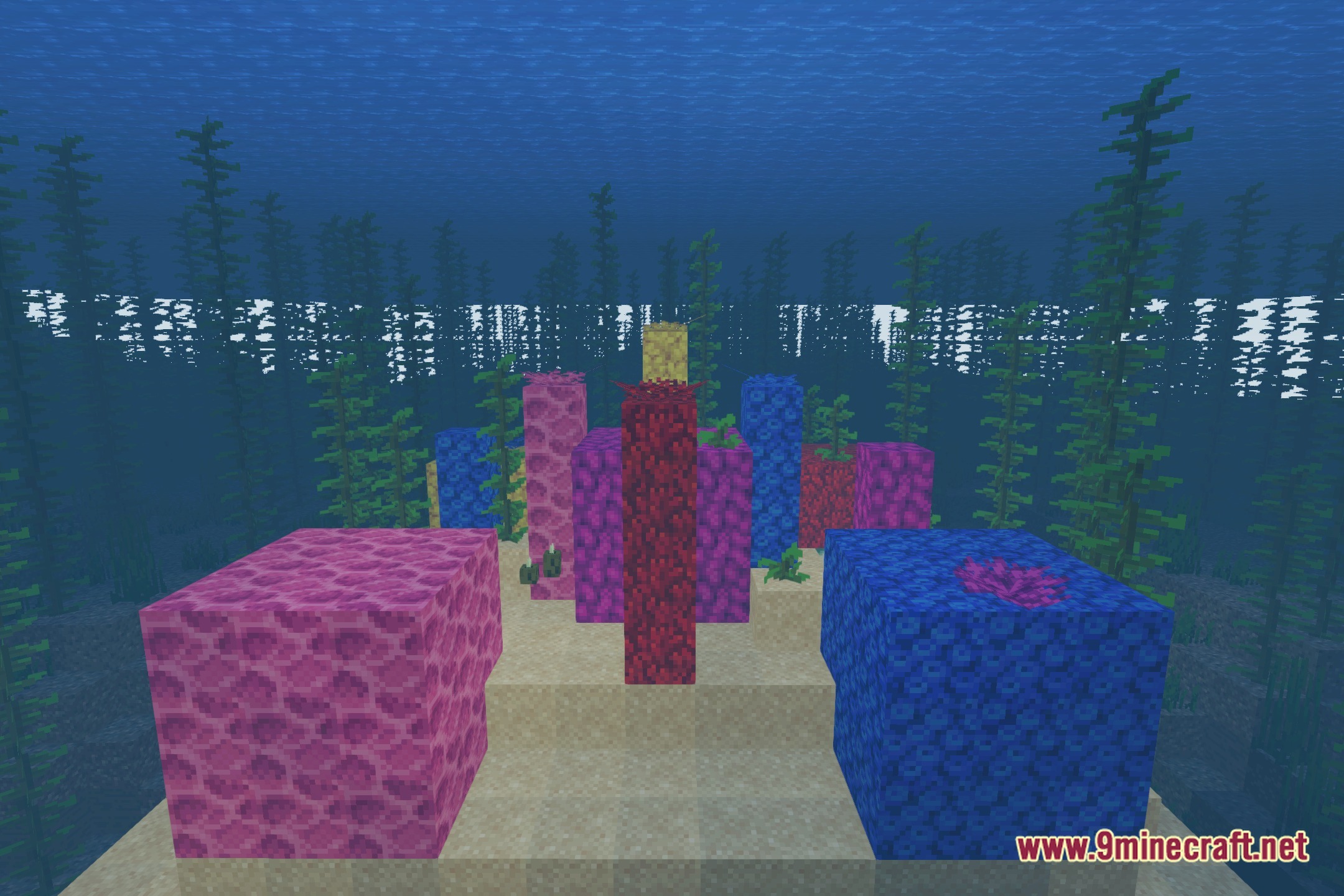
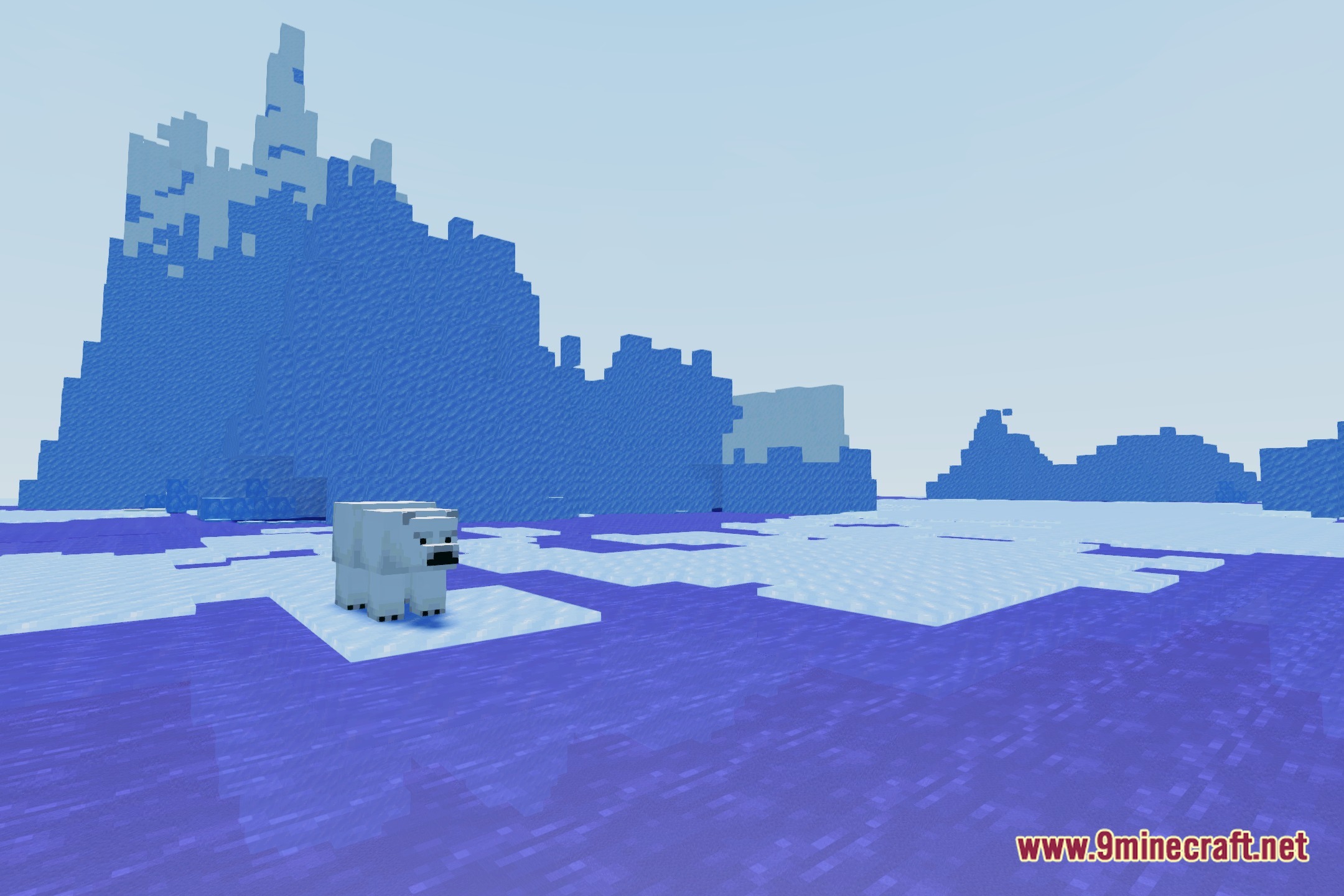
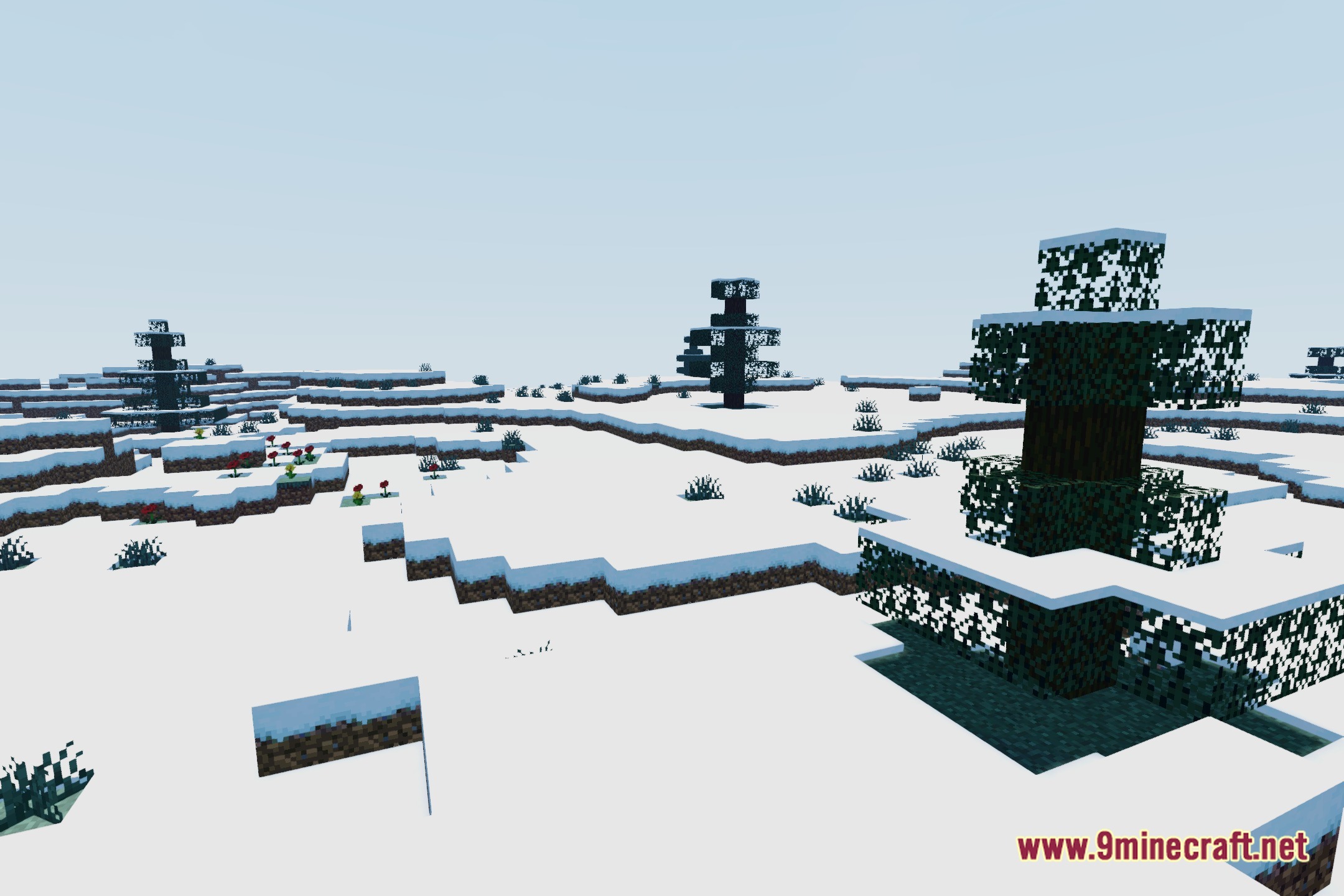
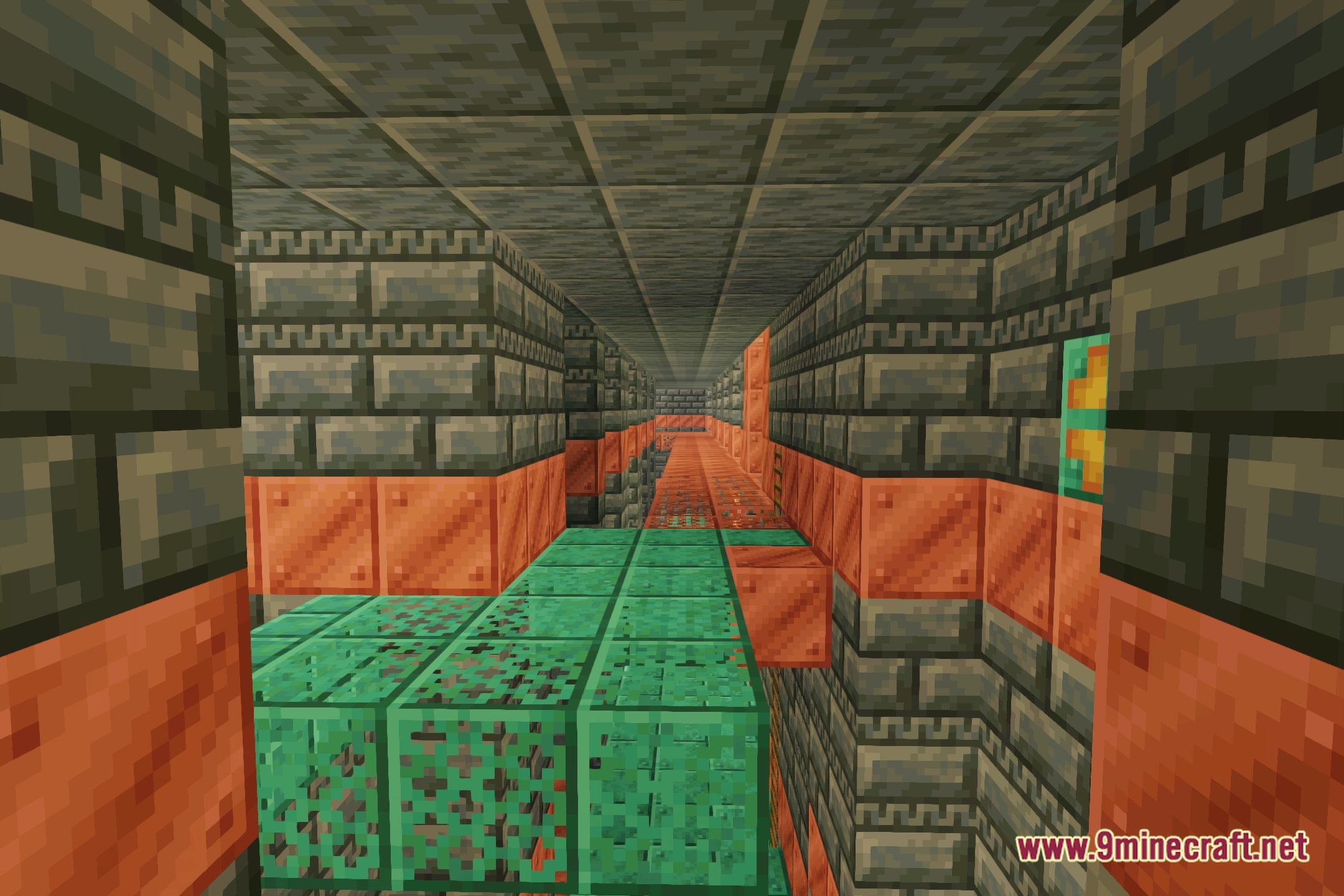
12 images from the Baunilha Shaders page.
You May Also Like
Wikis that share the most with this one
Wikis on the same theme: light
More shader wikis on the site
 Bad PC Shaders
The most downloaded mods that have a wiki here