

 DownloadAstral Cinema Shaders
Get the files on 9Minecraft
Guides
Step-by-step, in-game.
Adjust Lighting Intensity for Your Build StyleAccess Shader Settings Open the shader options menu while in-game by pressing the designated key (usually accessed…Capture Cinematic Screenshots and VideosPosition Your Camera Strategically Astral Cinema Shaders excels at scenic moments. Move to visually interesting…Enhance Specific Biome AppearancesLeverage Biome-Specific Lighting Astral Cinema Shaders adjusts color tones per biome. Dense forests benefit from the…Optimize Performance While Maintaining Visual QualityUnderstand Performance Impact Astral Cinema Shaders adds soft illumination and shadow processing, which requires more…
Frequently asked questions
How do I enable the shader after installing it?
Open your Video Settings in-game, select Shaders, and locate Astral Cinema Shaders in your shader folder. Click it to activate, then the changes will apply immediately to your world.
Why does my world look too dark or too bright?
Use the shader's settings menu (accessible from Video Settings > Shaders > Shader Options) to adjust the overall brightness and exposure sliders to match your preference and monitor setup.
Can I use this shader with other visual mods like Complementary or BSL?
No—you can only use one shader pack at a time. If you want to switch between Astral Cinema and another shader, you'll need to change your active shader in Video Settings.
Does this shader work with Optifine and Sodium?
Astral Cinema Shaders requires Optifine to run. If you're using Sodium for performance, you'll need to switch back to Optifine, as Sodium uses a different rendering system that isn't compatible with most shader packs.
See all 10 Astral Cinema Shaders questions ›
Gallery
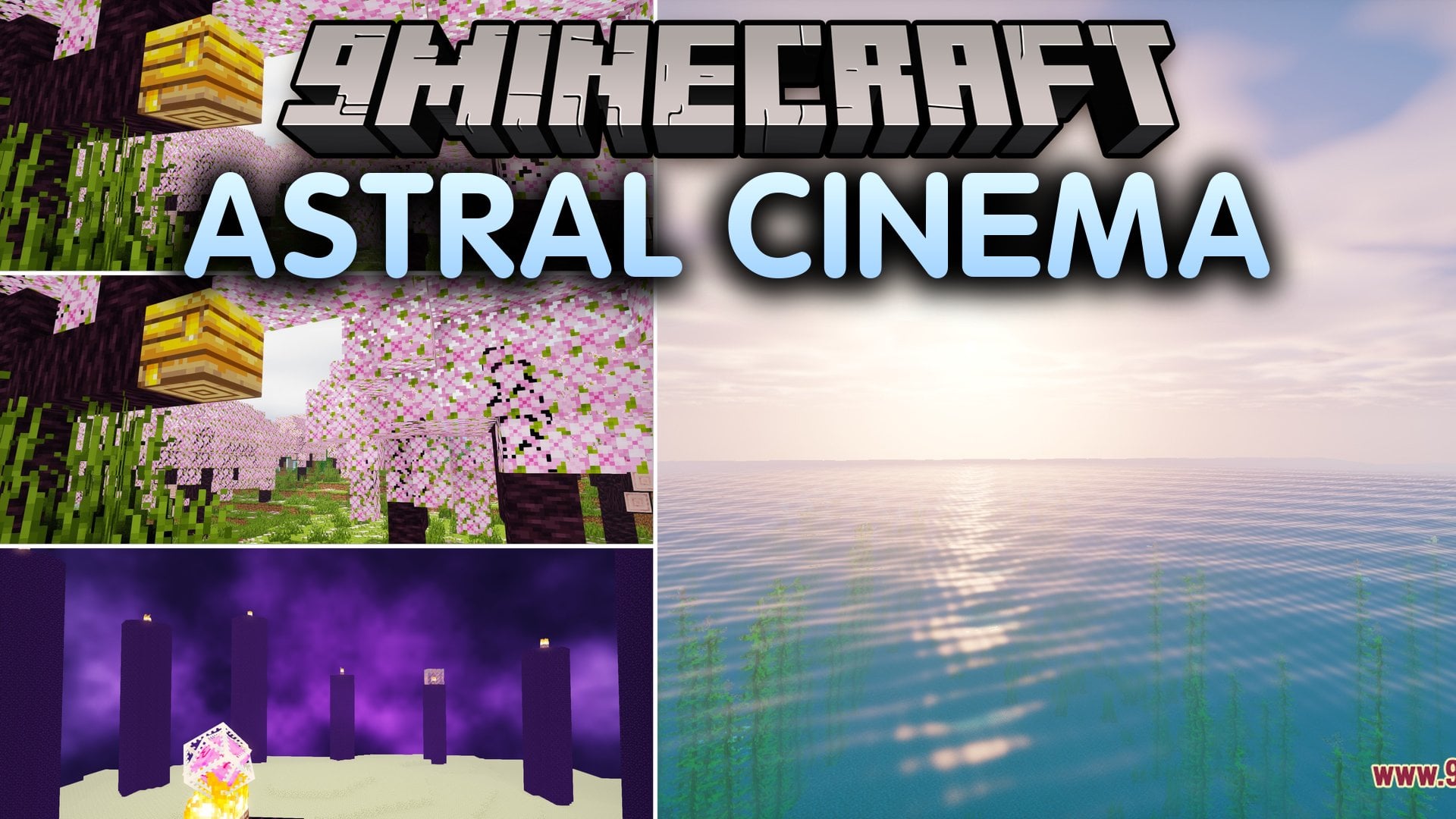
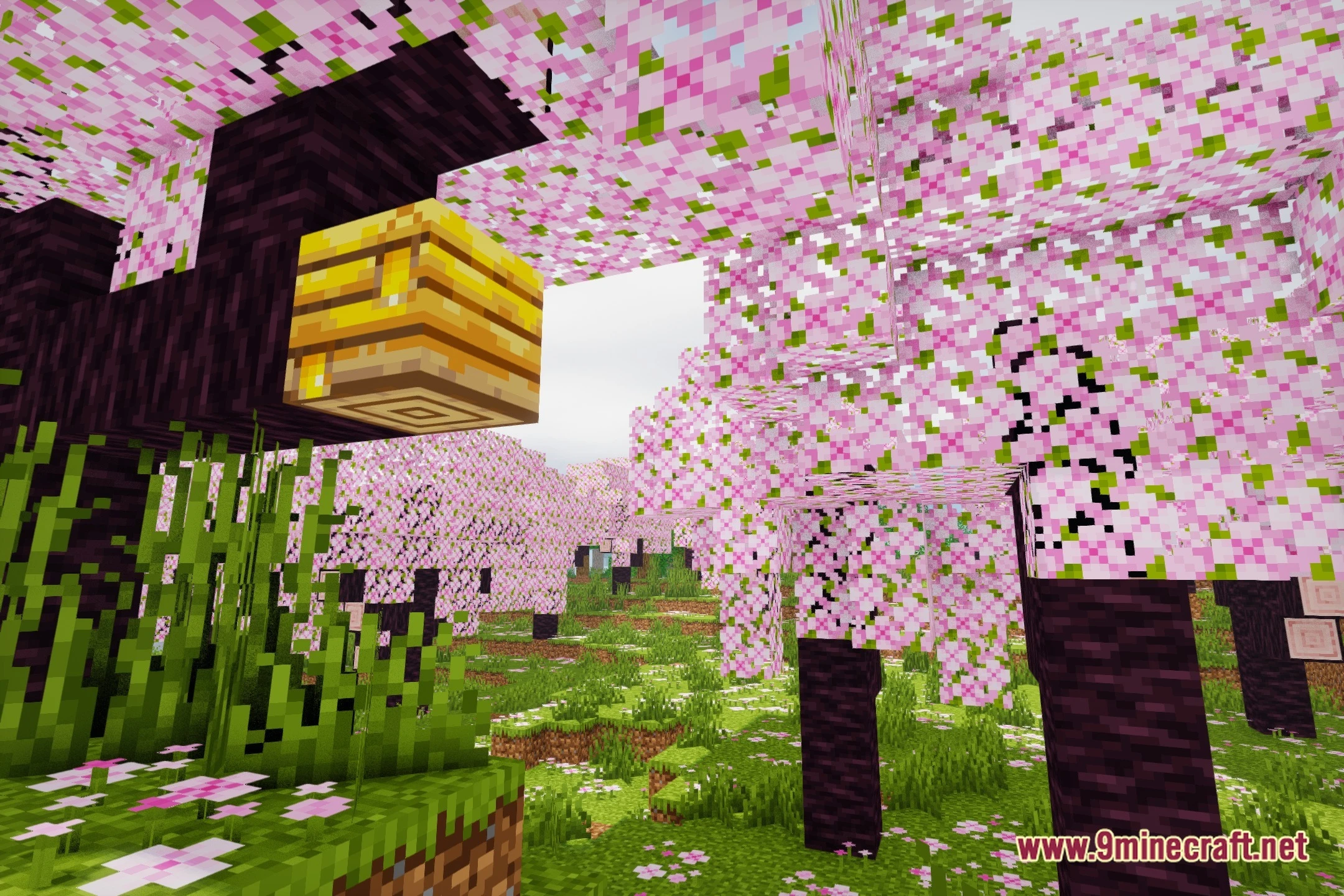
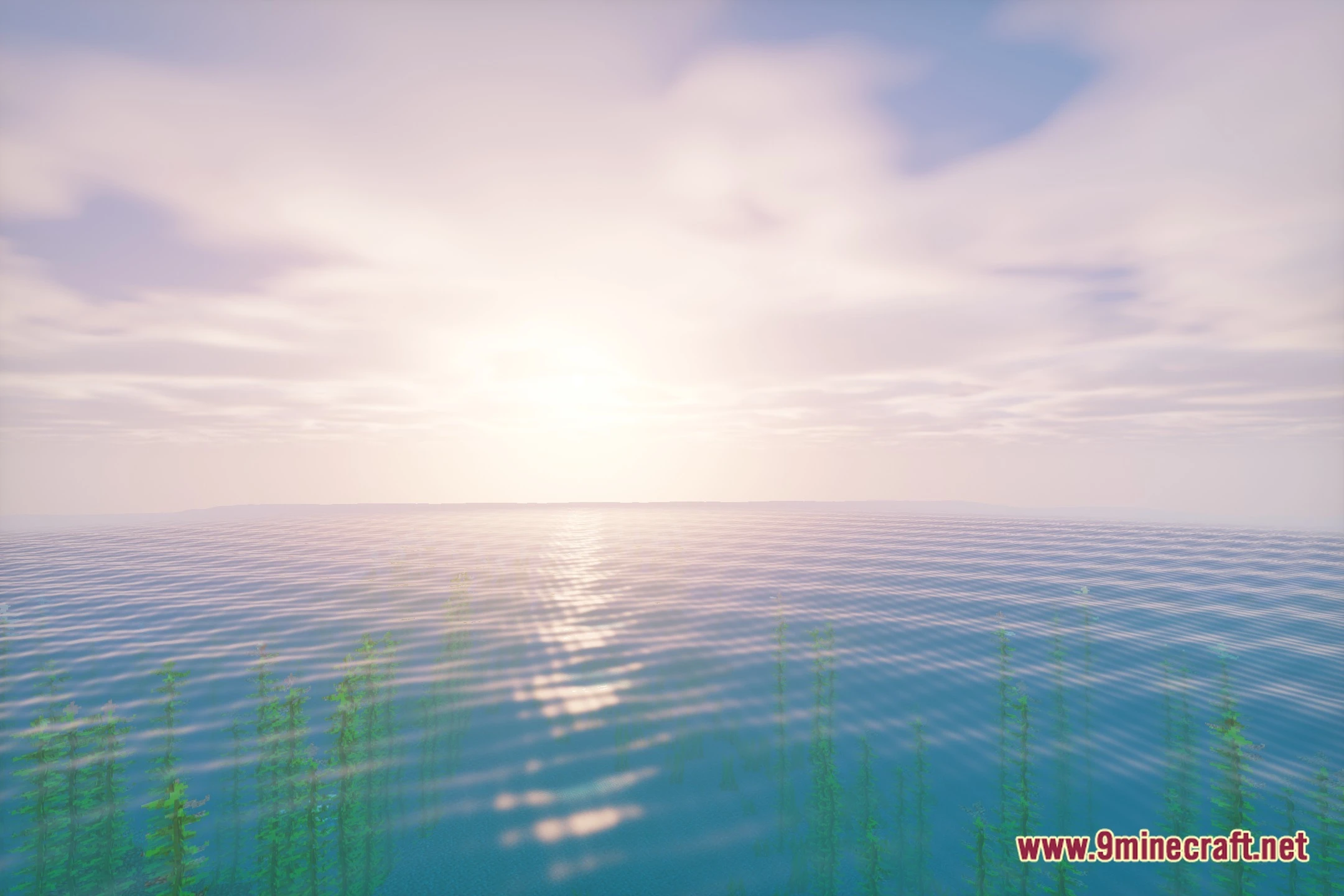
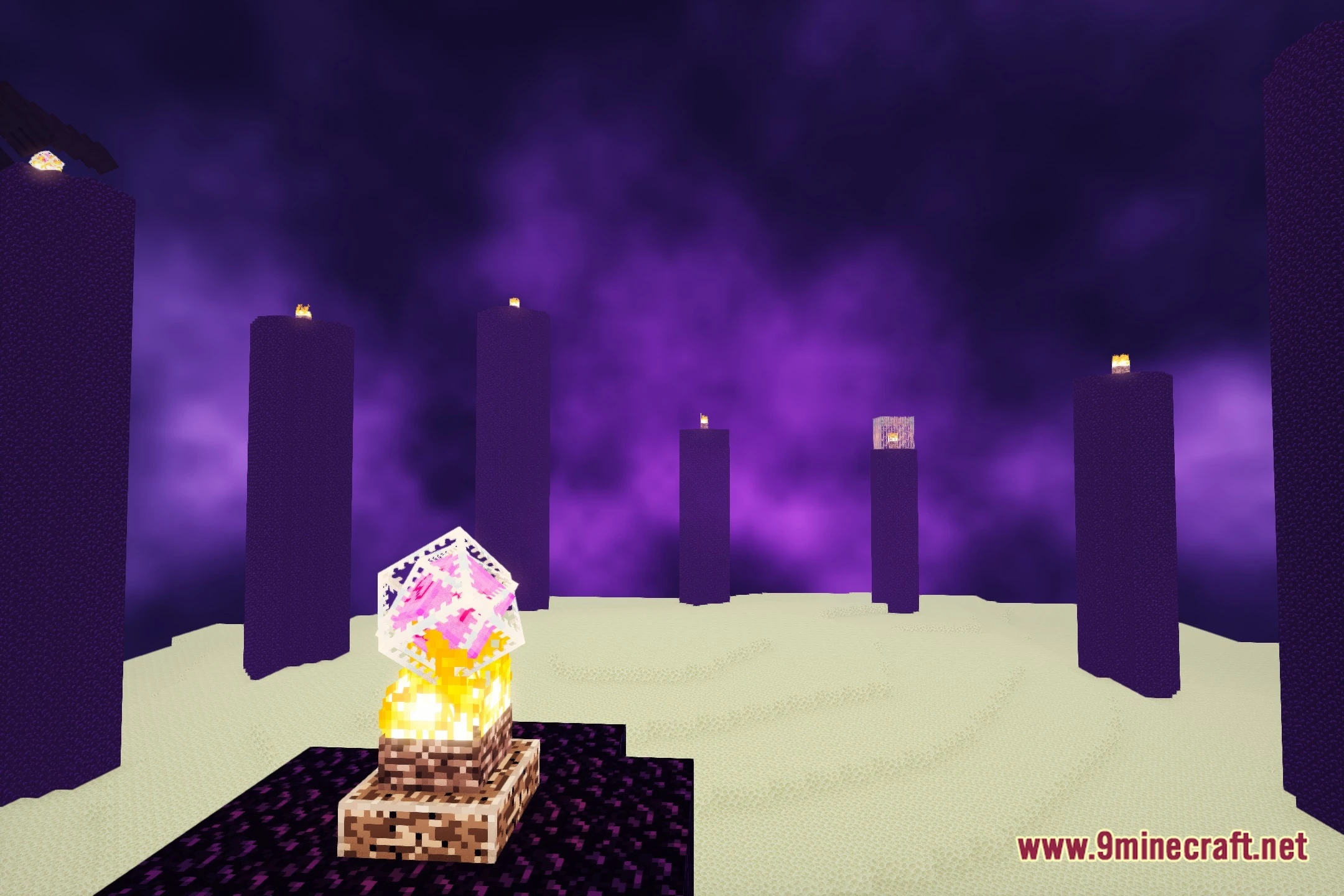
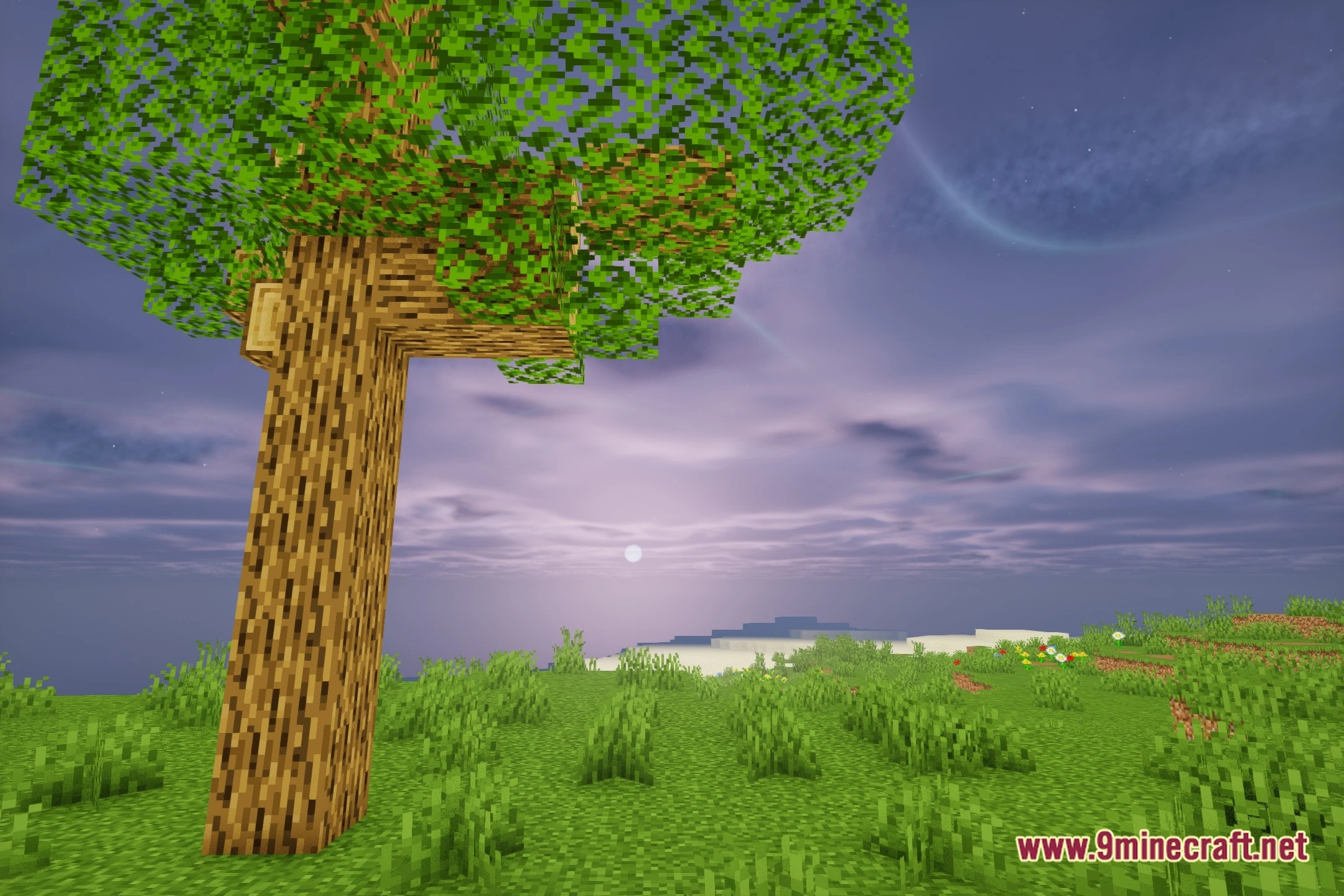
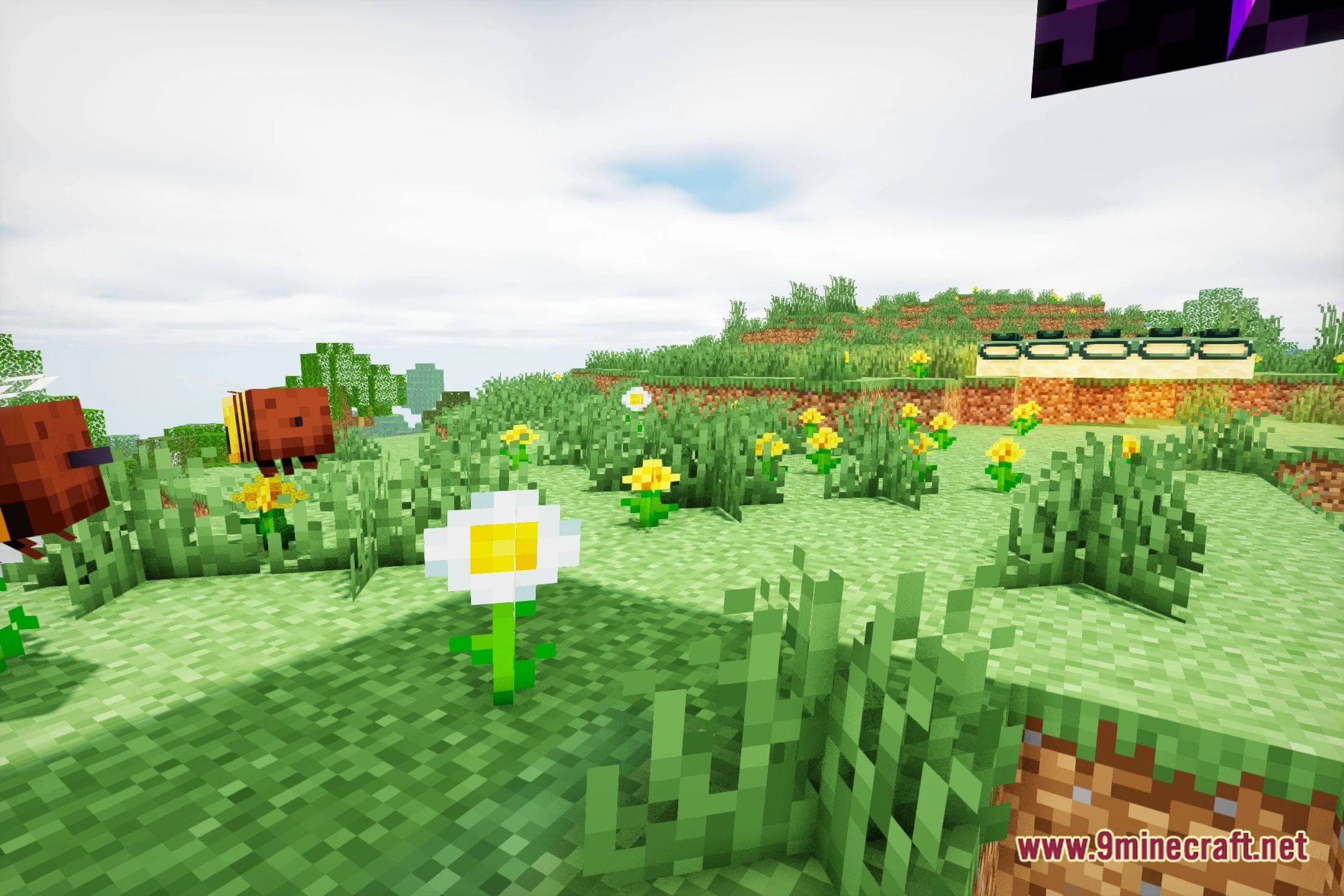
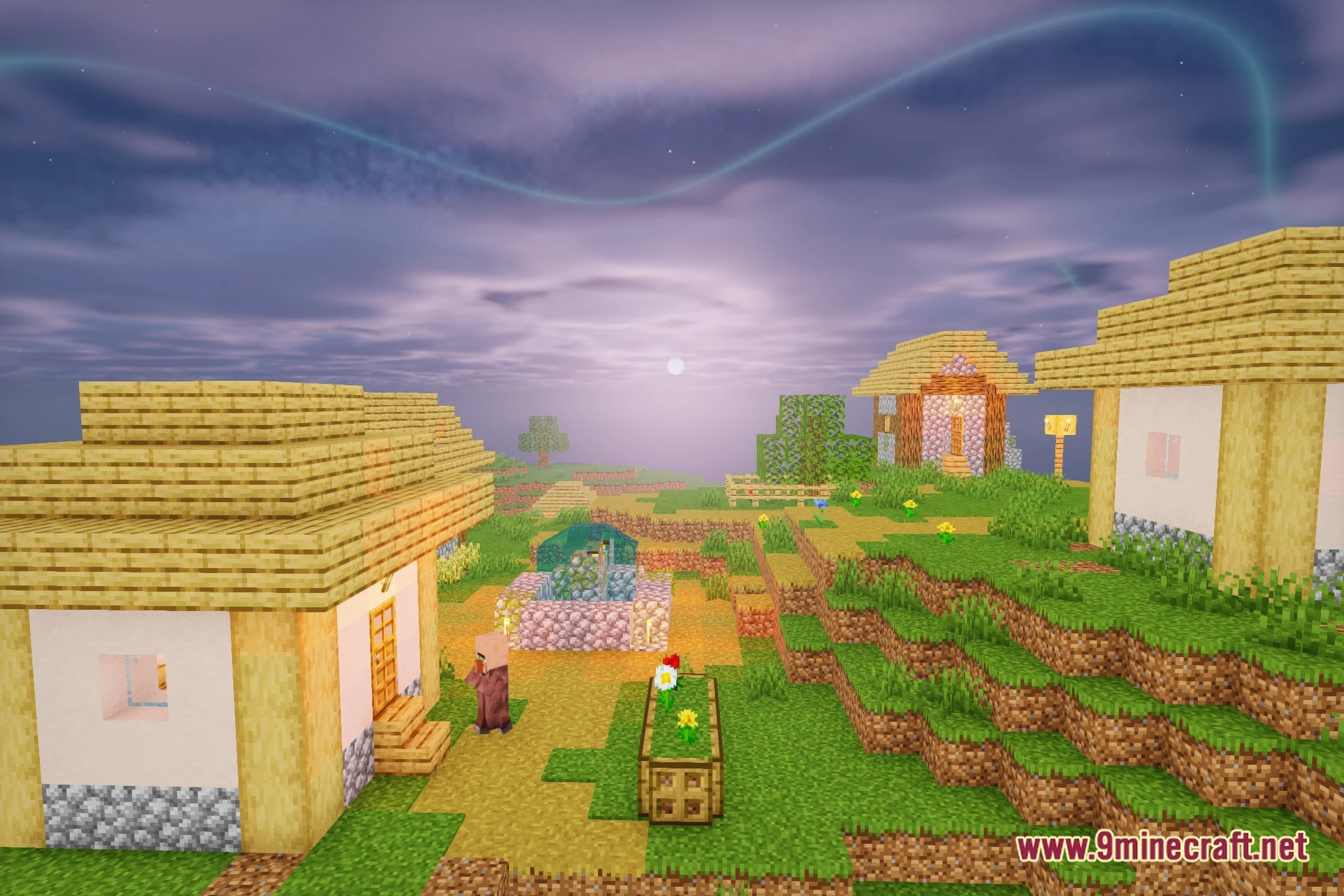
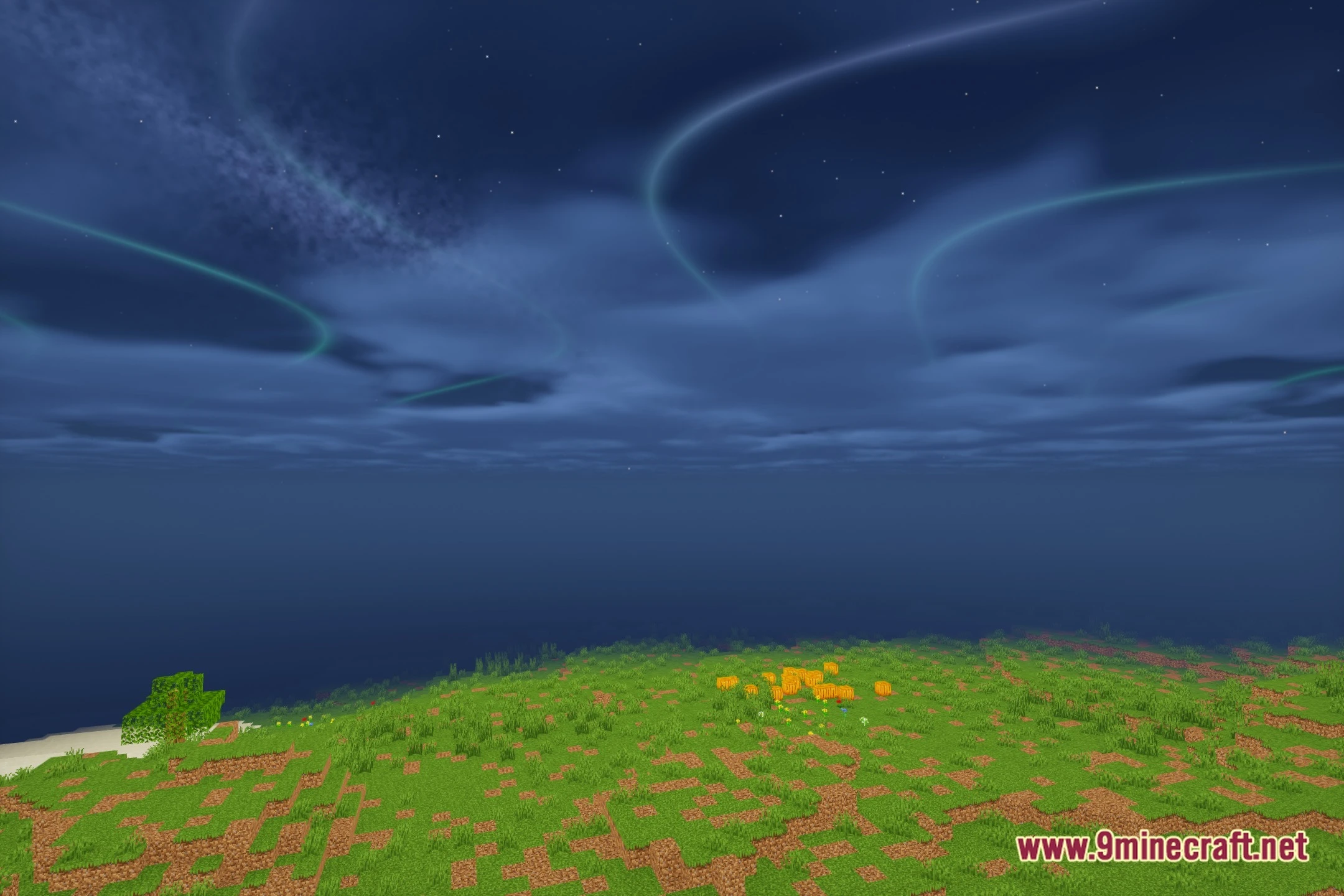
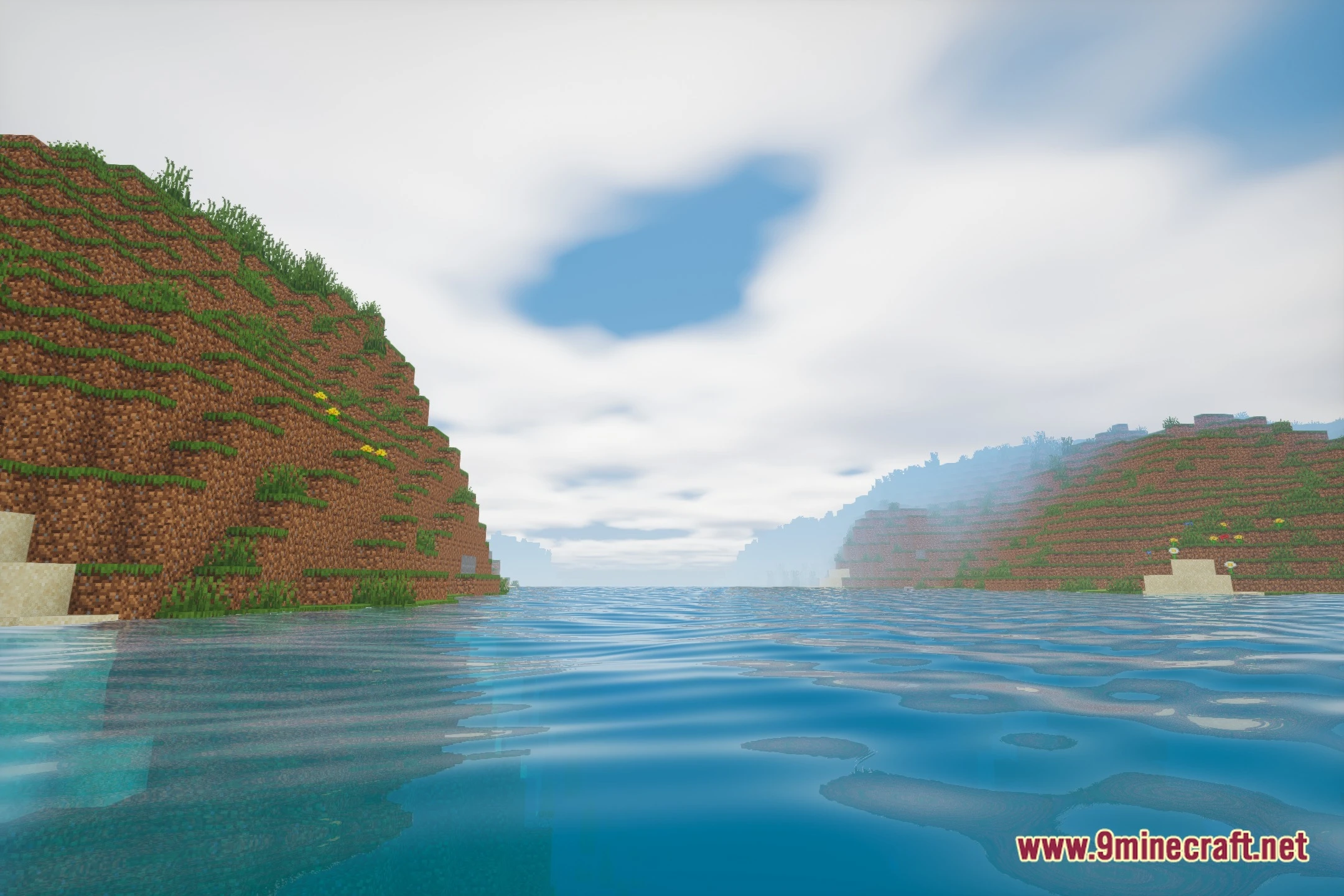
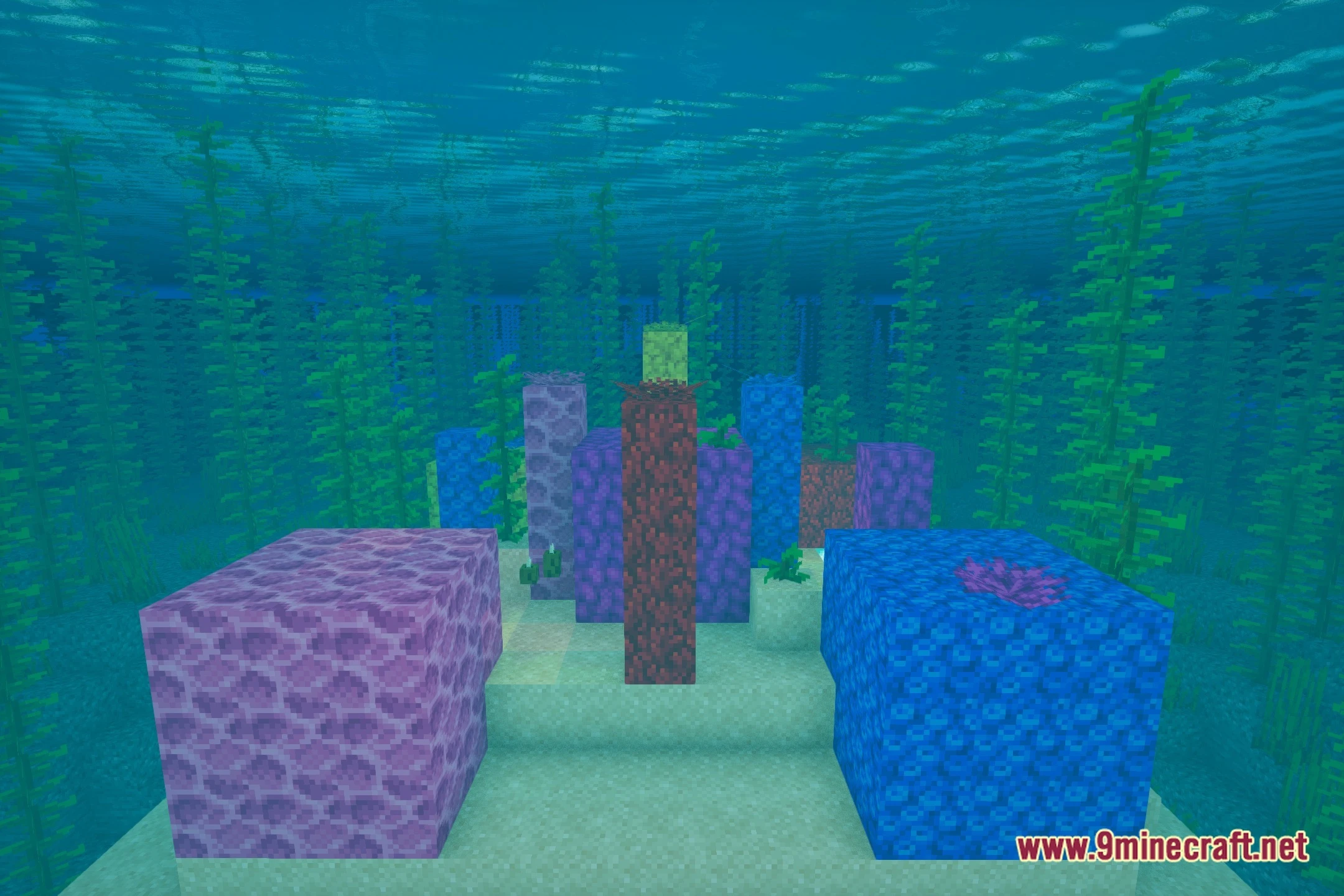
12 images from the Astral Cinema Shaders page.


You May Also Like
Wikis that share the most with this one
Wikis on the same theme: light
More shader wikis on the site
The most downloaded mods that have a wiki here