

 DownloadAstral Client Mod
Get the files on 9Minecraft
Guides
Step-by-step, in-game.
Chain Anchor Macros for Fast Respawn AttacksSetting Up Anchor Macros Anchor Macros automates respawn anchor placement and activation, letting you attack enemies…Combine Surround and Auto Totem for SurvivalBuilding Surround Protection Surround creates a defensive obsidian shell around you instantly, blocking incoming…Set Up Auto Crystal for End Fight DamageEnable and Configure Auto Crystal Auto Crystal automatically places and breaks end crystals to damage nearby enemies.…Use Aim Assist and Static Hitboxes to Land HitsEnabling Aim Assist Aim Assist makes your crosshair stick to enemies, improving hit accuracy during combat. 1. Open…
Frequently asked questions
How do I turn on Auto Crystal?
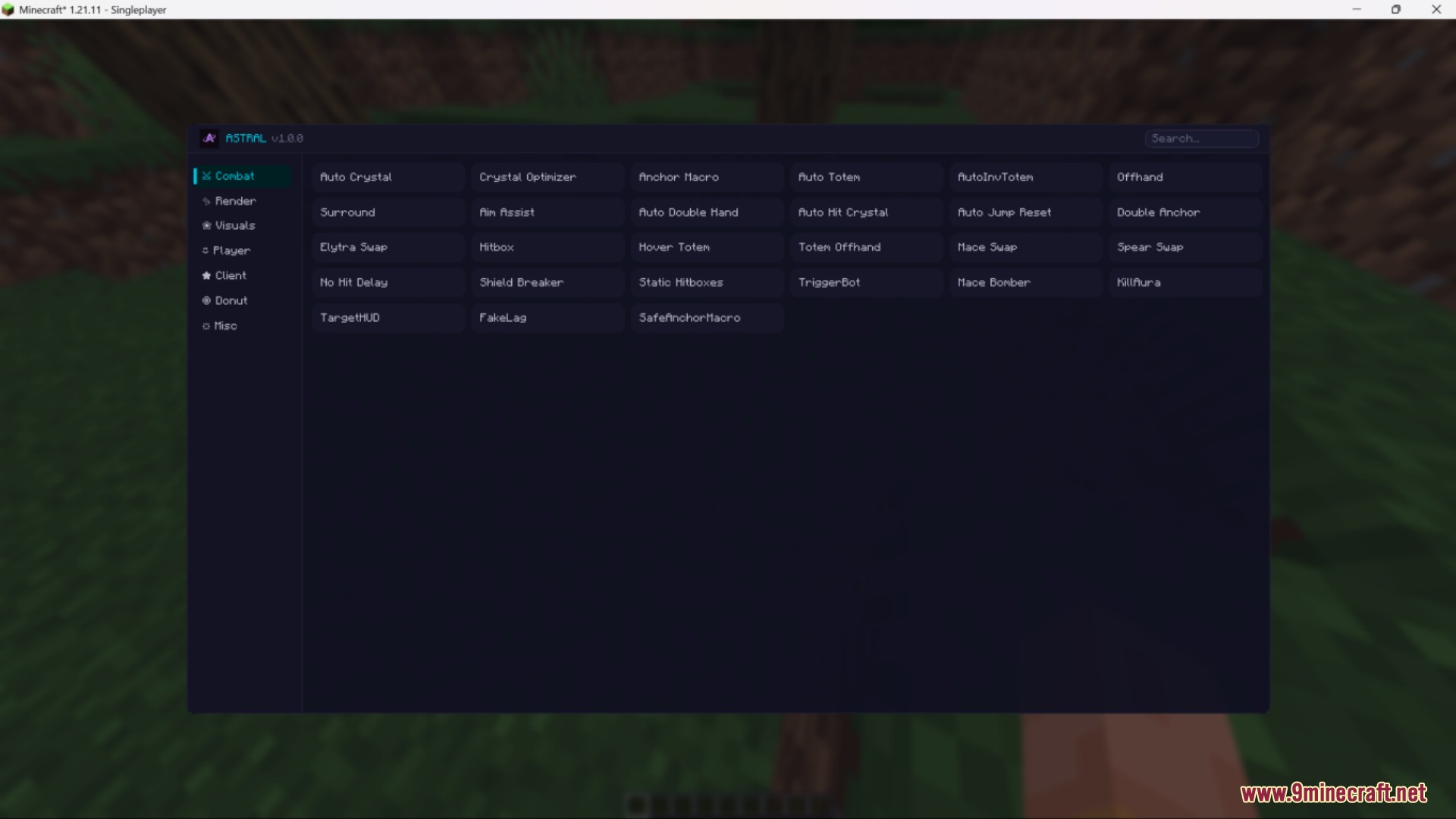
Open the mod menu (default keybind varies by installation), find Auto Crystal in the combat features list, and toggle it on. The feature will then automatically place and break end crystals during fights.
What's the difference between Surround and Anchor Macros?
Surround builds obsidian blocks around your character for passive defense, while Anchor Macros sets up respawn anchors to quickly attack enemies when they're nearby. You can use both together for layered protection and offense.
Does Auto Totem work if I don't have a totem in my inventory?
No, Auto Totem only swaps a totem into your hand if one already exists in your inventory. It doesn't create totems—it just moves one there before lethal damage hits you.
Can I use KillAura and Aim Assist at the same time?
Yes, both features can be enabled together. KillAura will attack nearby enemies automatically, while Aim Assist helps your crosshair track targets, making your aim more consistent.
Gallery
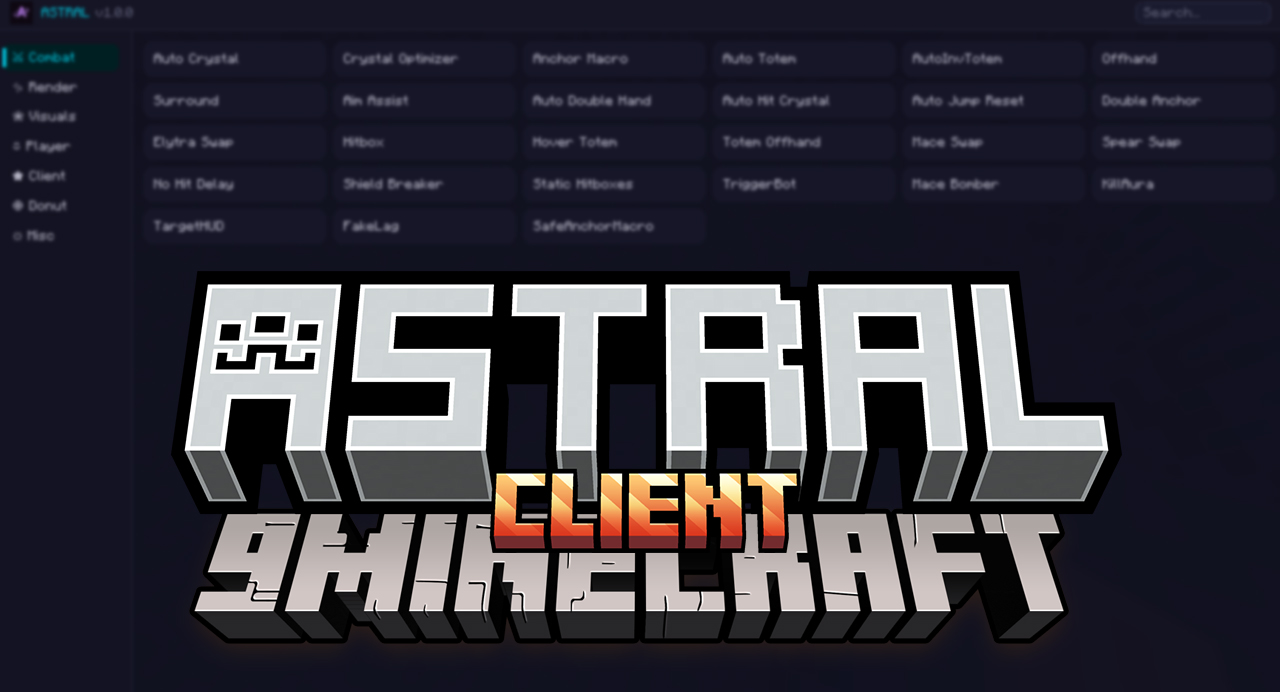
2 images from the Astral Client Mod page.
You May Also Like
Wikis that share the most with this one
More client wikis on the site
The most downloaded mods that have a wiki here
A few wikis from each of the other kinds