

 DownloadReal Effects 64X Resource Pack
Get the files on 9Minecraft
Contents (8)
Guides
Step-by-step, in-game.
Customize Your HUD With Improved UI ElementsUI Enhancements Real Effects 64x overhauls several core interface elements to create a cleaner, more modern feel.…Enable Custom Animal and Monster TexturesPrerequisites The Real Effects 64x pack includes detailed custom designs for animals and monsters, but these won't…Improve Visibility When Wearing a Carved PumpkinWhat Changed By default, wearing a carved pumpkin creates a heavy blur and dark vignette around your screen edges,…Navigate Better With the Improved CompassCompass Improvements The Real Effects 64x pack upgrades the compass item with a custom white background, making it…
Items
B
 Banner Pattern (Flower)
 Banner Pattern (Piglin)
 Banner Pattern (Skull)
 Banner Pattern (Flow)
 Banner Pattern (Guster)
 Banner Pattern (Creeper)
 Banner Pattern (Globe)
 Banner Pattern (Mojang)
 Birch Door
 Bordure Indented Banner Pattern
C
 Campfire
 Copper Pickaxe
D
 Diamond Pickaxe
F
 Field Masoned Banner Pattern
G
 Golden Pickaxe
H
 Hopper
I
 Iron Pickaxe
N
 Netherite Pickaxe
R
 Redstone Comparator
 Redstone Repeater
S
 Soul Campfire
 Stone Pickaxe
W
 Wooden Pickaxe
Blocks
B
 Birch Trapdoor
C
 Chain
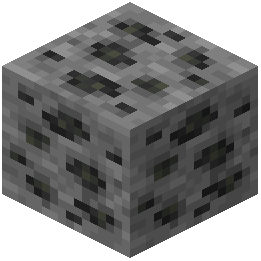 Coal Ore
 Copper Chain
 Copper Lantern
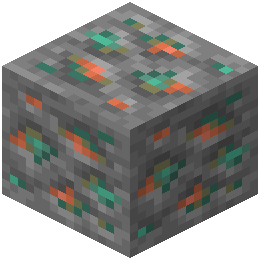 Copper Ore
D
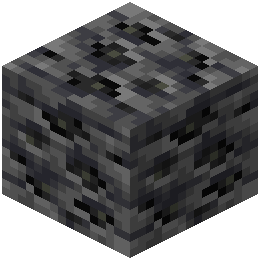 Deepslate Coal Ore
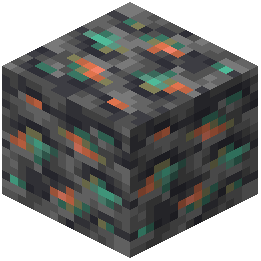 Deepslate Copper Ore
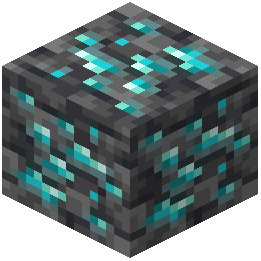 Deepslate Diamond Ore
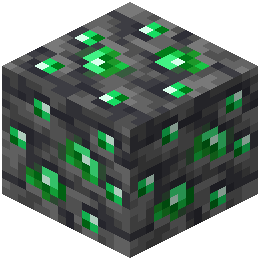 Deepslate Emerald Ore
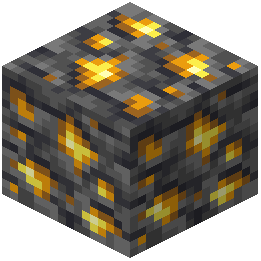 Deepslate Gold Ore
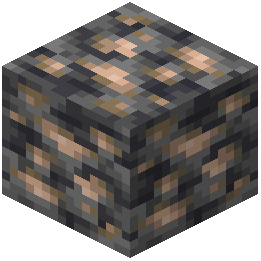 Deepslate Iron Ore
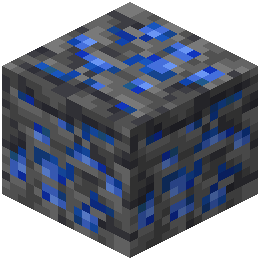 Deepslate Lapis Lazuli Ore
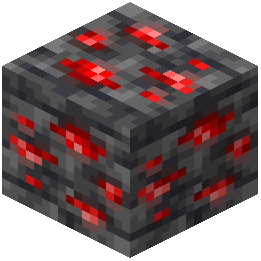 Deepslate Redstone Ore
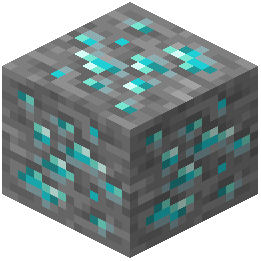 Diamond Ore
E
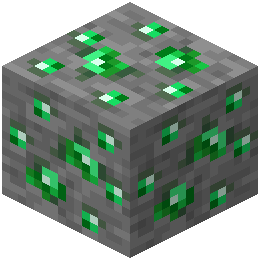 Emerald Ore
 End Rod
 Exposed Copper Chain
 Exposed Copper Lantern
G
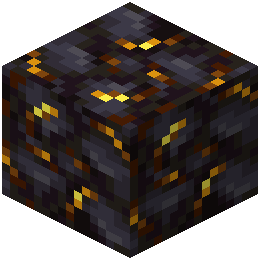 Gilded Blackstone
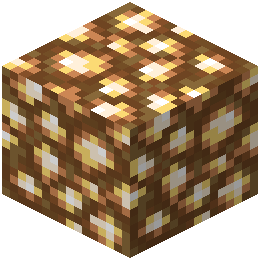 Glowstone
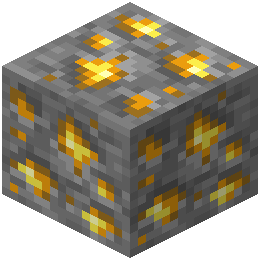 Gold Ore
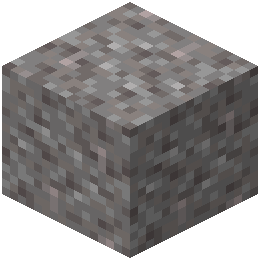 Gravel
I
 Iron Chain
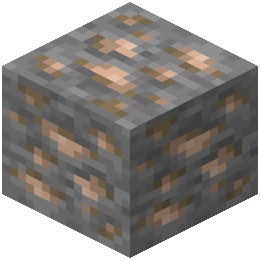 Iron Ore
L
 Lantern
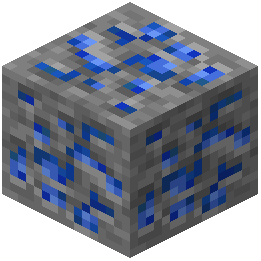 Lapis Lazuli Ore
N
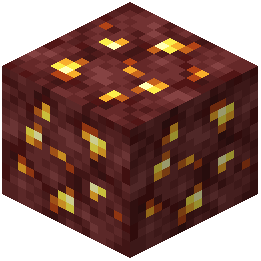 Nether Gold Ore
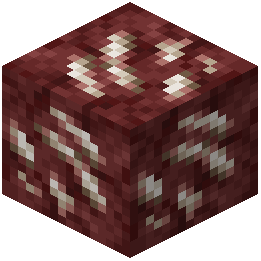 Nether Quartz Ore
O
 Oxidized Copper Chain
 Oxidized Copper Lantern
R
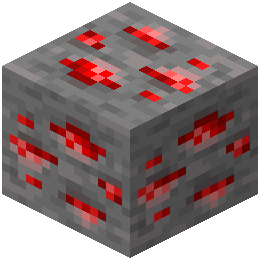 Redstone Ore
 Redstone Torch
S
 Soul Lantern
W
 Weathered Copper Chain
 Weathered Copper Lantern
What this pack changes
Every texture group the pack replaces, counted from the pack itself.
| Area | Textures replaced |
|---|---|
| Blocks | 175 |
| Particles | 91 |
| Items | 67 |
| GUI & menus | 40 |
| Sky & weather | 4 |
| Misc | 2 |
Pack format 75–2147483647 (Minecraft 1.21.9)379 texture files in total
Extra features
Custom block/item models
Reworked GUI
Frequently asked questions
Do I need Optifine to use this pack?
Optifine is required to see custom animal and monster textures. If you don't have Optifine, you can use Entity Model Features (EMF) mod as an alternative, but the pack will still work without either—you just won't see the mob variations.
Why do my mobs still look vanilla?
You need to enable custom entity models in your mod settings. Make sure Optifine or EMF is installed and active, then check that custom mob textures are turned on in your mod configuration.
How do I make the sun and moon round?
The round sun and moon are applied automatically when you load the pack—no setup needed. If you still see square shapes, verify the pack is selected as your active resource pack in Video Settings.
Can I use this with other resource packs?
Real Effects 64x is built on Faithful 64x, so it works best as your primary pack. Layering it with other packs may cause texture conflicts, especially for blocks and particles.
Why is my crosshair still large?
The crosshair shrink is built into the pack and applies automatically. If it looks unchanged, try reloading your resource packs or restarting the game.
Do the animated blocks affect performance?
How do I see the 3D copper lanterns?
The 3D copper lanterns and chains display automatically when the pack is active. Make sure you're using a recent game version and that the pack is fully loaded before placing lanterns.
Will this pack work on servers?
Yes, resource packs are client-side only, so you can use Real Effects 64x on any server without affecting other players or requiring server-side installation.
Why do my ores look different from other players?
Real Effects 64x creates unique visual variations for different ore types, so your ores will look distinct from vanilla Minecraft. This is intentional and only affects your client.
Can I disable specific features like the menu changes?
Resource packs don't have built-in toggles for individual features. To disable specific elements, you'd need to edit the pack files directly or use a separate pack for just the features you want.
You May Also Like
Wikis that share the most with this one
Wikis on the same theme: ore
More resource pack wikis on the site
RAY’s 3D Rails Resource PackRappenems Reforge Resource PackRapid Transit Draft Resource PackRainbow’s Foliage Polytone Resource PackRainbow XP Bar And Ping Resource PackRainbow’s Foliage Resource PackRainbow eXP-Bar Resource PackRainbow Breaking Animation Resource PackRadical Cobblemon Trainer Textures Plus Resource PackRadiant Ores Resource PackQuick Resource Pack ModQuark Vanilla Resource Overrides Resource Pack
The most downloaded mods that have a wiki here
A few wikis from each of the other kinds
Gallery
9 images from the Real Effects 64X Resource Pack page.


