

 DownloadMob Effects VFX Mod
Get the files on 9Minecraft
Guides
Step-by-step, in-game.
Adjust the Speed and Movement of Effect AurasLocate Animation Settings Open your mod configuration file and search for parameters related to animation speed,…Customize the Color of Your Potion Effect AurasAccess the Configuration File The mod stores its visual settings in a configuration file located in your…Disable Auras for Specific Potion EffectsFind the Effect Toggle Settings Open your mod's configuration file in .minecraft/config . Look for a list of potion…Troubleshoot Auras Not Appearing or Rendering IncorrectlyCheck Mod Compatibility Ensure the mod is properly installed and loaded. Verify it appears in your mods list in-game.…
Frequently asked questions
How do I turn on the auras when I get a potion effect?
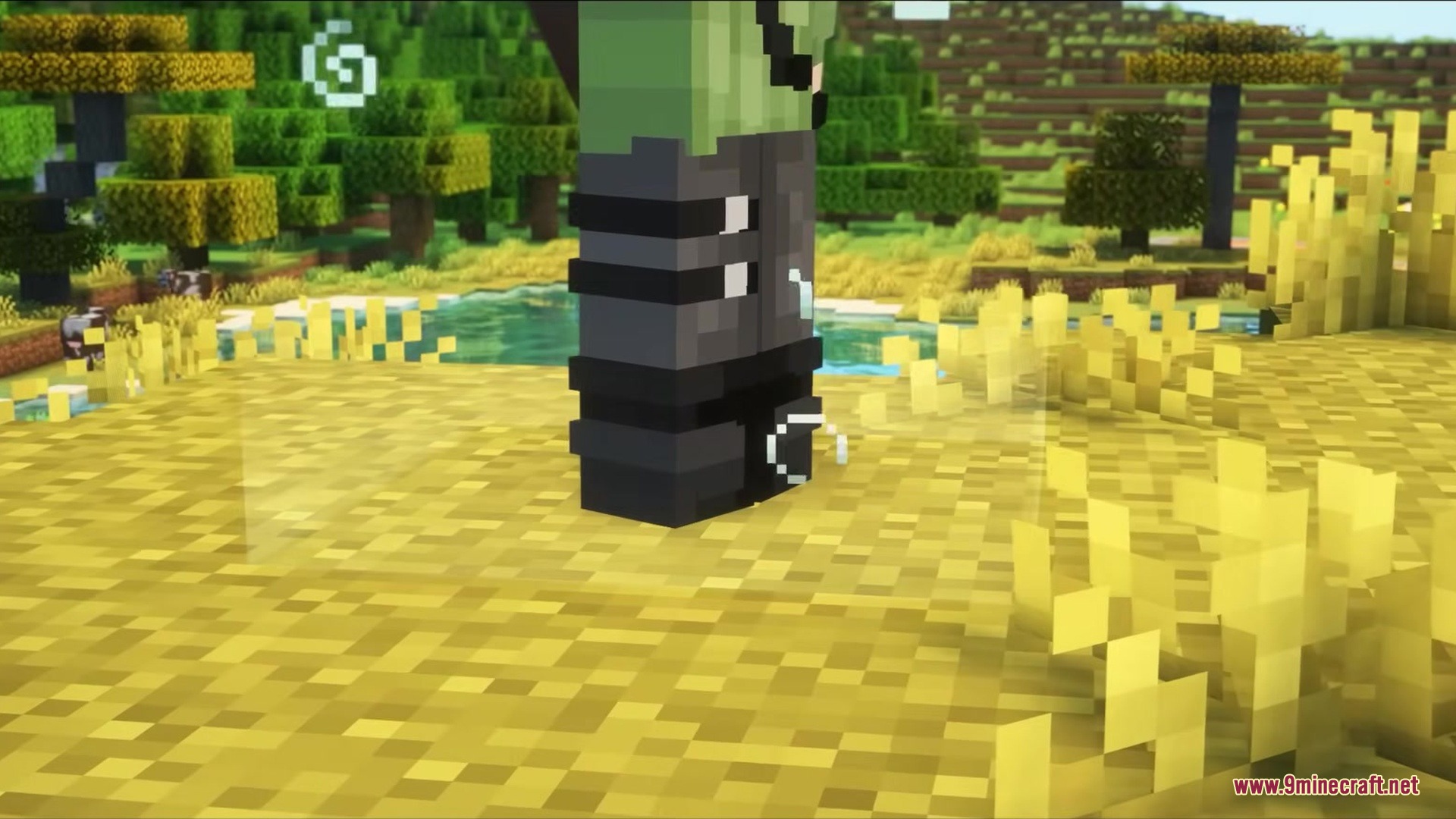
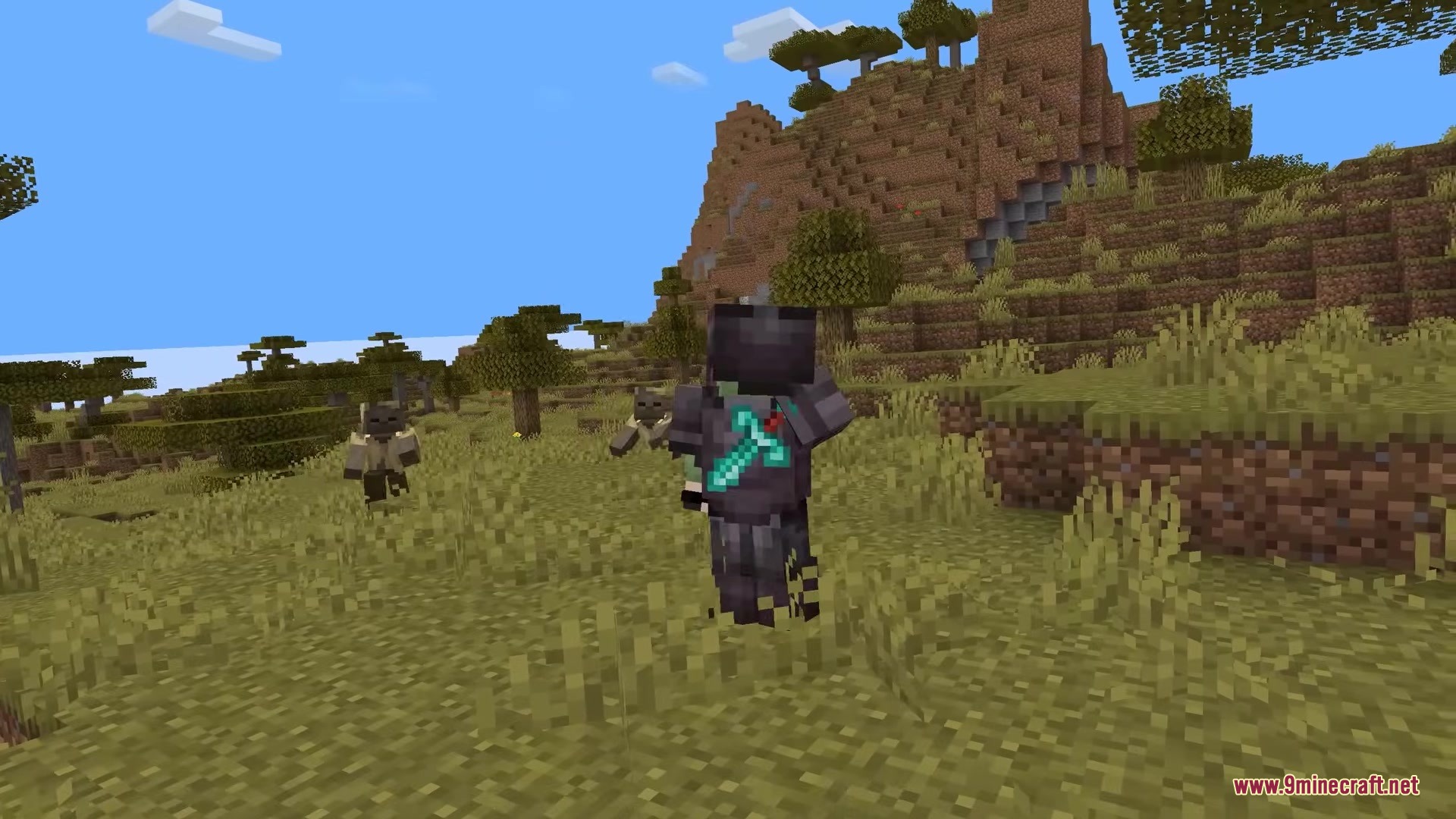
The mod works automatically once installed—auras will appear around your character whenever you drink a potion or get a status effect. If you don't see them, check that your particle settings in Video Settings aren't set to Minimal, as this can hide the effects.
Why do some auras go up and others go down?
Beneficial effects like Speed, Strength, and Regeneration create auras that move upward to show they're helping you. Harmful effects like Poison, Slowness, and Weakness create auras that move downward to show they're hurting you.
Can I change the colors of the auras?
Yes, you can customize the color of auras for specific potion effects through the mod's configuration file or in-game settings menu. Each potion type can be assigned its own custom color to match your preference.
The auras are too fast or too slow—how do I adjust them?
You can adjust the speed and movement intensity of the auras in the mod's configuration settings. Look for speed or animation settings to make the effects move faster or slower to your liking.
See all 10 Mob Effects VFX questions ›
Gallery
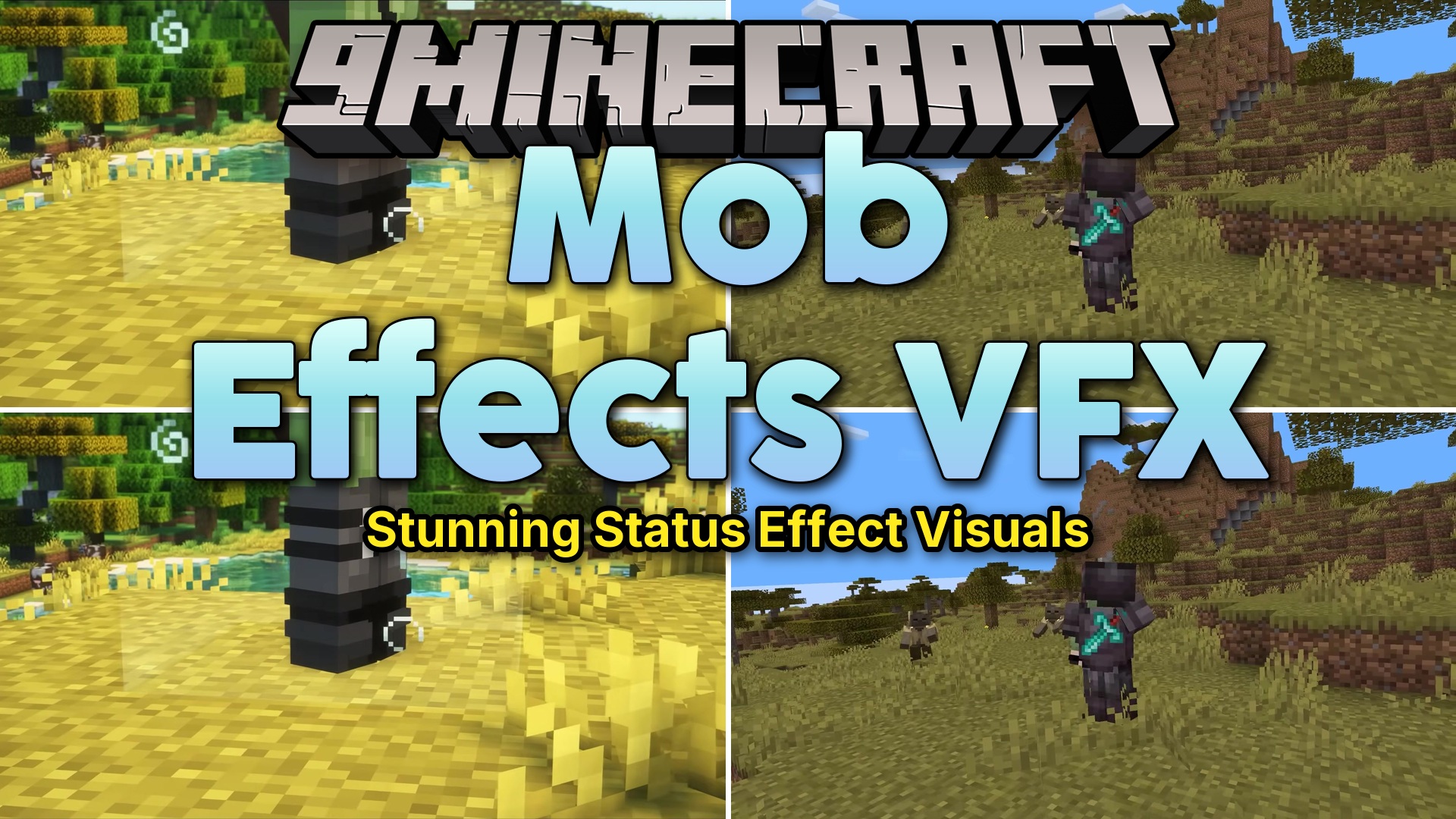
3 images from the Mob Effects Vfx Mod page.
You May Also Like
Wikis that share the most with this one
Wikis on the same theme: mobs
More mod wikis on the site
The most downloaded mods that have a wiki here
A few wikis from each of the other kinds