

 DownloadStylish Effects Mod
Get the files on 9Minecraft
Guides
Step-by-step, in-game.
How to Change the Status Effect Display Style on the HUD and InventoryStylish Effects lets you pick a different widget style for the HUD and for container screens independently, so you…How to Reposition and Resize the Effect Display to Avoid HUD OverlapIf the effect display covers your hotbar, minimap, or other HUD mods, you can move and scale it. Finding the position…How to See Your Active Effects Inside Containers Like Chests and FurnacesOne of Stylish Effects' key features is showing your active effects while any container screen is open, not just your…How to Show Effect Timers and Amplifier Levels in the Effect DisplayThe default Stylish Effects widget already shows a timer and the current amplifier, but you can control how these are…
Frequently asked questions
How do I open the Stylish Effects config screen?
Open the mod list from the main menu or pause screen, find Stylish Effects, and click its config button. You can also reach the settings through the  Mod Menu integration if you have it installed.
How do I change the effect display style on the HUD?
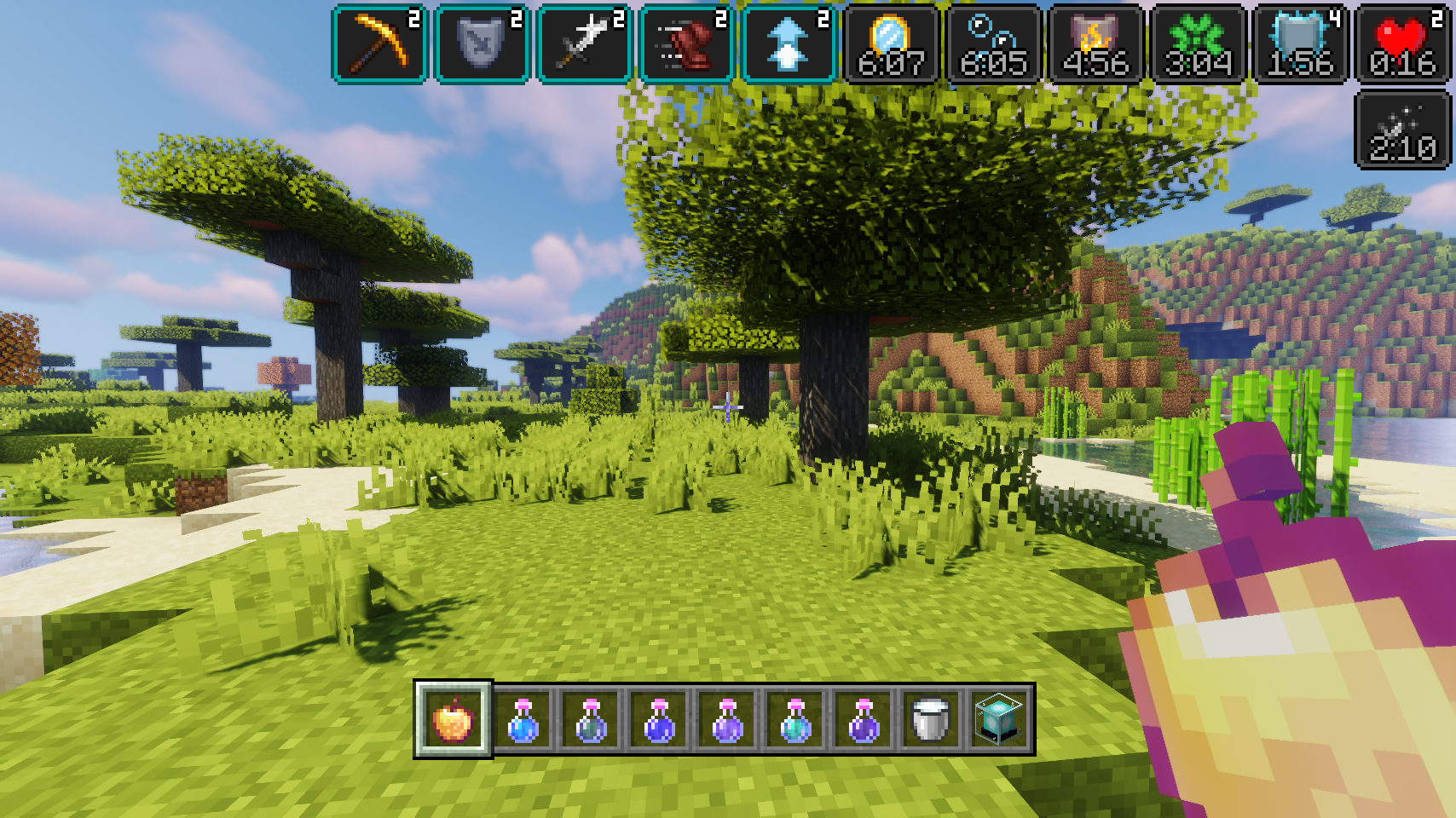
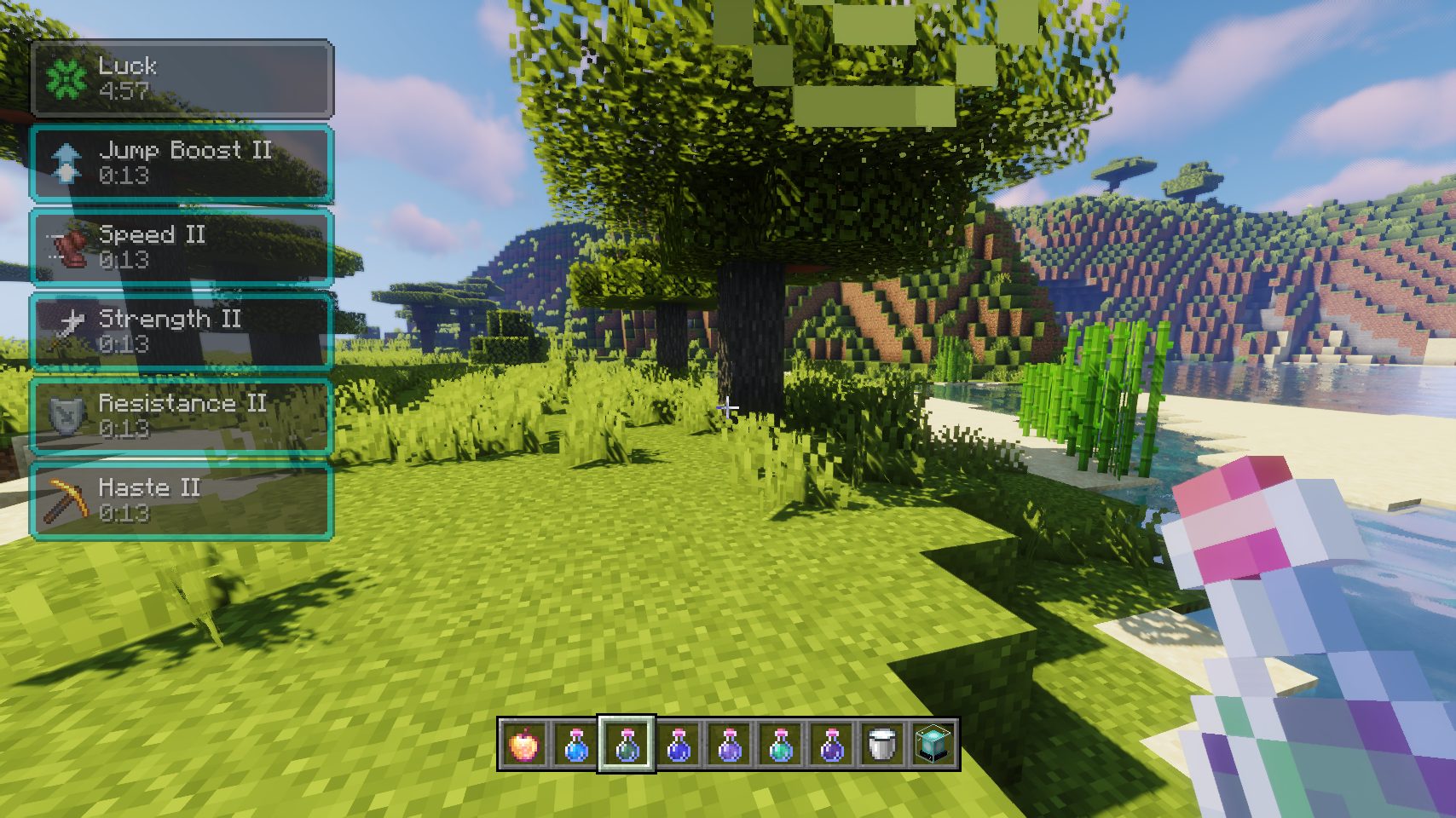
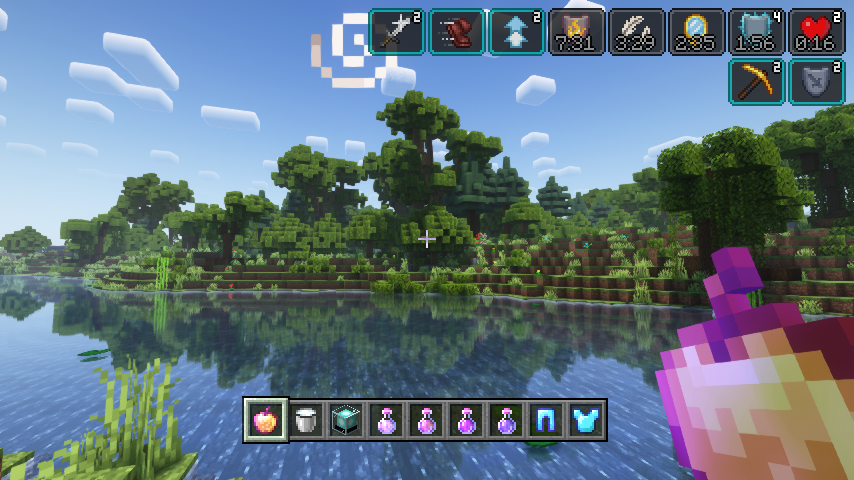
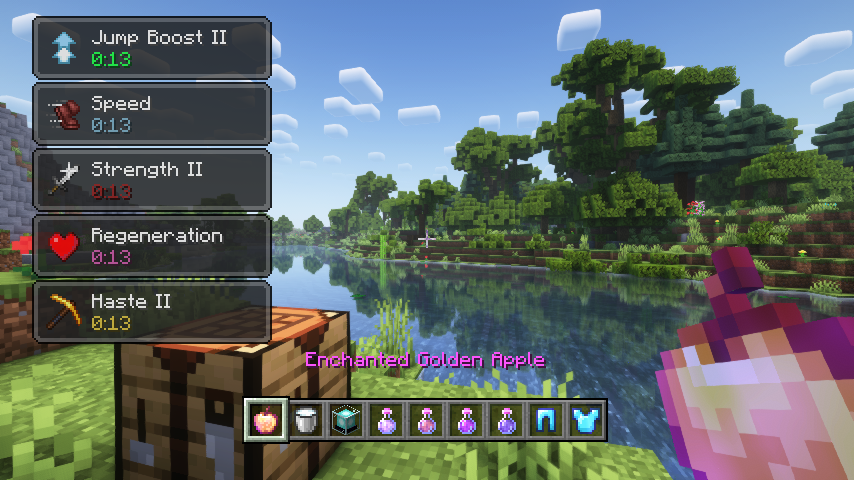
Open the Stylish Effects config and pick a widget mode for the HUD slot. You can choose the fancy new display, the vanilla-style display, or none at all, and the change applies immediately.
Can I use a different display style in the inventory than on the HUD?
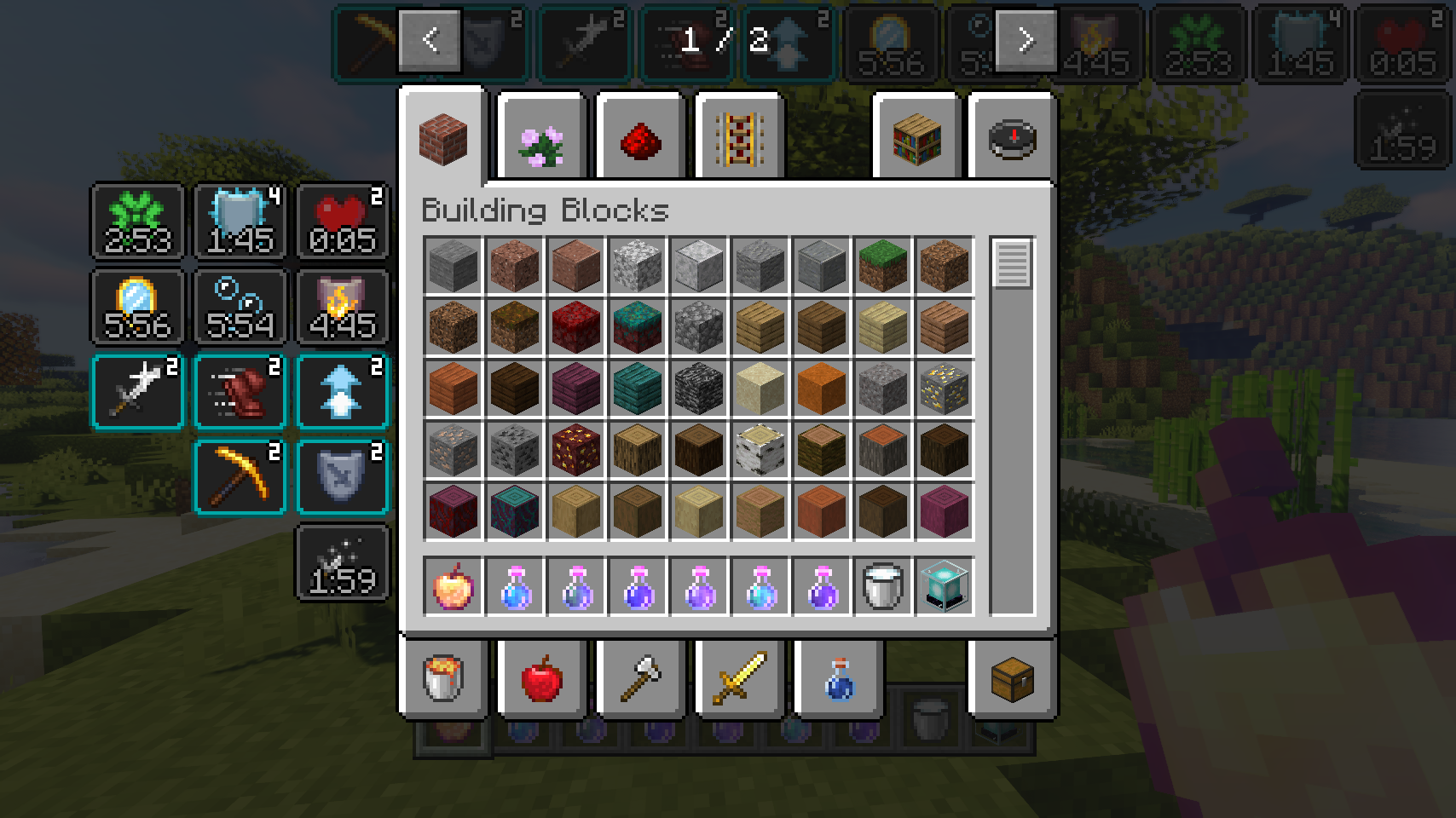
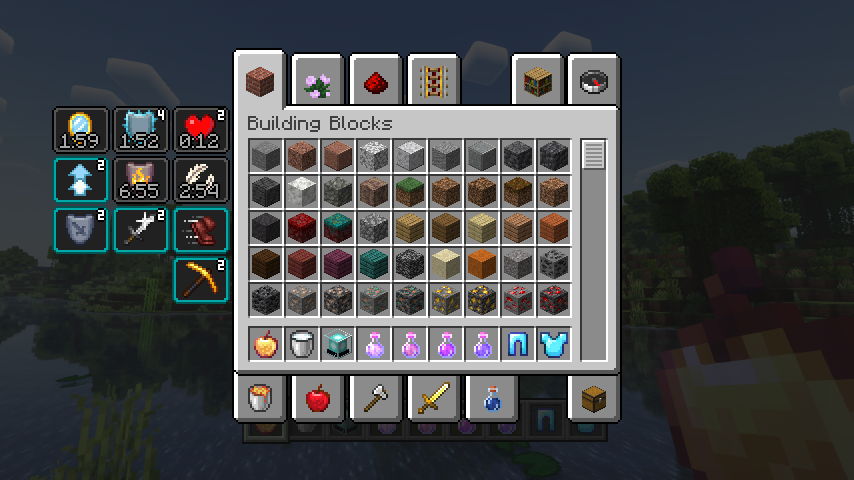
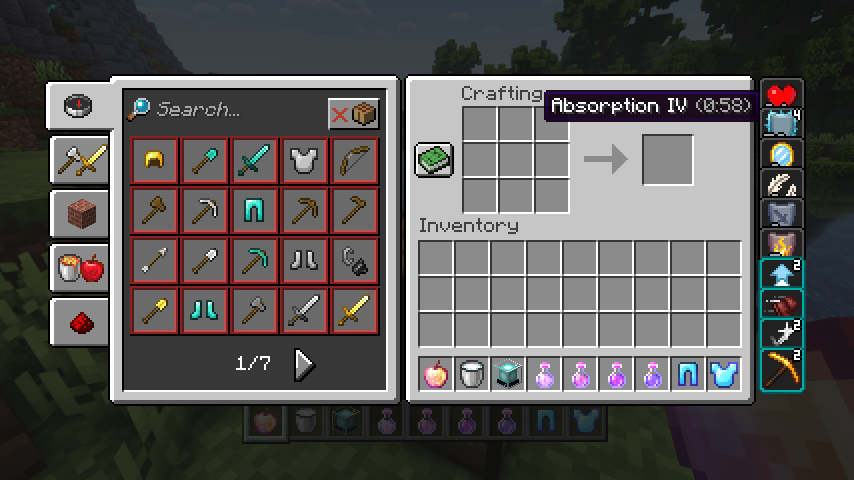
Yes, the HUD and inventory widget modes are  configured separately. Set each one to whatever style you prefer, including mixing vanilla-style in one place and the new compact style in the other.
How do I turn off the effect display entirely?
Set the widget mode for the HUD or inventory to none in the config. This hides the display in that location without disabling the effects themselves.
See all 10 Stylish Effects questions ›
Gallery
12 images from the Stylish Effects Mod page.
You May Also Like
Wikis that share the most with this one
More mod wikis on the site
The most downloaded mods that have a wiki here
A few wikis from each of the other kinds