

 DownloadFresh Animations
Get the files on 9Minecraft
Contents (6)
Guides
Step-by-step, in-game.
How to Fix Mobs That Aren't Animating With Fresh AnimationsFirst Checks If some or all mobs move stiffly, the pack is either not applied or being overridden. Go to Options,…How to Make Fresh Animations Work With Other Resource PacksUnderstanding the Load Order Fresh Animations only changes entity animations, so it is designed to sit on top of…How to Reduce Lag Caused by Fresh AnimationsWhy It Can Be Heavy Fresh Animations adds many more bones and moving parts to each mob, so the game does more work…How to Tell Which Mobs Fresh Animations ChangesWhat Gets Overhauled Fresh Animations focuses on the vanilla mobs you see most: passive animals like cows, pigs,…
What this pack changes
Every texture group the pack replaces, counted from the pack itself.
| Area | Textures replaced |
|---|---|
| Mobs & entities | 167 |
| Particles | 2 |
Pack format 84–999 (Minecraft 1.21.9)169 texture files in total
Extra features
Custom entity models (OptiFine/CEM)
Custom particles
Frequently asked questions
How do I turn Fresh Animations on?
Select it in Options > Resource Packs and move it to the selected list, then confirm. It only changes animations, so no mod loader or extra setup is needed beyond having the pack active.
Why do my mobs look the same after installing Fresh Animations?
Make sure the pack is actually in the selected column and sits above any other pack that edits the same entity models. If another pack overrides the same mob files, it will win and the new animations won't show.
Does Fresh Animations work in vanilla Minecraft or only with mods?
It works in vanilla because it's a resource pack, not a mod. Some extra features tied to specific mobs may need the matching add-on packs, but the core animations run without any mods.
What's the difference between Fresh Animations and the add-on packs?
The main pack reanimates the vanilla mobs, while add-ons extend or adjust those animations for specific mobs or variants. Load the main pack first and place add-ons above it so they can override correctly.
See all 20 Fresh Animations questions ›
Gallery
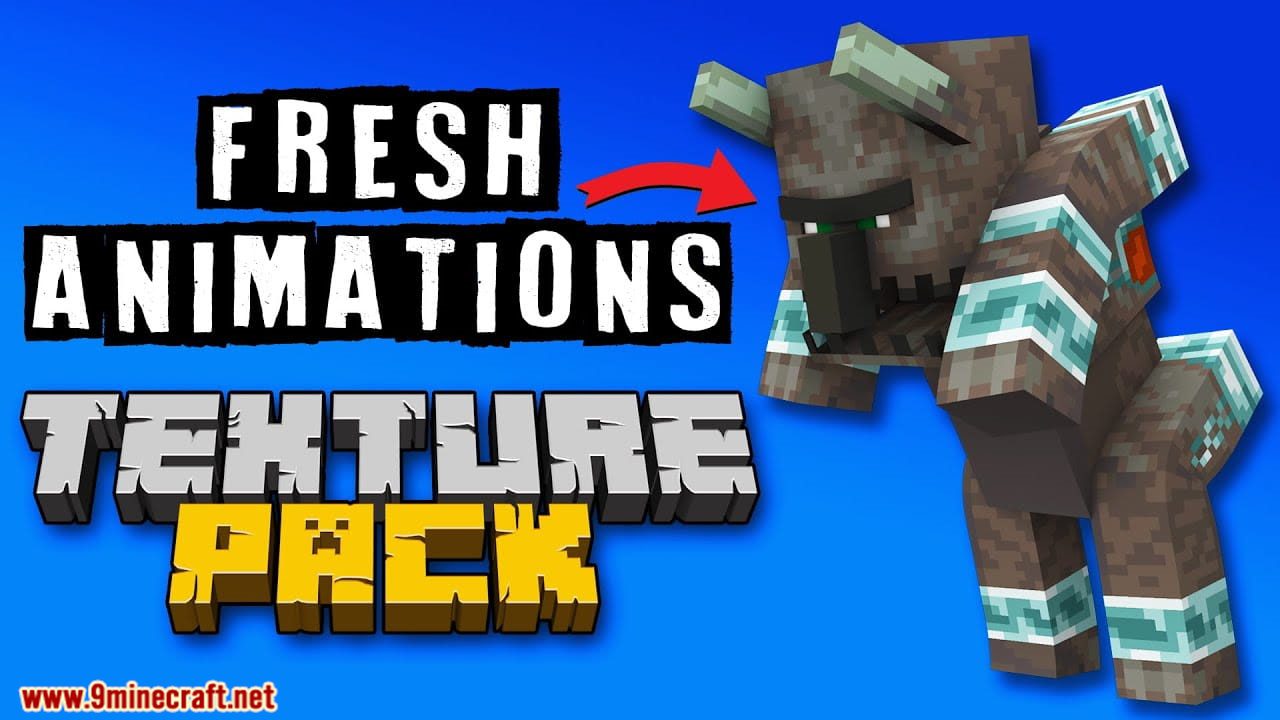
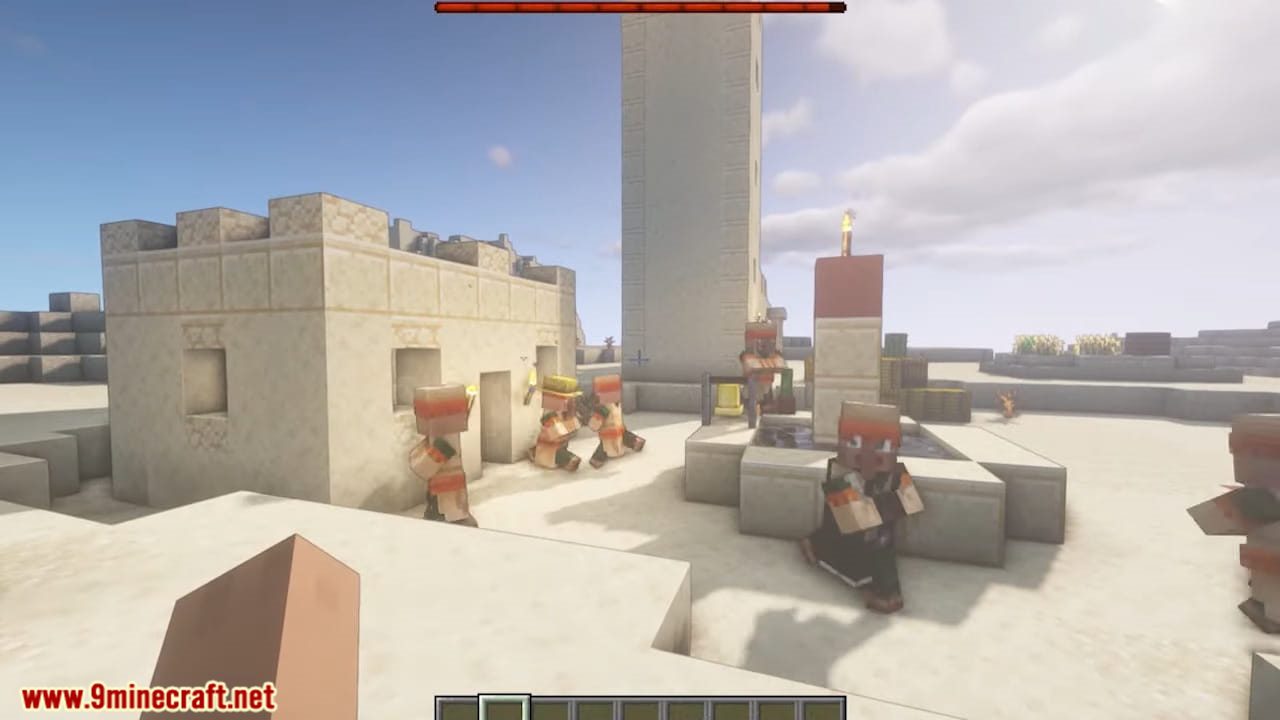
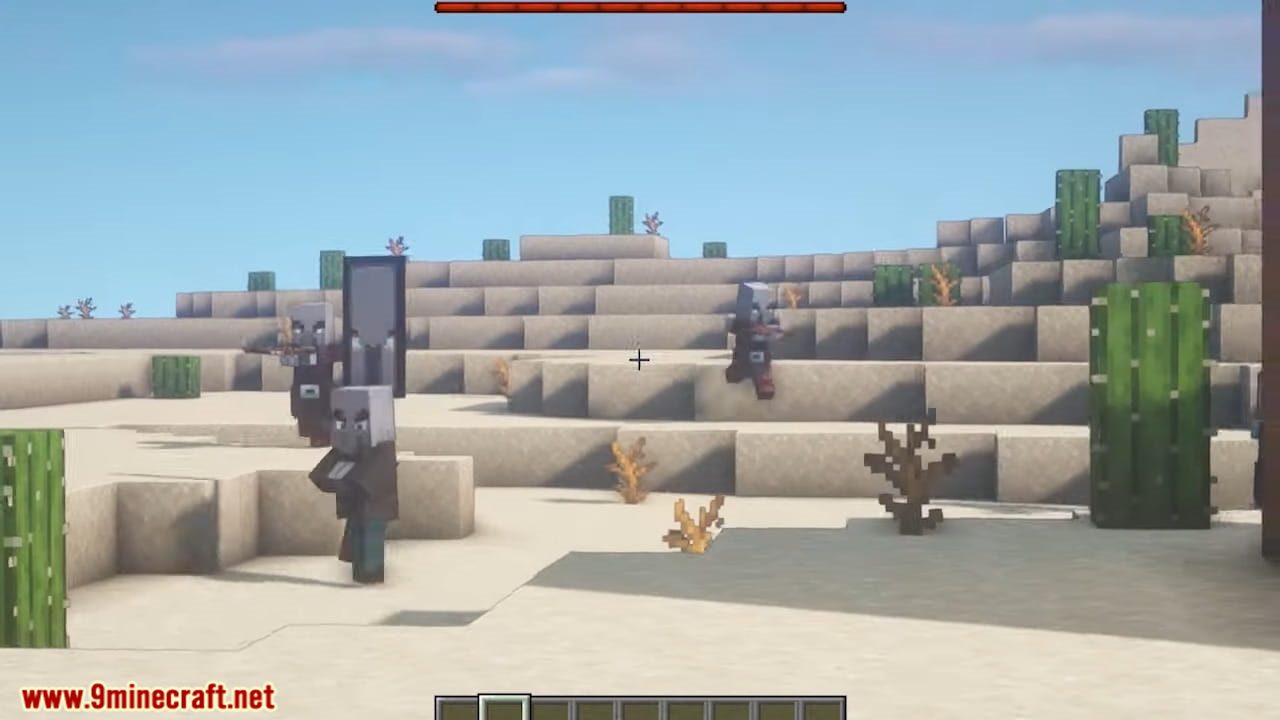
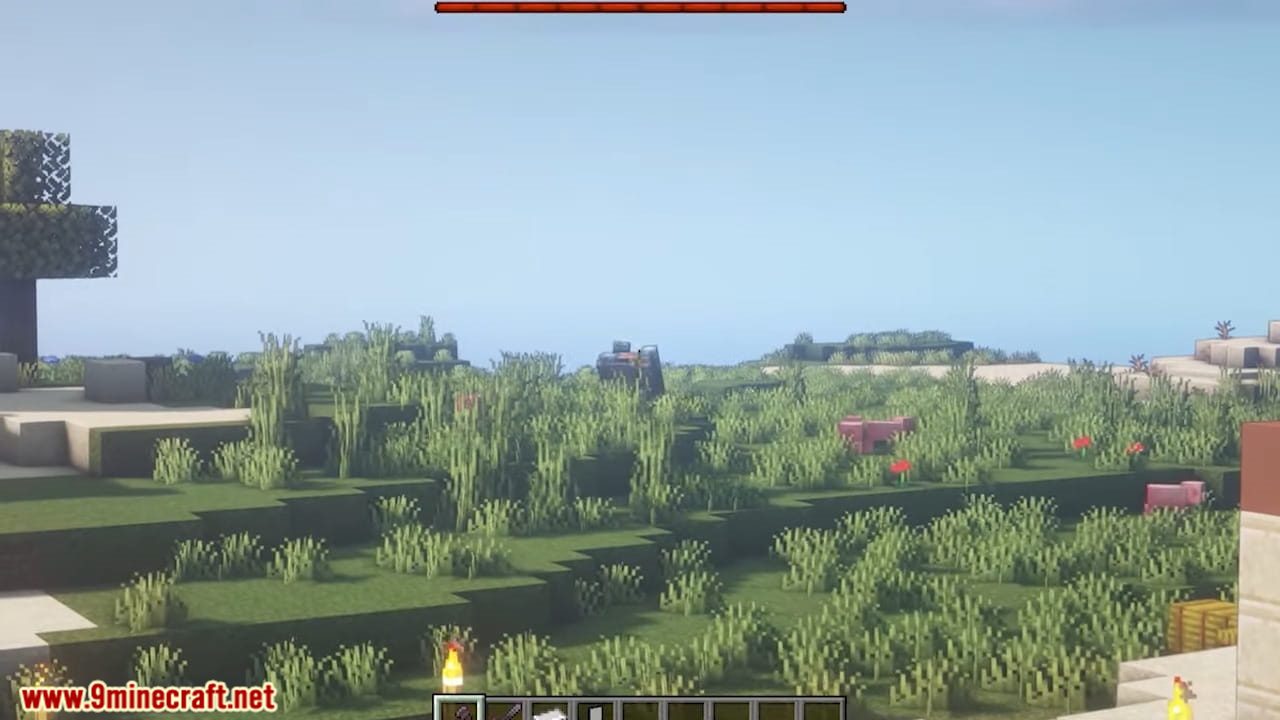
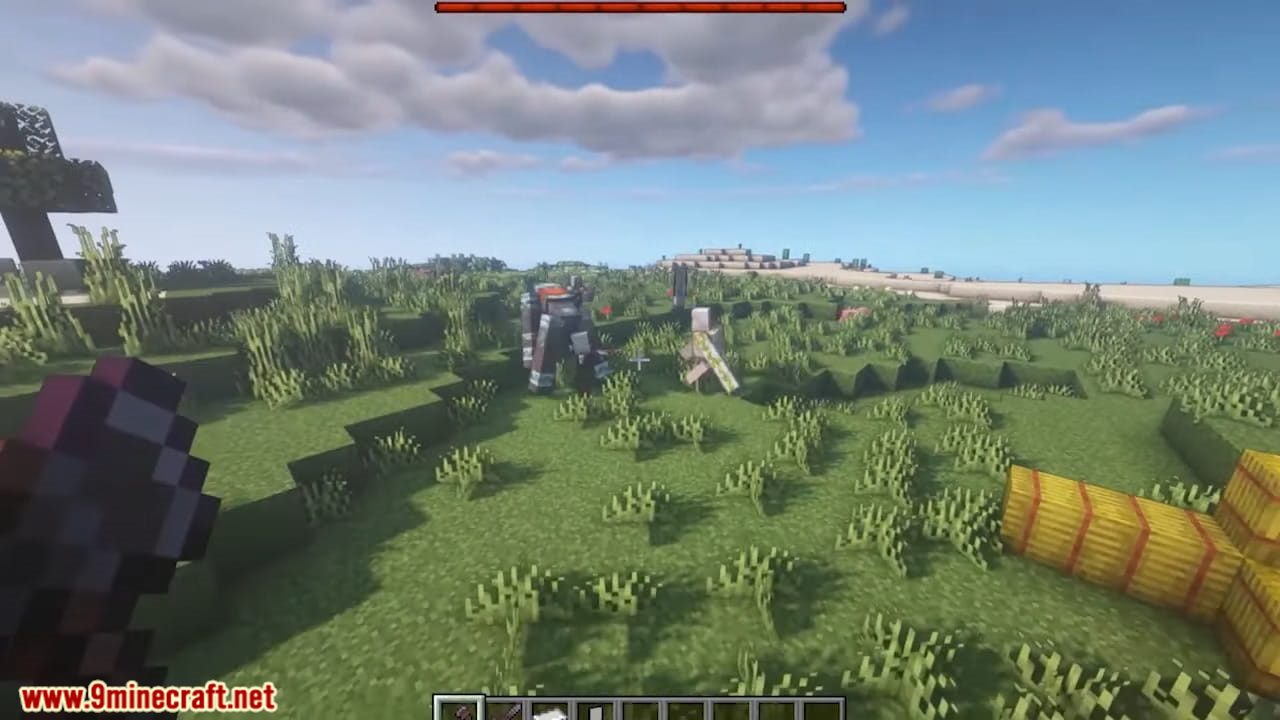
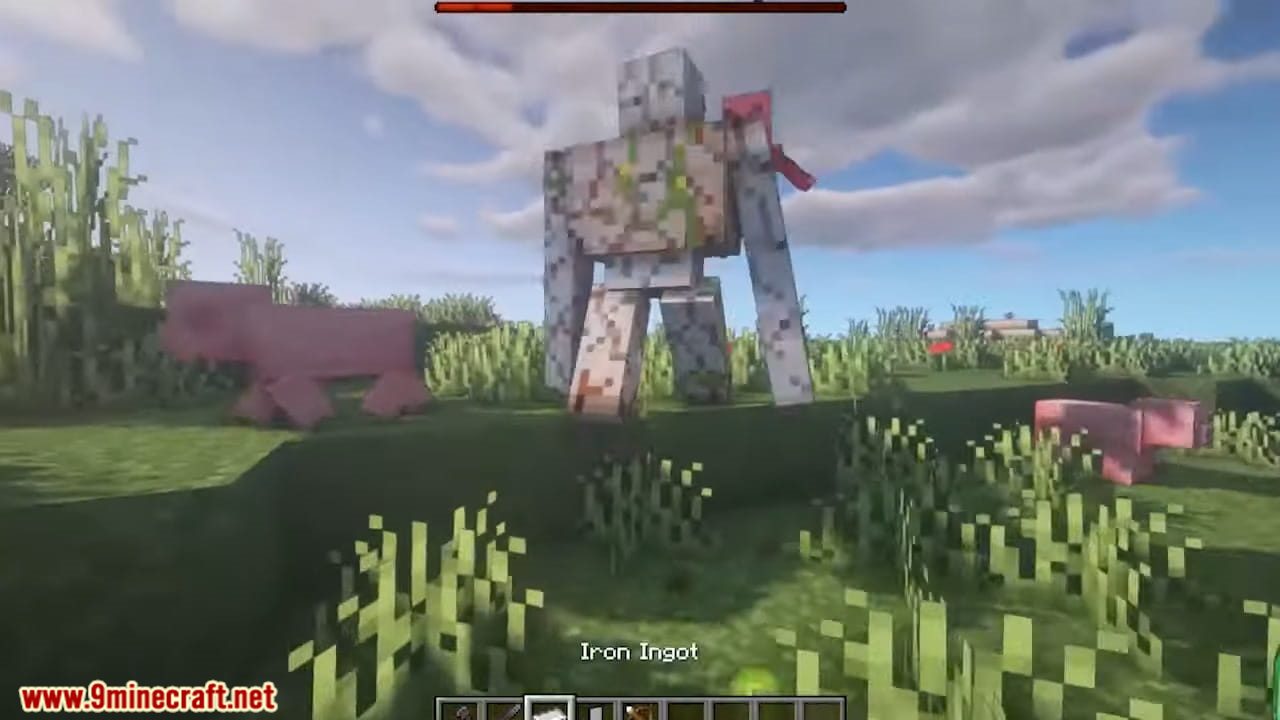
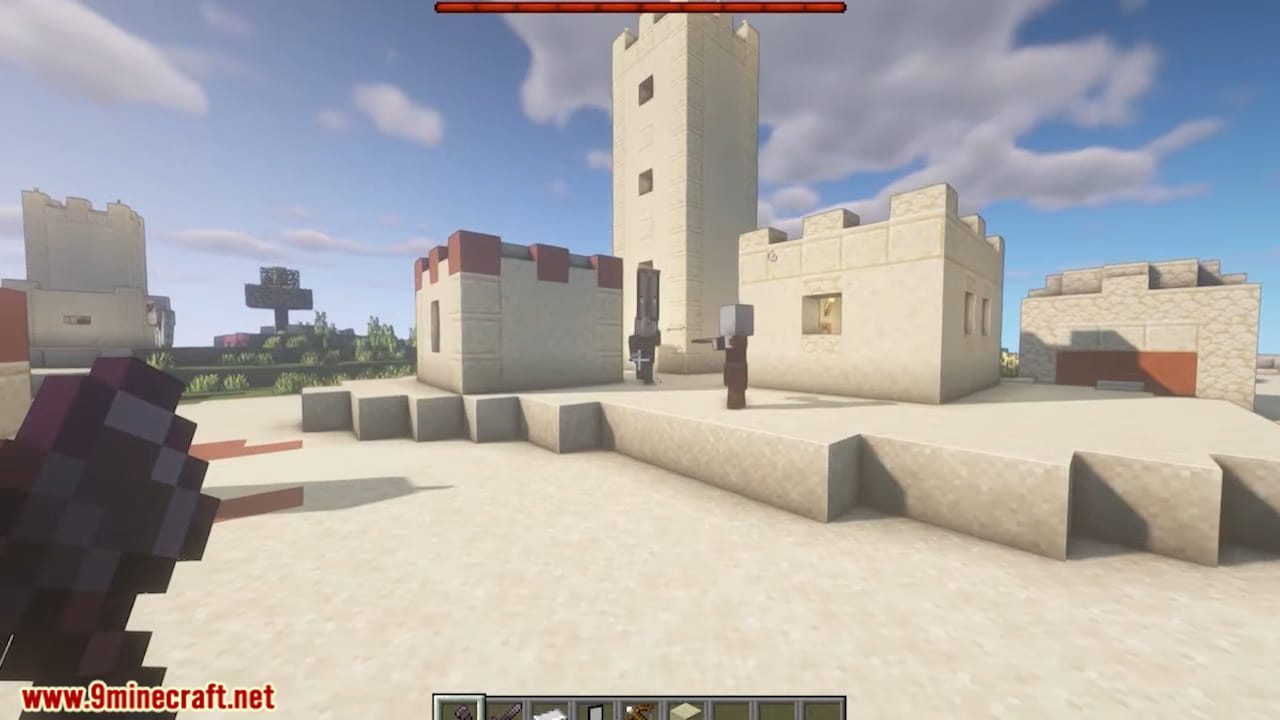
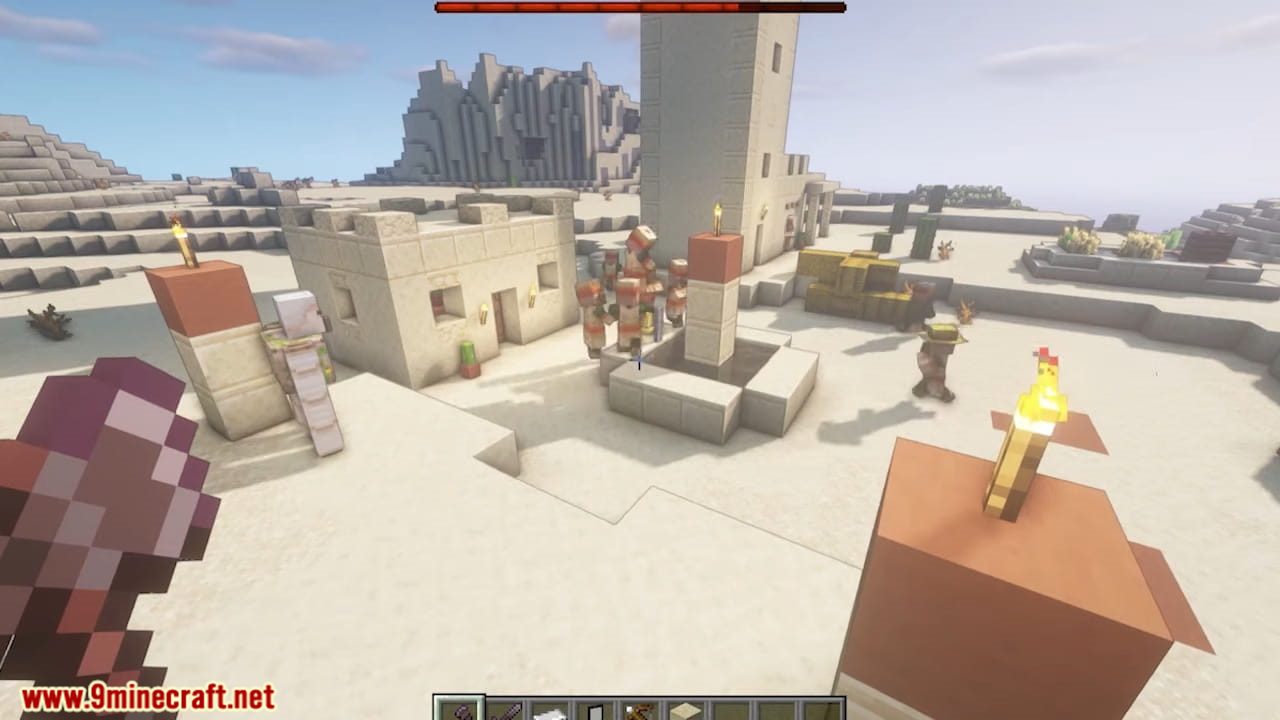
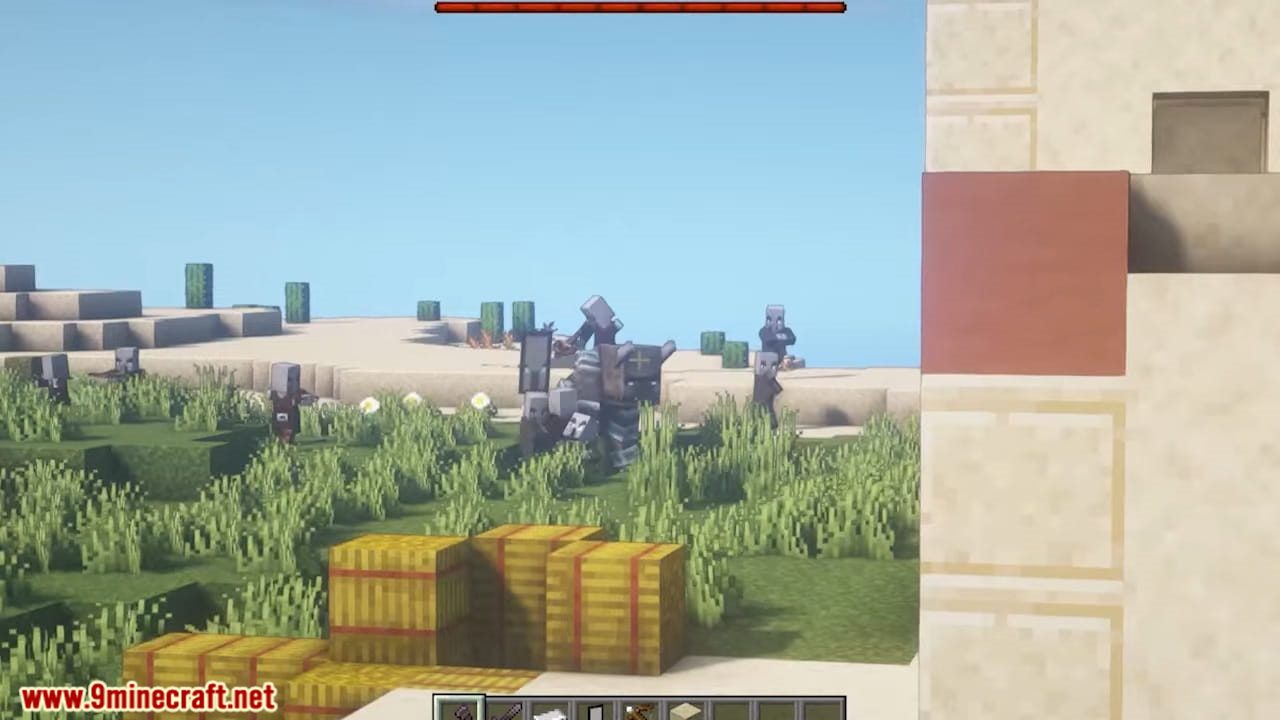
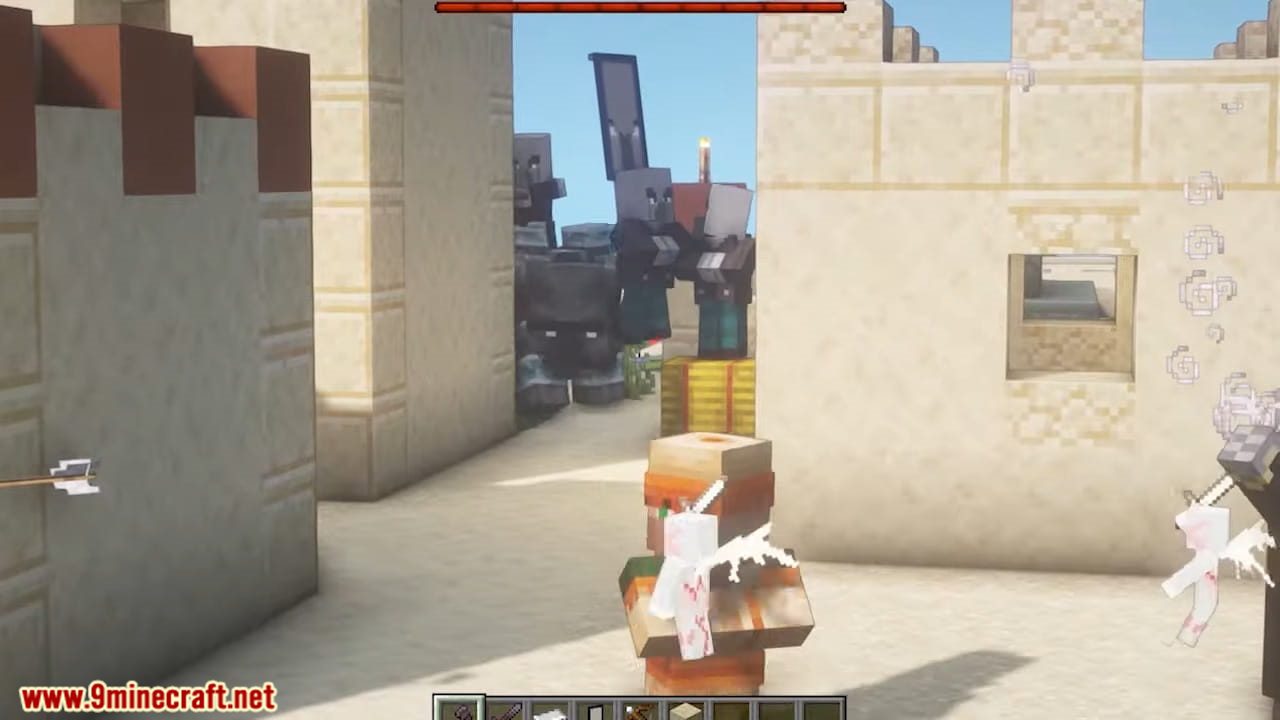
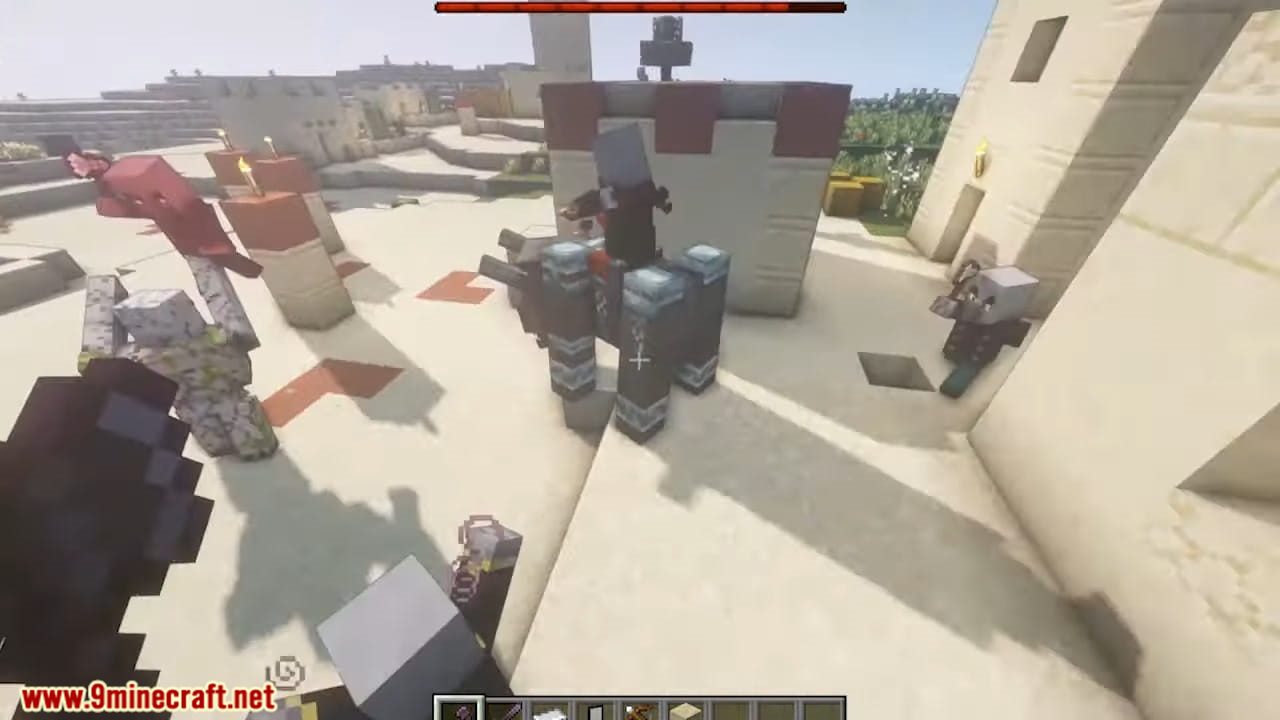
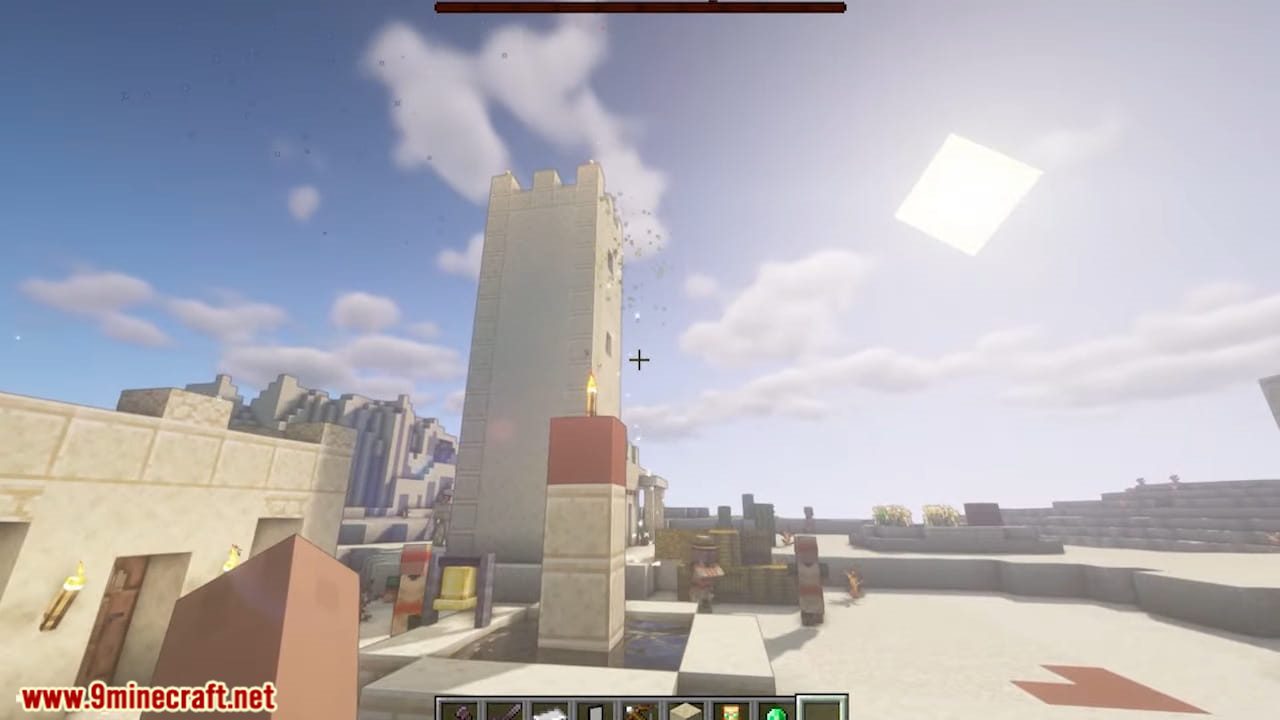
12 images from the Fresh Animations Resource Pack page.
You May Also Like
Wikis that share the most with this one
Fresh Animations Details Resource PackFresh Animations Objects Resource PackFresh Animations Emissive Resource PackWhimscape x Fresh Animations Resource PackMobs Refreshed Fresh Animations Resource PackAls Boss Rush X Fresh Animations Resource PackExcalibur Fresh Animations Patch Resource PackProgrammer Art x Fresh Animations Resource PackVillager Girls X Fresh Animations Resource PackFresh Animations: Player Extension Resource PackTrailers Vision X Fresh Animations Resource PackKing of the Nether X Fresh Animations Resource Pack
Wikis on the same theme: mobs
StriderZ Resource PackBaby Mobs Resource PackVjs Style Resource PackWhimscape Resource PackMob Crates Resource PackEggs N Eyes Resource PackSpawned Eggs Resource PackTexti Bylupin Resource PackRealistic Mobs Resource PackTrailers Vision Resource PackSoartex Fantastik Resource PackNeon Grid Protocol Resource Pack
More resource pack wikis on the site
Fresh Animations Player Extension 9minecraft Resource PackFps Boost PackFourte Resource PackFluid Motion Engine Resource PackFluffy Fancy Clouds Resource PackFluffy Carpets Resource PackFluent Role Details Resource PackFlowering Oak Leaves Resource PackFlowering Crops Growth Marker Resource Pack Flower Inventory Background Resource PackFlower Clusters Resource PackFloral Creeper Resource Pack
The most downloaded mods that have a wiki here
A few wikis from each of the other kinds