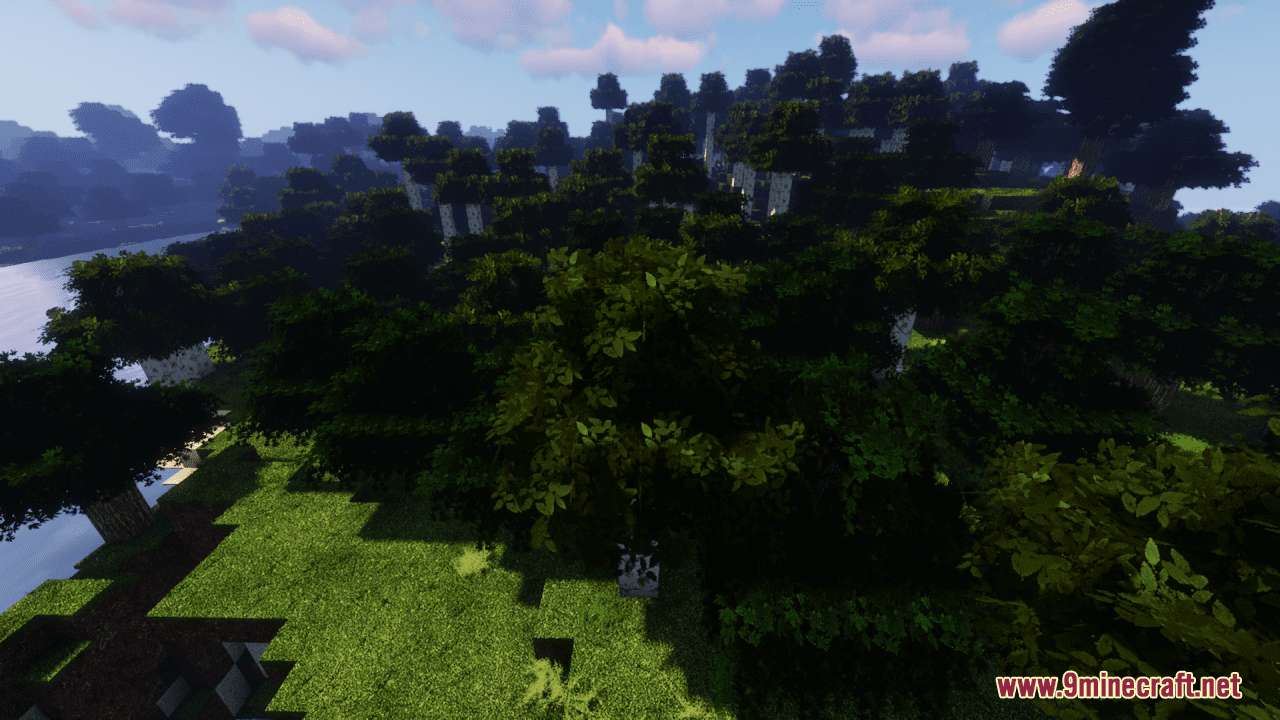
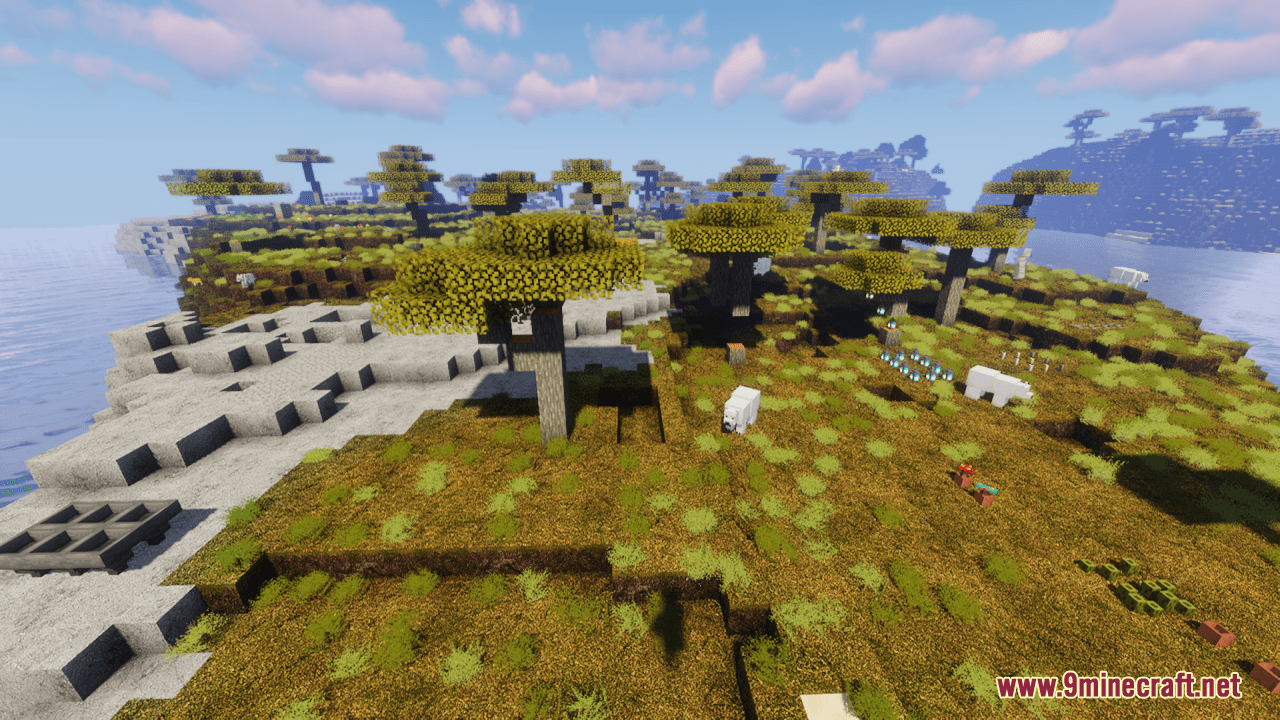
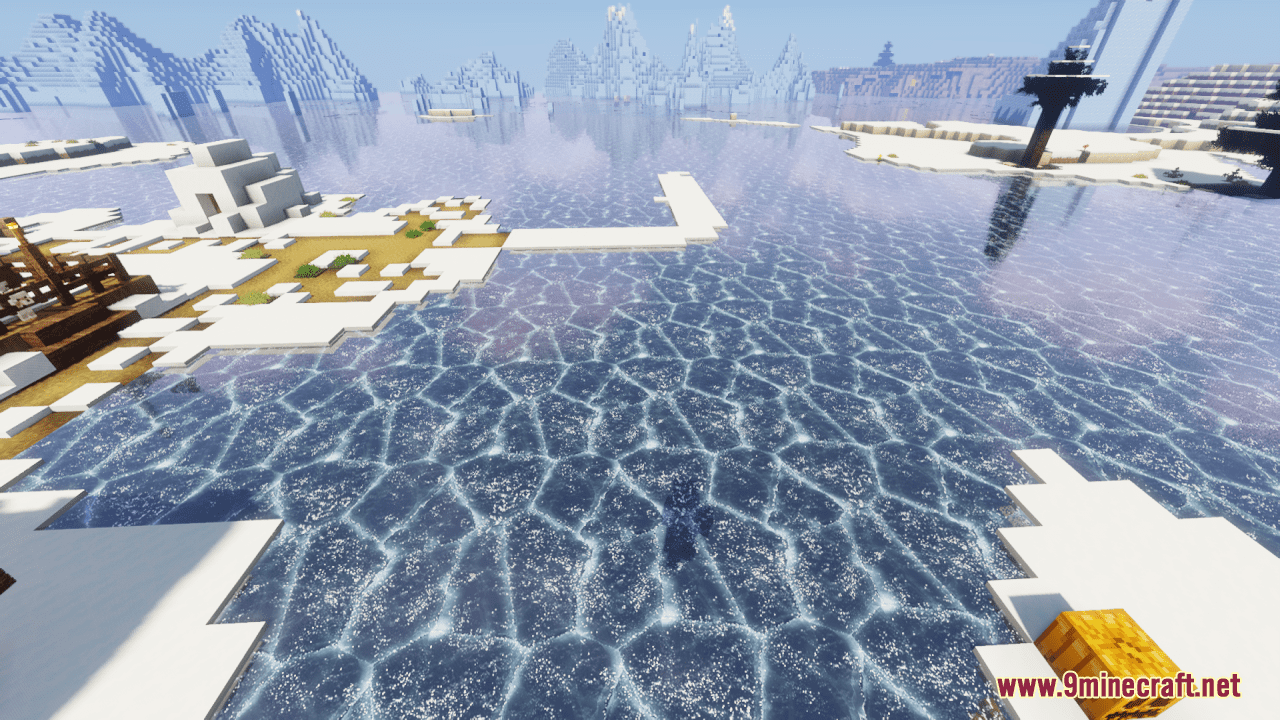
DownloadSummit Resource Pack
Get the files on 9Minecraft
Contents (8)
Guides
Step-by-step, in-game.
Adjusting Lighting and Brightness for Better VisibilityUnderstanding Summit's Lighting Changes Summit Resource Pack modifies how light behaves in Minecraft, creating more…Customizing Block and Item AppearanceUnderstanding Summit's Texture Variants Summit Resource Pack provides multiple texture variations for many blocks and…Enabling Smooth Textures and Reducing PixelationTexture Filtering Options Summit Resource Pack includes detailed textures designed to look refined and natural. To…Troubleshooting Texture Glitches and Missing TexturesCommon Texture Issues Occasionally, blocks or items may display incorrectly—appearing as purple-and-black…
Items
534 items · showing 24. Browse all →
 Acacia Boat
 Acacia Boat with Chest
 Acacia Door
 Acacia Hanging Sign
 Acacia Sign
 Allay Spawn Egg
 Amethyst Shard
 Angler Pottery Sherd
 Archer Pottery Sherd
 Armadillo Scute
 Armadillo Spawn Egg
 Armor Stand
 Arms Up Pottery Sherd
 Arrow
 Axolotl Spawn Egg
 Baked Potato
 Bamboo
 Bamboo Door
 Bamboo Hanging Sign
 Bamboo Raft
 Bamboo Raft with Chest
 Bamboo Sign
 Banner Pattern (Guster)
 Banner Pattern (Mojang)
Blocks
542 blocks · showing 24. Browse all →
 Acacia Leaves
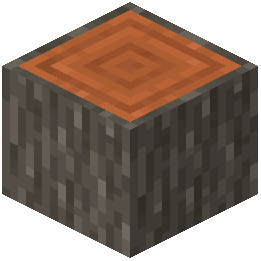 Acacia Log
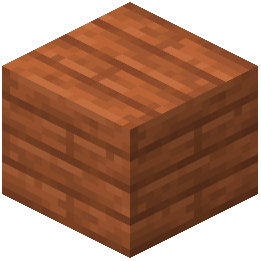 Acacia Planks
 Acacia Sapling
 Acacia Shelf
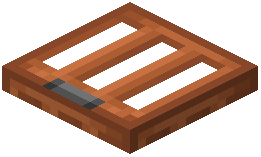 Acacia Trapdoor
 Activator Rail
 Allium
 Amethyst Cluster
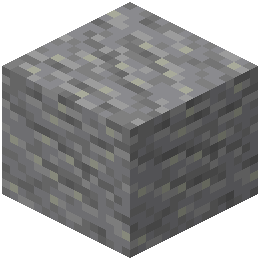 Andesite
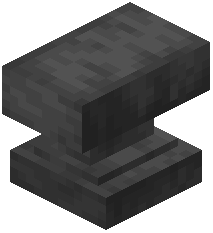 Anvil
 Apple
 Attached Melon Stem
 Attached Pumpkin Stem
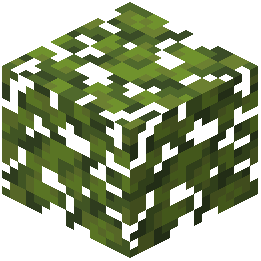 Azalea Leaves
 Azure Bluet
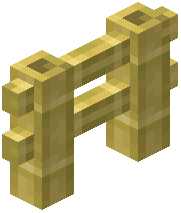 Bamboo Fence
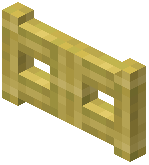 Bamboo Fence Gate
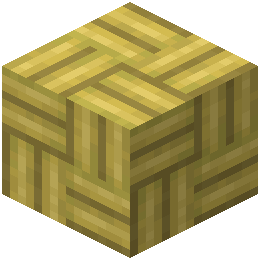 Bamboo Mosaic
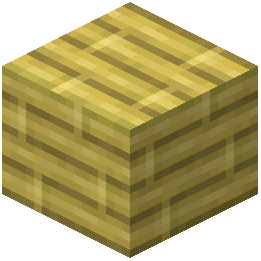 Bamboo Planks
 Bamboo Shelf
 Bamboo Shoot
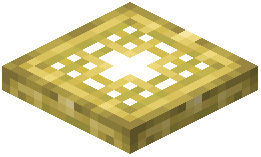 Bamboo Trapdoor
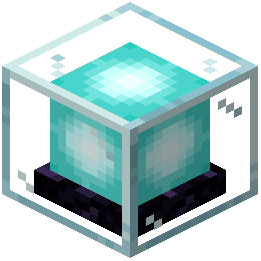 Beacon
What this pack changes
Every texture group the pack replaces, counted from the pack itself.
| Area | Textures replaced |
|---|---|
| Blocks | 2,875 |
| Items | 1,040 |
| Blocks | 478 |
| Mobs & entities | 429 |
| Items | 343 |
| GUI & menus | 320 |
| Particles | 112 |
| Models | 19 |
| Sky & weather | 18 |
| Paintings | 6 |
| Misc | 5 |
| Biome colours | 2 |
| Font | 1 |
| Waystone Overlays | 1 |
Pack format 61 (Minecraft 1.21.5)5,649 texture files in total
Extra features
Custom entity models (OptiFine/CEM)
Random entity textures
Custom font
Custom sounds
Custom block/item models
Reworked GUI
Custom particles
Frequently asked questions
How do I install Summit Resource Pack?
Place the downloaded .zip file into your resourcepacks folder without extracting it, then select it from the Resource Packs menu in Minecraft settings. Restart the game if it doesn't appear immediately.
Will Summit work with my shader mod?
Yes, Summit is designed to be compatible with most shader mods, but you may need to adjust your shader settings to get the best visual results since shaders can override some texture pack effects.
Why do some textures look blurry or pixelated?
Check your Mipmap Levels setting in Video Settings—increasing this can reduce pixelation at a distance. You can also enable Smooth Textures through the resource pack customization options if available.
Can I use Summit with other resource packs?
You can stack multiple resource packs in the Resource Packs menu by dragging them into priority order, with higher packs overriding lower ones—place Summit where you want its textures to take precedence.
Is Summit compatible with Bedrock Edition?
Summit is designed for Java Edition; Bedrock Edition uses a different texture format and may not display the pack correctly or at all.
How do I customize which blocks or items get the new textures?
Open the resource pack folder and navigate to the assets folder to find individual texture files you can modify or replace; refer to the Customizing Block and Item Appearance guide for detailed steps.
Why is my game lagging with Summit installed?
Try lowering your Mipmap Levels, disabling Smooth Textures, or reducing your render distance—if you're using shaders, disable them temporarily to isolate whether Summit or the shader is causing the slowdown.
Some textures are completely missing or showing as purple and black checkerboards—how do I fix this?
Regenerate your resource pack cache by deleting the shadercache folder in your .minecraft directory, then restart the game; if the issue persists, try reinstalling Summit.
Does Summit change the brightness or lighting of blocks?
Summit maintains Minecraft's default lighting system but may appear brighter or darker depending on your monitor settings and in-game brightness slider—see the Adjusting Lighting and Brightness guide for optimization tips.
Will Summit work with mod-added blocks and items?
Summit only provides textures for vanilla Minecraft blocks and items; mod-added content will use default textures unless the mod includes its own textures or another pack covers it.
You May Also Like
Wikis that share the most with this one
Wikis on the same theme: wood
More resource pack wikis on the site
Sulfur Sport Balls Resource PackSubtly Glowing Ores Resource PackStylized Liquids Resource PackStupendous Visuals Resource PackStriderZ Resource PackStory Mode Leaves Resource PackStory Mode Clouds Resource PackSTONEBORN UI Overhaul Resource PackSTONEBORN Meï’s Additions for Modded GU is Resource PackStoneborn Dwarven Fantasy Inspired Gear Overhaul Resource PackSTONEBORN Denis’ Mod Compats Resource PackSTm Pack Immersive Railroading Resource Pack
The most downloaded mods that have a wiki here
A few wikis from each of the other kinds
Gallery
12 images from the Summit Resource Pack page.