

 DownloadBlackium Resource Pack
Get the files on 9Minecraft
Contents (8)
Guides
Step-by-step, in-game.
Achieve a Cohesive Black and White AestheticUnify Your Game's Color Scheme Blackium transforms multiple game elements to maintain a consistent black and white…Customize Your Sky and LightingReplace Day and Night Skies Blackium includes custom sky textures for both day and night. These replace the default…Enable the PvP Add-on for CombatActivate the PvP Overlay The Blackium Resource Pack includes a dedicated PvP add-on that enhances visibility during…Match Mod Icons to Your Dark ThemeUpdate Voice Chat and Armor Mod Icons Blackium includes custom icon updates for popular mods like voice chat and…
Items
A
 Apple
B
 Bone Meal
 Bottle o' Enchanting
 Bread
 Bucket
 Bucket of Tadpole
C
 Chorus Fruit
 Cooked Chicken
D
 Diamond
 Diamond Axe
 Diamond Boots
 Diamond Chestplate
 Diamond Helmet
 Diamond Hoe
 Diamond Horse Armor
 Diamond Leggings
 Diamond Pickaxe
 Diamond Shovel
 Diamond Sword
 Dragon's Breath
E
 Elytra
 Enchanted Book
 End Crystal
 Ender Pearl
 Eye of Ender
F
 Fire Charge
G
 Golden Apple
I
 Iron Golem Spawn Egg
L
 Lava Bucket
M
 Mace
 Milk Bucket
N
 Netherite Axe
 Netherite Boots
 Netherite Chestplate
 Netherite Helmet
 Netherite Hoe
 Netherite Ingot
 Netherite Leggings
 Netherite Pickaxe
 Netherite Scrap
 Netherite Shovel
 Netherite Sword
P
 Popped Chorus Fruit
 Powder Snow Bucket
R
 Raw Chicken
 Raw Iron
T
 Totem of Undying
W
 Water Bucket
Blocks
B
 Beacon
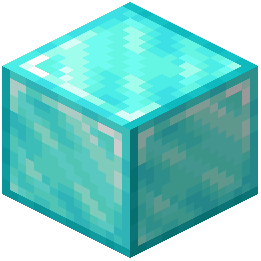 Block of Diamond
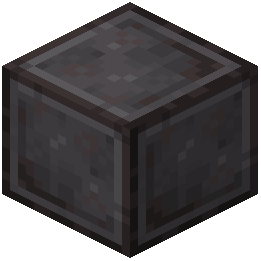 Block of Netherite
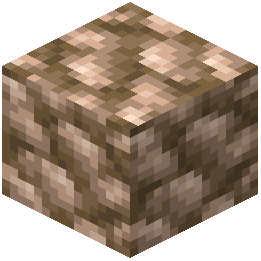 Block of Raw Iron
C
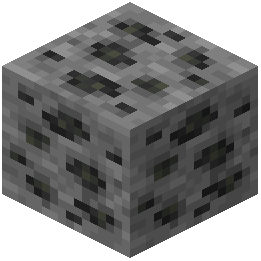 Coal Ore
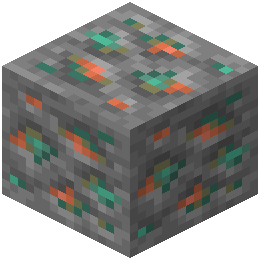 Copper Ore
D
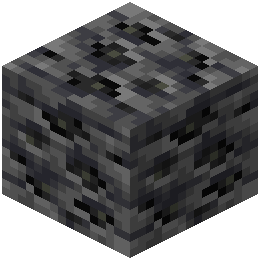 Deepslate Coal Ore
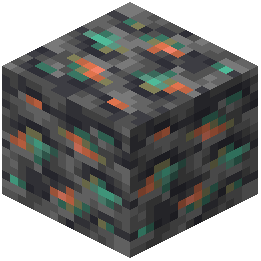 Deepslate Copper Ore
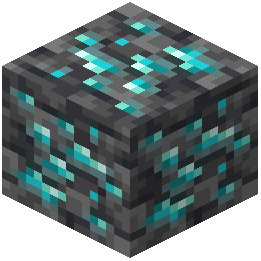 Deepslate Diamond Ore
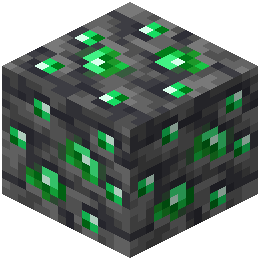 Deepslate Emerald Ore
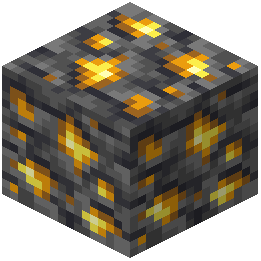 Deepslate Gold Ore
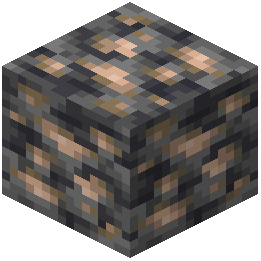 Deepslate Iron Ore
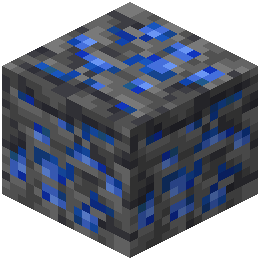 Deepslate Lapis Lazuli Ore
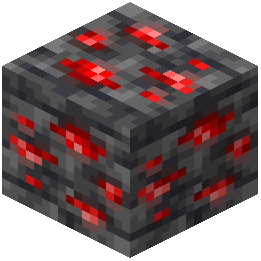 Deepslate Redstone Ore
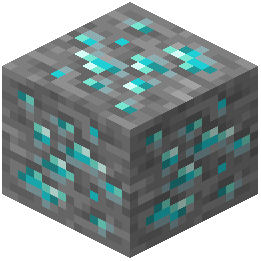 Diamond Ore
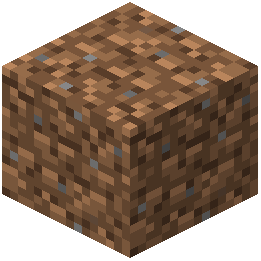 Dirt
E
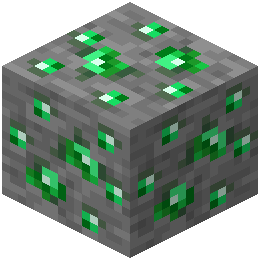 Emerald Ore
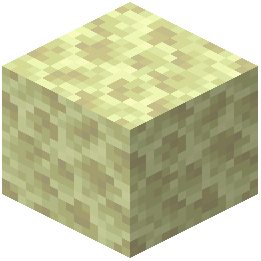 End Stone
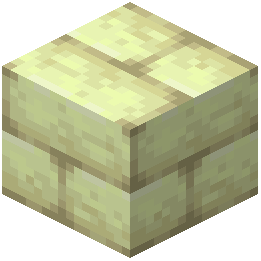 End Stone Bricks
F
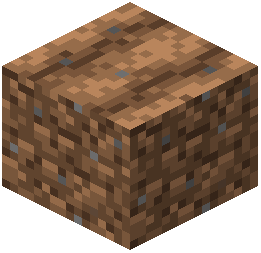 Farmland
G
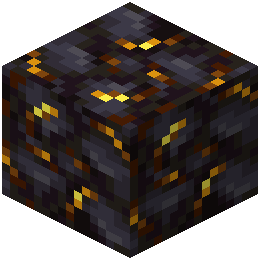 Gilded Blackstone
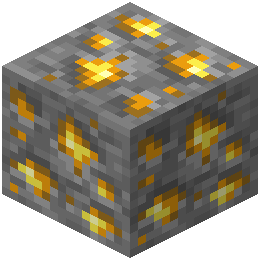 Gold Ore
I
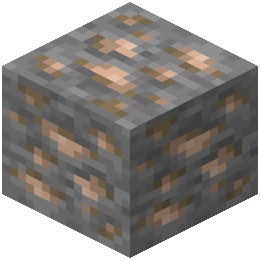 Iron Ore
L
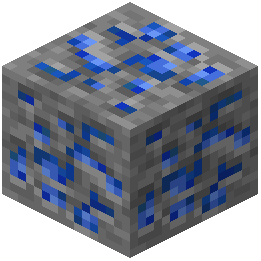 Lapis Lazuli Ore
N
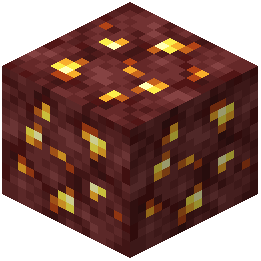 Nether Gold Ore
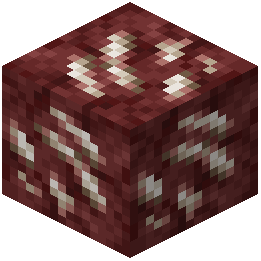 Nether Quartz Ore
O
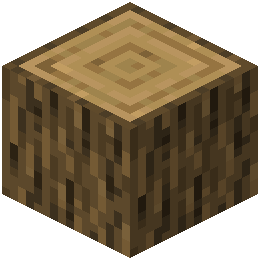 Oak Log
P
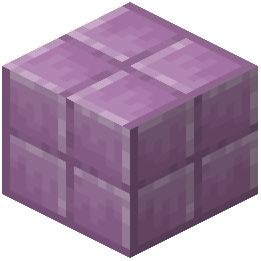 Purpur Block
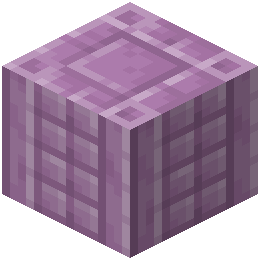 Purpur Pillar
R
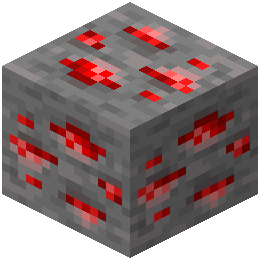 Redstone Ore
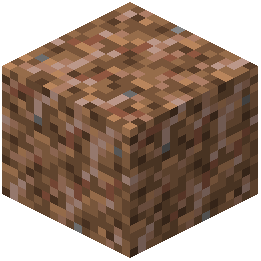 Rooted Dirt
What this pack changes
Every texture group the pack replaces, counted from the pack itself.
| Area | Textures replaced |
|---|---|
| GUI & menus | 447 |
| Mobs & entities | 78 |
| Blocks | 58 |
| Items | 57 |
| Particles | 49 |
| Icons | 21 |
| Sky & weather | 13 |
| Misc | 9 |
| Armor trims | 8 |
| Biome colours | 1 |
Pack format 34–88 (Minecraft 1.21.2–1.21.9)742 texture files in total
Extra features
Custom shaders
Custom sounds
Sound overrides
Custom block/item models
Reworked GUI
Custom particles
Frequently asked questions
How do I activate the PvP add-on?
Load the main Blackium Resource Pack first, then enable the separate PvP add-on file in your resource pack list—it should sit directly below the main pack. The add-on layers on top to highlight weapon outlines and adjust block visibility for combat.
Why does my sky look different than the screenshots?
The custom sky only appears when you have the resource pack fully applied to your world. If you're using other sky-modifying packs or mods, they may conflict; try disabling them or placing Blackium higher in your resource pack order.
Can I use this with other texture packs?
Yes, but Blackium works best as your primary pack since it's designed as a complete theme. If you stack it with other packs, place Blackium lower in the list so its textures take priority, though some conflicts may still occur.
My armor icons don't match the dark theme—how do I fix it?
Blackium includes custom armor mod icons, but they only display if you have the compatible armor or cosmetic mod installed. Check that your mod is up to date and that Blackium is loaded after it in your resource pack order.
Does this pack work with voice chat mods?
Yes—Blackium includes a custom dark-themed voice chat menu interface that automatically applies when you have a compatible voice chat mod enabled.
Why is my experience number still colored instead of white?
The experience font only turns white if you're using specific text modification mods that Blackium is designed to support. Without those mods, the XP counter keeps its default appearance.
Will this pack affect my performance?
Blackium is a resource pack, not a mod, so it has minimal performance impact—it only changes textures and visuals, not game mechanics. You should see no FPS difference compared to vanilla.
Can I customize which blocks get the black and white treatment?
Resource packs don't offer in-game customization options; you'd need to edit the pack files directly using a texture editor if you want to change specific block colors.
Does the PvP add-on work in multiplayer servers?
Yes, the PvP add-on is client-side only, so it works on any server—other players won't see your custom textures, but you'll have your combat advantages locally.
Why do some menu buttons look blurry or cut off?
This usually happens if your GUI scale is set too high or too low in video settings. Try adjusting your GUI scale to see if the custom dark menu elements render correctly.
You May Also Like
Wikis that share the most with this one
 Cozy Beds Resource Pack
Wikis on the same theme: ore
More resource pack wikis on the site
Black Mesa Skyboxes Resource PackBlack Gui Resource PackBlack Girlfriend Totem of Undying Resource PackBlack Flash Pvp Pack Resource PackBharat Rail Transit Resource PackBeyond Huds Resource PackBeyond Horses Resource PackBeyond Epic Fight WEAPON Compat Resource PackBetterX Texture Fix 9minecraft Resource PackBetter Vanilla BuildingBetterrtx Remastered Resource PackBetterHotbar+ Resource Pack
The most downloaded mods that have a wiki here
A few wikis from each of the other kinds
Gallery
9 images from the Blackium Resource Pack page.


