

 DownloadRapid Transit Draft Resource Pack
Get the files on 9Minecraft
Guides
Step-by-step, in-game.
Adapt Q-Train Cars to Different Platform SizesMeasure Your Station Platforms Before spawning trains, check your platform length in blocks. Most standard Minecraft…Build a Realistic Metro Line with Q-Train LiveriesChoose Your Line Style Decide which livery matches your metro aesthetic. The Urban line works well for generic city…Create Cargo Operations with Baggage CarsMatch Baggage Car Size to Your Fleet The Airport Express baggage car is available in normal, small, and mini sizes.…Set Up Custom Train Sounds for Your RouteAssign Sounds to Specific Lines The Tung Chung Line livery includes custom BVE train sounds built in. When you spawn…
Frequently asked questions
How do I get Q-Train models to appear in the game?
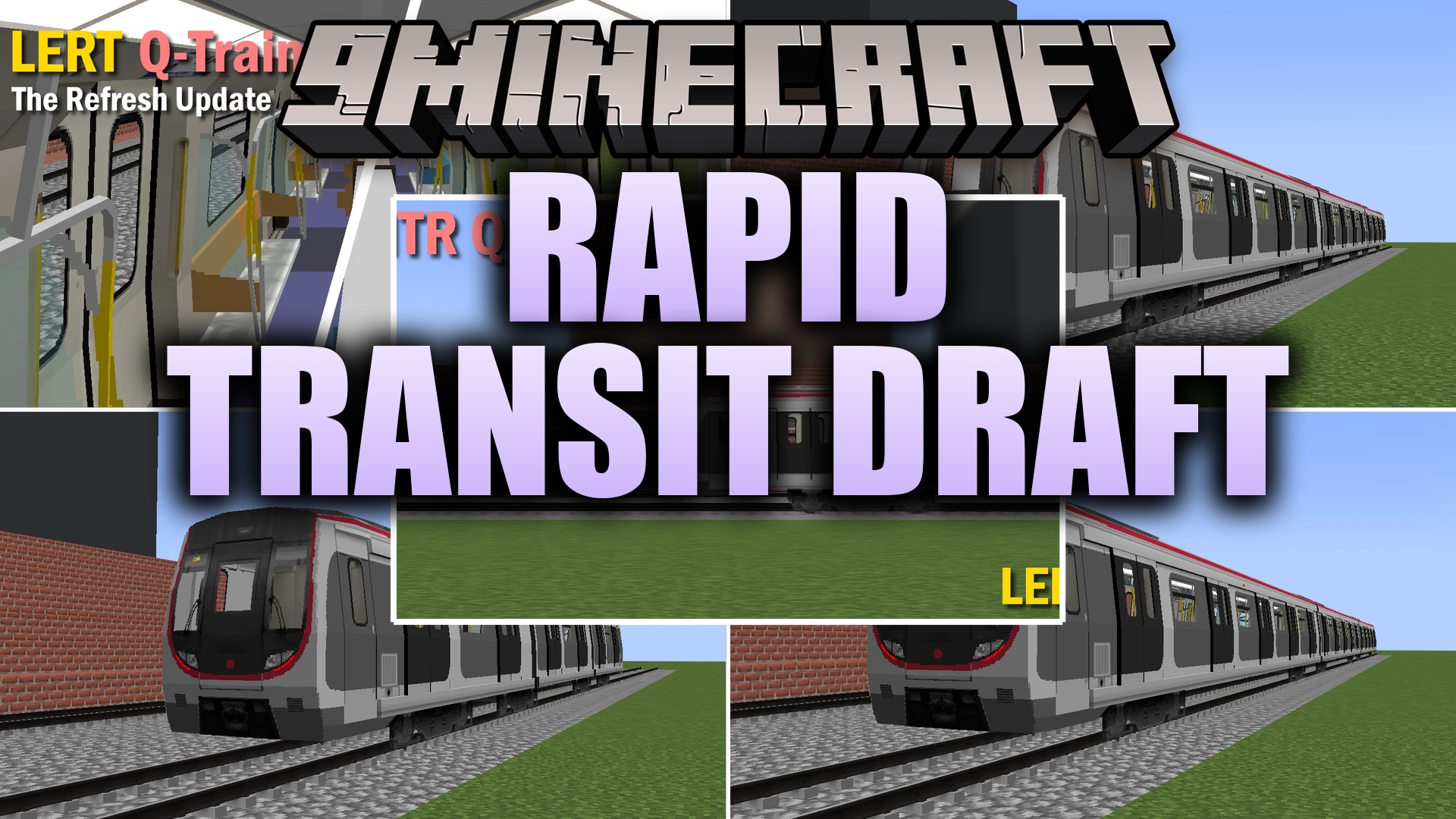
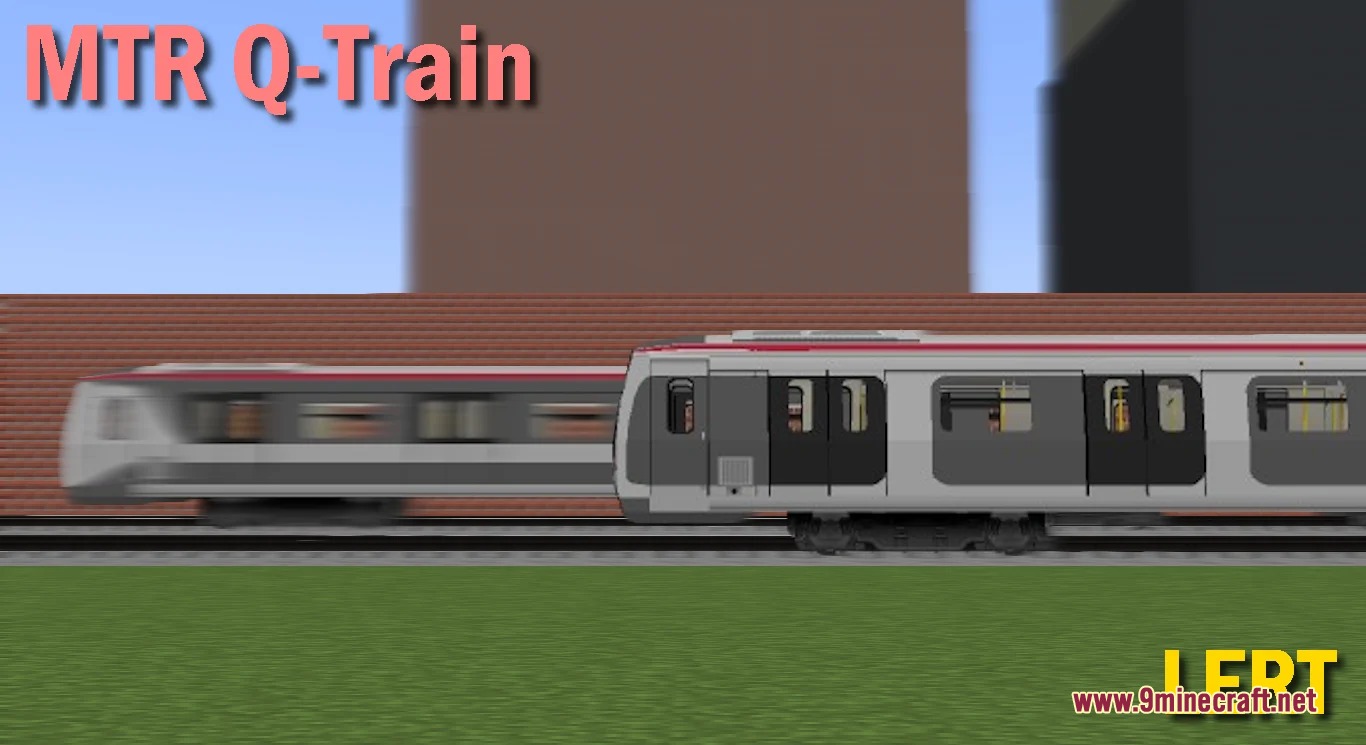
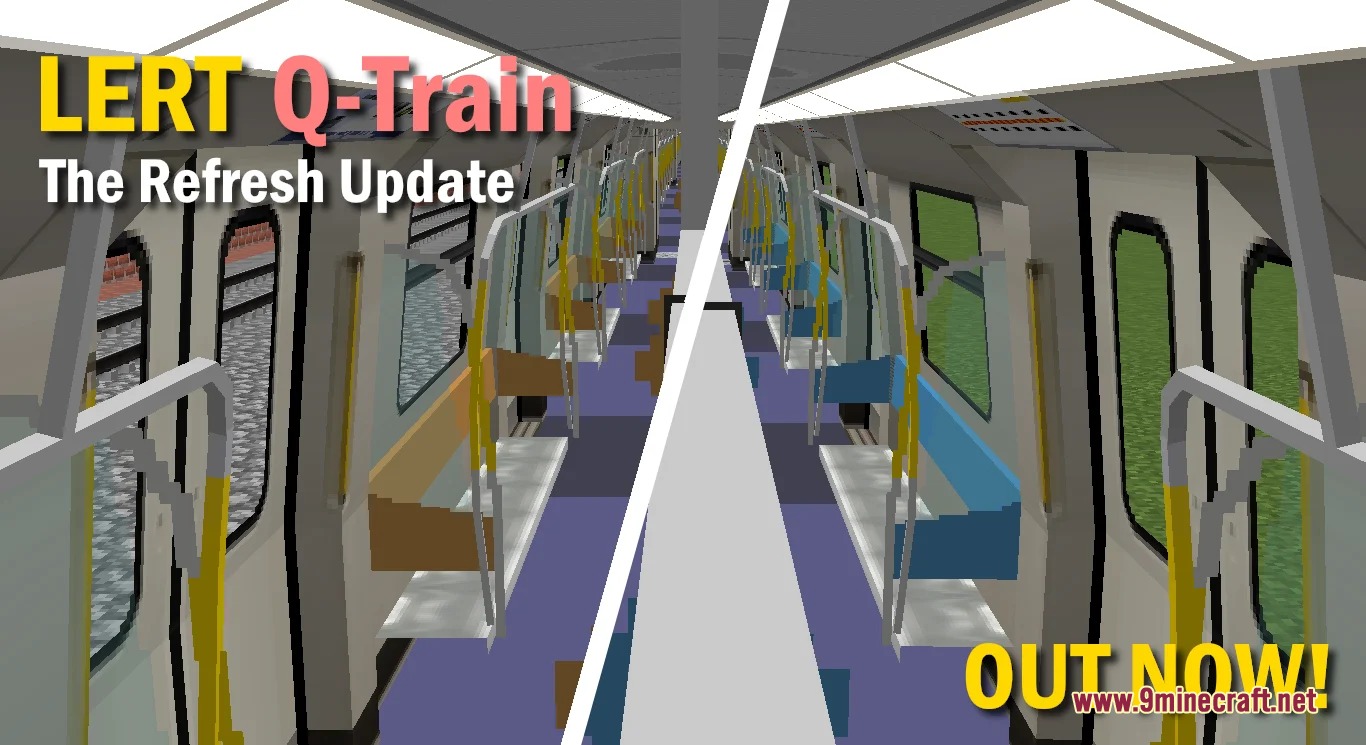
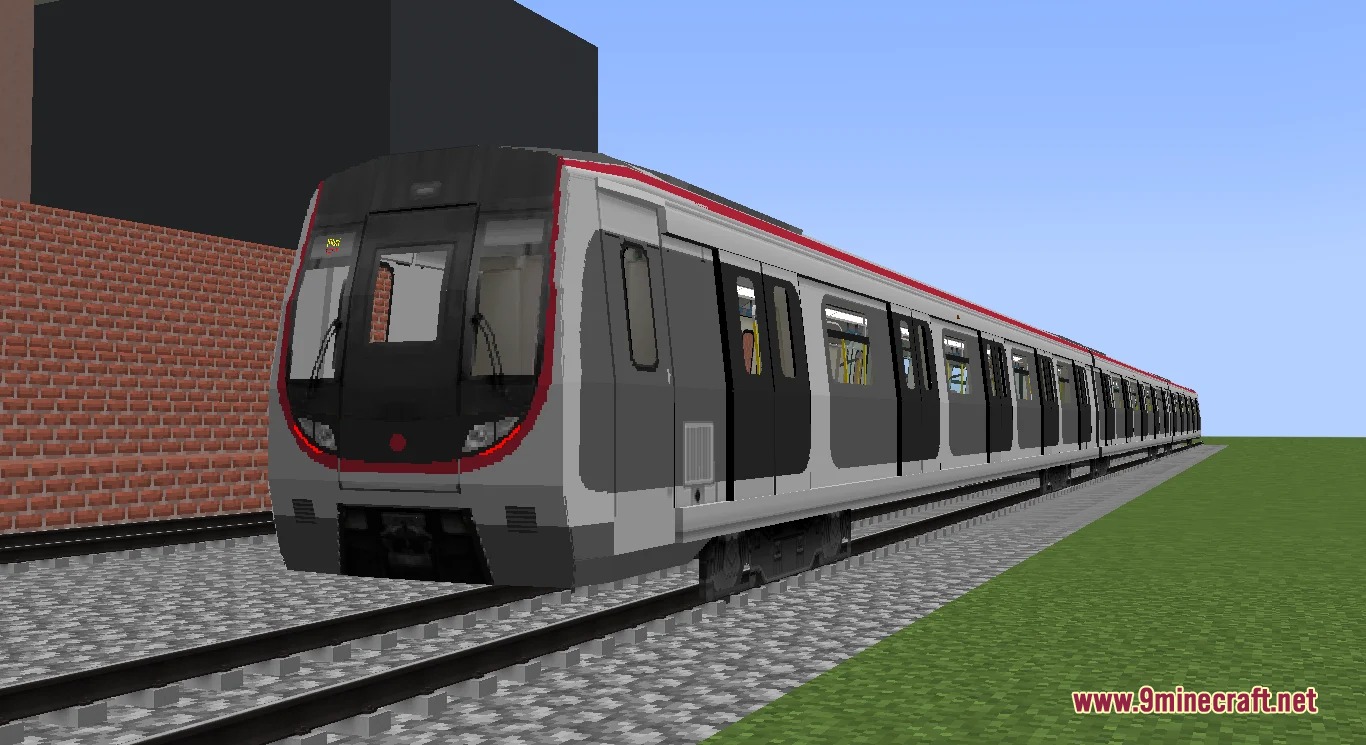
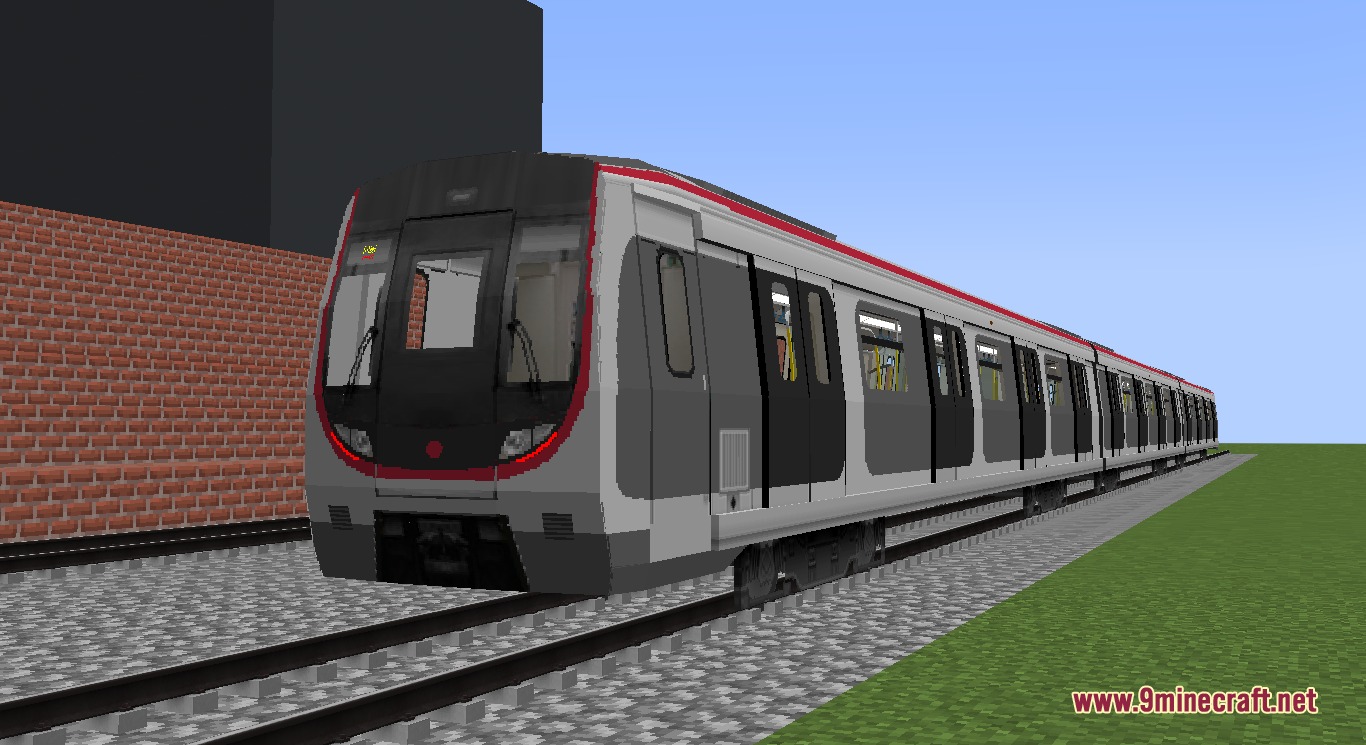
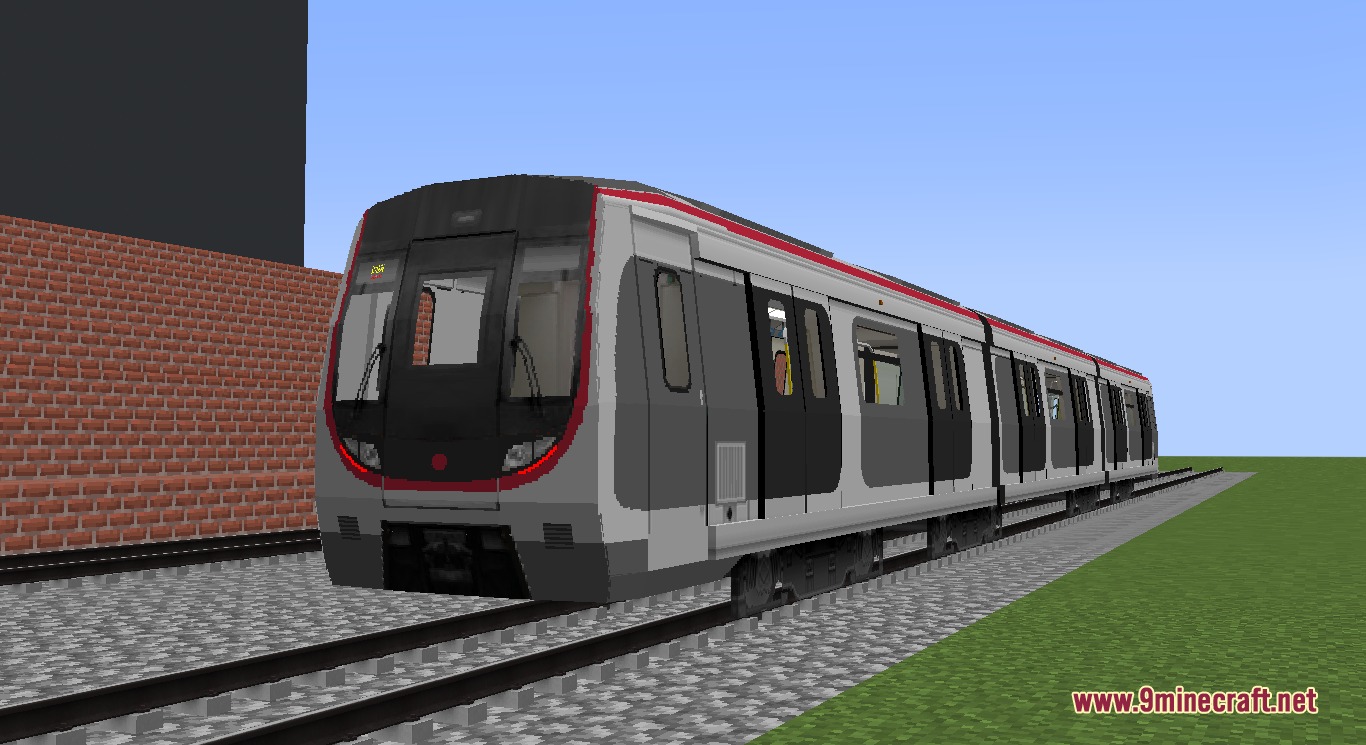
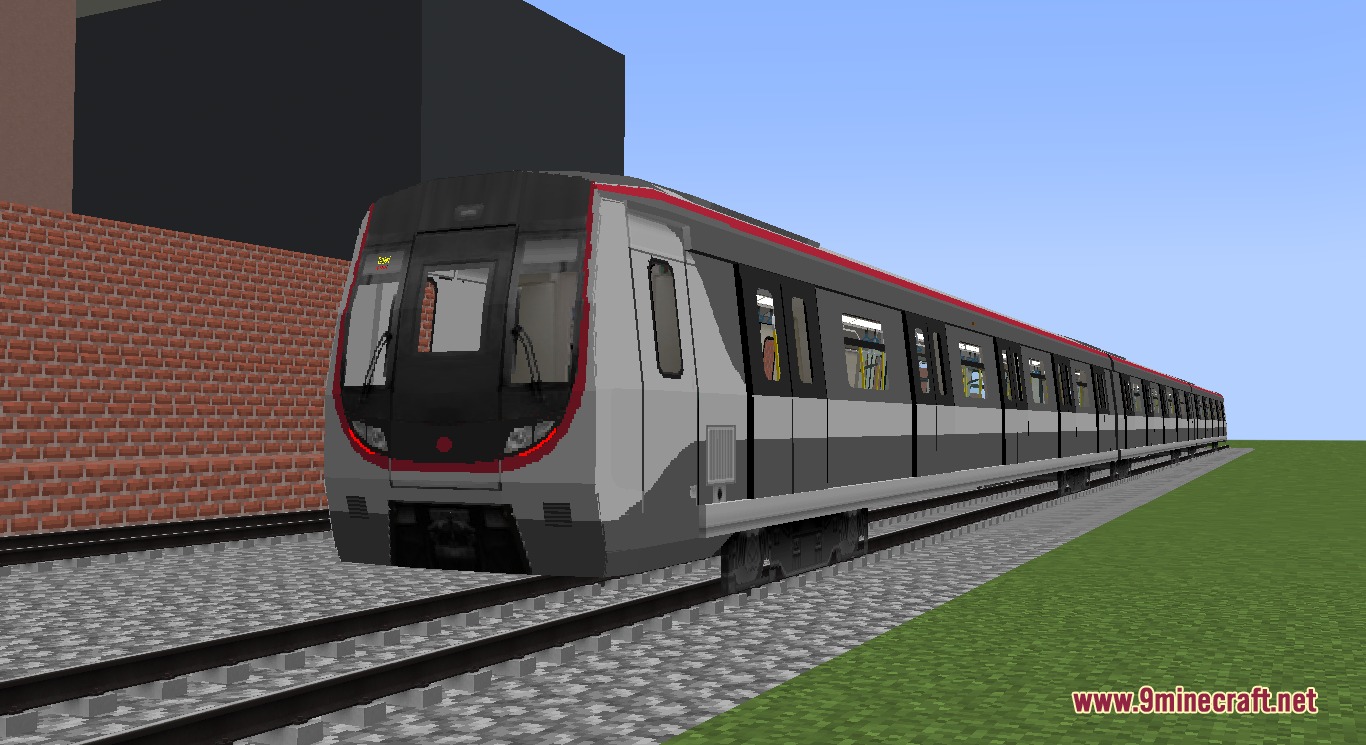
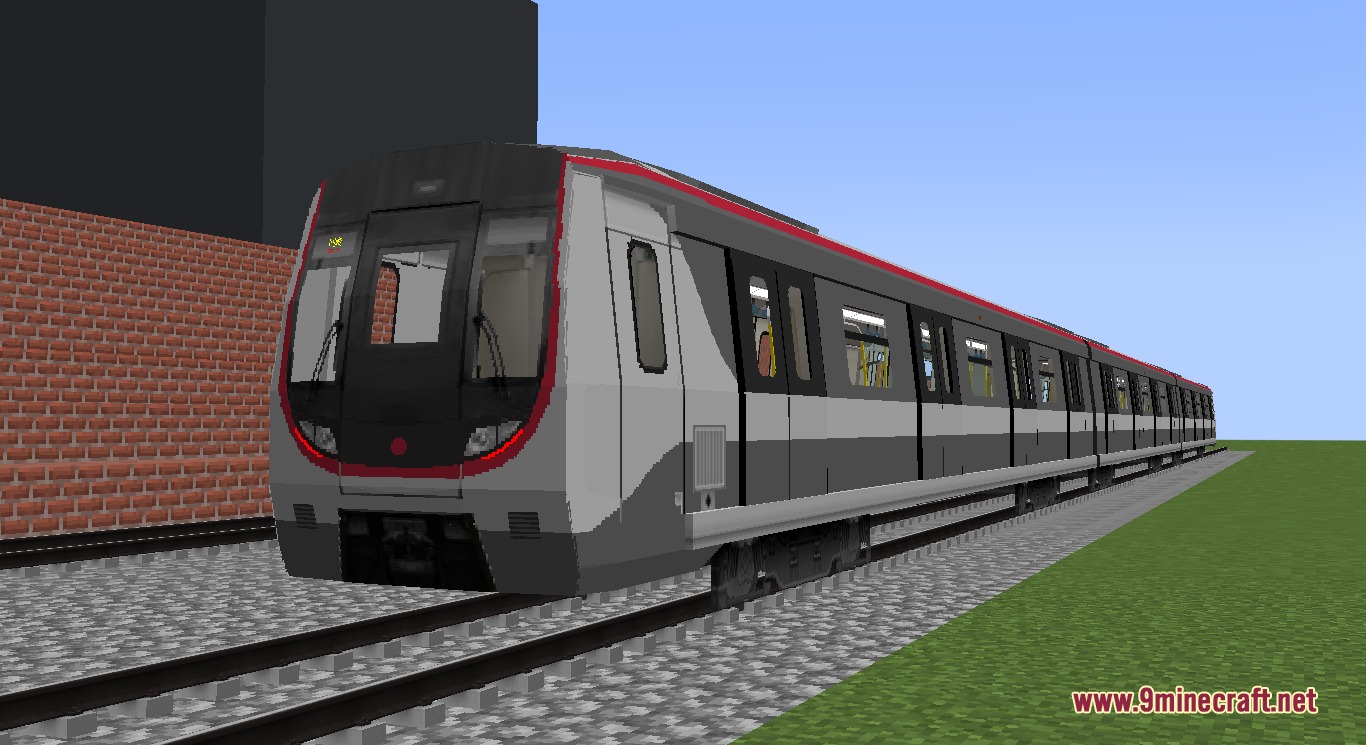
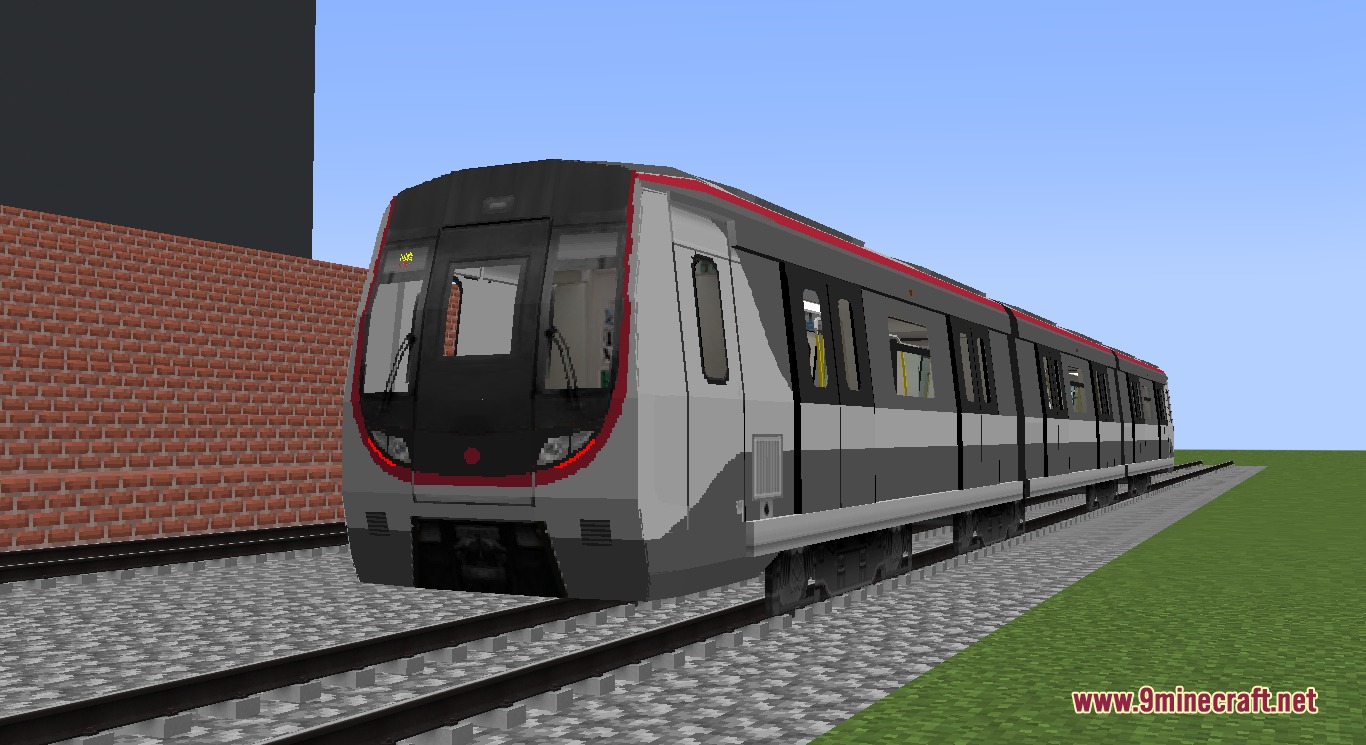
The resource pack remodels existing C-Train cars from the Minecraft Transit Railway mod, so you need MTR installed first. Load the Rapid Transit Draft Resource Pack as a resource pack in your world settings, and C-Train spawners will display Q-Train models instead.
What's the difference between normal, small, and mini Q-Train sizes?
These are three different car length variants designed to fit different platform sizes in your metro line. Normal is the standard length, small is shorter, and mini is the most compact—choose based on your station platform dimensions.
Do all Q-Train liveries come with custom sounds?
Only the Tung Chung Line livery includes custom BVE train sounds; the Urban line and Airport Express liveries use standard audio. You can add custom sounds to other liveries by following the Set Up Custom Train Sounds guide.
Can I use the Airport Express baggage car with other liveries?
The baggage car is designed as a matching cargo variant for the Airport Express livery, but you can attempt to couple it with other Q-Train models depending on how MTR handles car compatibility in your setup.
See all 10 Rapid Transit Draft questions ›
Gallery
9 images from the Rapid Transit Draft Resource Pack page.
You May Also Like
Wikis that share the most with this one
Rapid Rail ArtisanAvian Transit MatrixRapid Leaf Decay ModTransit Flux RefinedSwift Workhorse TransitMinecraft Transit RailwayCrisp CTG Transit Resource PackBharat Rail Transit Resource PackSteel Pulse Transit Resource PackUrban Transit Fleet Resource PackRapid Industrial Smelter Data PackSteel Transit Blueprints Resource Pack
More resource pack wikis on the site
Rainbow’s Foliage Polytone Resource PackRainbow XP Bar And Ping Resource PackRainbow’s Foliage Resource PackRainbow eXP-Bar Resource PackRainbow Breaking Animation Resource PackRadical Cobblemon Trainer Textures Plus Resource PackRadiant Ores Resource PackQuick Resource Pack ModQuark Vanilla Resource Overrides Resource PackQuadral Pack Resource PackQrafty’s Capitalized Font Resource PackPvp Zegarn Anime Sky Resource Pack
The most downloaded mods that have a wiki here
A few wikis from each of the other kinds