

 DownloadGordibuenas Textures X64 Resource Pack
Get the files on 9Minecraft
Guides
Step-by-step, in-game.
Build with Enhanced Wood and PlanksSelecting Your Wood Type Gordibuenas Textures X64 updates wooden planks for a wide variety of tree types: Standard…Enable PBR and Depth Effects with Compatible ShadersChoosing a Compatible Shader Gordibuenas Textures X64 is designed to work with shader packs that support PBR…Get the Best Visual Quality for Natural TerrainOptimizing Terrain Block Appearance Gordibuenas Textures X64 excels at natural terrain blocks. To see the full…Troubleshoot Missing Depth and Reflection EffectsVerify Shader Compatibility If blocks look flat or you don't see depth effects: 1. Check that your shader pack is…
Blocks
A
 Acacia Log
 Acacia Planks
B
 Birch Log
 Birch Planks
C
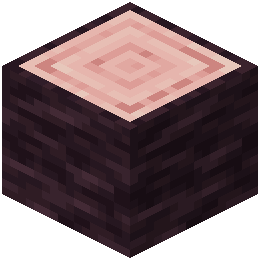 Cherry Log
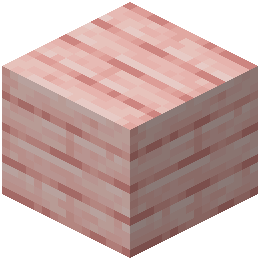 Cherry Planks
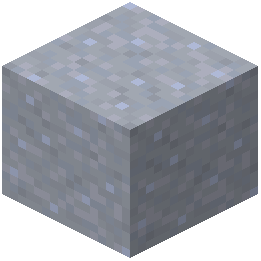 Clay
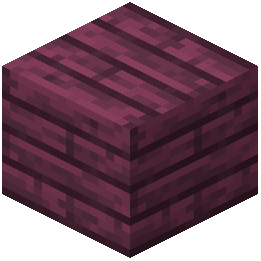 Crimson Planks
D
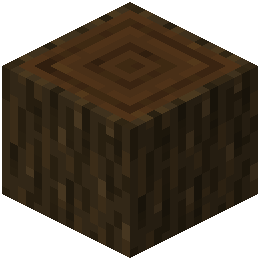 Dark Oak Log
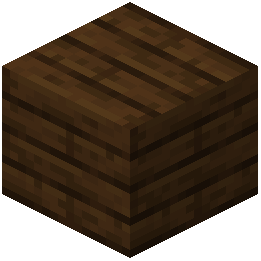 Dark Oak Planks
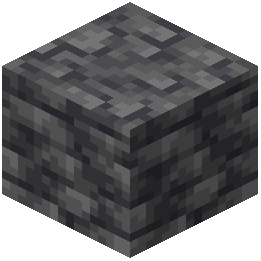 Deepslate
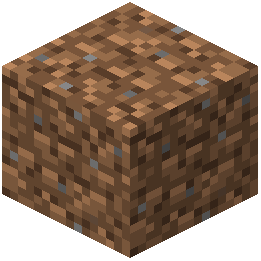 Dirt
G
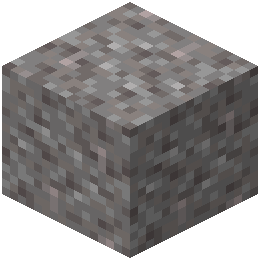 Gravel
J
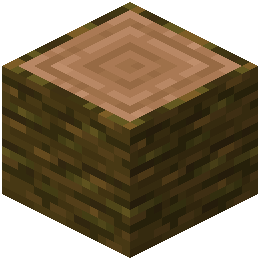 Jungle Log
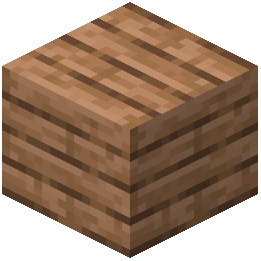 Jungle Planks
M
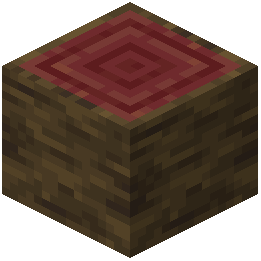 Mangrove Log
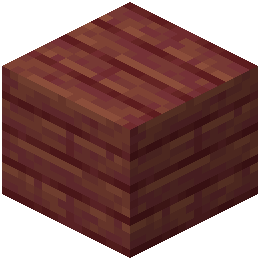 Mangrove Planks
O
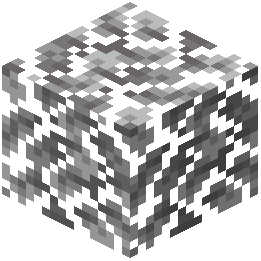 Oak Leaves
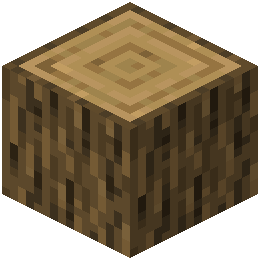 Oak Log
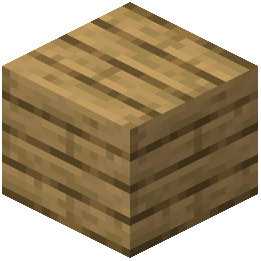 Oak Planks
P
 Pale Oak Planks
S
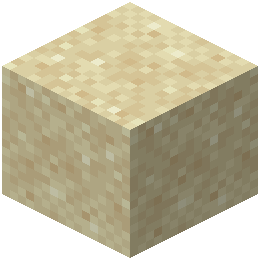 Sand
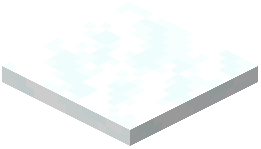 Snow
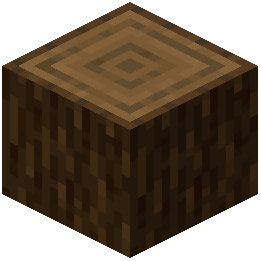 Spruce Log
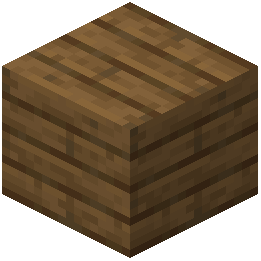 Spruce Planks
 Stone
W
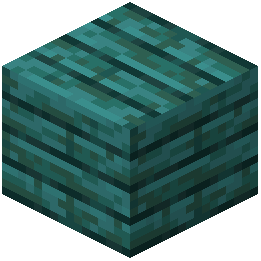 Warped Planks
What this pack changes
Every texture group the pack replaces, counted from the pack itself.
| Area | Textures replaced |
|---|---|
| Blocks | 114 |
Pack format 34 (Minecraft 1.21.2)114 texture files in total
Frequently asked questions
Do I need a shader pack for this resource pack to work?
No, the pack works without shaders, but you won't see the PBR and depth effects that make it shine. Installing a compatible shader like Kappa PT, BSL, or Complementary will unlock the full visual experience with reflections and surface detail.
Why do my blocks look flat even with a shader enabled?
Make sure your shader pack has PBR (physically-based rendering) and parallax occlusion mapping (POM) support enabled in its settings. Some shaders have these features disabled by default—check the shader's configuration menu to turn them on.
What blocks does this pack actually replace?
Can I use this with other resource packs?
Resource packs stack in your load order, so you can layer this pack with others. Place Gordibuenas Textures higher in your list if you want its textures to take priority, or lower if you want other packs to override specific blocks.
Why is my game running slower with this pack?
64x resolution textures and depth effects are more demanding than vanilla textures. Lower your render distance, disable advanced shader features temporarily, or reduce your graphics settings to improve performance while keeping the pack installed.
Do the depth effects work on servers or only single-player?
Resource packs and shaders are client-side only, so the visual effects work everywhere you play—servers, multiplayer, single-player. Other players won't see your enhanced textures unless they install the pack too.
Which shader should I use if I'm not sure?
Start with Complementary or BSL—both are stable, well-documented, and have strong PBR and POM support that works well with this pack. Kappa PT and Photon are also solid choices if you want a different visual style.
Why do some blocks look shiny and others don't?
Only blocks included in the pack (terrain, wood, and planks) have the enhanced textures and depth effects. Other blocks use vanilla textures, which is why you'll see a visual difference across your world.
Can I use this pack on older Minecraft versions?
Resource pack compatibility depends on your game version. Check the pack's documentation for which versions it supports—newer packs typically work with recent snapshots and full releases, but may not work with older versions.
How do I get the best look for building with this pack?
Use natural lighting (sunlight and torches) to show off the depth and reflection effects—they're most visible in well-lit areas. Avoid building in complete darkness, and pair the pack with a shader that emphasizes ambient occlusion for even better surface definition.
You May Also Like
Wikis that share the most with this one
Native Vein TexturesMissing Textures ShadersFusion (Connected Textures)Fresh Textures Resource PackFusion Connected Textures ModMC New Textures Resource PackAll White Textures Resource PackSsls Soft Textures Resource PackAngel Hare Textures Resource PackLegendary Rt Textures Resource PackTazkos Fresh Textures Resource PackKult Craft Pvp Textures Resource Pack
Wikis on the same theme: wood
More resource pack wikis on the site
Good Lookin Ground Resource PackGolem Girl Resource PackGolden Enchanted Glint Resource PackGolden Days Resource PackGoety Summons Resource PackGlowy Nether Portals Resource PackGlowing Trim Weapon & Tools Resource PackGlowing Trim Ultimate Resource PackGlowing Trim Totem Resource PackGlowing Ores and Blocks Resource PackGlowing Items Resource PackGlowing Fresh 3D Armor Stands Resource Pack
The most downloaded mods that have a wiki here
A few wikis from each of the other kinds
Gallery
8 images from the Gordibuenas Textures X64 Resource Pack page.


