

 DownloadGood Lookin Ground Resource Pack
Get the files on 9Minecraft
Guides
Step-by-step, in-game.
Combining Good Lookin' Ground with Other Texture PacksUnderstand Pack Scope and Layering Good Lookin' Ground focuses exclusively on ground-type blocks— stone , dirt, sand…Getting the Best Visual Results with Good Lookin' GroundOptimize Your Graphics Settings To fully appreciate the texture improvements, ensure your graphics settings support…Troubleshooting Texture Misalignment or Missing TexturesVerify Resource Pack Load Order If ground textures appear broken, stretched, or don't match what you expect, check…Using Good Lookin' Ground in Creative Building ProjectsPlan Terrain Around Enhanced Textures When building structures, take advantage of the refreshed ground textures to…
Items
 Lapis Lazuli
Blocks
B
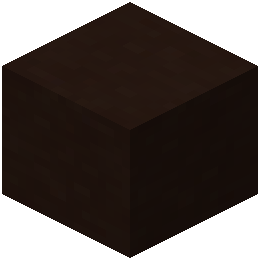 Black Terracotta
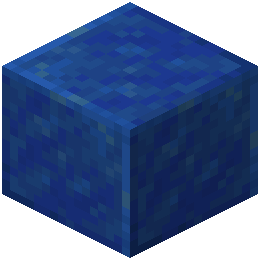 Block of Lapis Lazuli
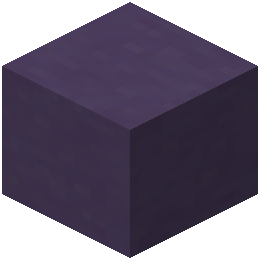 Blue Terracotta
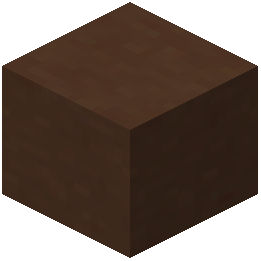 Brown Terracotta
C
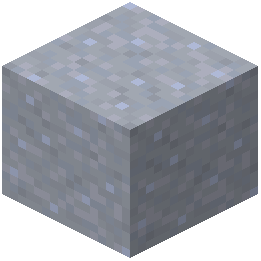 Clay
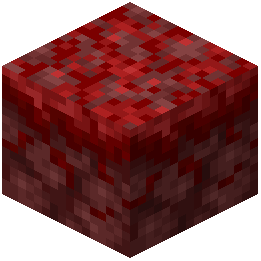 Crimson Nylium
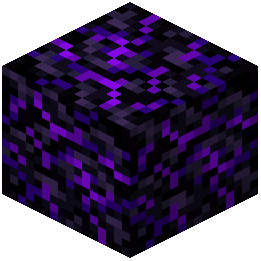 Crying Obsidian
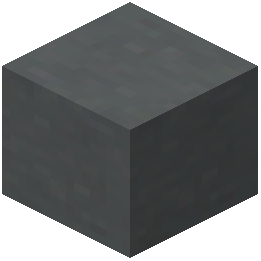 Cyan Terracotta
D
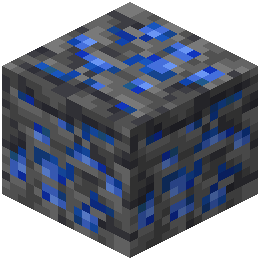 Deepslate Lapis Lazuli Ore
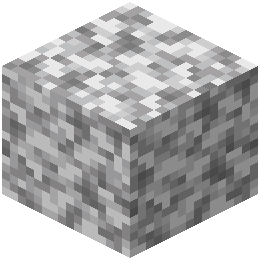 Diorite
G
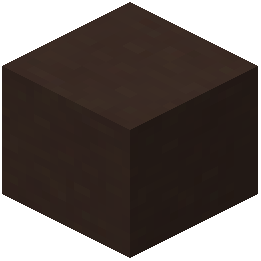 Gray Terracotta
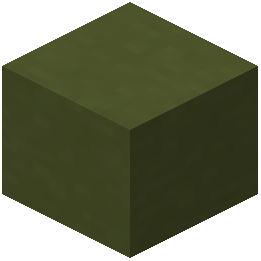 Green Terracotta
L
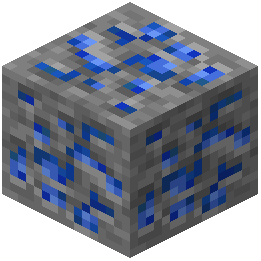 Lapis Lazuli Ore
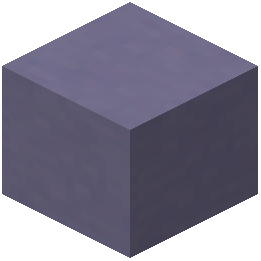 Light Blue Terracotta
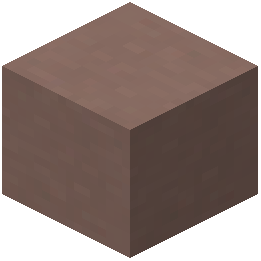 Light Gray Terracotta
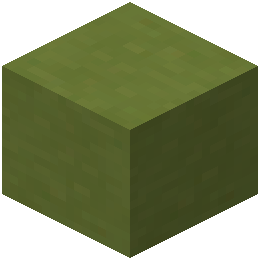 Lime Terracotta
M
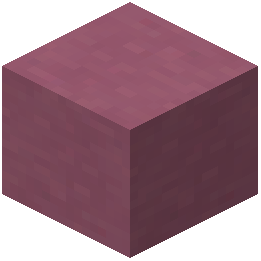 Magenta Terracotta
N
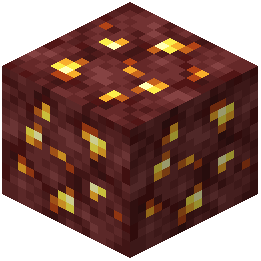 Nether Gold Ore
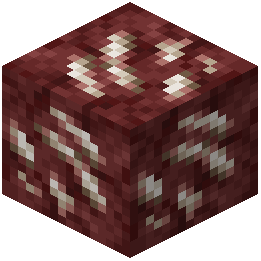 Nether Quartz Ore
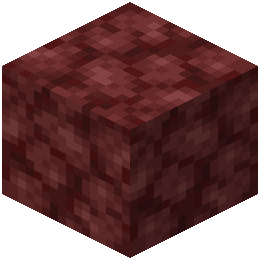 Netherrack
O
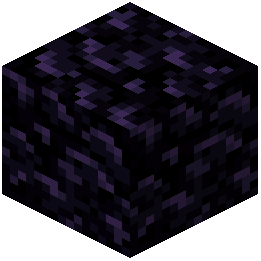 Obsidian
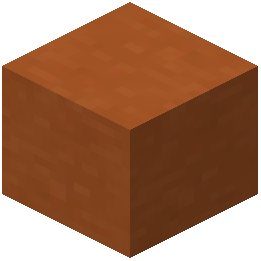 Orange Terracotta
P
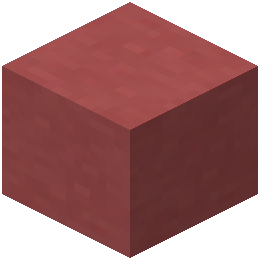 Pink Terracotta
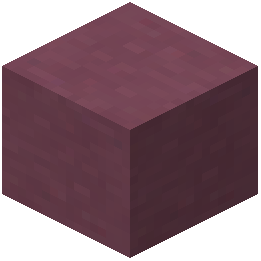 Purple Terracotta
R
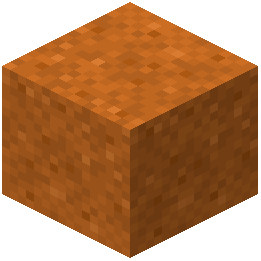 Red Sand
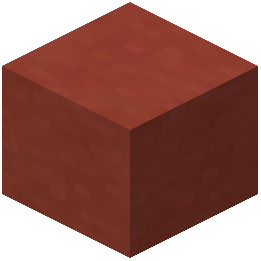 Red Terracotta
S
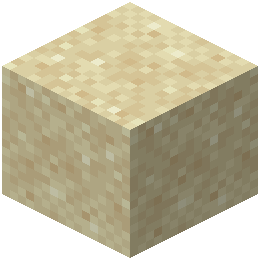 Sand
 Stone
T
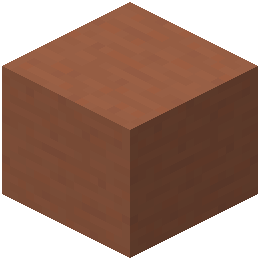 Terracotta
W
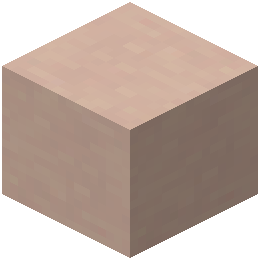 White Terracotta
Y
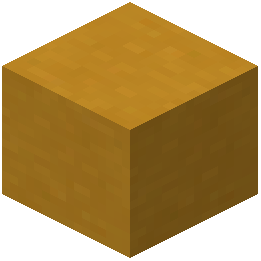 Yellow Terracotta
What this pack changes
Every texture group the pack replaces, counted from the pack itself.
| Area | Textures replaced |
|---|---|
| Blocks | 78 |
| Items | 1 |
Pack format 71 (Minecraft 1.21.6)79 texture files in total
Frequently asked questions
Why do some of my ground blocks still look blurry or low-res?
Make sure you've selected the resource pack in your resource pack menu and it appears above any conflicting packs in the list. If blocks still look off, check that your texture filtering settings in Video Options aren't set to blur textures—set Mipmap Levels to 0 or 1 for the sharpest appearance.
Can I use Good Lookin' Ground with shaders?
Yes, Good Lookin' Ground works with most shader packs, though visual results depend on how the shader handles texture detail. Test with your preferred shader to ensure ground textures display as intended, since some shaders may override or interact unpredictably with texture packs.
Does this pack work in older Minecraft versions?
Good Lookin' Ground is designed for specific Minecraft versions—check the pack's compatibility information to confirm it supports your version, as texture formats and block lists vary between releases.
How do I fix textures that look misaligned or tiled weirdly?
Misalignment usually means the resource pack didn't load correctly or conflicts with another pack above it in your list. Try removing other texture packs temporarily, restart Minecraft, and verify Good Lookin' Ground is the only ground-focused pack active.
Will this pack affect my FPS?
Good Lookin' Ground is a 16× texture pack, so performance impact is minimal—it's much lighter than ultra-high resolution packs. If you notice frame drops, the issue is likely unrelated to this pack, but you can test by temporarily disabling it.
What blocks does this pack actually retexture?
Can I combine Good Lookin' Ground with another texture pack for different blocks?
Yes—place Good Lookin' Ground higher in your resource pack list than other packs so its ground textures take priority, while other packs fill in blocks this one doesn't cover. Test in-game to ensure no unwanted overlaps or conflicts.
Why do my ground textures look different in Creative mode vs. Survival?
This is usually a lighting or render distance issue, not the pack itself. Make sure your lighting settings, brightness, and render distance are the same in both modes, and that the resource pack is active in both.
Does Good Lookin' Ground change connected textures or block variants?
Good Lookin' Ground updates the base textures of ground blocks to look cleaner and more cohesive, but doesn't add advanced features like connected textures unless specified in the pack details. Check the documentation to see exactly what visual enhancements are included.
How do I uninstall or disable this pack without losing my world?
Open your resource packs menu, find Good Lookin' Ground in the active list, and click the arrow to move it to the inactive side—your world and blocks remain unchanged. You can re-enable it anytime by moving it back.
You May Also Like
Wikis that share the most with this one
Wikis on the same theme: nether
 Viking Armory Resource Pack
More resource pack wikis on the site
Golem Girl Resource PackGolden Enchanted Glint Resource PackGolden Days Resource PackGoety Summons Resource PackGlowy Nether Portals Resource PackGlowing Trim Weapon & Tools Resource PackGlowing Trim Ultimate Resource PackGlowing Trim Totem Resource PackGlowing Ores and Blocks Resource PackGlowing Items Resource PackGlowing Fresh 3D Armor Stands Resource PackGlowing Emissive Ores Resource Pack
The most downloaded mods that have a wiki here
A few wikis from each of the other kinds
Gallery
12 images from the Good Lookin Ground Resource Pack page.


