

 DownloadPocket Interface Toolkit Mod
Get the files on 9Minecraft
Guides
Step-by-step, in-game.
Inspect Eggs and Track Hatching ProgressView Egg Contents Before Hatching The Egg Inspector feature lets you preview what's inside unhatched eggs without…Read Detailed Monster Stats and Move InformationAccess Comprehensive Monster Tooltips Hover over any Pokémon in your party or storage to see detailed information…Set Up Custom Spawn Alerts for Specific PokémonConfigure Your Target Species Open the customization menu by pressing ; or typing /ch config . Navigate to the Custom…Use PC Storage Bookmarks and Quick-Sort FeaturesCreate Box Bookmarks for Fast Navigation You can bookmark up to five storage boxes for quick access. Open your PC and…
Frequently asked questions
How do I open the mod settings?
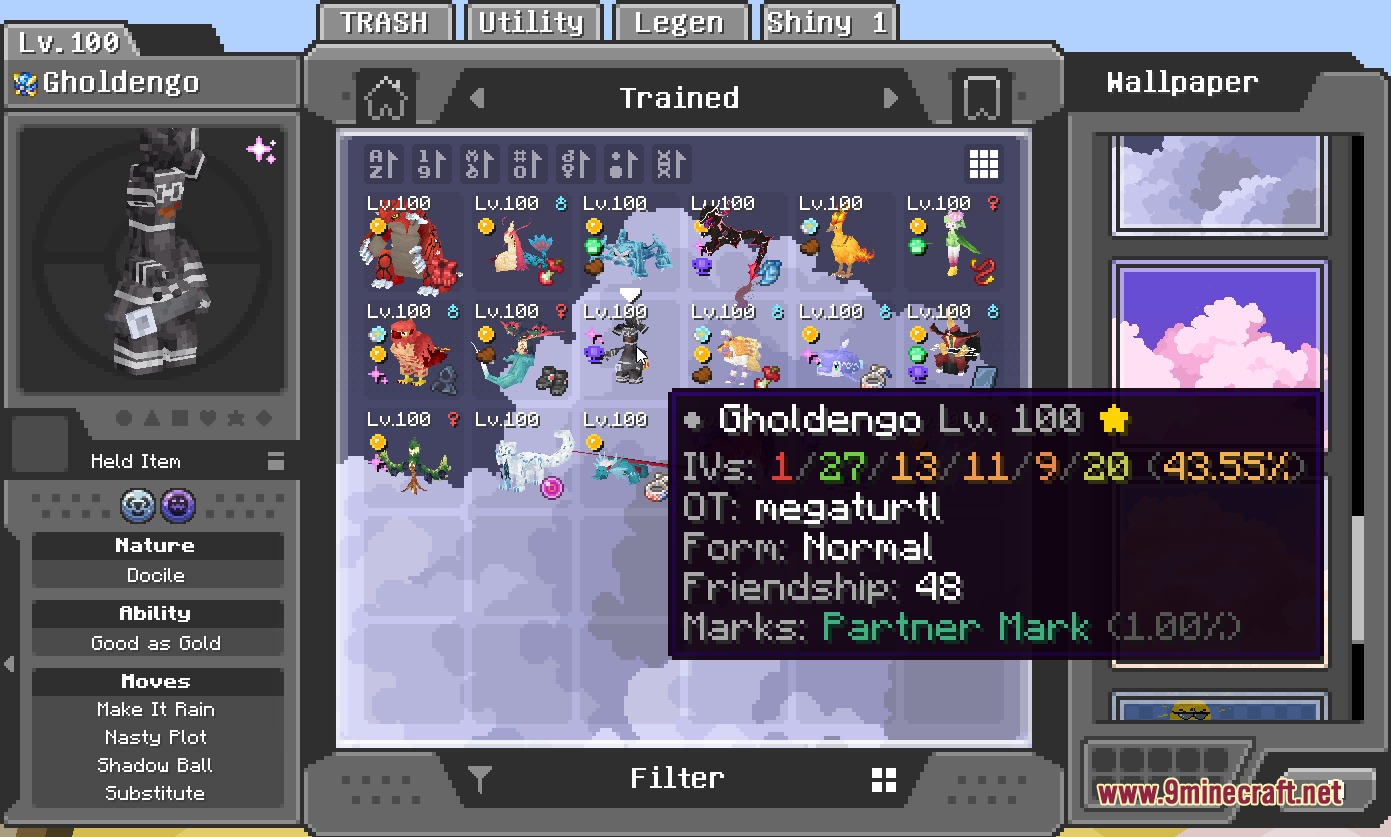
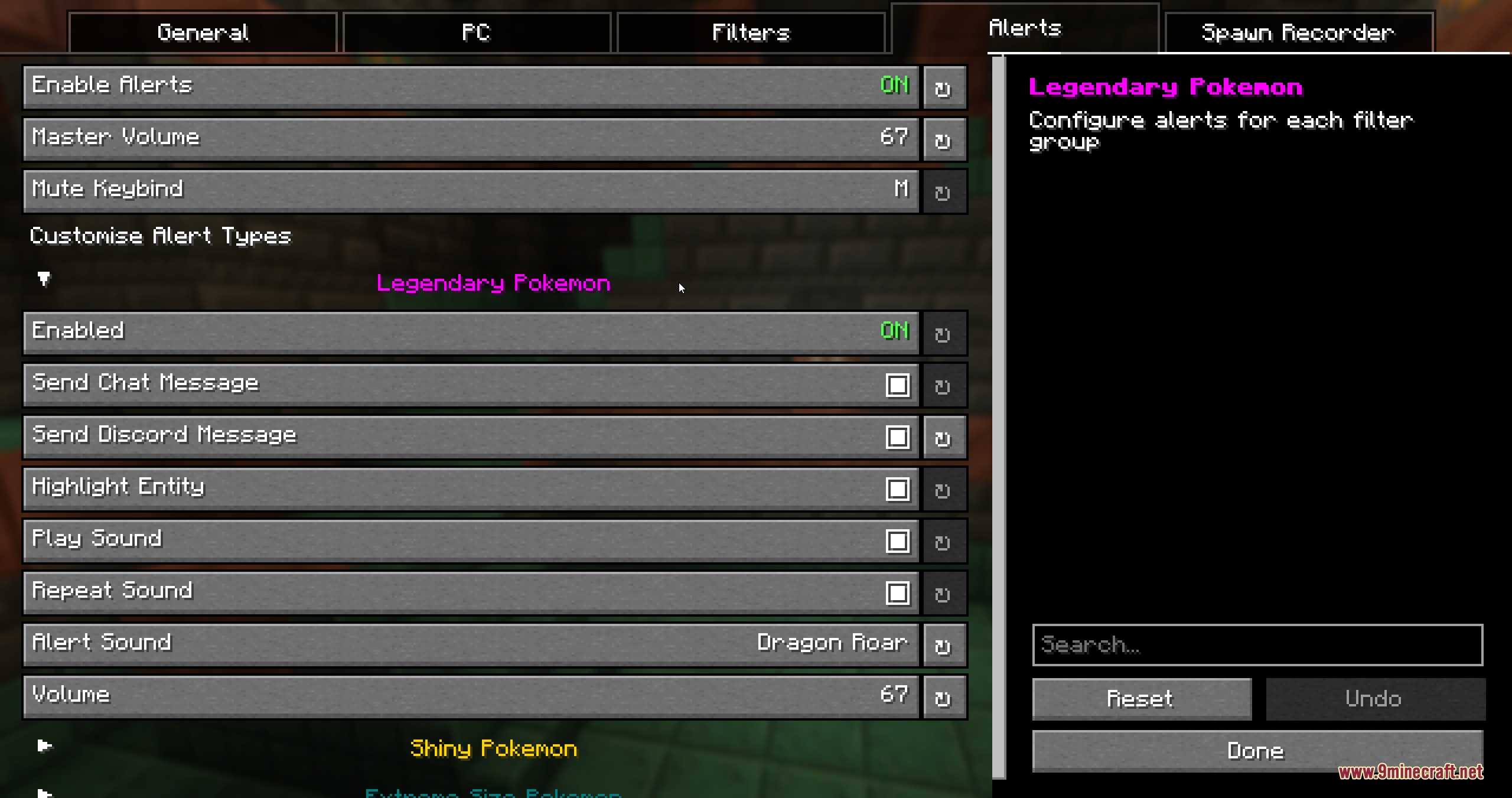
Press the semicolon key (;) while in-game, or type /ch config in chat to open the customization menu. From there you can toggle all features, configure alerts, and pick your preferred box wallpapers.
Can I use custom images as PC box wallpapers?
Yes, the mod lets you upload your own PNG images as custom wallpapers. You can set different wallpapers per box or hold Ctrl in the PC menu to apply one wallpaper to every storage box at once.
What information do the detailed tooltips show?
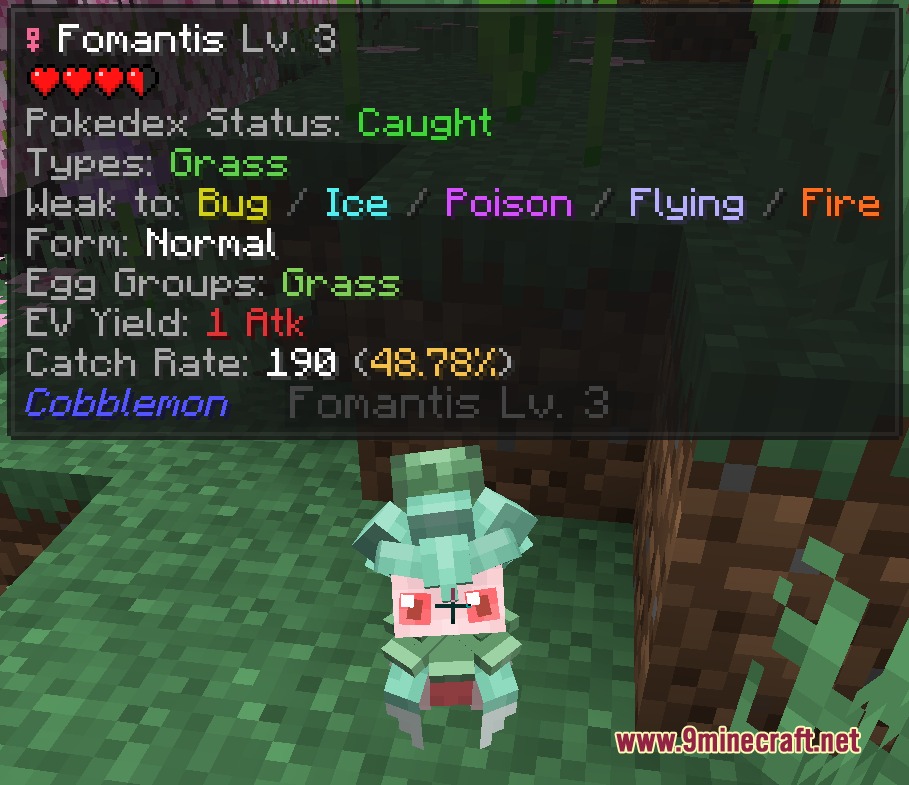
Hover over a Pokémon to see IV values, original trainer names, form variants, friendship levels, and marks. Move tooltips display damage numbers, battle properties, egg groups, and EV yields; Jade overlays add catch rate calculators and move warnings.
See all 10 Pocket Interface Toolkit questions ›
Gallery
5 images from the Pocket Interface Toolkit Mod page.
You May Also Like
Wikis that share the most with this one
Wikis on the same theme: tool
More mod wikis on the site
The most downloaded mods that have a wiki here
A few wikis from each of the other kinds