

 DownloadHangul Flow Interface Mod
Get the files on 9Minecraft
Guides
Step-by-step, in-game.
Search Command Suggestions Using Korean Initial ConsonantsFinding Commands Faster with Choseong Search When typing commands, you can narrow down suggestions by using Korean…Search Items by Typing Latin Characters Instead of KoreanFinding Korean Items Without Language Switching Instead of switching your keyboard input method to Korean, you can…Search the Creative Inventory Using Korean Initial ConsonantsUsing Choseong (Initial Consonants) to Find Items The mod lets you search for Korean item names by typing only their…Use Korean Text Input Directly in the Chat and Command BarTyping Korean Directly Without a Floating Input Box This mod removes the separate floating Korean input indicator and…
Frequently asked questions
How do I start typing Korean in chat after installing this mod?
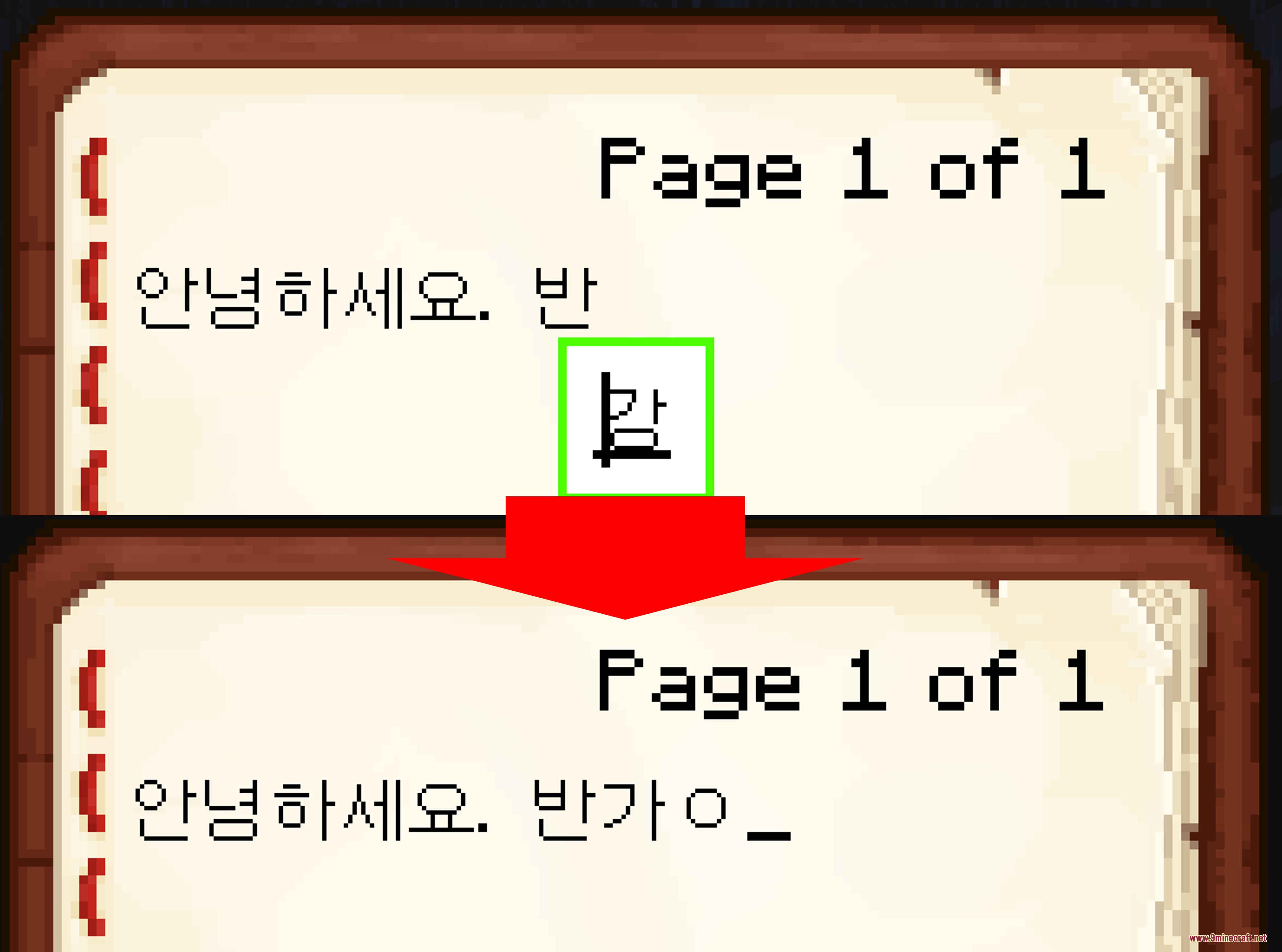
Just open chat or any text box as normal and switch your keyboard input method to Korean—your text will now appear directly in the Minecraft text box instead of in a separate floating window. No special setup is needed; the mod works automatically once installed.
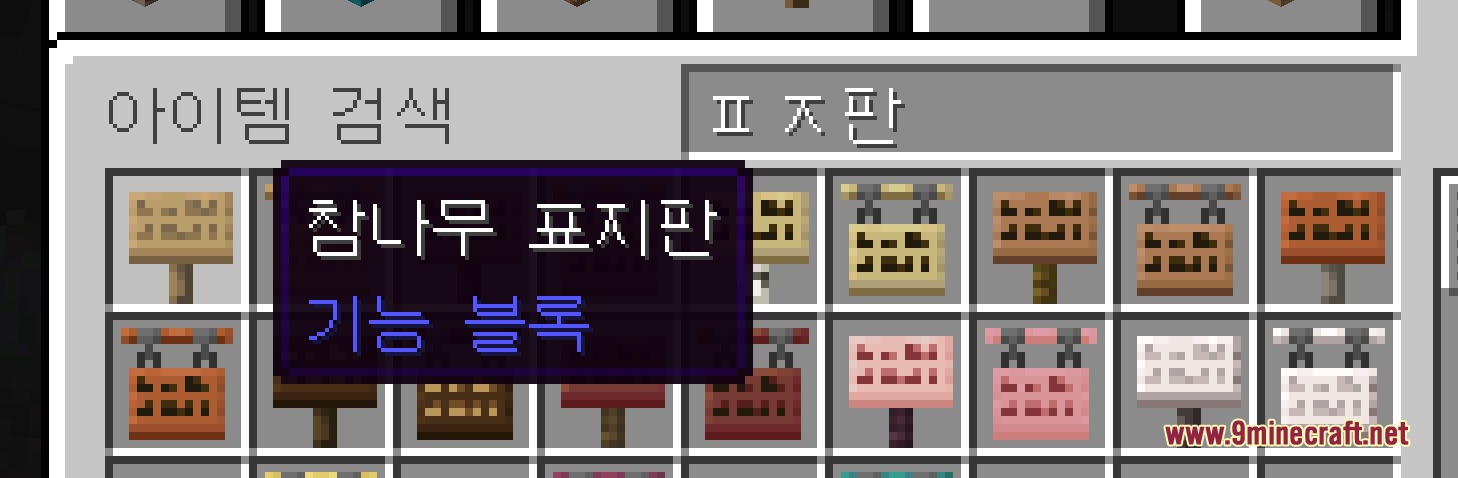
Can I search the creative inventory by typing Korean consonants?
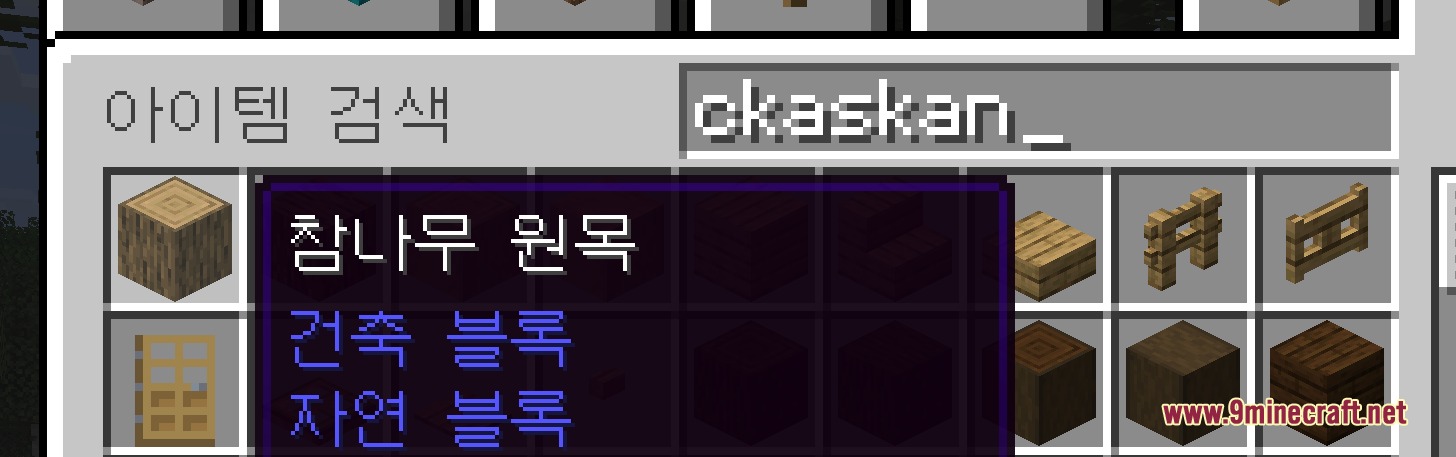
Yes. Open the creative inventory search bar and type the initial consonants (Choseong) of the Korean item name you want to find, and matching items will filter instantly.
What if I don't want to switch my keyboard to Korean—can I still find Korean items?
Yes, you can type Latin characters (English keyboard layout) and the mod will search for items with Korean names that match those letters phonetically, so you don't need to change your input method.
Does this mod work with command auto-complete?
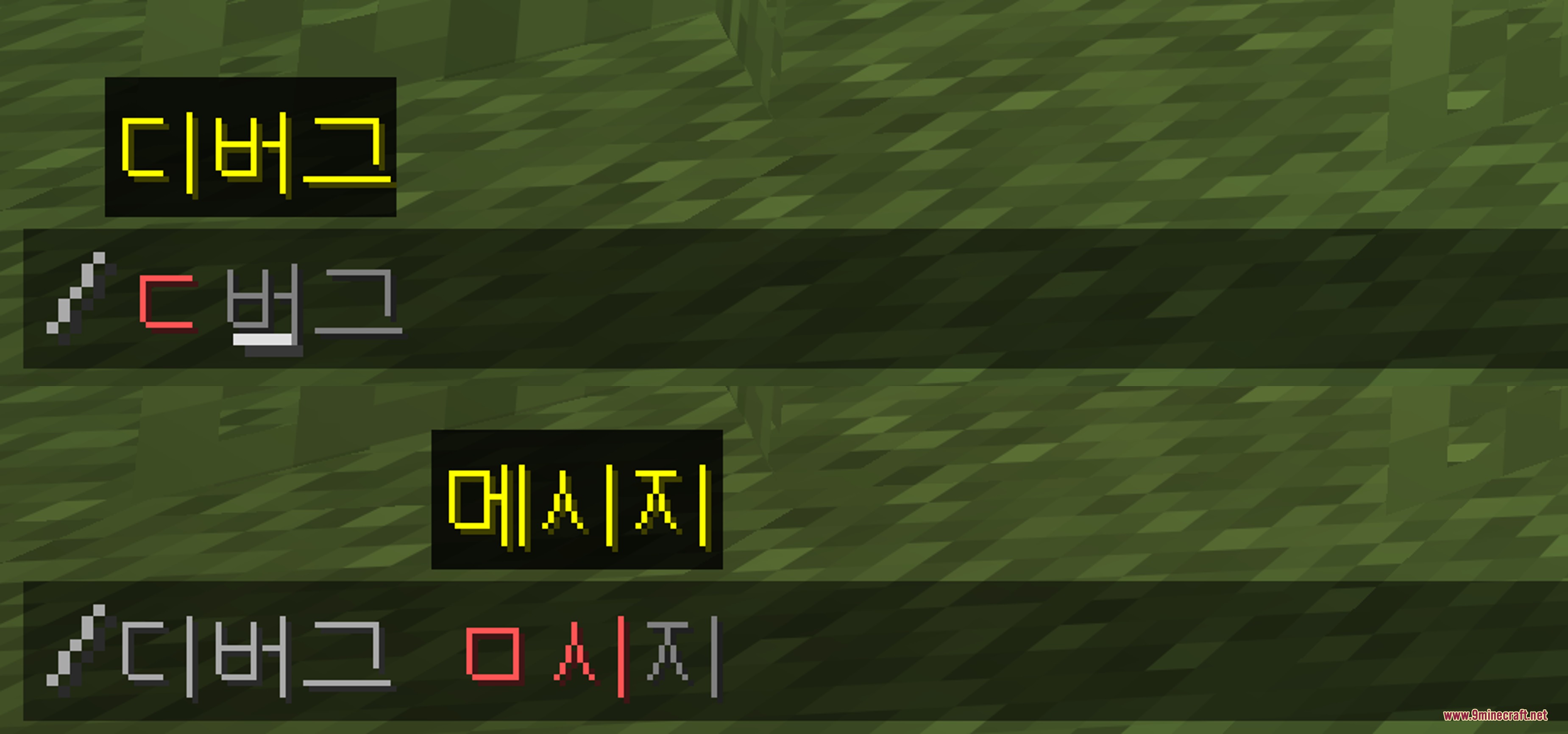
Yes, you can search command suggestions using Korean initial consonants just like you would in the inventory, making it faster to find the command you need.
See all 10 Hangul Flow Interface questions ›
Gallery
5 images from the Hangul Flow Interface Mod page.
You May Also Like
Wikis that share the most with this one
 Flow Reimagined Shaders
More mod wikis on the site
The most downloaded mods that have a wiki here
A few wikis from each of the other kinds