

 DownloadVirtual Frontier Interface
Get the files on 9Minecraft
Guides
Step-by-step, in-game.
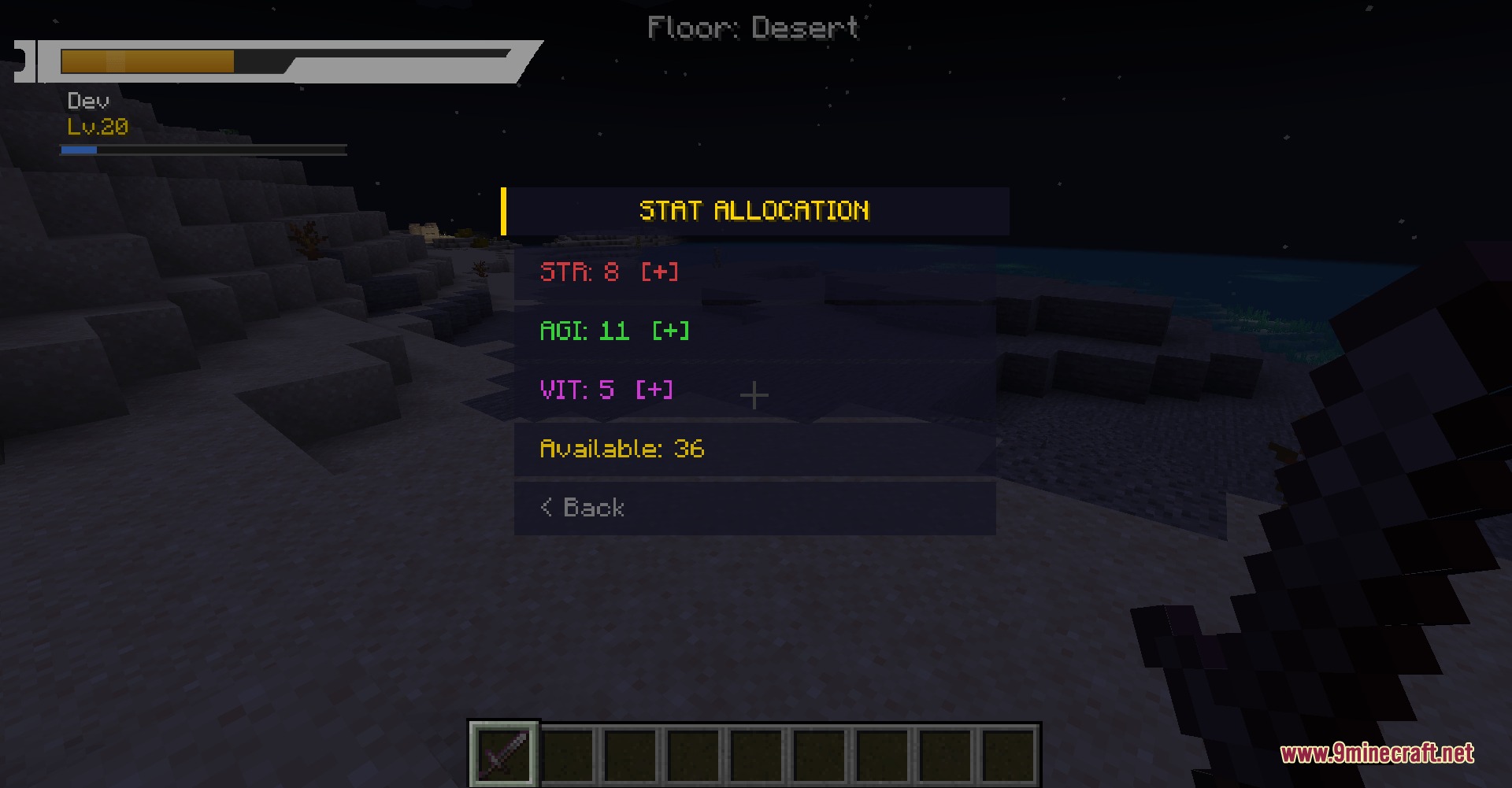
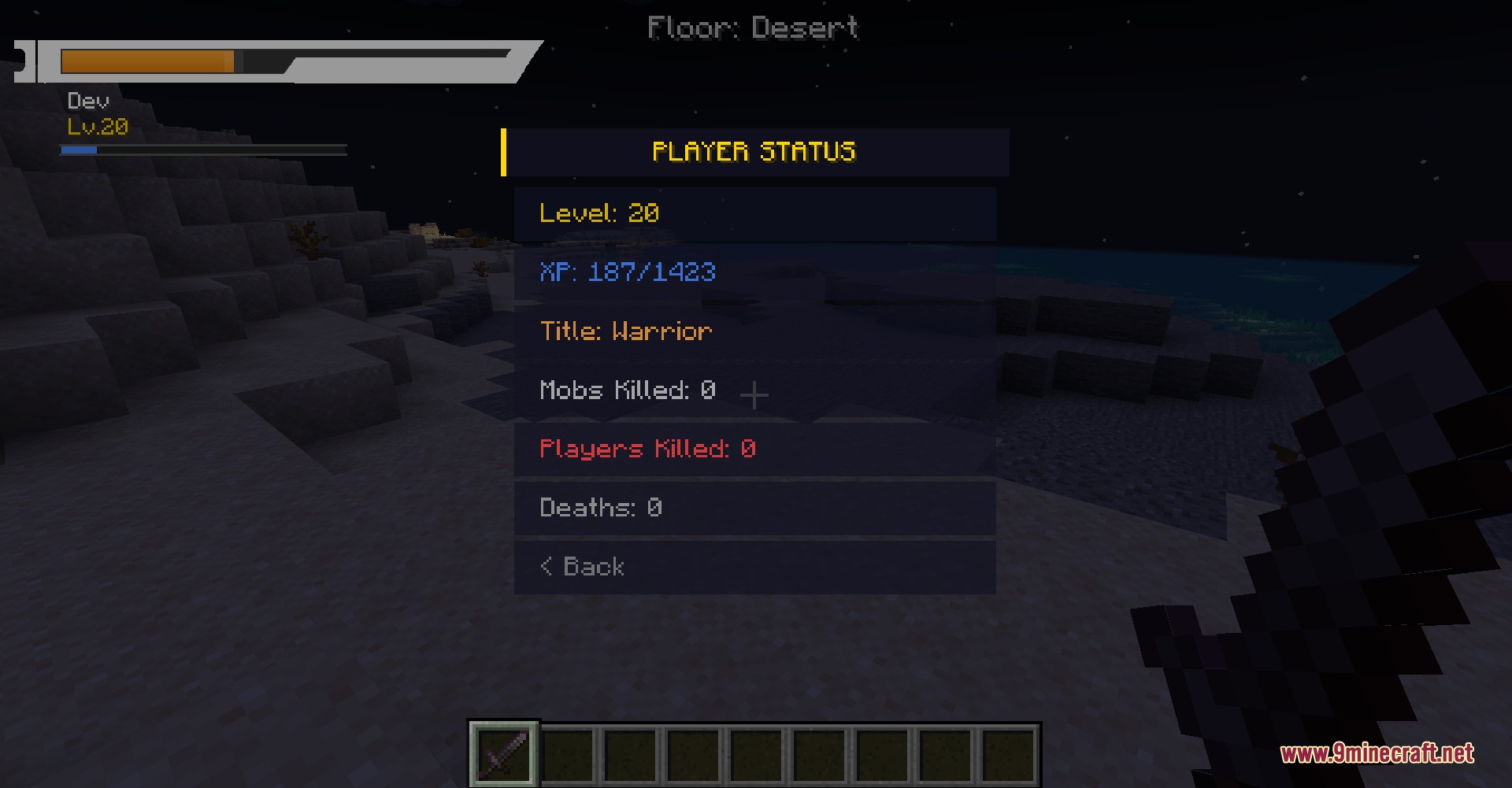
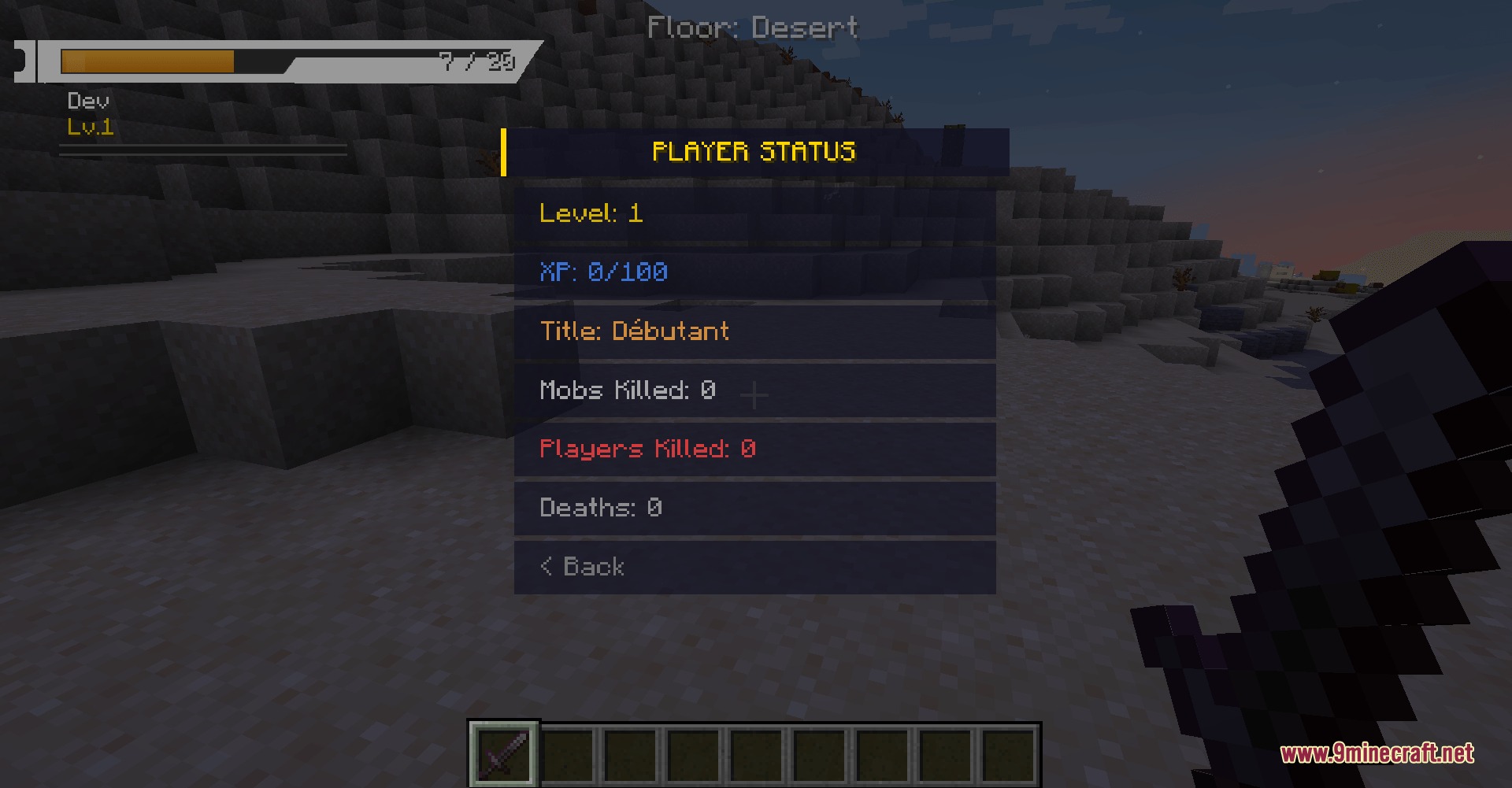
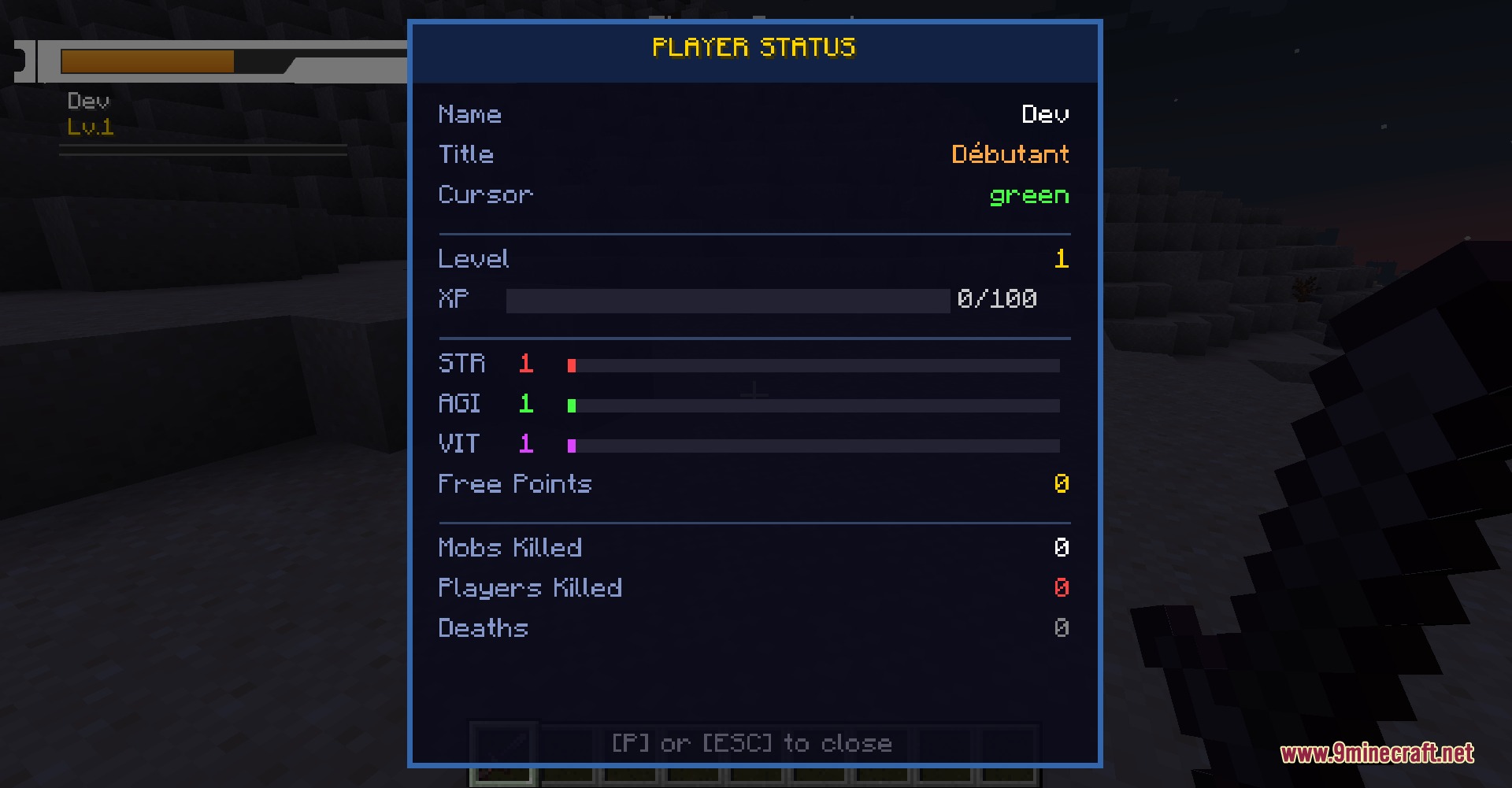
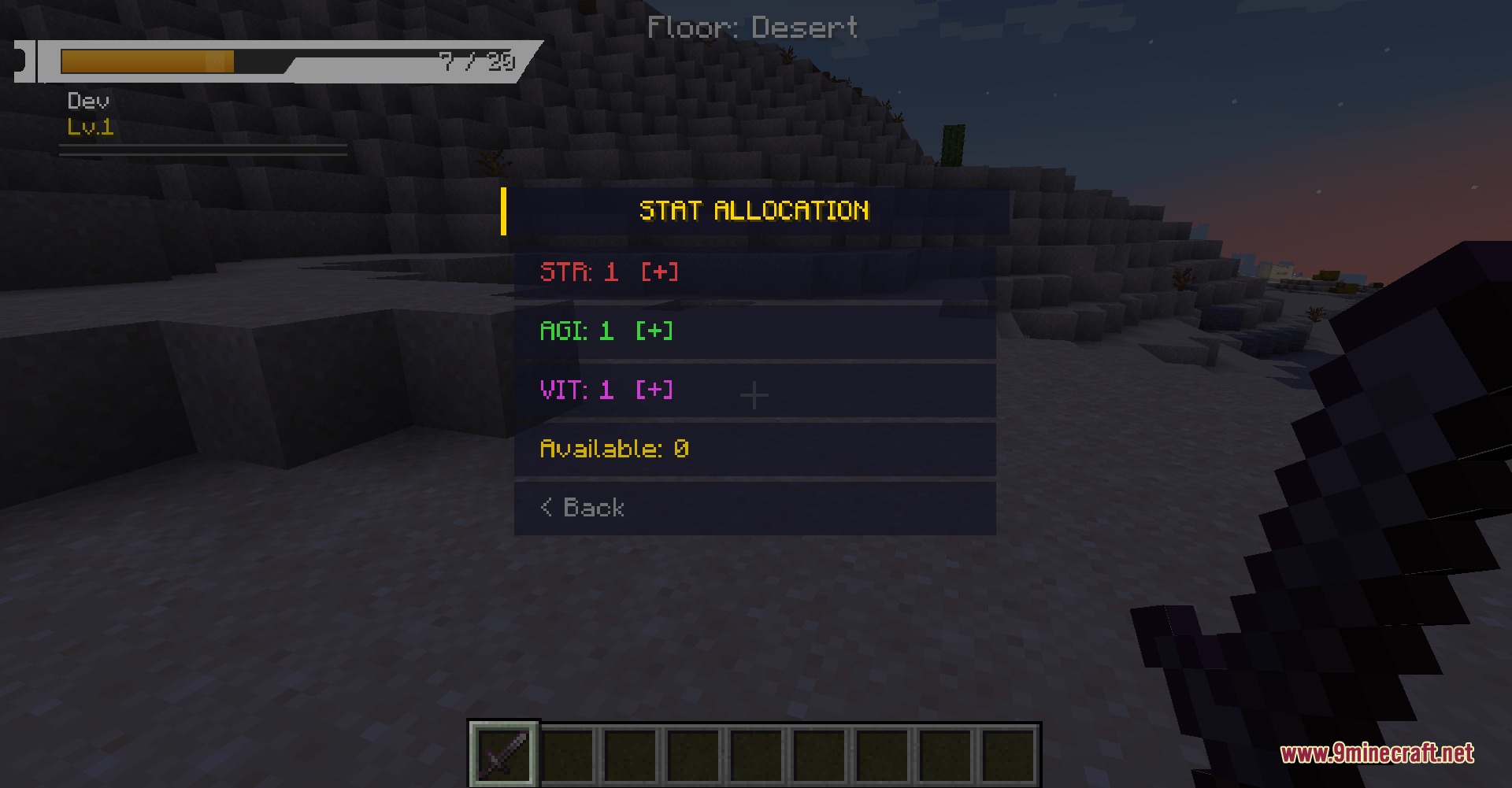
Allocate and Manage Character StatsOpening the Stats Menu Press P on your keyboard to open your character stats screen. This menu displays your current…Customize Your HUD Position and SizeAdjusting HUD Scale The health bar and other interface elements can feel too large or too small depending on your…Respawn Quickly After DeathUnderstanding the Death Screen When you die, the mod replaces the vanilla death screen with a hexagonal prompt…Understand Health Bar Color WarningsReading Your Health Status The SAO-style health bar uses color to communicate danger at a glance. When your health is…
Recipes
Every recipe the mod adds, grouped by how it is made.
Items
87 items · showing 24. Browse all →
 Absolute Sword
 Ally Regen Crystal
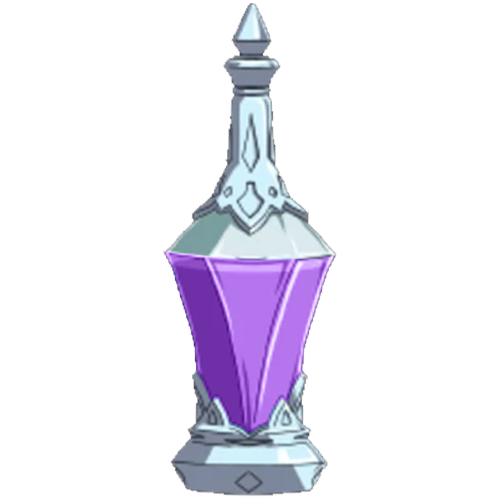 Ally Regen Potion
 Anneal Blade
 Antidote Crystal
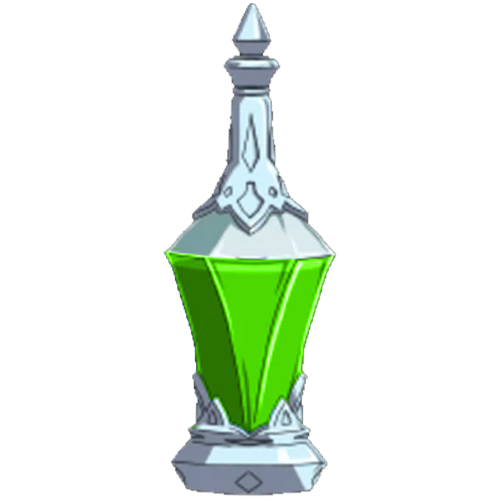 Antidote Potion
 Armor Key
 Assassin Boots
 Assassin Chestplate
 Assassin Helmet
 Assassin Leggings
 Axe of Death
 Beer
 Bento
 Blood Orb
 Blood Wolf Pelt
 Blue Gemstone
 Blue Rose Sword
 Boar Skin
 Brioche
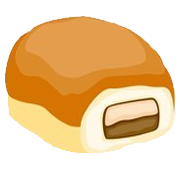 Chocolate Beignet
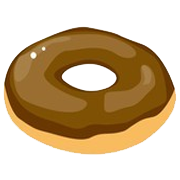 Chocolate Donut
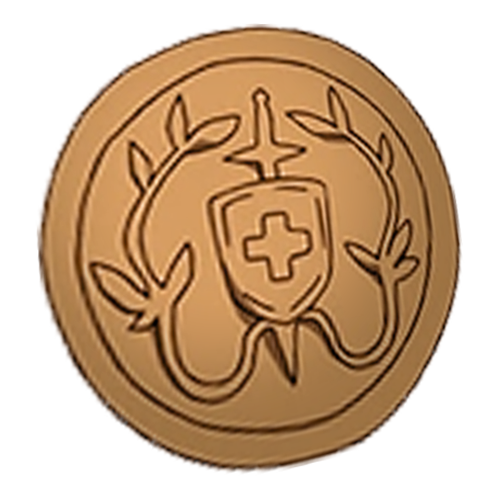 Copper Necklace
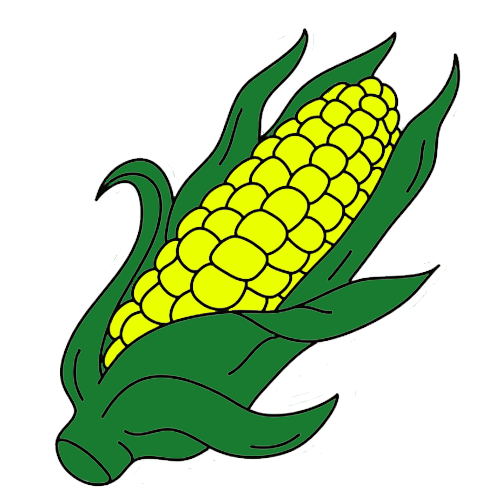 Corn
Mobs
Creatures this mod adds.
SAO Merchant
Frequently asked questions
How do I turn off the SAO-style HUD and go back to vanilla hearts?
You can't fully revert to vanilla hearts, but you can hide most UI elements through the configuration file. Set hideVanillaArmor, hideVanillaHunger, hideVanillaXpBar, and hideVanillaCrosshair to false to restore those vanilla displays alongside the health bar.
Why is my health bar cut off at the edge of my screen?
Adjust the hudOffsetX and hudOffsetY values in the config file to move the health bar away from the screen edge. You can also reduce hudScale if the bar is too large for your resolution.
Can I move the hotbar or other UI elements individually?
The mod scales and positions the entire HUD as one unit using hudScale, hudOffsetX, and hudOffsetY. Individual element positioning isn't available—you'll need to adjust the overall HUD position and size to accommodate your preferred layout.
What do the different stat points do when I allocate them?
The mod provides stat allocation for attributes like Strength, Agility, and Vitality, but the exact mechanical effects depend on your mod configuration and any companion mods installed. Check your config file or in-game tooltips to see how each stat affects your character.
Does this mod work with other HUD mods?
Compatibility issues can occur when multiple mods modify the same UI elements. If you experience overlapping displays or crashes, try disabling conflicting HUD mods or adjusting the hideVanilla settings to prevent duplicate elements.
How do I see my exact health number instead of just the bar?
Set showHpText to true in the configuration file to display numeric health values next to the health bar.
Can I customize the health bar colors?
The health bar automatically shifts between green, orange, and red based on your remaining health percentage. Direct color customization isn't available in the standard config, but you may find color options in advanced configuration files or companion mods.
Why aren't my party members getting experience when I defeat mobs?
Check the partyXpShareRadius setting in your config—if it's set too low, party members outside that range won't receive shared experience. Increase the radius value to expand the range where experience is distributed.
Does the mod affect PvP or duel mechanics?
The mod includes a duelMaxDistance setting that controls how far apart players can be during duels. Adjust this value in your config to change duel range restrictions, but the mod primarily affects the UI rather than core combat mechanics.
Will this mod cause lag or performance issues?
The mod is designed to be lightweight since it mainly modifies the interface, but performance depends on your system and other installed mods. If you experience stuttering, try reducing hudScale or disabling unnecessary vanilla UI elements through the hideVanilla settings.
Gallery
9 images from the Virtual Frontier Interface Mod page.
You May Also Like
Wikis that share the most with this one
 Forge Forge Frontier Mod
Wikis on the same theme: food
More mod wikis on the site
The most downloaded mods that have a wiki here
A few wikis from each of the other kinds