

 DownloadPlushables
Get the files on 9Minecraft
Guides
Step-by-step, in-game.
How to Collect Every Plushable in the ModUnderstanding the Roster Plushables ships with a large catalog of plush toys, each themed after a creature,…How to Craft Your First PlushableGetting the Materials Plushables are crafted from a small set of base materials rather than being found in the world.…How to Gift Plushables to Friends in MinecraftWhy Plushables Make Good Gifts Plushables are decorative, cheap to craft, and come in a huge variety of themes, which…How to Make a Plushable Shop on a Multiplayer ServerSetting Up the Shop On a survival multiplayer server, Plushables make great low-cost trade goods. Build a small shop…How to Organize a Large Plushable CollectionSorting by Theme With dozens of Plushables available, a disorganized chest quickly becomes a problem. Sort your…How to Use Plushables as Decoration in BuildsPlacement Basics Plushables are placed like most decorative blocks: right-click a solid surface with the plush in…
Recipes
Every recipe the mod adds, grouped by how it is made.
Items
 Heart of Gold
Blocks
O
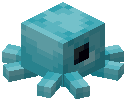 Octoplushable
P
 Plushable Animatronic
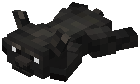 Plushable Beaux
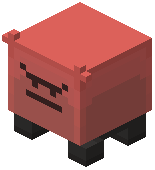 Plushable Big Irritater
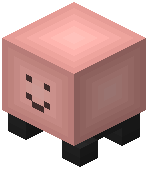 Plushable Big Tater
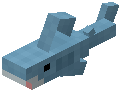 Plushable Blåhaj
 Plushable Clucky
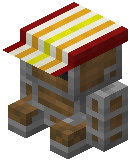 Plushable Conductor
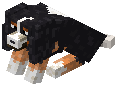 Plushable Cooper
 Plushable Creaky
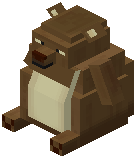 Plushable Djungelskog
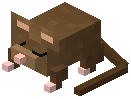 Plushable Dormouse
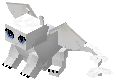 Plushable Dragon
 Plushable Fox
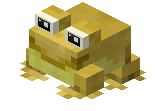 Plushable Froge
 Plushable Froglin
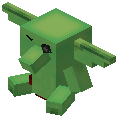 Plushable Goblin
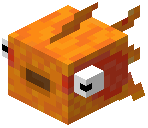 Plushable Goldfish
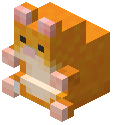 Plushable Hamster
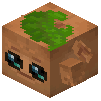 Plushable Kweebec
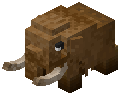 Plushable Mammoth
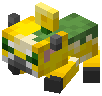 Plushable Moobloom
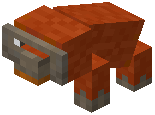 Plushable Orangutan
 Plushable Otter
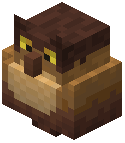 Plushable Owl
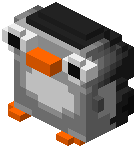 Plushable Penguin
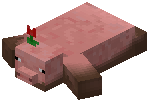 Plushable Pig
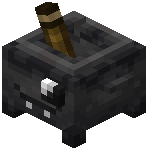 Plushable Potsy
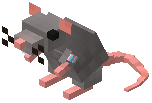 Plushable Rattiam
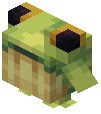 Plushable Ribbit
 Plushable Rupert
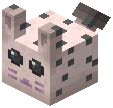 Plushable Sea Bunny
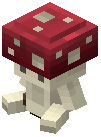 Plushable Shrump
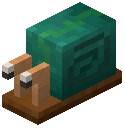 Plushable Snail
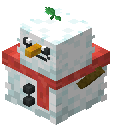 Plushable Snowie
 Plushable Statuette
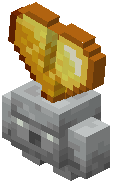 Plushable Stoneling
 Plushable Tiger
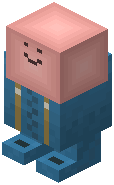 Plushable Trater
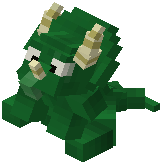 Plushable Triceratops
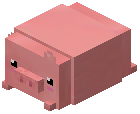 Plushable Truffles
 Plushable Unicorn
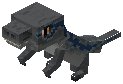 Plushable Velociraptor
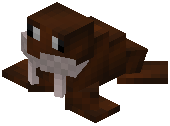 Plushable Walrus
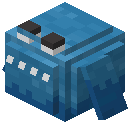 Plushable Whale
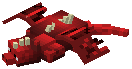 Plushable Whelpling
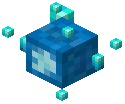 Plushable Wisp
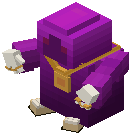 Plushable Wizard
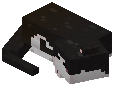 Plushable Ziggy
Frequently asked questions
How do I get my first plushable?
Craft one using the recipe shown in your recipe book or JEI/REI — most plushables use wool and a few extra ingredients themed to the creature. If you can't find a recipe, check the Processes section of the wiki for the general crafting pattern.
Why won't my plushable craft?
Make sure you're using the exact ingredients shown in the recipe — many plushables need a specific dye color or a themed item like a fish, feather, or string. Also confirm you're at a crafting table and not your inventory grid if the recipe is 3x3.
Can I place Plushables on the ground or are they just items?
Plushables are placeable blocks — right-click the ground with one in hand to set it down as a decorative plush. You can pick it back up by breaking it, and it will drop as an item.
How do I get the colored Plushables like the Froglin or Blåhaj?
The color codes in the item names (like or ) are just formatting tags from the mod's item registry — they don't mean the plushable is a different rarity or requires special unlocking. Every plushable is craftable normally once you have its recipe.
Is there a way to see all the Plushables I'm missing?
Use JEI/REI or the recipe book to browse the full plushable list, and check the Items section of the wiki for the complete roster. There's no in-game collection tracker, so many players keep a chest or shulker dedicated to their collection.
Do Plushables do anything, or are they purely decorative?
They're decorative blocks — they don't have gameplay effects, mob behavior, or redstone functions. Their value is aesthetic: they work great as shelf decor, shop displays, and themed builds.
Can I put Plushables on shelves, fences, or in item frames?
Plushables are full blocks, so they sit on top of solid blocks like any other block — they won't snap to fences or hang on walls. For shelf-style displays, place them on top of slabs, stairs, or shelf blocks from other mods.
Will Plushables lag my world if I place a lot of them?
Plushables are simple static blocks with no ticking behavior, so a large collection has minimal performance impact compared to entities or tile entities. If you're worried, keep them in a single decorated room rather than spread across loaded chunks.
Do Plushables work on a multiplayer server?
Yes — they're normal blocks, so any player with the mod installed can craft, place, and trade them. On servers, plushables make popular shop items and gifts, and you can set up chest shops or trade stands around them.
Are Plushables compatible with other mods and resource packs?
They use standard block and item registration, so they generally work alongside other mods without conflict. Resource packs that don't include plushable textures will just show the default mod textures, which is fine.
Gallery
12 images from the Plushables Mod page.


You May Also Like
Wikis that share the most with this one
Wikis on the same theme: animal
More mod wikis on the site
The most downloaded mods that have a wiki here
A few wikis from each of the other kinds