

 DownloadPlonk
Get the files on 9Minecraft
Contents (4)
Guides
Step-by-step, in-game.
Fixing the Placement Key Conflict and Other ControlsWhy Nothing Happens When You Press P The default placement key is P , which frequently clashes with other mods or…How to Fix the Plonk Placement Key Not WorkingCheck for a Key Conflict First The most common reason Plonk does nothing when you press its key is that the default…How to Place and Hang Items with the Plonk ModPlacing Items on Block Surfaces Plonk Mod lets you attach almost any item to the six sides of a block, turning…How to Place Any Item on a Block in Plonk ModPlacing a Single Item Plonk Mod lets you stick almost any item from your inventory onto a surface of a block in the…How to Place Any Item on a Block SurfacePlacing a Single Item Hold the item you want to display in your main hand and look at the face of the block where you…How to Place Multiple Items at Once (Multi-Item Placement)Stack Placement Behavior When you hold a stack of items and press the placement key, the whole stack is placed as a…How to Place Multiple Items Together as a Decoration ClusterStacking Items Into One Spot Plonk Mod supports placing several items in the same location so they appear grouped and…How to Rotate and Reposition Items You Have Already PlacedRotating a Placed Item Once an item is on a block, you are not stuck with its default orientation. 1. Aim your…How to Rotate and Reposition Placed ItemsRotating an Item Aim at a placed item and press Shift + Right-Click to rotate it. Each use turns the item, letting…
Blocks
 Placed Items
Frequently asked questions
How do I start placing items with Plonk Mod?
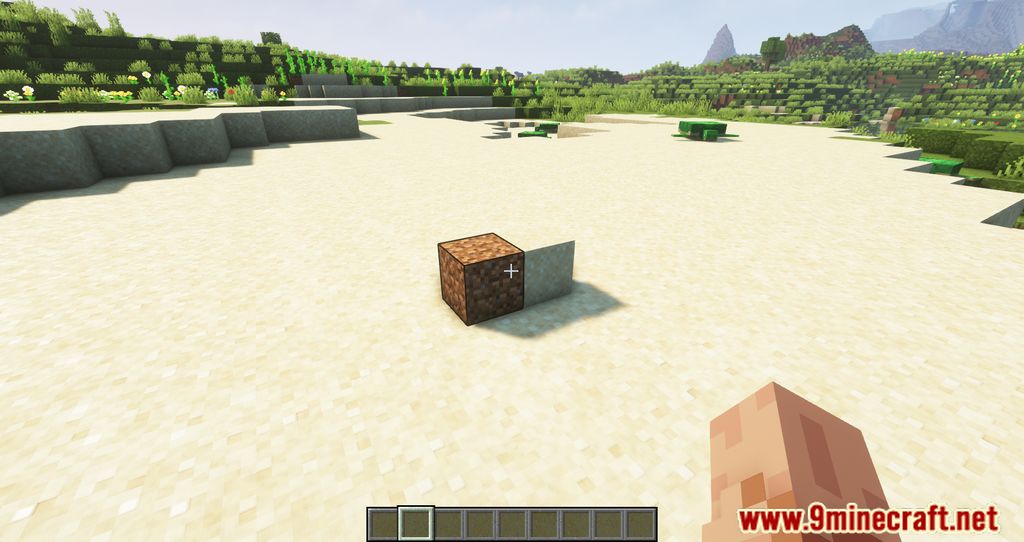
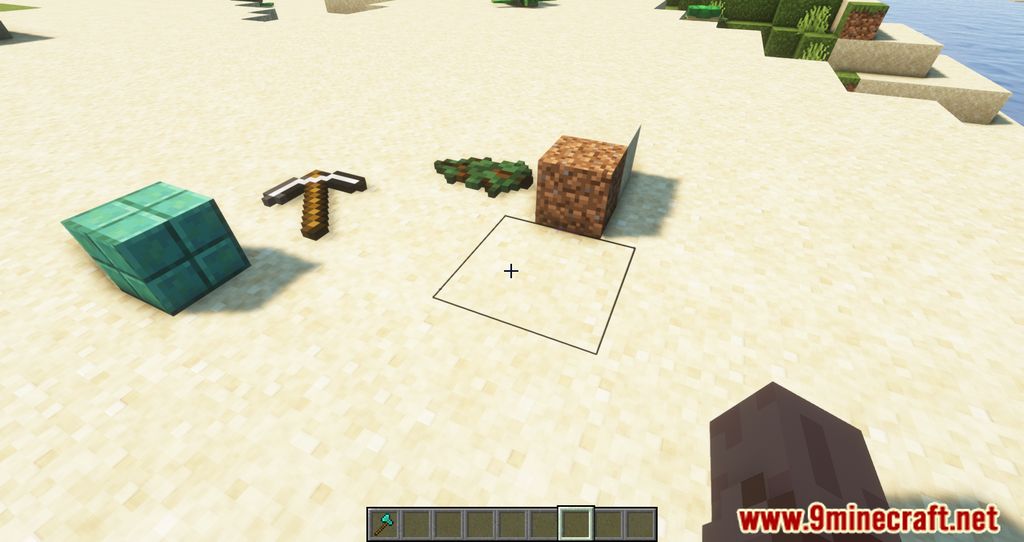
Hold the item you want to place in your hand, look at the block face where you want it, and press the Plonk placement key (default P). The item will attach to that surface. If nothing happens, the key is likely conflicting with another control, so rebind it in your controls settings.
What key places items in Plonk Mod?
The default placement key is P, but it commonly conflicts with other mods or vanilla controls. Go into your controls settings and search for the Plonk keybind to change it to something unused.
How do I rotate an item I already placed?
Look at the placed item and use Shift + Right-Click to rotate it. You can keep doing this to cycle through orientations until it faces the way you want.
How do I remove or pick up a placed item?
Left-Click the placed item to break it and retrieve it back into your inventory. It works like breaking a normal block, so aim directly at the item.
Can I place more than one item at a time?
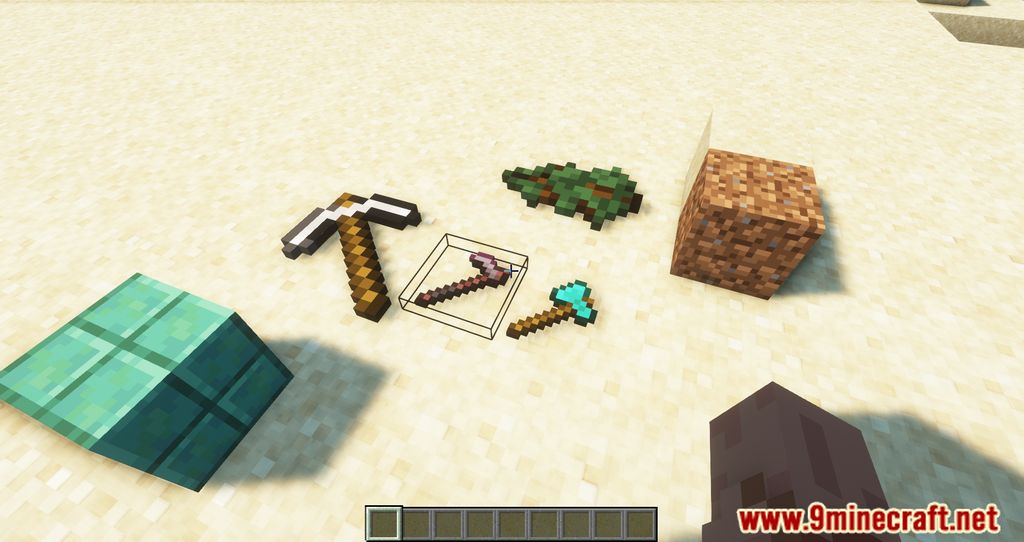
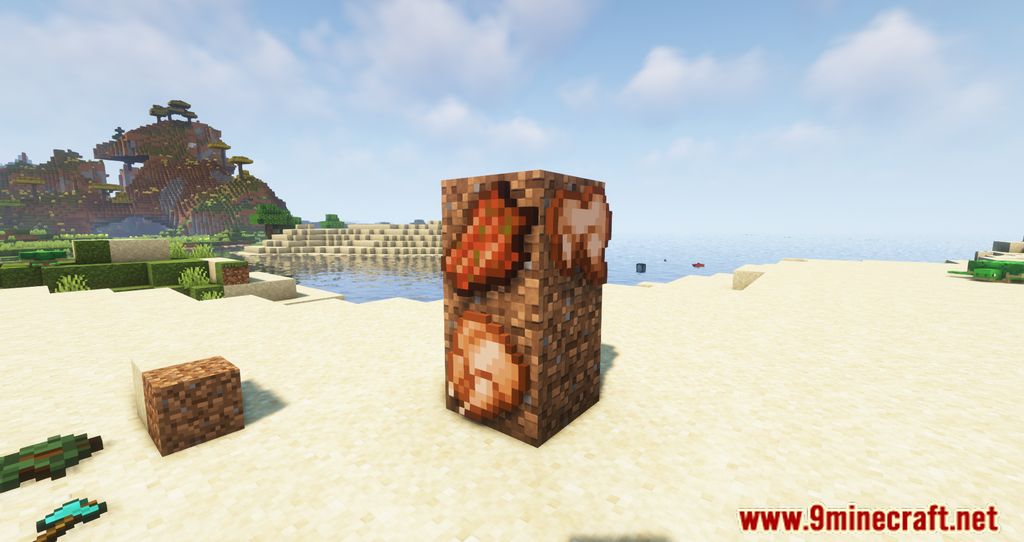
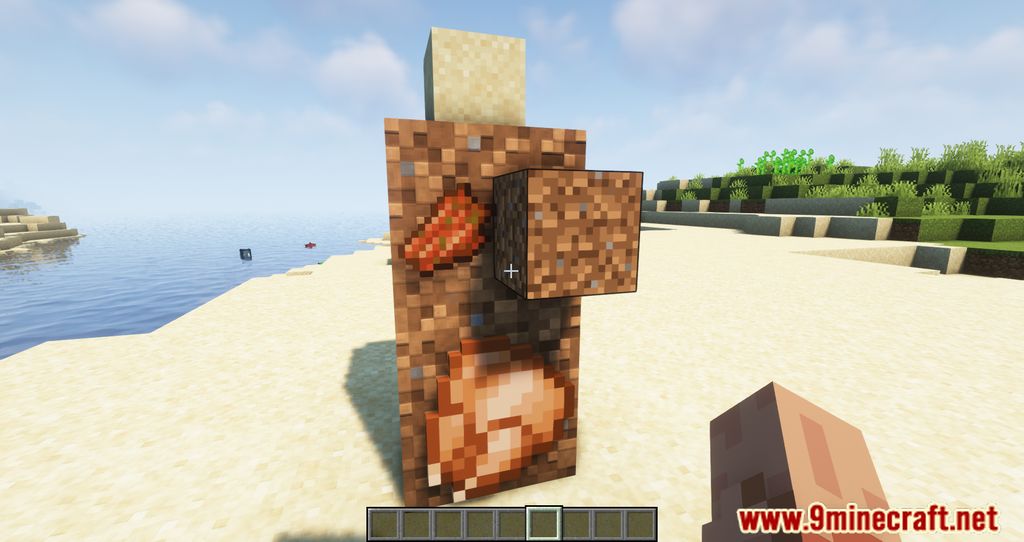
Yes. If you place multiple items close together they arrange as a cluster and appear smaller, which is useful for detailed decorations. Just keep placing items on the same surface to build up the arrangement.
What happens if I place a whole stack of items?
Holding a stack and placing it will place the entire stack, but it visually appears as a single object rather than many copies. This keeps builds clean while still consuming the stack.
Why isn't my Plonk placement key doing anything?
The most common cause is a keybind conflict with another mod or vanilla control. Rebind the Plonk placement key in your controls settings to an unused key and try again.
Can I place items on any side of a block, including the bottom?
Yes, Plonk Mod supports attaching items to all six faces of a block. Just aim at the specific face you want and press the placement key.
Does Plonk Mod work with other decoration or building mods?
It generally works alongside other mods since it only adds placement behavior for held items. Conflicts are most likely to come from keybind overlaps, so check your controls if something stops responding.
Will placing lots of items with Plonk Mod hurt my performance?
Placing many items can add up, especially in dense clusters, since each placed object is tracked in the world. If you notice lag in a decorated area, reduce the number of placed items or spread them out.
Gallery
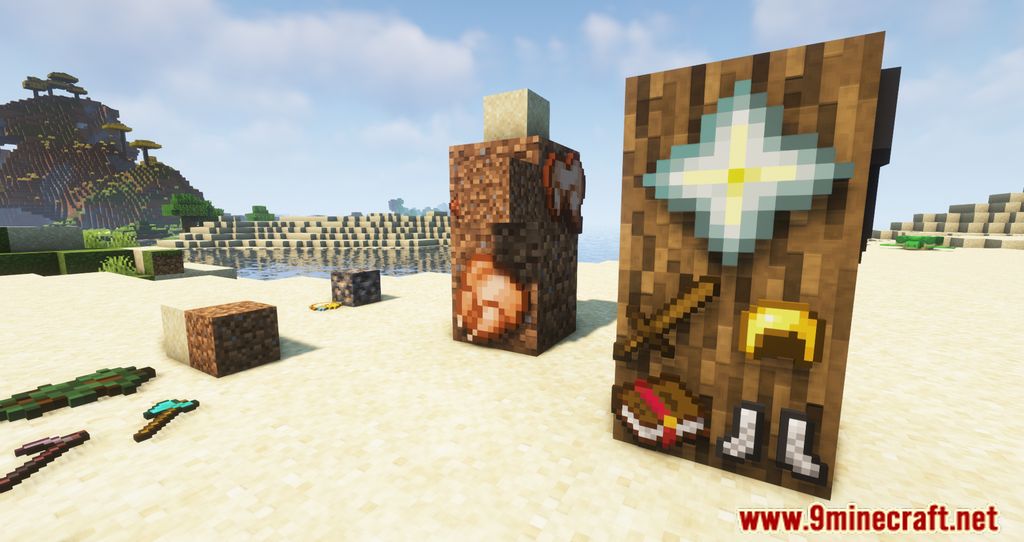
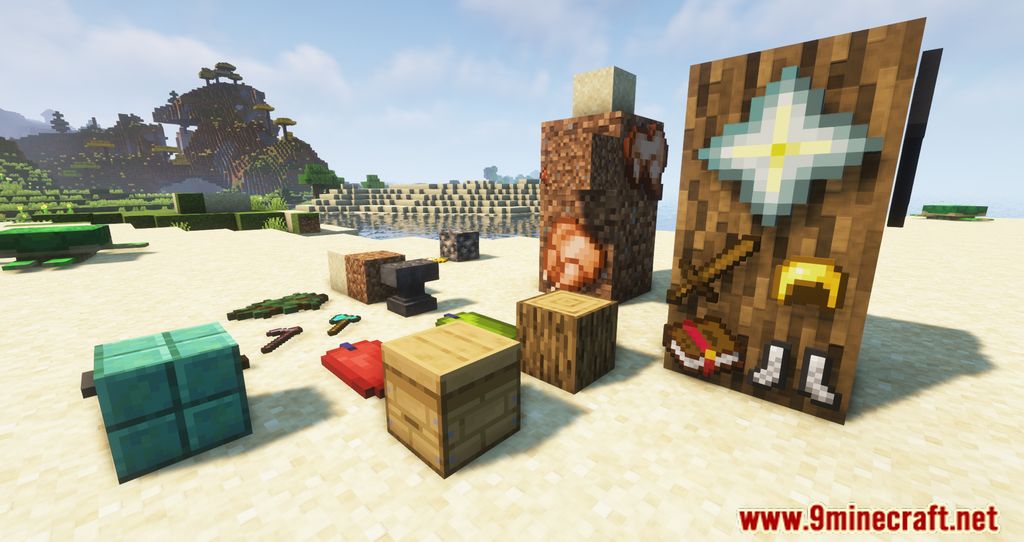
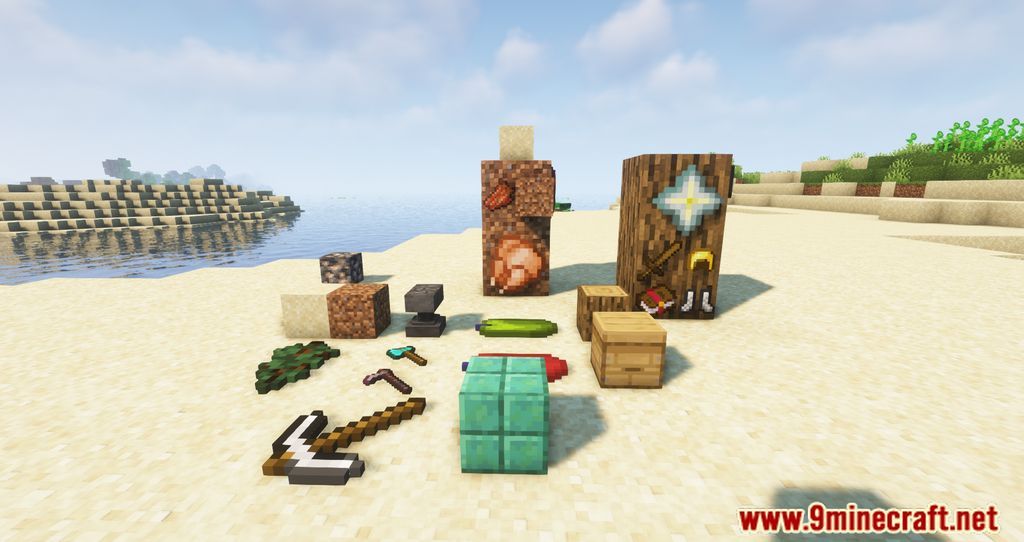
11 images from the Plonk Mod page.
You May Also Like
Wikis that share the most with this one
More mod wikis on the site
The most downloaded mods that have a wiki here
A few wikis from each of the other kinds