

 DownloadLinkpad Logic Interface
Get the files on 9Minecraft
Guides
Step-by-step, in-game.
Create and Configure Control Switches for MachinesAdding a New Signal 1. Hold your tablet and right-click to open the home screen 2. Tap the Signals app 3. Click an…Monitor Active Frequencies and Signal StrengthUsing the Gauges App The Gauges app displays live dials showing the current power level on any frequency your tablet…Set Up Your First Wall-Mounted Control PanelMounting the Tablet Wall-mounted tablets let you control your factory from a fixed location. To install one: 1. Craft…Use the Pinned Tablet for Quick Access While WorkingActivating the Pinned Widget The pinned tablet stays visible on your screen during normal gameplay, letting you…
Recipes
Every recipe the mod adds, grouped by how it is made.
Items
 Clockwork Cell
 Incomplete Link Tablet
 Link Logic Board
 Quartz Display
 Tablet Case
Blocks
 Link Tablet
 Swivel Mount
Frequently asked questions
How do I make a Linkpad tablet?
Craft a Linkpad tablet using the mod's crafting recipe, then hold it and right-click to open the home screen. From there, you can access the Signals app to start pairing with Redstone Links in your world.
How do I connect my tablet to a Redstone Link?
Hold your tablet and sneak + right-click directly on an existing Redstone Link transmitter or receiver in your world to instantly copy its frequency into a new control switch on your tablet.
Can I mount a tablet on a wall?
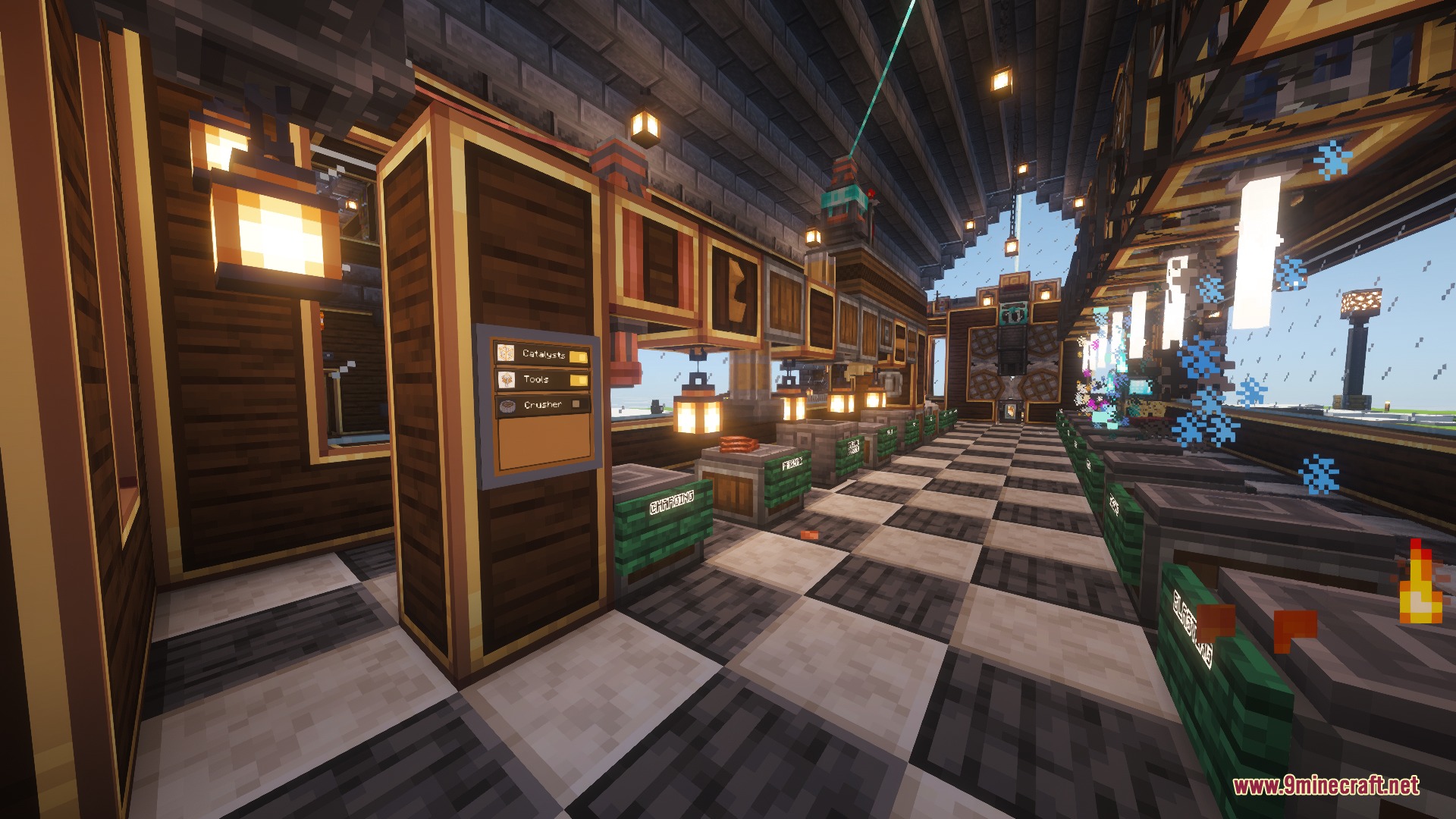
Yes—hold the tablet, sneak, and right-click on any block surface (wall, floor, or ceiling) to mount it permanently. Multiple mounted tablets can merge into a larger interactive control board.
What's the difference between the pinned tablet and a wall-mounted one?
The pinned tablet is a compact overlay that stays visible on your screen while you work (press B to toggle it), while wall-mounted tablets are placed blocks you interact with by clicking. Use the pinned version for quick access to frequently-used controls.
Can I control multiple machines with one button?
Yes—the mod lets you link up to 8 frequencies together, so a single button press can trigger multiple Redstone Link signals at once.
How do I adjust signal strength from the tablet?
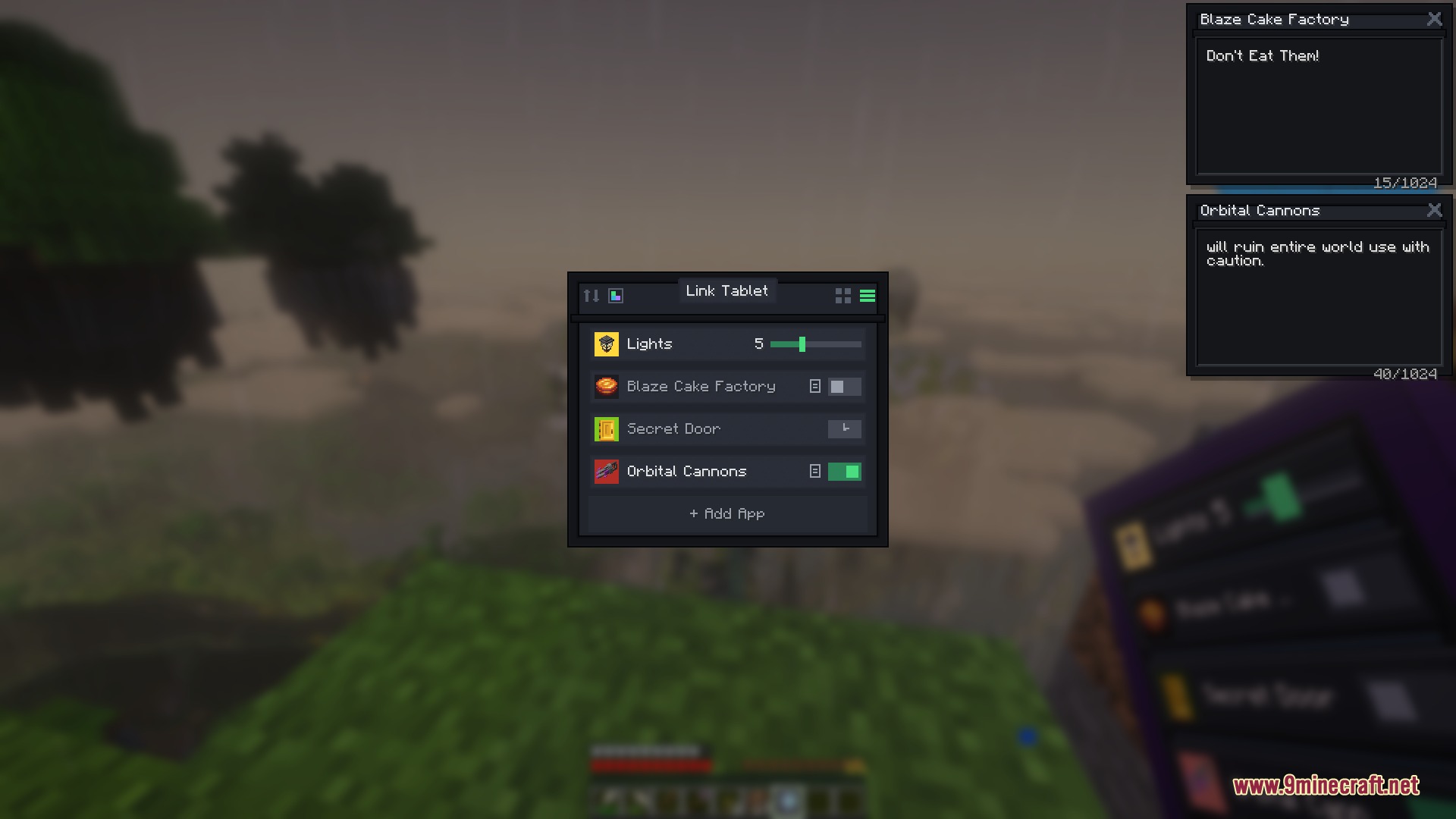
Create a variable slider control switch in the Signals app, which lets you adjust power output from 0 to 15 with a live slider on your tablet screen.
What apps come built into the tablet?
The tablet includes Signals (control grid), Gauges (live power level dials), Monitor (network viewer), Clock (timers and alarms), Calculator (with tape display), and Paint (pixel canvas for custom designs).
Can I customize how my control switches look?
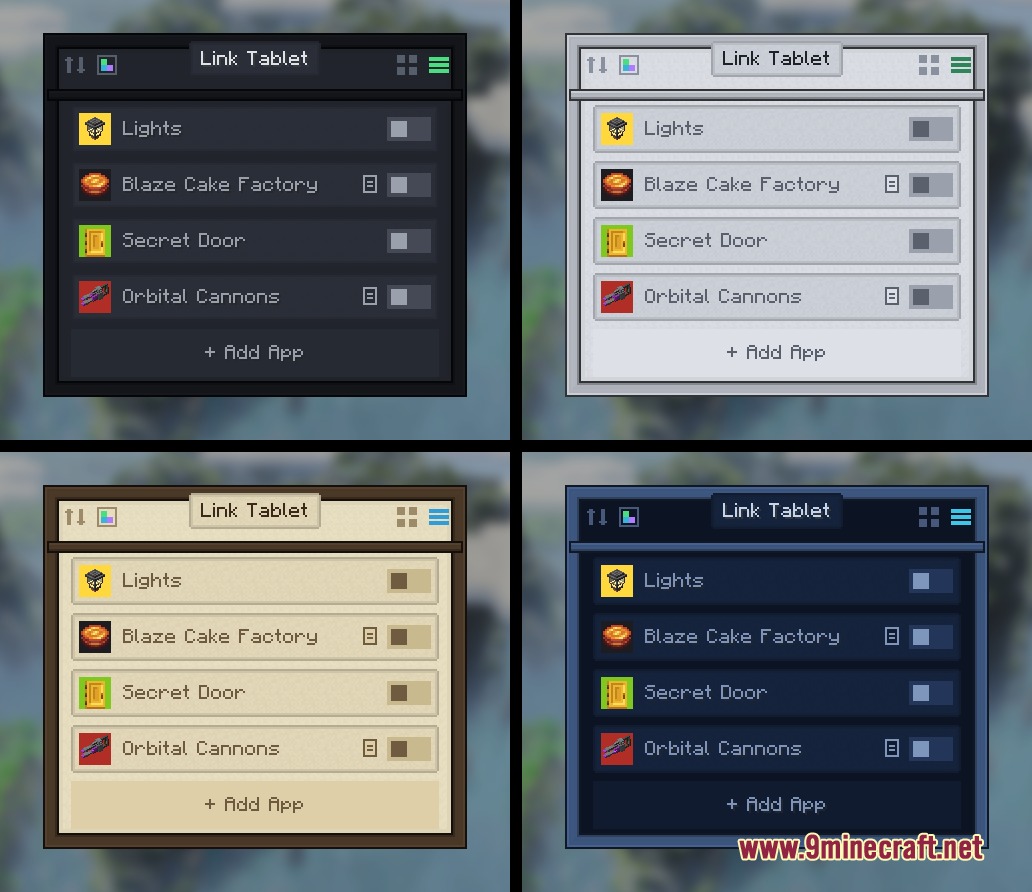
Yes—each control switch can have a custom name, color, and item icon, so you can make your tablet interface match your factory's theme and stay organized.
Does the tablet work with Create mod's other features?
The tablet pairs specifically with Create's Redstone Link frequencies, so it works with any machine or contraption that uses Redstone Links for wireless control.
Can I drag items from my inventory onto the tablet?
Yes—you can drag items directly from your inventory or recipe viewer panels onto control switches to use them as custom icons for your controls.
Gallery
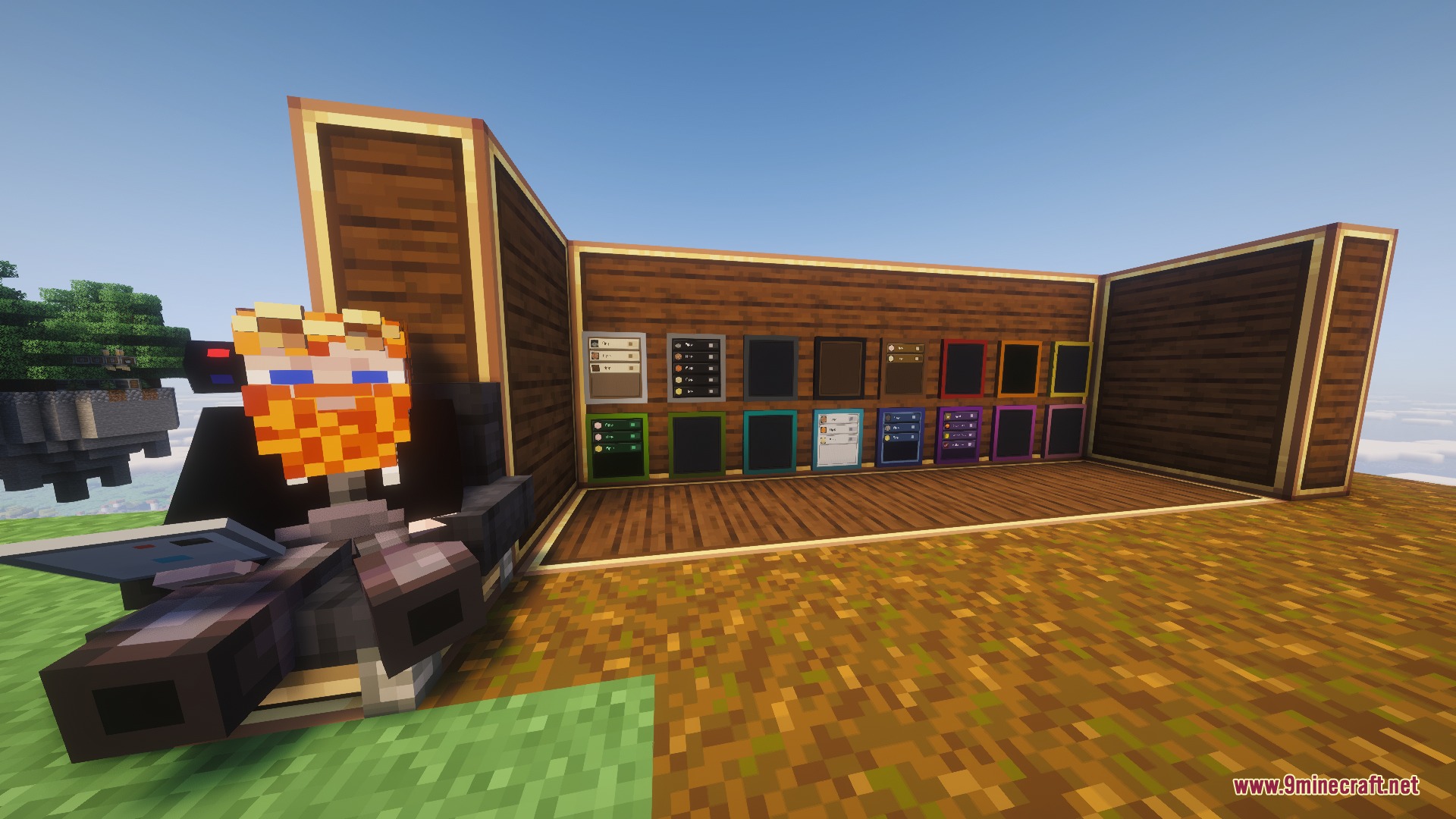
5 images from the Linkpad Logic Interface Mod page.
You May Also Like
Wikis that share the most with this one
More mod wikis on the site
The most downloaded mods that have a wiki here
A few wikis from each of the other kinds