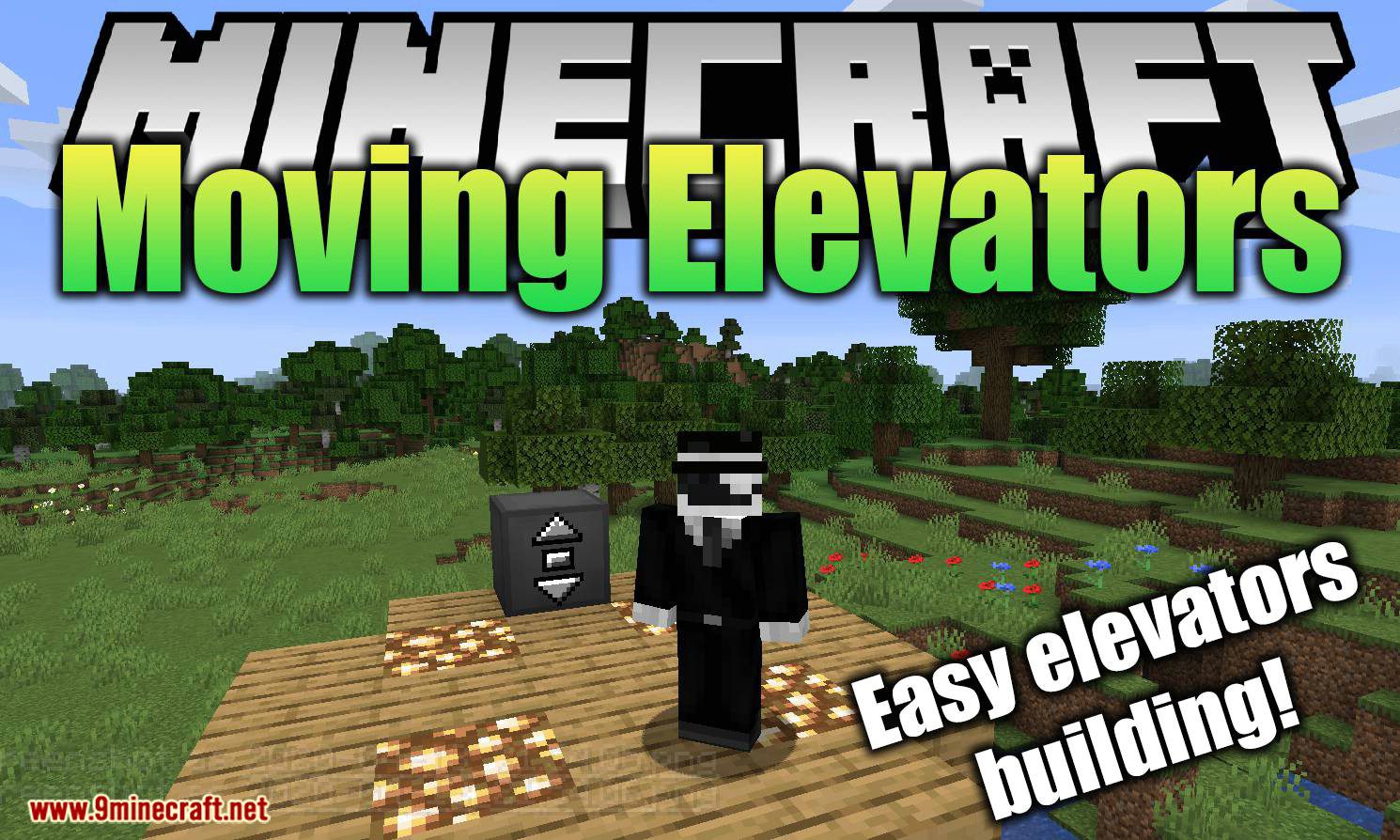
DownloadMoving Elevators
Get the files on 9Minecraft
Guides
Step-by-step, in-game.
Designing a Multi-Floor Elevator SystemPlan Floors Before You Build Decide how many levels the elevator will serve and stack them evenly so the Elevator…Fixing a Moving Elevators Mod Elevator That Won't MoveCheck the Shaft First Most non-working elevators come down to a broken or obstructed shaft. Walk the full height of…How to Build a Working Elevator with the Moving Elevators ModLaying Out the Shaft Place Elevator Blocks in a vertical column to form the shaft the cabin will travel through. The…How to Use Button Blocks and Display Blocks TogetherUnderstanding Each Block's Job Button Blocks are the call buttons: a player presses one to send the elevator to that…
Recipes
Every recipe the mod adds, grouped by how it is made.
Blocks
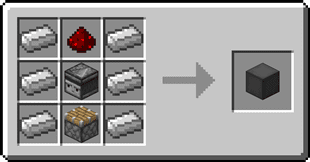
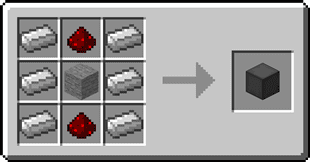
 Button Block
 Display Block
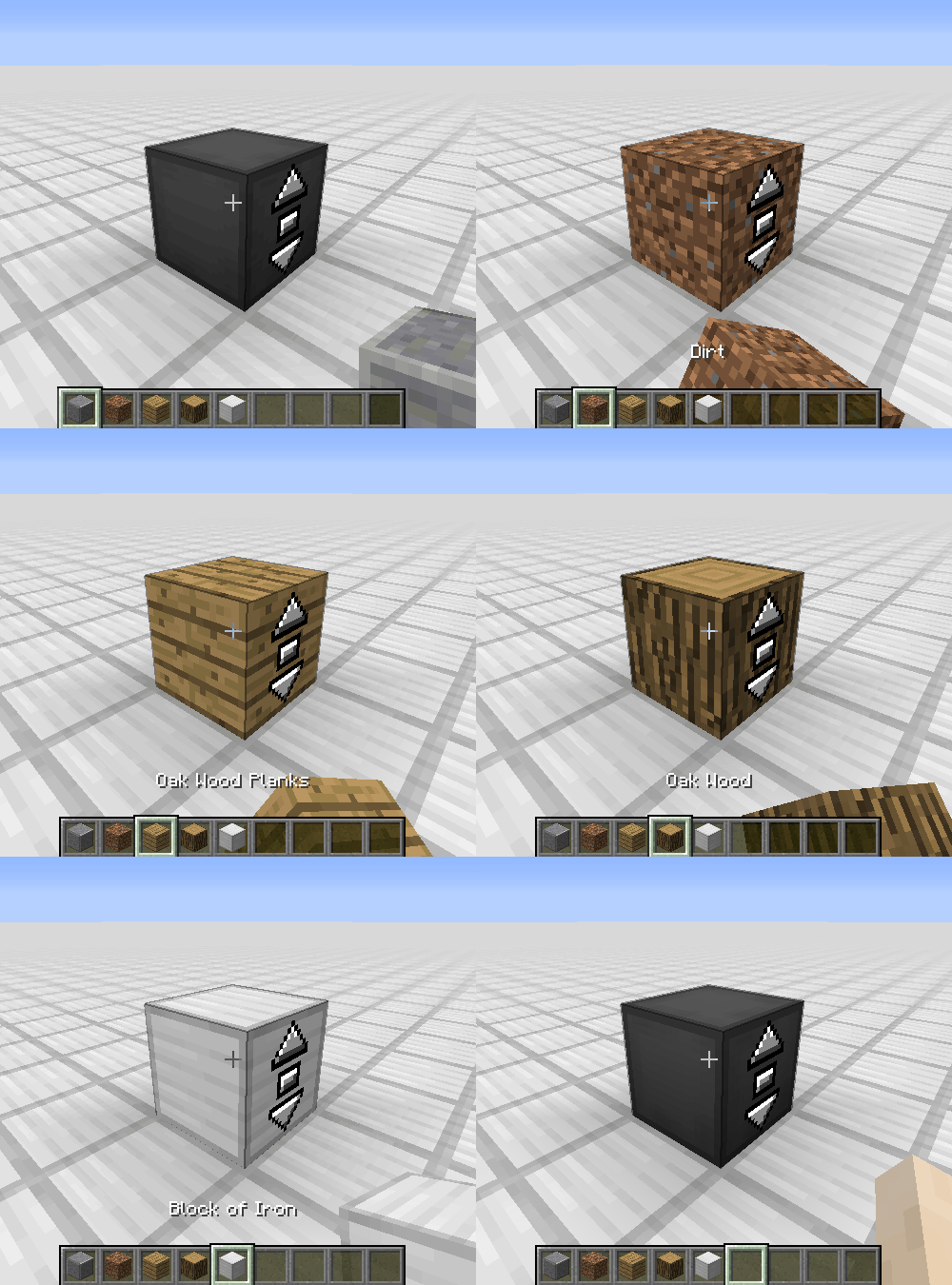
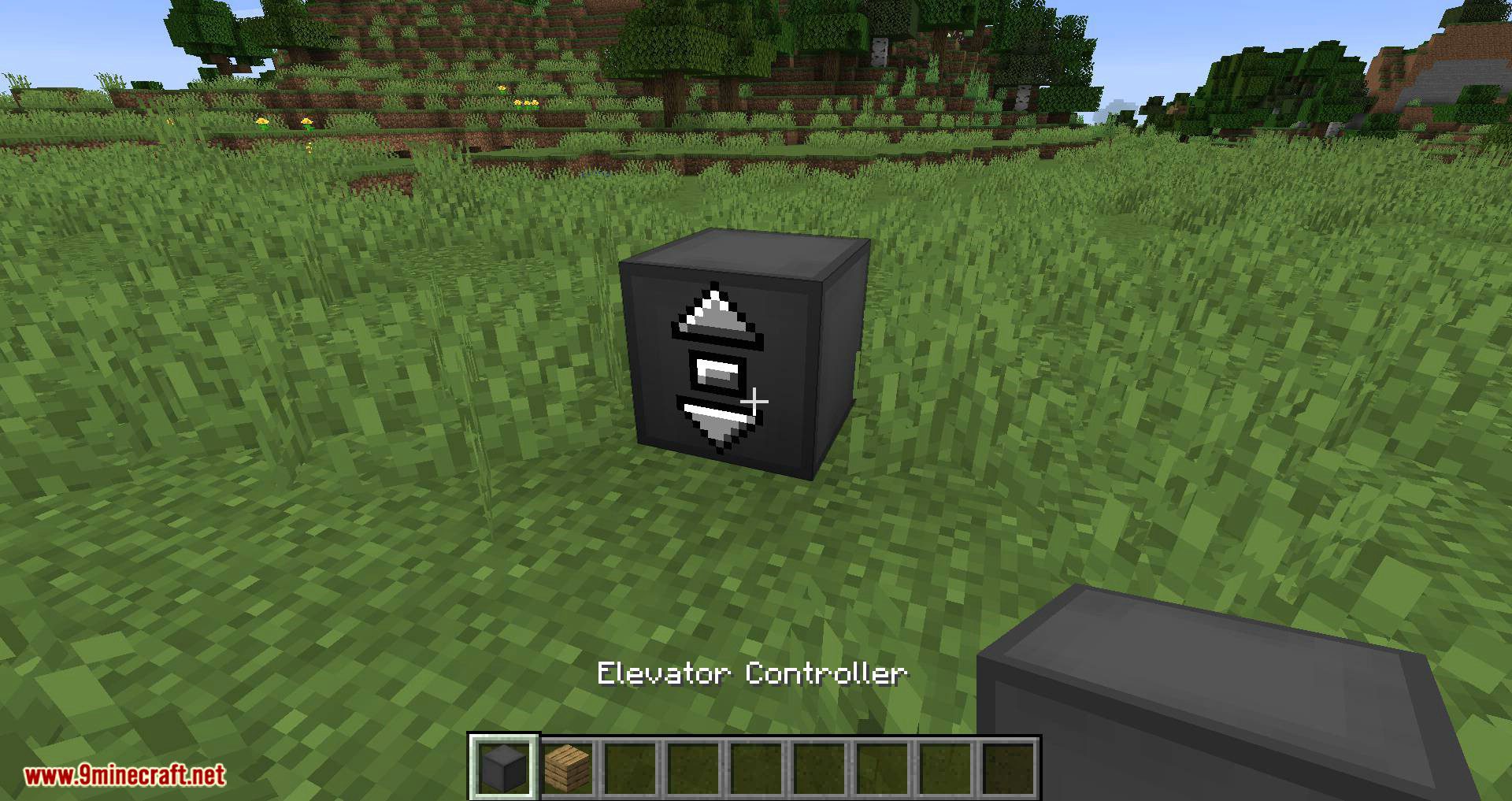
 Elevator Block
Frequently asked questions
How do I start using the Moving Elevators Mod?
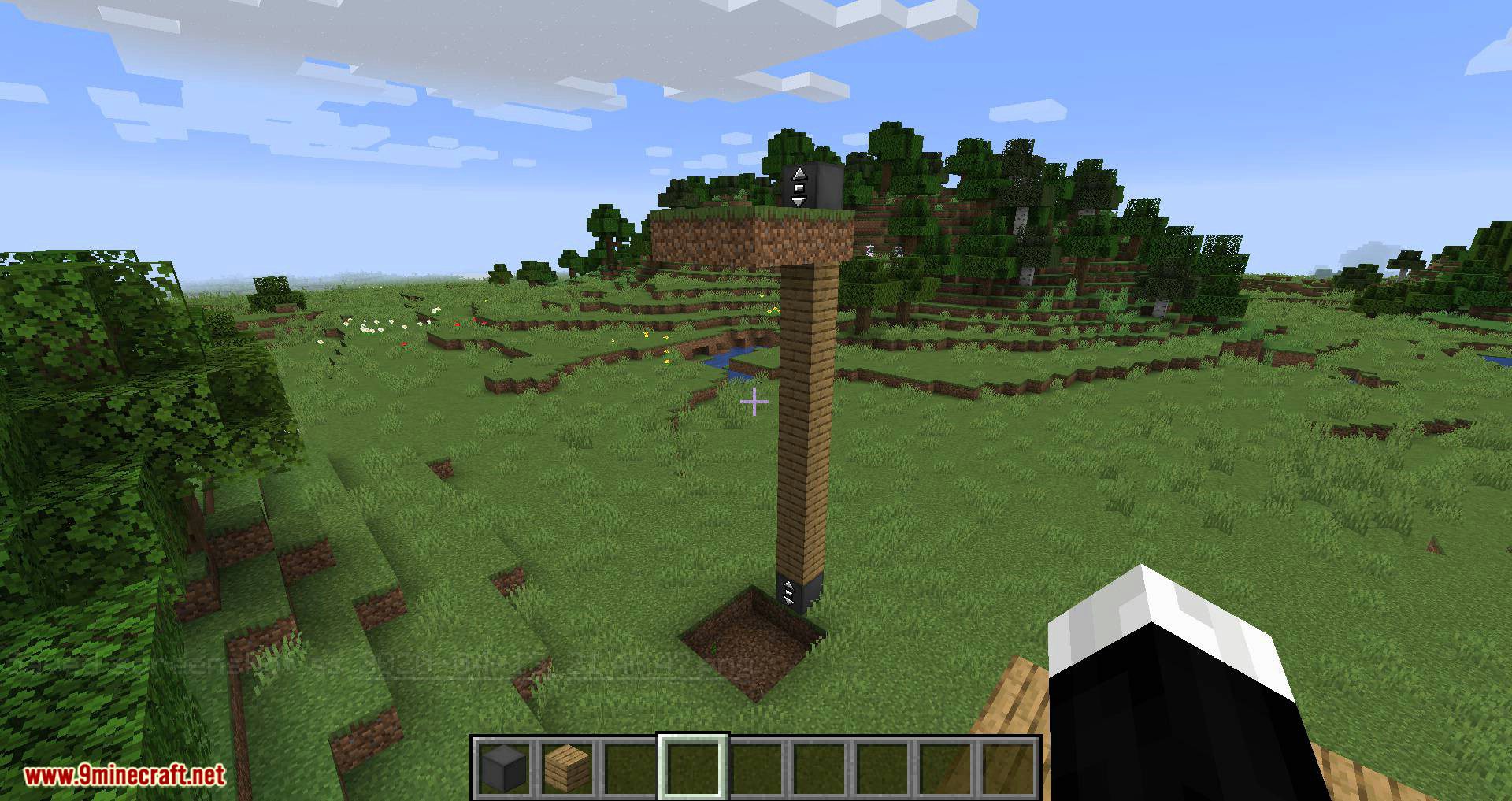
Craft an Elevator Block, place a vertical column of them where you want the elevator to travel, and put a Button Block at each floor to call it. Add a Display Block next to the buttons if you want to see which level the elevator is currently on.
How do I make the elevator actually move?
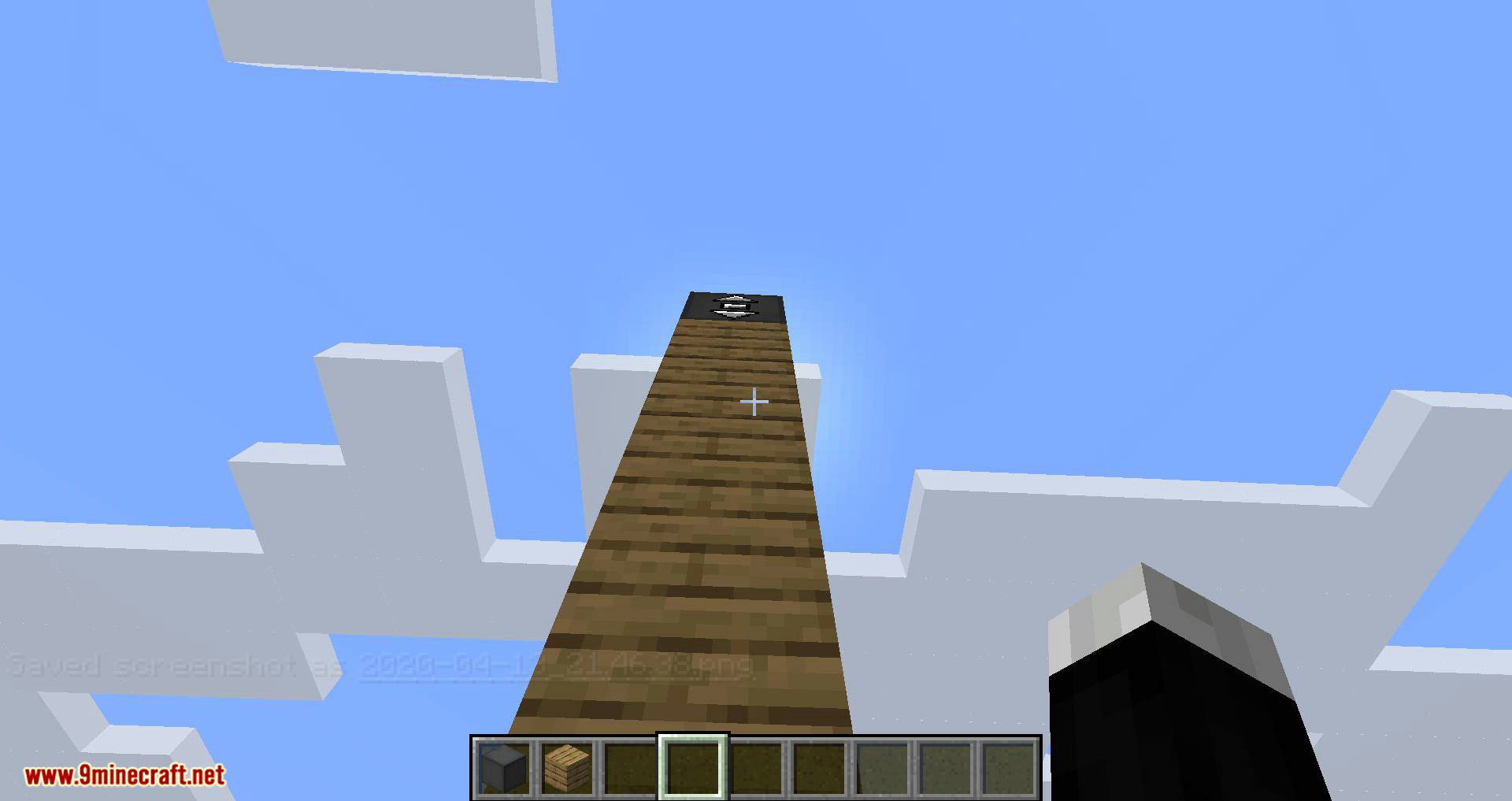
The elevator only moves when it has a valid column of Elevator Blocks and a Button Block to send it to a floor. Press the button for the floor you want, and the platform travels along the block column to that level.
How do button blocks and display blocks work together?
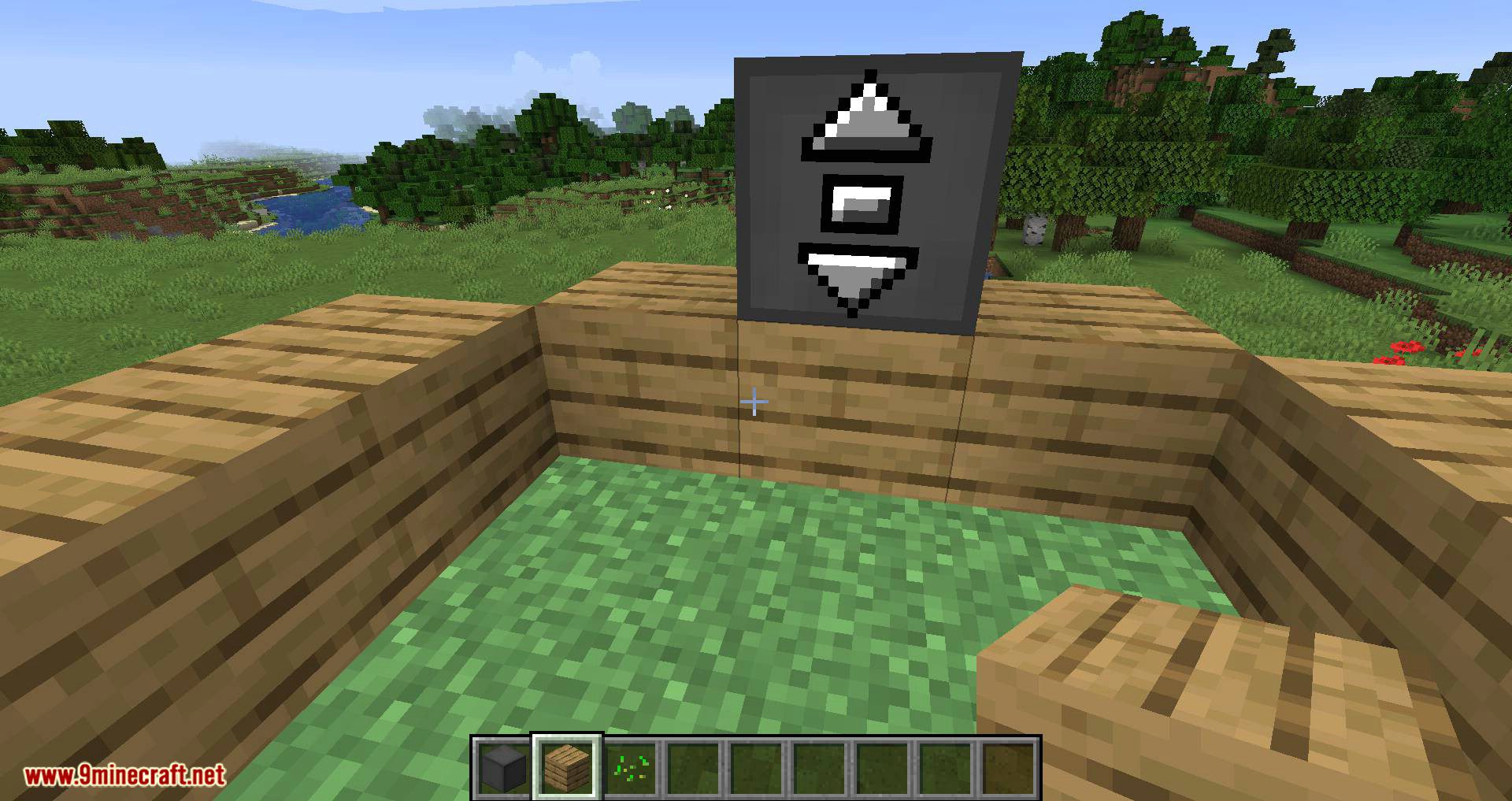
Button Blocks call the elevator to their floor, while Display Blocks read the elevator's current position and show the level number. Place a Display Block near each button so players can see where the elevator is before calling it.
Moving Elevators Mod not working, elevator won't move
The most common causes are a broken or interrupted column of Elevator Blocks, a missing Button Block at the target floor, or the elevator being blocked by a solid block in its path. Check that every floor has its own button and that nothing obstructs the shaft.
How many floors can a Moving Elevators elevator have?
You can build a multi-floor system by stacking Elevator Blocks and placing a Button Block at each level you want to reach. There is no fixed small limit, but very tall shafts need every block in the column to be an Elevator Block.
Does the Moving Elevators Mod need any prerequisite mods?
The mod is designed to work on its own for the basic elevator, button, and display features. If you are running it alongside other mods, make sure your mod loader matches the version the mod was built for, since mismatches are the usual cause of it not loading.
Can I use the Moving Elevators Mod on Minecraft PE or Bedrock?
The Moving Elevators Mod is a Java Edition mod, so it does not run on Minecraft PE, Bedrock, or consoles. Bedrock players would need a different addon or behavior pack that provides similar elevator functionality.
How do I design a multi-floor elevator system?
Build one continuous vertical column of Elevator Blocks spanning every floor, then place a Button Block and a Display Block at each level. Keep the shaft clear of other blocks so the elevator can pass between floors without stopping.
Why does my elevator stop at the wrong floor?
This usually happens when a Button Block is placed at a height that does not line up with an Elevator Block, or when two buttons are too close together. Make sure each button sits at the exact level you want the elevator to stop.
Does the Moving Elevators Mod cause lag on big builds?
A single elevator with a reasonable number of floors runs smoothly, but many elevators with long block columns and frequent button presses can add up. If you notice lag, shorten unnecessary shafts and avoid stacking elevators right next to each other.
You May Also Like
Wikis that share the most with this one
Wikis on the same theme: level
More mod wikis on the site
The most downloaded mods that have a wiki here
A few wikis from each of the other kinds
Gallery
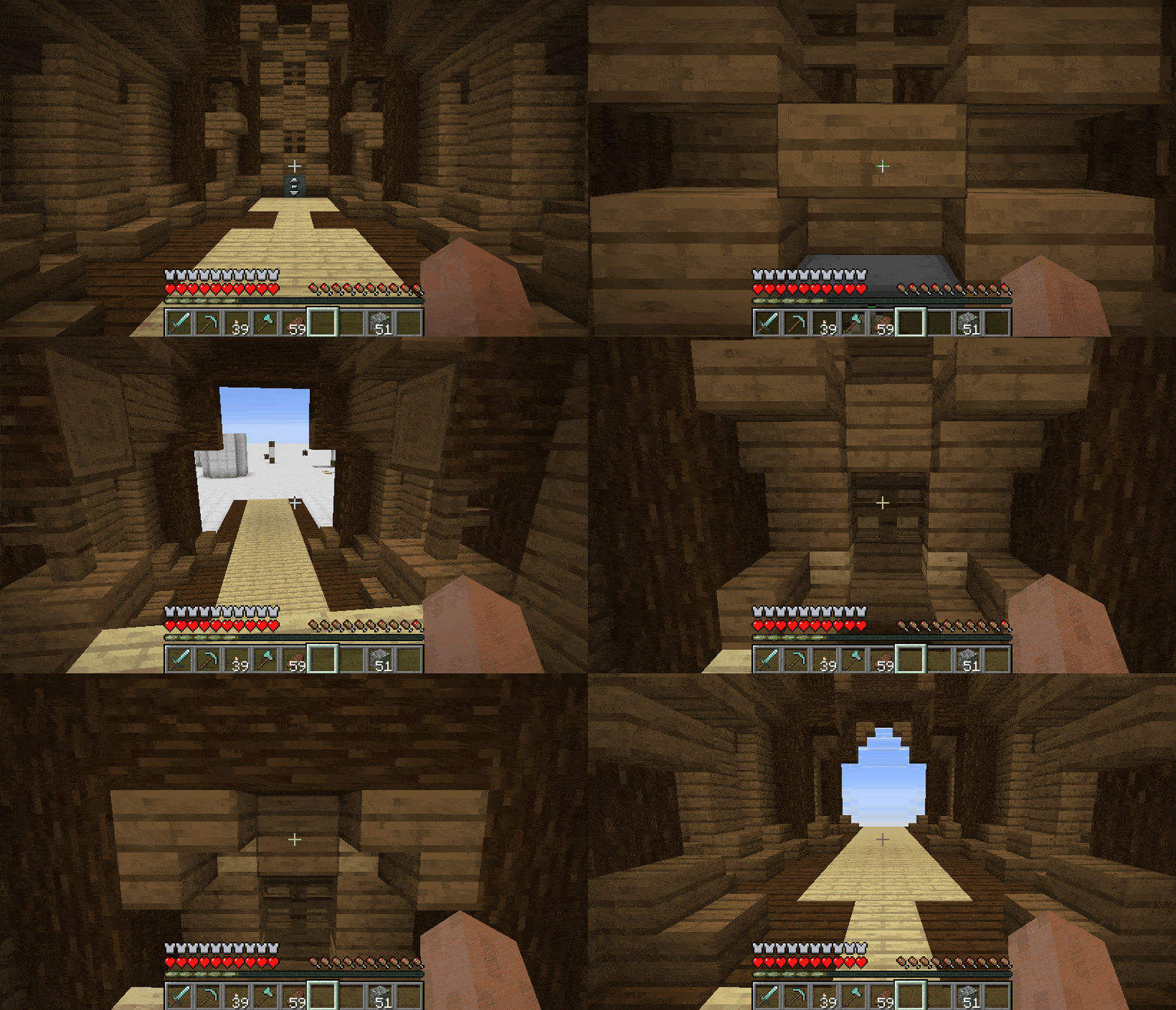
12 images from the Moving Elevators Mod page.