

 DownloadMove Subtitles Mod
Get the files on 9Minecraft
Guides
Step-by-step, in-game.
How to Fine-Tune Subtitle Position with deltaX and deltaYUnderstand the Offset Values The eight default positions only get you to the edges and corners of the screen. To…How to Move Subtitles to a Different Part of the ScreenOpen the Config File Move Subtitles Mod does not use an in-game settings menu for placement. All positioning happens…How to Reset Subtitles Back to the Default PositionRestore the Vanilla Anchor If you have moved subtitles somewhere you no longer like, open the Move Subtitles config…How to Stop Subtitles from Blocking Your Crosshair or HotbarPick an Anchor Away from the Center Vanilla subtitles sit near the bottom-center of the screen, which is exactly…
Frequently asked questions
How do I move my subtitles in Minecraft with this mod?
Open the mod's config file and set the subtitle position to one of the eight default spots, such as TOP LEFT or BOTTOM RIGHT. Save the file and reload or restart the game for the change to take effect.
Where is the config file for Move Subtitles Mod?
The config file lives in your Minecraft config folder, usually under a name matching the mod. Open it with any text editor to change the position and delta values.
What are the 8 default subtitle positions?
The mod offers TOP LEFT, TOP, TOP RIGHT, LEFT, RIGHT, BOTTOM LEFT, BOTTOM, and BOTTOM RIGHT. Pick whichever keeps subtitles out of the way of your crosshair, hotbar, or chat.
How do deltaX and deltaY work?
deltaX shifts subtitles horizontally and deltaY shifts them vertically, letting you nudge them past the default positions. Positive and negative values move in opposite directions, so experiment to find your offset.
See all 10 Move Subtitles questions ›
Gallery
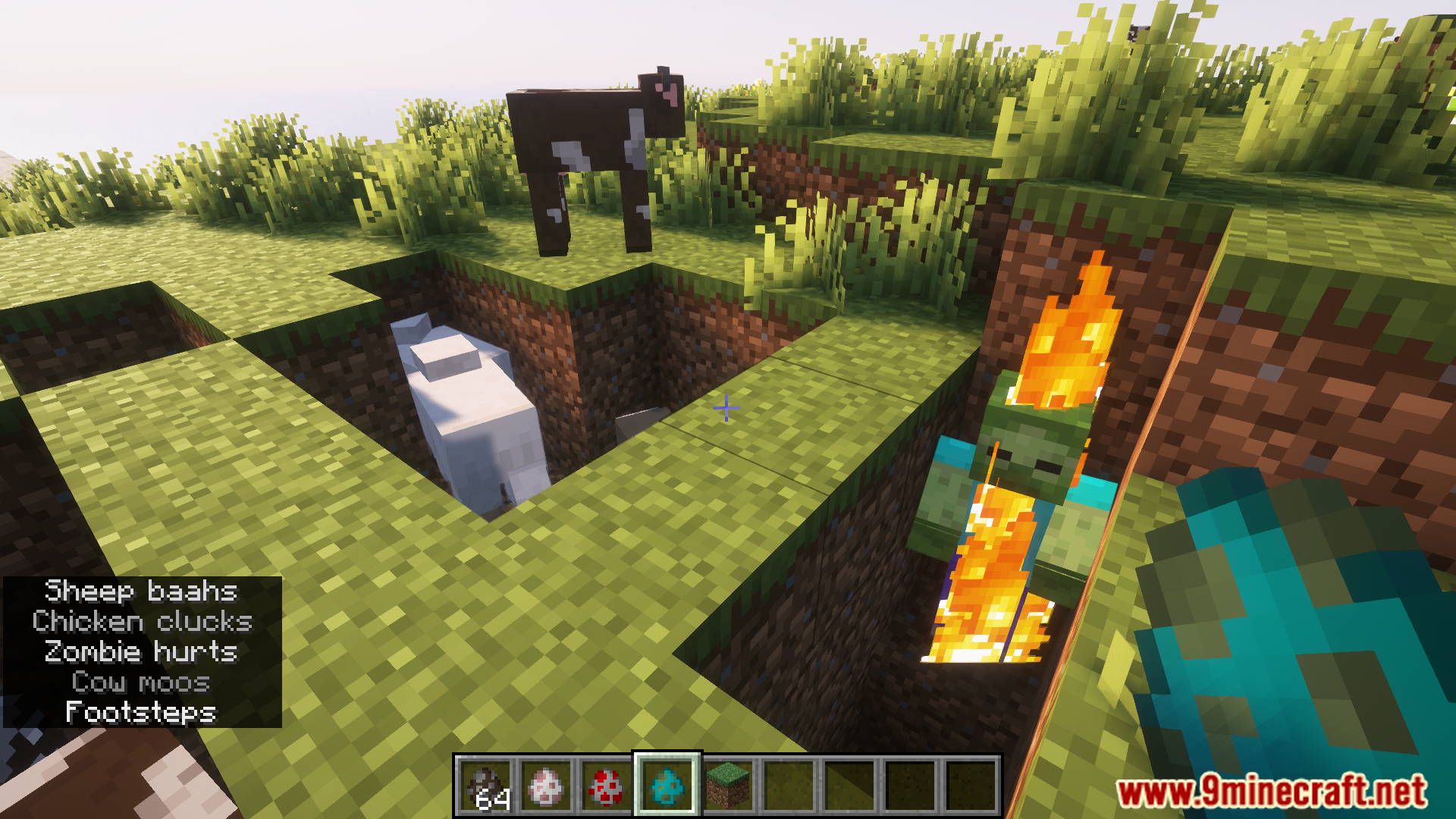
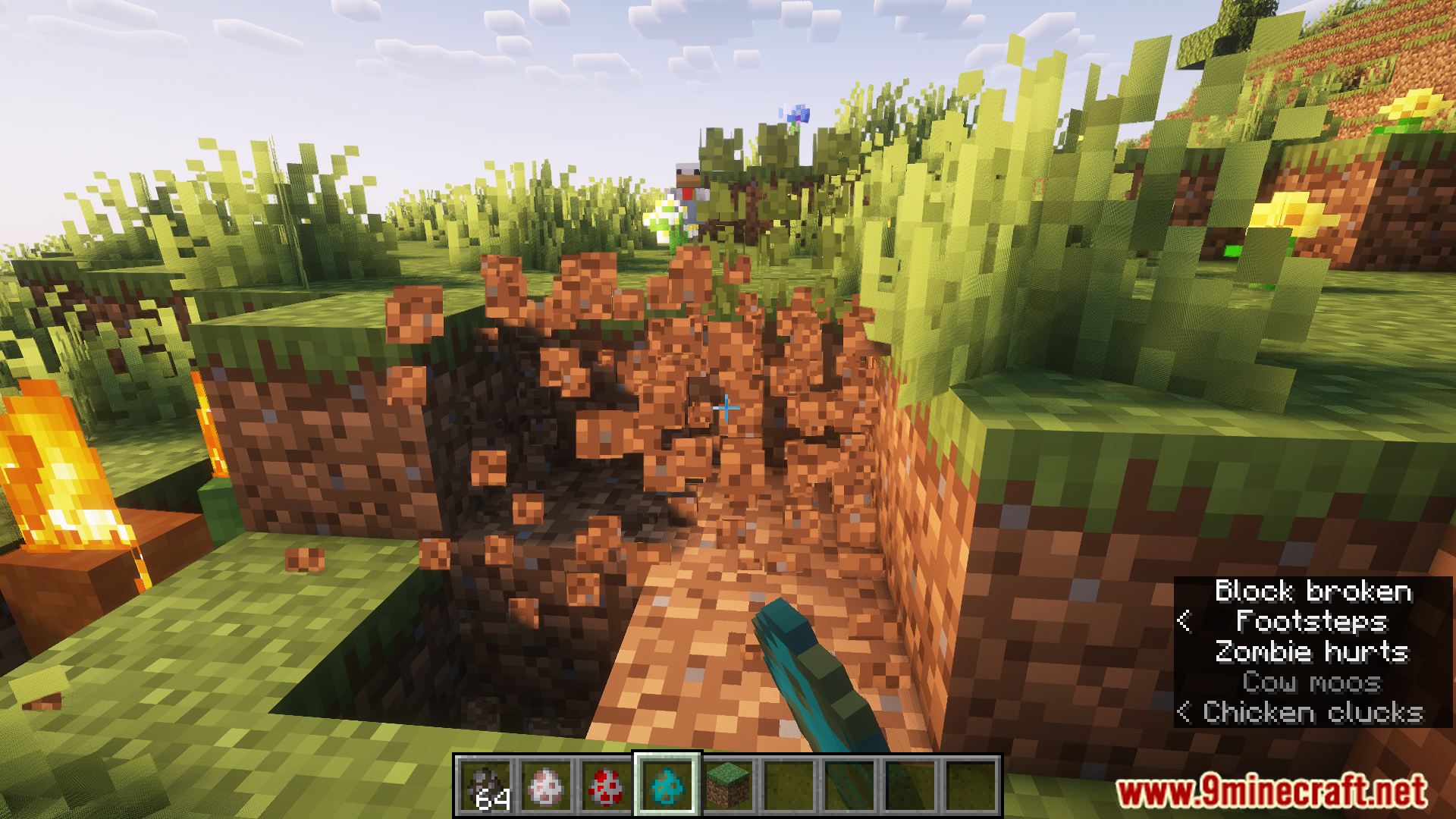
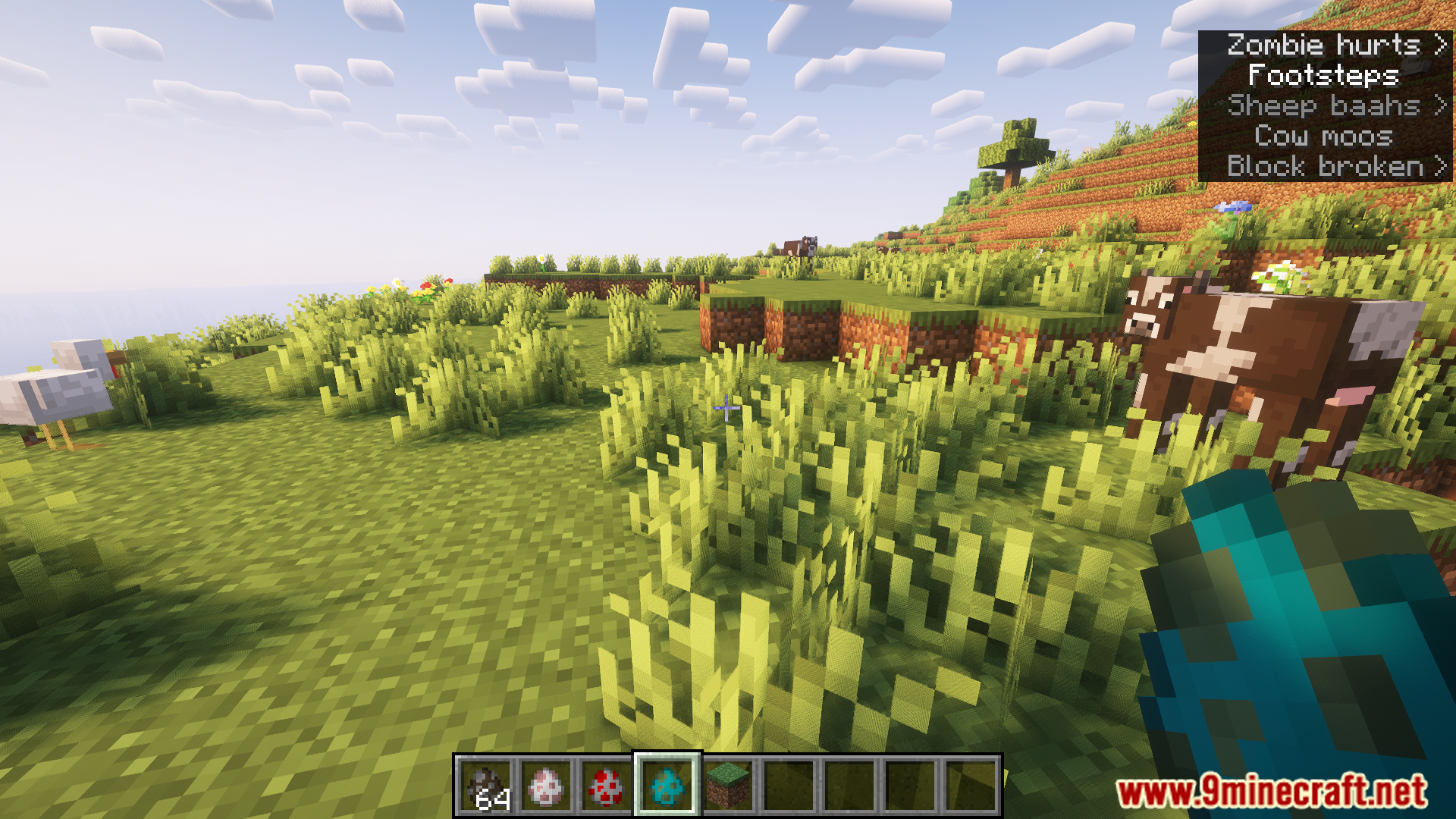
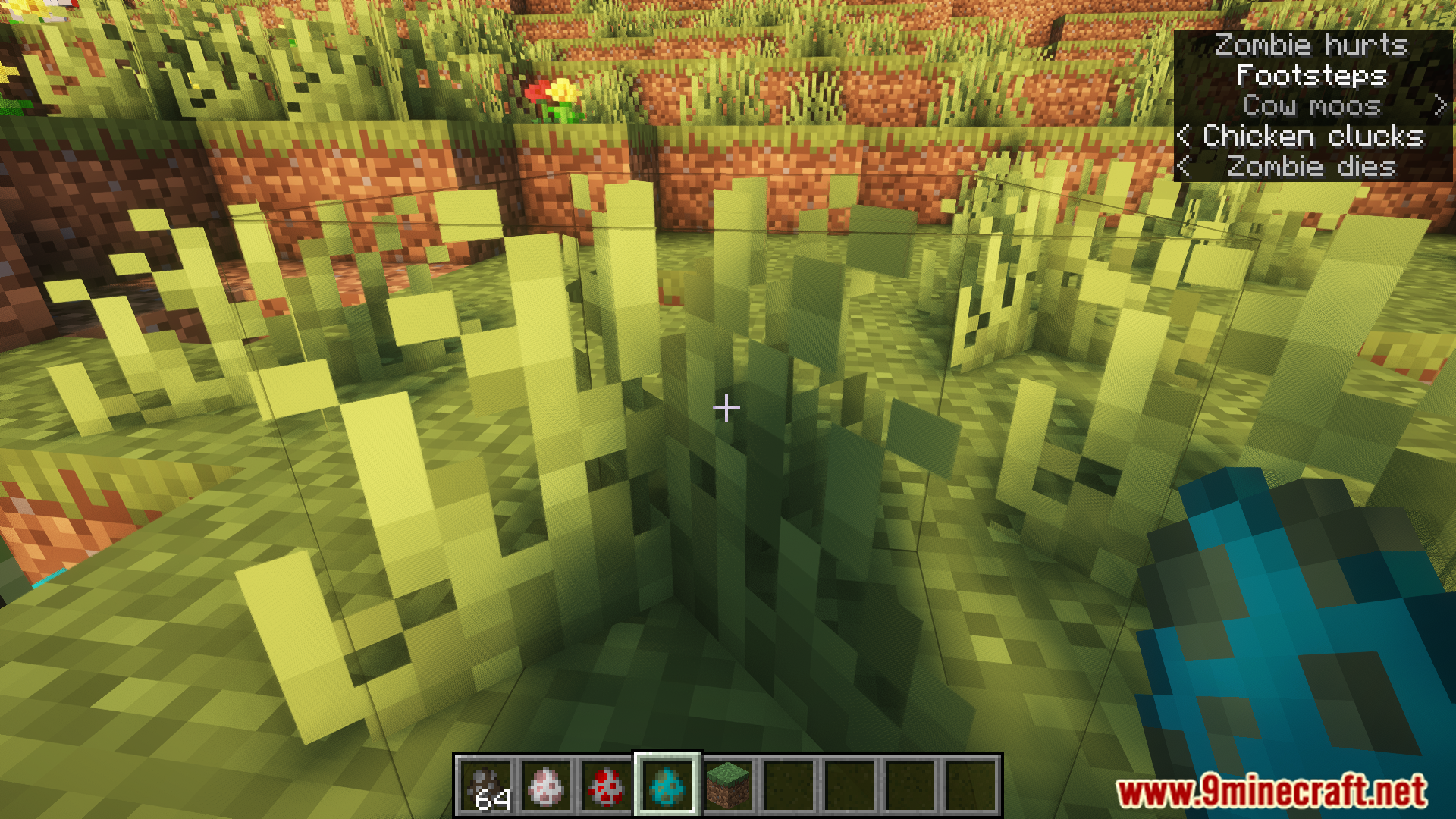
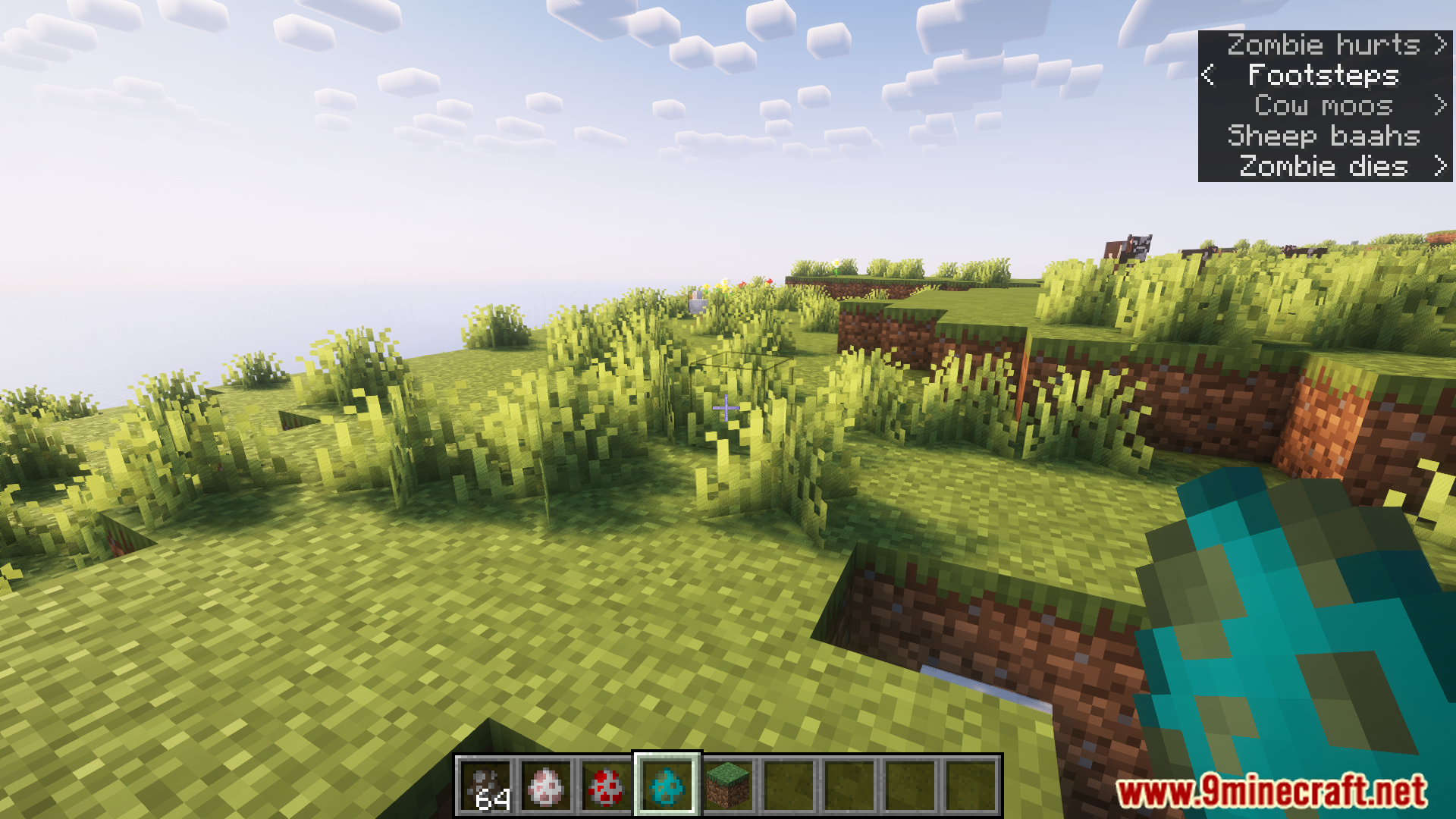
10 images from the Move Subtitles Mod page.

You May Also Like
Wikis that share the most with this one
 Cobblemon Move Effects Backport Forge Fabric Data Pack
More mod wikis on the site
The most downloaded mods that have a wiki here
A few wikis from each of the other kinds