

 DownloadTier Tagger Mod
Get the files on 9Minecraft
Guides
Step-by-step, in-game.
Check an Opponent's Rank Before FightingQuick Lookup Methods Tier Tagger gives you two fast ways to check enemy stats mid-game: Before engagement: Press R to…Search for a Specific Player's RankAccess the Search Menu Open the Tier Tagger settings screen by pressing N . Look for the search or lookup menu…Set Up Your First Tier Tag DisplayChoose Your Data Source Press N to open the main settings screen. You'll see a list of PvP tracking websites…Troubleshoot Missing or Incorrect Tier TagsCheck Your Data Source Connection Open settings (press N ) and verify your selected tracking website is still active.…
Frequently asked questions
How do I see a player's rank above their head?
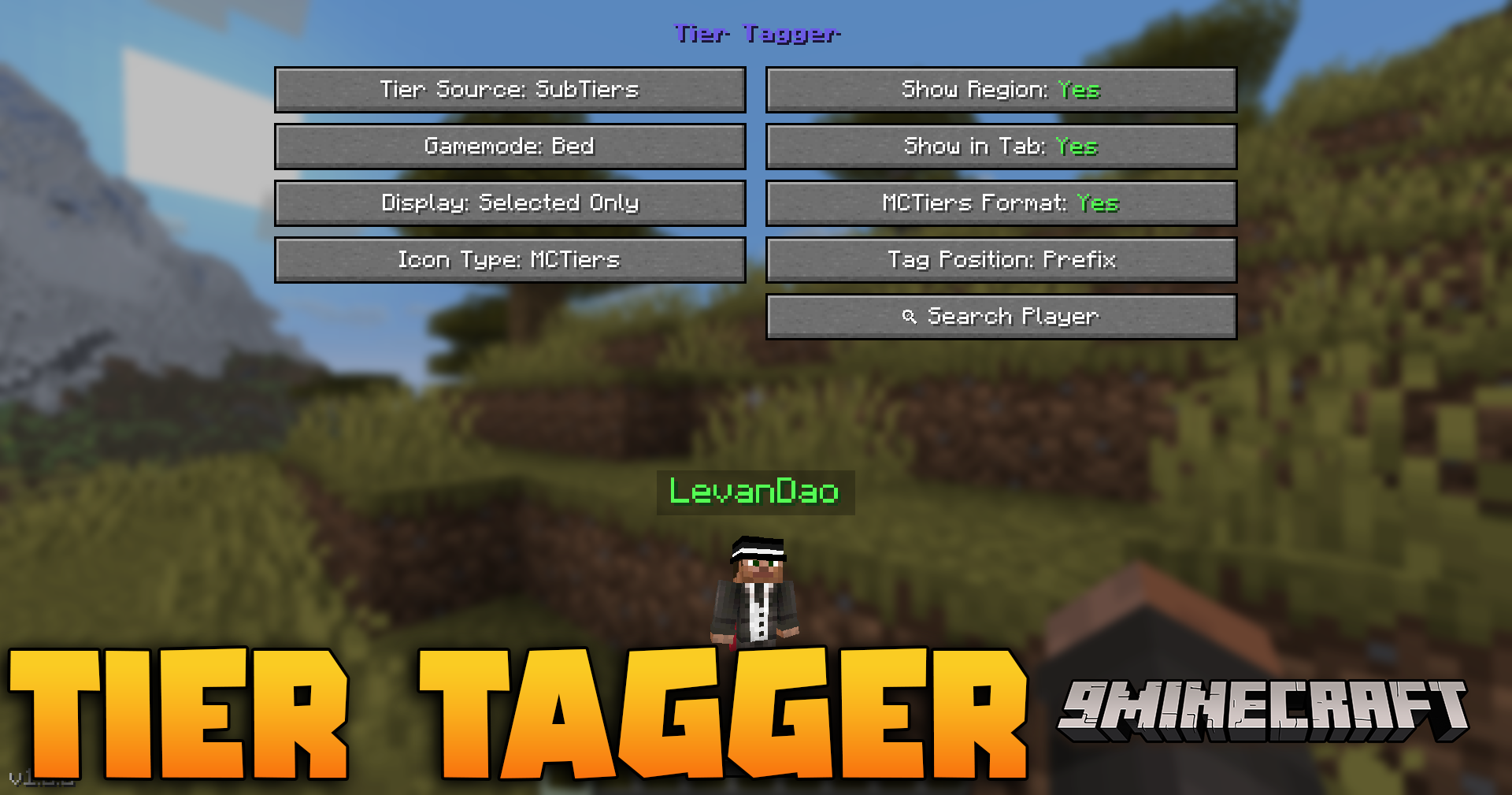
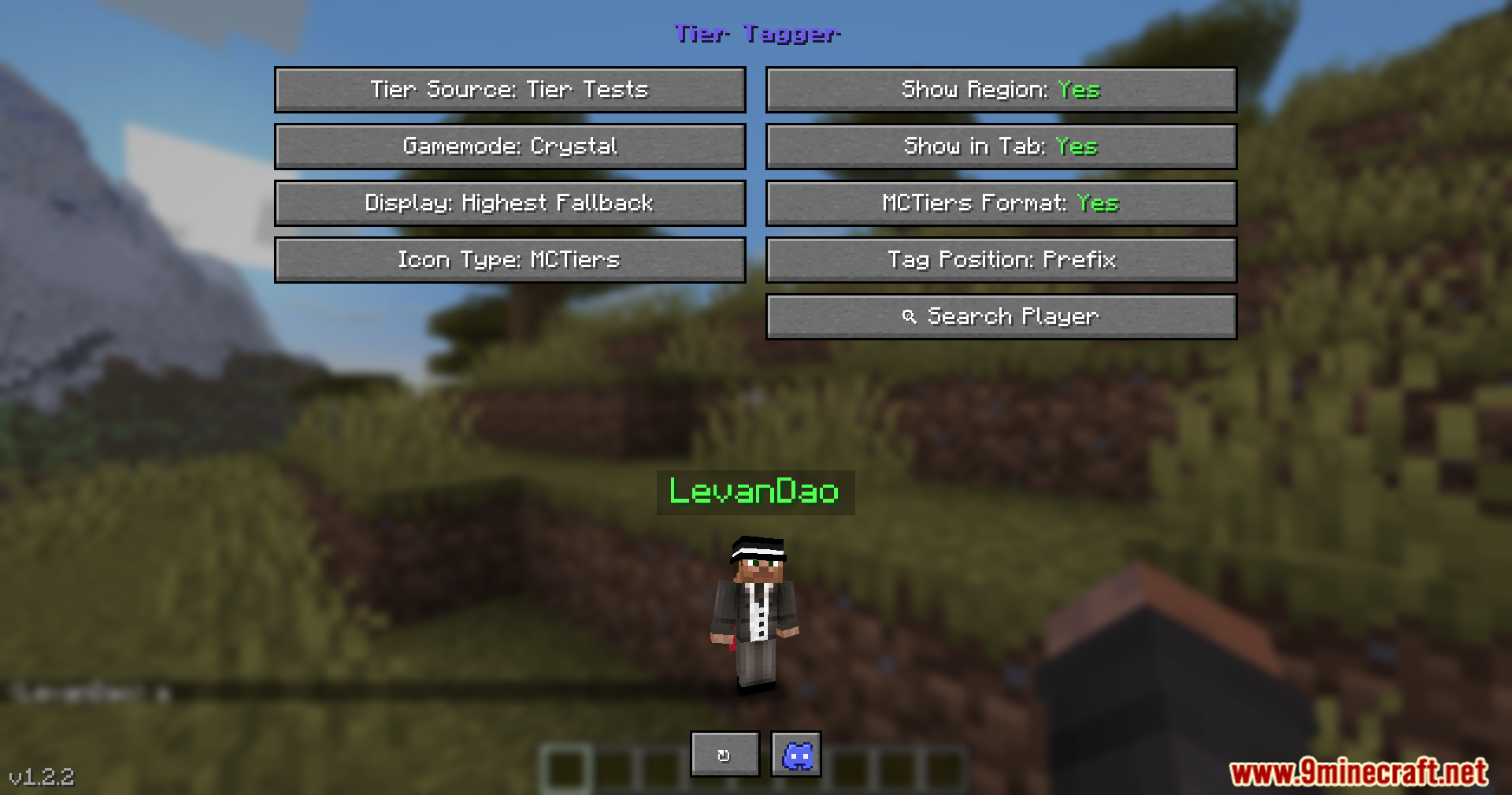
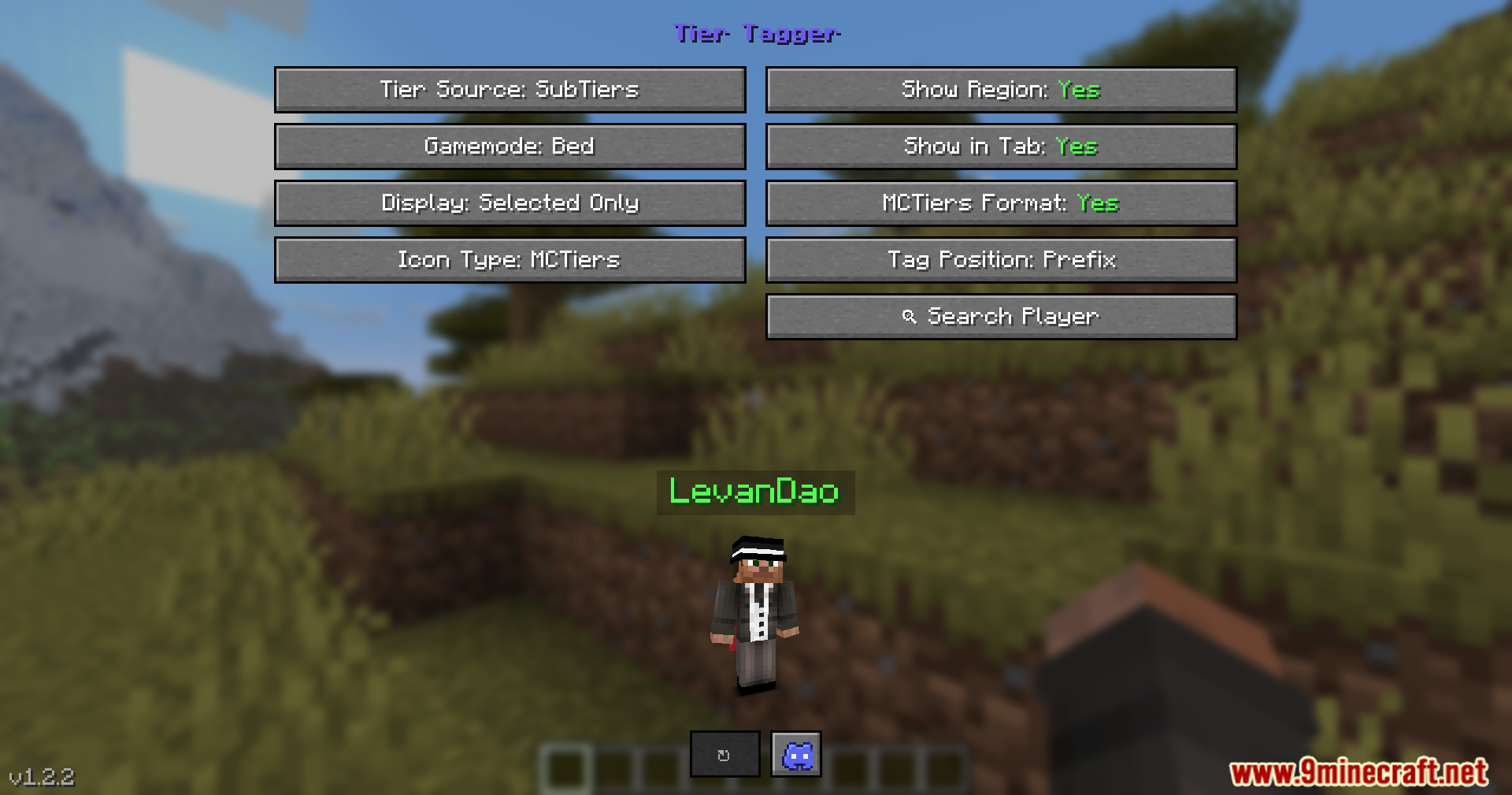
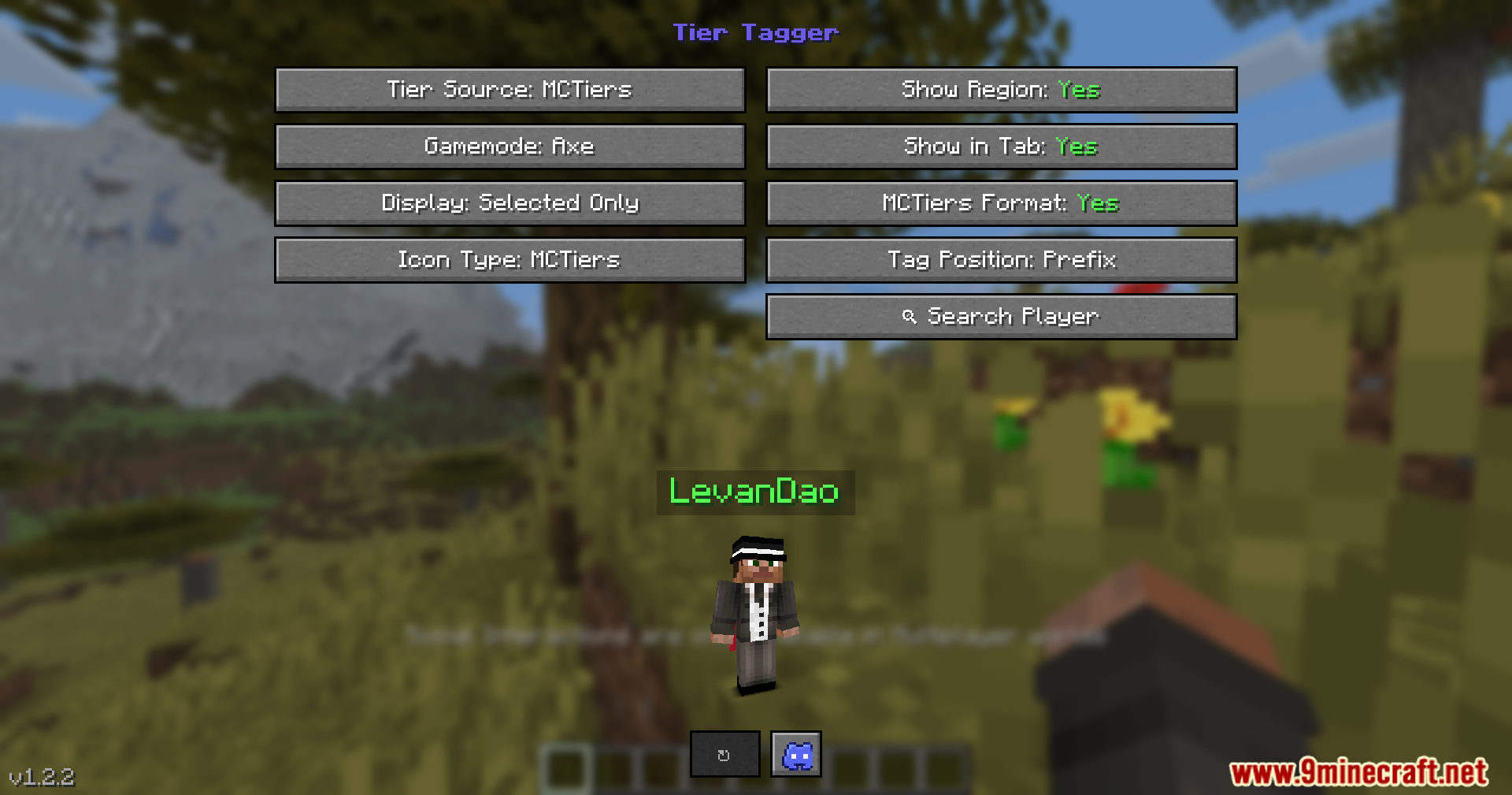
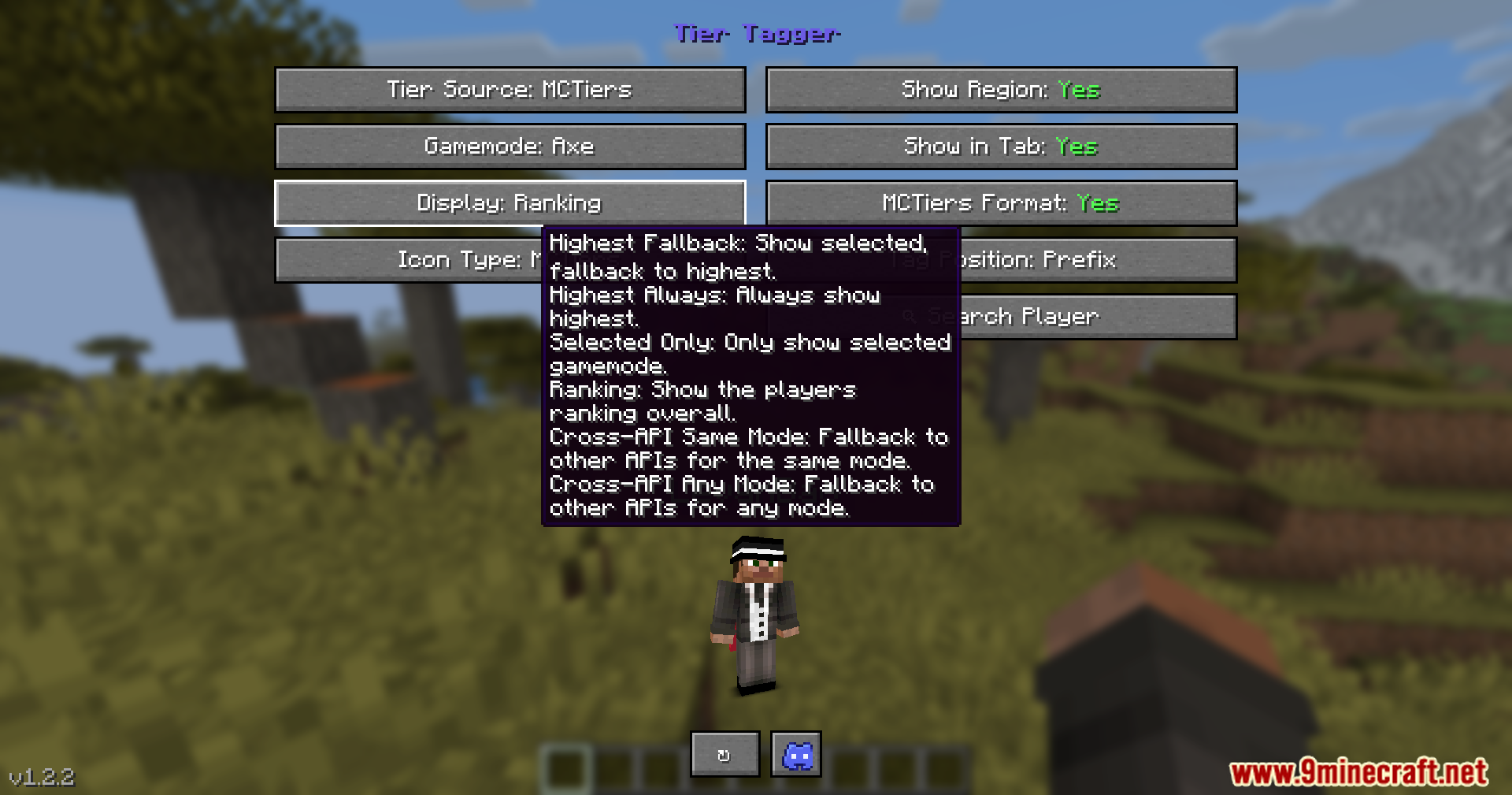
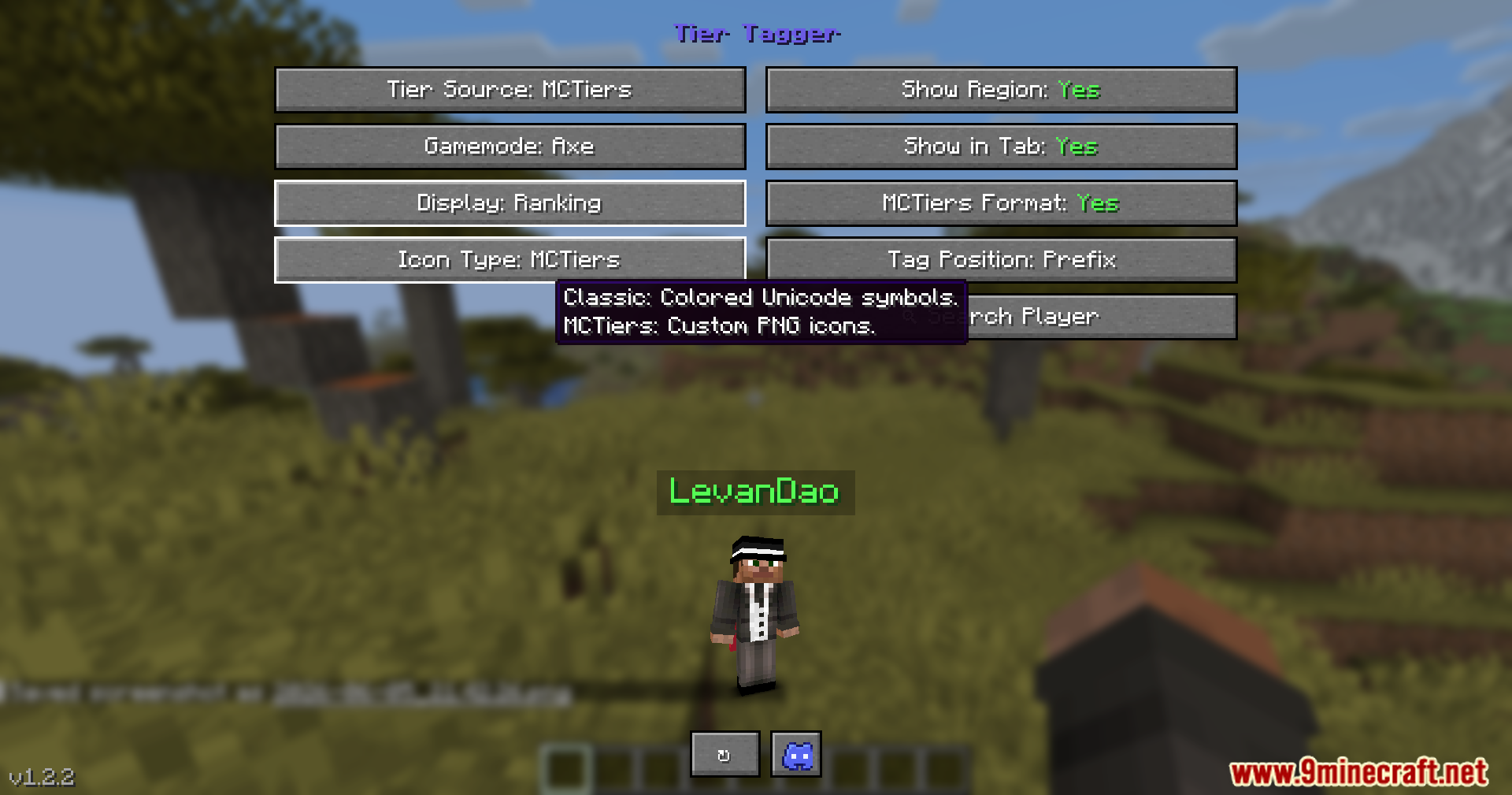
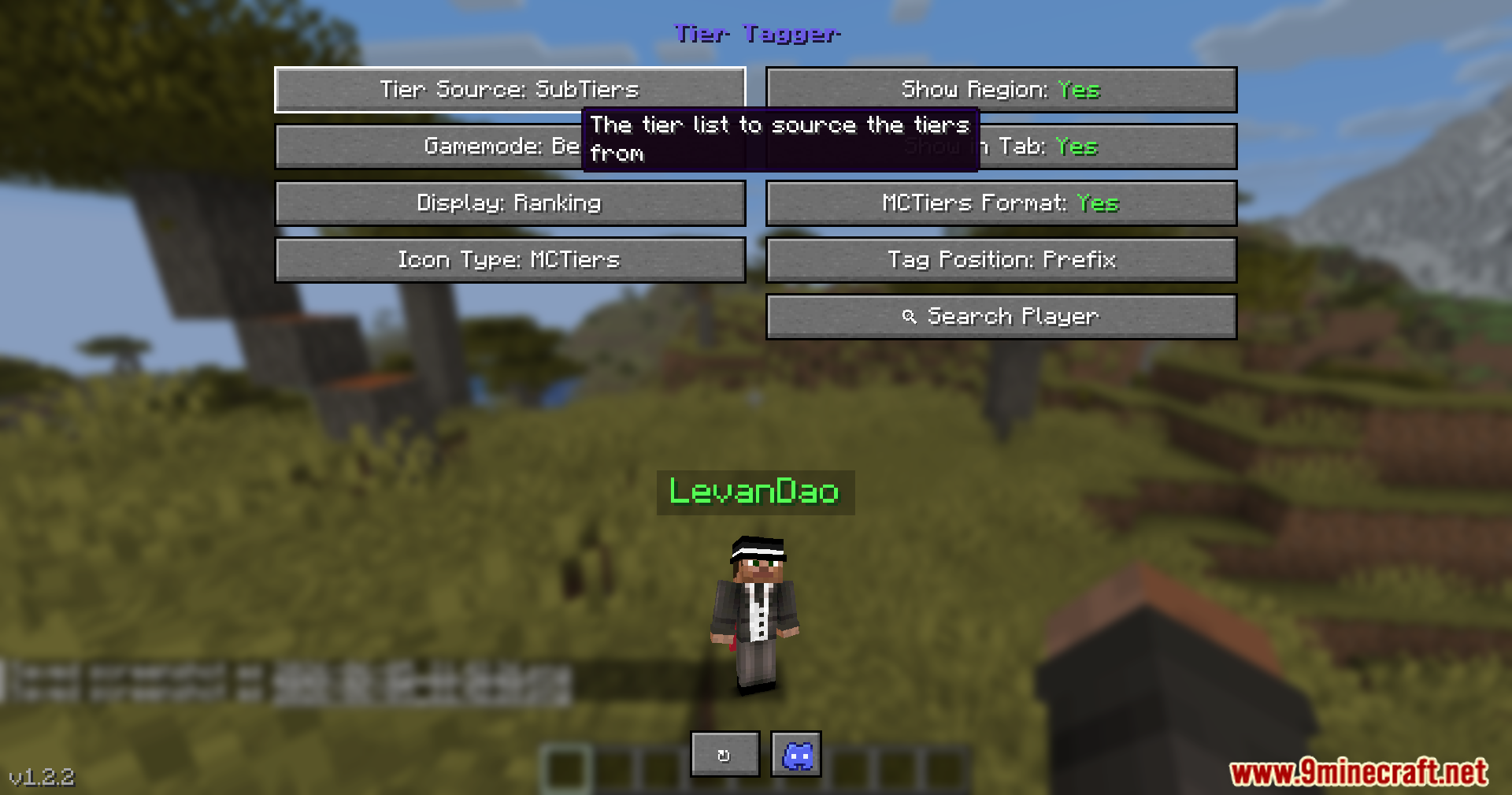
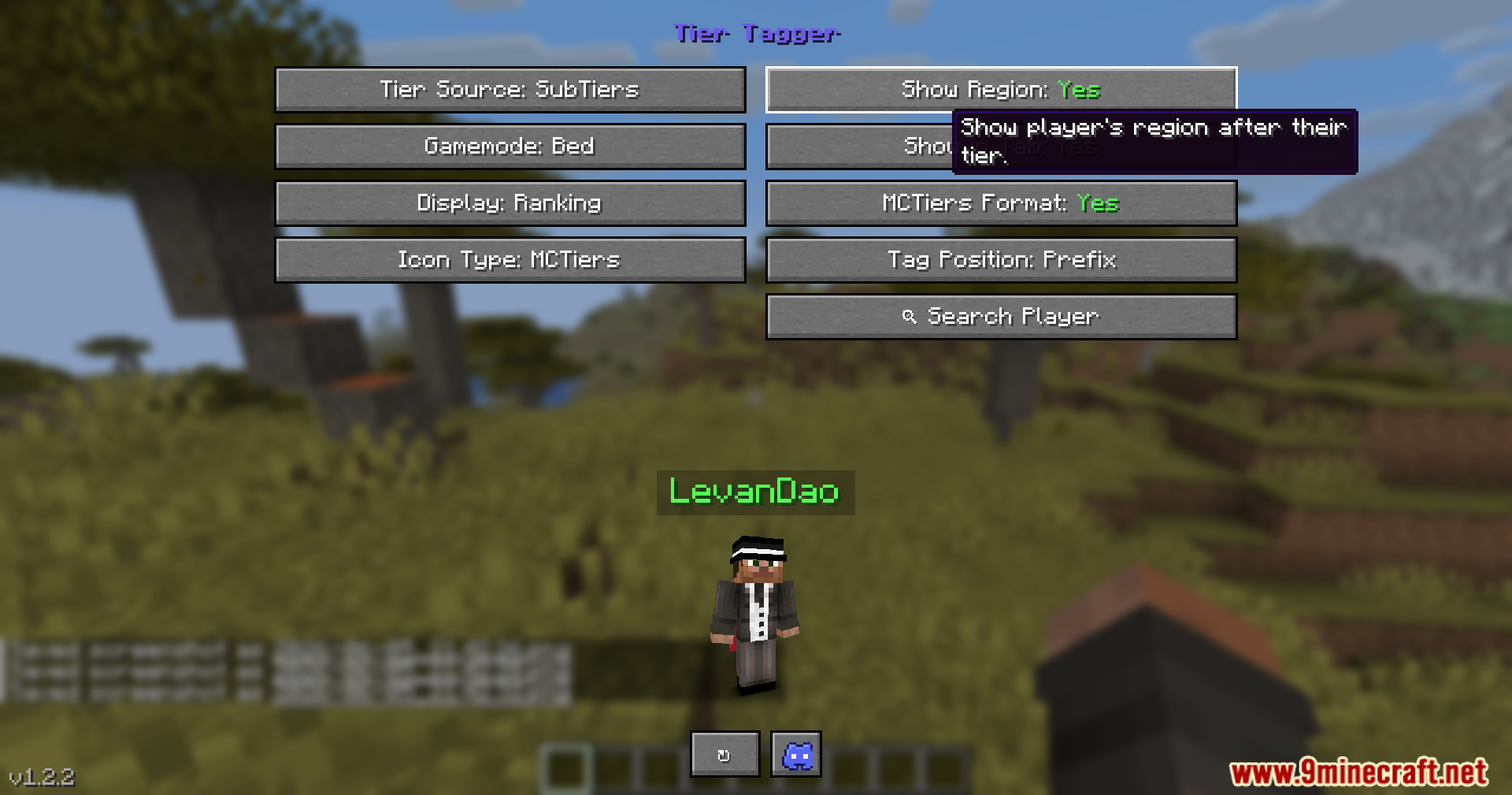
Open the settings screen with N, choose your preferred tier tracking website, then enable Live Nametags. Player ranks will now display directly on their nametags in-game.
What do I do if a player's tier isn't showing up?
The mod automatically searches backup databases if the main source has no data for that player. If it's still missing, try using the search menu (accessible from settings) to manually look up their username and verify they have a recorded rank on any tracking website.
Can I change which key opens the settings menu?
Yes—go to your normal game controls menu and rebind the key listed as the Tier Tagger settings hotkey (default is N). You can also rebind the Quick Lookup (R) and Last Opponent (C) keys there.
How do I check someone's stats right after I fight them?
Press C immediately after hitting an opponent and their tier information will pop up on screen. This only works for the most recent player you damaged.
See all 10 Tier Tagger questions ›
Gallery
9 images from the Tier Tagger Mod page.
You May Also Like
Wikis that share the most with this one
Wikis on the same theme: level
More mod wikis on the site
The most downloaded mods that have a wiki here
A few wikis from each of the other kinds