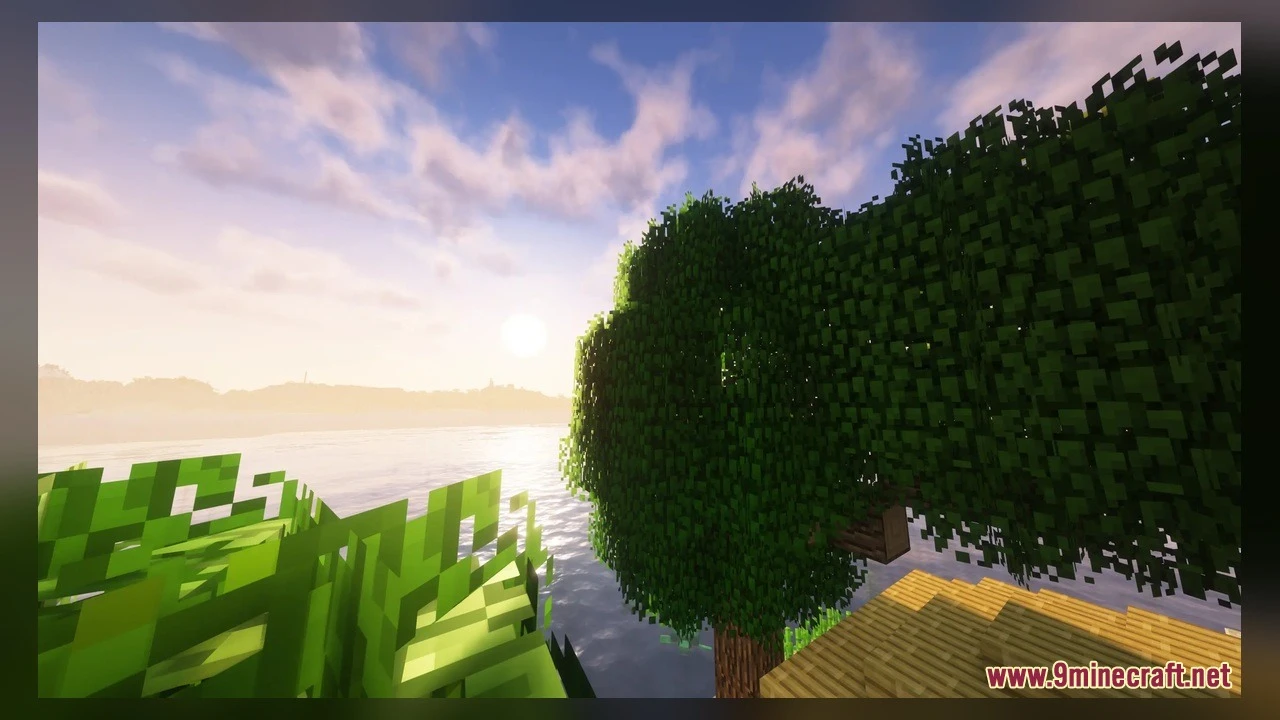
DownloadMotschens Better Leaves Model
Get the files on 9Minecraft
Guides
Step-by-step, in-game.
Build a Detailed Hedge Fence LineUnderstanding Hedge Components Hedges in this mod use custom post and side models that connect visually, creating a…Make Your Garden Look Natural with Fallen LeavesPlacing Leaf Carpets Fallen leaves add a forest-floor aesthetic to gardens and pathways. Leaf carpets are thin…See the Difference Between Vanilla and Custom Leaf ModelsFinding Trees to Compare The best way to appreciate the mod's improvements is to observe tree canopies directly.…Use Flowering and Fruit Tree Leaf ModelsFinding Specialty Leaf Blocks This mod includes custom models for flowering leaves and fruit-bearing trees,…
Blocks
 Acacia Leaves
 Azalea Leaves
 Birch Leaves
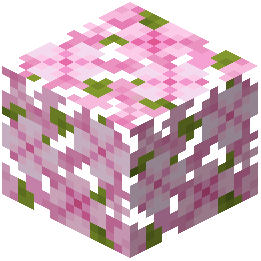 Cherry Leaves
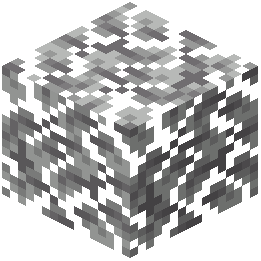 Dark Oak Leaves
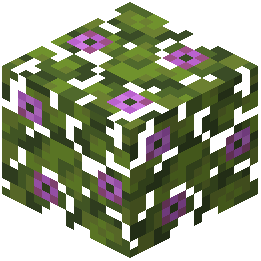 Flowering Azalea Leaves
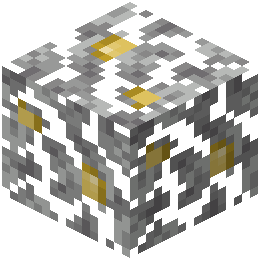 Jungle Leaves
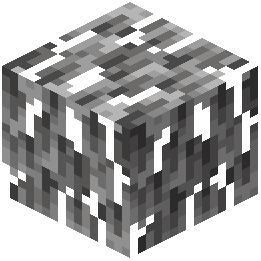 Mangrove Leaves
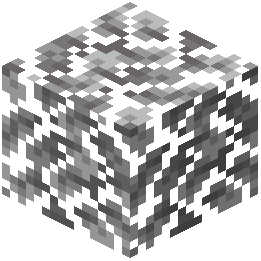 Oak Leaves
 Orange Poplar Leaves
 Pale Oak Leaves
 Red Poplar Leaves
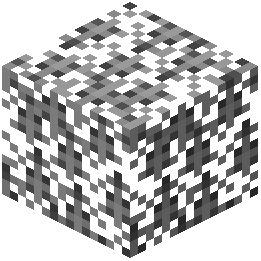 Spruce Leaves
 Yellow Poplar Leaves
What this pack changes
Every texture group the pack replaces, counted from the pack itself.
| Area | Textures replaced |
|---|---|
| Blocks | 618 |
Pack format 15–255 (Minecraft 1.20–1.21.9)618 texture files in total
Extra features
Custom block/item models
Frequently asked questions
Why do my leaves still look flat after installing the mod?
Make sure the resource pack is moved to the 'Selected' column in your resource pack menu, not just downloaded. The pack needs to be actively enabled in your world settings to replace vanilla leaf models with 3D versions.
Do I need to start a new world to see the fluffy leaves?
No, the mod works on existing worlds. Simply load your save and walk into any forest or tree area—the new 3D leaf models will appear immediately on all vanilla foliage blocks.
Can I use this with Programmer Art textures?
Yes, the mod includes dedicated compatibility textures for classic Programmer Art styling, so the fluffy 3D models blend naturally with retro block textures if you prefer that look.
Will this mod slow down my game?
No, the mod is designed to run smoothly without impacting performance—it only replaces visual models and doesn't add new blocks or change game mechanics.
How do I make fallen leaves appear on the ground?
Place leaf carpet blocks on grass or dirt blocks around your base or forest floor. These thin layered models create a natural carpet of scattered foliage without cluttering your world.
Does this work with modded trees and plants?
The mod includes custom models for farming addon leaves like Croptopia fruit trees and flowering leaves, but compatibility depends on the specific mod—check if dedicated models exist for your addons.
What's the difference between hedge posts and hedge sides?
Hedge posts form the vertical structure of your fence line, while hedge side blocks connect between posts to create the bushy, detailed fence appearance. Use both together to build a complete hedge.
Can I disable the mod for specific biomes?
No, the resource pack applies globally to all leaf blocks in your world. If you want selective biomes, you'd need to use a separate resource pack or modify this one manually.
Do the 3D leaf models affect how leaves behave when trees grow?
No, the mod only changes how leaves look visually—it doesn't alter tree generation, leaf decay, or any base game mechanics.
Why do some leaves still look different from others?
Different tree types (oak, birch, spruce, jungle, acacia, dark oak) have their own custom 3D models, so each canopy style looks distinct. This is intentional to add variety to your forests.
You May Also Like
Wikis that share the most with this one
 Optimized Bushy Leaves Model
More mod wikis on the site
The most downloaded mods that have a wiki here
A few wikis from each of the other kinds
Gallery
5 images from the Motschens Better Leaves Model page.