

 DownloadMiniHUD
Get the files on 9Minecraft
Guides
Step-by-step, in-game.
Customizing MiniHUD's Position, Scale, and Text StyleMoving the HUD By default MiniHUD draws in a corner of the screen. In the config you will find position settings —…How to Open and Configure the MiniHUD Menu In-GameOpening the Config Screen MiniHUD does not have a standalone keybind by default. Instead, its settings live inside…Using MiniHUD for Coordinates, Biome, and Structure HuntingCoordinates and Facing Turn on the coordinates line to see X/Y/Z plus your chunk position. The chunk coordinates…Using MiniHUD's Light Level Overlay to Stop Mob SpawnsReading the Light Numbers The light level display shows two values: block light (from torches, lava, glowstone) and…
Configuration
Every setting in the mod config file, with what it changes.
| Option | What it does |
|---|---|
beaconRangeLvl1 | Sets the color of the level 1 beacon range overlay |
beaconRangeLvl2 | Sets the color of the level 2 beacon range overlay |
beaconRangeLvl3 | Sets the color of the level 3 beacon range overlay |
beaconRangeLvl4 | Sets the color of the level 4 beacon range overlay |
blockGridOverlayColor | Sets the color of the block grid overlay |
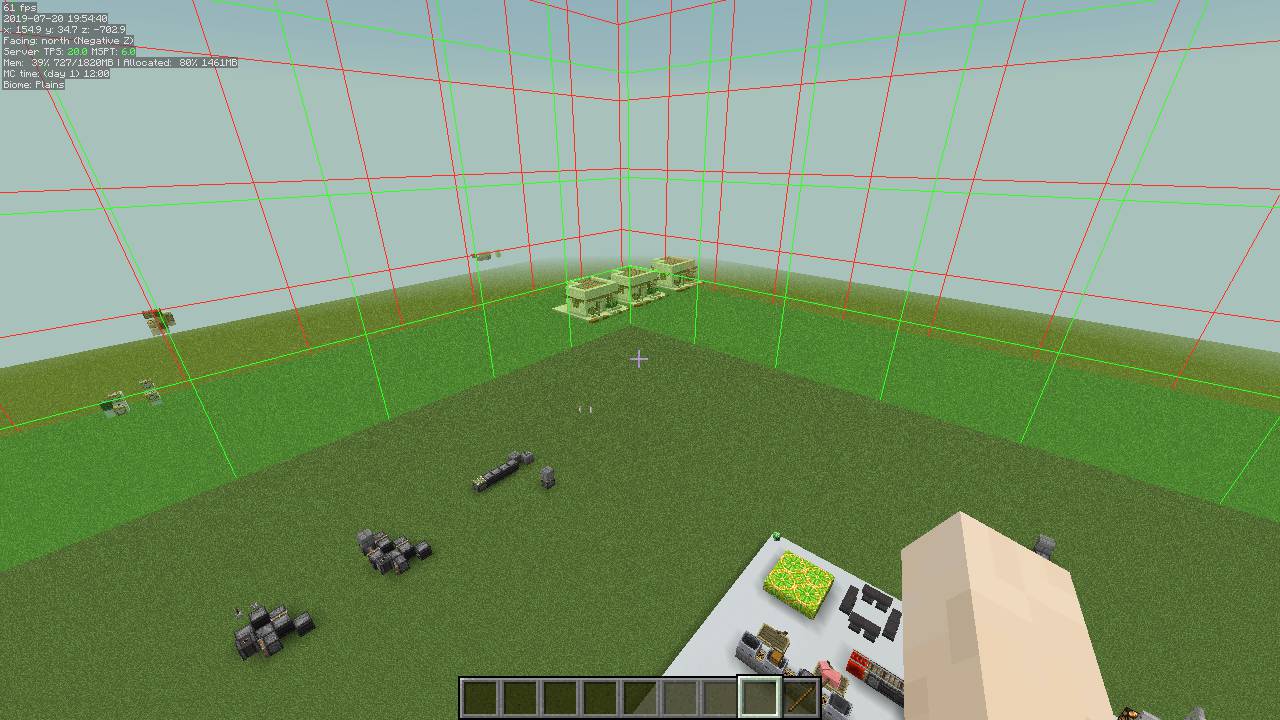
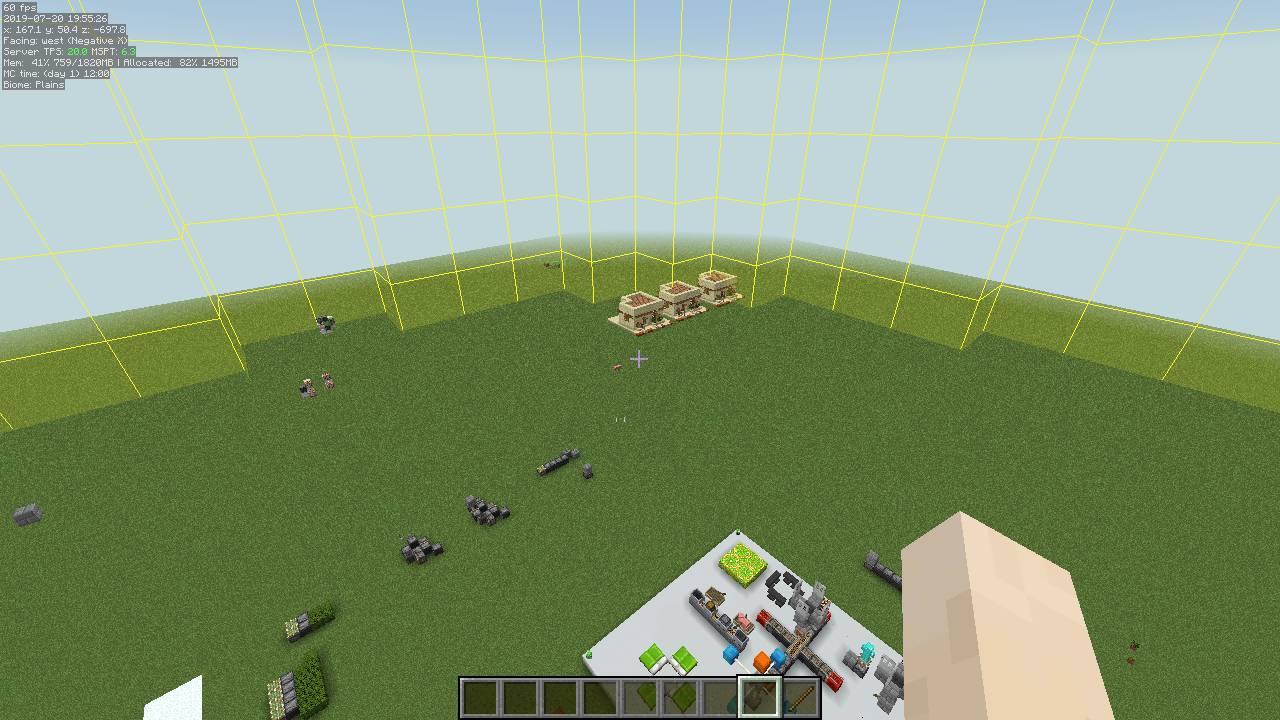
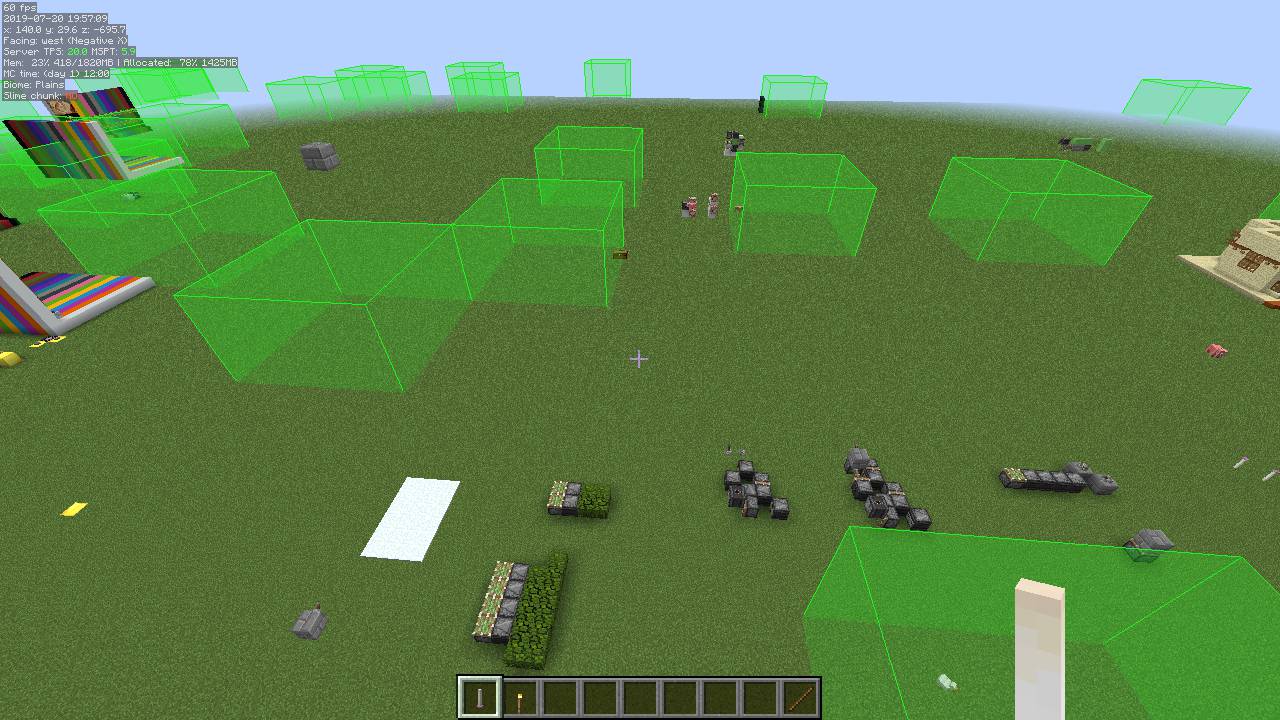
spawnRealLazyOverlayColorColor for the "lazy-loaded" real spawn chunks overlay, Magenta - Mob Caps only (aka lazy/border chunk) | Sets the overlay color for lazy real spawn spots |
spawnPlayerLazyOverlayColorColor for the "lazy-loaded" spawn chunks overlay of how the spawn chunks would be if the spawn were to be at the player' | Sets the overlay color for lazy player spawn spots |
spawnRealRedstoneOverlayColorColor for the "redstone-only" real spawn chunks overlay, Yellow - Redstone Processing (Default: off) | Sets the overlay color for redstone-related real spawn spots |
spawnPlayerRedstoneOverlayColorColor for the "redstone-only" spawn chunks overlay of how the spawn chunks would be if the spawn were to be at the playe | Sets the overlay color for redstone-related player spawn spots |
spawnRealOuterOverlayColorColor for the 1.14+ outer loaded real spawn chunks overlay, Purple - Outer limits for chunk loading, for things like | Sets the overlay color for outer real spawn spots |
spawnPlayerOuterOverlayColorColor for the 1.14+ outer loaded spawn chunks overlay of how the spawn chunks would be if the spawn were to be at the pl | Sets the overlay color for outer player spawn spots |
conduitRangeColor for the Conduit Range overlay | Sets the color of the Conduit Range overlay |
conduitRangeOutlinesColor for the Conduit Range overlay lines | Sets the color of the Conduit Range overlay lines |
spawnRealEntityOverlayColorColor for the entity-processing real spawn chunks overlay Blue - Entity Processing | Sets the overlay color for real entity spawn spots |
spawnPlayerEntityOverlayColorColor for the entity-processing spawn chunks overlay of how the spawn chunks would be if the spawn were to be at the pla | Sets the overlay color for player-entity spawn spots |
randomTicksFixedOverlayColorColor for the fixed-point random ticked chunks overlay | Sets the overlay color for fixed random tick positions |
lightningRodRangeColor for the Lightning Rod attraction range overlay (128-block radius) | Sets color of the Lightning Rod attraction range overlay |
lightningRodDamageZoneColor for the Lightning Rod mob damage zone overlay (6×12×6 box) | Sets color of the Lightning Rod mob damage zone overlay |
randomTicksPlayerOverlayColorColor for the player-following random ticked chunks overlay | Sets the overlay color for random ticks around the player |
Frequently asked questions
How do I open the MiniHUD menu?
Press the MiniHUD hotkey (by default it's bound to a key you can check in your controls settings) to toggle the info lines on and off, and hold the config hotkey to open the settings screen. If nothing appears, check your keybinds under Options > Controls for the MiniHUD category.
How do I use MiniHUD Mod?
Once the mod is installed, press its hotkey to display the info lines on your screen, then open the config menu to choose which lines you want to see. From there you can enable  things like coordinates, biome, light level, and the light level overlay.
How do I turn on the light level overlay?
 blocks
Why does MiniHUD show numbers on the ground?
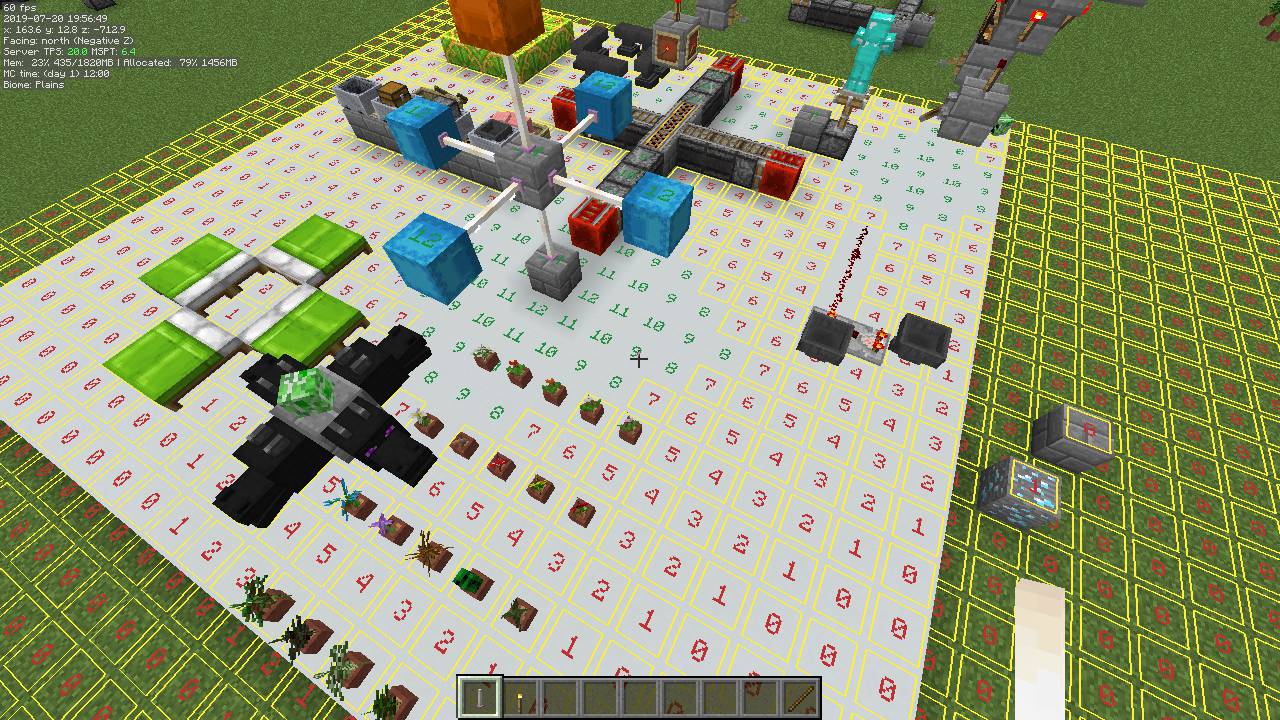
Those numbers are the light level overlay, which displays the light level of each block so you can find dark spots where mobs can spawn. You can turn it off in the config or adjust the threshold to only show problem areas.
See all 10 MiniHUD questions ›
Dependencies
Other mods needed to run this one.
Gallery
12 images from the Minihud Mod page.
You May Also Like
Wikis that share the most with this one
Wikis on the same theme: level
More mod wikis on the site
The most downloaded mods that have a wiki here
A few wikis from each of the other kinds