

 DownloadMount Opacity Mod
Get the files on 9Minecraft
Guides
Step-by-step, in-game.
Find and Edit the Mount Opacity Config FileLocate Your Config Folder The Mount Opacity configuration file is stored in your Minecraft directory. Navigate to…Make a Specific Mob Transparent While RidingAccess the Configuration Mount Opacity Mod stores its settings in a configuration file. Locate your mod's config…Restore a Mob to Full OpacityLocate the Mob's Config Entry Open your Mount Opacity configuration file. Find the specific mob you want to restore…Set All Mobs to the Same Transparency LevelOpen the Configuration File Navigate to your mod's config folder and open the Mount Opacity configuration file with a…
Frequently asked questions
How do I make a mob transparent when I'm riding it?
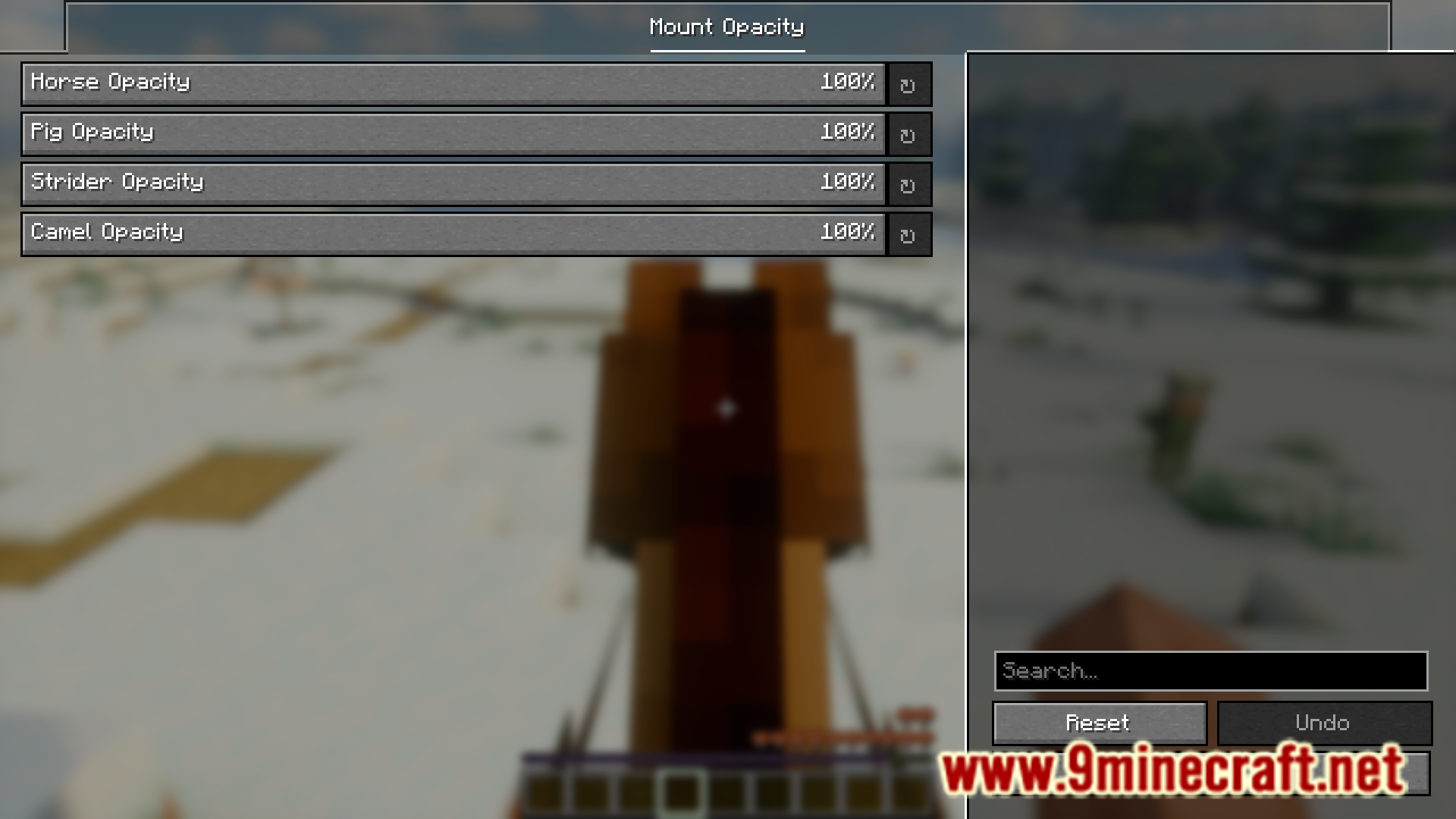
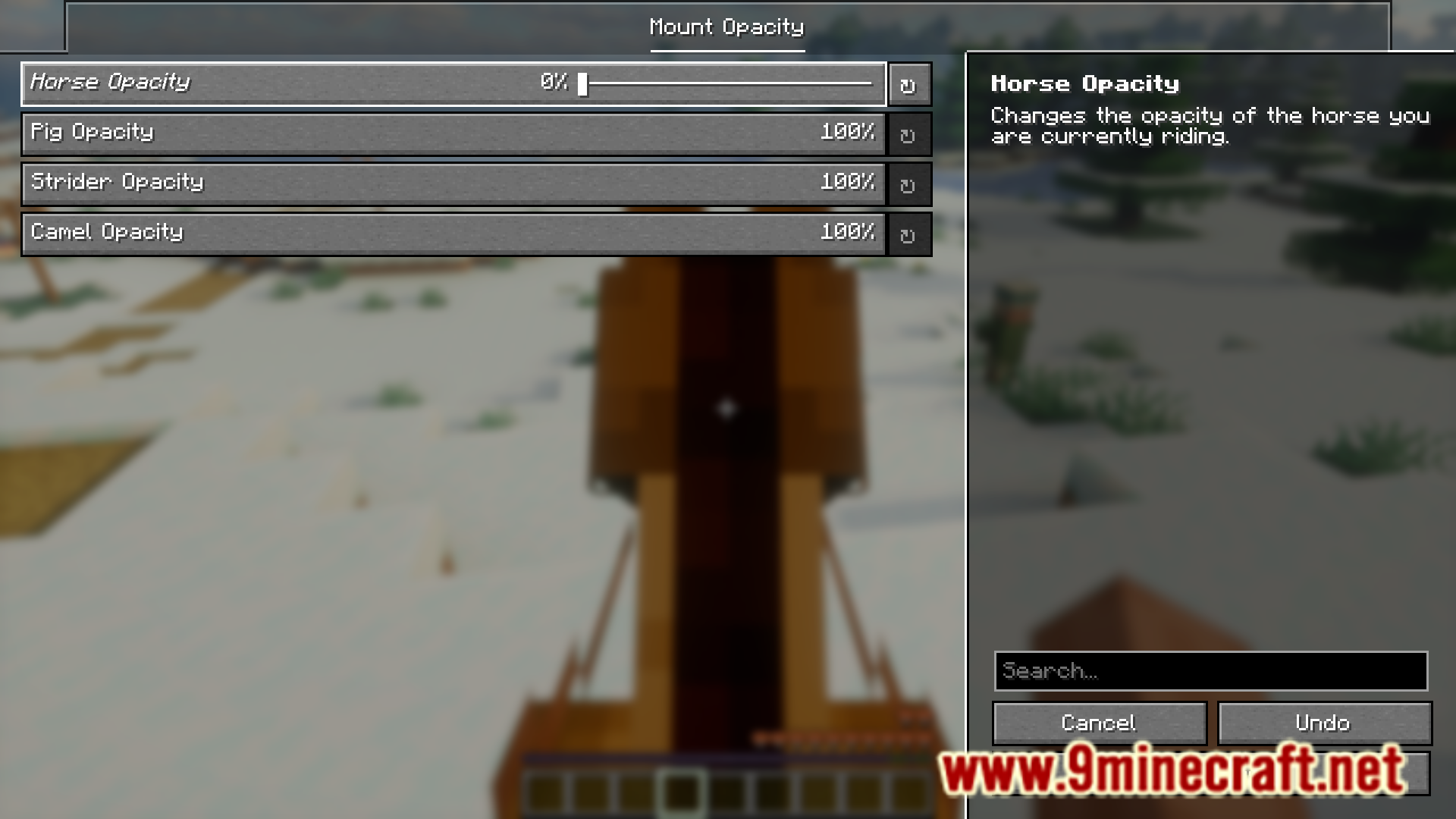
Open the Mount Opacity config file and locate the mob you want to adjust. Change its opacity value to a lower number (closer to 0 makes it more transparent, closer to 1 keeps it opaque). Save the file and the changes will apply the next time you ride that mob.
Can I make all my mounts transparent at once?
Yes. In the config file, you can set a global opacity value that applies to all rideable mobs at once, or you can individually adjust each mob type if you prefer different transparency levels for horses versus pigs, for example.
What mobs does this mod work with?
How do I undo changes and make a mob fully visible again?
Open the config file and set that mob's opacity value back to its maximum (usually 1 or 100%, depending on how the mod displays it). Save the file and the mob will return to normal opacity.
See all 10 Mount Opacity questions ›
Gallery
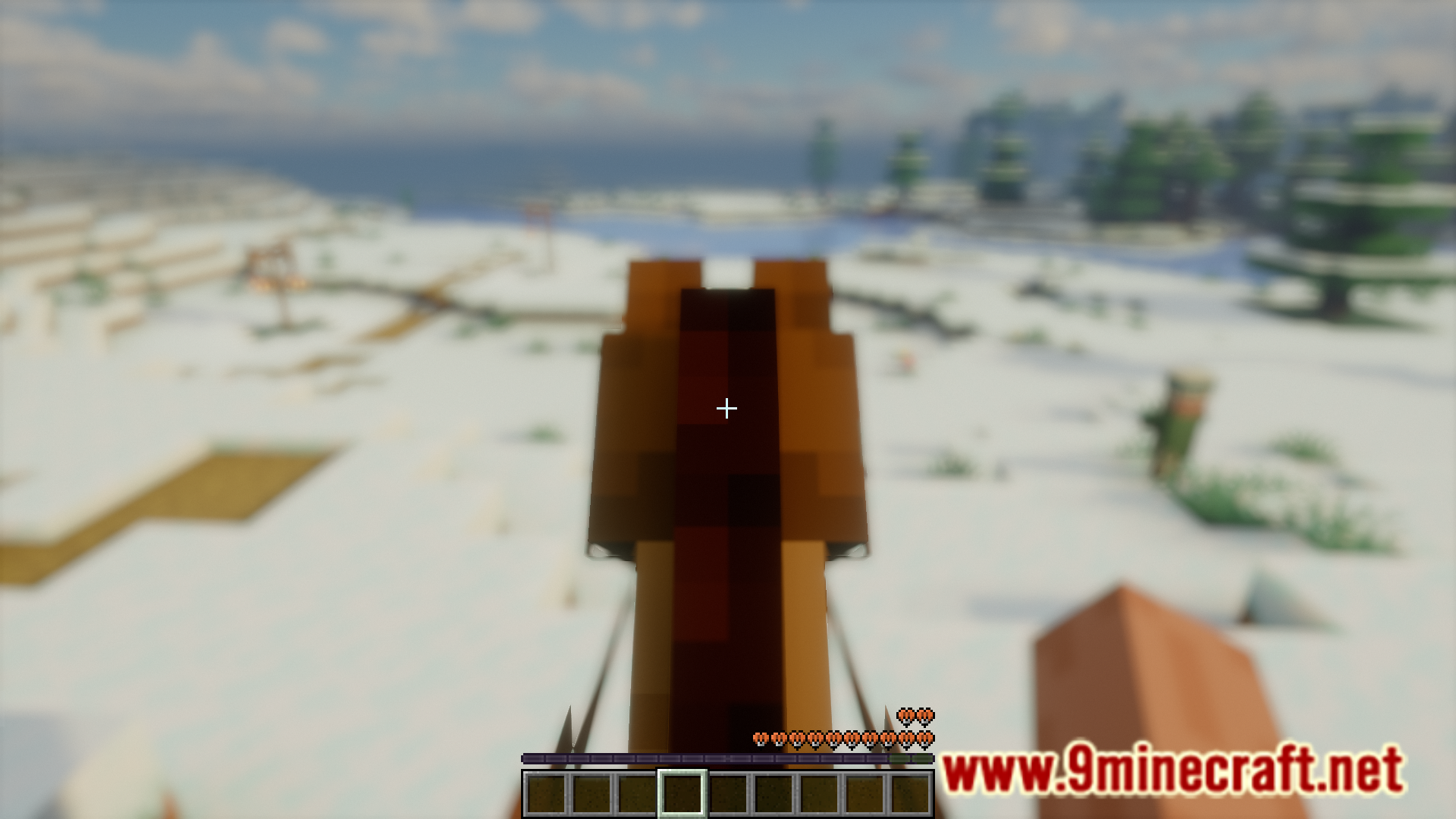
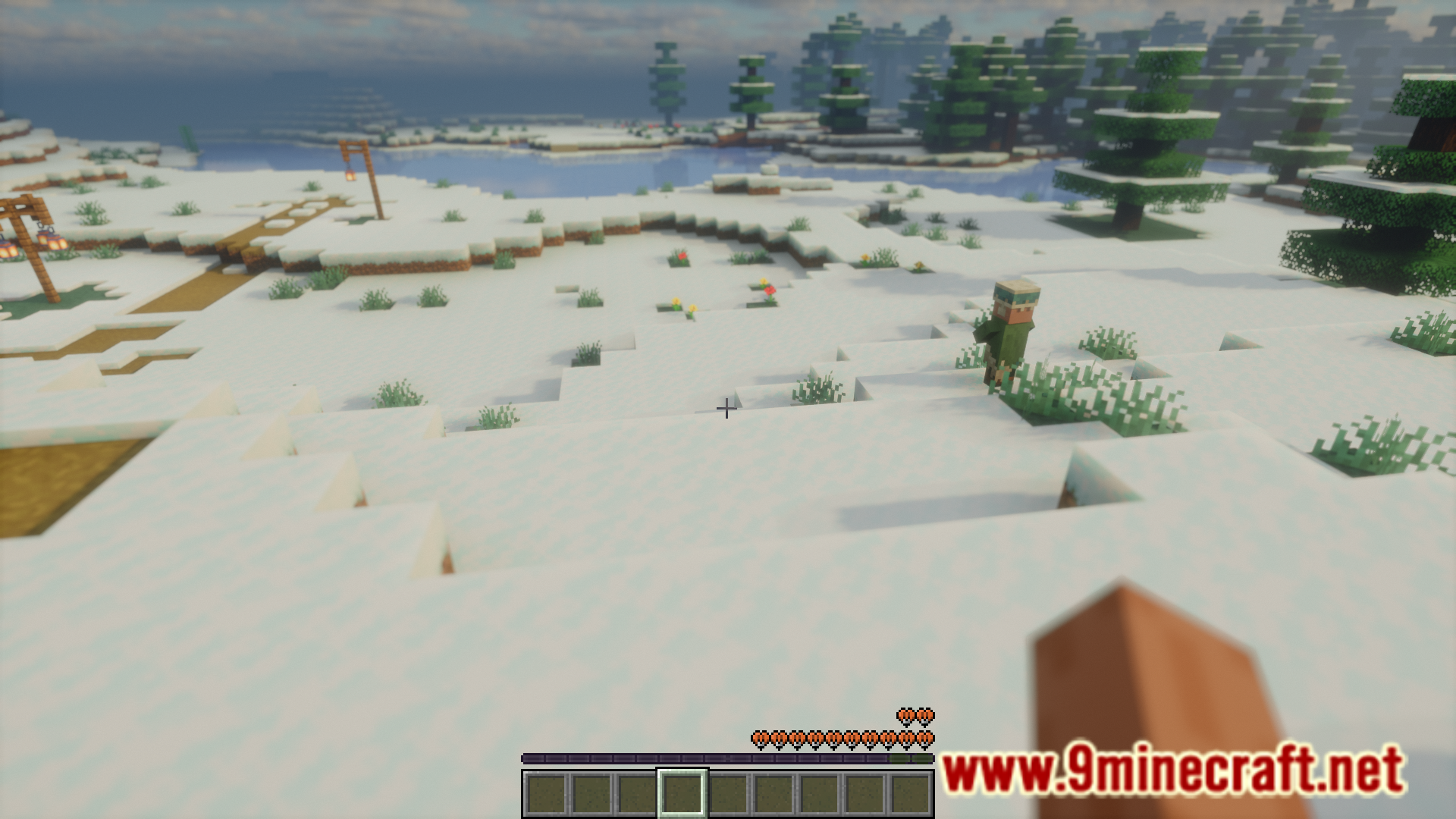
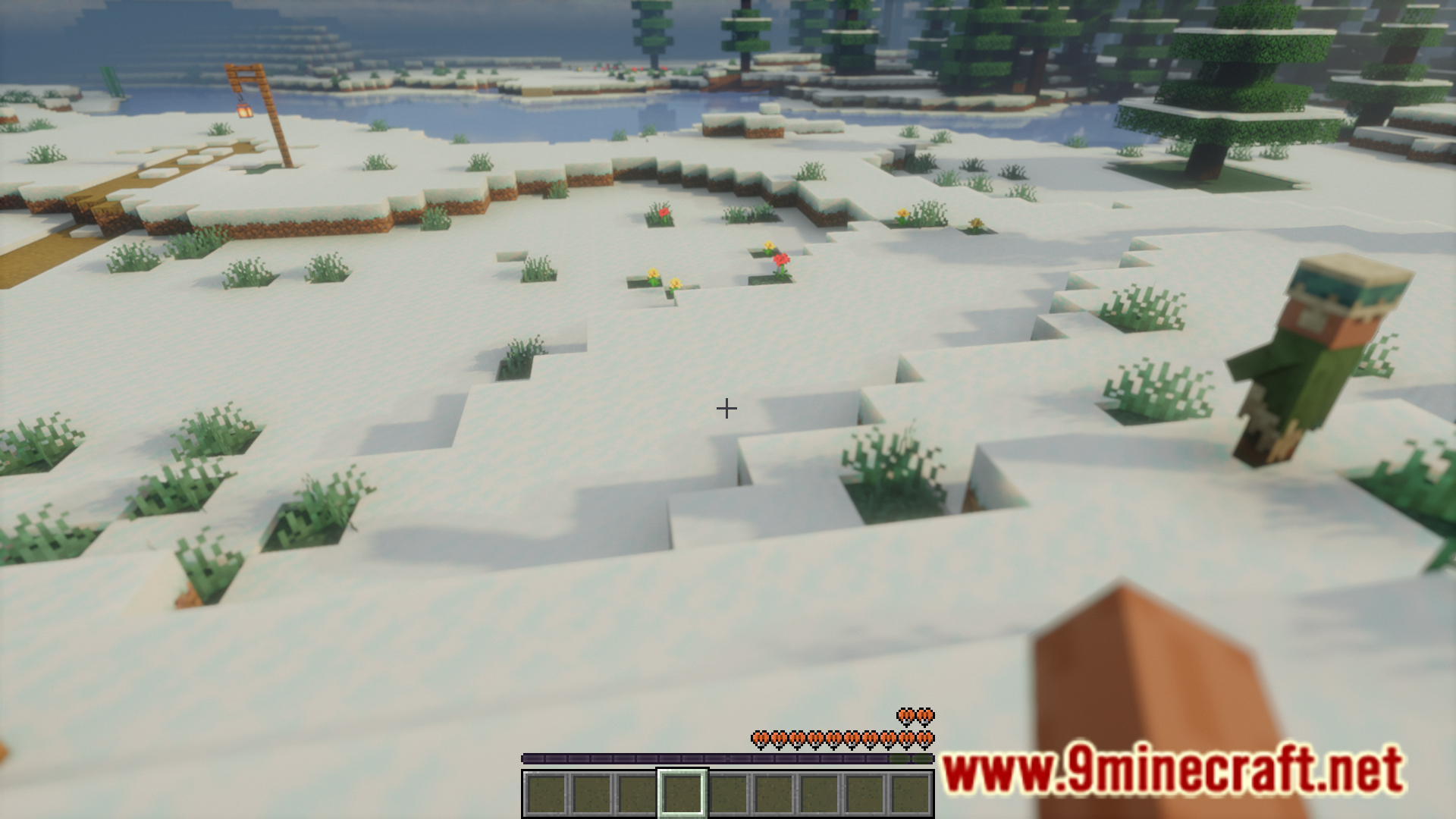
8 images from the Mount Opacity Mod page.



You May Also Like
Wikis that share the most with this one
More mod wikis on the site
The most downloaded mods that have a wiki here
A few wikis from each of the other kinds