

 DownloadMouse Wheelie
Get the files on 9Minecraft
Contents (7)
Guides
Step-by-step, in-game.
How to Configure Mouse Wheelie to Suit Your PlaystyleFinding the Config Mouse Wheelie is a client-side utility, so its settings live on your client rather than the…How to Move Items Between Containers QuicklyThe Basic Transfer Mouse Wheelie speeds up the tedious part of inventory management : shifting items back and forth…How to Scroll Through Items and Slots with the Mouse WheelScrolling Items Mouse Wheelie's namesake feature is using the mouse wheel to move items. With a container open, hover…How to Sort a Chest or Inventory with Mouse WheelieSorting a Single Container Mouse Wheelie lets you sort the contents of any container you have open, including your…
Configuration
Every setting in the mod config file, with what it changes.
| Option | What it does |
|---|---|
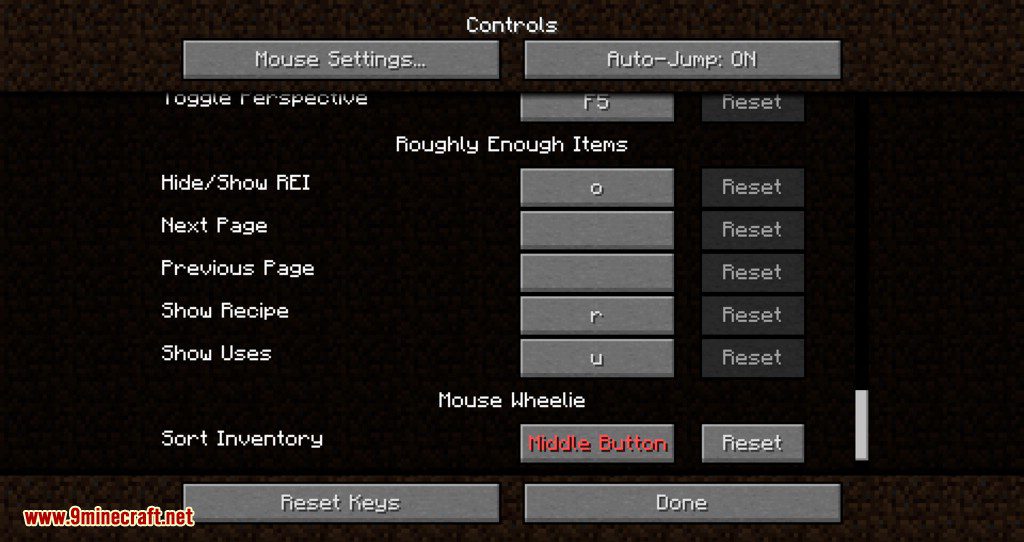
sortSorting | Enables sorting of inventory items via scroll or keybind |
server-requiredThis feature only works in singleplayer or on a server with Mouse Wheelie installed. | Restricts the feature to singleplayer or servers with the mod installed |
enable-drop-modifierDrop with Alt+Click | Enables dropping items by holding Alt and clicking them |
enable-bundle-dragging | Enables dragging the bundle in inventory to move multiple stacks |
Enable clicking and dragging the bundle in the inventory to easily put in or out multiple stacks. | Picks correct tool when middle-clicking while holding the same block as faced |
enable-quick-craftEnable quick crafting | Enables quick crafting via right-click in recipe books and trading |
item-kinds-nbt-match-modeMatch item kinds by NBT | Controls how strictly item types are matched by NBT data when scrolling or drop-clicking |
pick-from-bundles | Enables picking items out of bundles with the middle mouse button |
enable-quick-armor-swappingQuick Armor Swapping | Turns quick armor swapping with a key or click on or off |
integrated-interaction-rateSingleplayer Interaction rate | Sets how often interactions are processed in singleplayer |
Other settings in this file
6 more options the mod ships without its own description. Names are taken straight from the config file.
- general
- refill
- scrolling
- tool-picking
- better-fast-dragging
- interaction-rate
Frequently asked questions
How do I sort a chest with Mouse Wheelie?
Hover your cursor over the container and use the mod's sort keybind (or the sort button in the container UI) to rearrange its contents. Sorting works on the container you're pointing at, so make sure your cursor is over the chest, not your own inventory.
How do I move items between containers quickly?
Hold the modifier key (by default, the same key used for quick-move) and click or scroll to transfer stacks between the open containers. You can also drag a stack and release it over the target container to move it in one motion.
How do I scroll through items with the mouse wheel?
With a container open, scroll the wheel while hovering over a slot to cycle items through that slot or move them along the inventory. The exact behavior depends on your configuration, so check the scroll settings if it feels wrong.
Does Mouse Wheelie work on NeoForge?
Mouse Wheelie is a client-side mod, so it works on any loader that supports the version you're running, including NeoForge builds. If it doesn't load, make sure you grabbed the build matching your loader and game version.
See all 10 Mouse Wheelie questions ›
Dependencies
Other mods needed to run this one.
Amecs Key Mapping Descriptions (required)Amecs Priority Key Mappings (required)Amecs Mouse Inputs (required)Coat (required)Fabric API Base (required)Fabric Events Interaction V0 (required)Fabric Item API V1 (required)Fabric Lifecycle Events V1 (required)Fabric Networking API V1 (required)Fabric Resource Loader V0 (required)Fabric Registry Sync V0 (required)Fabric Screen API V1 (required)Fabric Key Mapping API V1 (required)
Gallery
12 images from the Mouse Wheelie Mod page.
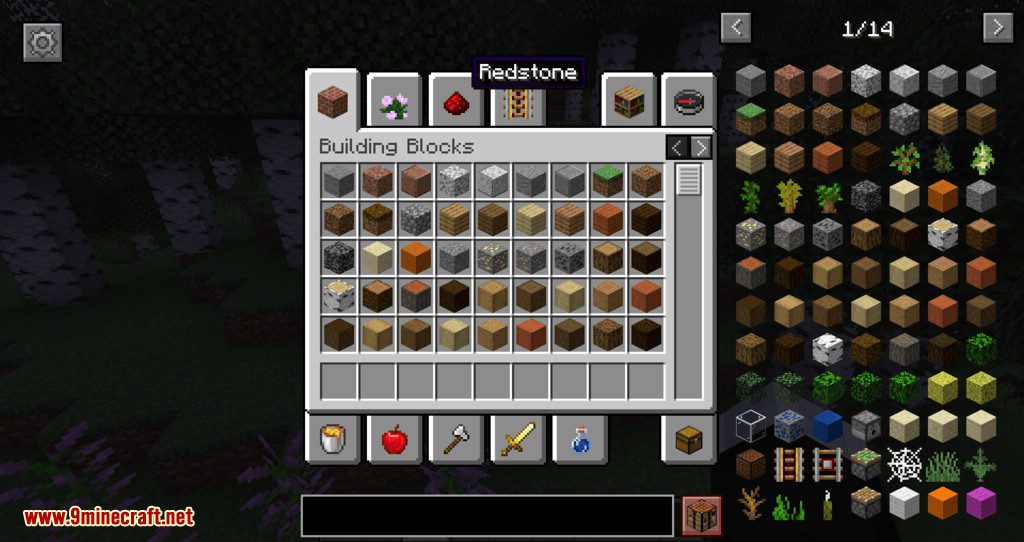
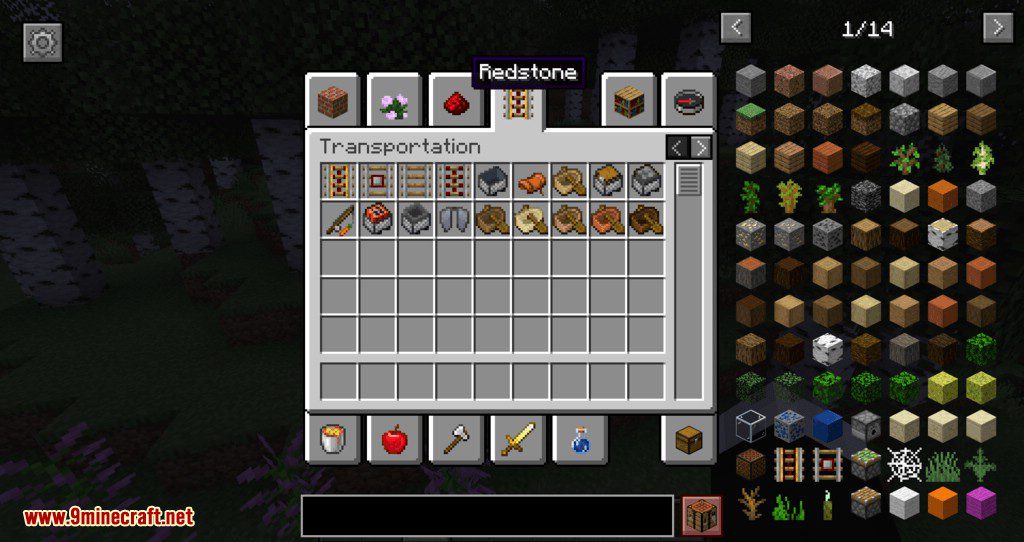
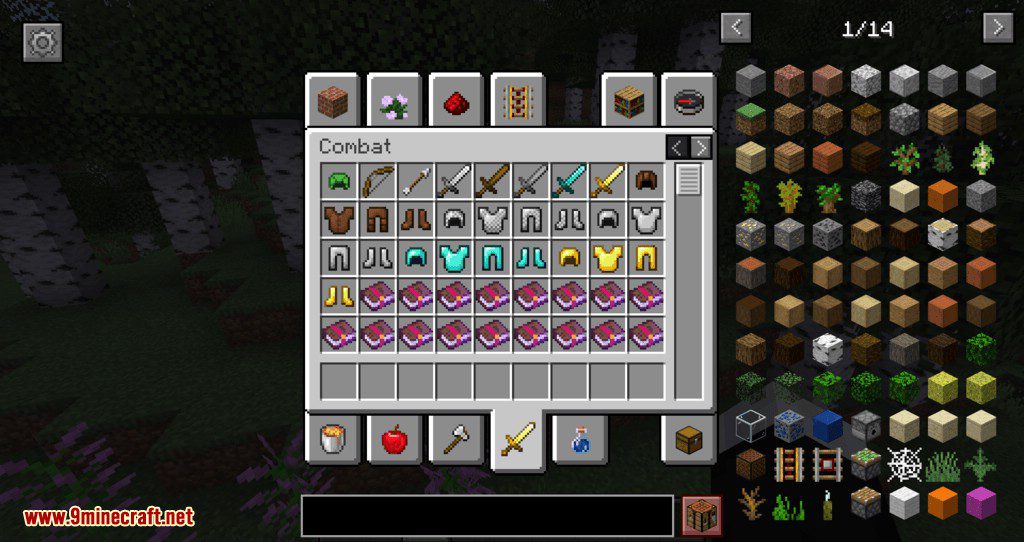
You May Also Like
Wikis that share the most with this one
More mod wikis on the site
The most downloaded mods that have a wiki here
A few wikis from each of the other kinds