

 DownloadMore Overlays Updated
Get the files on 9Minecraft
Contents (7)
Guides
Step-by-step, in-game.
How to Set Up Hotkeys and Configure the OverlaysAll of this mod's overlays are client-side, so they only affect what you see, never the world. Setting up hotkeys…How to Toggle and Read the Chunk Boundary OverlayThe chunk boundary overlay draws a grid on the ground so you can see exactly where one chunk ends and the next…How to Use the Light Level Overlay to Find Dark SpotsThe light overlay paints a number or color on each block showing its light level. This is the fastest way to find…How to Use the Mob Spawning Overlay to Debug a FarmThe mob spawning overlay highlights the exact blocks where mobs are allowed to spawn. It is the tool you reach for…
Configuration
Every setting in the mod config file, with what it changes.
| Option | What it does |
|---|---|
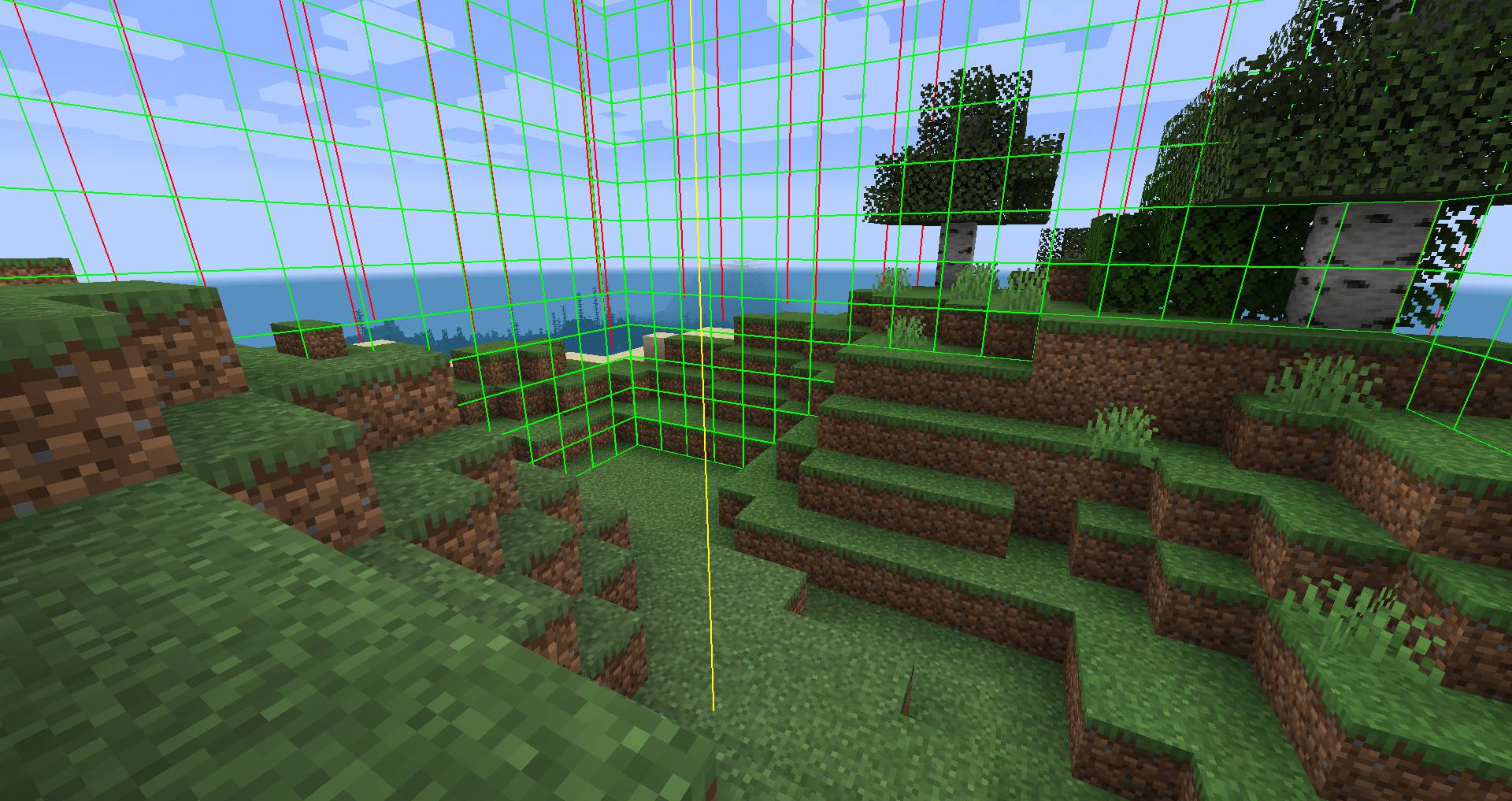
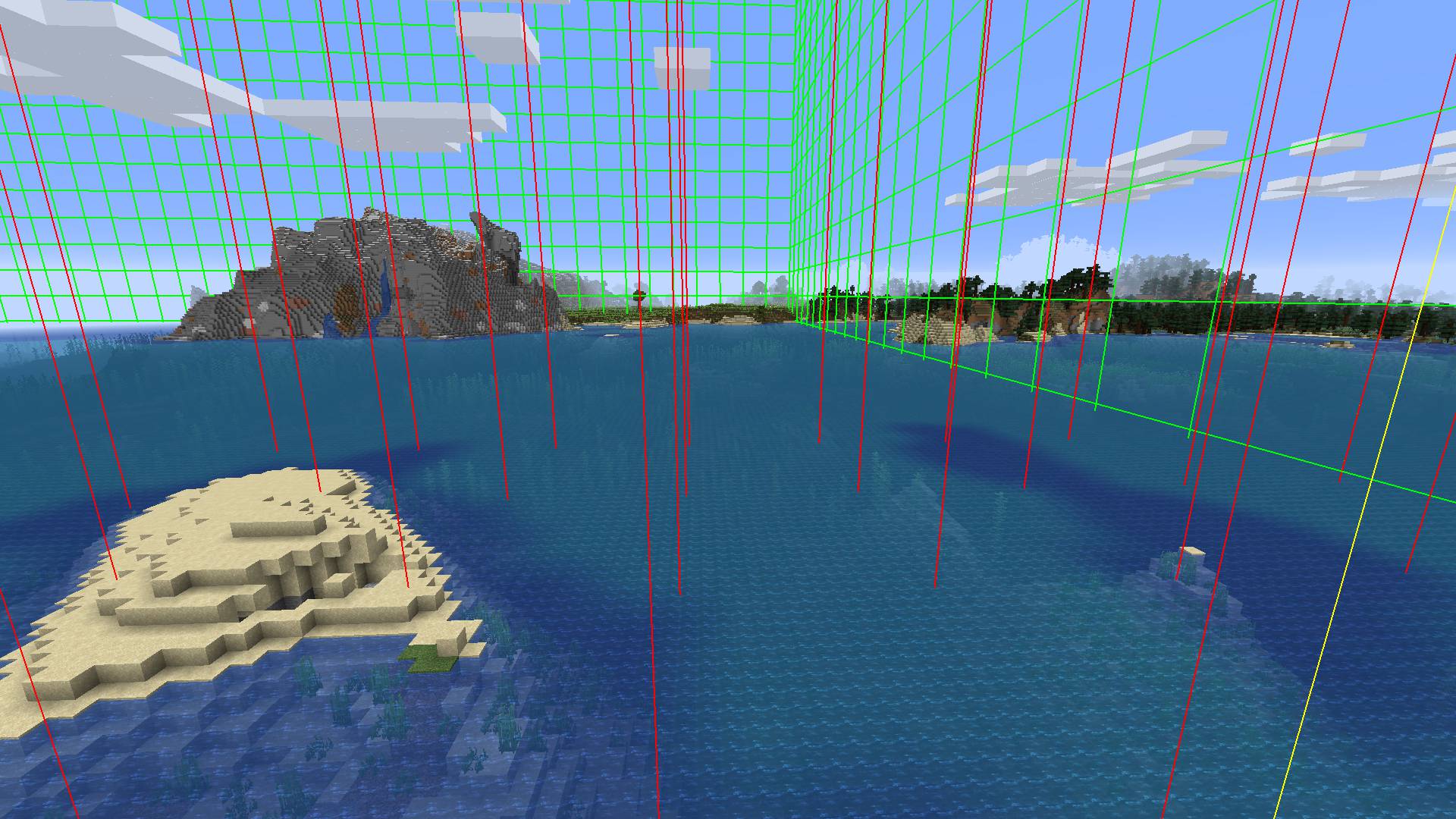
chunkboundsChunk Boundaries | Toggles the chunk boundary grid overlay on or off |
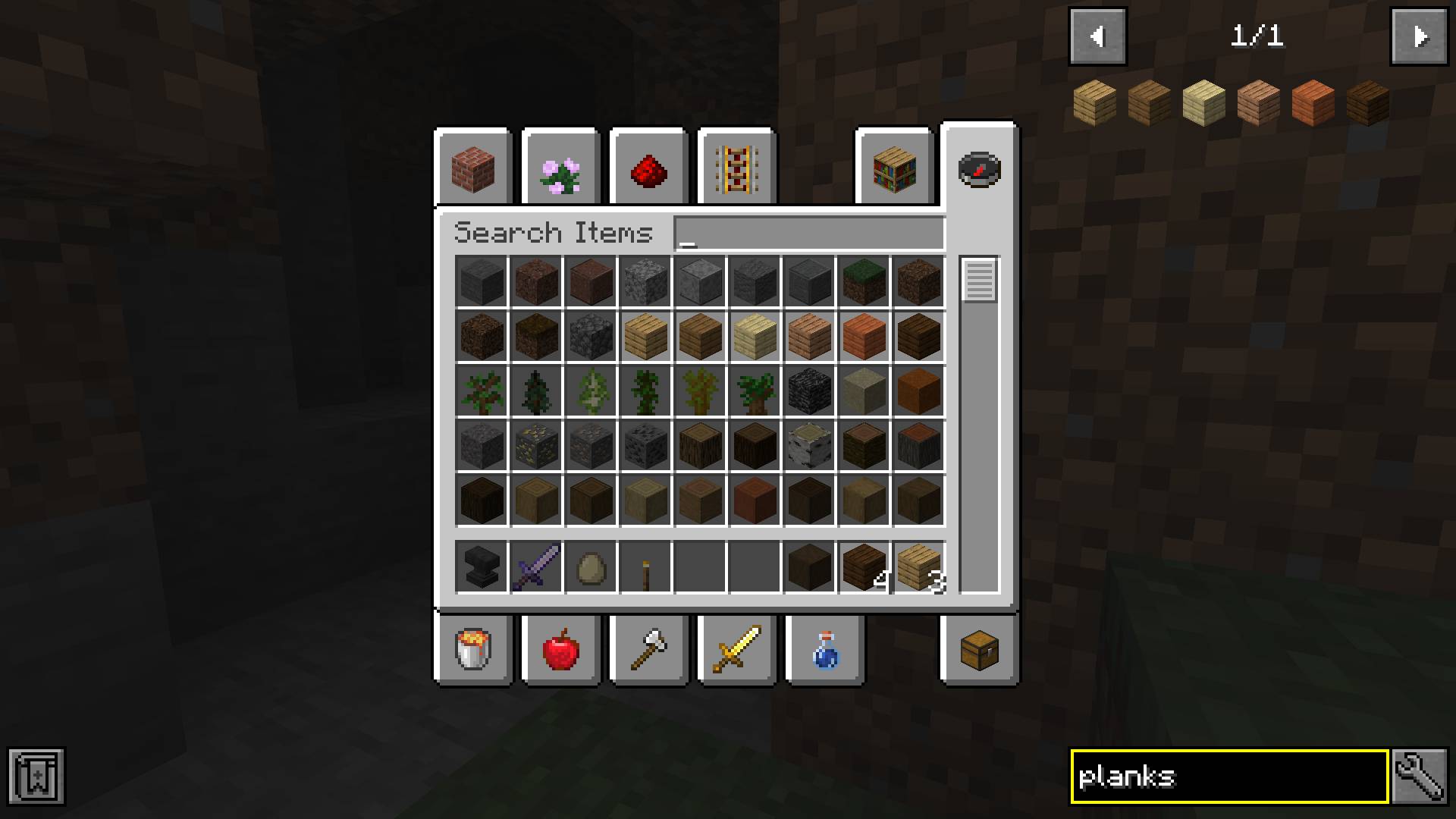
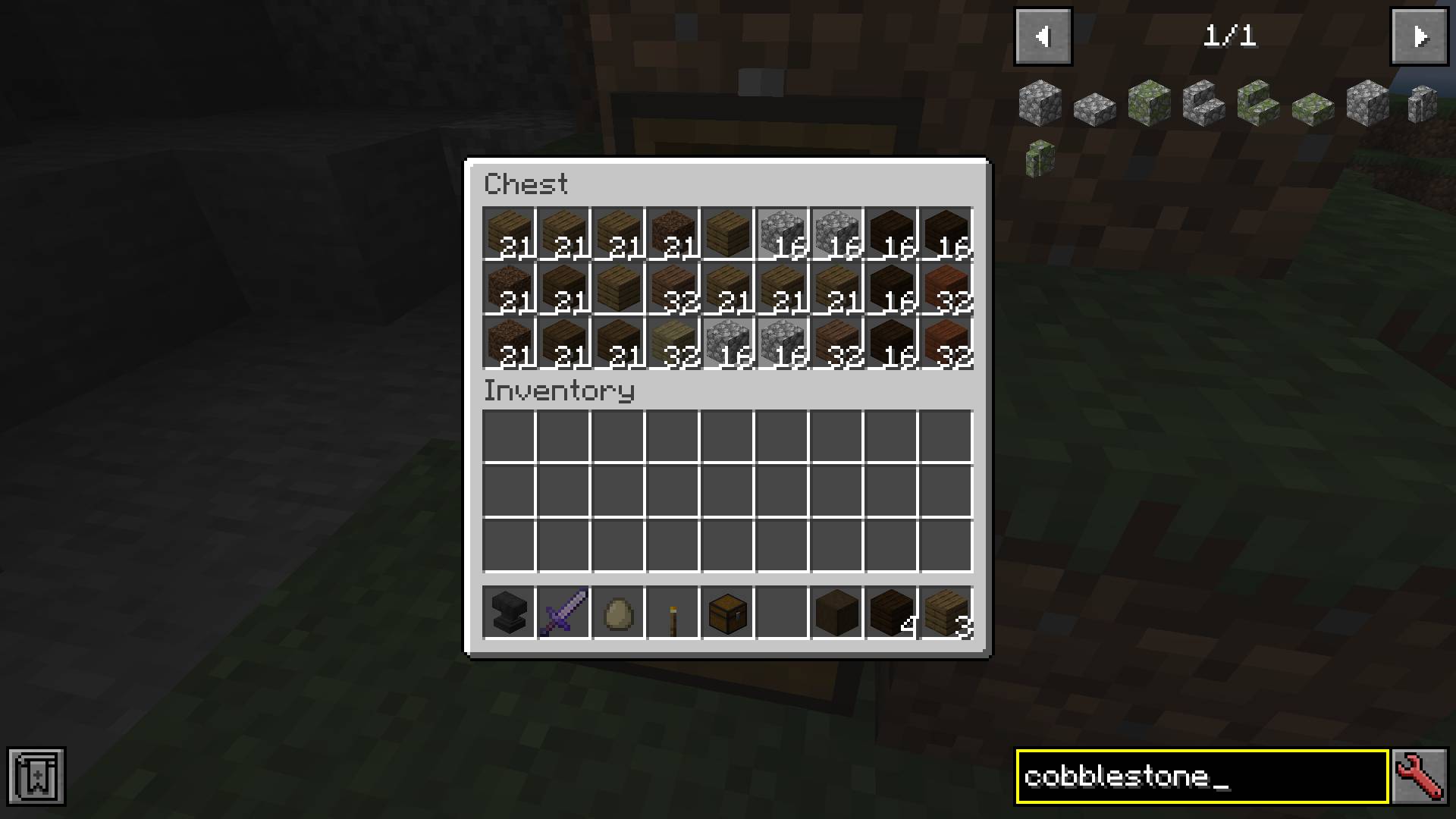
itemsearch | Toggles the item search overlay feature on or off |
searchoverlayItem Search Overlay | Toggles the item search overlay feature on or off |
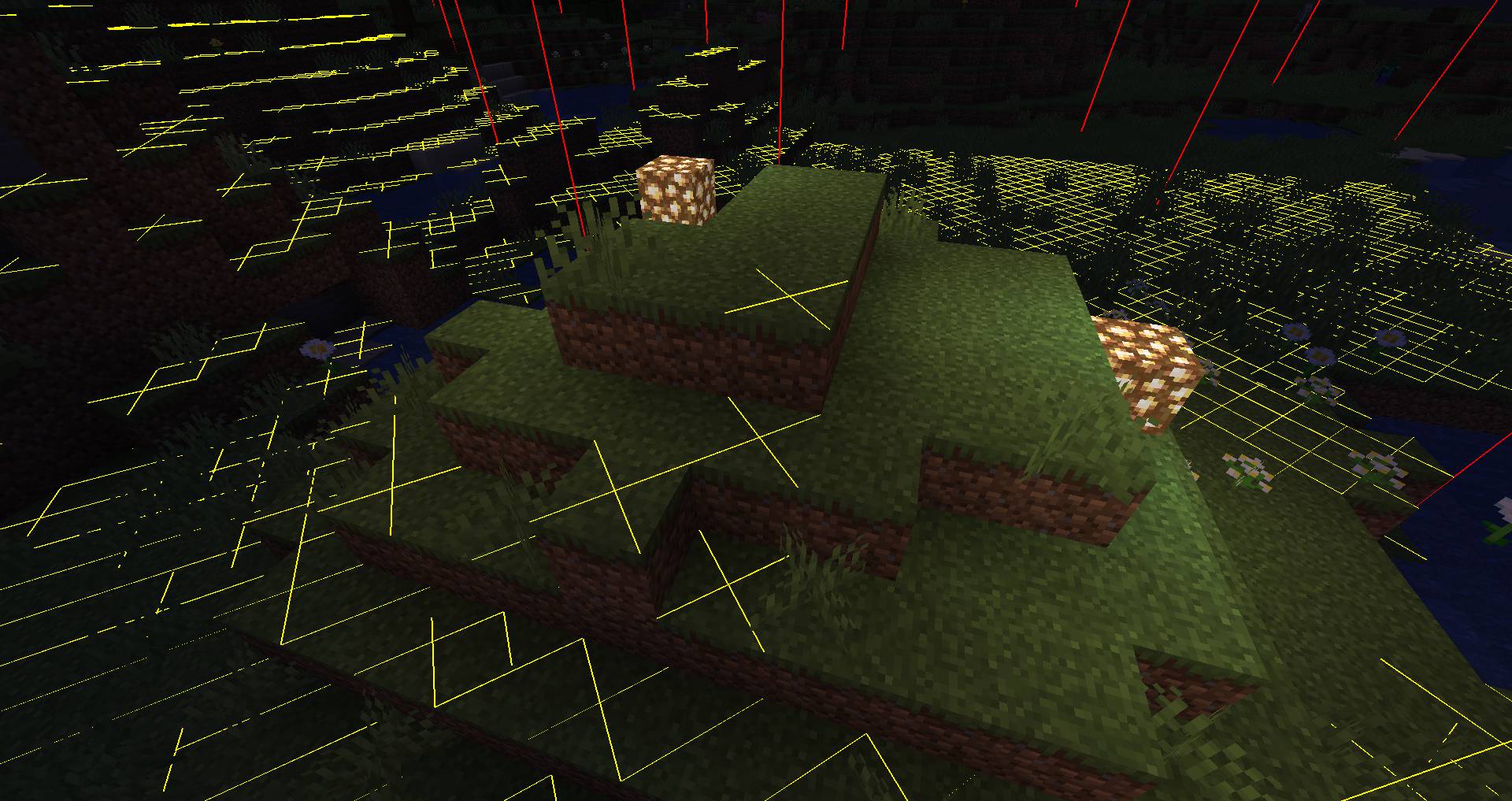
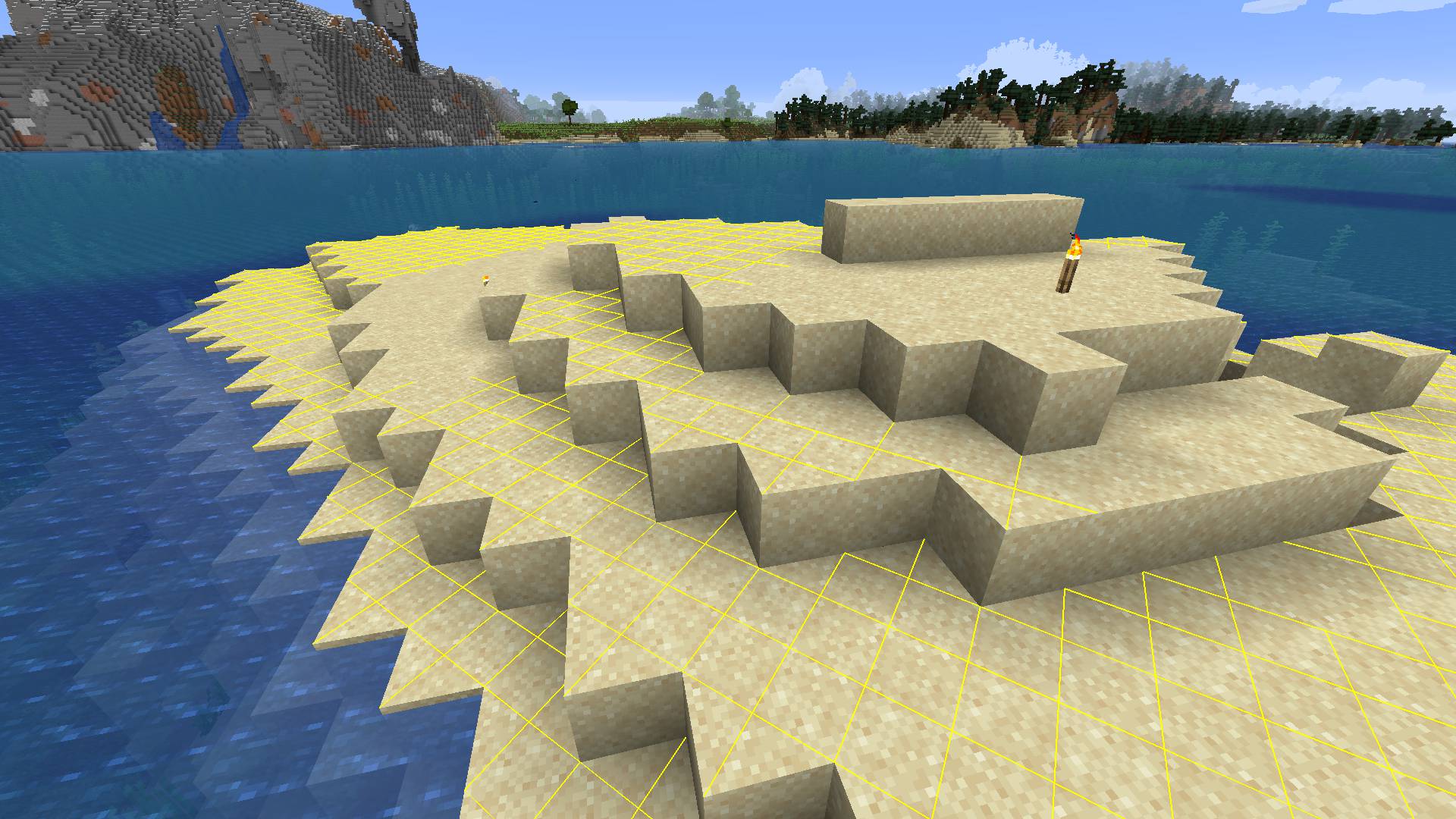
lightoverlay | Toggles the light level overlay showing spawnable spots |
radiusEdge Radius | Sets how far the edge radius extends in blocks |
middleShow Mid Point | Toggles showing the chunk midpoint marker |
finishedmigration1.18 Migration Done | Records whether the 1.18 config migration has completed |
downrange | Sets how far downward the light overlay checks |
hrangeHorizontal Range | Sets the horizontal range the light overlay scans |
ignorelayer | Ignores the layer setting when checking light levels |
ignorespawnlist | Ignores the mob spawn list when marking spawnable blocks |
savelevelSafe Light Level | Sets the light level considered safe from mob spawning |
simplecheck | Uses a simpler light check instead of full spawn rules |
uprange | Sets how far upward the light overlay checks |
update_interval_frames | Sets how many frames between overlay refresh updates |
spawn_numbersUse Number Overlay | Toggles whether mob spawn numbers are drawn on the overlay |
reset_configReset Settings | Restores all settings to their default values |
save | Saves the current config changes to disk |
undoUndo Changes | Reverts unsaved config changes back to previous values |
chunk_edge_color | Sets the color of chunk boundary edge lines |
chunk_grid_color | Sets the color of the chunk grid lines |
chunk_mid_colorChunk: Middle Color | Sets the color of the middle chunk line |
Other settings in this file
2 more options the mod ships without its own description. Names are taken straight from the config file.
- rendersettings
- tileMore Overlays Updated Settings
Frequently asked questions
How do I open the More Overlays Updated config menu?
Press the mod's config hotkey (check your Controls settings for the More Overlays keybind) to open the overlay settings screen in-game. From there you can enable or disable each overlay and adjust its options.
How do I turn on the light level overlay?
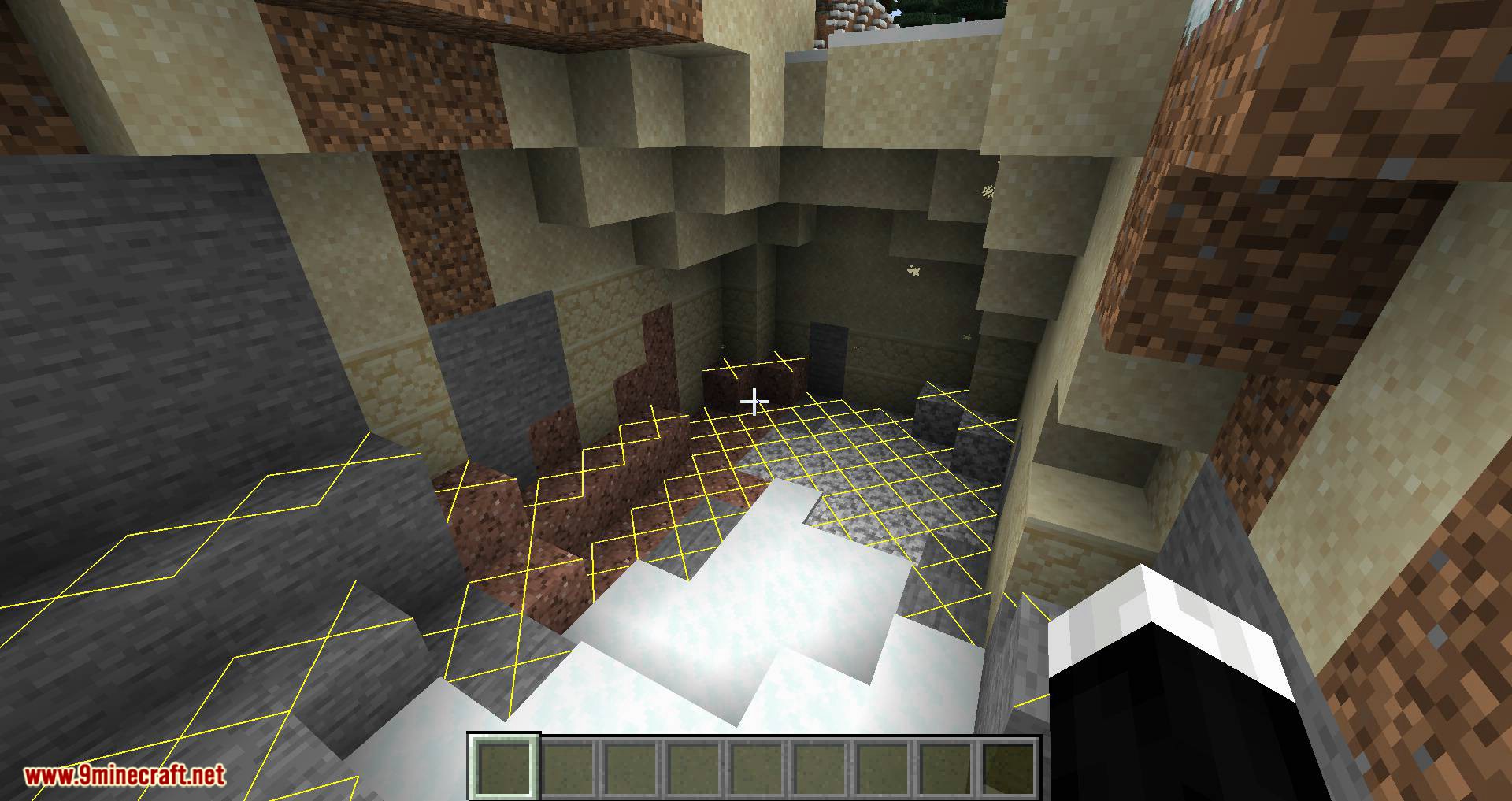
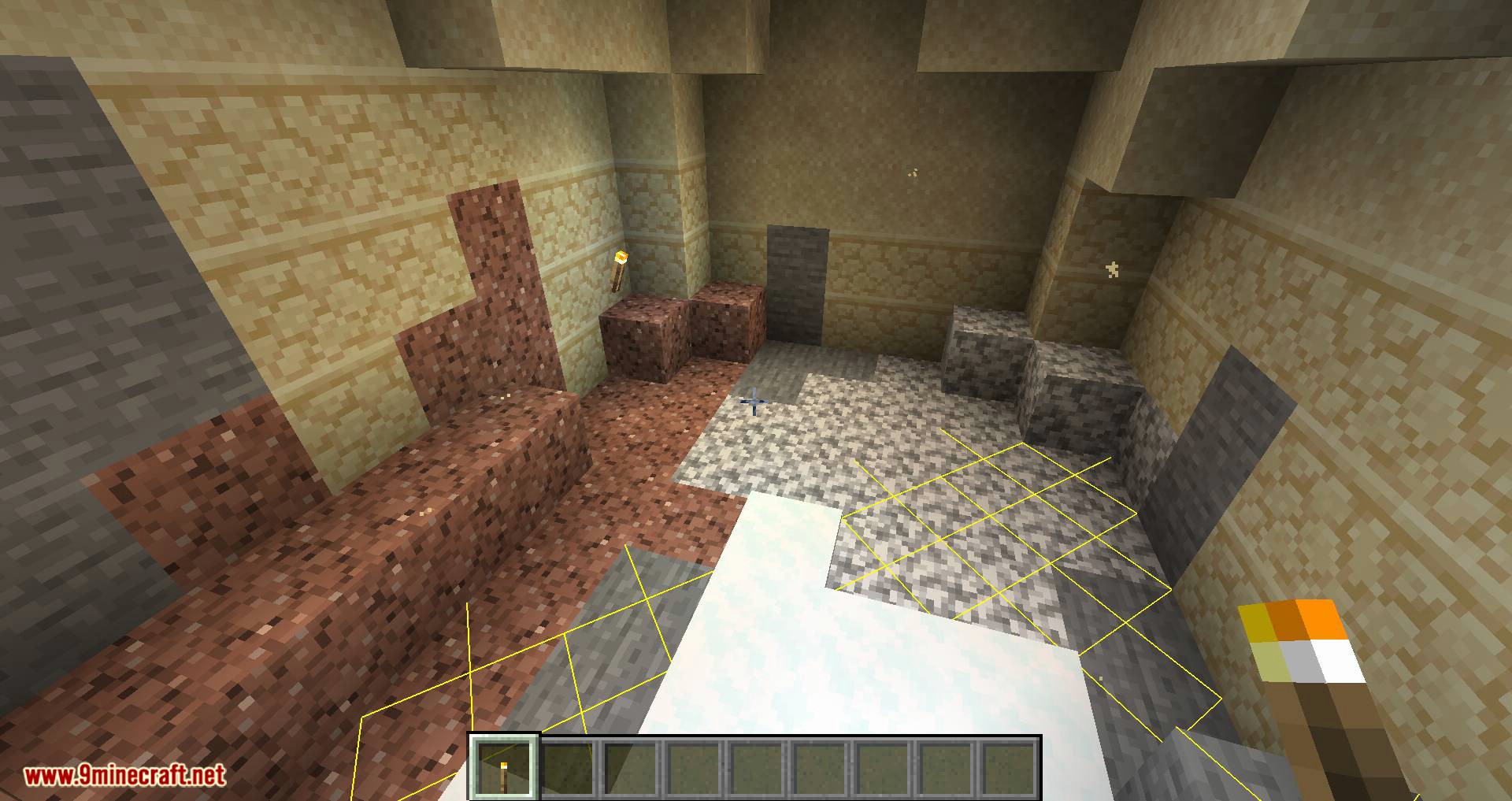
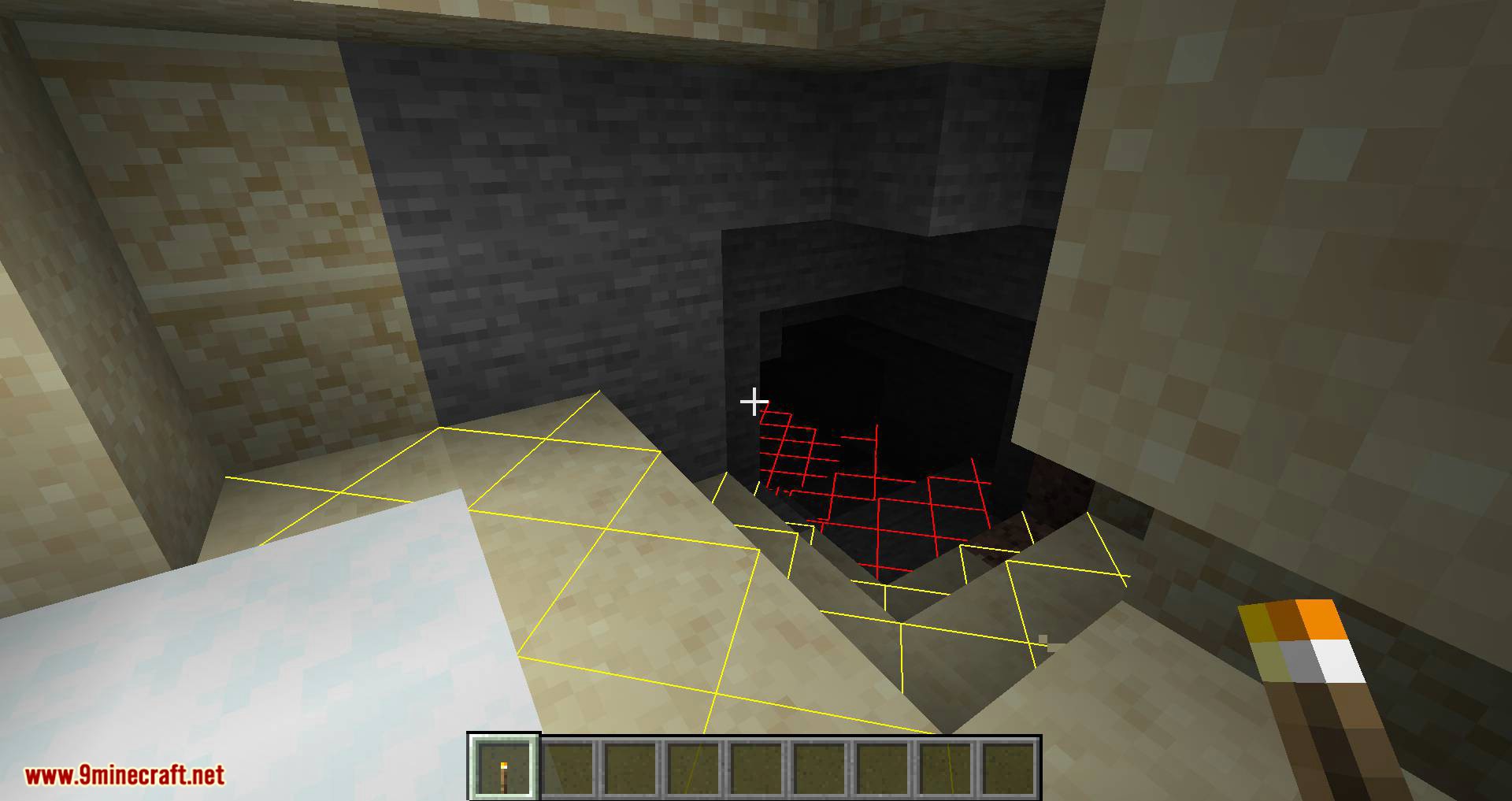
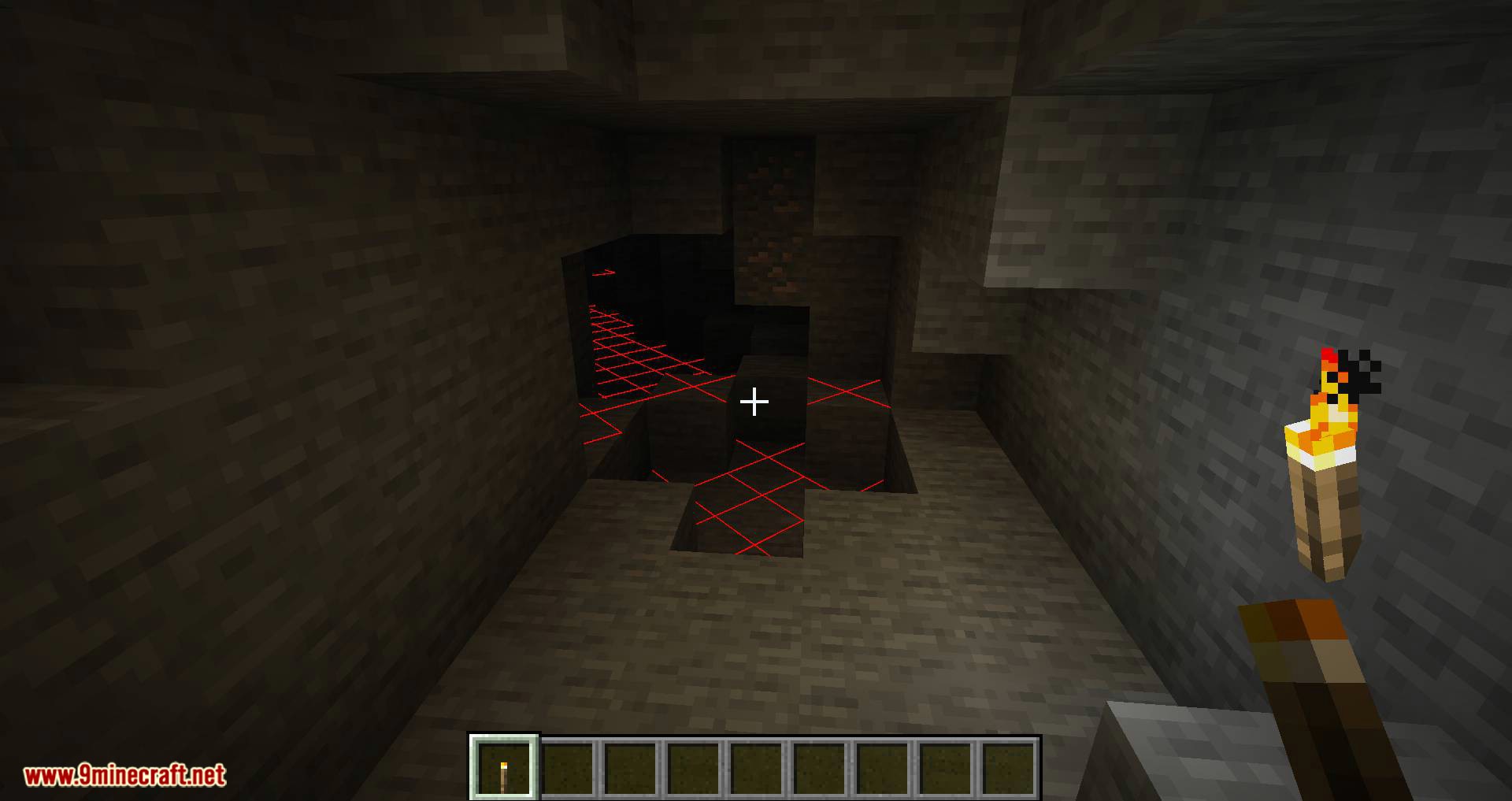
Open the config screen with the hotkey and enable the light overlay, or bind a separate toggle key for it. Once active, it highlights blocks by light level so you can spot dark areas where mobs can spawn.
Why is my chunk boundary overlay not showing?
The overlay is probably disabled in the config or its toggle key isn't bound. Open the config screen, make sure the chunk boundary overlay is enabled, and check that the toggle hotkey isn't conflicting with another mod.
Does More Overlays Updated work on servers?
Yes, it's a client-side mod, so it works on any server without needing to be installed server-side. The overlays are rendered locally on your client and don't affect other players.
See all 10 More Overlays Updated questions ›
Dependencies
Other mods needed to run this one.
Gallery
12 images from the More Overlays Updated Mod page.
You May Also Like
Wikis that share the most with this one
Wikis on the same theme: level
More mod wikis on the site
The most downloaded mods that have a wiki here
A few wikis from each of the other kinds