

 DownloadMaintenance Mode Mod
Get the files on 9Minecraft
Guides
Step-by-step, in-game.
Create a Full Server Backup Before MaintenancePerform a Complete Server Backup Before applying updates or making configuration changes during maintenance, back up…Schedule Maintenance to Start and End AutomaticallyEnable Scheduled Maintenance Instead of manually toggling maintenance mode, you can schedule it to activate and…Set Up Maintenance Mode with a Custom Kick MessageConfigure Your Kick Message When maintenance mode is active, players who aren't whitelisted will be disconnected. You…Whitelist Players to Access During MaintenanceAdd Players to the Maintenance Whitelist Only whitelisted players can connect when maintenance mode is active. You…
Frequently asked questions
How do I turn on maintenance mode?
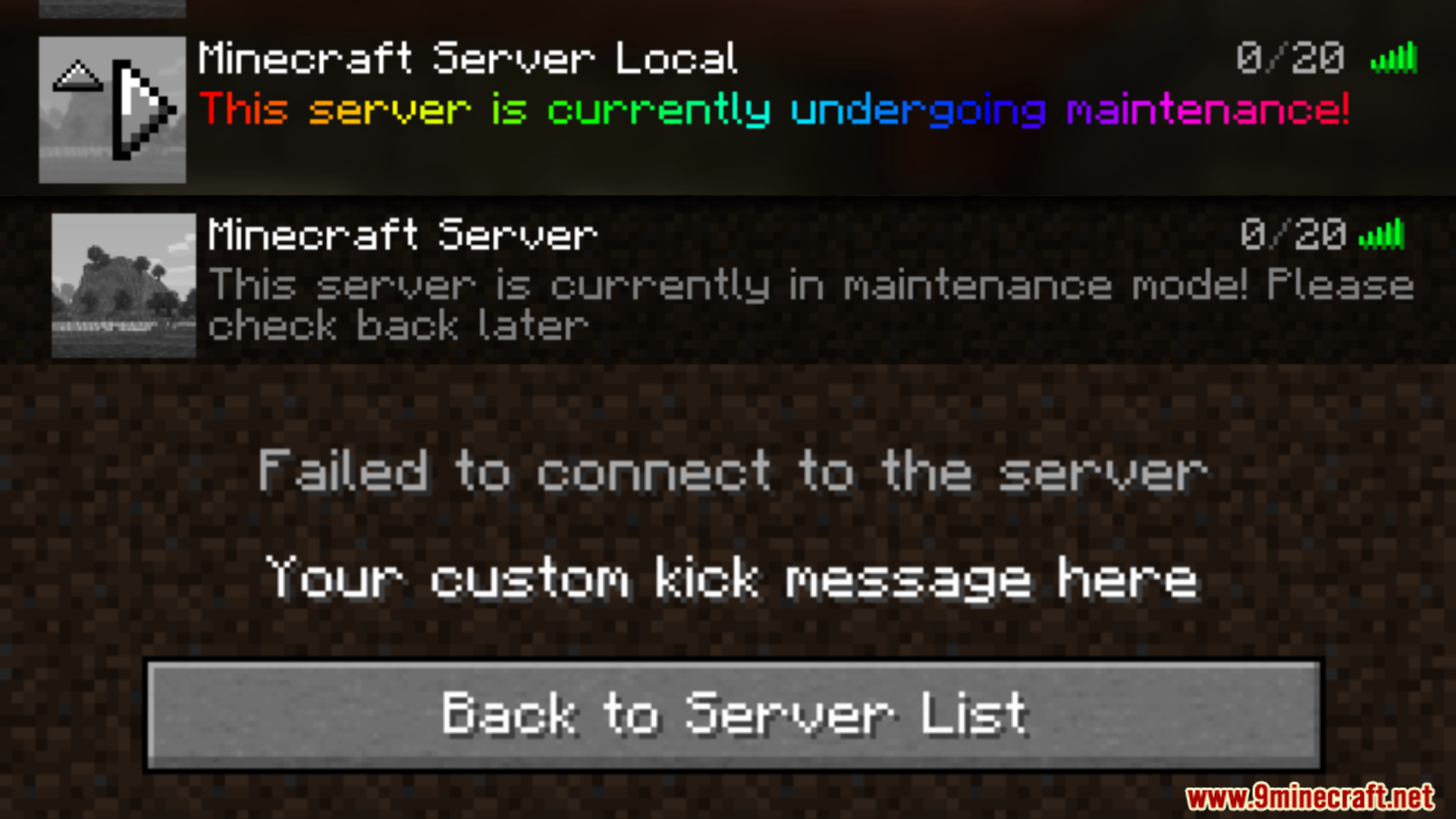
Open the mod's configuration file or use the in-game command to enable maintenance mode. Once enabled, only whitelisted players can join; all others receive your custom kick message.
Can I schedule maintenance to start and stop automatically?
Yes, the mod supports scheduling maintenance windows with start and end times. Configure these in the settings, and the server will automatically enter and exit maintenance mode at the specified times.
How do I whitelist players for maintenance mode?
Add player names or UUIDs to the whitelist in the mod's configuration file, or use the whitelist command if available. Whitelisted players can connect normally while maintenance mode is active.
What formatting does the kick message support?
The kick message supports MiniMessage and standard Minecraft formatting codes, allowing you to customize colors, styles, and text decoration for the message shown to kicked players.
See all 10 Maintenance Mode questions ›
Gallery
2 images from the Maintenance Mode Mod page.
You May Also Like
Wikis that share the most with this one
Wikis on the same theme: world
More mod wikis on the site
The most downloaded mods that have a wiki here
A few wikis from each of the other kinds