

 inventory management
 DownloadTweakeroo
Get the files on 9Minecraft
Guides
Step-by-step, in-game.
How to Place Blocks Beyond Normal Reach with TweakerooUnderstanding the Reach Tweaks Tweakeroo includes placement-related tweaks that let you interact with blocks further…Improving Rendering and Visuals with TweakerooRendering Tweaks You Can Toggle Tweakeroo includes rendering adjustments that change how the game draws certain…Managing Your Inventory Automatically with TweakerooInventory Tweaks Overview Tweakeroo offers several inventory-related quality-of-life tweaks, such as automatically…Using Tweakeroo's Flexible Block Placement to Build FasterWhat Flexible Placement Changes Vanilla restricts where and how you can place blocks , for example requiring a…
Configuration
Every setting in the mod config file, with what it changes.
| Option | What it does |
|---|---|
disableArmorStandRendering | Stops armor stands from being rendered |
disableAtmosphericFog | Removes atmospheric fog between player and render distance |
disableAxeStripping | Prevents axes from stripping bark off logs |
disableBatSpawning | Prevents bats from spawning in single player worlds |
disableBeaconBeamRendering | Stops beacon beams from being drawn in the world |
disableBlockBreakCooldown | Removes the delay between breaking blocks |
disableBlockBreakingParticles | Removes the particle effects spawned when blocks are broken |
disableBossBar | Hides the boss health bar from the screen |
disableBossFog | Removes the fog effect caused by boss mobs |
disableChunkRendering | Stops chunks from rendering, hiding block changes until re-enabled |
disableClientBlockEvents | Stops block event animations like piston movement from rendering |
disableClientEntityUpdates | Stops non-player entity updates on the client |
disableClientLightUpdates | Stops client-side light update processing |
disableConstantChunkSaving | Stops the game constantly saving chunks every tick |
disableCreativeMenuInfestedBlocks | Removes infested stone blocks from the creative inventory search results |
disableDeadMobRendering | Stops rendering mobs that are already at zero health |
disableDeadMobTargeting | Prevents attacking or targeting entities that are already at zero health |
disableDoubleTapSprint | Disables sprinting by double-tapping the forward key |
disableEntityRendering | Stops rendering all entities except the player |
disableEntityTicking | Prevents all non-player entities from ticking |
disableFallingBlockEntityRendering | Stops falling block entities from being rendered |
disableFireOverlay | Hides the fire texture overlay shown on screen while the player burns |
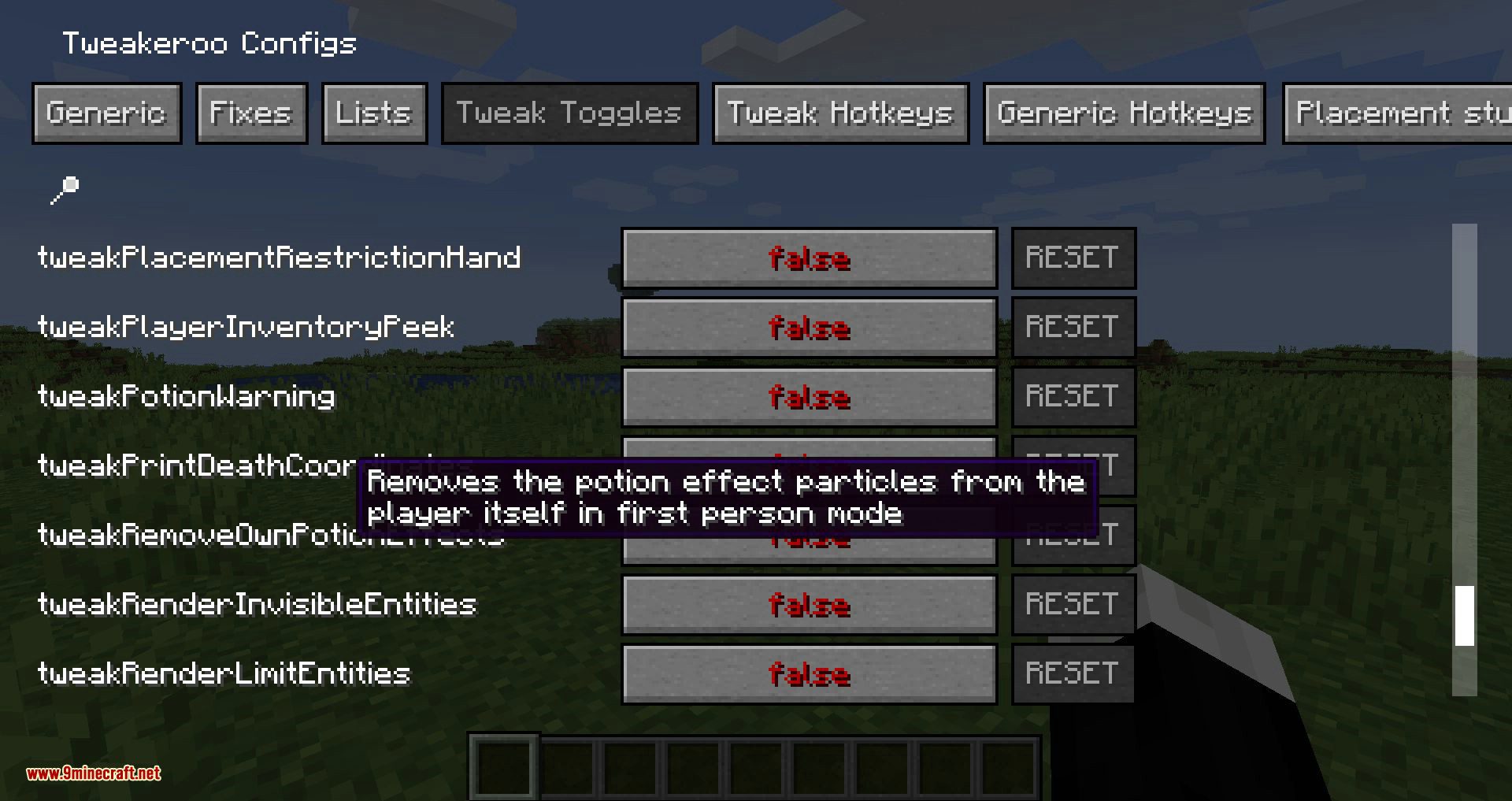
disableFirstPersonEffectParticles | Removes potion effect swirl particles from the player in first person |
disableFreezeOverlay | Hides the freezing vignette and FOV change inside powder snow |
Frequently asked questions
How do I open the Tweakeroo config menu in-game?
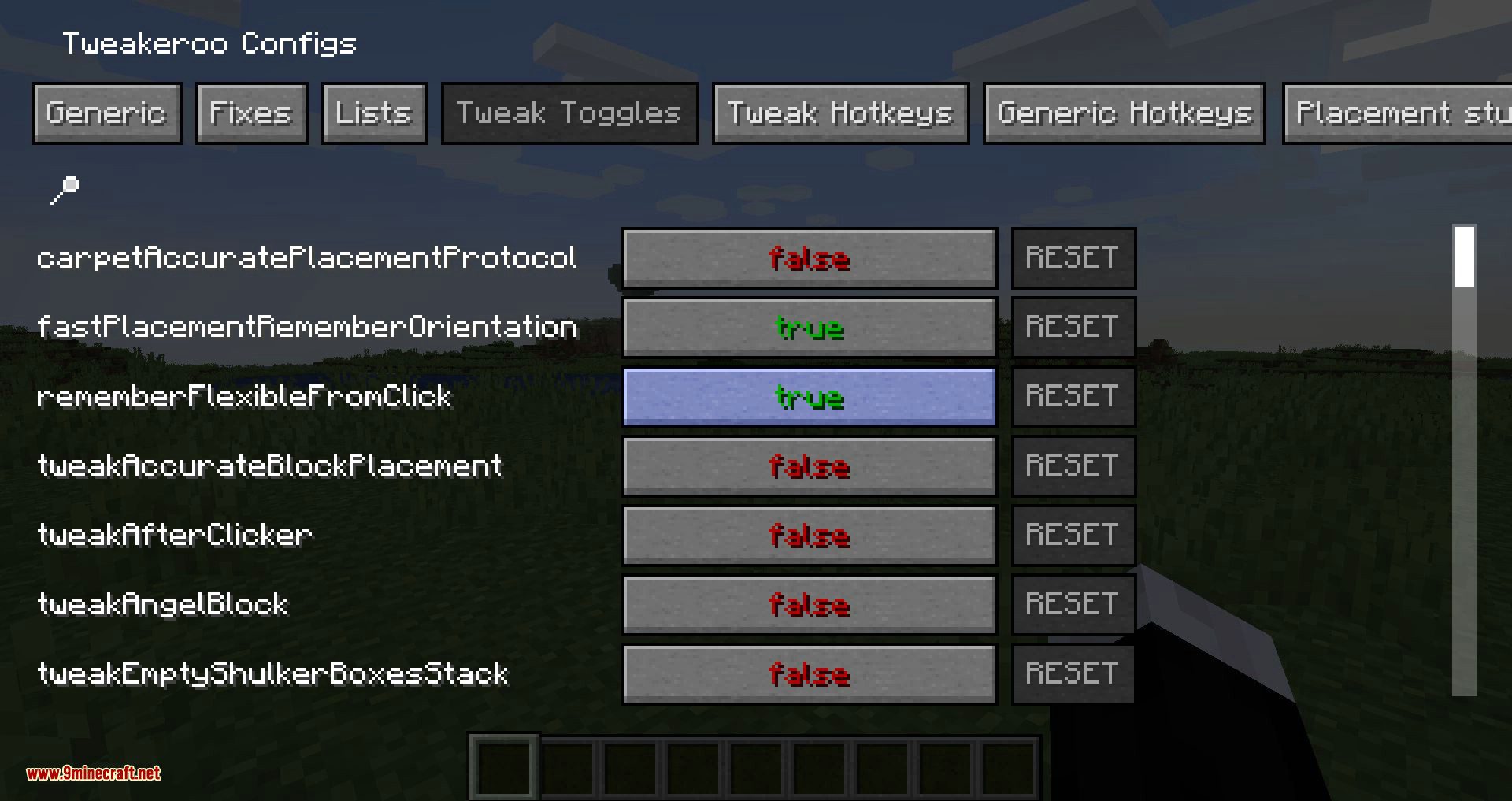
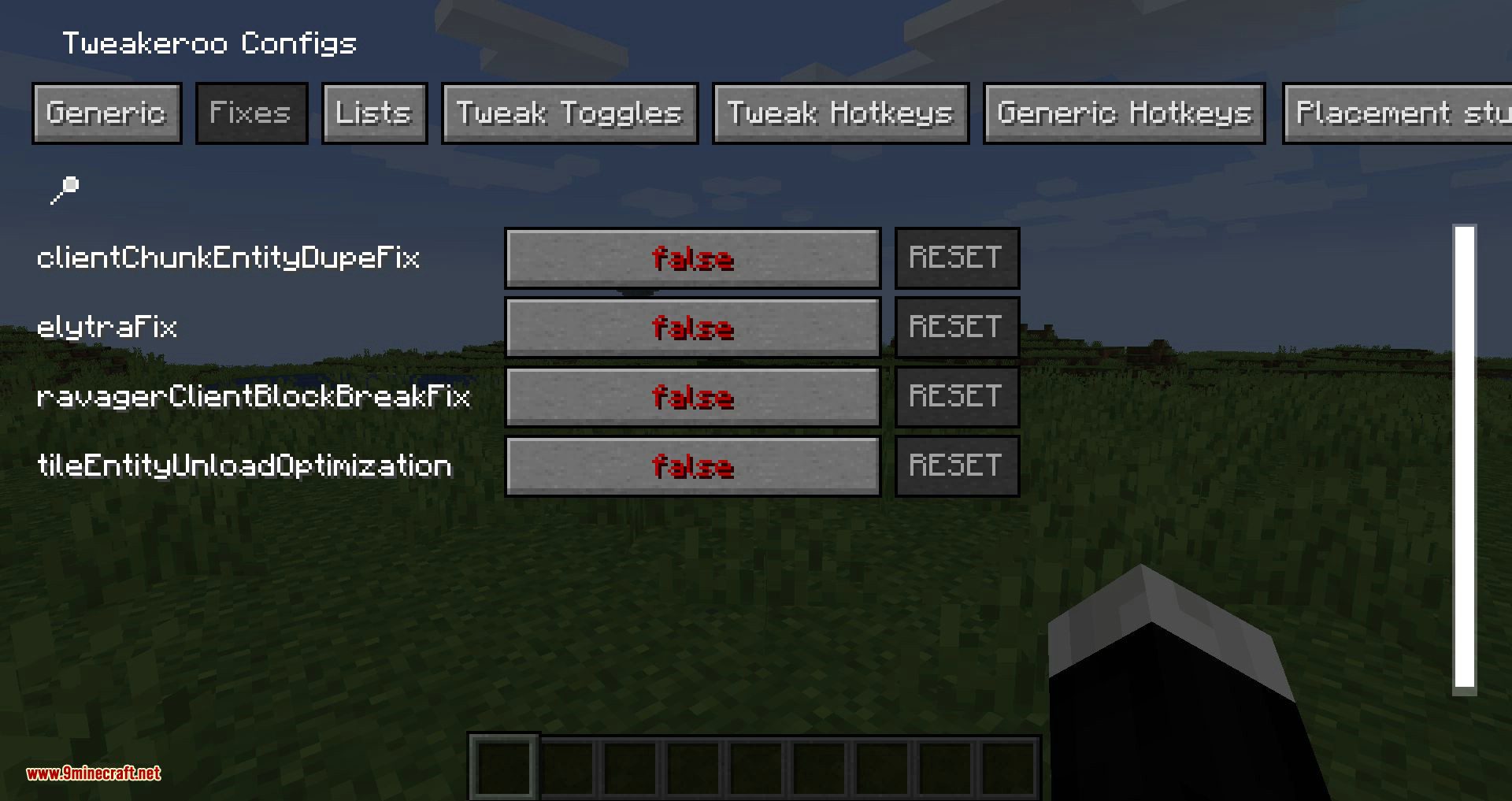
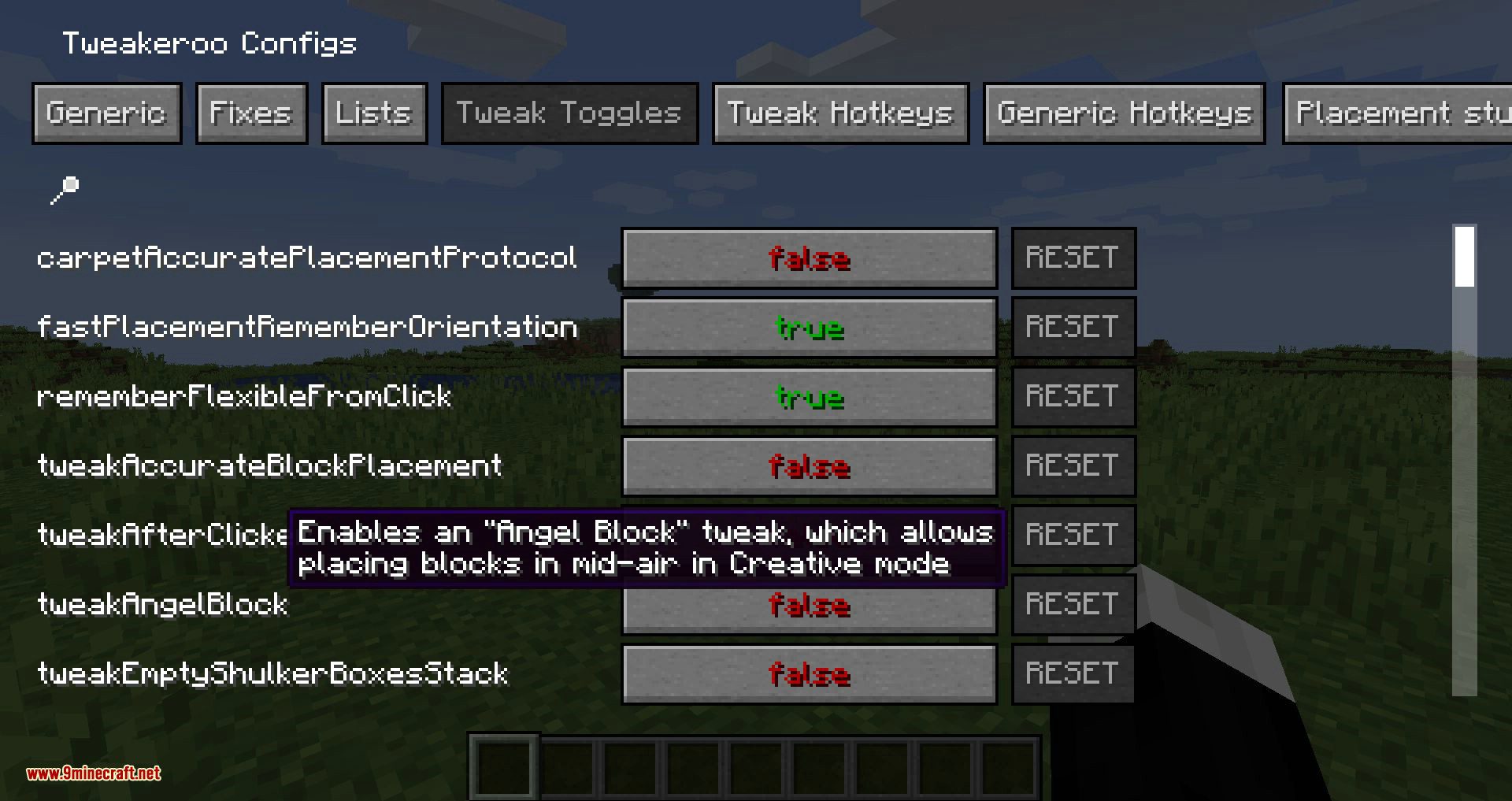
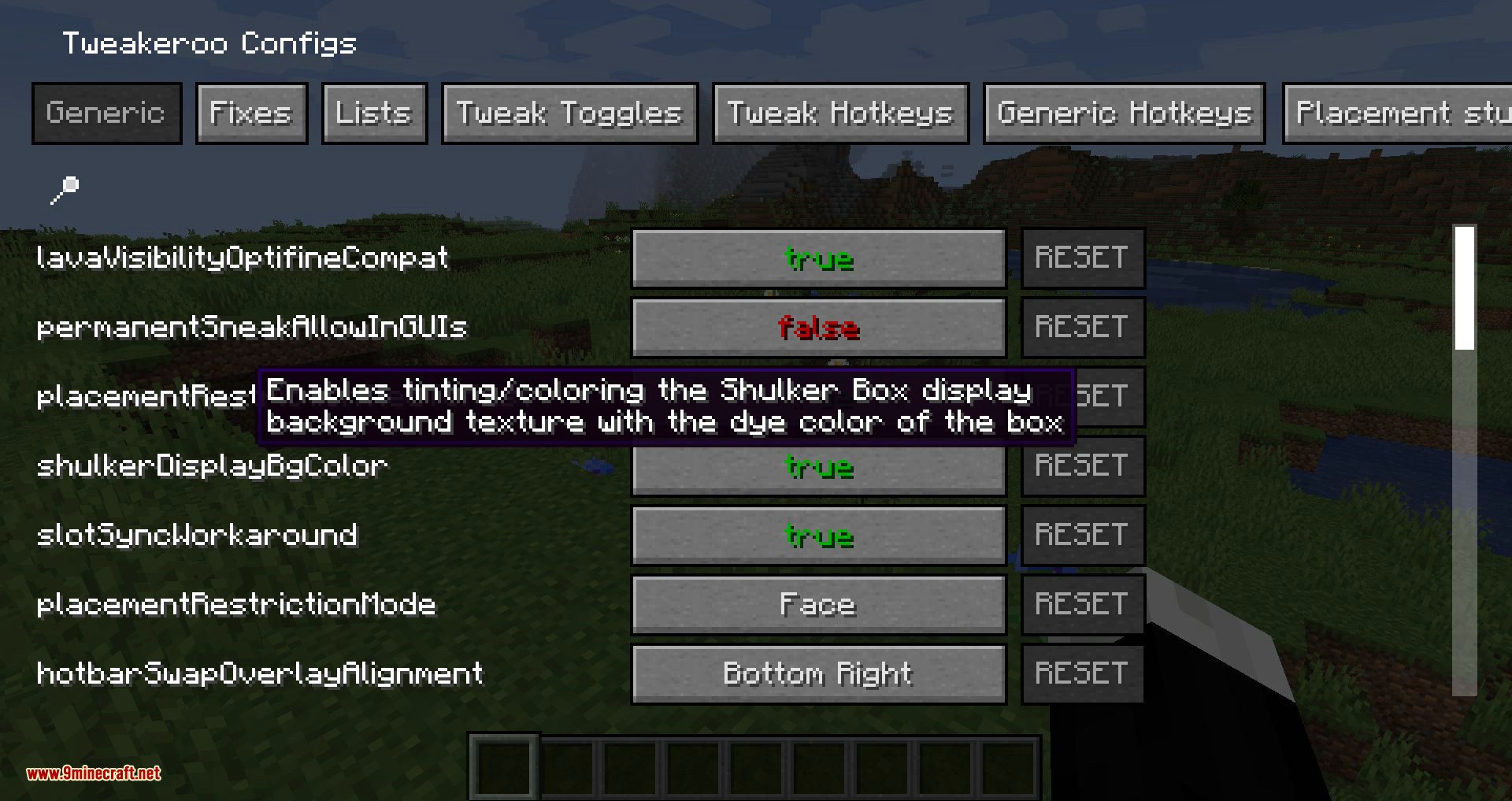
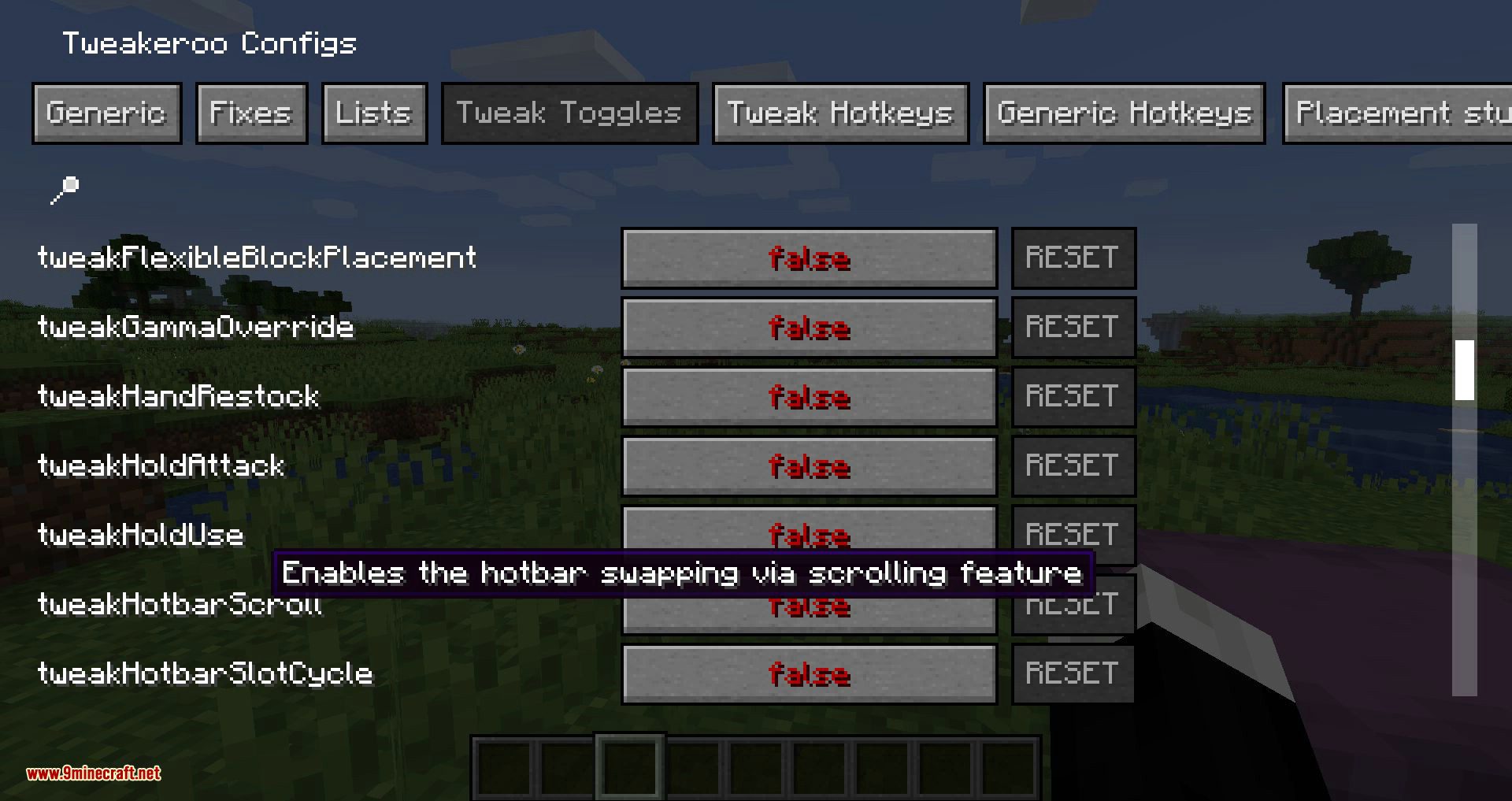
Open the  Mod Menu or your mod list, find Tweakeroo, and click its config button to open the settings screen. From there you can browse and toggle every tweak, and most changes apply immediately without restarting the game.
How do I bind a hotkey to a specific tweak?
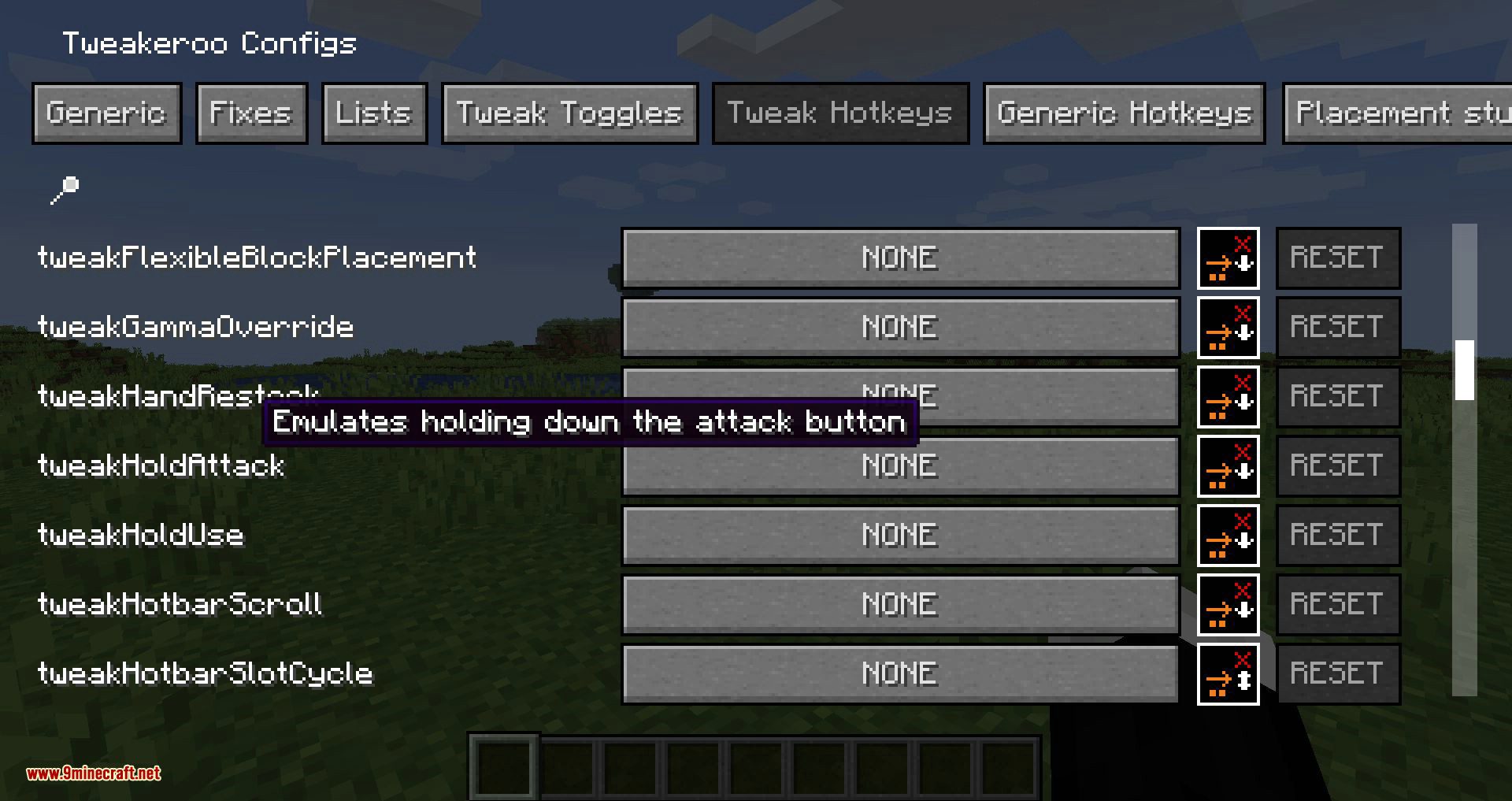
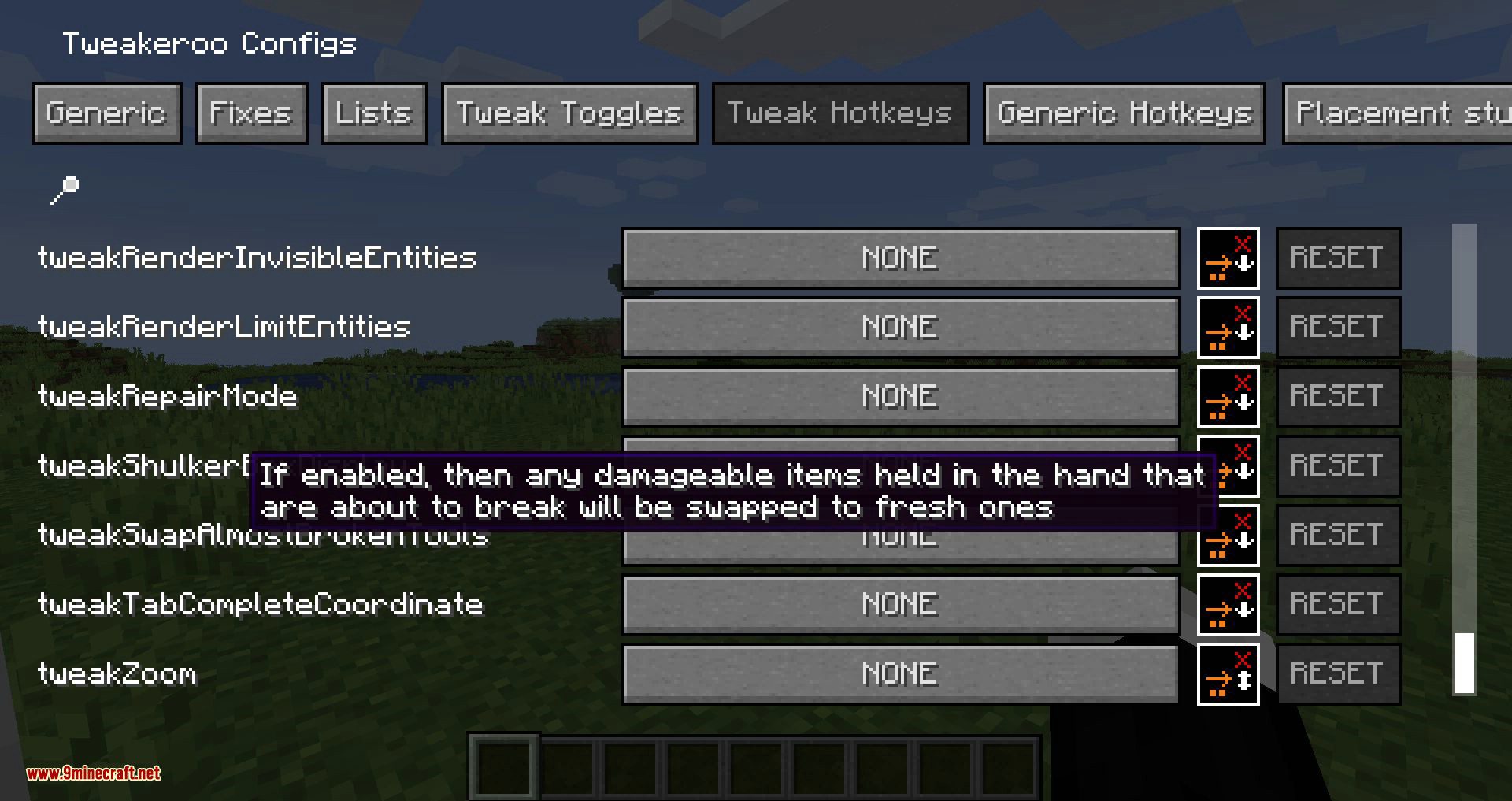
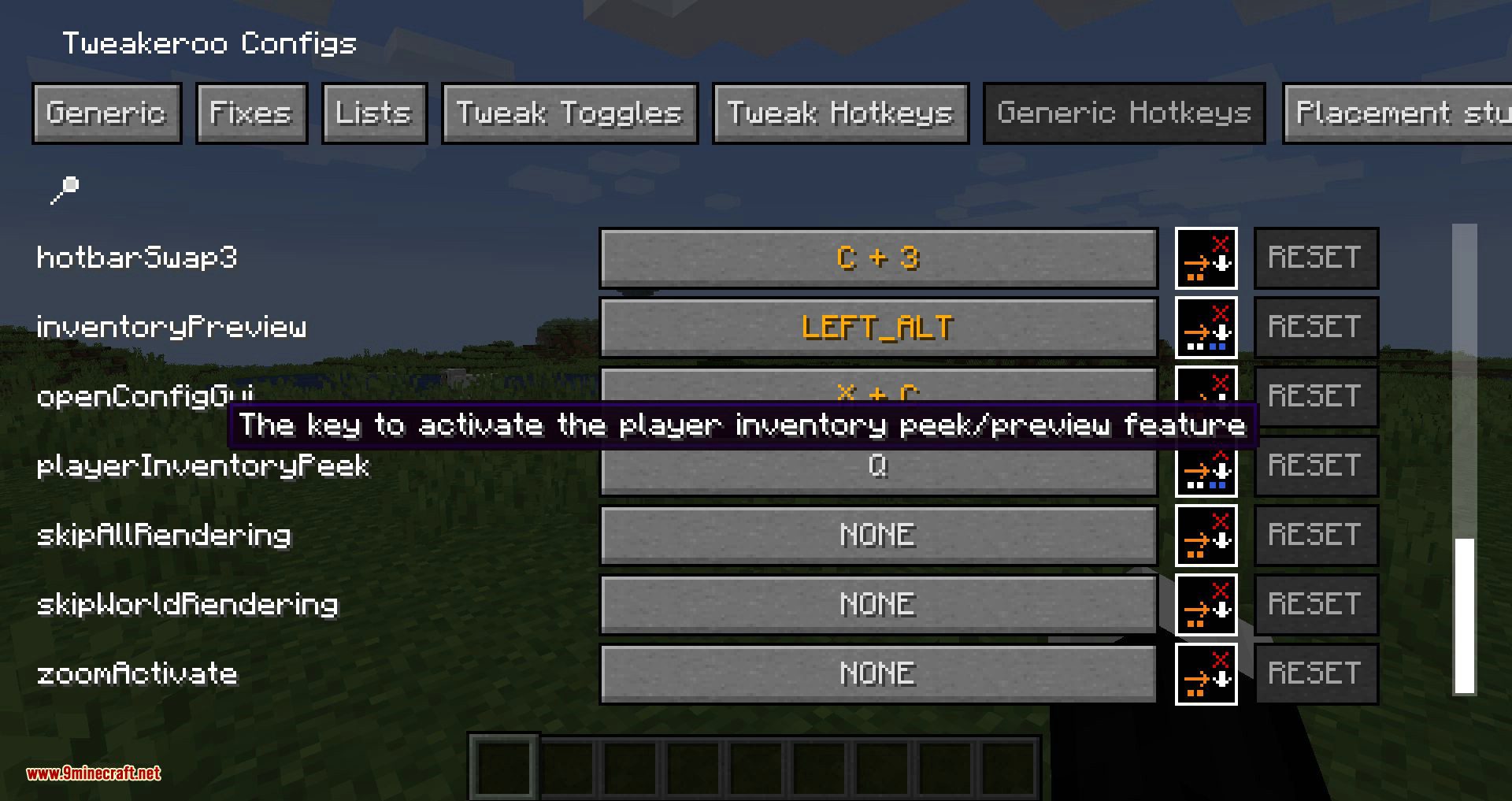
In the Tweakeroo config screen, open the keybind or hotkeys section and assign a key to the tweak you want. Once bound, you can toggle that tweak on and off during play without reopening the menu.
Which tweaks should I enable first as a new user?
Start with the placement and  inventory tweaks covered in the placement and inventory guides, since those change gameplay the most. Add rendering tweaks afterward, and enable
 things one at a time so you can tell which tweak causes any problem.
inventory tweaks covered in the placement and inventory guides, since those change gameplay the most. Add rendering tweaks afterward, and enable things one at a time so you can tell which tweak causes any problem.Why isn't a tweak doing anything after I enabled it?
Check whether the tweak also needs a keybind, a hotkey press, or a specific mode selected before it activates. Some tweaks only work in certain contexts, so confirm you are in the right screen or situation for that tweak.
See all 10 Tweakeroo questions ›
Dependencies
Other mods needed to run this one.
Gallery
10 images from the Tweakeroo Mod page.
You May Also Like
Wikis that share the most with this one
Wikis on the same theme: end
More mod wikis on the site
The most downloaded mods that have a wiki here
A few wikis from each of the other kinds