

 DownloadChat Highlight N Sound Mod
Get the files on 9Minecraft
Guides
Step-by-step, in-game.
Change Highlight Color and Sound AnytimeAccess Settings During Gameplay You don't need to restart the game to adjust your alerts. Press U (Fabric) or…Set Up Alerts for Your UsernameOpen the Settings Menu Press U on your keyboard (Fabric) or go to Main Menu → Mods → Config (Forge) to access the…Track Multiple Words and PhrasesAdd Multiple Keywords 1. Open your mod settings (U for Fabric, Mods → Config for Forge) 2. In the Custom Words list,…Troubleshoot Highlights Not AppearingVerify Your Settings Are Saved Open the mod settings and confirm your tracked words are still listed. If they're…
Frequently asked questions
How do I open the settings for this mod?
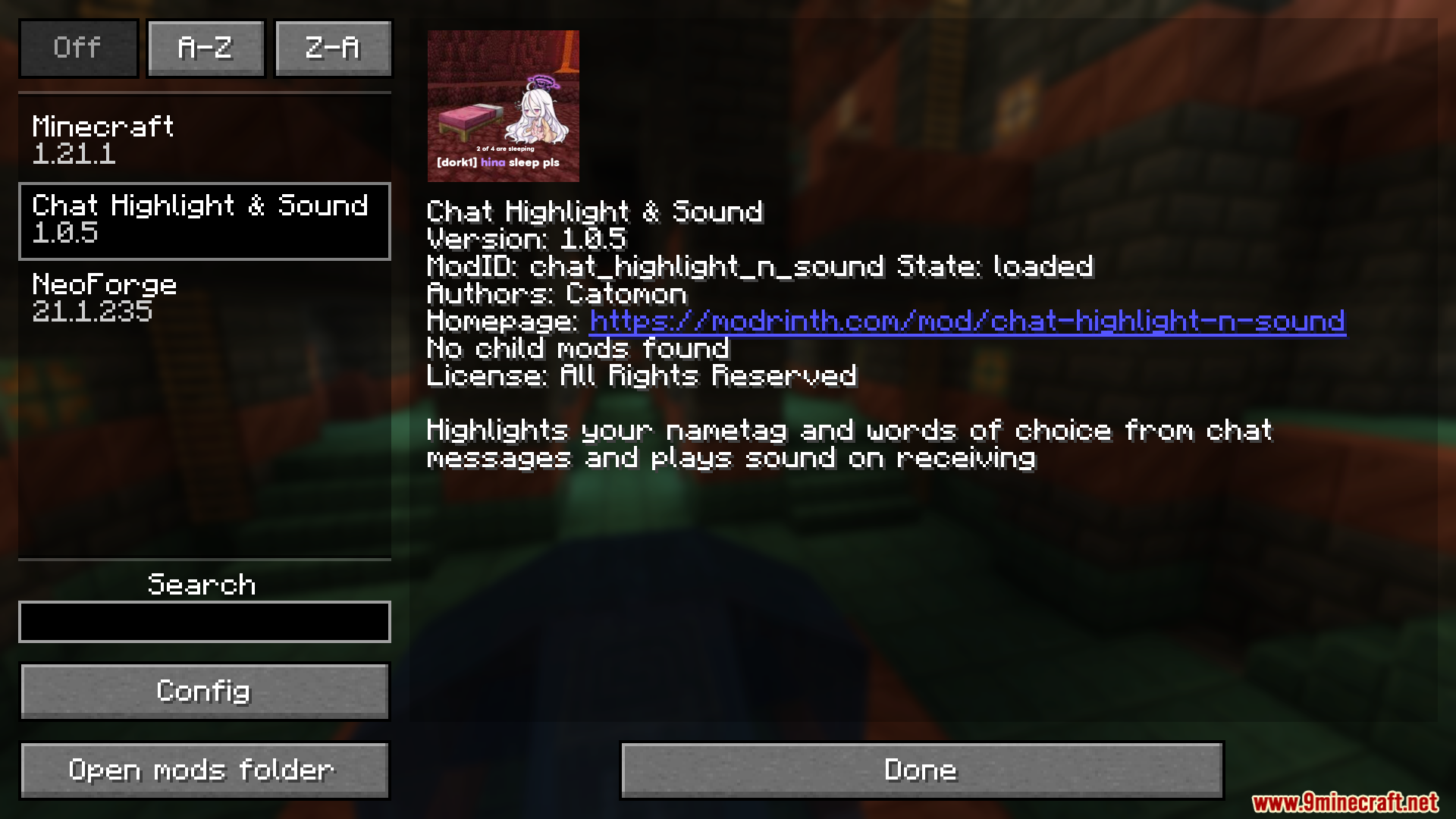
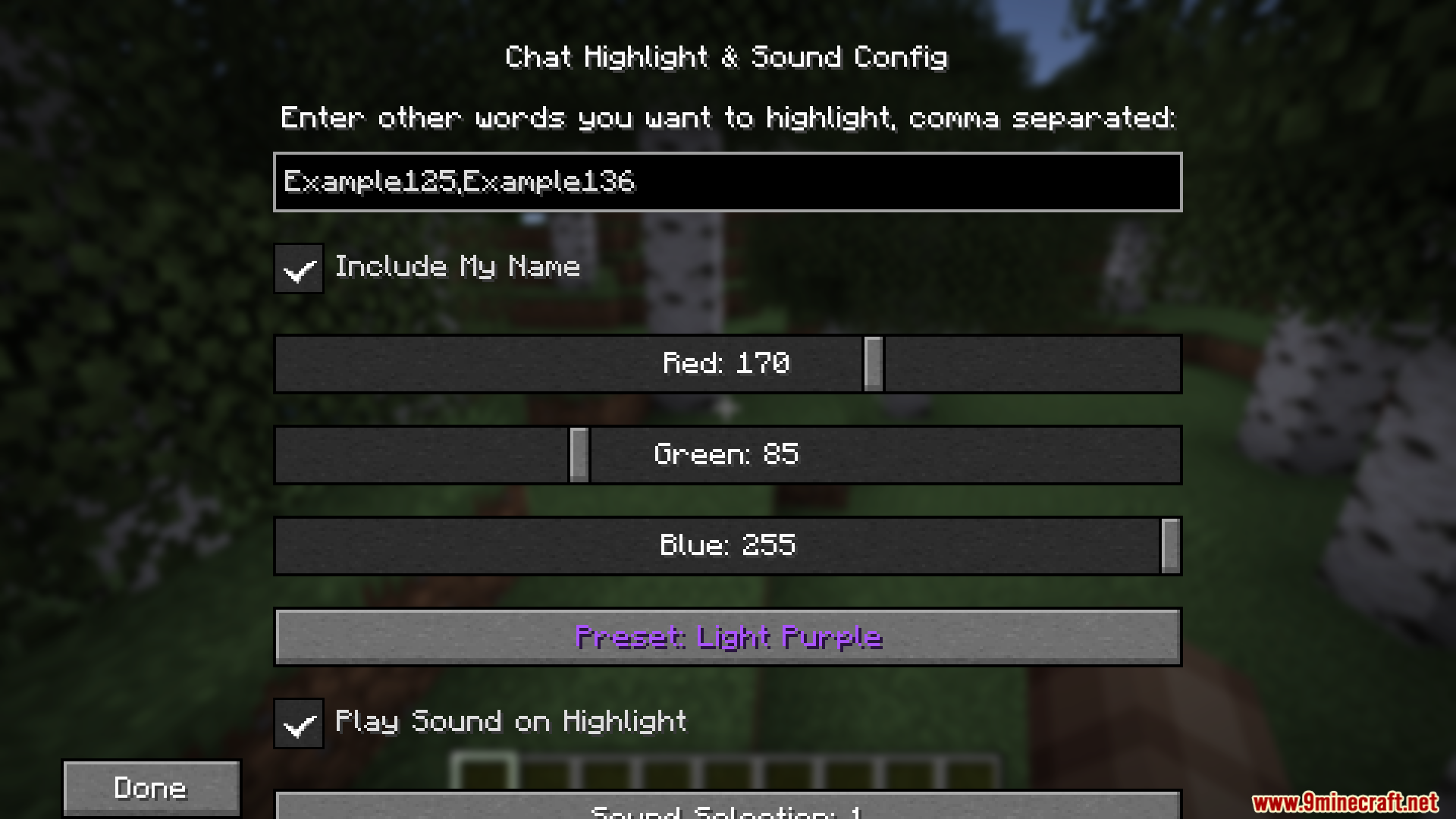
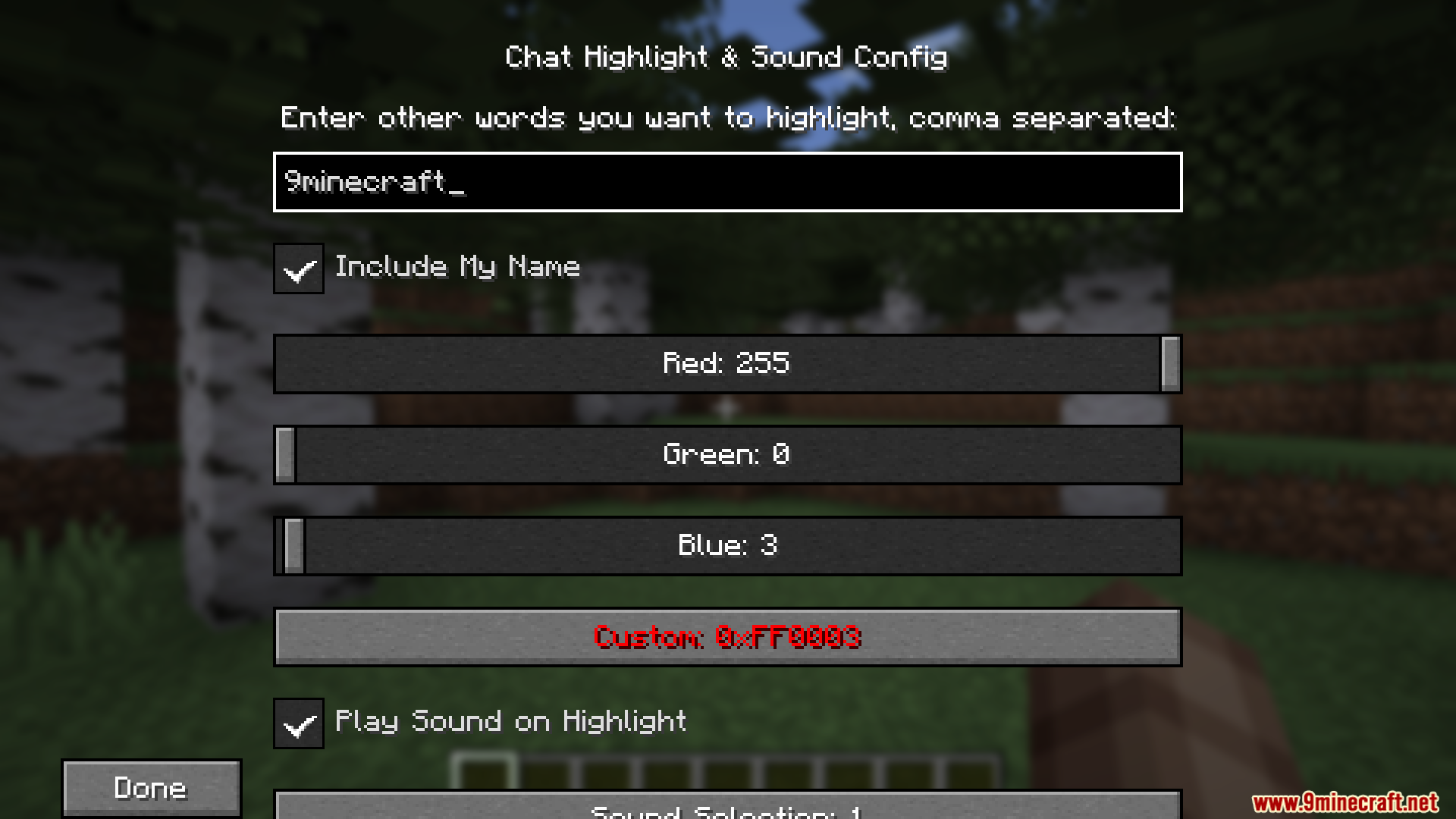
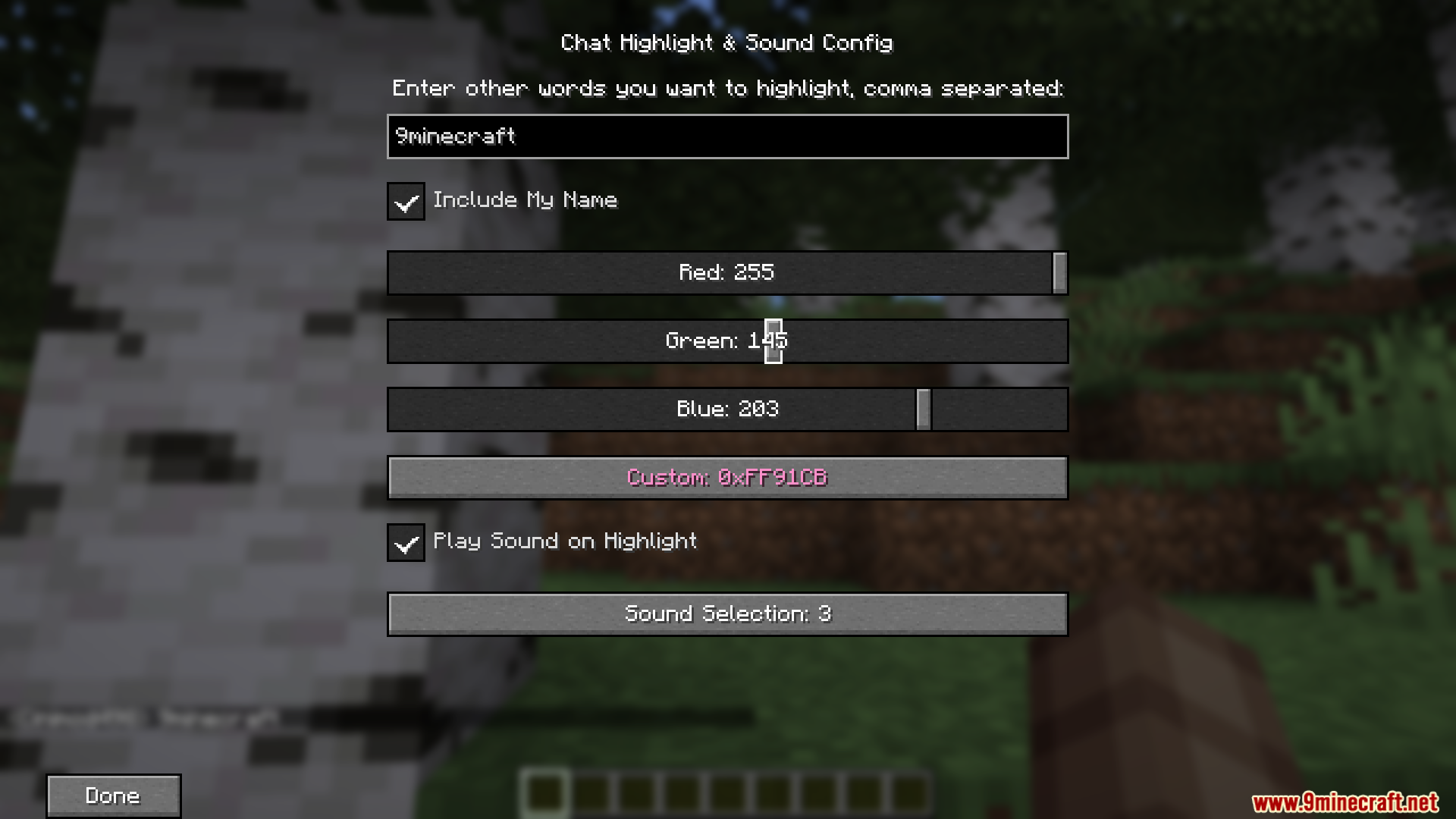
On Fabric, press U to open the settings screen. On Forge, go to the main menu, click Mods, find Chat Highlight N Sound Mod, and click the config button.
Will the mod highlight my name automatically?
No, you need to manually add your username to the tracked words list in the settings menu. Once added, any message containing your name will be highlighted and trigger a sound alert.
Can I track more than one word at a time?
Yes, you can add multiple words and phrases to your tracking list in the settings. Each word you add will be highlighted in your chosen color whenever it appears in chat.
How do I change the highlight color?
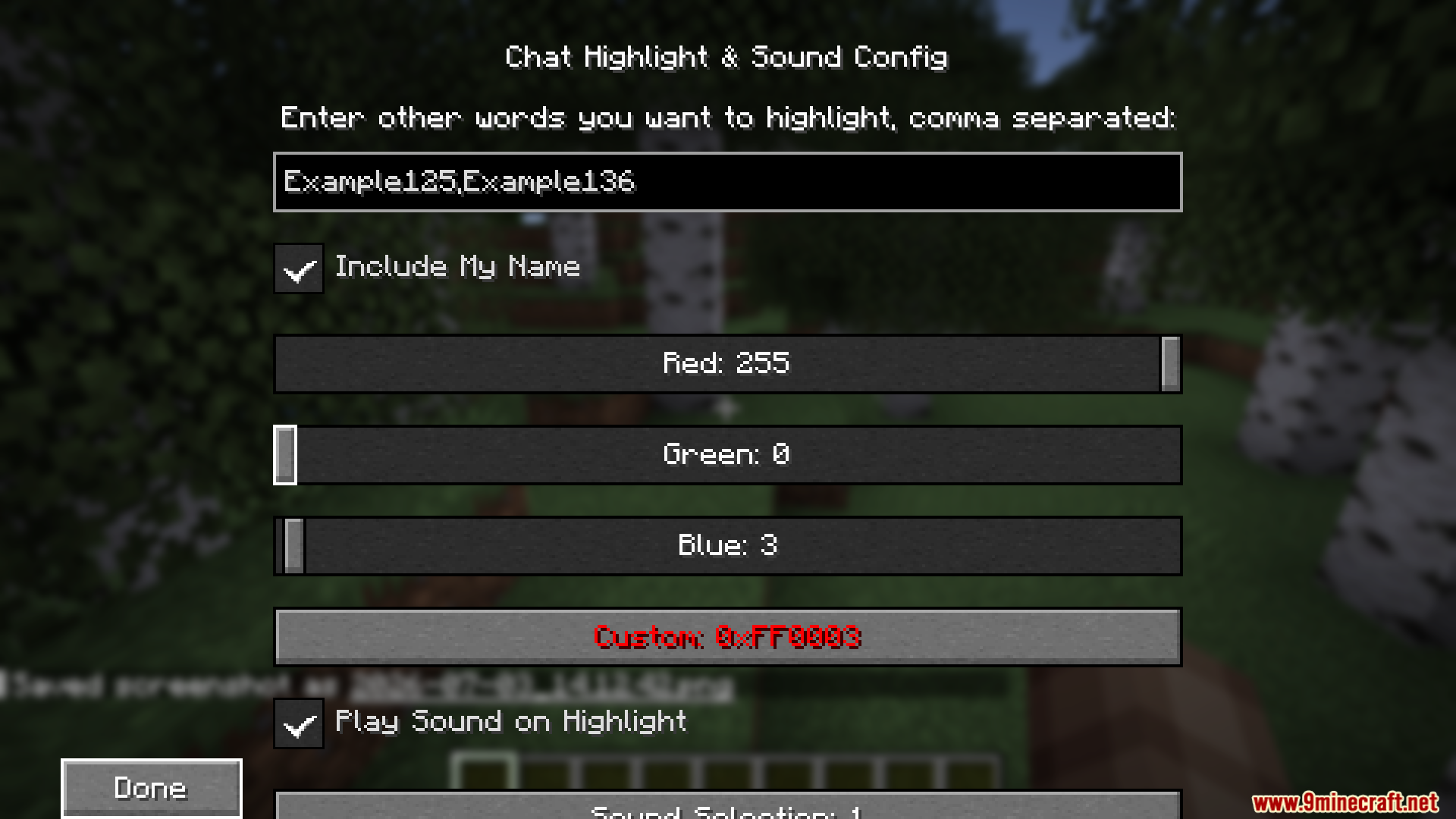
Open the settings menu and look for the highlight color option. You can select a new color at any time, and it will apply to all your tracked words immediately.
See all 10 Chat Highlight N Sound questions ›
Gallery
6 images from the Chat Highlight N Sound Mod page.
You May Also Like
Wikis that share the most with this one
Wikis on the same theme: cat
More mod wikis on the site
The most downloaded mods that have a wiki here
A few wikis from each of the other kinds