

 chatting
 DownloadExtra Sounds Next Mod
Get the files on 9Minecraft
Guides
Step-by-step, in-game.
Fixing Missing or Silent Extra Sounds Next CuesCheck the Obvious First If sounds that used to play have gone quiet, start with the mod's own config. Open the mod…How to Change or Mute Individual Sounds in Extra Sounds NextFinding the Sound Options Extra Sounds Next exposes its settings through the mod's own config screen rather than…Making Inventory and Hotbar Sounds Quieter Without Disabling ThemWhy the Defaults Feel Loud Extra Sounds Next plays a cue every time you scroll the hotbar or click a slot, and…Turning Off Chat and Drop Sounds While Keeping Other FeedbackIdentifying Which Cue Is Bothering You Extra Sounds Next covers several distinct actions, and players often want to…
Frequently asked questions
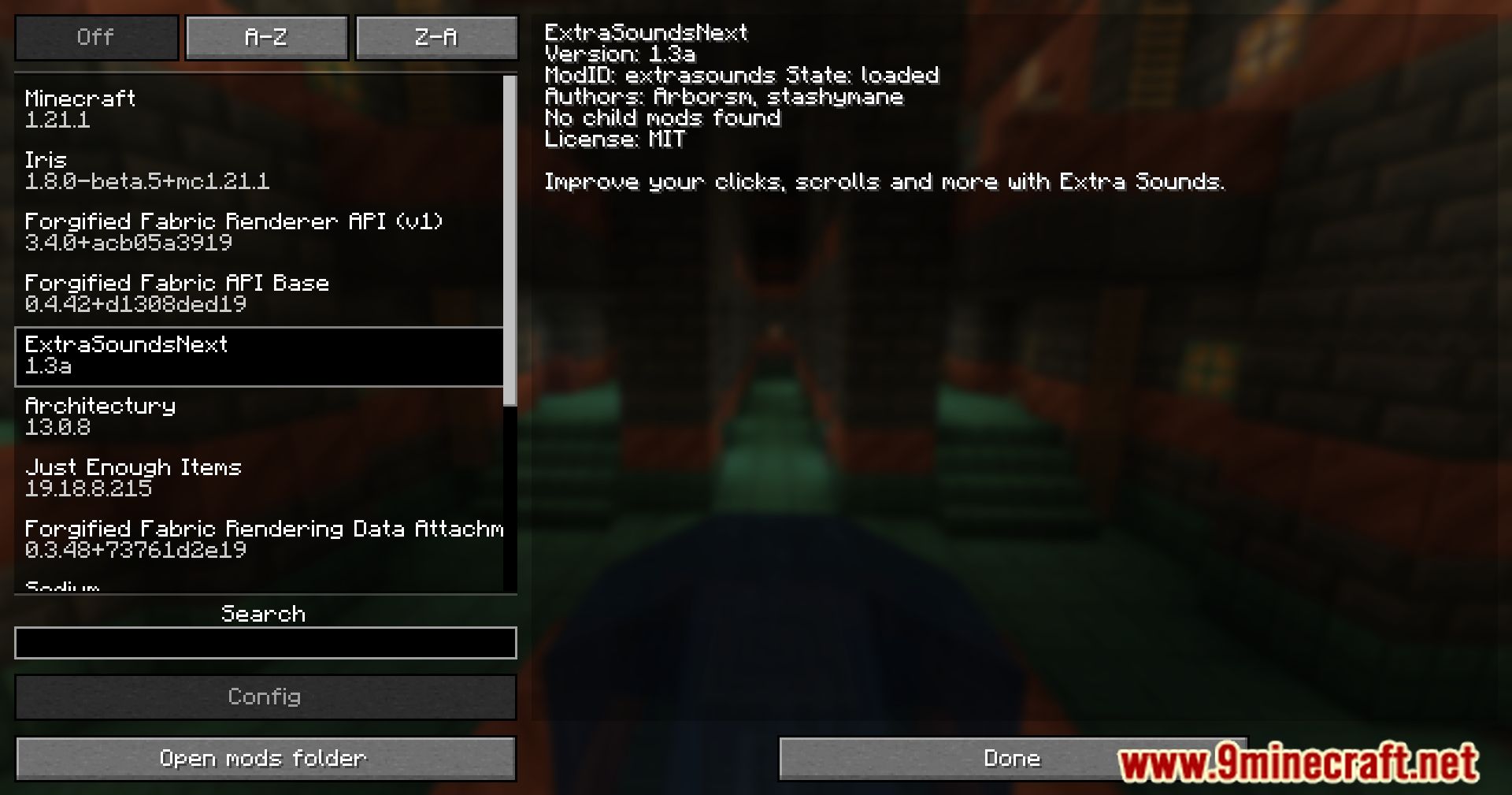
How do I open the extra sounds next config?
 Mod Menu
How do I turn off the hotbar scrolling sound?
Open the config and find the hotbar scroll sound entry, then toggle it off or set its volume to zero. This keeps your other interaction  sounds intact while silencing just the scroll cue.
Why are my extra sounds next sounds not playing at all?
Check that the master volume and the mod's own volume sliders aren't at zero, and confirm the individual sound toggles are enabled. If you recently changed resource packs or sound settings, reload them so the mod's sounds register again.
sounds register again.Can I make the inventory click sounds quieter without muting them?
Yes, the config exposes a volume slider for each sound category, so you can lower the inventory click volume instead of disabling it. Set it to a low value so you still get feedback but it isn't distracting.
See all 10 Extra Sounds Next questions ›
Gallery
12 images from the Extra Sounds Next Mod page.

You May Also Like
Wikis that share the most with this one
More mod wikis on the site
The most downloaded mods that have a wiki here
A few wikis from each of the other kinds