

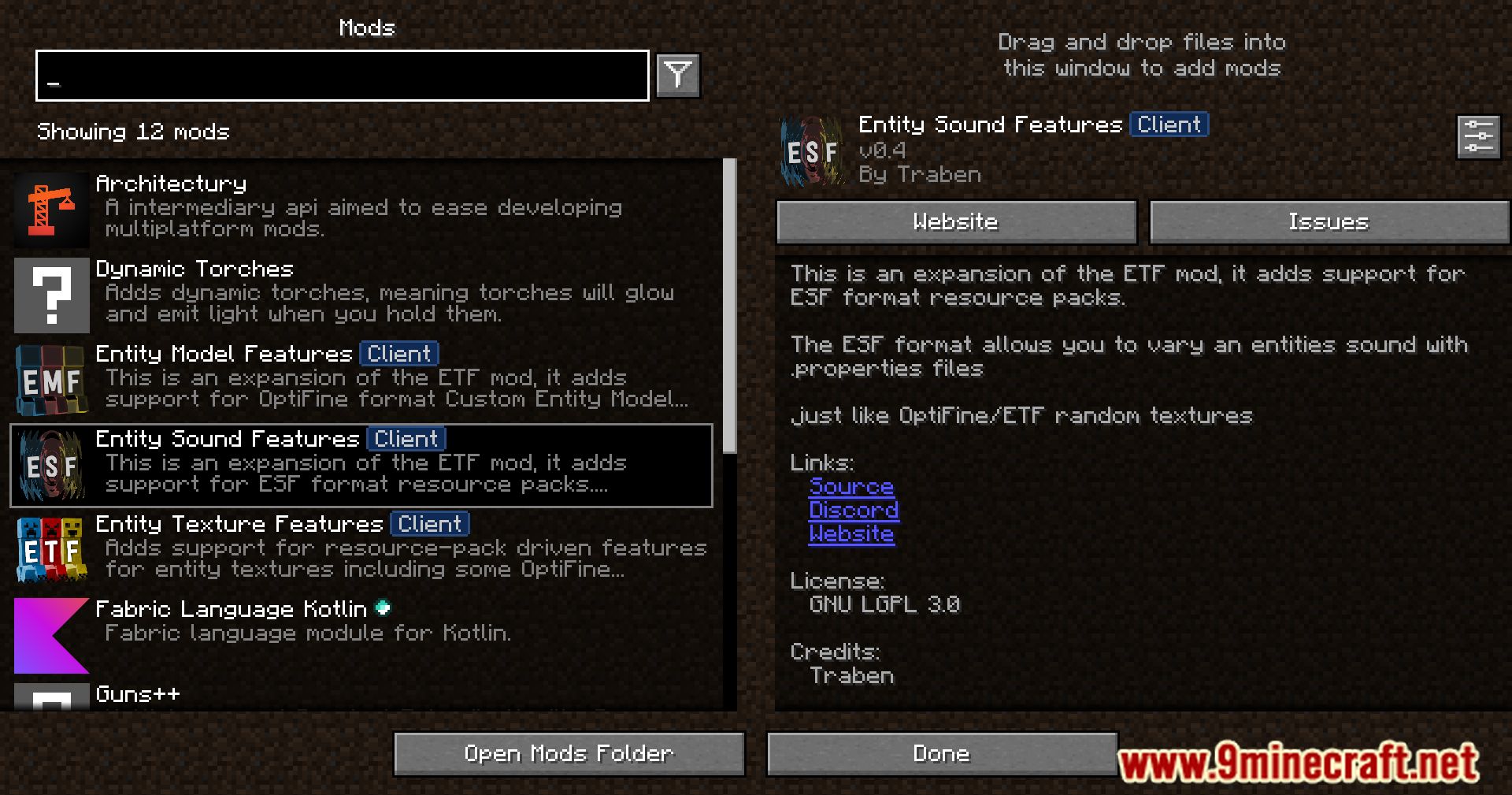
 DownloadEntity Sound Features Mod
Get the files on 9Minecraft
Guides
Step-by-step, in-game.
How Sound Variation Works in Entity Sound Features ModAdding Variety to Entity Sounds Entity Sound Features Mod changes how mobs sound by letting a single action draw from…How to Add Sound Variation to a Mob Using OptiFine Property FilesUnderstanding the File Layout Entity Sound Features reads OptiFine-style .properties files to decide which sound…Making Mob Sounds Less Repetitive in Your WorldWhy Repetition Happens Vanilla assigns one sound per action per entity, so a zombie's groan or a cow's moo plays…Packaging Your Sound Variation as a Resource PackWhy Use a Resource Pack Bundling your property files and audio into a resource pack keeps everything portable. You…Troubleshooting Sounds That Won't Play or Won't VaryNothing Plays At All Silence usually means a path or name mismatch, not a broken mod. Confirm the .ogg files exist at…
Configuration
Every setting in the mod config file, with what it changes.
| Option | What it does |
|---|---|
block | 1 Block |
all | All |
all_once | All once |
allow_entityAllow sound variation | Sets whether or not ESF will allow sounds to be varied for this entity. If disabled ESF will only play the default sounds for this entity type. |
announceAnnounce sounds | Allows ESF compatible sounds to be announced to the log. Helps to discover possible sounds to modify. |
client | Client player |
consistent | Consistent |
exact | Exact |
first | First |
log_setupLog sound setup | Will log the setup info of all sound .properties. |
nearest | Nearest |
property | playingSound ESF only! Matches the given strings or regex/pattern against each of the currently playing sound events fou |
method | playingsound(id) returns true if the given sound event id is currently playing in the sound engine, false otherwise or i |
method | playsound(id, cond, x, y, z, a) Will trigger the given sound event to play. Returns true if the sound was triggered or f |
pre_checkPre check all entity sounds | If enabled ESF will cache all entity initial spawn conditions for all possible sounds when they first loaded. If disabled ESF will cache the entities spawn conditions, per sound, only as the entities conditions are when that sound is first played. |
random | Random |
sequential | Sequential All |
sequential_entity | Sequential per Entity |
entity_searchSound source search mode | ESF must search for the source entity near to where the sound is played. This setting determines how ESF will search for the sound source entity. Exact means the sound x,y,z must exactly match the entity 1 Block means ESF will search a radius of 1 block from w |
suffix_behaviourSuffix choice behaviour | Sets which method to use when choosing between multiple different suffixes supplied by the same property E.G. sounds.1=1 2 3 Random = randomly pick every time from the whole set Consistent = will pick the same suffix every time for the same entity (same as ETF |
esf | With .properties |
Frequently asked questions
What does the Entity Sound Features Mod do?
It brings a fresh auditory experience to Minecraft by allowing variation in entity  sounds. This makes interactions with entities more varied and less repetitive.
How does the mod achieve sound variation?
Is the mod compatible with OptiFine?
What is the main benefit of using this mod?
The main benefit is sound variation, which reduces repetitiveness when interacting with entities. It makes the game's audio feel less monotonous.
See all 6 Entity Sound Features questions ›
Gallery
9 images from the Entity Sound Features Mod page.



You May Also Like
Wikis that share the most with this one
More mod wikis on the site
The most downloaded mods that have a wiki here
A few wikis from each of the other kinds