

 DownloadSounds Mod
Get the files on 9Minecraft
Guides
Step-by-step, in-game.
Configuring Sounds ModHow Sounds Mod Works Sounds Mod changes the sounds you hear while playing, replacing or adding to vanilla audio.…How to Disable Specific Sounds You Find AnnoyingFind the right entry The fastest way to silence an irritating sound is to open the mod's configuration screen and…How to Make Sounds Dynamic Based on Item or Block TypeWhat dynamic sounds mean Sounds Mod can decide which sound to play by inspecting what you are holding or what you are…How to Open and Use the Sounds Mod Configuration ScreenOpening the config Sounds Mod ships with an in-game configuration screen so you never have to hand-edit files. Open…How to Tune Volume and Pitch for a Better Sound MixWhy tuning matters Sounds Mod adds many new effects on top of vanilla audio. Left at defaults, a busy base can end up…
Configuration
Every setting in the mod config file, with what it changes.
| Option | What it does |
|---|---|
actions | Actions |
optionBaby Chicken Chirp | A sound effect that is played when a baby chicken chirps. |
blocksBlocks | Block sounds are now managed through resource packs. For more information, consider checking out the Sounds wiki by clicking the following link below. |
optionBow Pull | A sound effect that is played when you pull back a bow. |
break | Break |
optionCake Eat | A sound effect that is played when you eat a slice of cake. The cake may be a lie, but the sound isn't! |
optionChange Daylight Detector Mode | A sound effect that is played when you interact with a Daylight Detector to change it's detection mode. |
optionChange Repeater Delay | A sound effect that is played when you interact with a Redstone Repeater. |
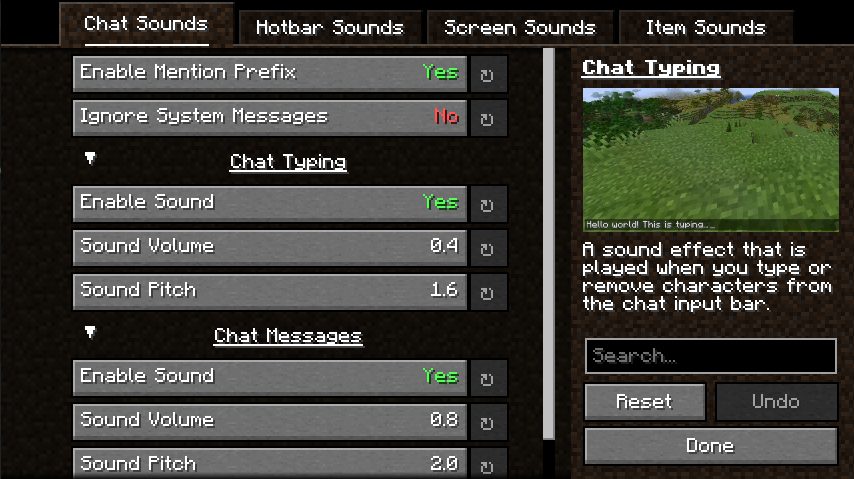
optionChat Mentions | A sound effect that is played when you are mentioned in a new chat message. |
optionChat Messages | A sound effect that is played when you receive a message in the chat. |
chat | Chat Sounds |
chatSoundCooldown | Cooldown Period |
cooldown | Cooldowns |
disableBlocksEntirely | Disable All Modified Block Sounds |
enableDynamicItemSounds | Dynamic Item Sounds |
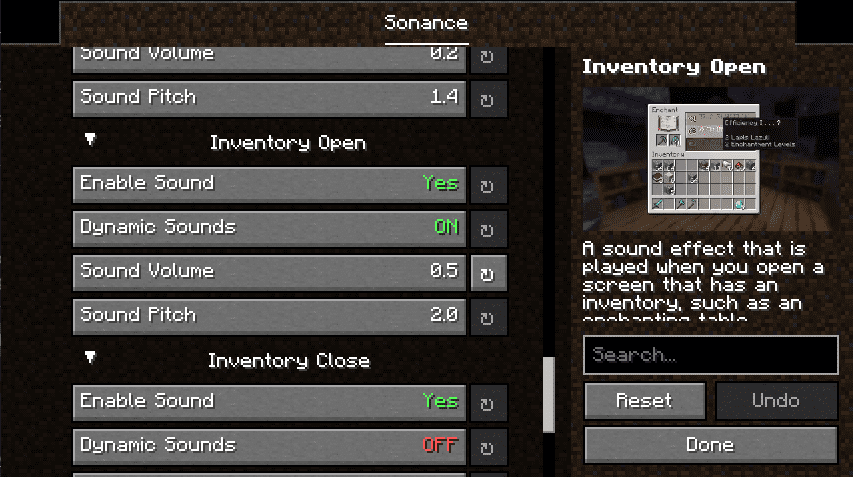
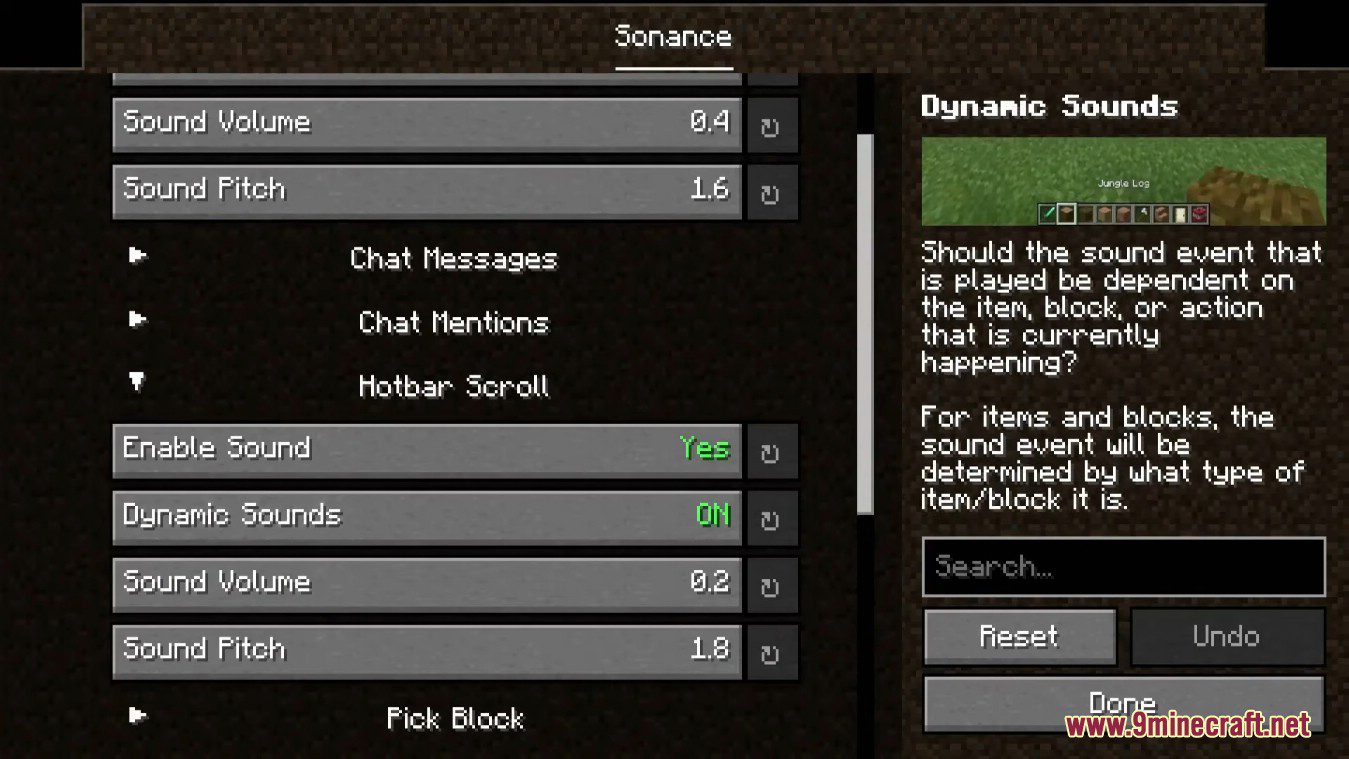
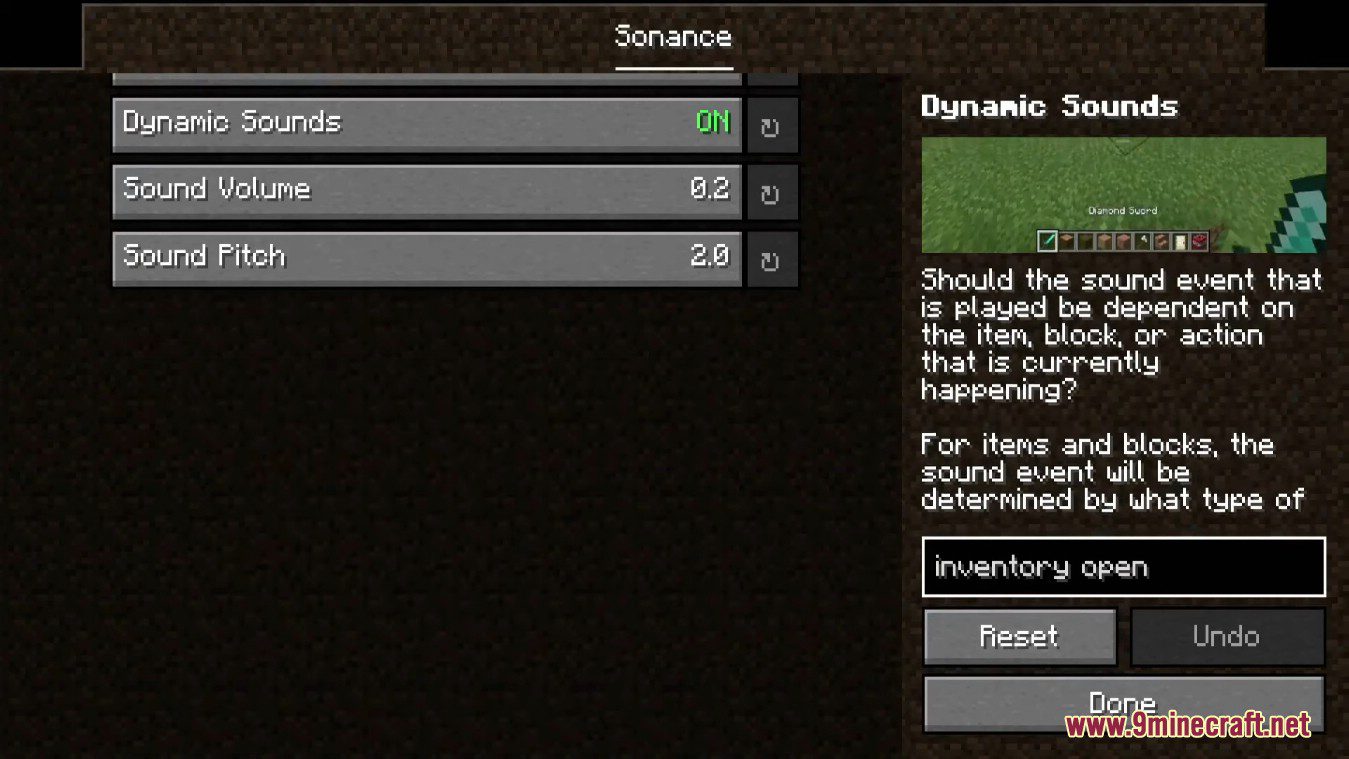
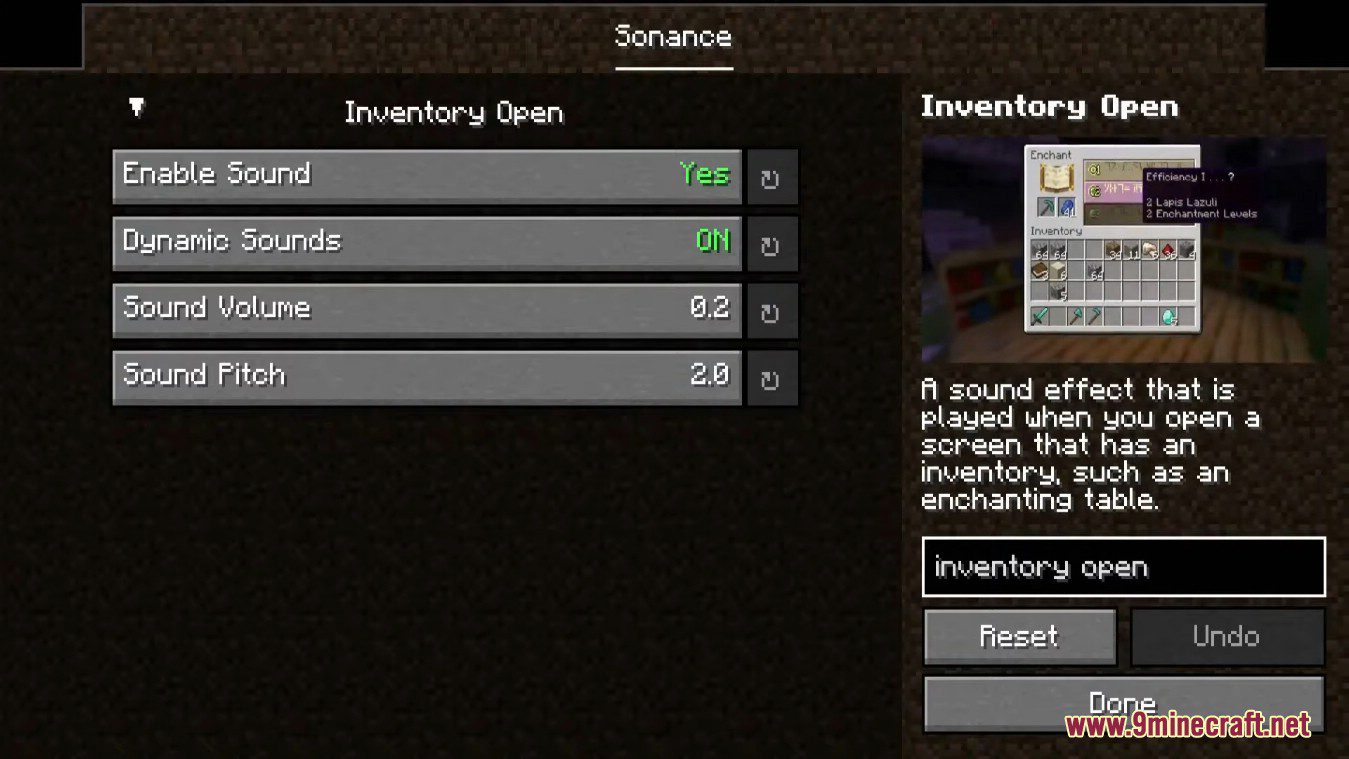
optionDynamic Sounds | Should the sound event that is played be dependent on the item, block, or action that is currently happening? For items and blocks, the sound event will be determined by what type of item/block it is. |
enableChatSoundCooldown | Enable Cooldown |
enableEnderpearlVariety | Enable Enderpearl Variety |
enableItemSoundCooldown | Enable Item Sound Cooldown |
optionEnable Sound | Should this sound be played? |
enableVerboseSoundTypeLogging | Enable Verbose Sound Type Logging |
events | Event Sounds |
fall | Fall |
optionFrost Walker Freeze | The sound effect that plays when frost walker boots freeze water. |
Frequently asked questions
What is Sounds Mod?
Sounds Mod is an interactive sound overhaul mod inspired by  Effective and partially feature-complete compared to ExtraSounds. It adds new sound effects while also improving vanilla sounds.
What kinds of sound effects does Sounds Mod add?
It adds new sound effects and improves vanilla ones. Dynamic sounds can be determined by properties such as the item or block type.
Can Sounds Mod sounds be dynamic?
Yes, sounds can be  configured to be dynamic. The mod uses properties like the item or block type to determine a suitable sound.
What sound settings can be configured in Sounds Mod?
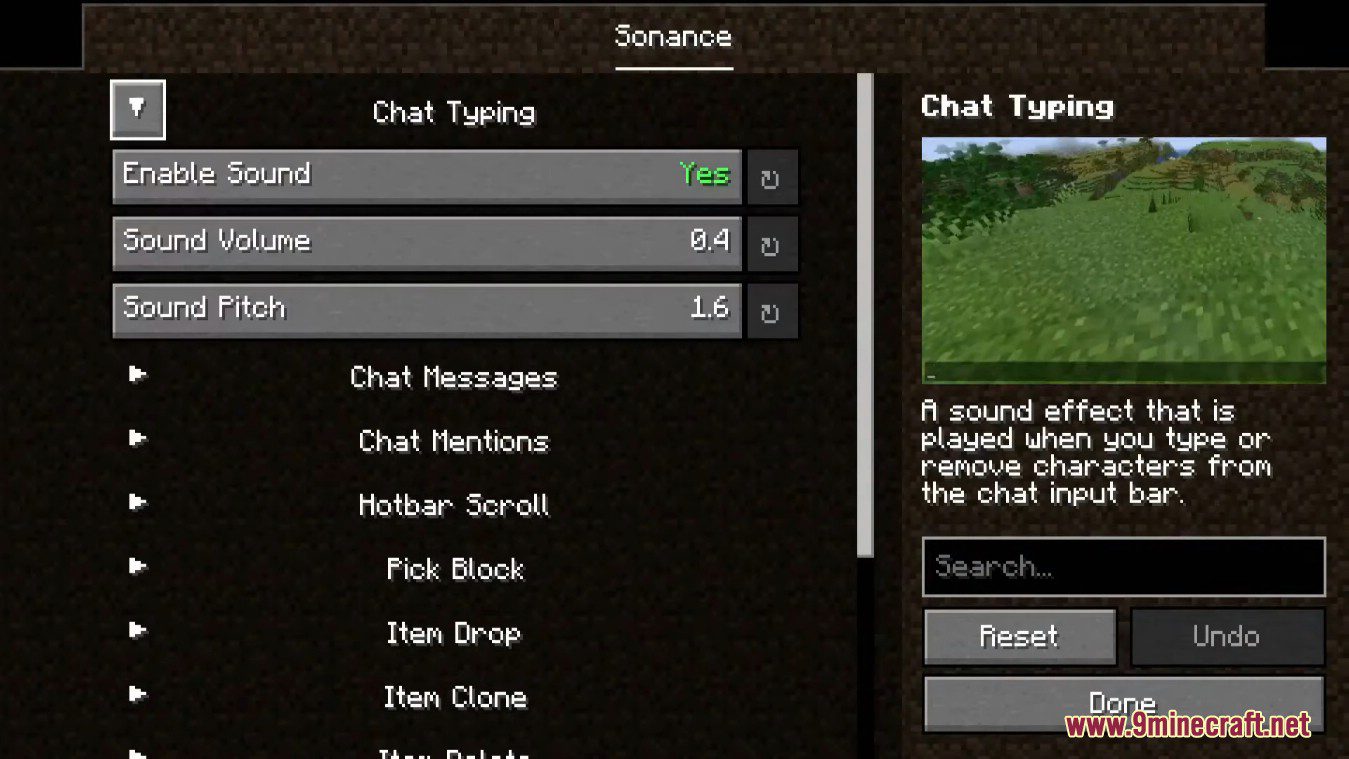
You can configure the default pitch and volume of a sound, or whether the sound should be enabled at all. Dynamic behavior can also be configured.
configured.Gallery
10 images from the Sounds Mod page.
You May Also Like
Wikis that share the most with this one
More mod wikis on the site
The most downloaded mods that have a wiki here
A few wikis from each of the other kinds