Overview
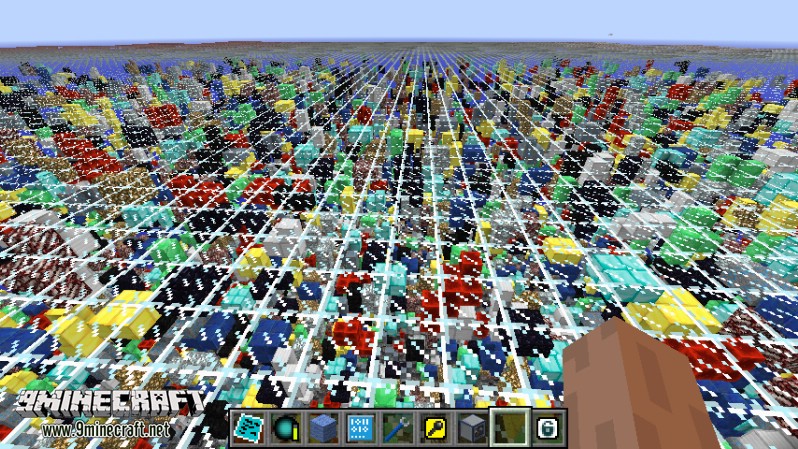
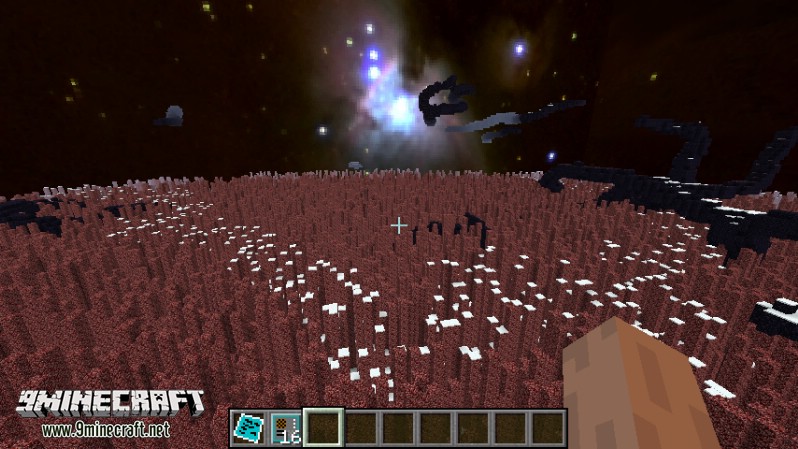
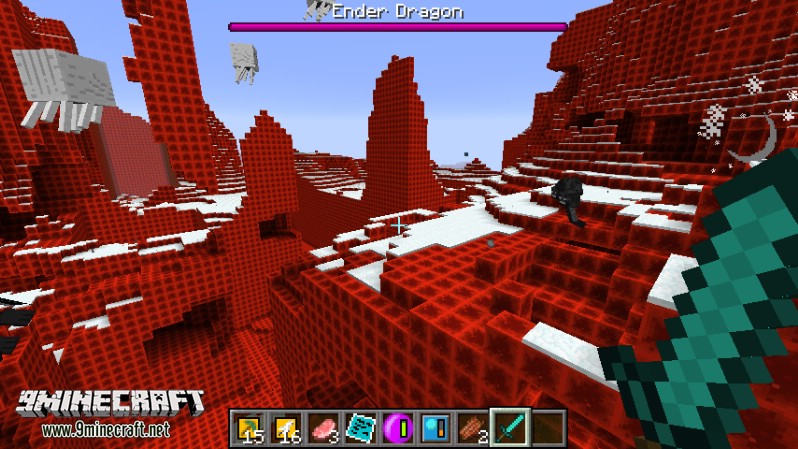
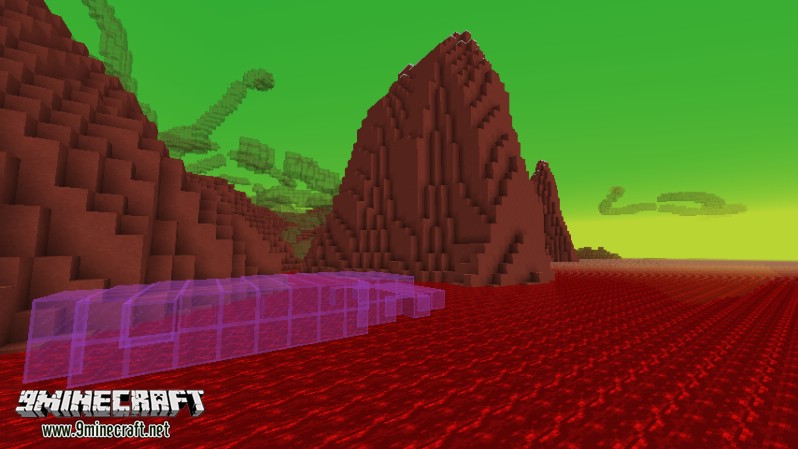
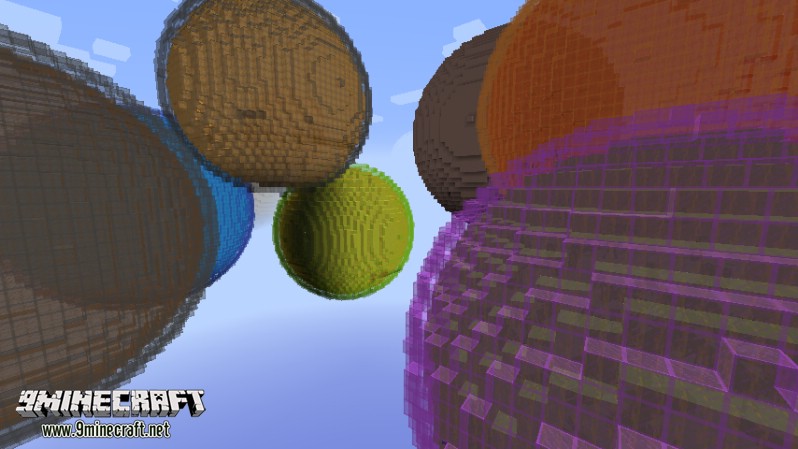
RFTools Dimensions is the definitive expansion for the RFTools suite, focusing on the creation of entirely custom-built worlds. By utilizing RF (Redstone Flux) energy and a modular system of Dimlets, players can control every aspect of a new dimension, including its terrain shape, block composition, liquid oceans, biomes, weather, and even the flow of time.
Creating a dimension is an end-game pursuit that requires significant infrastructure, massive power generation, and the collection of rare knowledge found throughout the multiverse. Be warned: dimensions require constant power to remain stable. If a dimension's power buffer empties while a player is inside, the result is often instantaneous death.
Guides
Step-by-step, in-game.
Recipes
Every recipe the mod adds, grouped by how it is made.
Items
A
 Admin Dimlet
 Attribute Dimlet
B
 Biome Category Dimlet
 Biome Controller Dimlet
 Biome Dimlet
 Block Dimlet
C
 Common Dimensional Essence
 Common Energy Module
 Common Lost Knowledge
 Common Memory Module
D
 Digit Dimlet
 Dimension Monitor
E
 Empty Attribute Dimlet
 Empty Biome Category Dimlet
 Empty Biome Controller Dimlet
 Empty Biome Dimlet
 Empty Block Dimlet
 Empty Dimension Tab
 Empty Dimlet
 Empty Feature Dimlet
 Empty Fluid Dimlet
 Empty Sky Dimlet
 Empty Structure Dimlet
 Empty Tag Dimlet
 Empty Terrain Dimlet
 Empty Time Dimlet
F
 Feature Dimlet
 Fluid Dimlet
L
 Legendary Dimensional Essence
 Legendary Energy Module
 Legendary Lost Knowledge
 Legendary Memory Module
P
 Phased Field Generator
R
 Rare Dimensional Essence
 Rare Energy Module
 Rare Lost Knowledge
 Rare Memory Module
 Realized Dimension Tab
S
 Sky Dimlet
 Structure Dimlet
T
 Tag Dimlet
 Terrain Dimlet
 Time Dimlet
U
 Uncommon Energy Module
 Uncommon Lost Knowledge
 Uncommon Memory Module
Blocks
A
 Activity Probe
B
 Biome Absorber
 Block Absorber
D
 Dimension Builder
 Dimension Editor
 Dimensional Blank Block
 Dimensional Block
 Dimensional Cross Block
 Dimensional Cross2 Block
 Dimensional Pattern1 Block
 Dimensional Pattern2 Block
 Dimensional Small Blocks
 Dimlet Workbench
E
 Enscriber
F
 Fluid Absorber
K
 Knowledge Holder
R
 Researcher
S
 Structure Absorber
Mobs
Creatures this mod adds.
Frequently asked questions
How do I create a new dimension with RFTools Dimensions?
How do I make a Realized Dimension Tab?
What is the Enscriber used for?
How do I get dimlets?
What does the Dimlet Workbench do?
What is the Dimension Editor for?
How do I monitor a dimension's status?
What are Empty Dimlet types used for?
What are the Dimensional Essence and Lost Knowledge items for?
What do Memory Modules and Energy Modules do?
What is the Phased Field Generator used for?
What are the Dimensional decorative blocks?
You May Also Like
Wikis that share the most with this one
Wikis on the same theme: biome
More mod wikis on the site
The most downloaded mods that have a wiki here
A few wikis from each of the other kinds
Gallery
6 images from the Rftools Dimensions Mod page.