

 DownloadSpring Chun Shaders
Get the files on 9Minecraft
Guides
Step-by-step, in-game.
Adjust Shadow Softness and DarknessAccess Shader Settings Open the shader options menu while in-game by pressing the designated key (usually found in…Create Cinematic Lighting for Screenshots and VideosPosition Yourself for Optimal Light Spring Chun Shaders excels at creating soft, directional lighting. Position your…Enhance Colors in Specific BiomesUnderstand Biome Lighting Spring Chun Shaders applies its soft, warm color palette globally, but biome-specific…Optimize Performance While Maintaining Visual QualityIdentify Performance Options Open your shader settings and locate performance-related toggles. Spring Chun Shaders…
Frequently asked questions
How do I enable the shader after installing it?
Open Options > Video Settings > Shaders, then locate Spring Chun Shaders in the list and click it to activate. You'll see the spring lighting take effect immediately in your world.
Why does my game look too bright or washed out?
Check your brightness and contrast settings in the shader options menu—Spring Chun Shaders uses intentionally soft, clear lighting that can feel overexposed if your monitor brightness is already high. Try lowering in-game brightness slightly or adjusting the shader's exposure slider if available.
Can I use this shader with other visual mods like Sodium or Iris?
Yes, Spring Chun Shaders is designed to work with Iris (the shader loader) and is compatible with optimization mods like Sodium. Make sure Iris is installed first, then load the shader through it.
How do I make shadows softer or darker?
Open the shader settings menu (usually accessible in Video Settings > Shaders > Settings) and look for shadow-related options like shadow softness, shadow distance, or penumbra size to adjust the darkness and blur of shadows to your preference.
See all 10 Spring Chun Shaders questions ›
Gallery
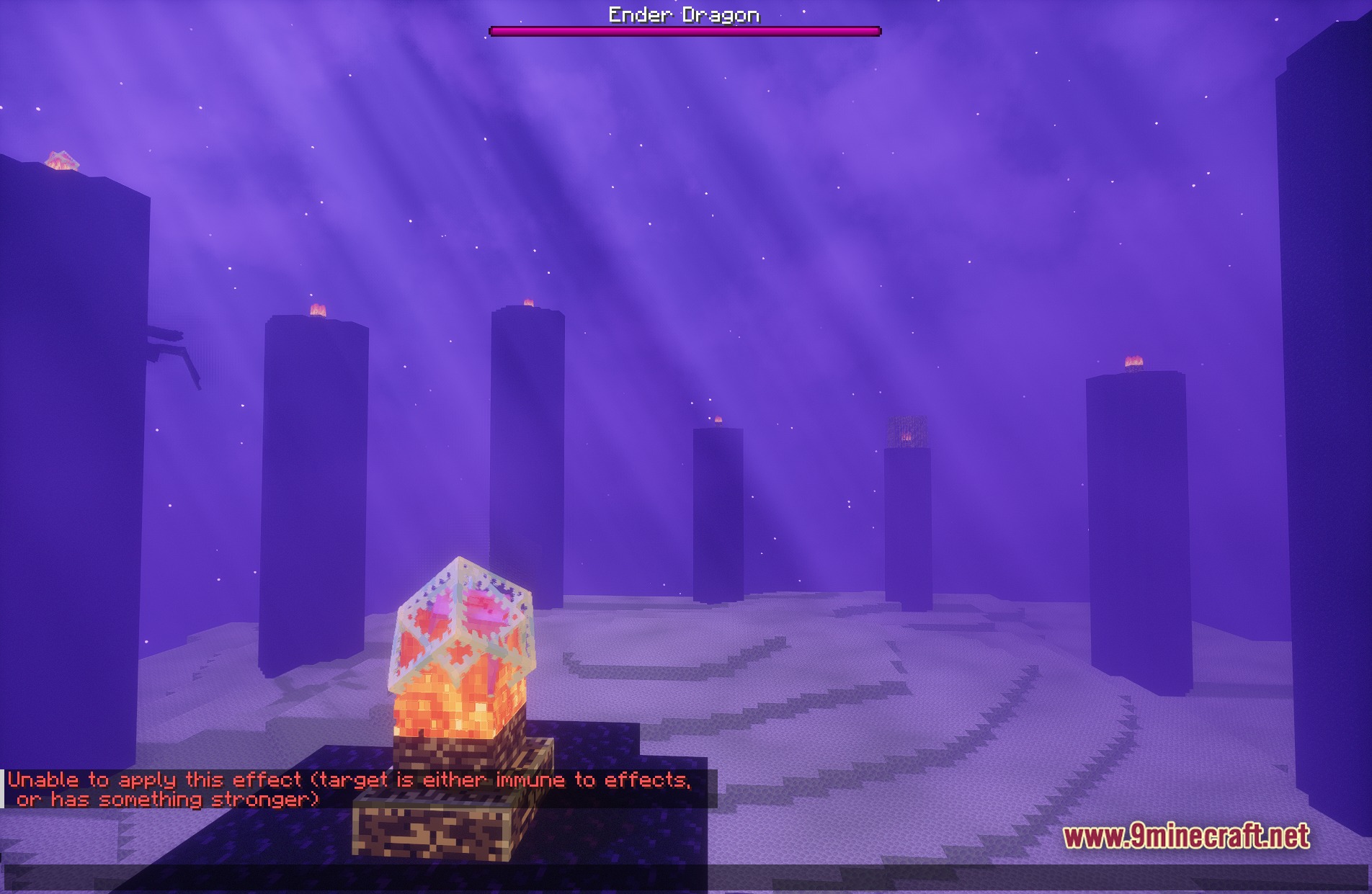
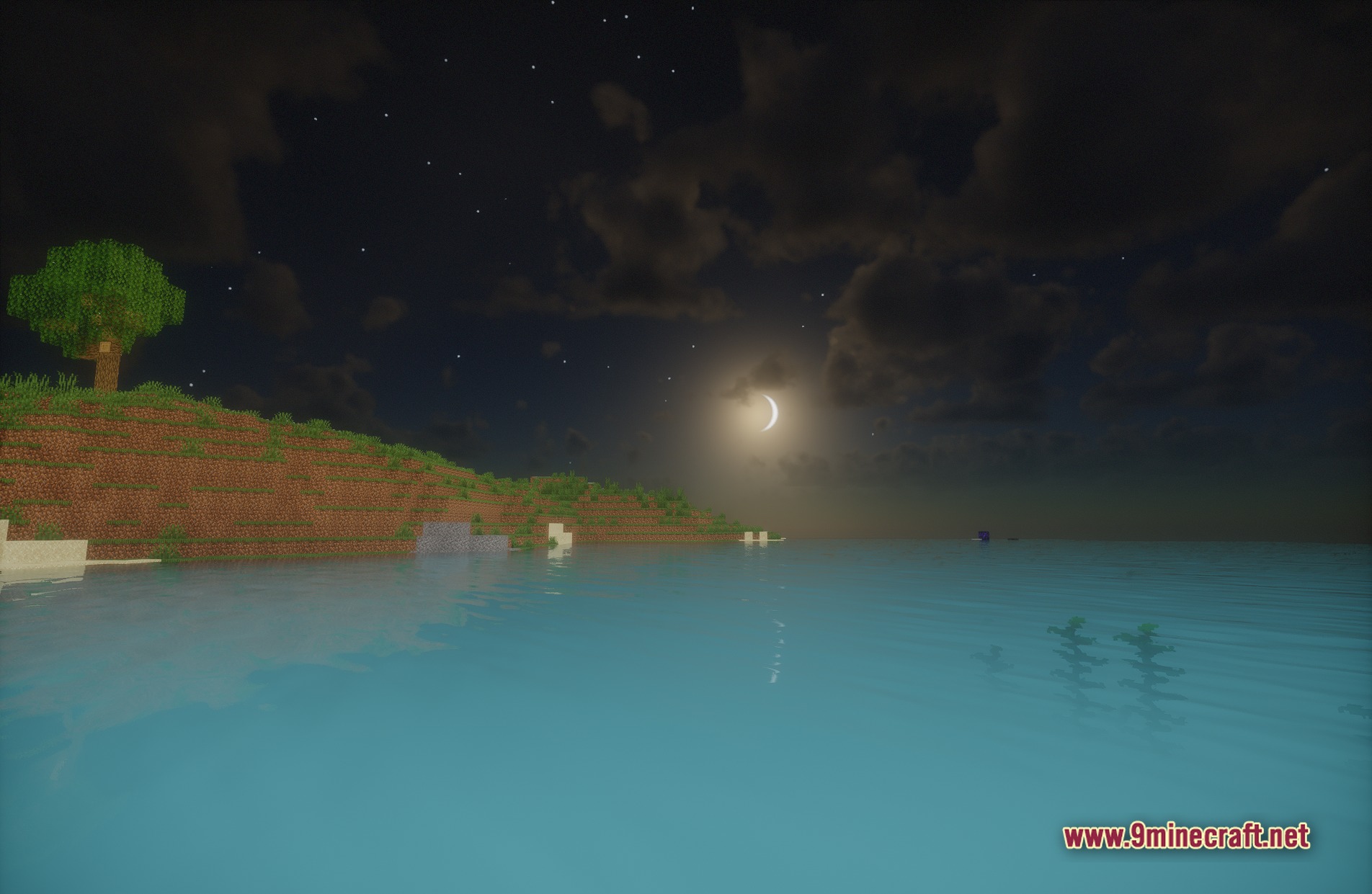
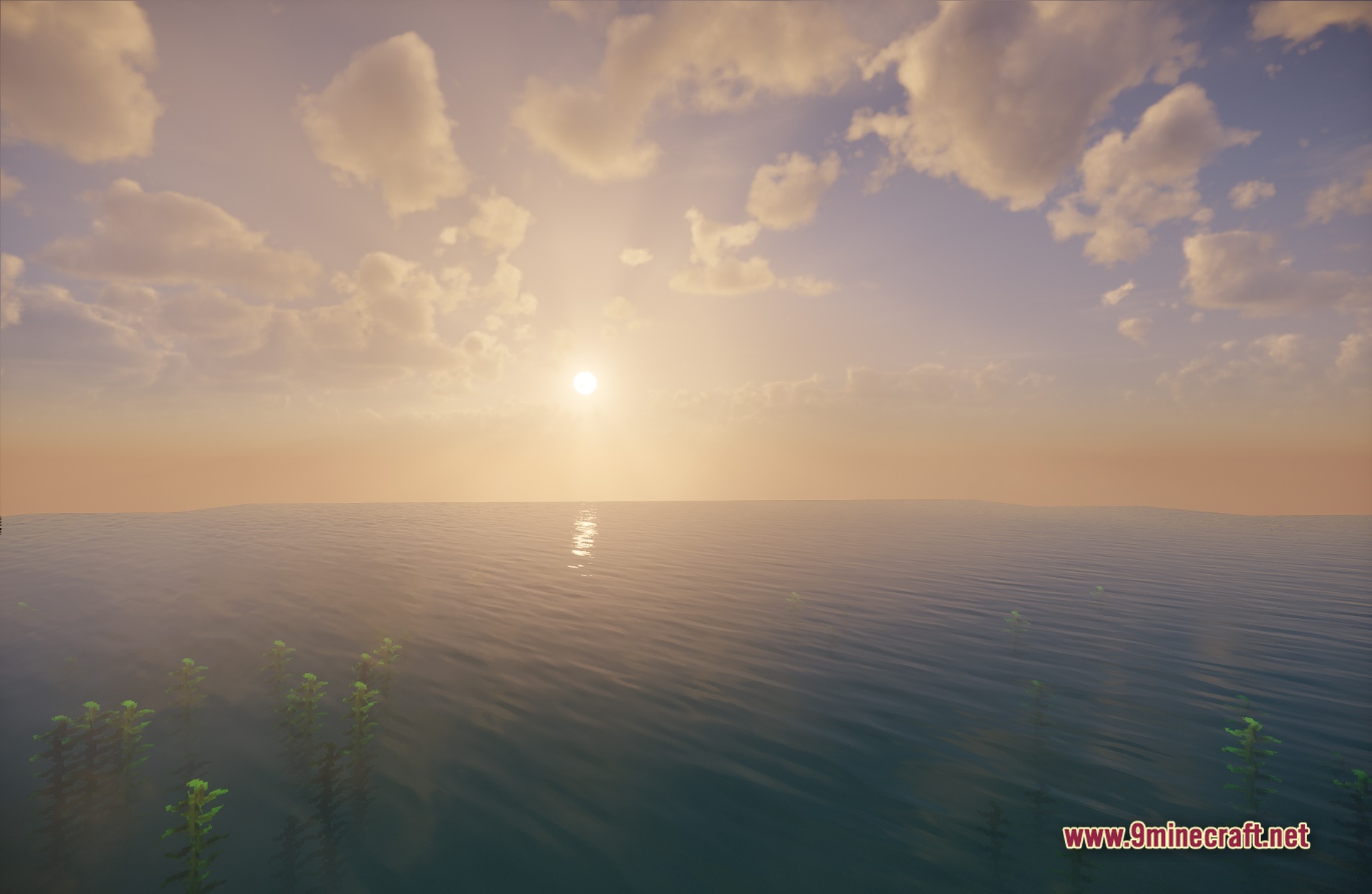
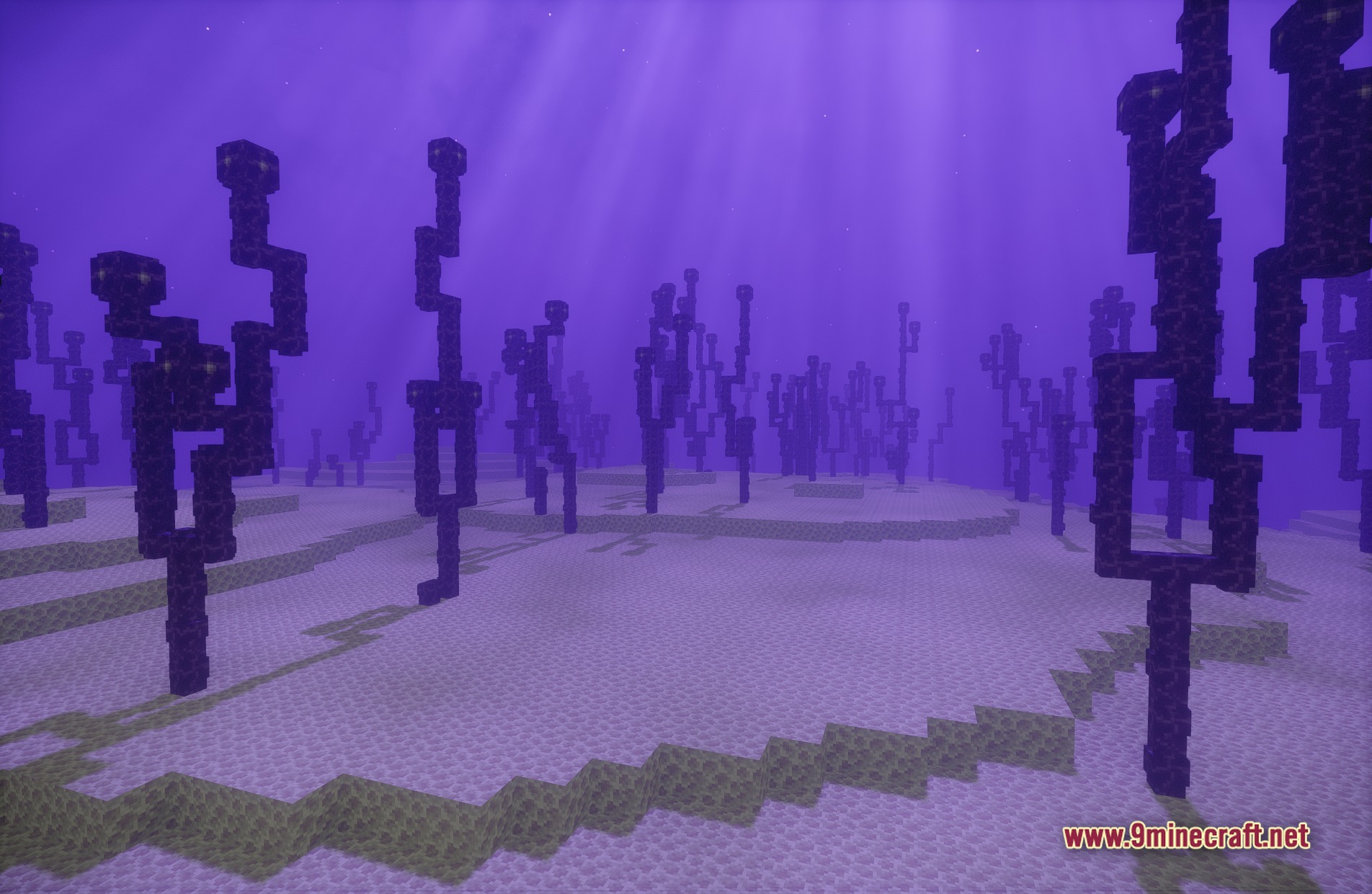
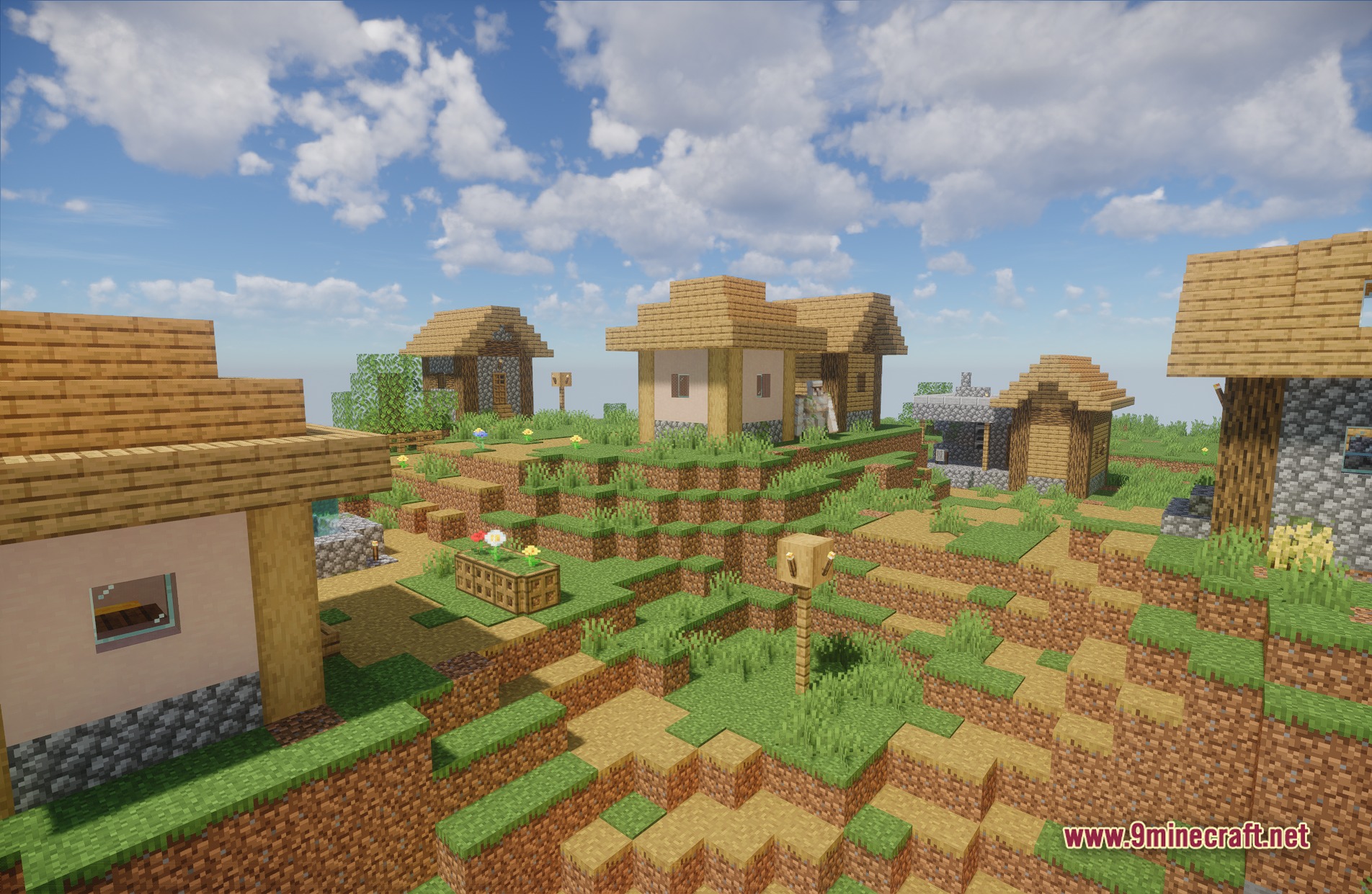
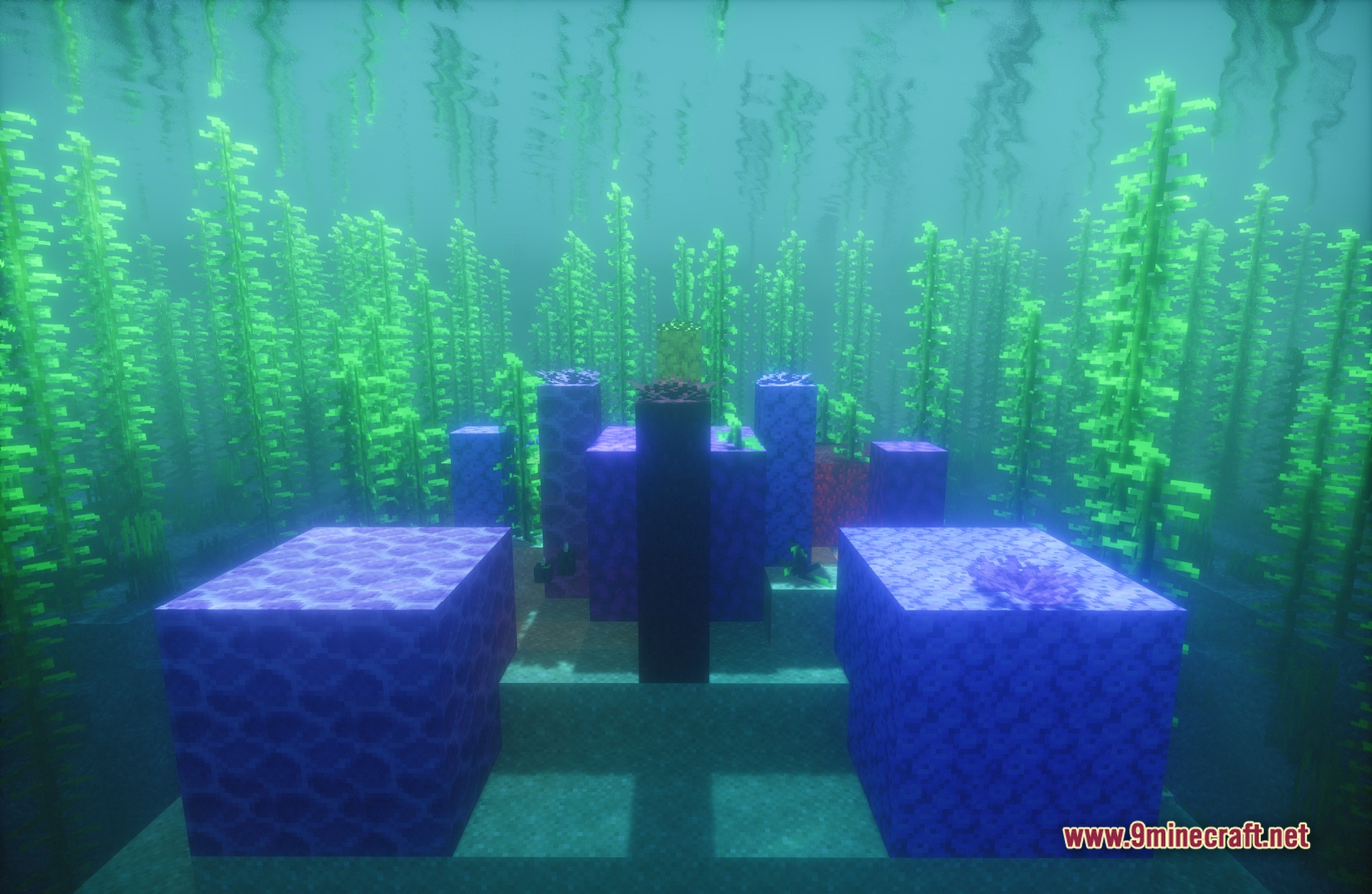
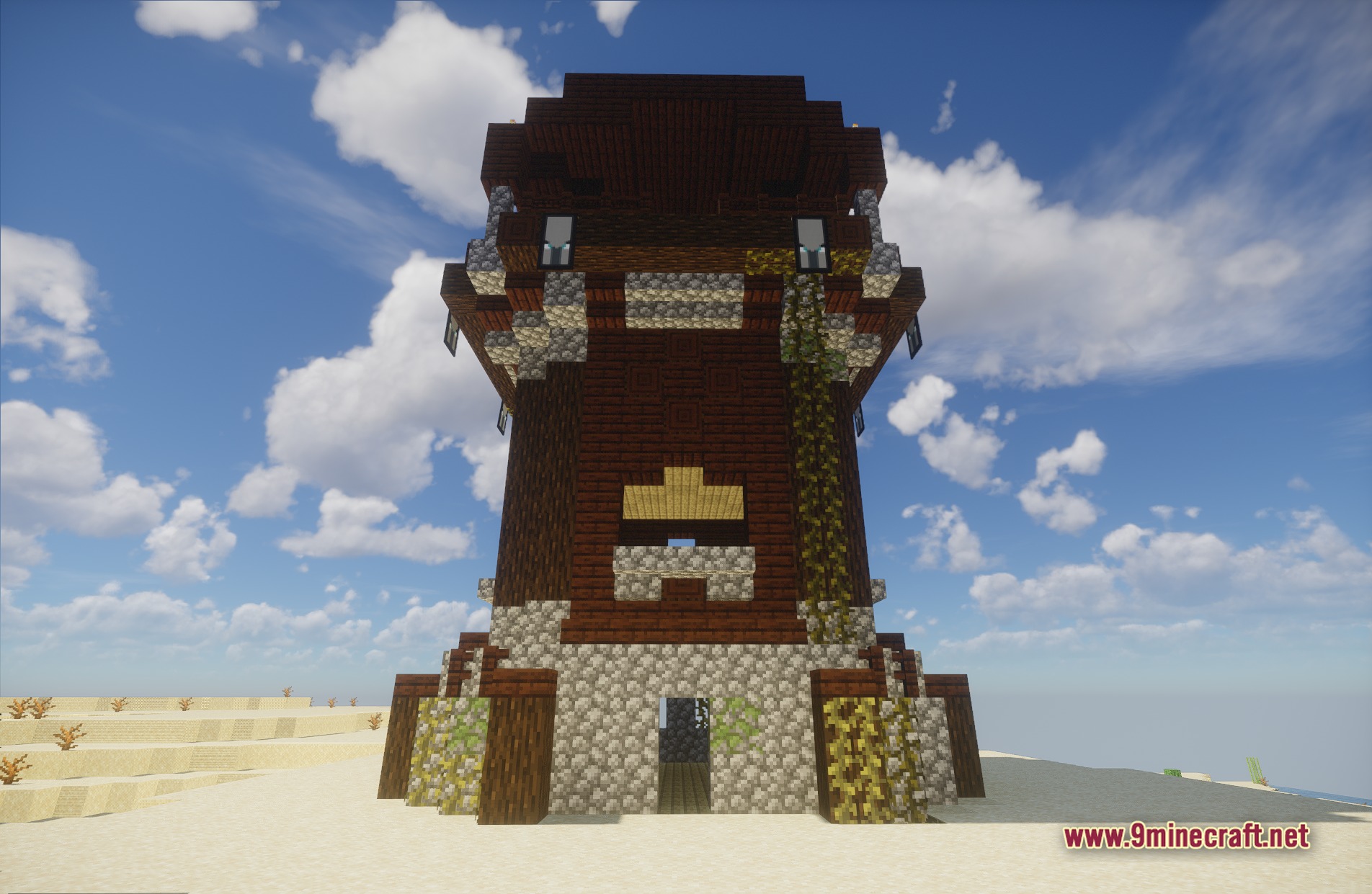
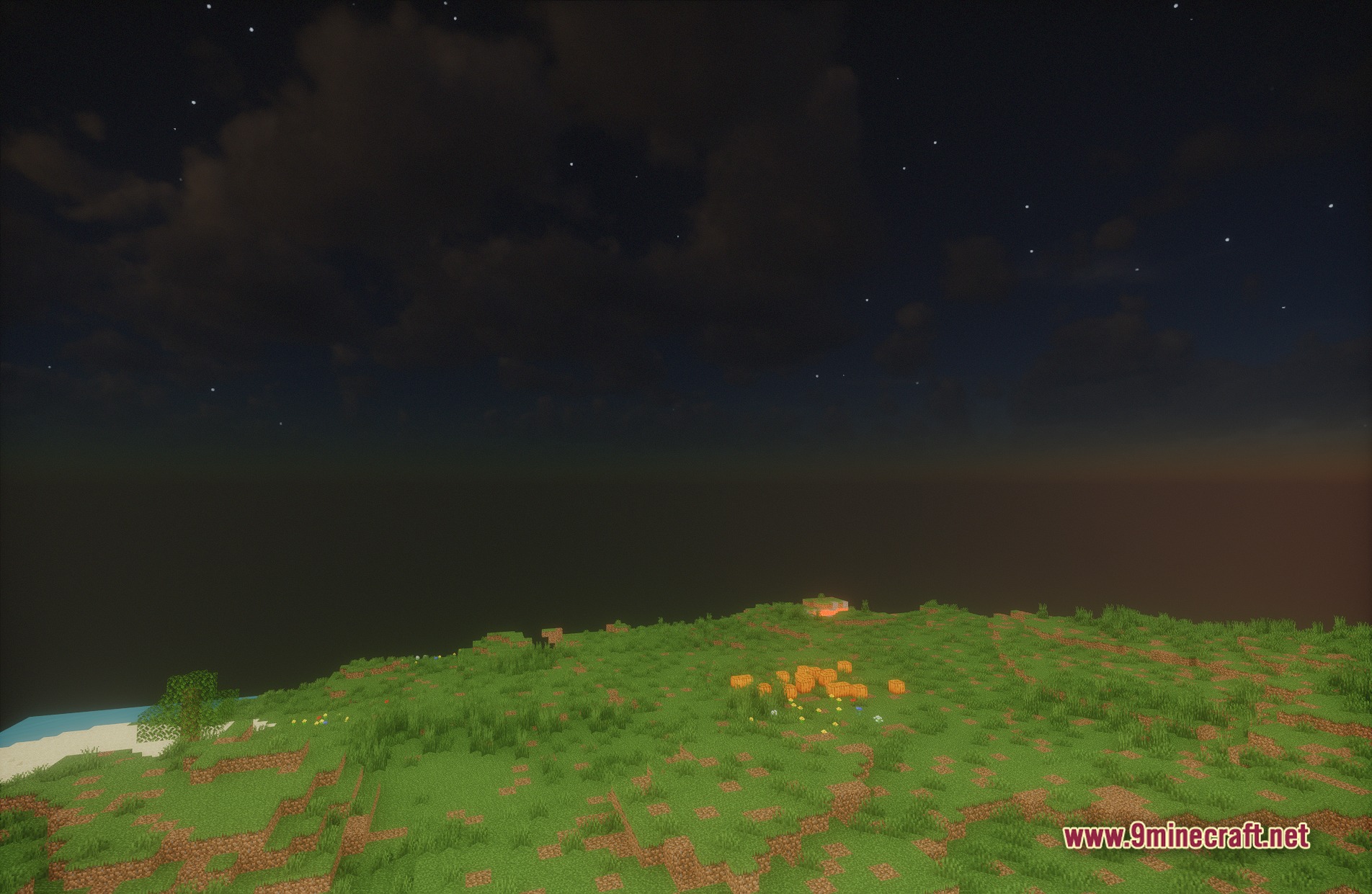
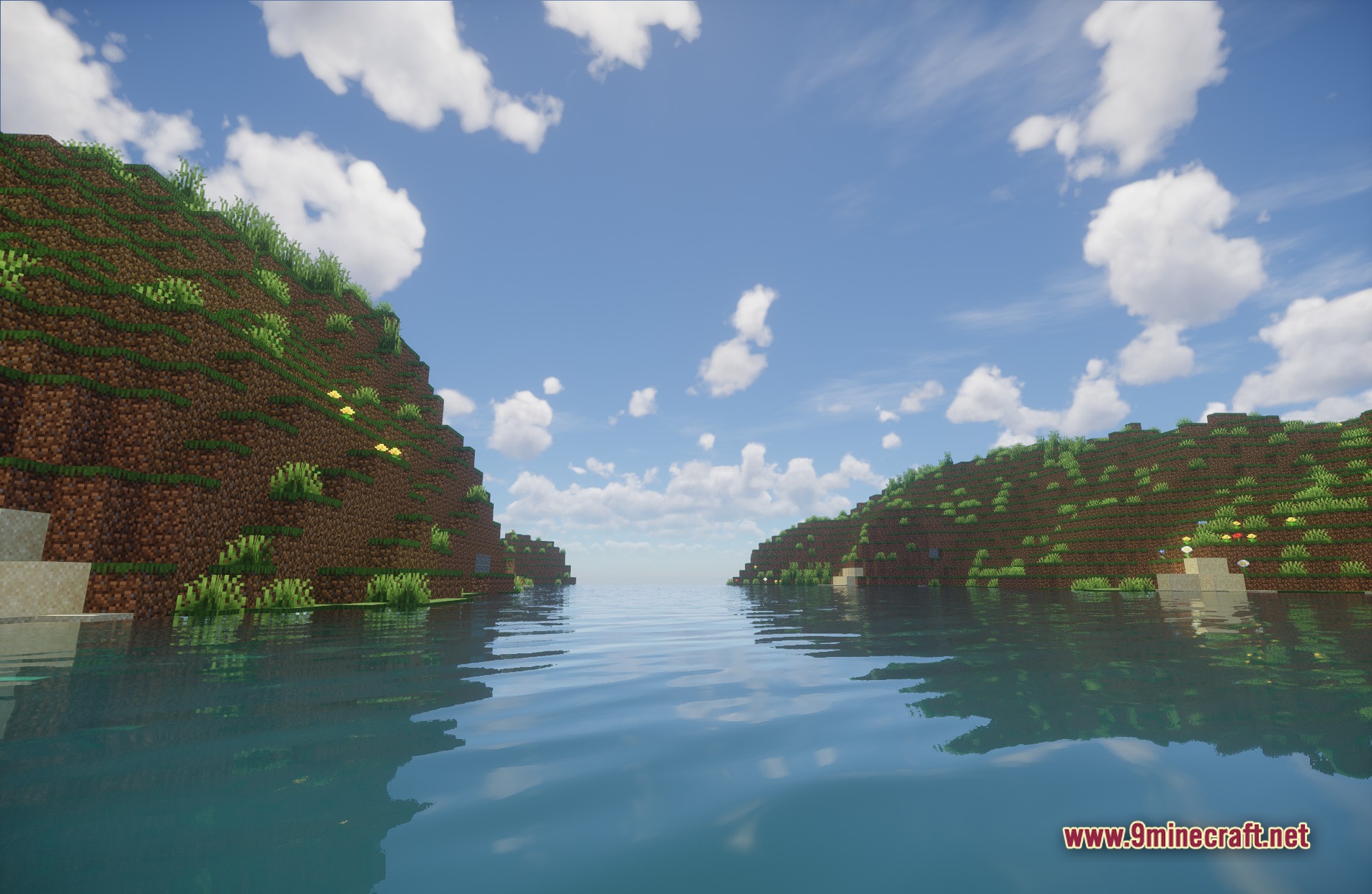
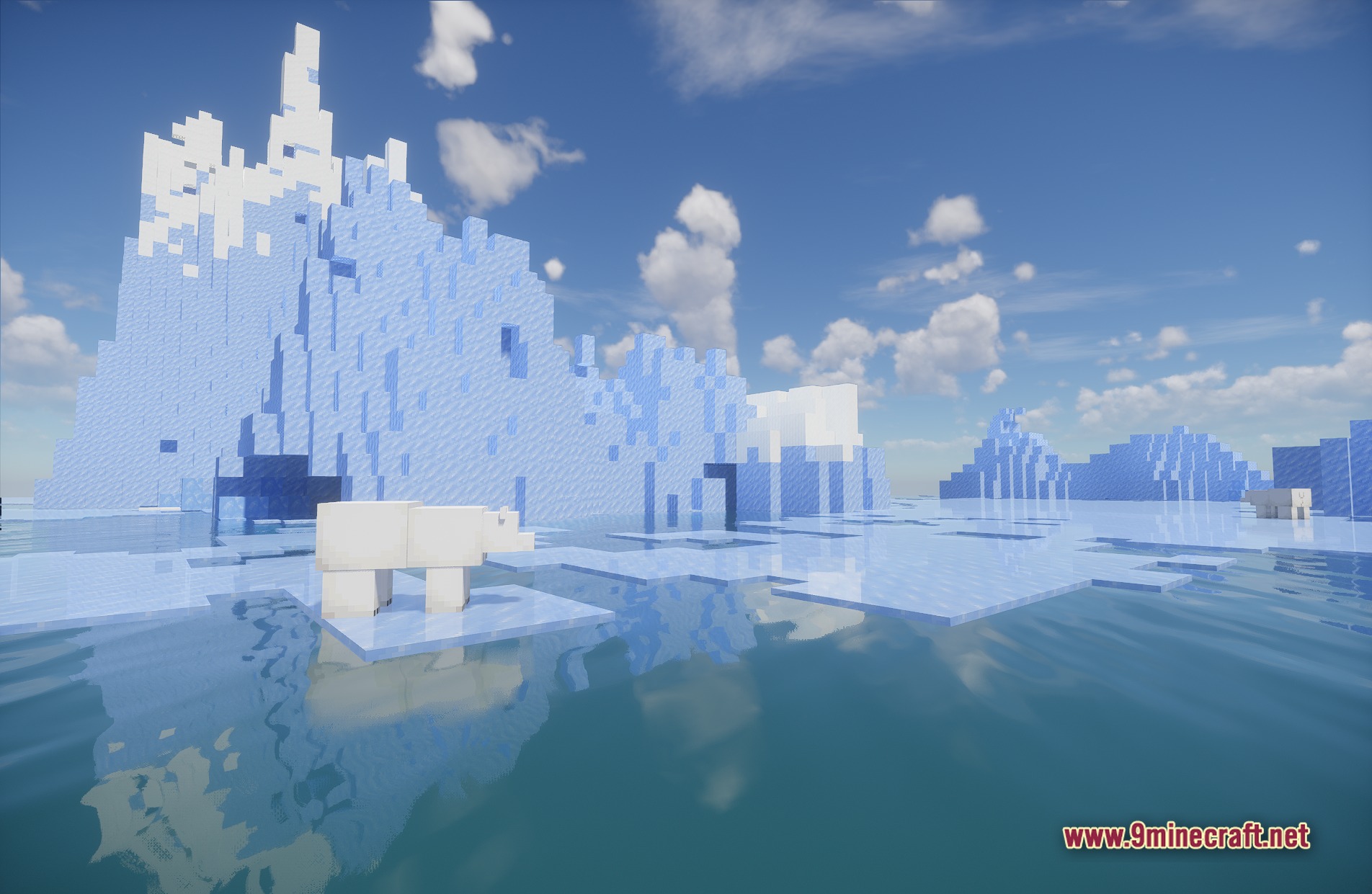
11 images from the Spring Shaders Chun Shaders page.
You May Also Like
Wikis that share the most with this one
More shader wikis on the site
 Sobel Pack Shaders
The most downloaded mods that have a wiki here