

 DownloadSolisLite Shaders
Get the files on 9Minecraft
Guides
Step-by-step, in-game.
Adjust Shader Settings for Your HardwareAccess Shader Options Open your Minecraft settings and locate the Shaders option in the Video Settings menu. Select…Balance Visual Quality with PerformanceUnderstand SolisLite's Design Philosophy SolisLite prioritizes smooth performance over maximum visual fidelity. The…Improve Frame Rates on Low-End Graphics CardsIdentify Performance Bottlenecks Use F3 debug screen to monitor frame times. If GPU usage is high but CPU usage is…Optimize Lighting for Night ExplorationUnderstand Night Sky Behavior SolisLite renders gentle night skies that provide ambient light without harsh shadows.…
Frequently asked questions
How do I enable SolisLite Shaders after installing it?
Open your Video Settings in-game, navigate to Shaders, and select SolisLite Shaders from the list. The shader will apply immediately to your world.
Why is my frame rate dropping even though this is supposed to be lightweight?
Check your shader settings menu for options like shadow quality or view distance—lowering these will improve performance. Also verify that other resource packs or mods aren't competing for GPU resources.
Can I use SolisLite Shaders with a resource pack?
Yes, SolisLite Shaders works alongside resource packs. Load your resource pack normally and the shader will apply its lighting on top of the textures.
The nights are too dark to see anything. How do I fix this?
Open the shader settings and look for night brightness or moon light options to increase ambient lighting during nighttime. You can also adjust these settings without reloading your world.
See all 10 SolisLite Shaders questions ›
Gallery
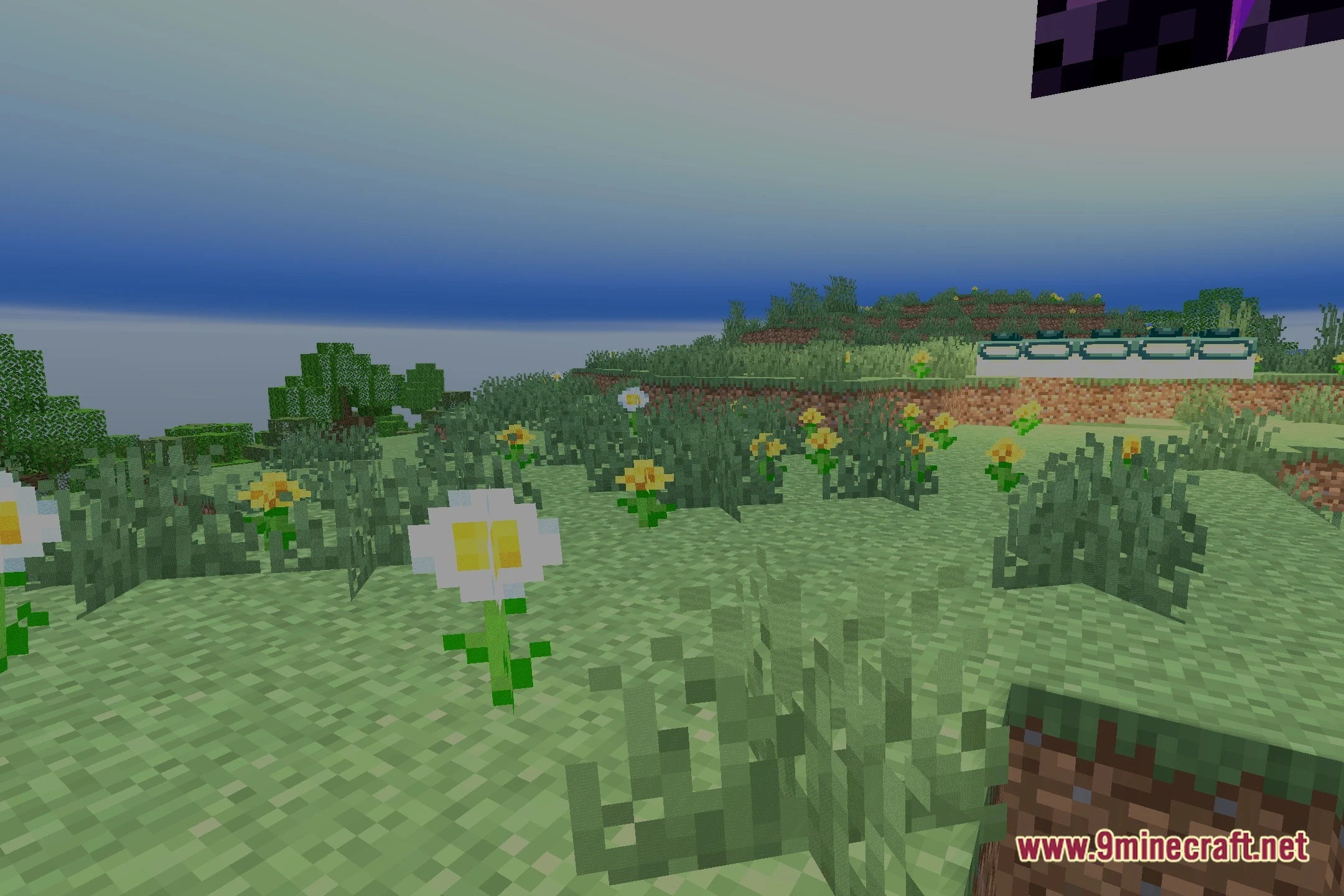
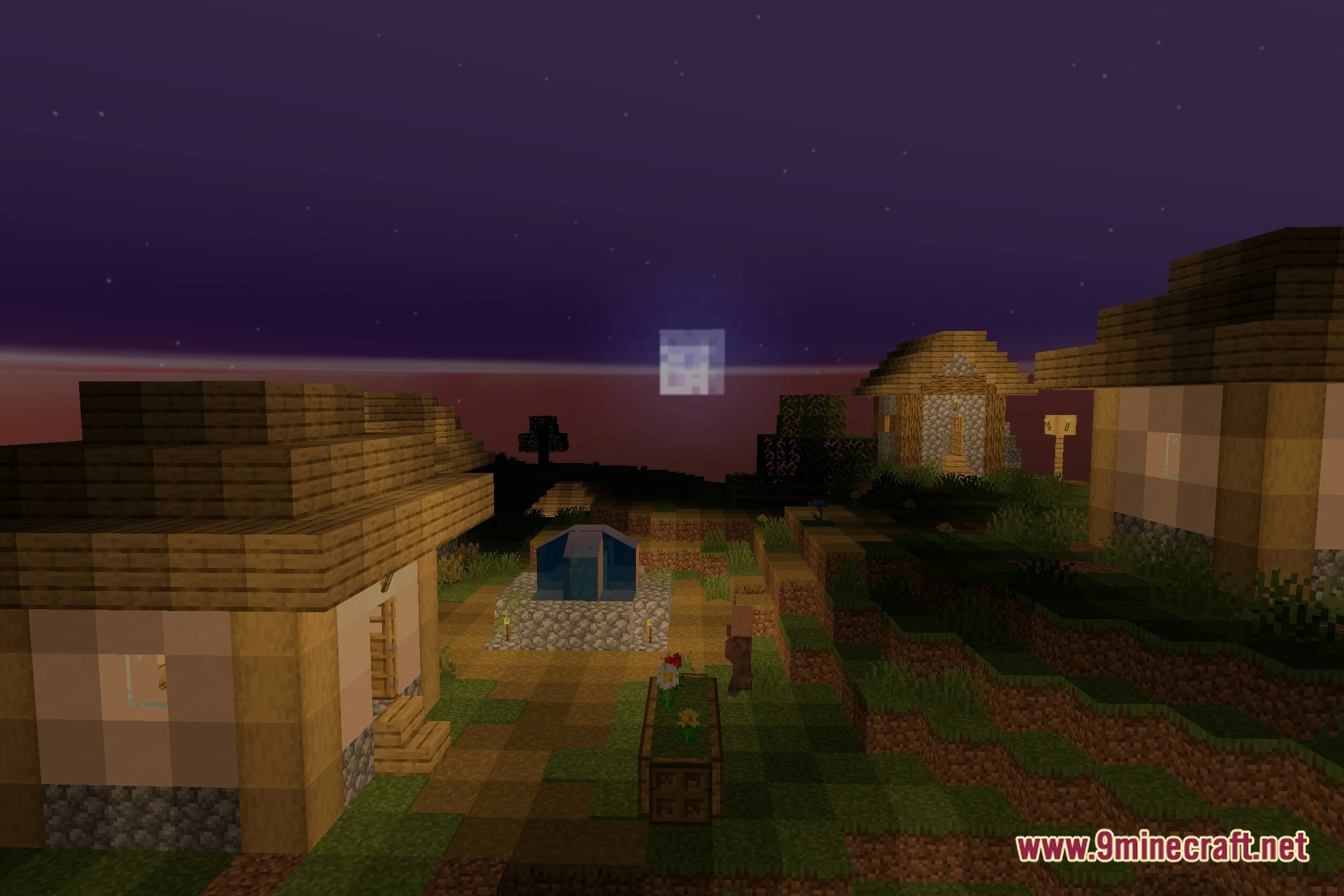
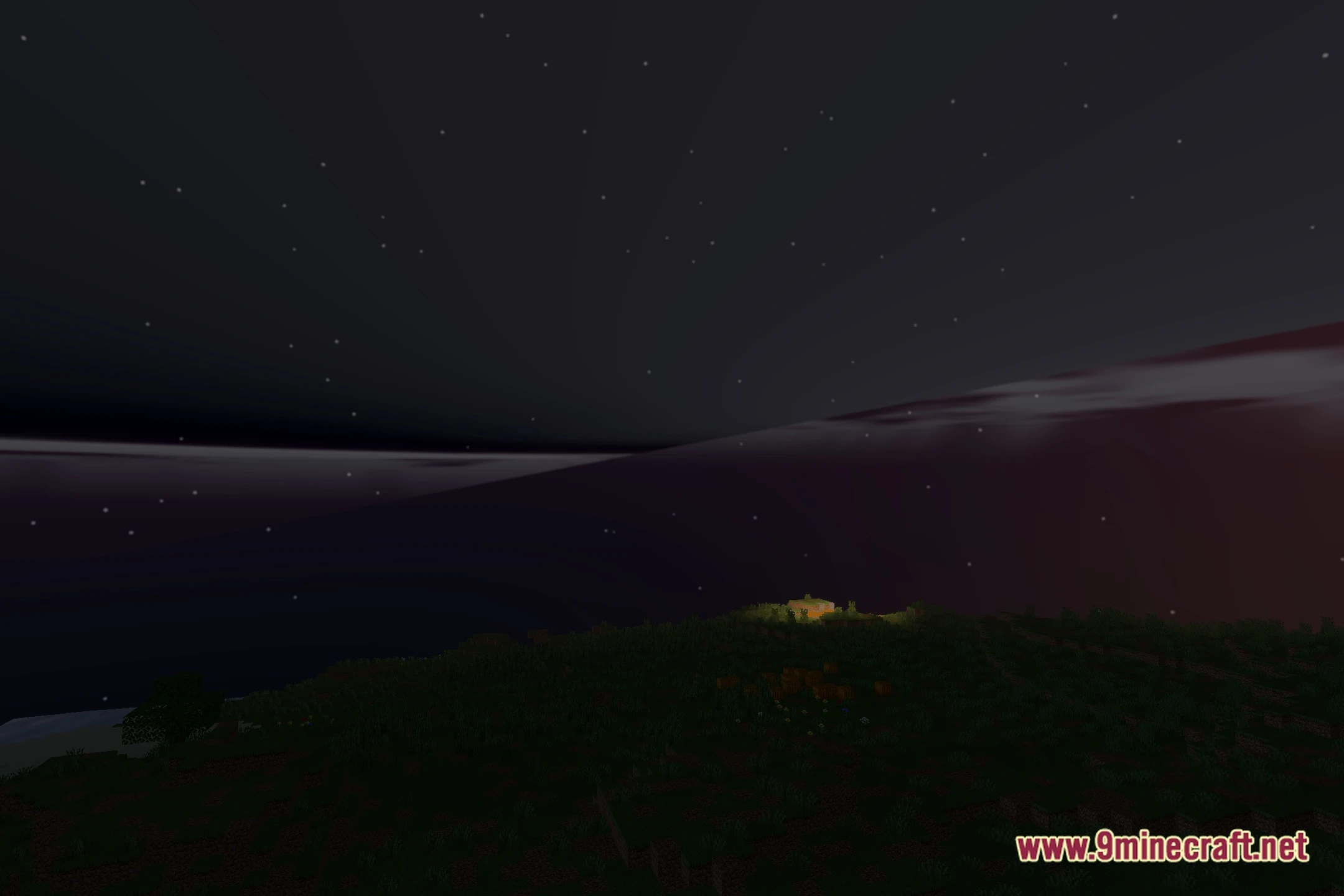
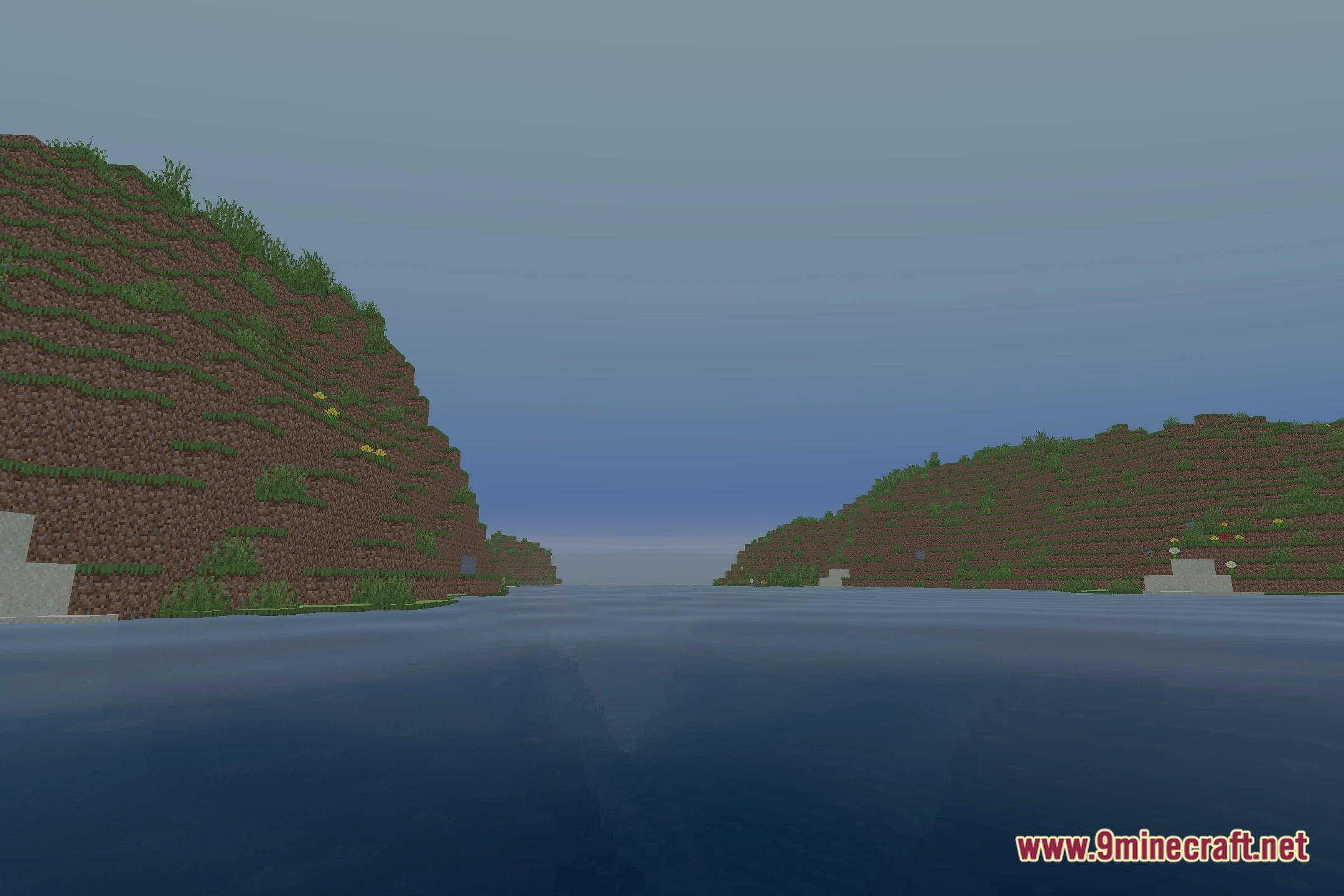
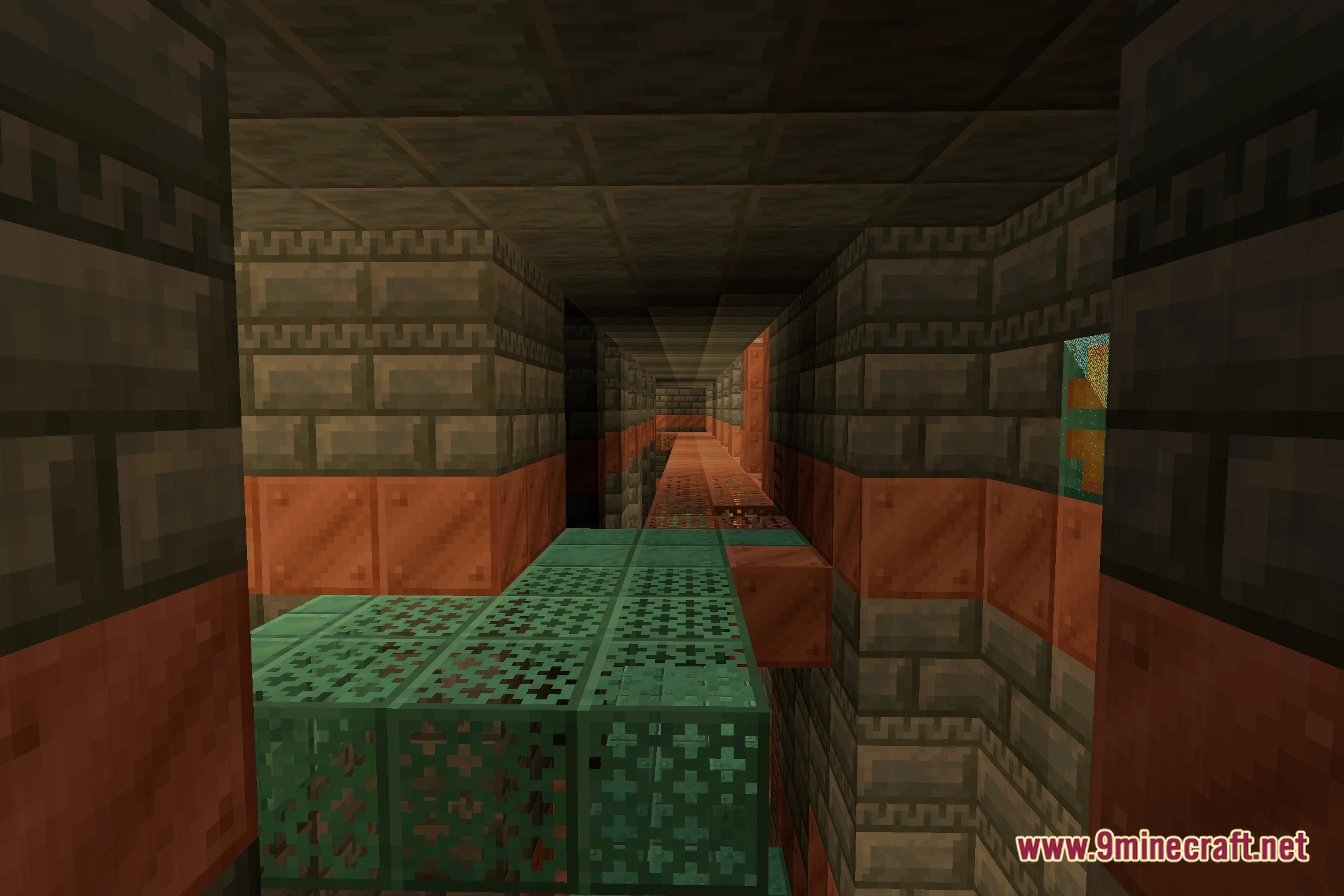
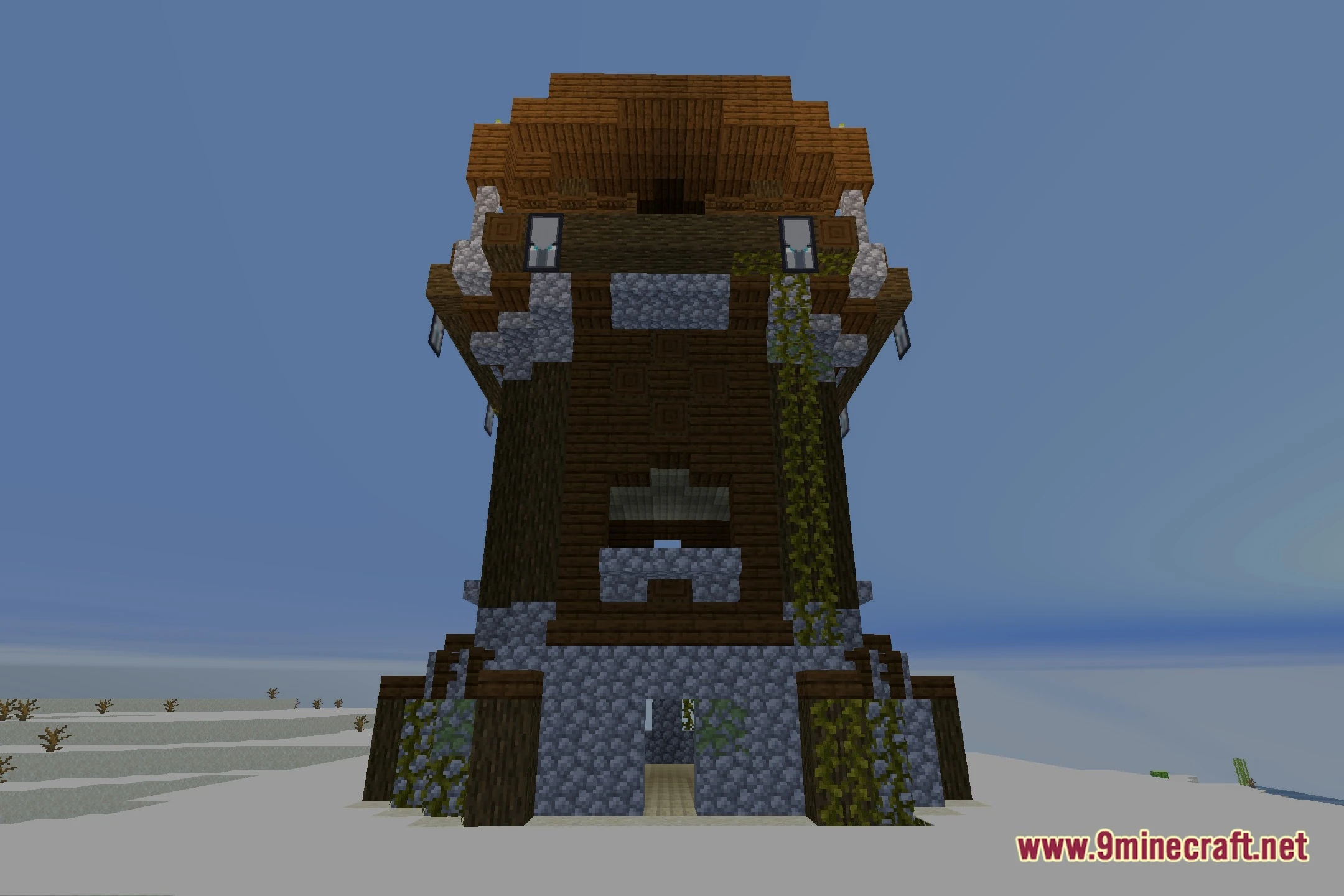
11 images from the Solislite Shaders page.
You May Also Like
Wikis that share the most with this one
Wikis on the same theme: light
More shader wikis on the site
 Sobel Pack Shaders
The most downloaded mods that have a wiki here