

 DownloadSpring Flowers Texture Pack
Get the files on 9Minecraft
Contents (7)
Guides
Step-by-step, in-game.
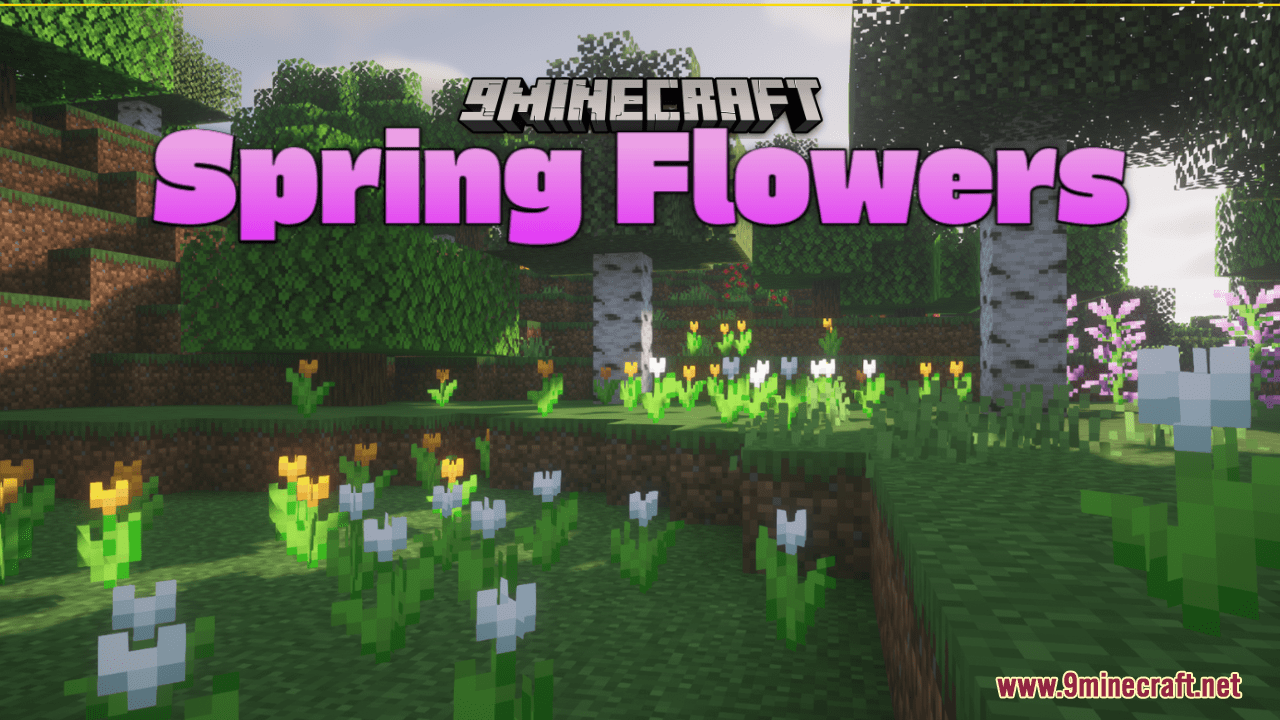
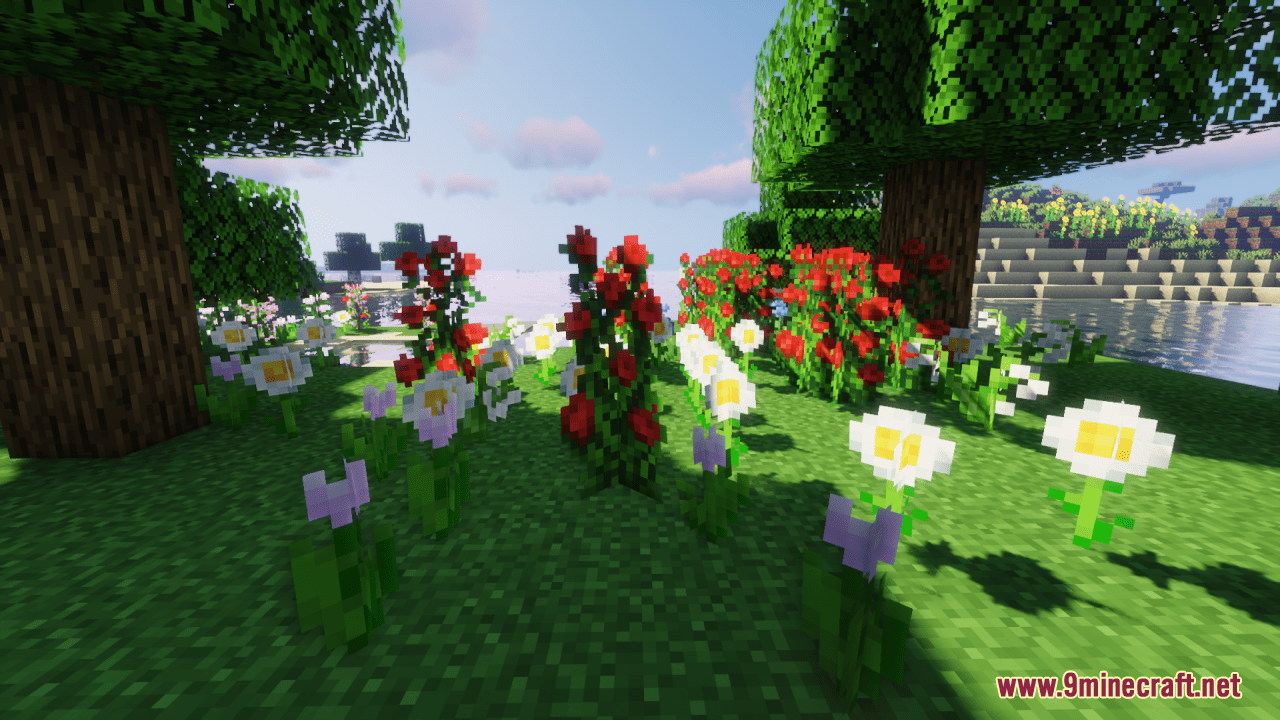
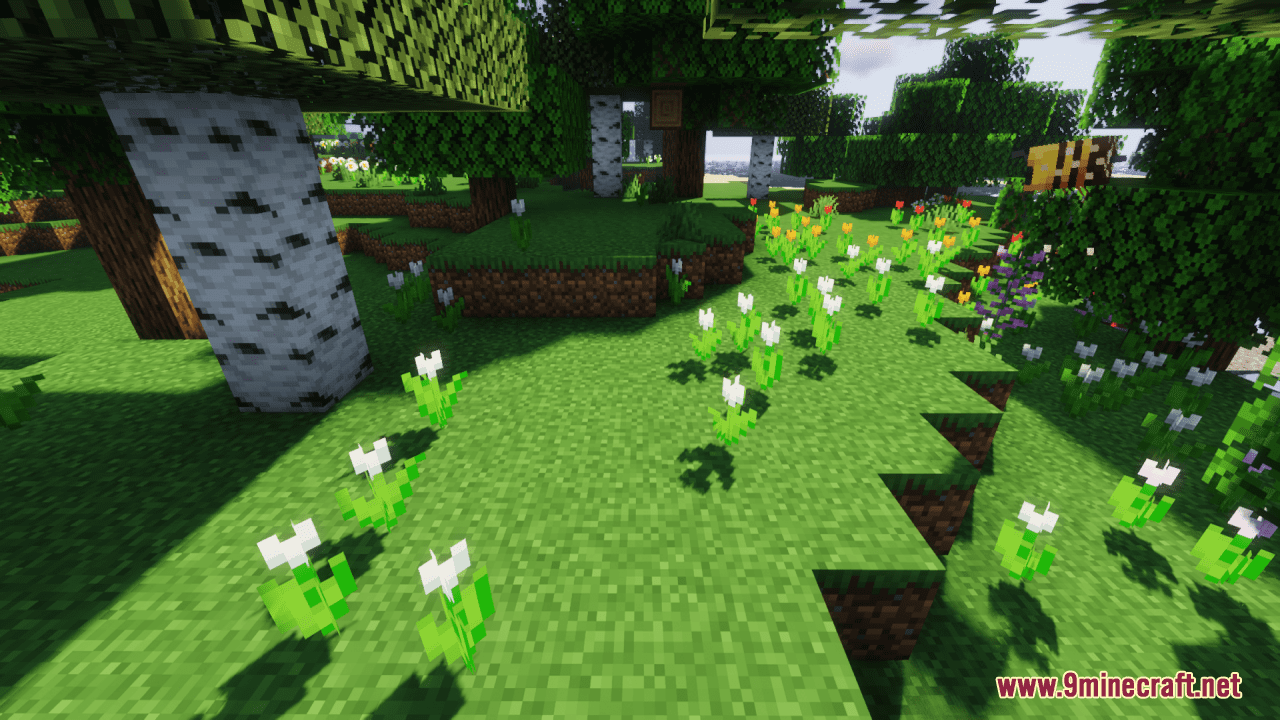
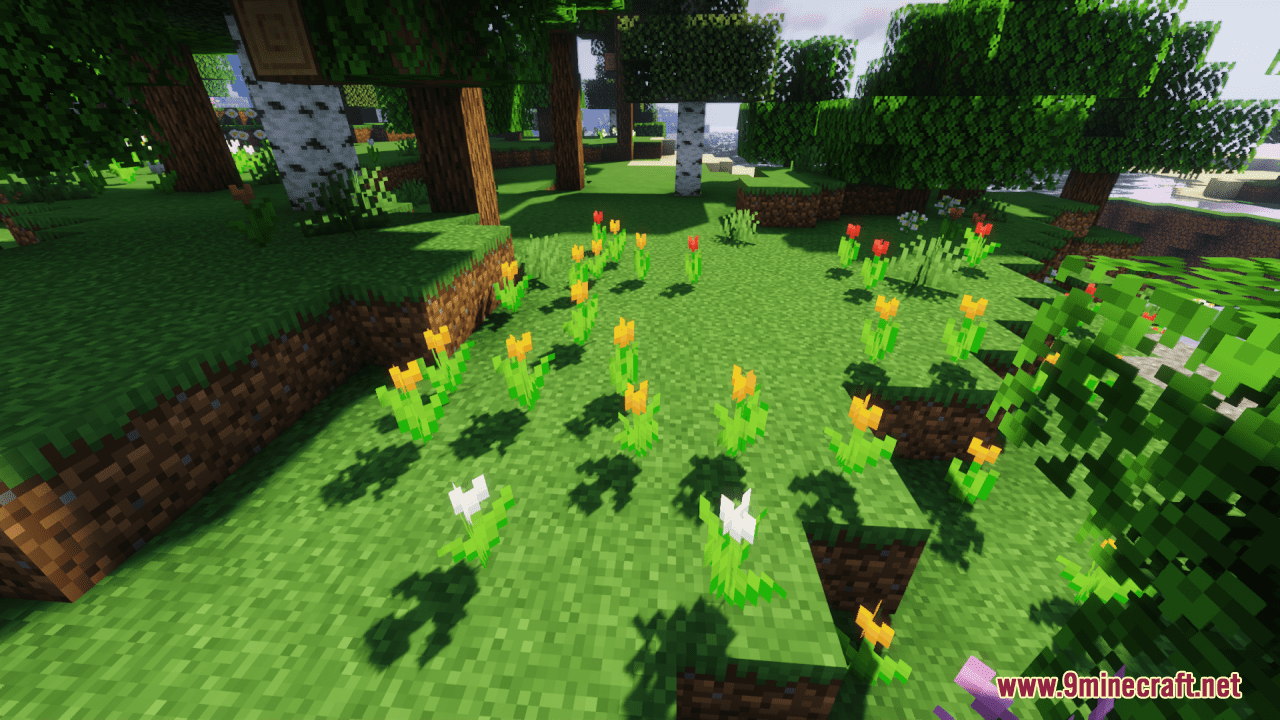
Creating Themed Flower Arrangements by ColorIdentifying Color Patterns in Variants While Spring Flowers adds variants to existing flower types, each variant…Decorating Specific Structures with Spring FlowersFlowers for Building Accents Use Spring Flowers variants to add decorative detail around doors, windows, and…Maximizing Visual Variety in Small SpacesUnderstanding Variant Distribution Each small flower type in Spring Flowers now has five distinct visual variants.…Using Spring Flowers to Create a Diverse Flower GardenGathering Flower Variants Spring Flowers Resource Pack adds five new visual variants to each small flower type in…
Blocks
 Allium
 Azure Bluet
 Blue Orchid
 Cornflower
 Dandelion
 Lily of the Valley
 Orange Tulip
 Oxeye Daisy
 Pink Tulip
 Poppy
 Red Tulip
 White Tulip
 Wither Rose
What this pack changes
Every texture group the pack replaces, counted from the pack itself.
| Area | Textures replaced |
|---|---|
| Blocks | 150 |
Pack format 34 (Minecraft 1.21.2)150 texture files in total
Extra features
Custom block/item models
Frequently asked questions
Do I need to install anything else to use Spring Flowers?
No, Spring Flowers is a resource pack and works standalone in vanilla Minecraft without requiring any mods or dependencies.
How do I activate the resource pack?
Open your world or create a new one, go to Options > Resource Packs, find Spring Flowers in the Available list, and click the arrow to move it to Active. The pack will apply immediately.
Will Spring Flowers work with other resource packs?
Yes, but pack order matters—place Spring Flowers higher in your Active list if you want its flowers to override other packs, or lower if you want other packs to take priority.
Do the new flower variants have different names or IDs?
No, all variants are visual only and use the same block names as vanilla flowers, so they work identically in survival mode and with commands.
See all 10 Spring Flowers Texture questions ›
Gallery
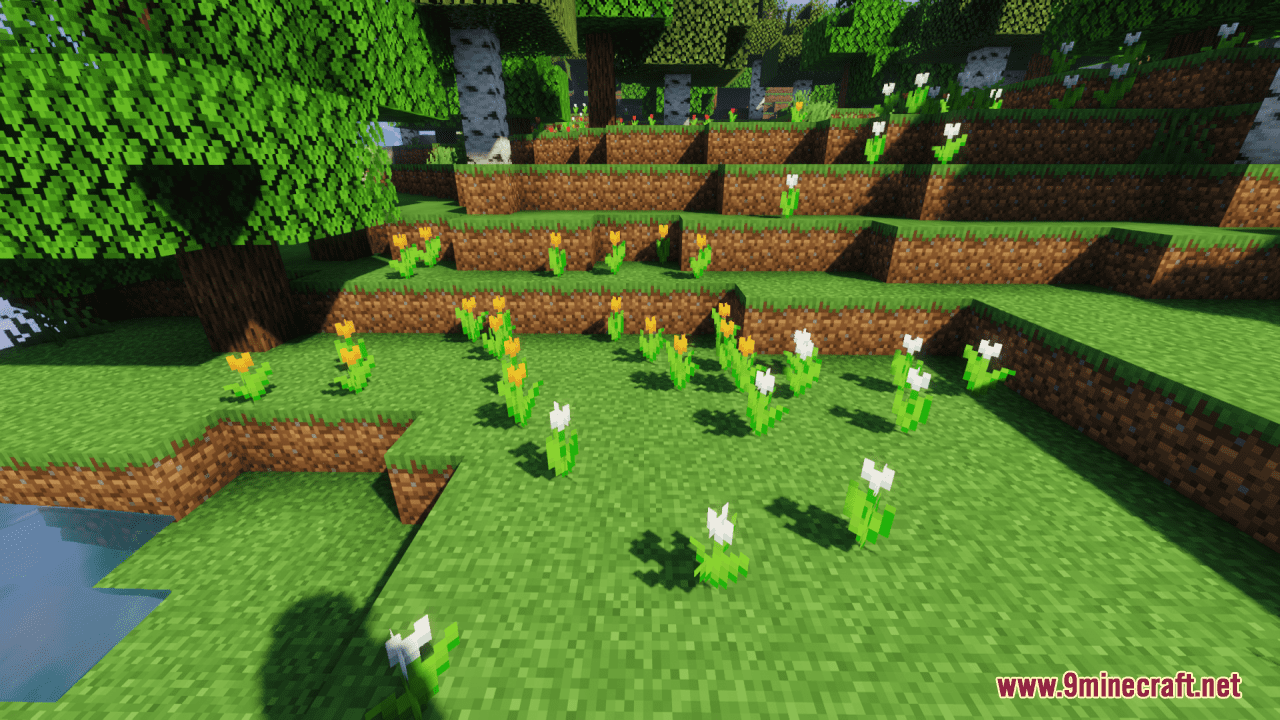
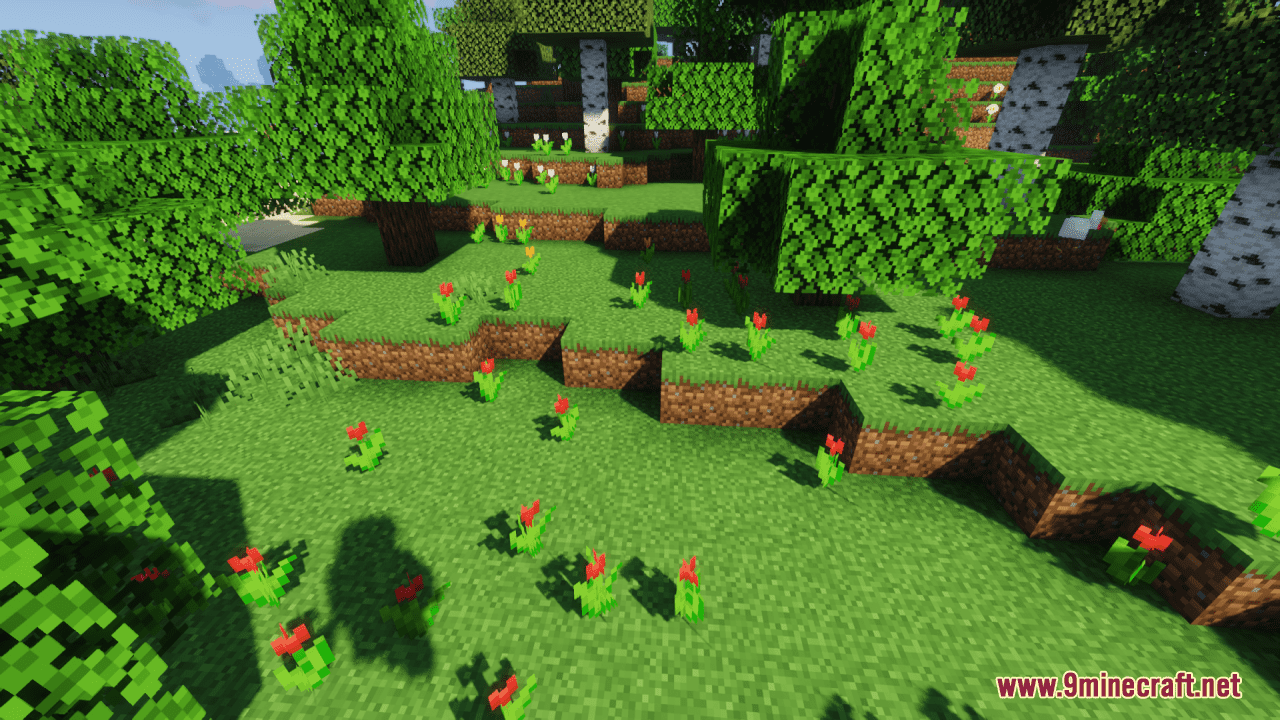
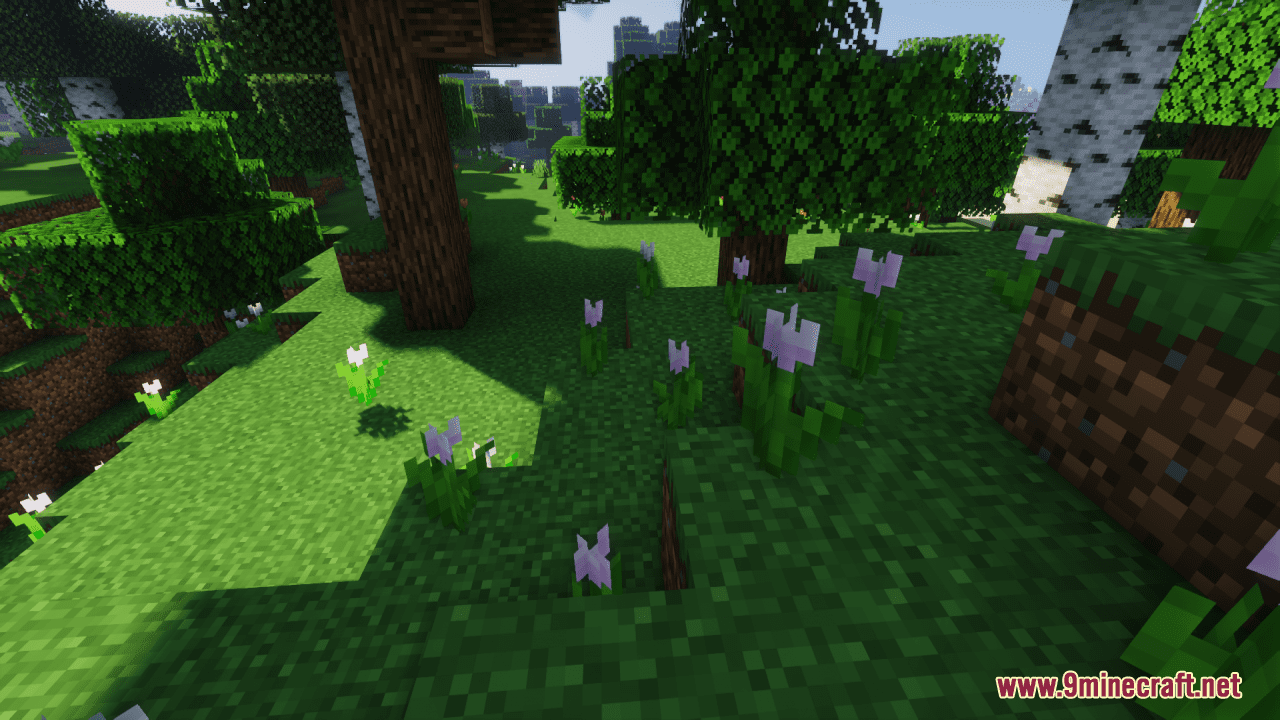
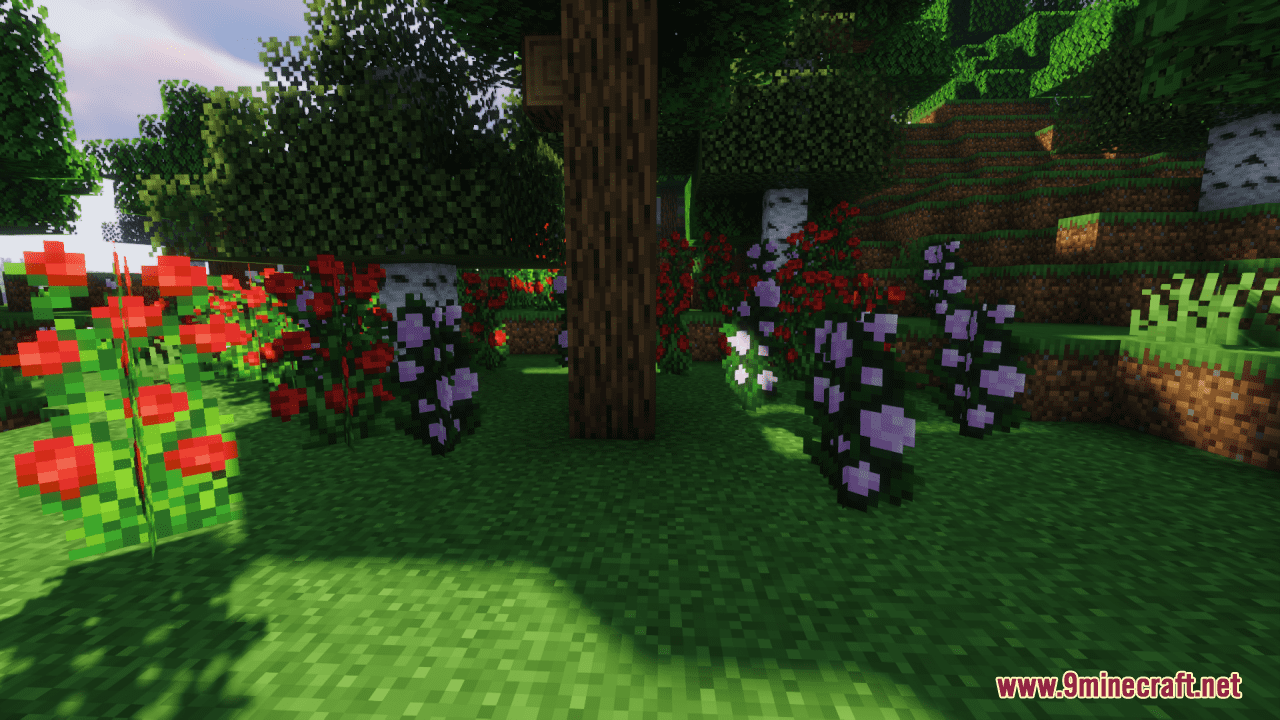
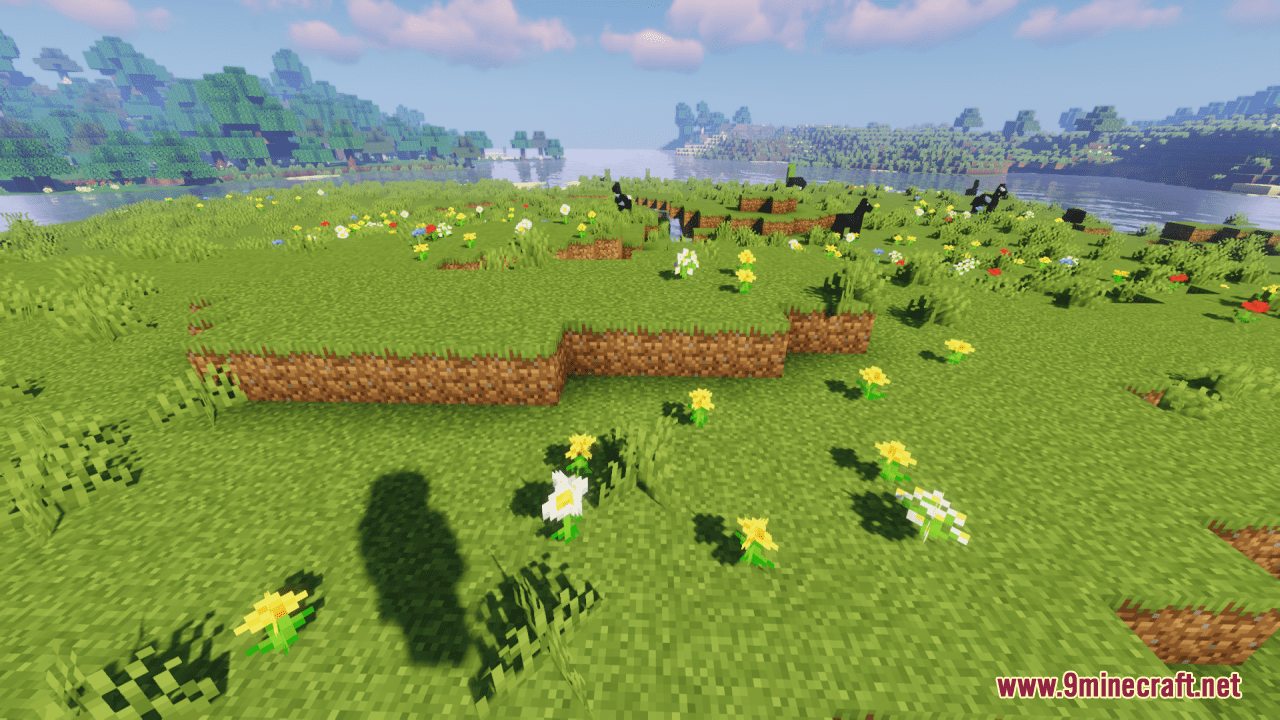
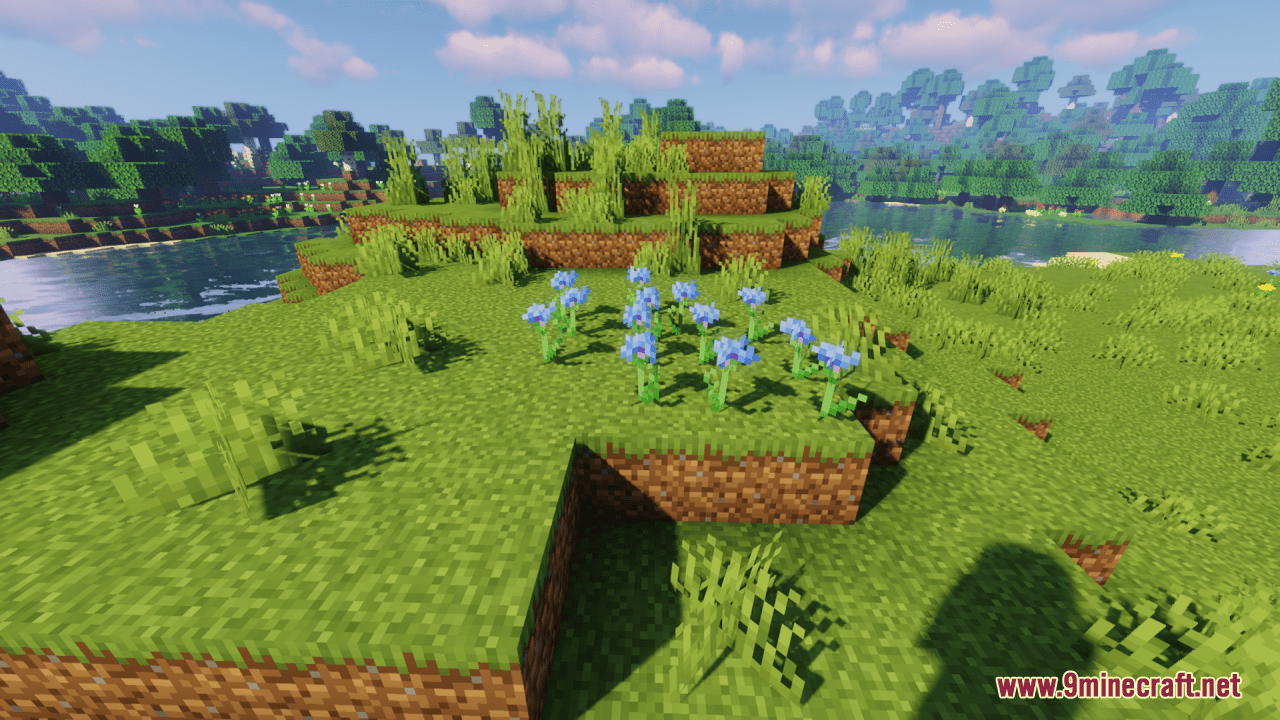
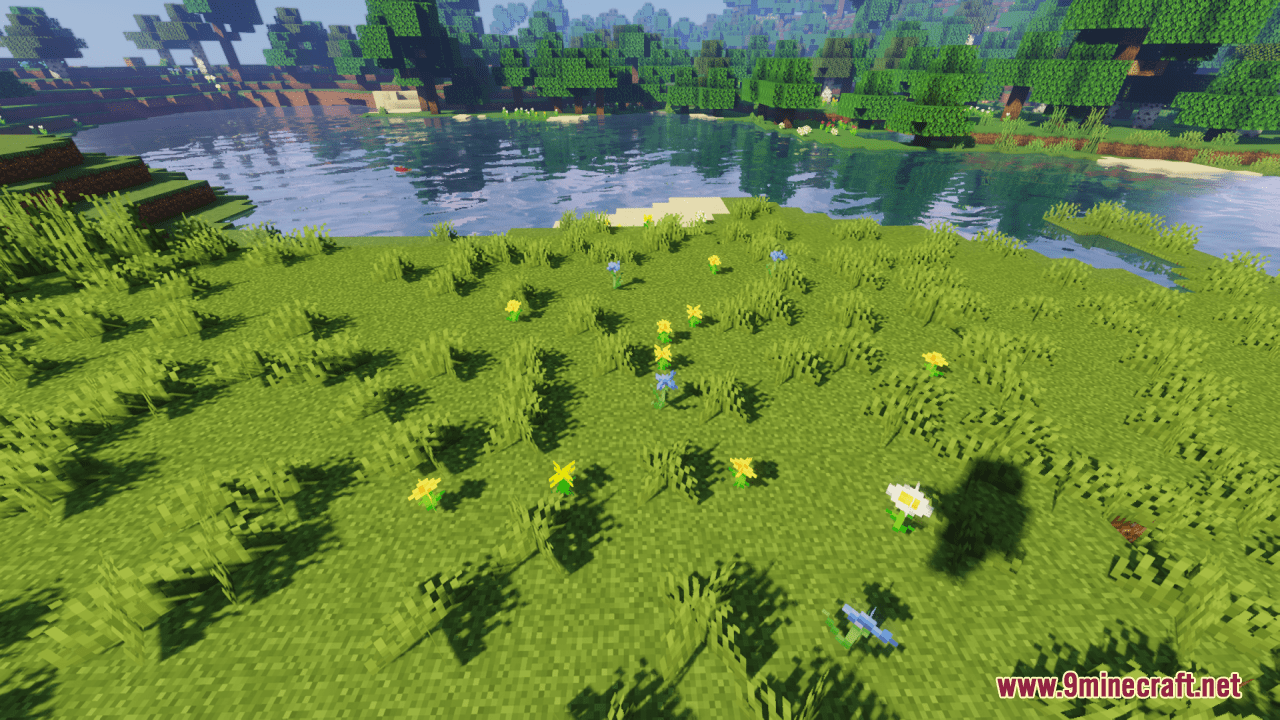
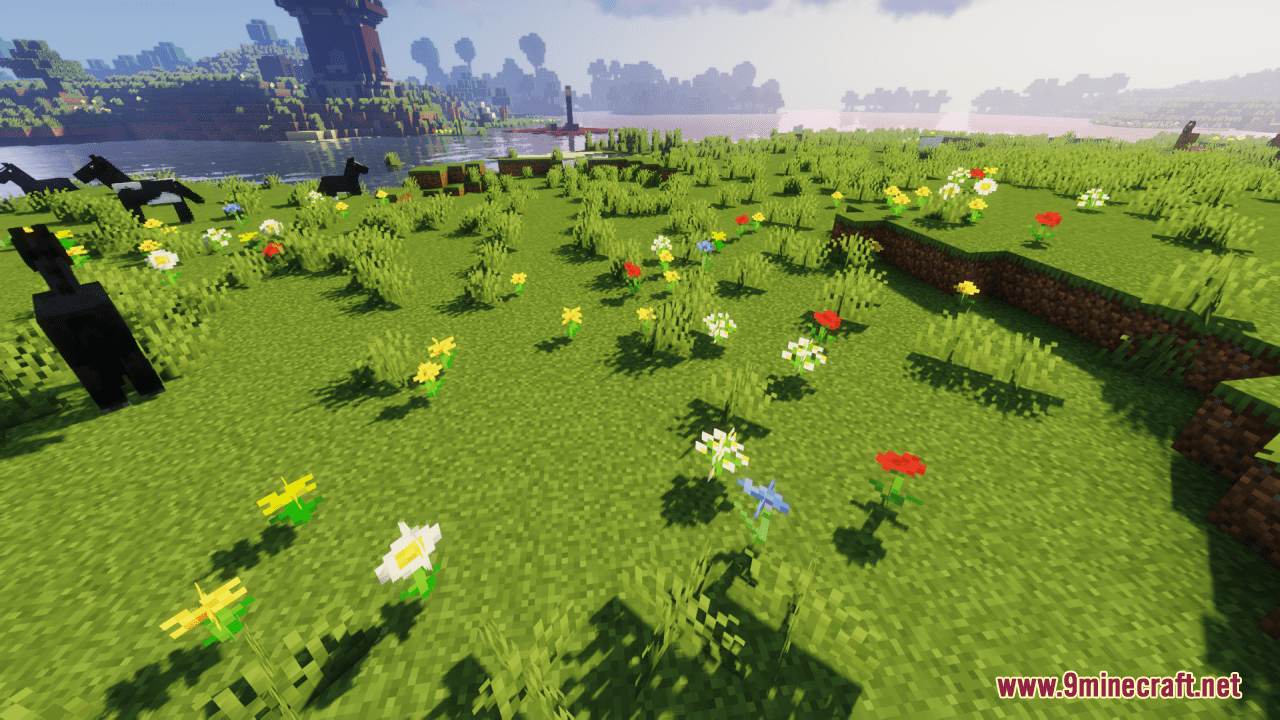
12 images from the Spring Flowers Texture Pack page.
You May Also Like
Wikis that share the most with this one
Mgns FlowersWilder FlowersDaot Spring AddonFerdinand's FlowersSpring Chun ShadersGolden Spring ShadersRandom Bone Meal Flowers ModHendrixs Better Spring To LifeSimple Grass Flowers Resource PackFresh Flowers And Plants Resource PackBetter Grass Without Flowers Resource PackWild Vanilla Better Plants And Flowers Model
Wikis on the same theme: flower
Glamurous ViewBrunozamps FoliageFarm 3D Resource PackNautilus3D Resource PackAutumn Fall Resource PackGolden Days Resource PackQuadral Pack Resource PackFlower Clusters Resource PackPlayer Plushies Resource PackRecolored Plants Resource Pack Enough Of Sprouts Resource PackMostly True Above Resource Pack
More resource pack wikis on the site
Spooky Birch Resource PackSplotch Resource PackSpinkys Christmas Chests Leaves Resource PackSpear Enchant Indicator Lunge And Sharpness Resource PackSpawned Eggs Resource PackSparkles: Stardust Labs Resource PackSouls RPG Font Resource PackSonic Totem of Undying Resource PackSonic the Hedgehog Beds Resource PackSong Of Resurrection I X128 I X256 I X512 I X1024 I Rtx I Pom I Lab Pbr Resource PackSolo Leveling Arsenal Resource PackSoft Weather 9minecraft Resource Pack
The most downloaded mods that have a wiki here
A few wikis from each of the other kinds