

 DownloadGolden Spring Shaders
Get the files on 9Minecraft
Guides
Step-by-step, in-game.
Adjust Lighting Intensity to Reduce Eye StrainAccess Shader Settings Open the shader options menu while in-game by pressing the designated shader menu key (usually…Enhance Underwater and Cave Exploration VisibilityUnderstand How Golden Spring Affects Dark Spaces Golden Spring's soft shadows and warm glow can sometimes make…Optimize Performance While Maintaining Visual QualityIdentify Performance-Heavy Features Golden Spring's cinematic effects—especially sunbeams, bloom, and shadow…Preserve Vanilla Aesthetics While Using the ShaderUnderstand Golden Spring's Design Philosophy Golden Spring is built to enhance rather than replace vanilla…
Frequently asked questions
How do I turn on Golden Spring Shaders after installing it?
Open the Options menu in-game, go to Video Settings, then Shaders, and select Golden Spring from the list. The shader will activate immediately and you'll see the warm lighting take effect.
Why does everything look too bright or washed out?
You can adjust the lighting intensity in the shader settings to reduce oversaturation. Look for brightness or exposure controls in the shader options menu accessed through Video Settings.
Can I use Golden Spring with other visual mods like Optifine?
Golden Spring works best as a standalone shader, but it's generally compatible with resource packs and mods that don't modify lighting. Avoid running multiple shader packs simultaneously as they will conflict.
My FPS dropped a lot after enabling this shader. What can I do?
Try lowering shadow quality, reducing render distance, or disabling advanced lighting effects in the shader settings. You can also lower your overall graphics settings in Video Options to balance visuals with performance.
See all 10 Golden Spring Shaders questions ›
Gallery
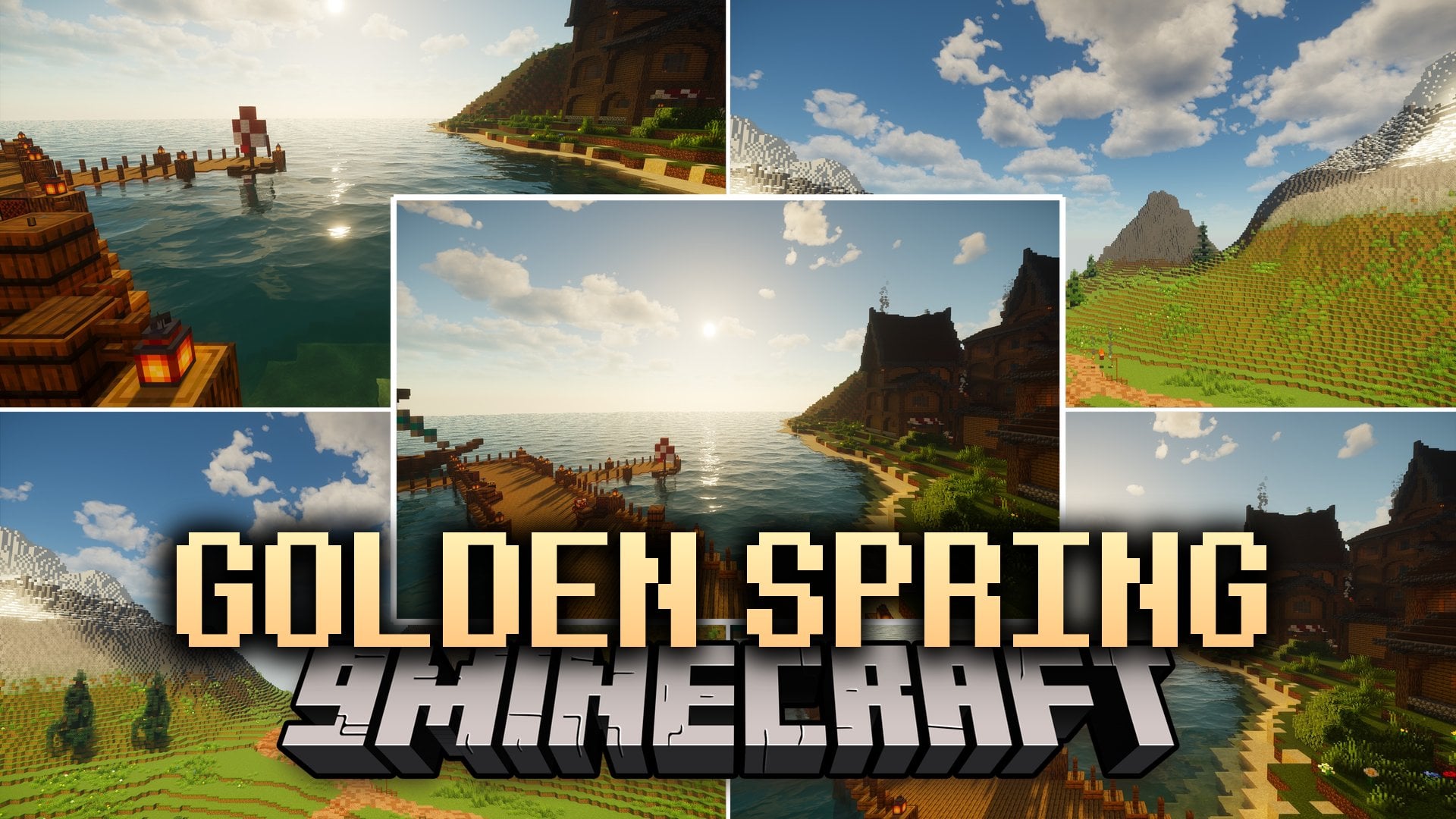
12 images from the Golden Spring Shaders page.


You May Also Like
Wikis that share the most with this one
Wikis on the same theme: gold
More shader wikis on the site
The most downloaded mods that have a wiki here