

 DownloadSource Water Shaders
Get the files on 9Minecraft
Guides
Step-by-step, in-game.
Adjust Water Appearance and Quality SettingsAccess Shader Options 1. Open Options > Video Settings > Shaders 2. Look for a Shader Options or Settings button next…Optimize Performance While Using Source Water ShadersReduce Render Distance Shader effects are computed for visible water blocks. Lowering render distance from far to…Set Up Source Water Shaders with IrisInstall Iris Loader Source Water Shaders requires Iris to run. Download and install Iris for your Minecraft version,…Troubleshoot Water Not Showing Shader EffectsConfirm Iris Is Active Check that Iris is properly installed by opening Options > Video Settings . You should see a…
Frequently asked questions
How do I enable the water shaders after installing?
Launch Minecraft with Iris loaded, go to Options > Video Settings > Shaders, and select Source Water Shaders from the list. The water in your world should update immediately once applied.
Why does my water still look flat and normal?
Make sure Iris is running (check the pause menu for a Shaders button), that Source Water Shaders is actually selected in the shader menu, and that you're looking at water blocks—the shader only affects water, not other liquids or the sky.
Can I use this with other shader packs?
No, only one shader pack can be active at a time in Iris. You'll need to choose between Source Water Shaders and any other pack you want to use.
Does this work with mods that add new water or liquids?
Source Water Shaders only affects standard Minecraft water blocks, so custom liquids from other mods will not receive the shader effects unless they use the same water block type.
See all 10 Source Water Shaders questions ›
Gallery
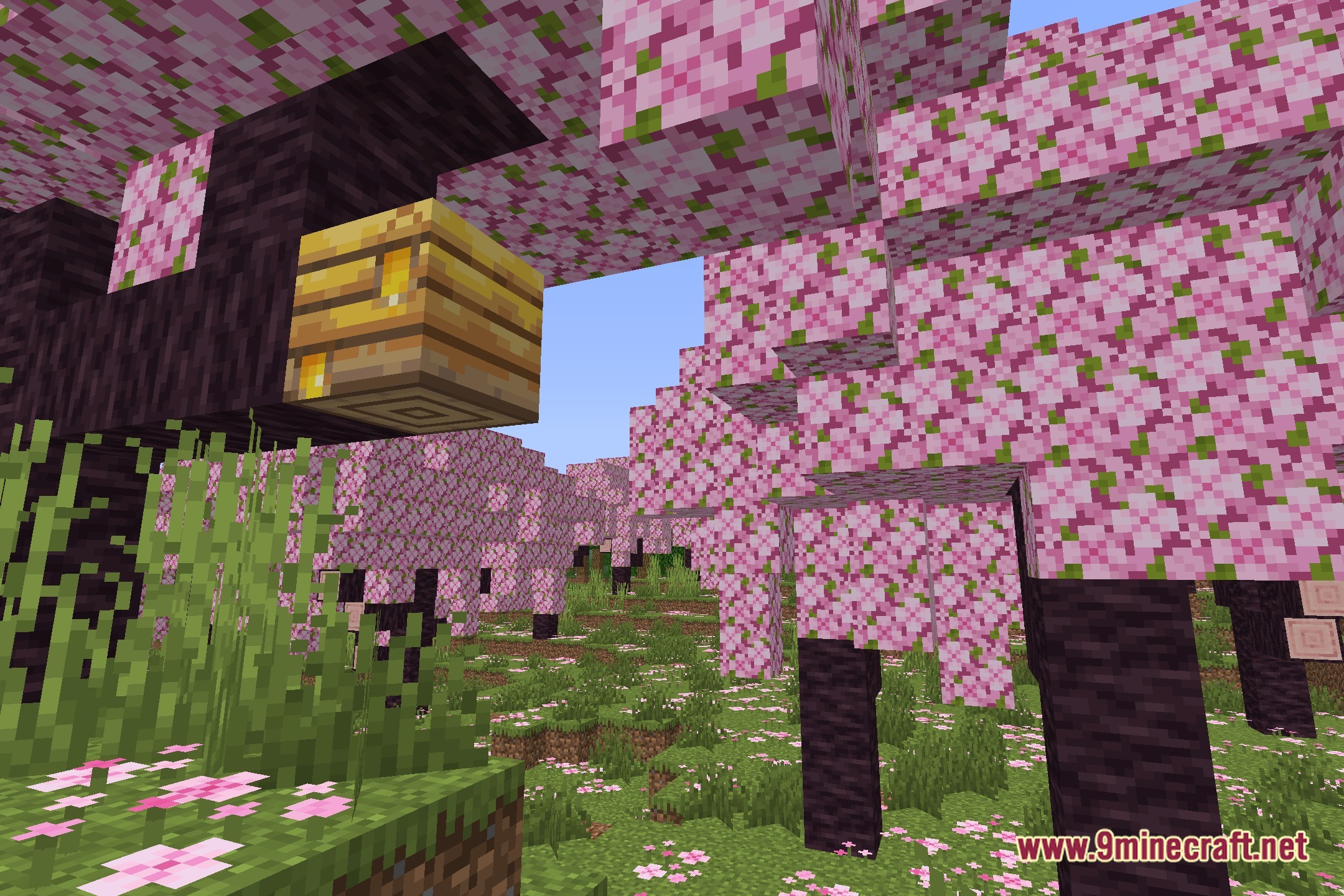
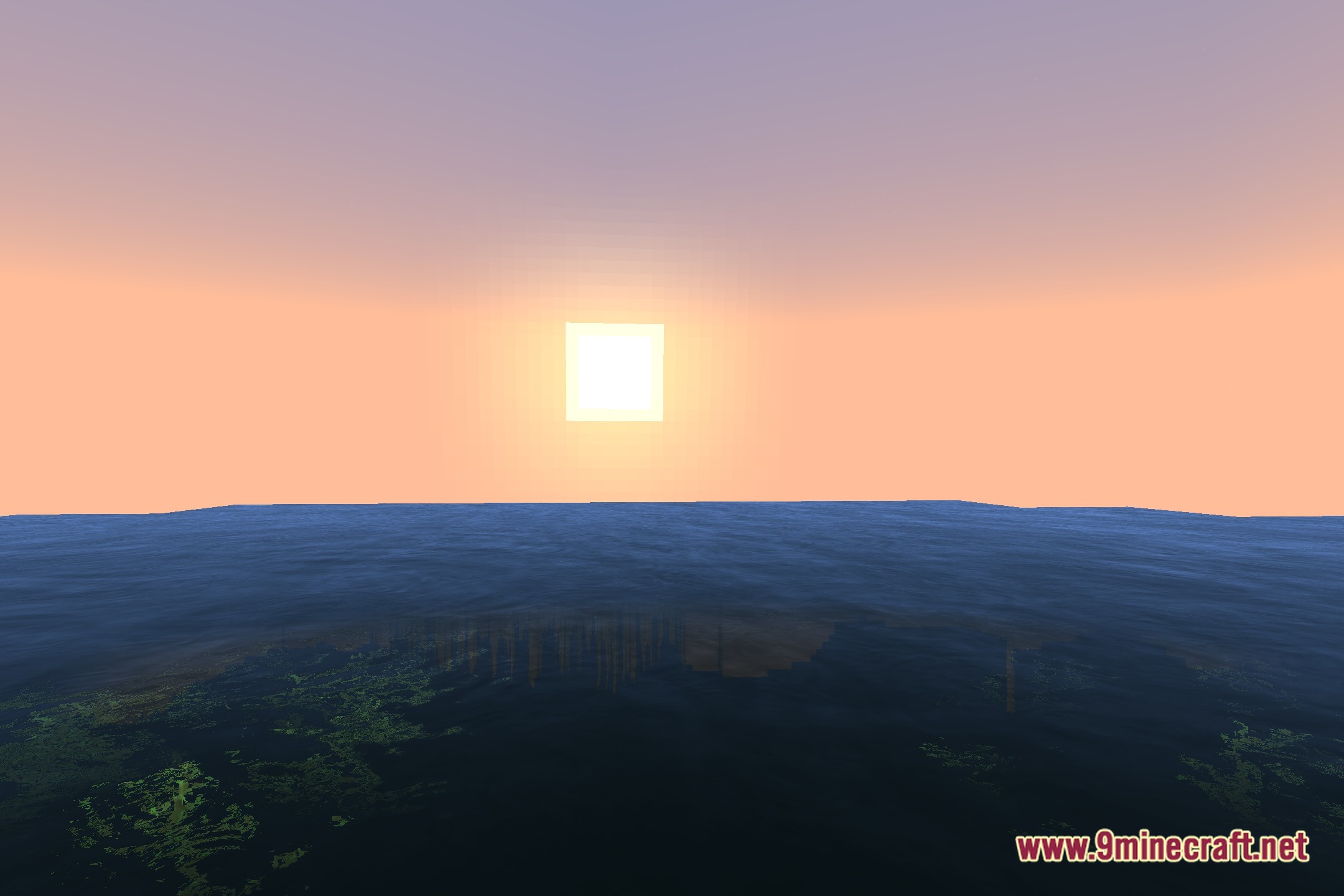
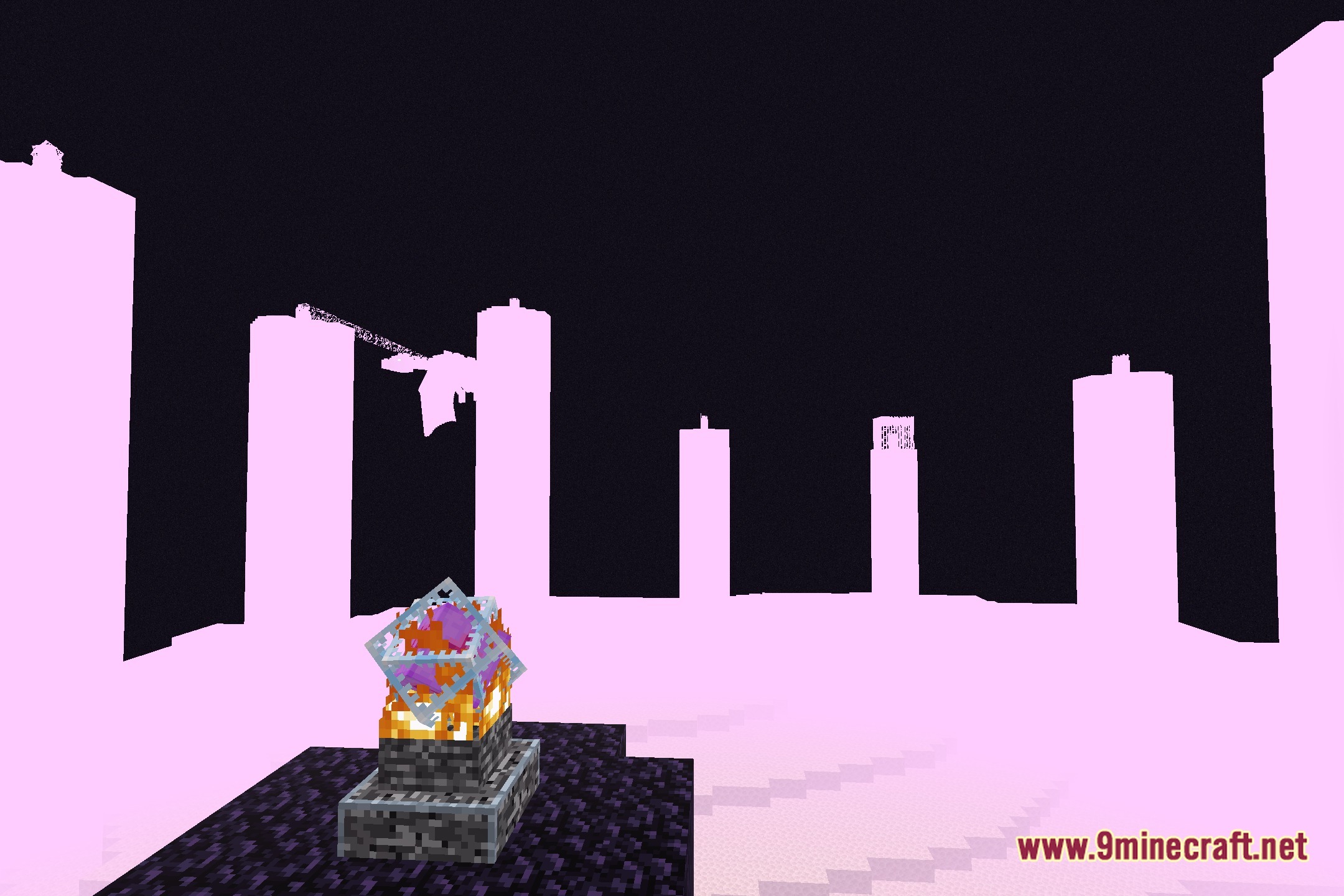
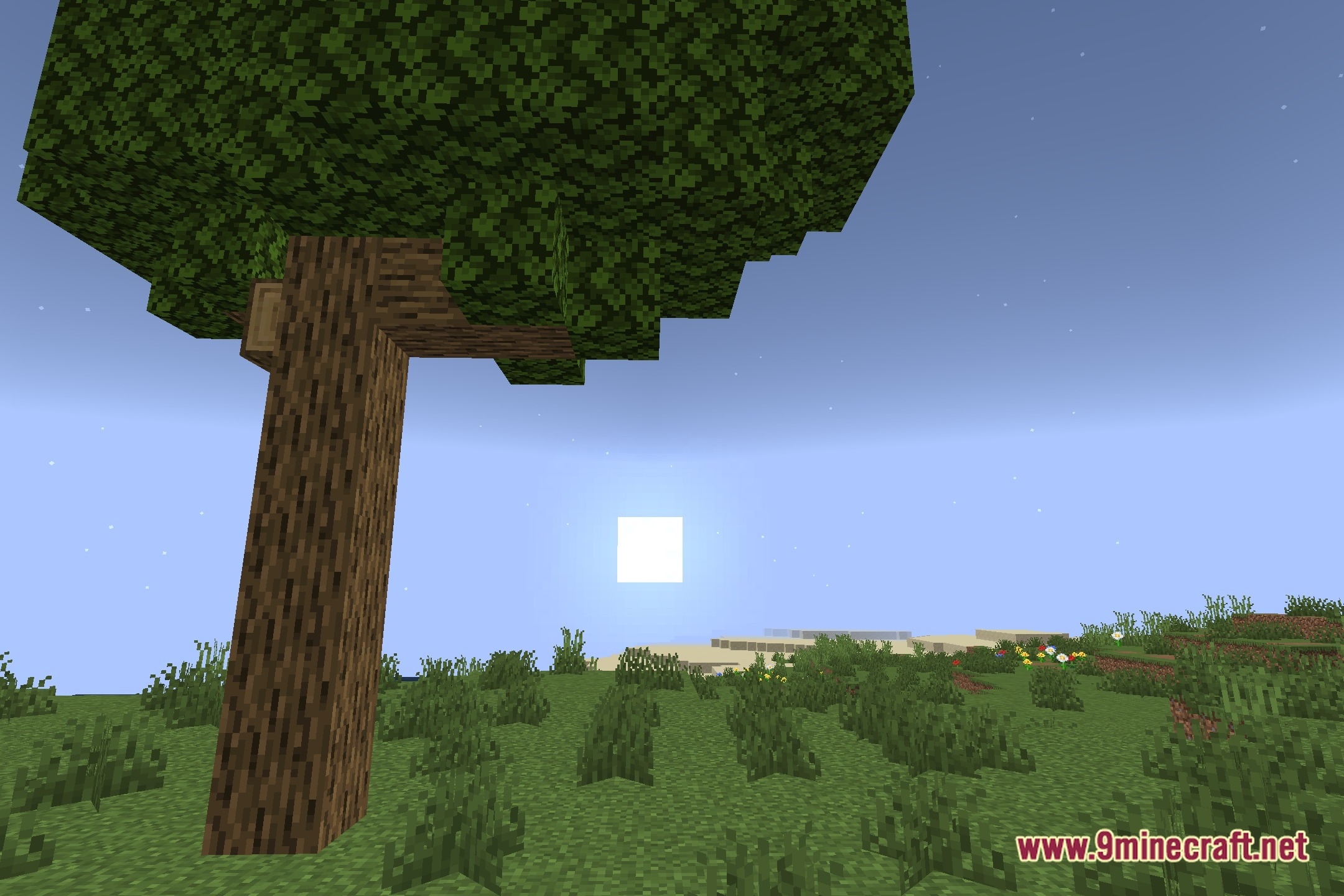
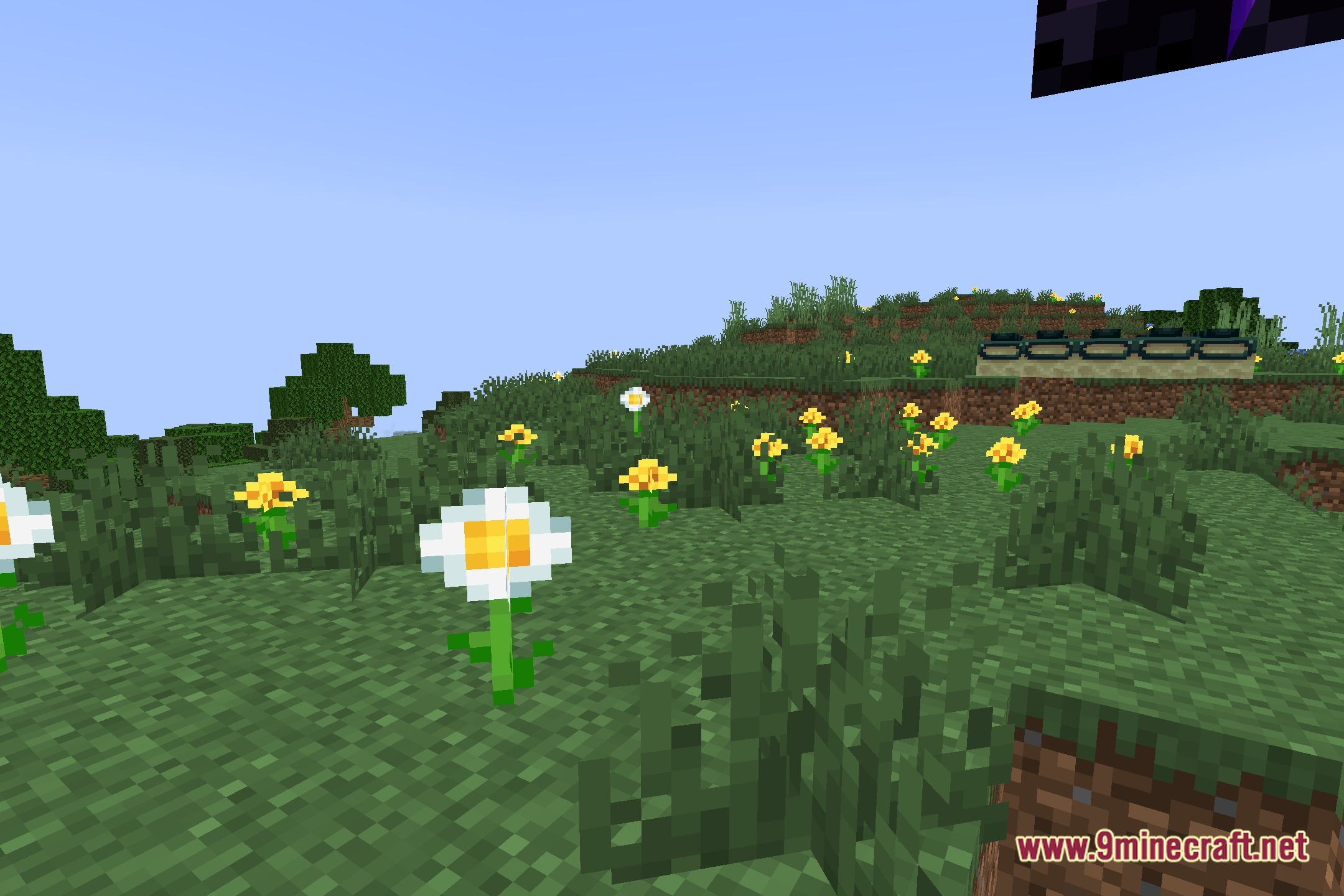
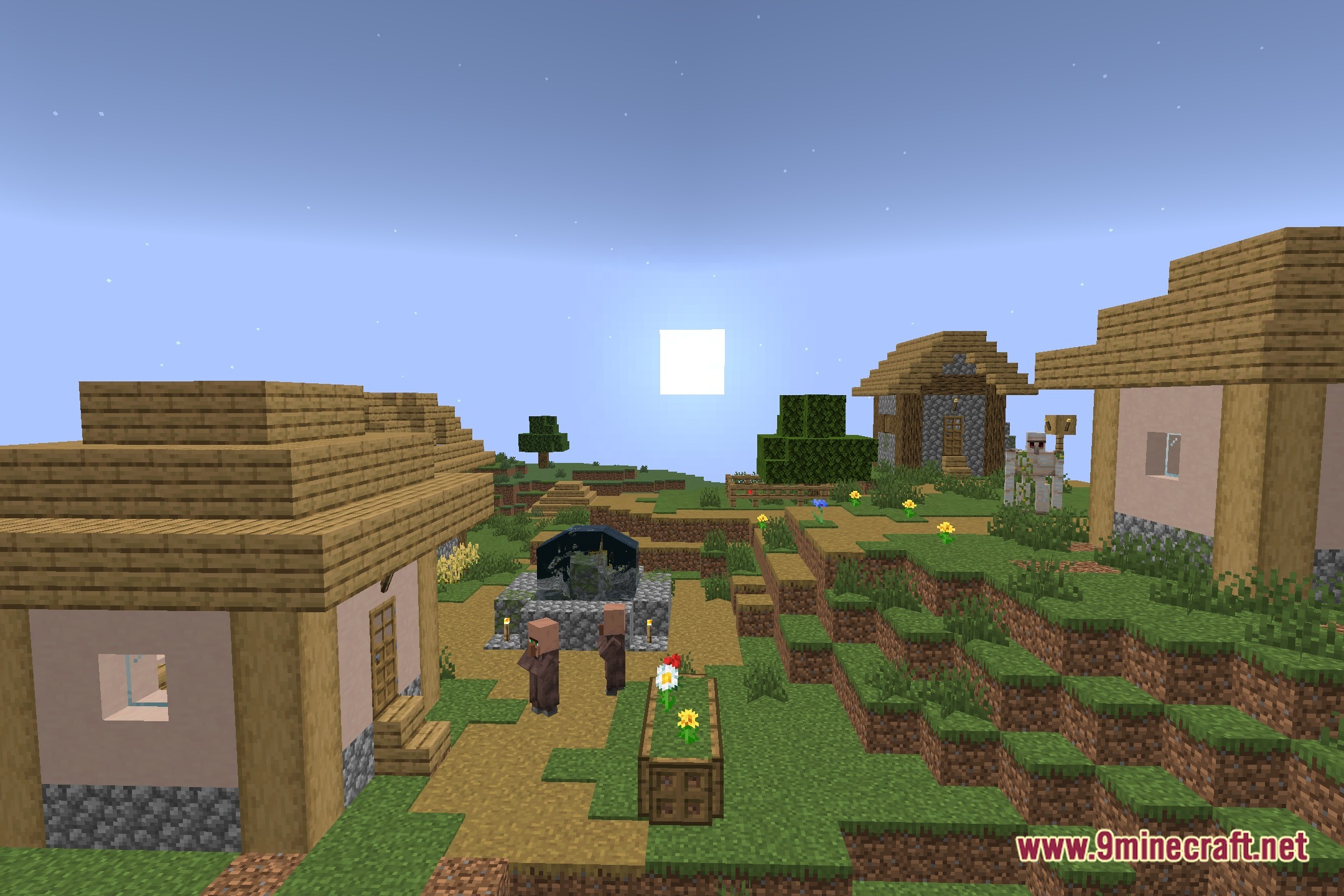
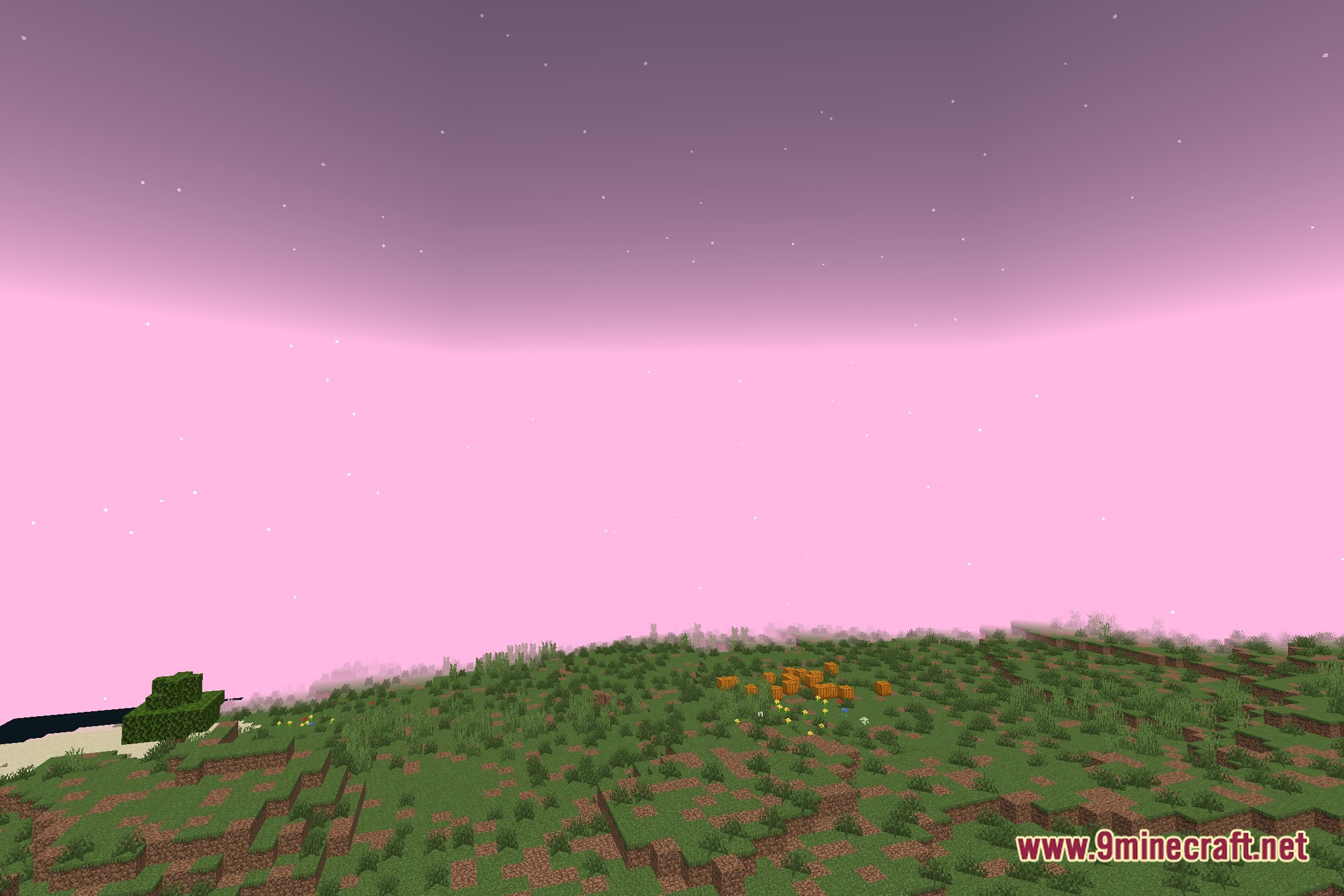
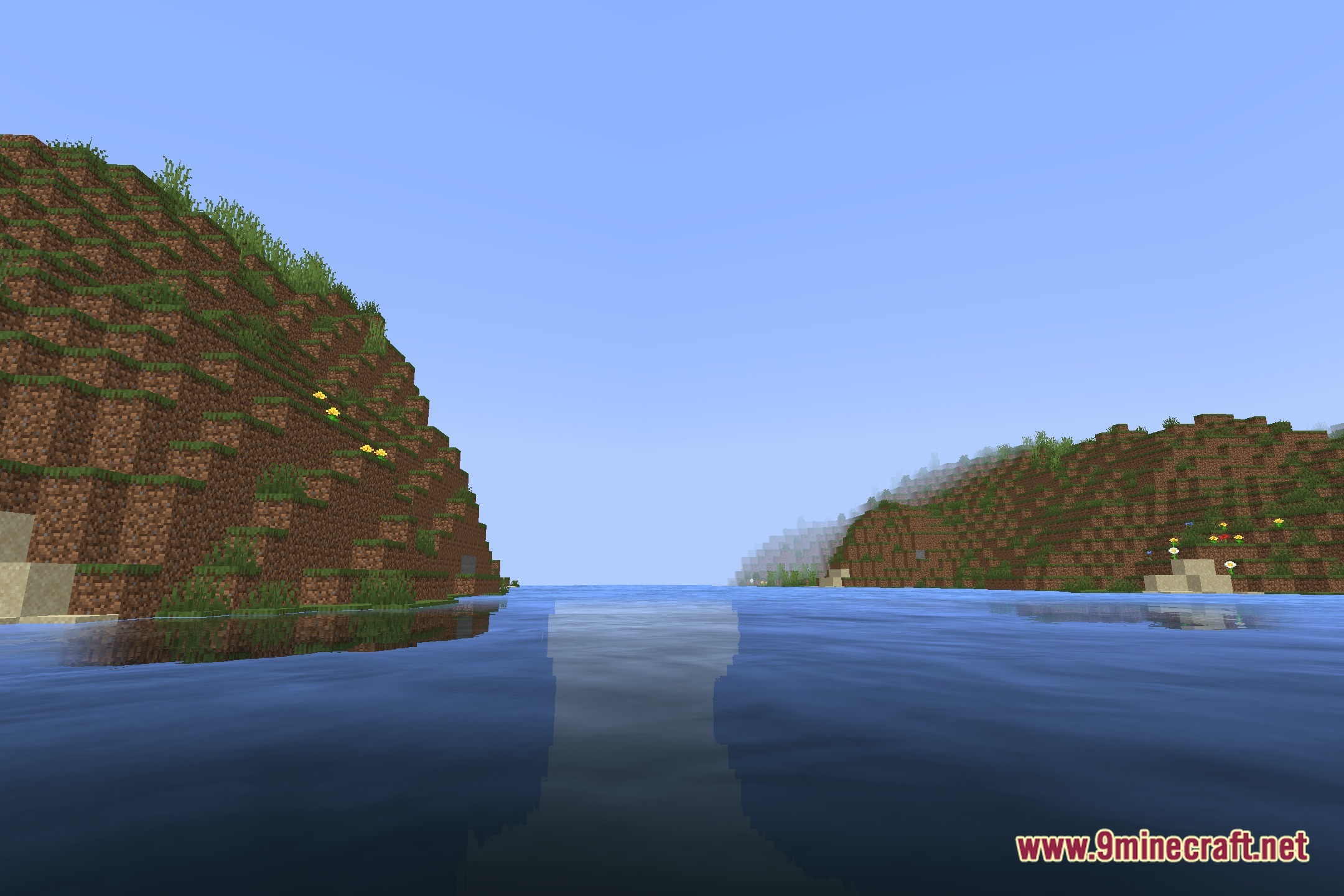
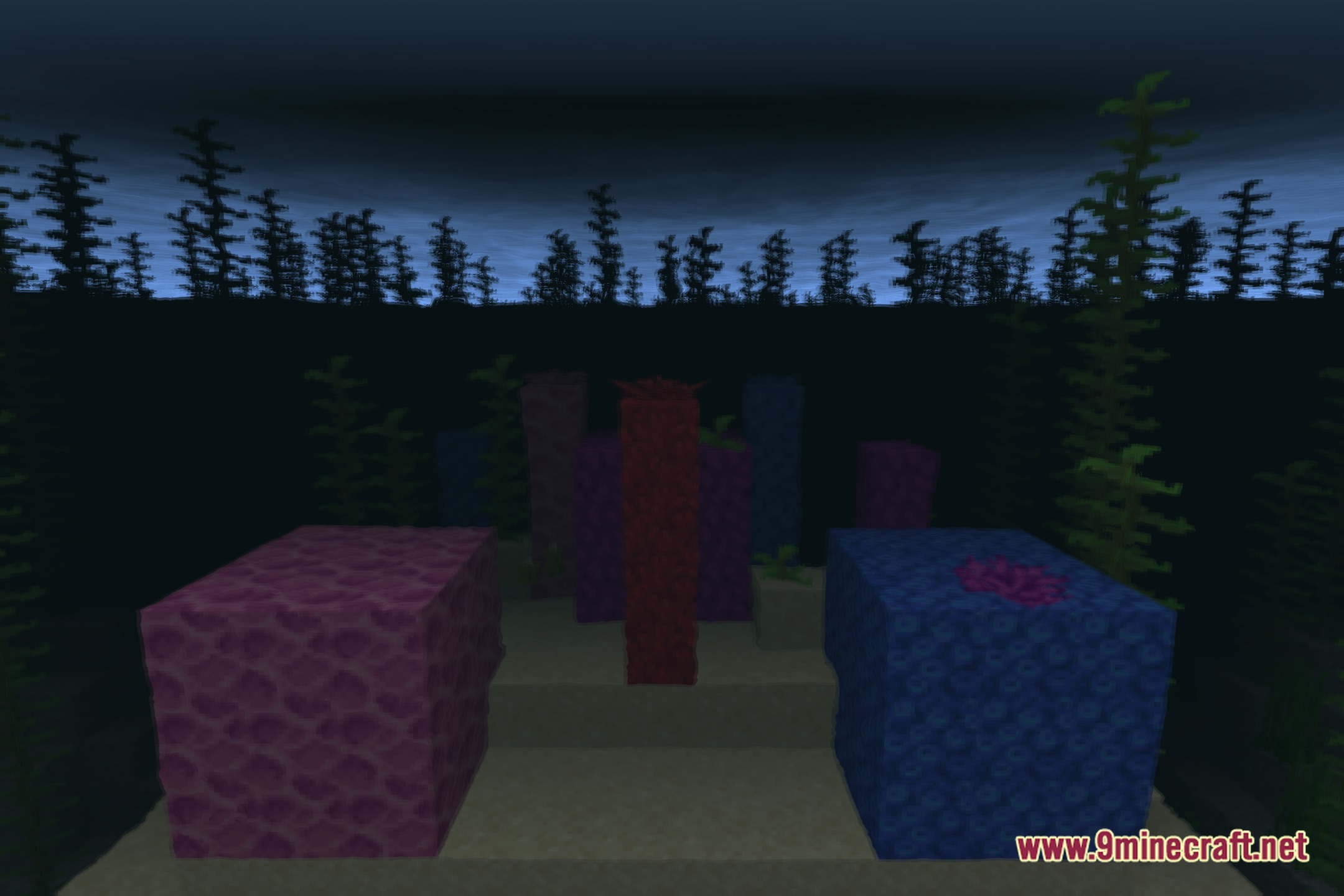
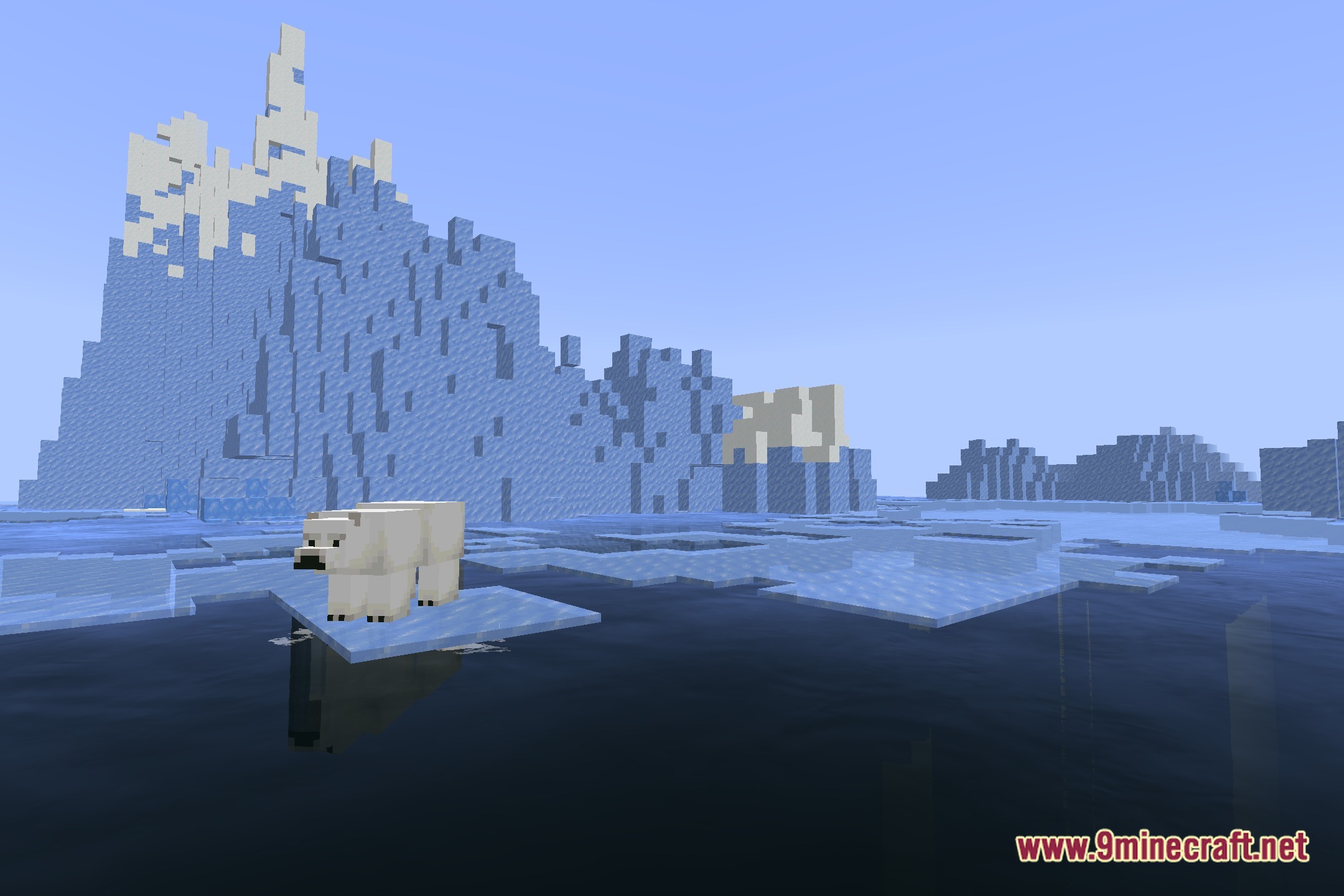
12 images from the Source Water Shaders page.
You May Also Like
Wikis that share the most with this one
Wikis on the same theme: end
More shader wikis on the site
 Sobel Pack Shaders
The most downloaded mods that have a wiki here