

 DownloadSerendipity Shaders
Get the files on 9Minecraft
Guides
Step-by-step, in-game.
Adjust Shader Quality for Better PerformanceAccess Shader Settings Open the shader options menu while in-game by pressing the designated shader settings key…Create Atmospheric Effects During Rain and StormsObserve Rain Puddle Formation During rain, Serendipity Shaders automatically creates puddles on flat surfaces and…Enhance Water Appearance and ReflectionsEnable Water Wave Effects In shader settings, locate the water quality section. Ensure wave simulation is…Make Shadows and Lighting Look More NaturalConfigure Shadow Settings Access the lighting section in shader options. Adjust shadow distance to control how far…
Frequently asked questions
How do I turn on Serendipity Shaders after installing it?
Open your Video Settings in-game, go to Shaders, and select Serendipity Shaders from the list. The shader will activate immediately and you'll see the visual changes take effect.
My game is running slowly with this shader. What can I do?
Open the shader settings (usually by pressing a key while in-game or through Video Settings) and lower the quality settings, particularly shadow distance and cloud detail. You can also reduce render distance to improve performance on lower-end systems.
Why do my shadows look weird or blocky?
This often happens when shadow distance is set too high for your hardware. Lower the shadow distance in the shader settings to get smoother, more natural-looking shadows that your computer can handle.
Can I use Serendipity Shaders with other mods?
Yes, Serendipity Shaders works with most mods, but mods that heavily modify rendering or lighting may cause conflicts. Test your mod combination and disable the shader temporarily if you see visual glitches.
See all 10 Serendipity Shaders questions ›
Gallery
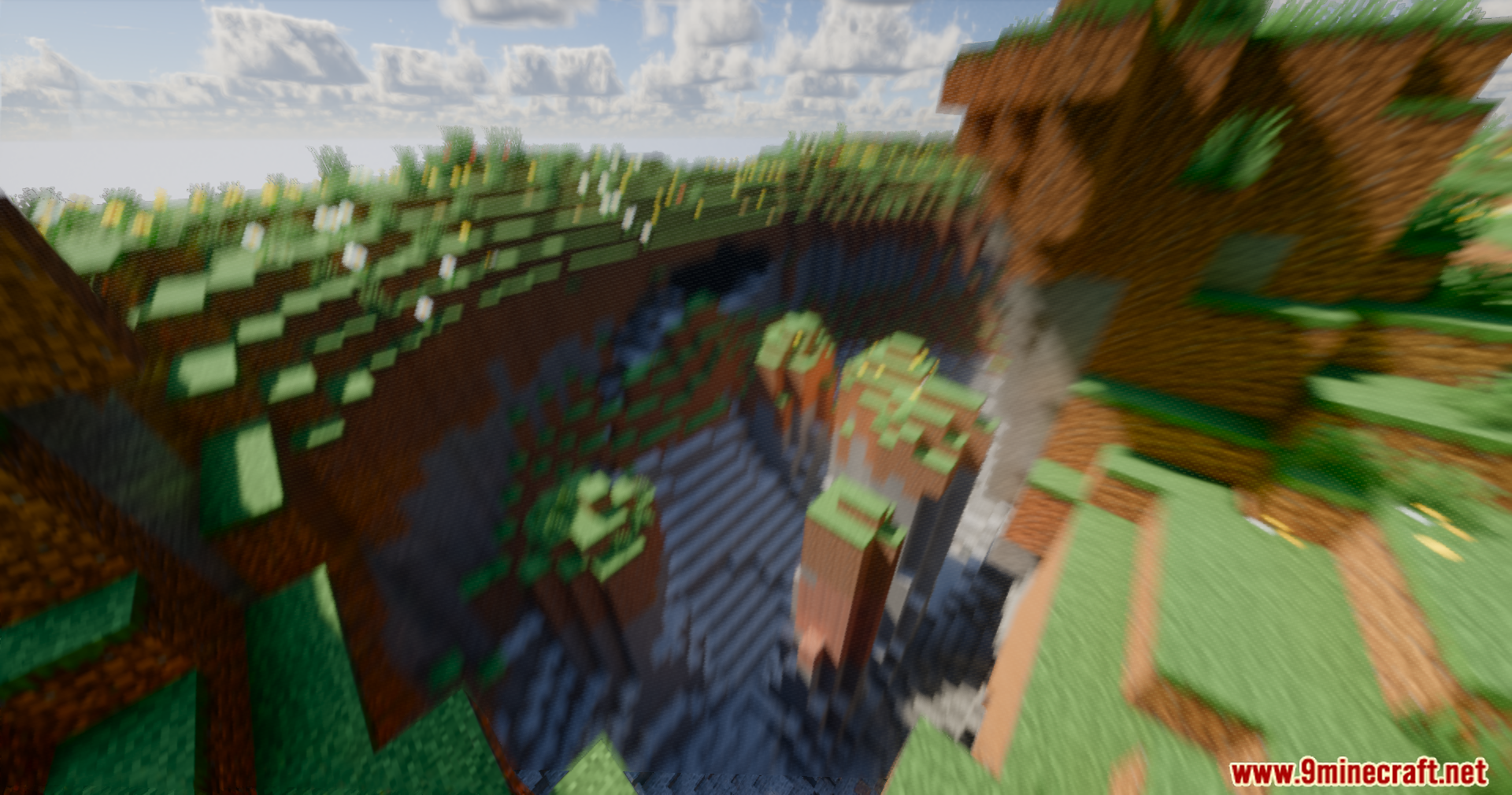
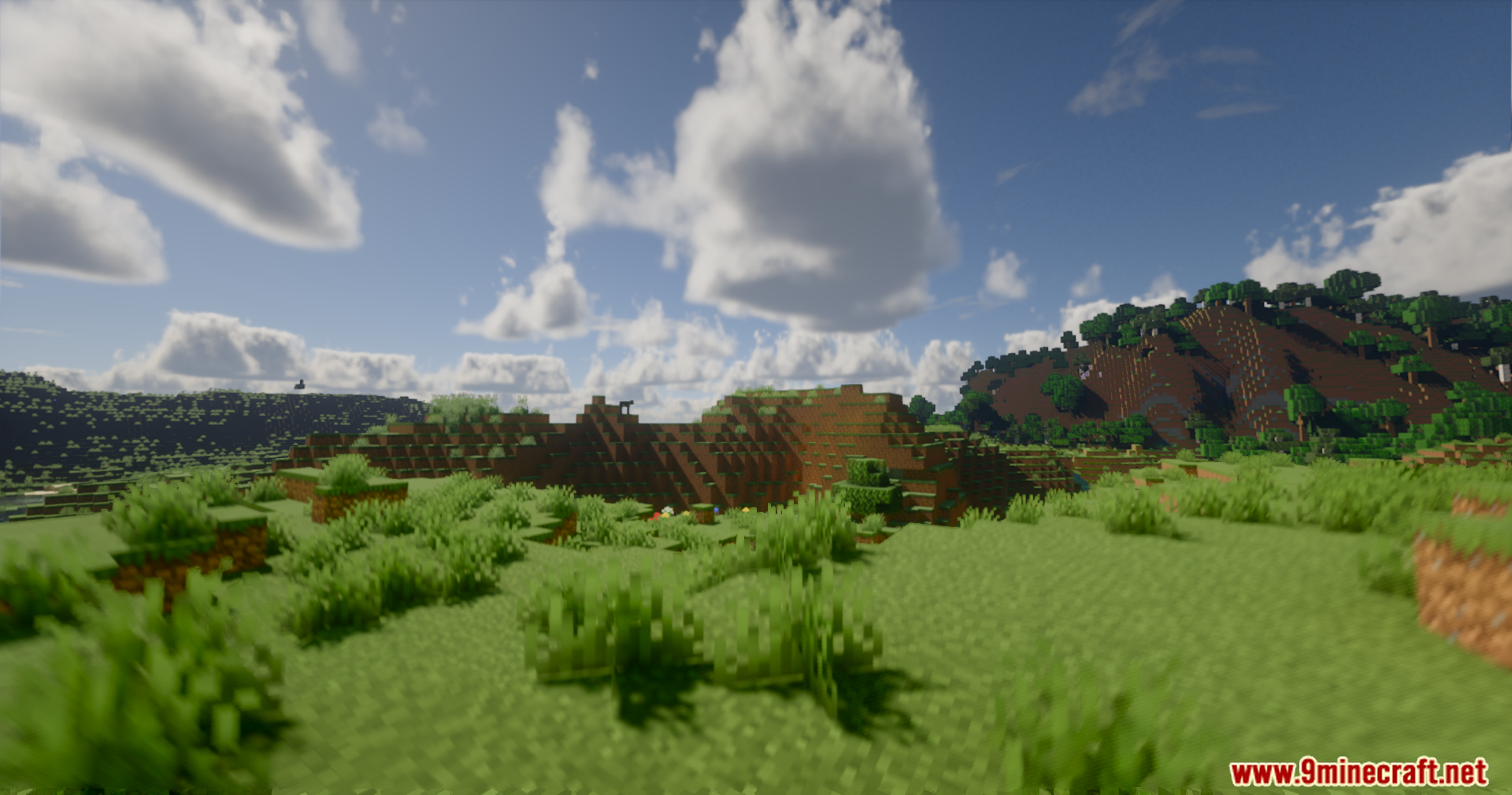
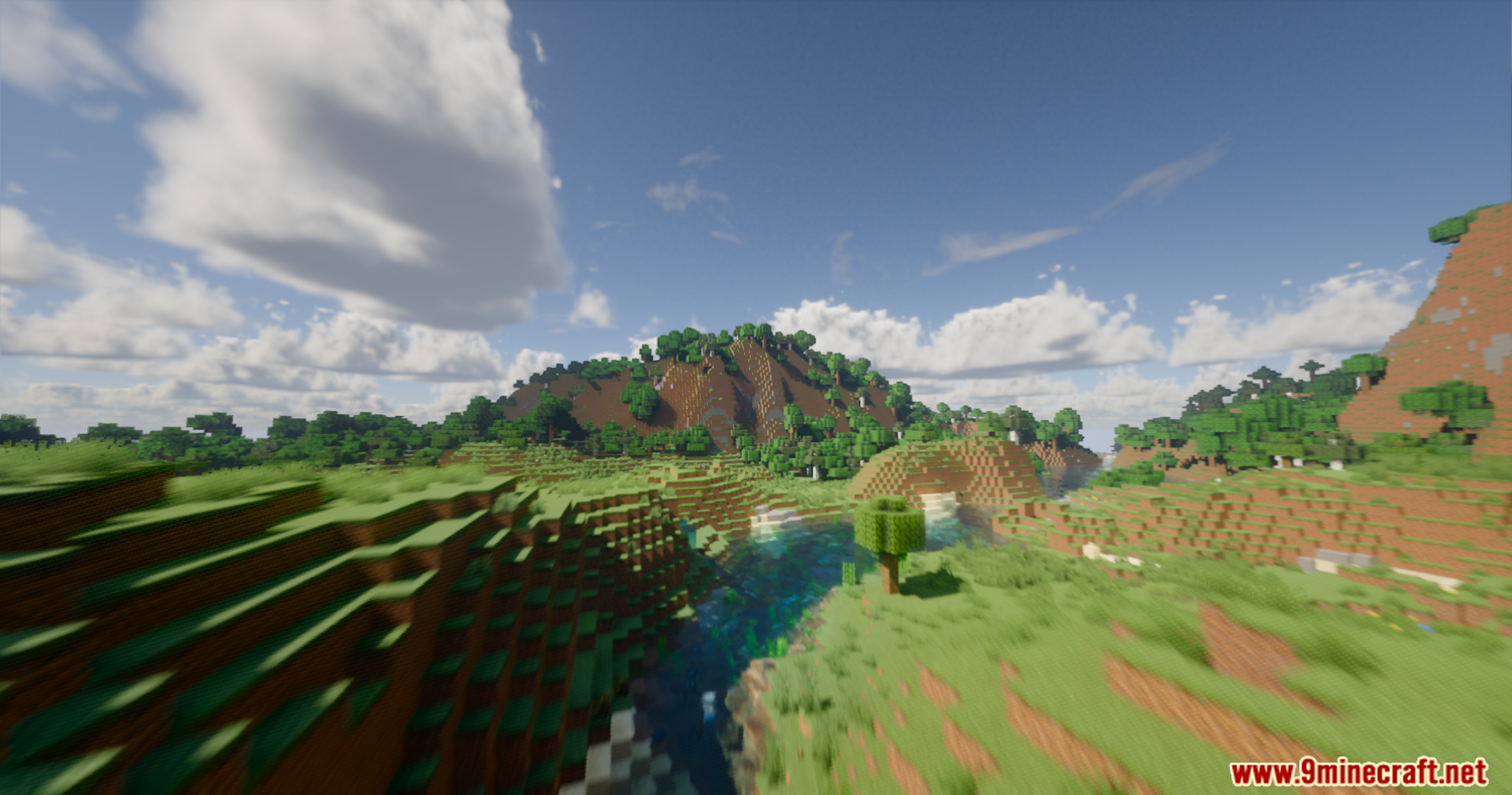
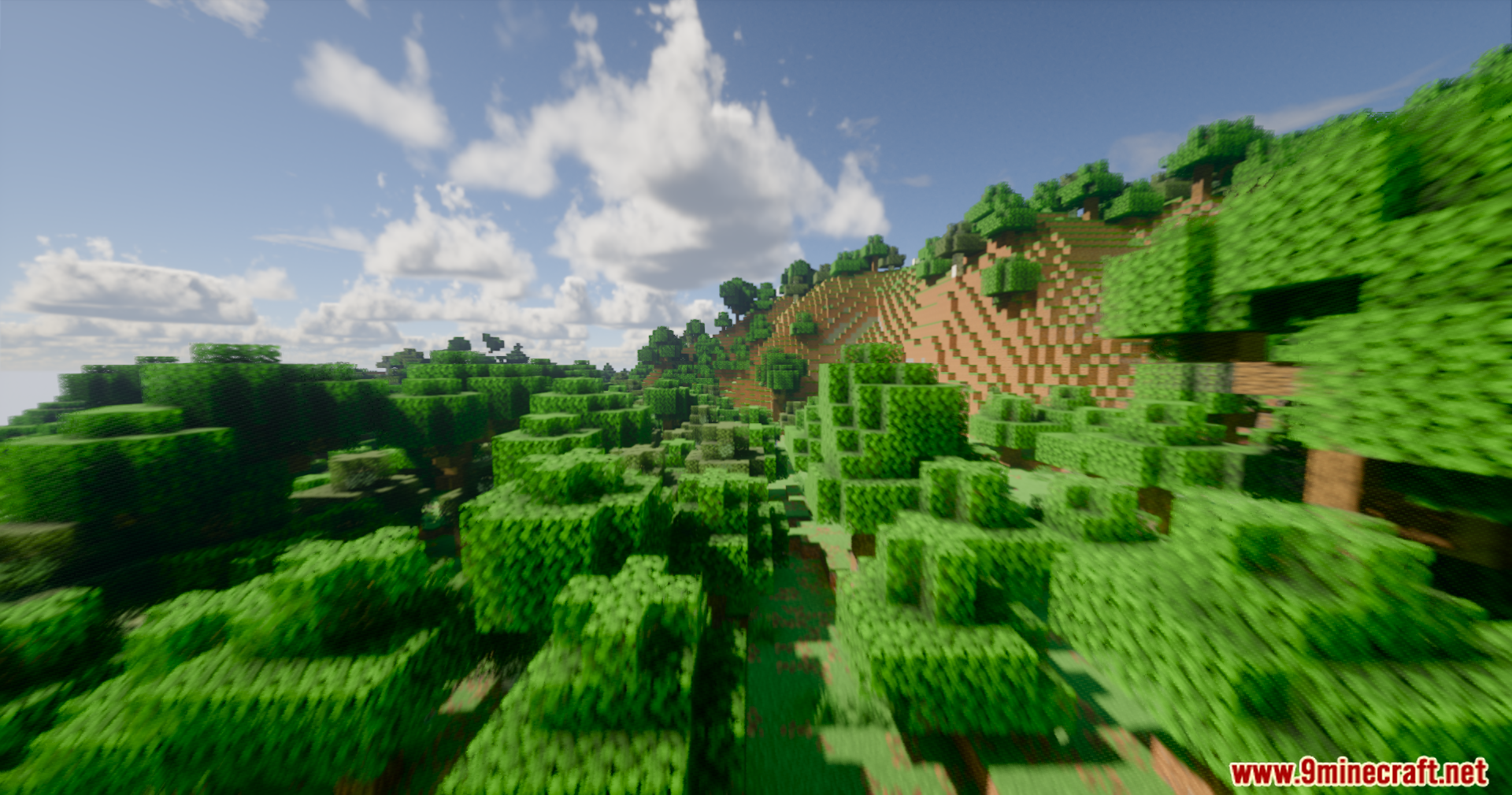
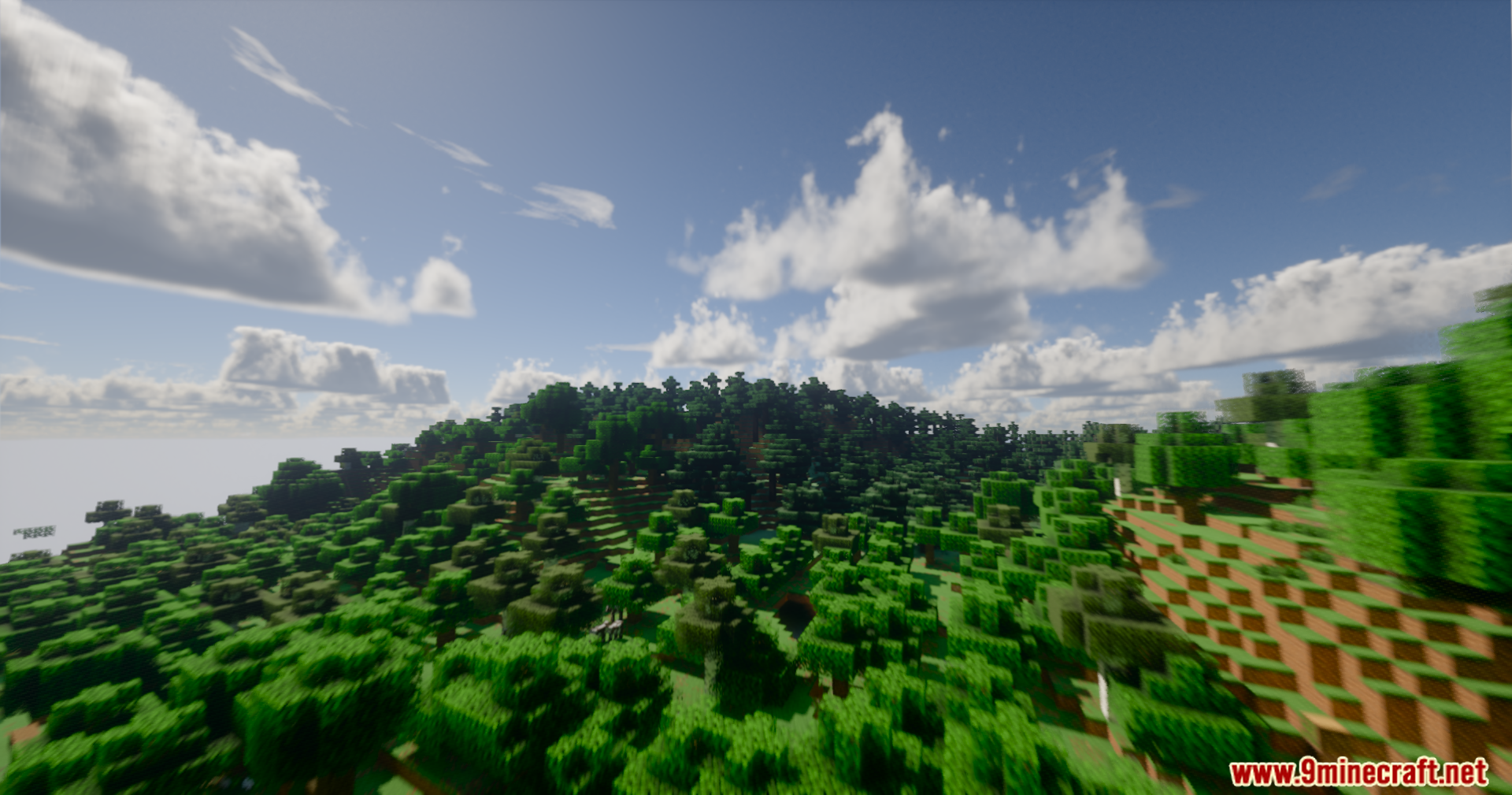
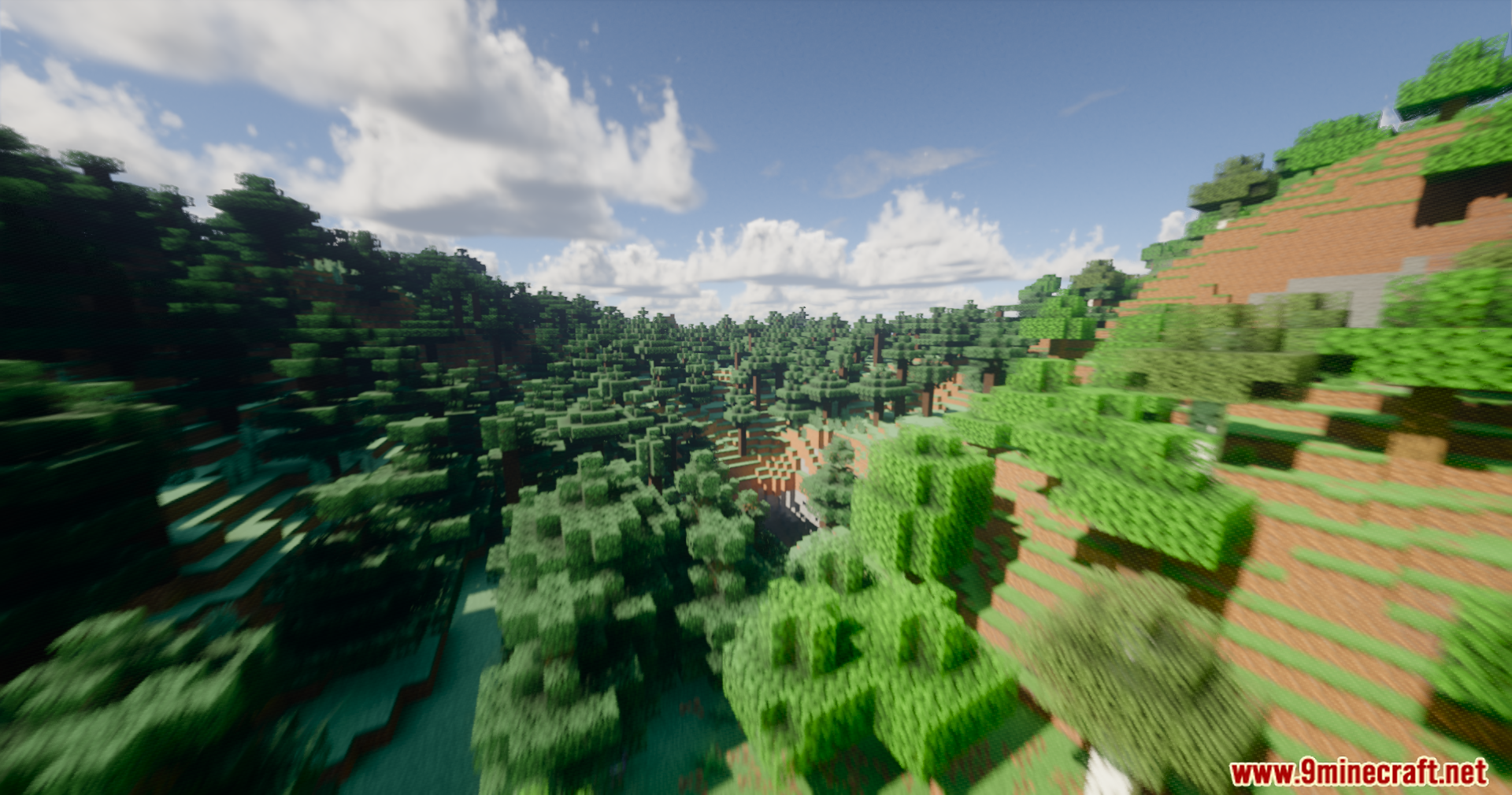
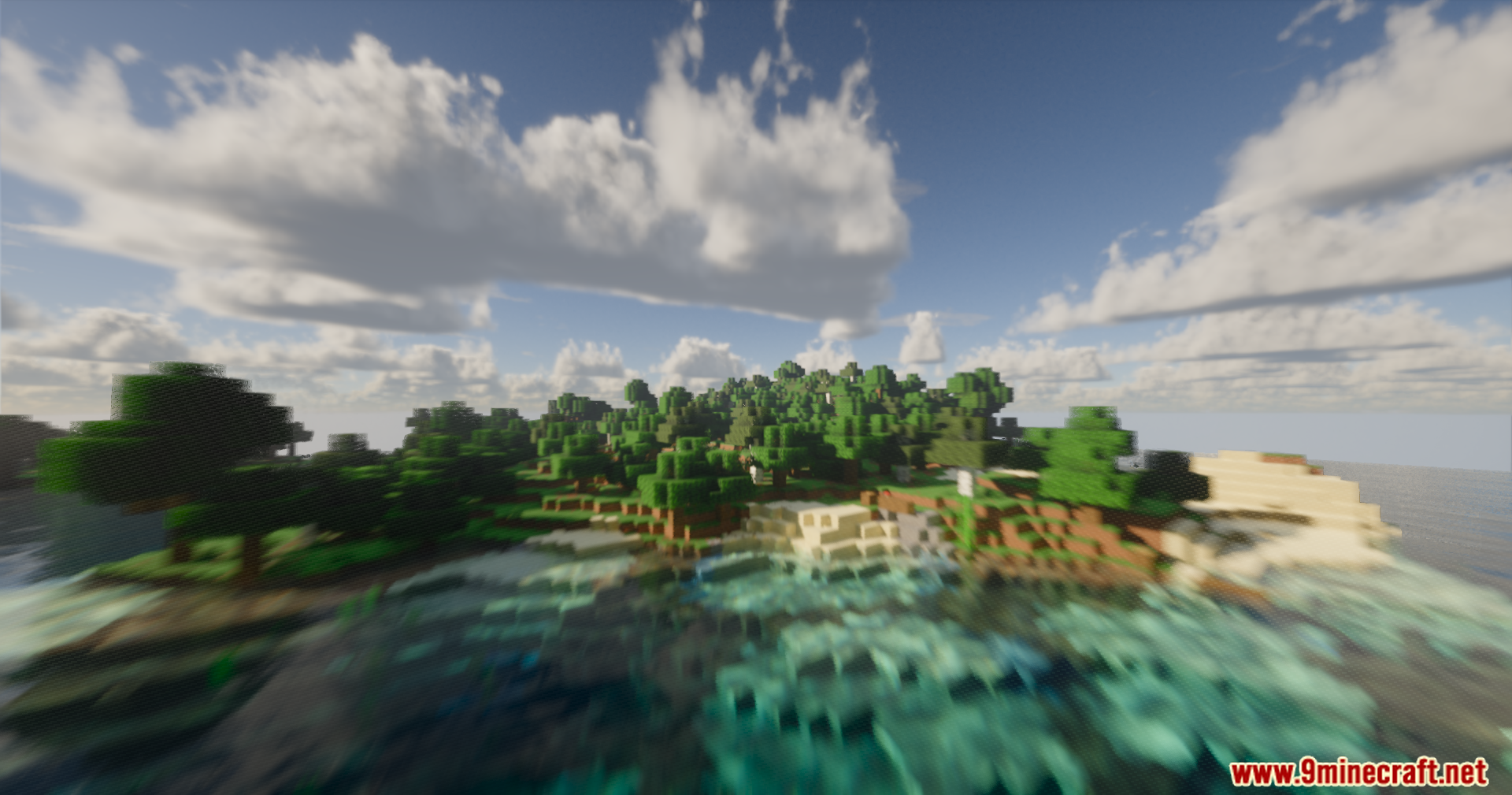
11 images from the Serendipity Shaders page.
You May Also Like
Wikis that share the most with this one
Wikis on the same theme: end
More shader wikis on the site
 Rivet Lite Animatic 1 Shaders
The most downloaded mods that have a wiki here