

 DownloadSalicylic Shaders
Get the files on 9Minecraft
Guides
Step-by-step, in-game.
Adjust Shadow Intensity and SoftnessAccess Shader Settings Open the shader options menu by pressing the designated key (usually Right Shift or via the…Enhance Water Visuals and ReflectionsLocate Water Settings Access the shader configuration menu and find the water or reflection section. Salicylic…Maintain Visual Clarity While Mining UndergroundUnderstand Shader Behavior in Caves Salicylic Shaders applies cinematic lighting globally, which can make caves…Optimize Sky and Cloud AppearanceOpen Sky Configuration Access shader settings and navigate to the sky or atmosphere section. Salicylic Shaders allows…
Frequently asked questions
How do I enable Salicylic Shaders after installing it?
Open your Video Settings in-game, navigate to Shaders, and select Salicylic Shaders from the list. The shaders will apply immediately to your world.
Why does my world look too dark or too bright with this shader?
Adjust the brightness and contrast settings in the shader options menu (accessed via Video Settings > Shaders > Shader Options). You can also modify exposure and gamma values to match your monitor and lighting preference.
Can I use Salicylic Shaders with other visual mods like Optifine or Sodium?
Salicylic Shaders is compatible with most optimization mods, but you should use either Optifine or Sodium (not both) as your rendering backend. Check the mod's documentation for your specific version to confirm compatibility.
My shadows look blocky or pixelated. How do I fix this?
Increase the shadow map resolution in the shader settings—higher values create smoother, more detailed shadows but require more GPU power. You can also enable shadow softness to blend shadow edges more naturally.
See all 10 Salicylic Shaders questions ›
Gallery
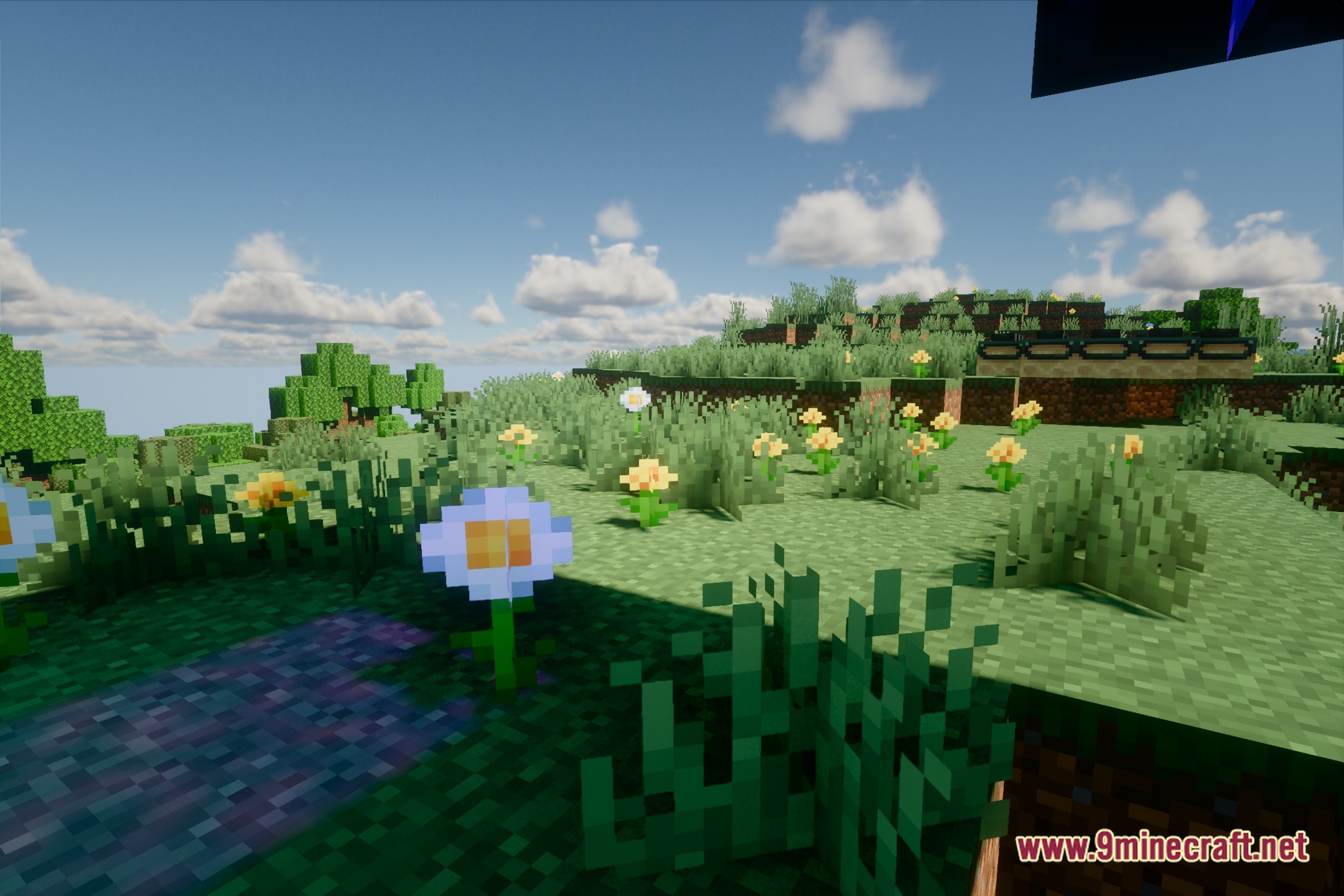
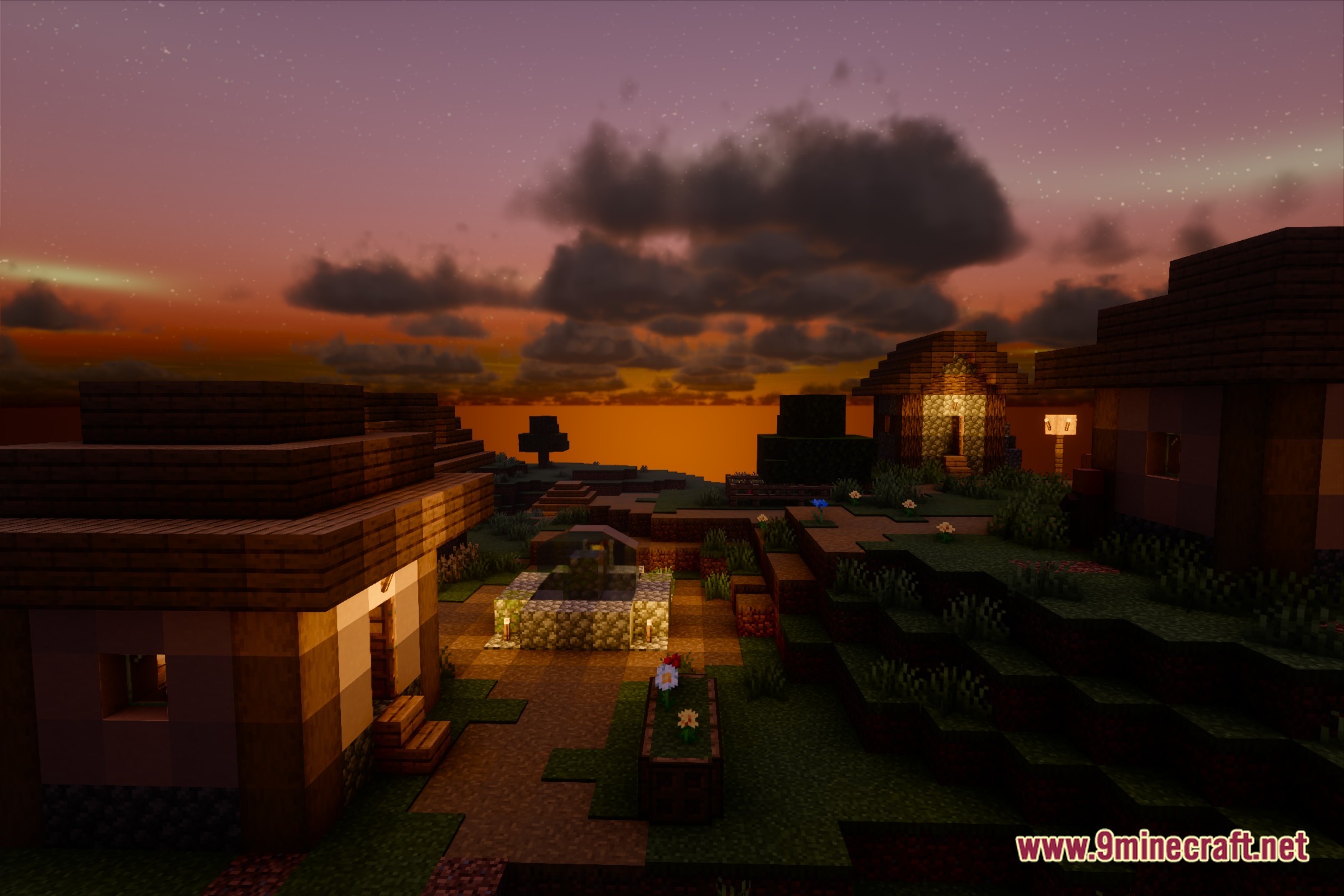
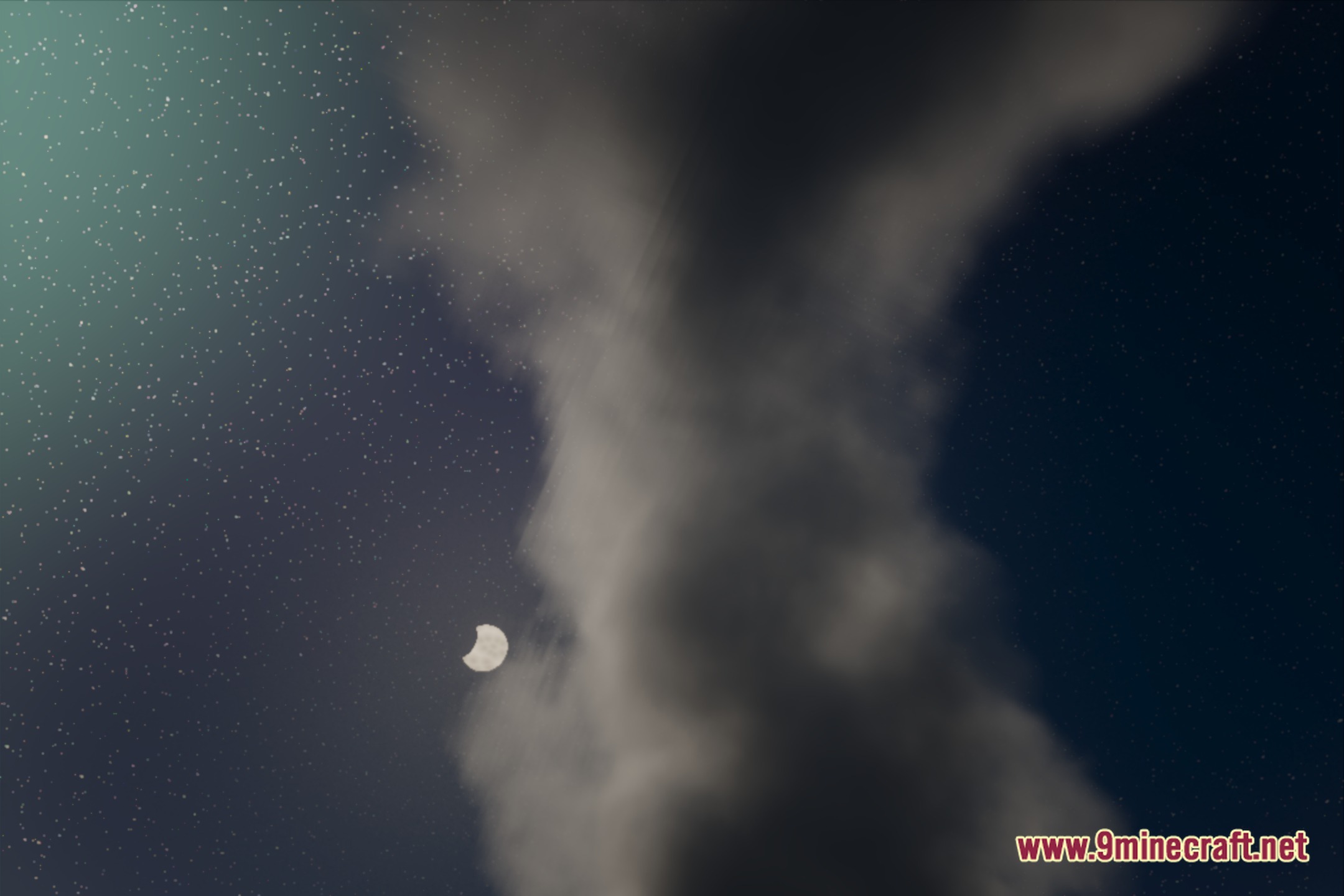
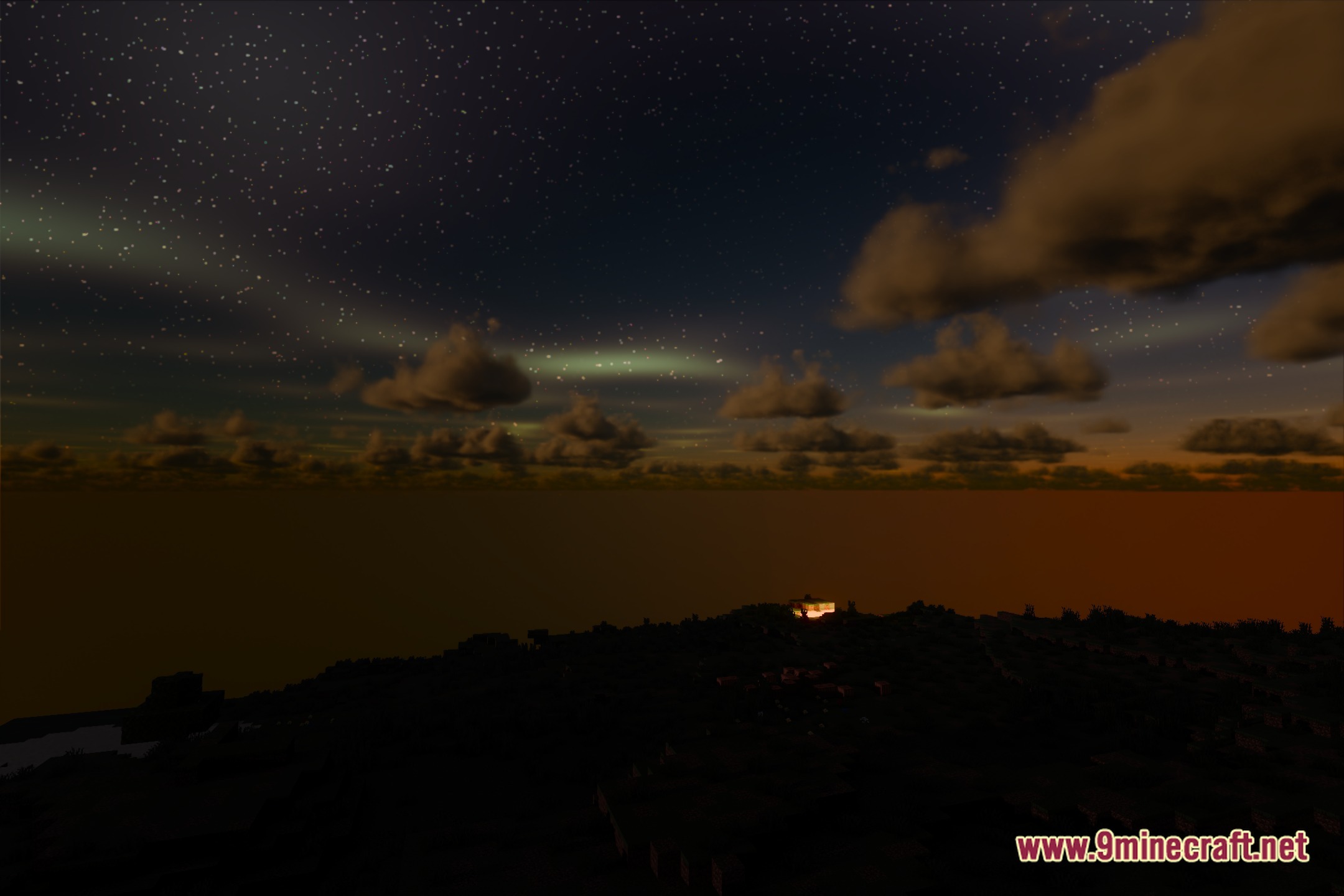
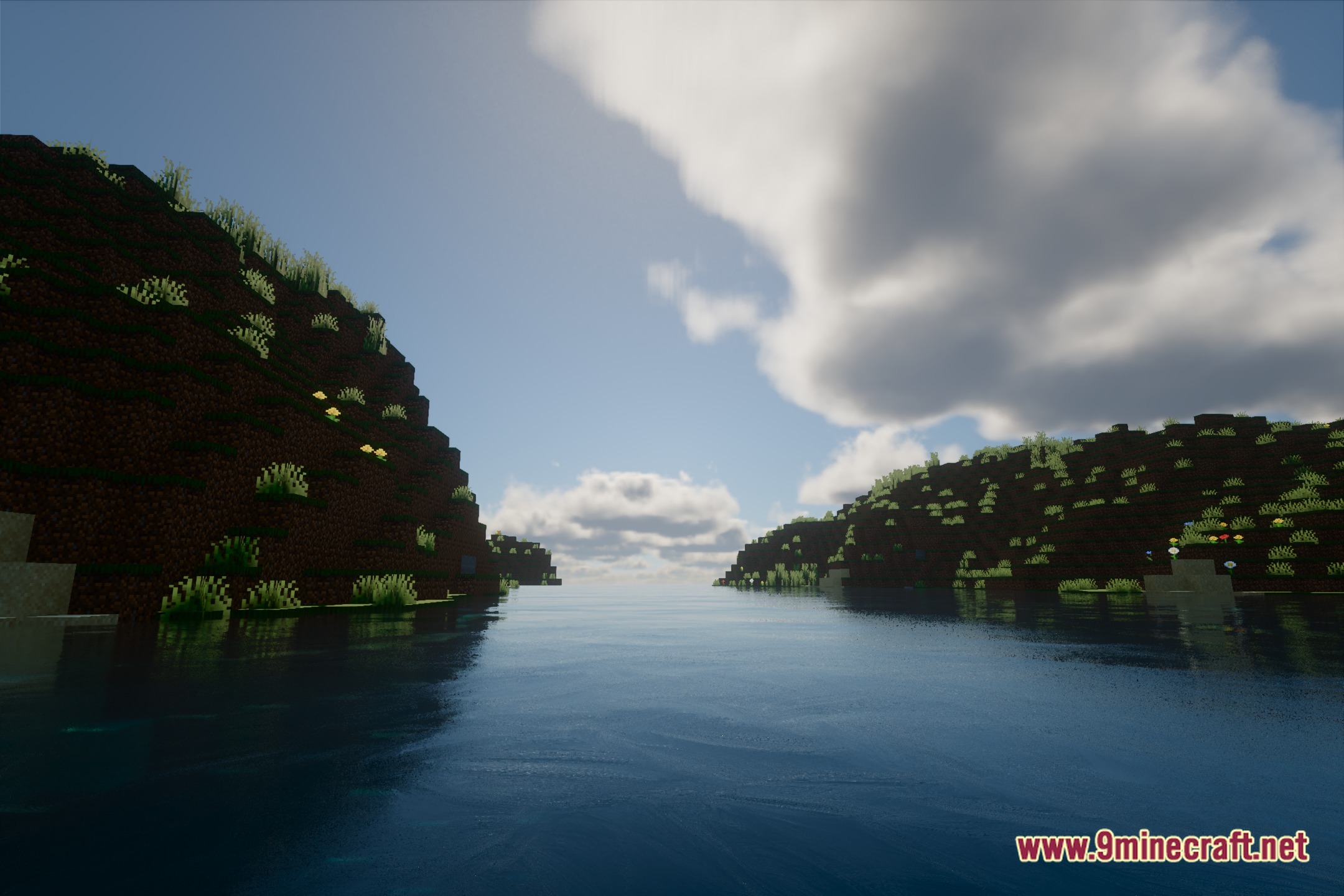
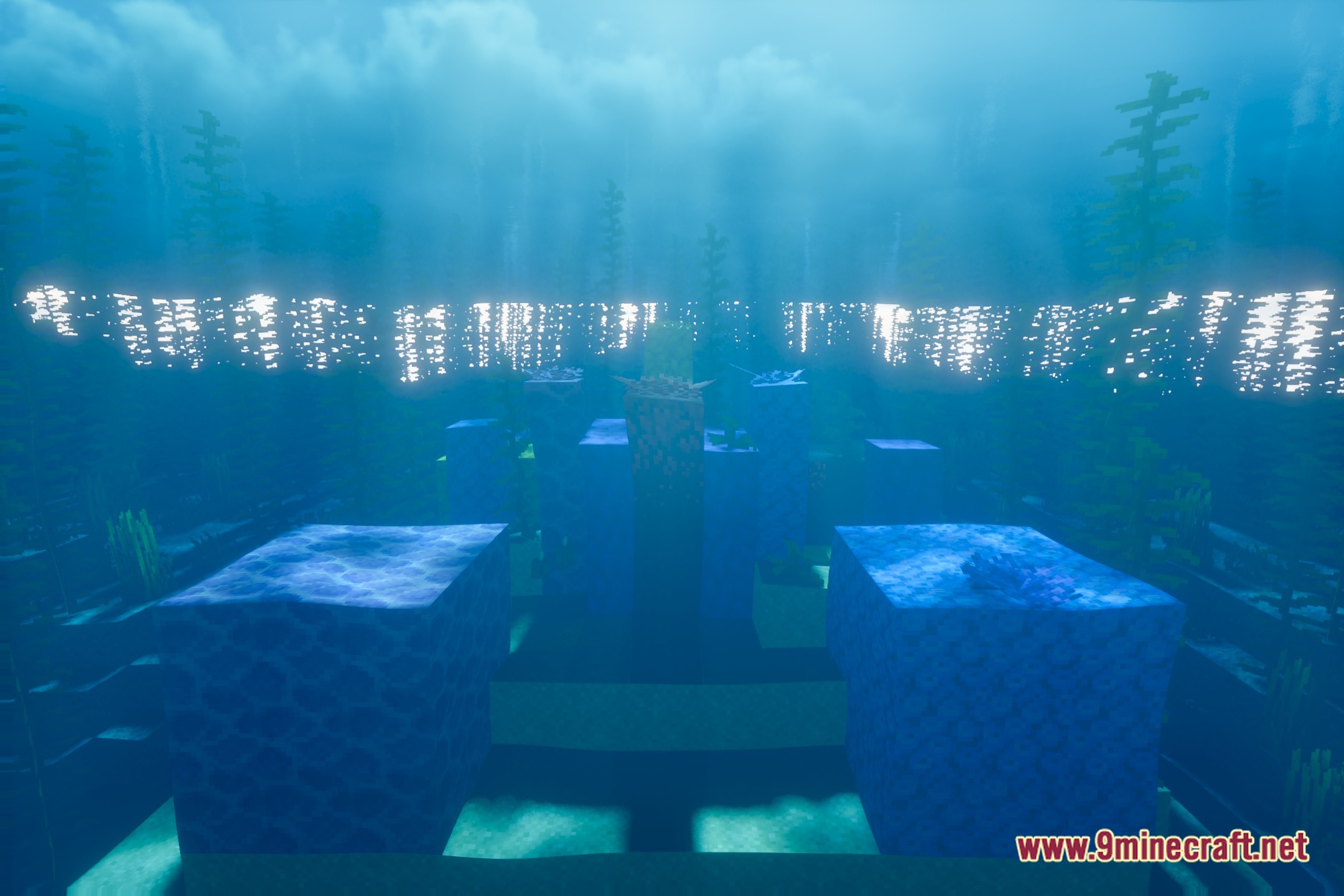
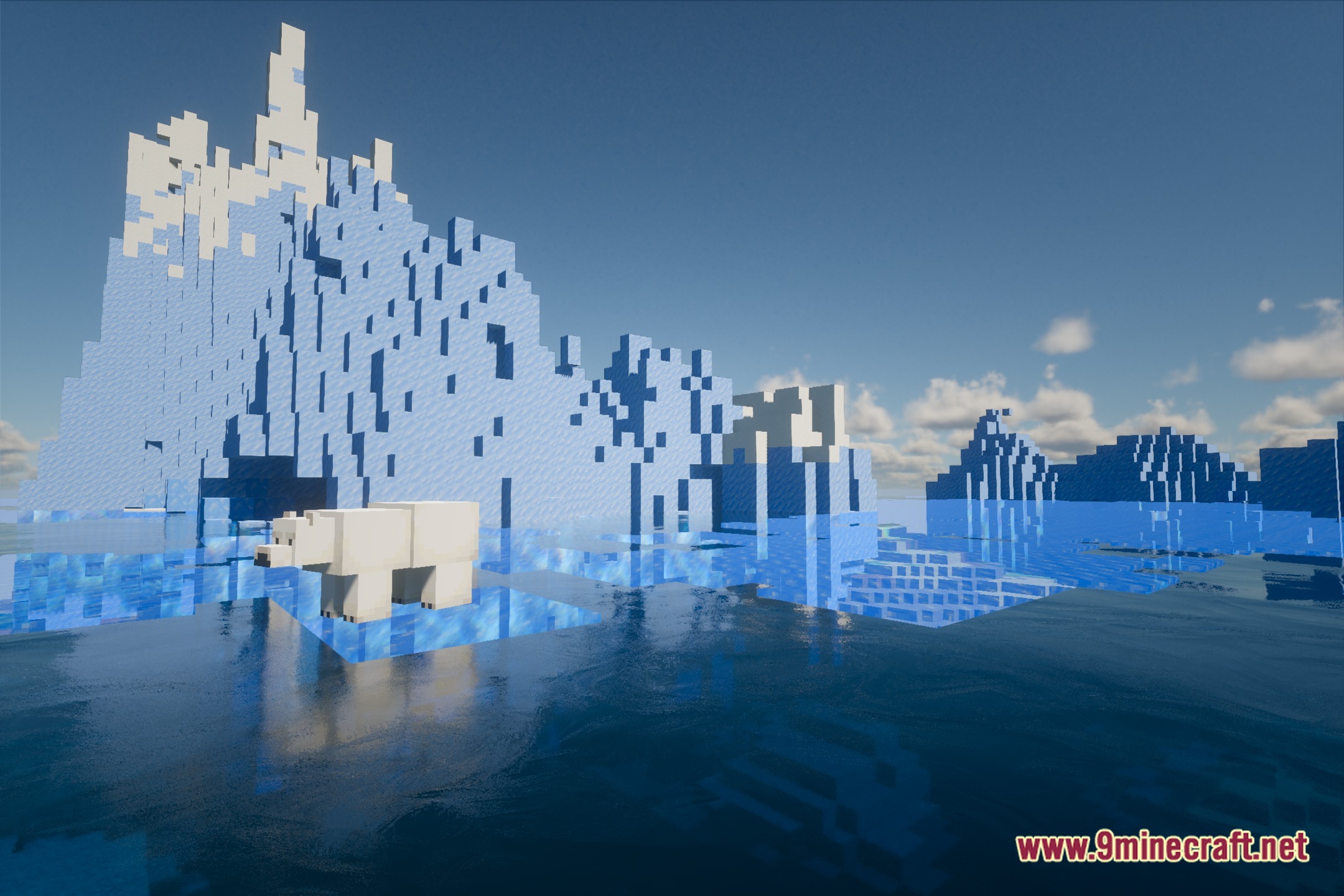
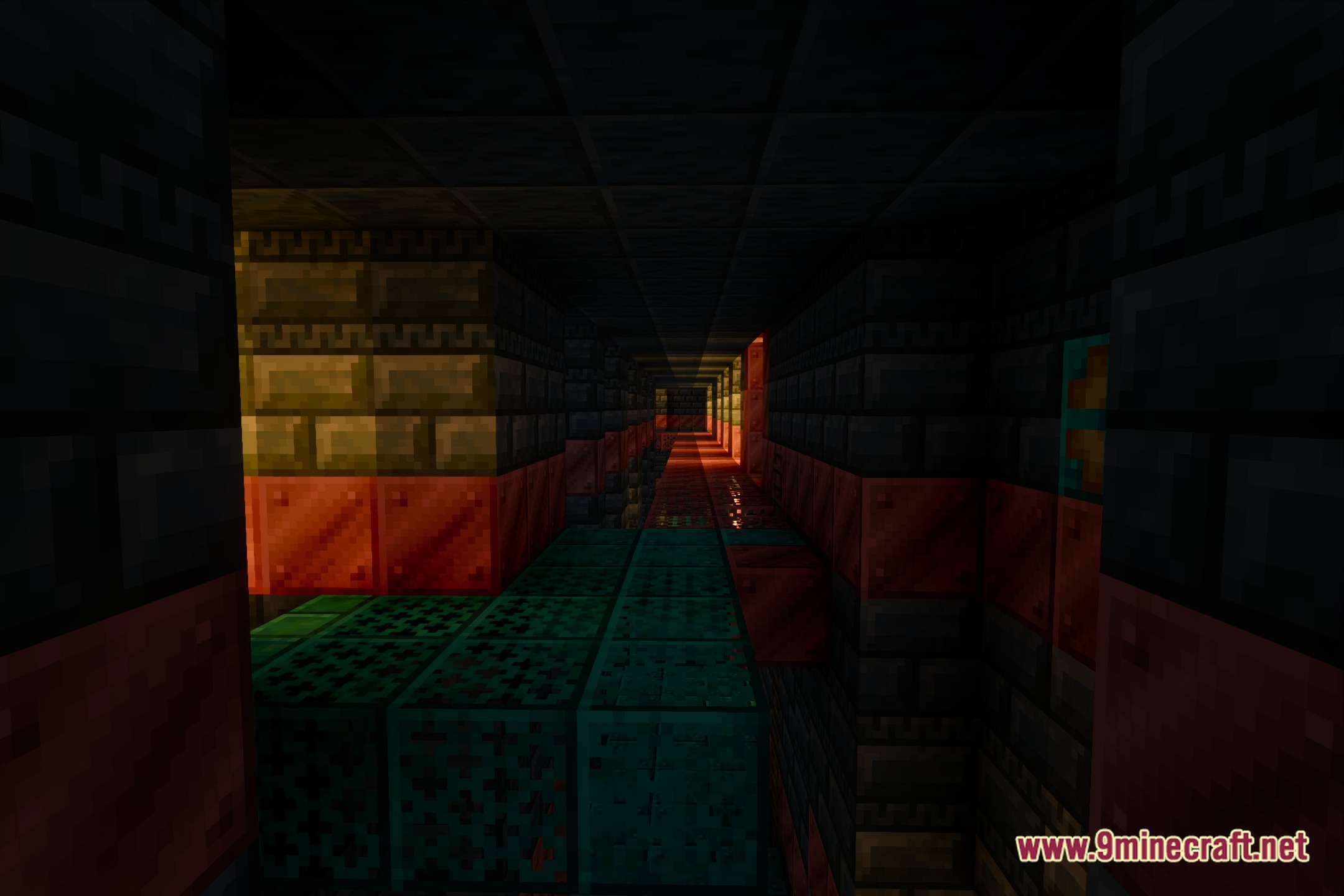
12 images from the Salicylic Shaders page.
You May Also Like
Wikis that share the most with this one
Wikis on the same theme: light
More shader wikis on the site
 Rivet Lite Animatic 1 Shaders
 RenderKit Utilities Shaders
The most downloaded mods that have a wiki here