

 DownloadSaturation Test3 Shaders
Get the files on 9Minecraft
Guides
Step-by-step, in-game.
Achieve a Cartoon or Fantasy Visual StyleUnderstand the Shader's Aesthetic Saturation Test3 Shaders enhances color vibrance to create a clean, stylized look…Adjust Saturation Levels for Your Preferred LookAccess Shader Settings Open your shader options menu while in-game. This is typically found in Video Settings under…Optimize Shader Performance on Low-End HardwareVerify Shader is Active Confirm Saturation Test3 Shaders is selected in Video Settings > Shaders. The mod is designed…Troubleshoot Color Banding or Unnatural ColorsIdentify the Problem Color banding appears as visible stripes or gradients where smooth color transitions should…
Frequently asked questions
How do I enable the shader after installing it?
Open your Options menu in-game, navigate to Video Settings, then look for Shaders. Select Saturation Test3 Shaders from the list and apply. The changes take effect immediately.
Where do I find the saturation adjustment settings?
Once the shader is active, go to Video Settings > Shaders > Shader Options to access saturation and vibrance sliders. You can adjust these in real-time and see changes reflected in your world instantly.
Will this shader work with other visual mods like Optifine or Sodium?
Saturation Test3 Shaders is designed to work alongside most optimization mods, but compatibility depends on your specific setup. Test it with your current mods enabled; if you experience conflicts, try disabling other visual enhancement mods first.
My colors look washed out or too intense. How do I fix this?
Adjust the saturation slider down for washed-out colors or up if they're too intense. If colors appear unnatural or banded, lower the vibrance setting slightly to smooth the transition between color tones.
See all 10 Saturation Test3 Shaders questions ›
Gallery
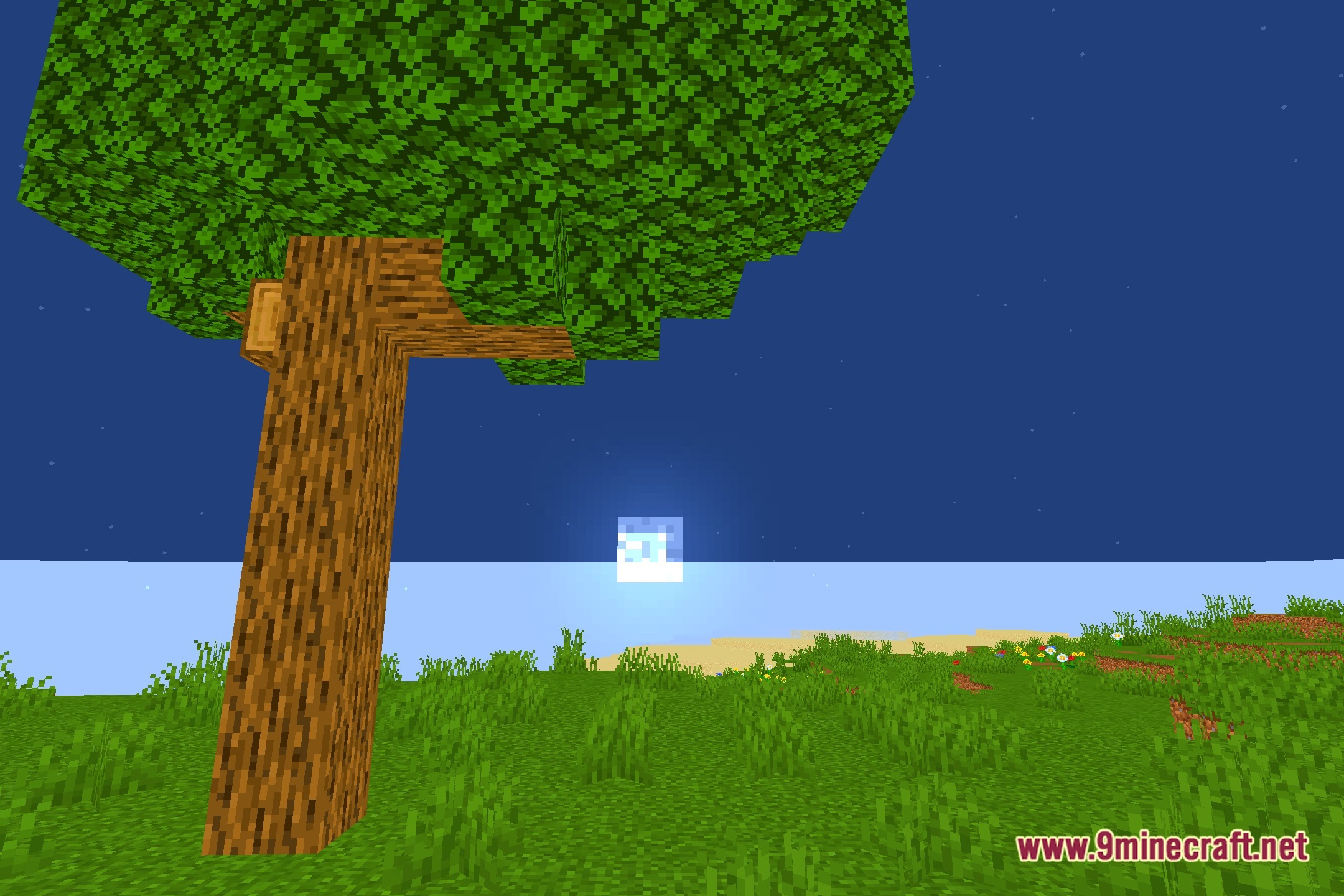
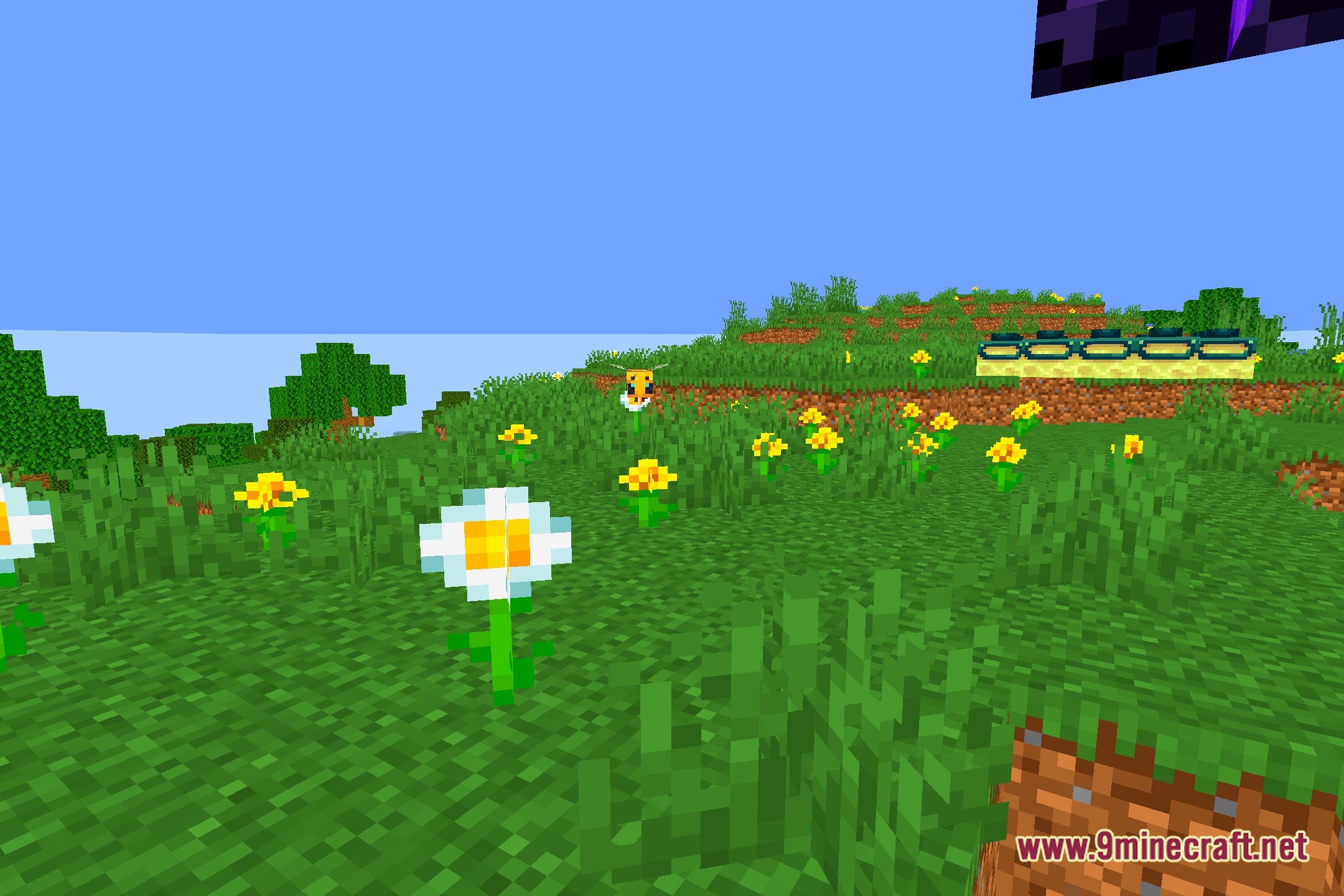
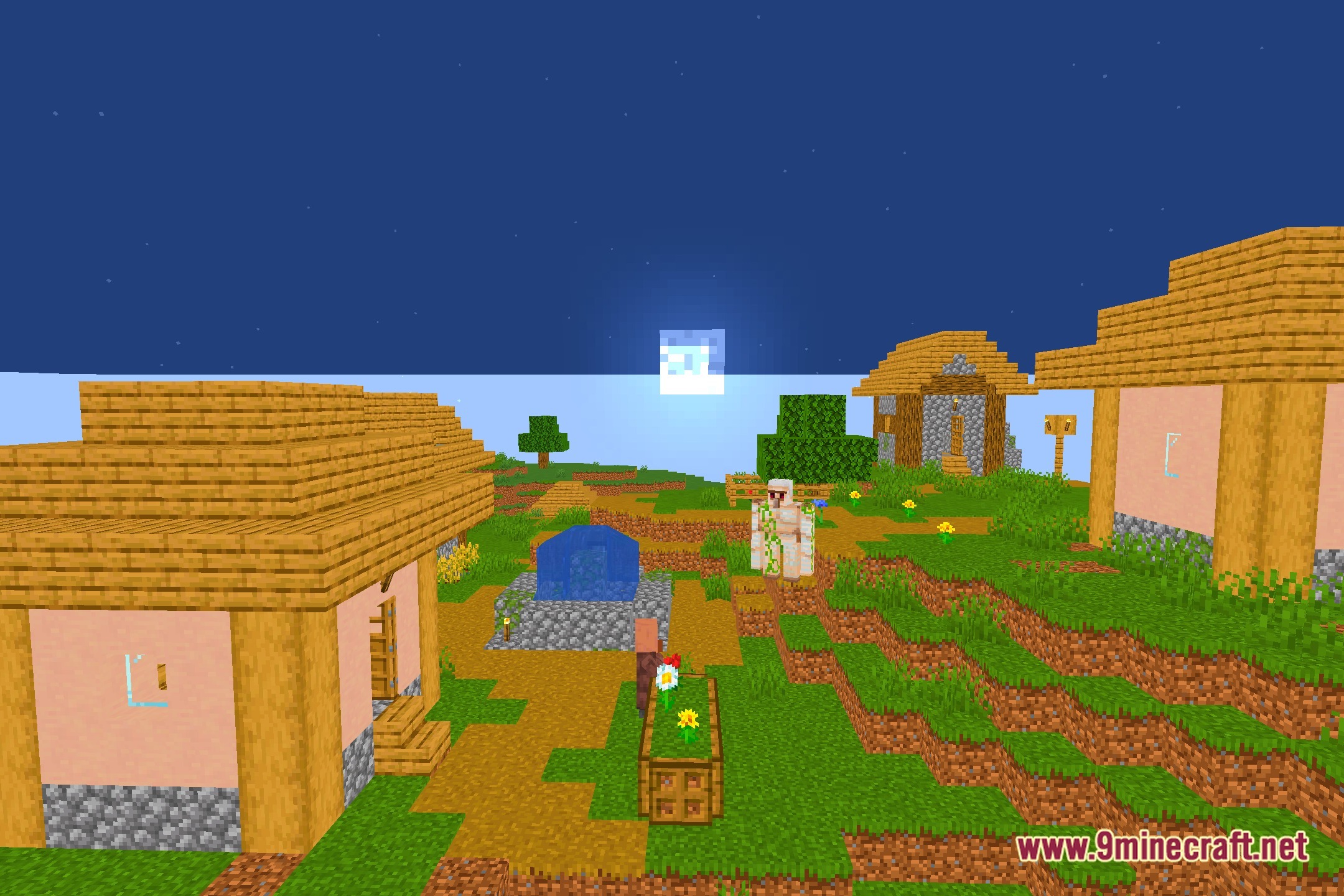
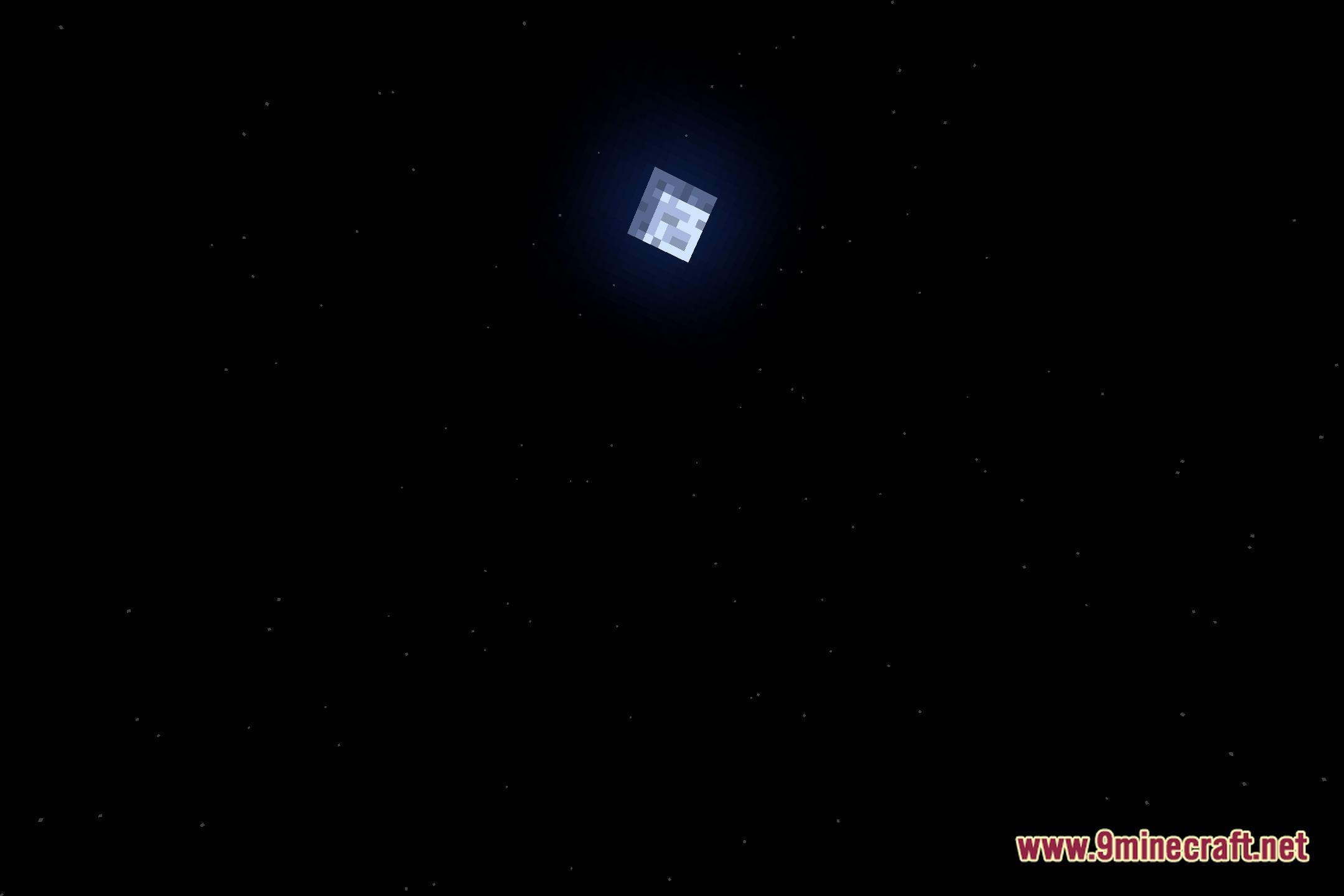
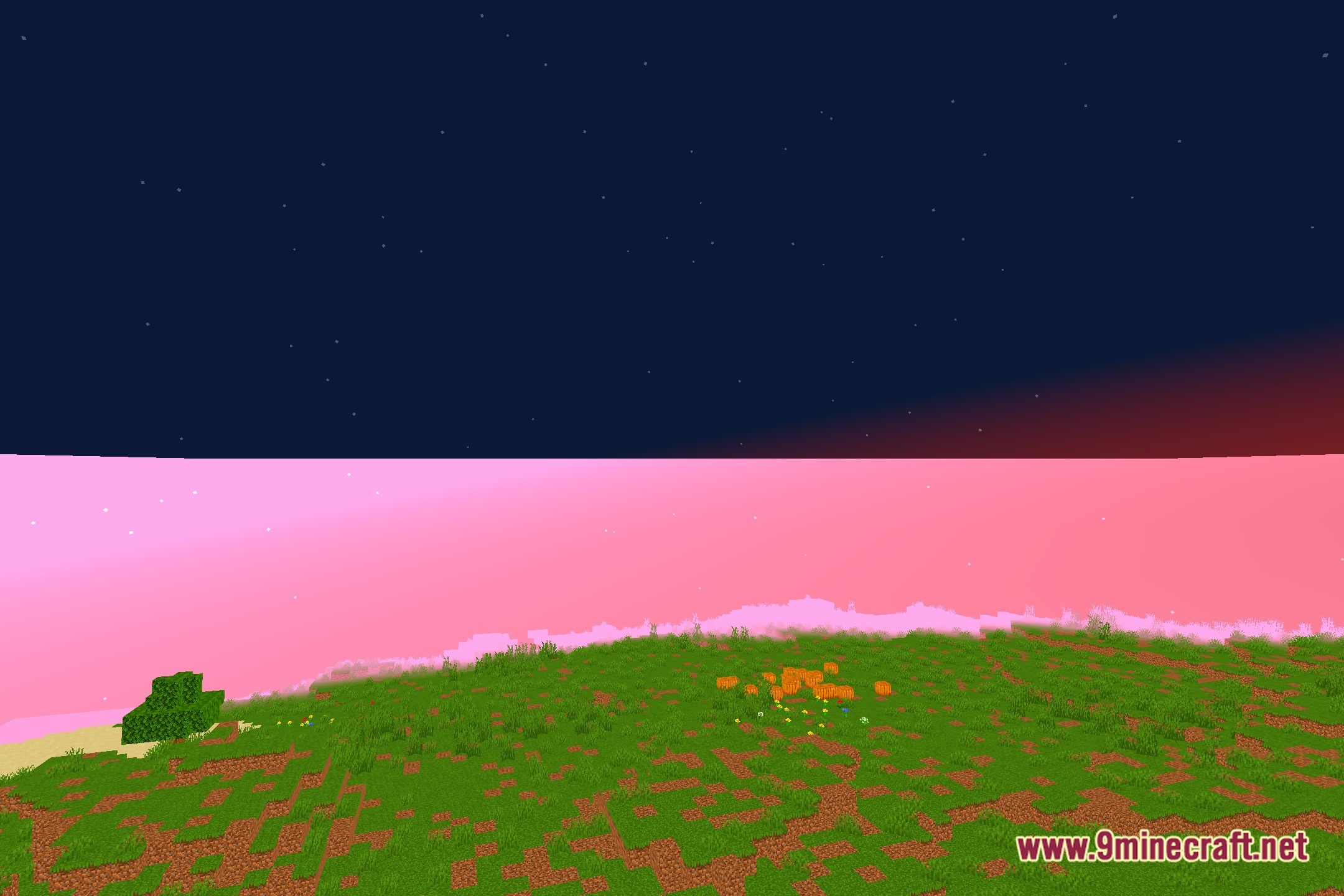
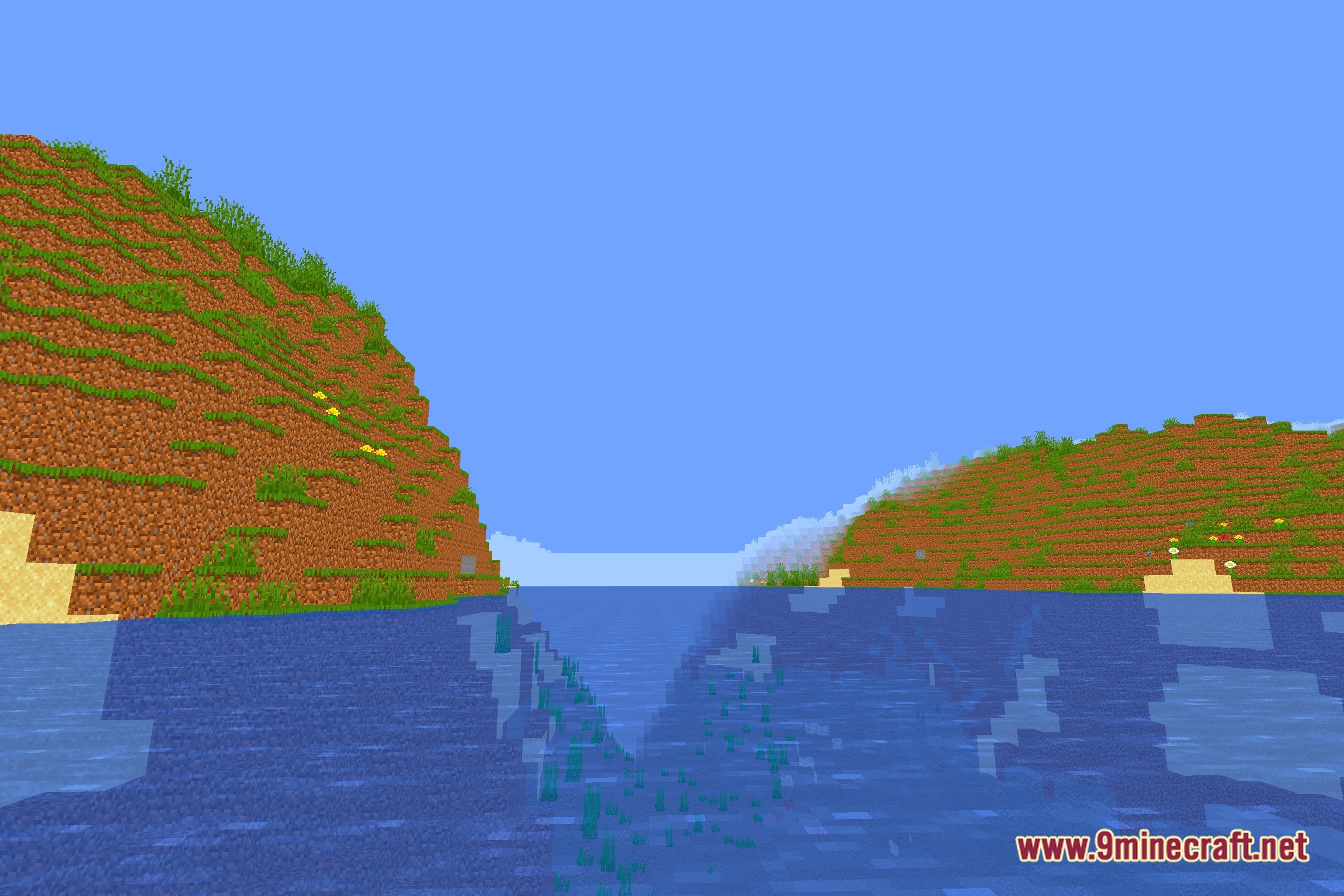
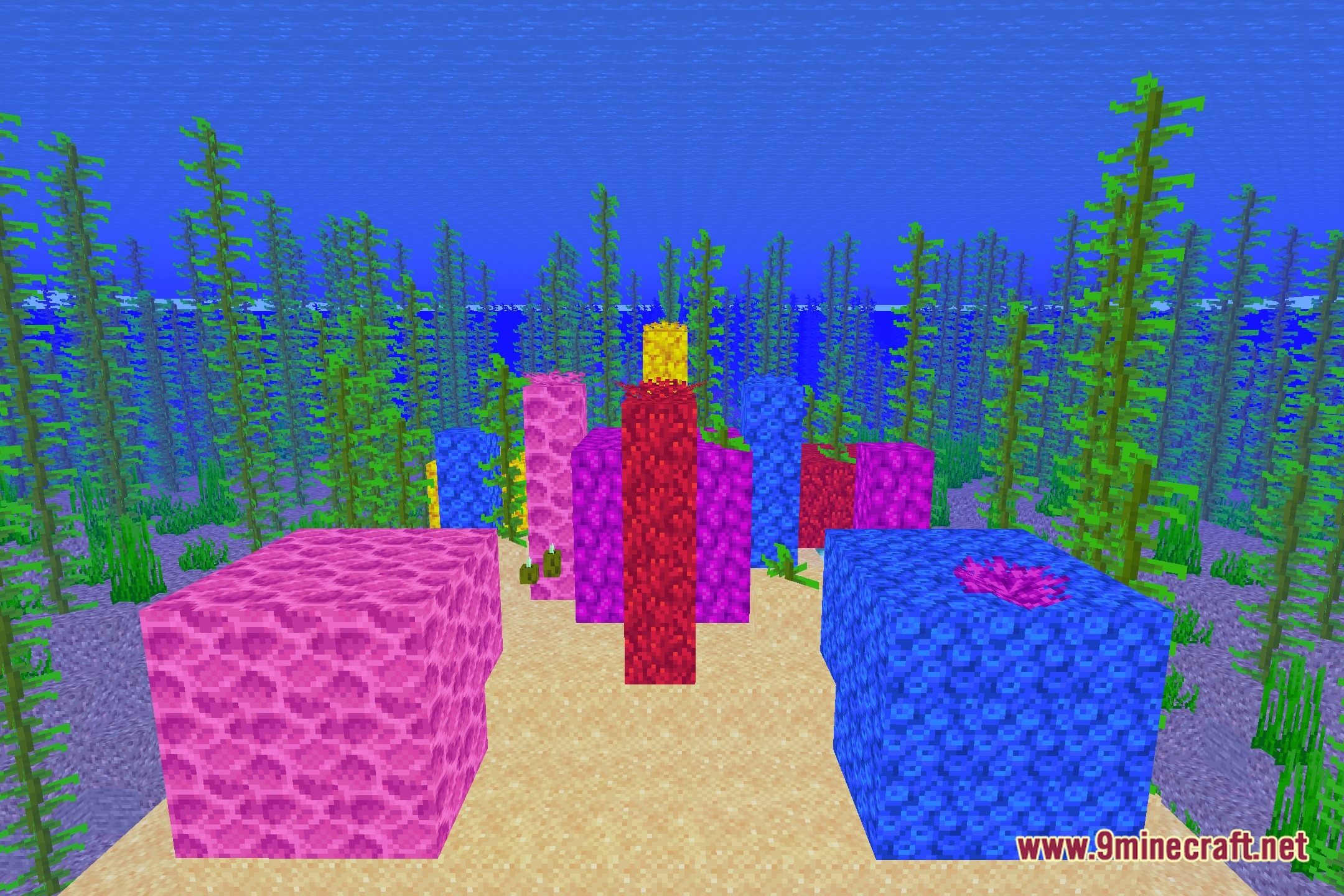
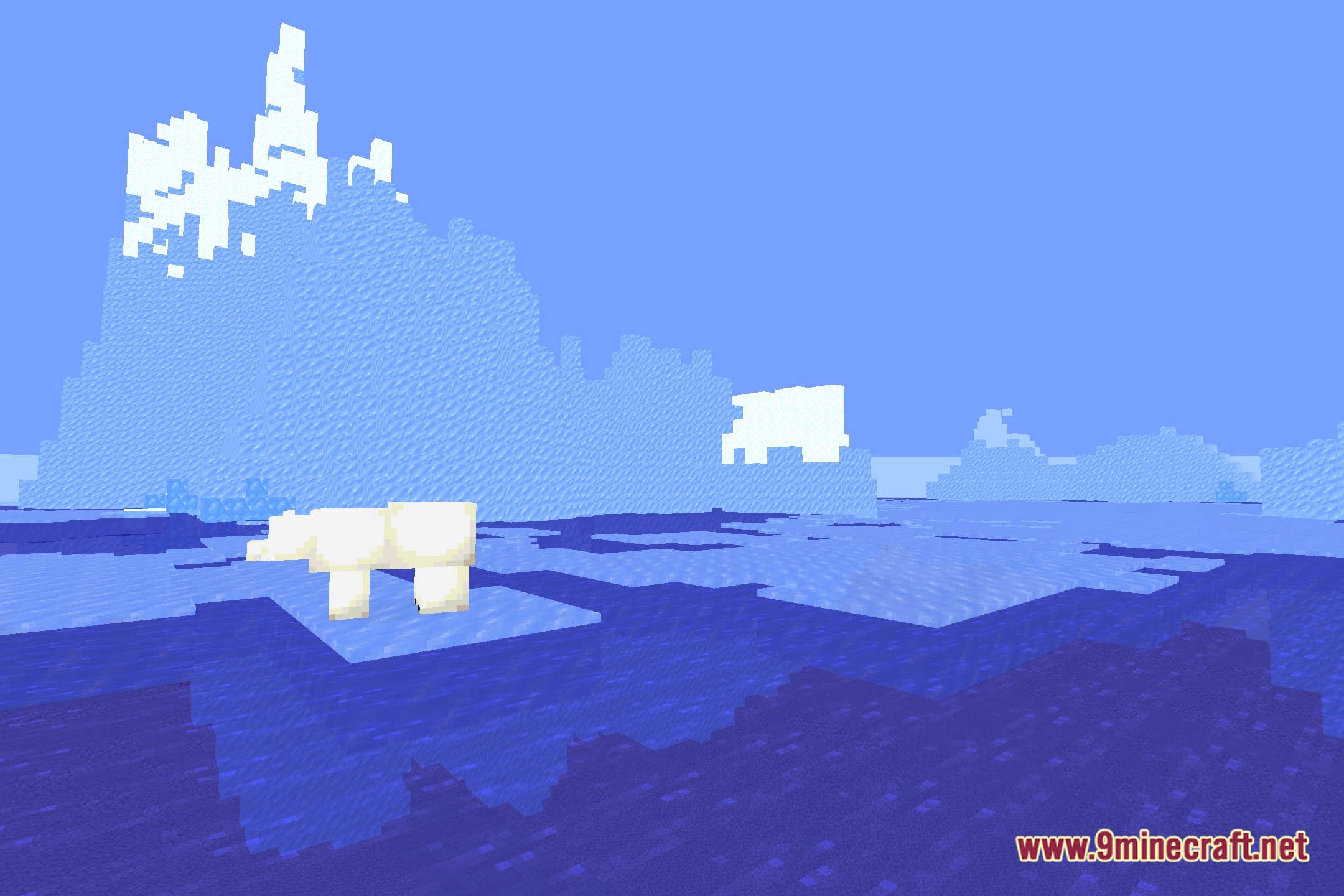
12 images from the Saturation Test3 Shaders page.
You May Also Like
Wikis that share the most with this one
 Depth of Field Test3 Shaders
Wikis on the same theme: level
 Simple Brightness Shaders
More shader wikis on the site
 Rivet Lite Animatic 1 Shaders
The most downloaded mods that have a wiki here
A few wikis from each of the other kinds