

 DownloadNo Cubes Shaders
Get the files on 9Minecraft
Guides
Step-by-step, in-game.
Combine No Cubes Shaders with Resource PacksCompatibility Considerations No Cubes Shaders works alongside resource packs, but the combination affects how…Configure Smoothness and Curvature SettingsAdjusting the Shader Options No Cubes Shaders includes configurable settings to control how rounded your world…Optimize Performance with No Cubes ShadersUnderstanding Performance Impact No Cubes Shaders adds computational overhead by recalculating geometry for every…Troubleshoot Visual Glitches and ArtifactsCommon Issues and Solutions Z-Fighting or Flickering Surfaces : This occurs when rounded geometry creates overlapping…
Frequently asked questions
How do I turn on No Cubes Shaders after installing it?
Open your shader settings menu in-game (usually accessed through Video Settings), find the shader pack list, and select No Cubes Shaders from the available options. The effect applies immediately to your world.
Why do some blocks still look cubic or angular?
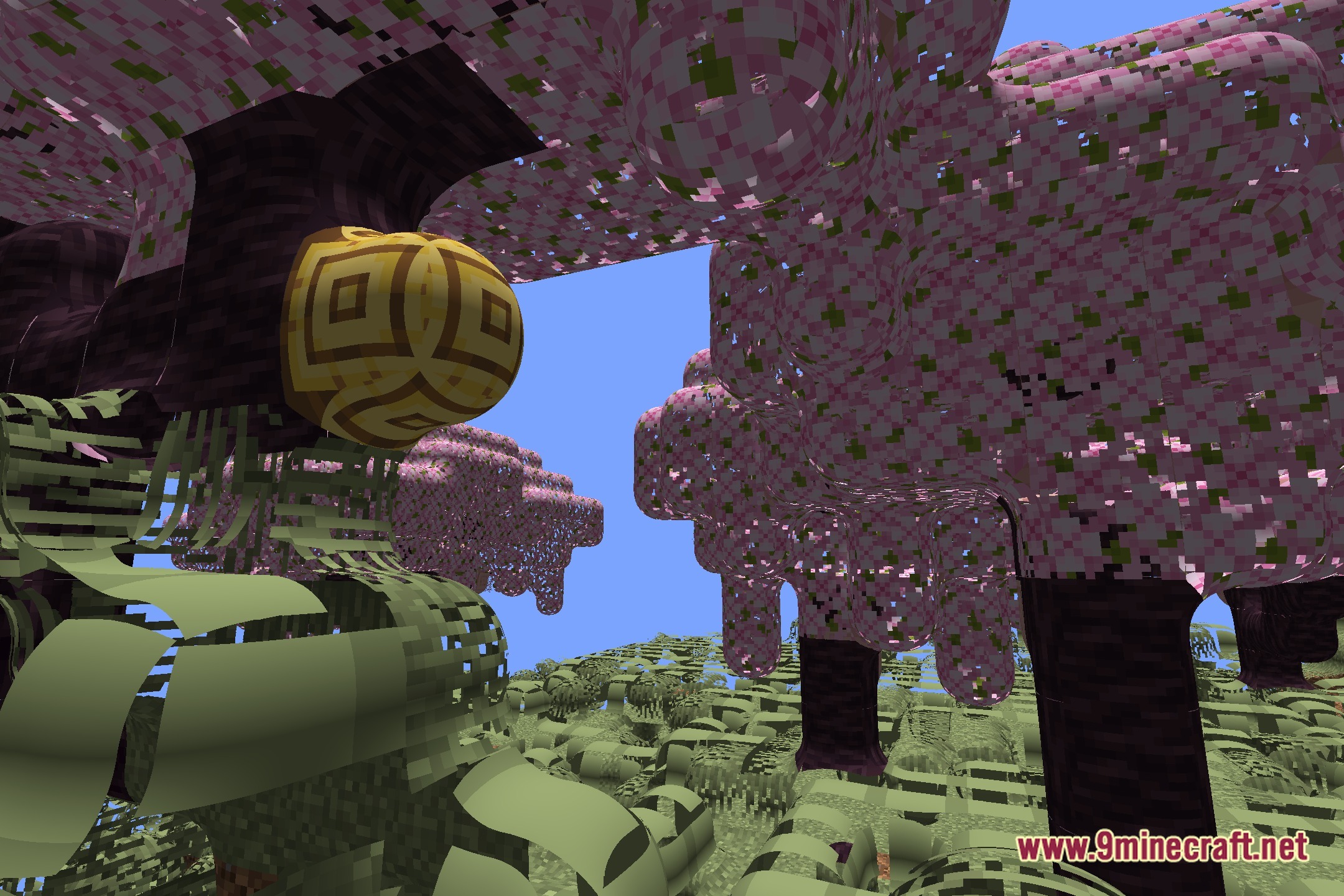
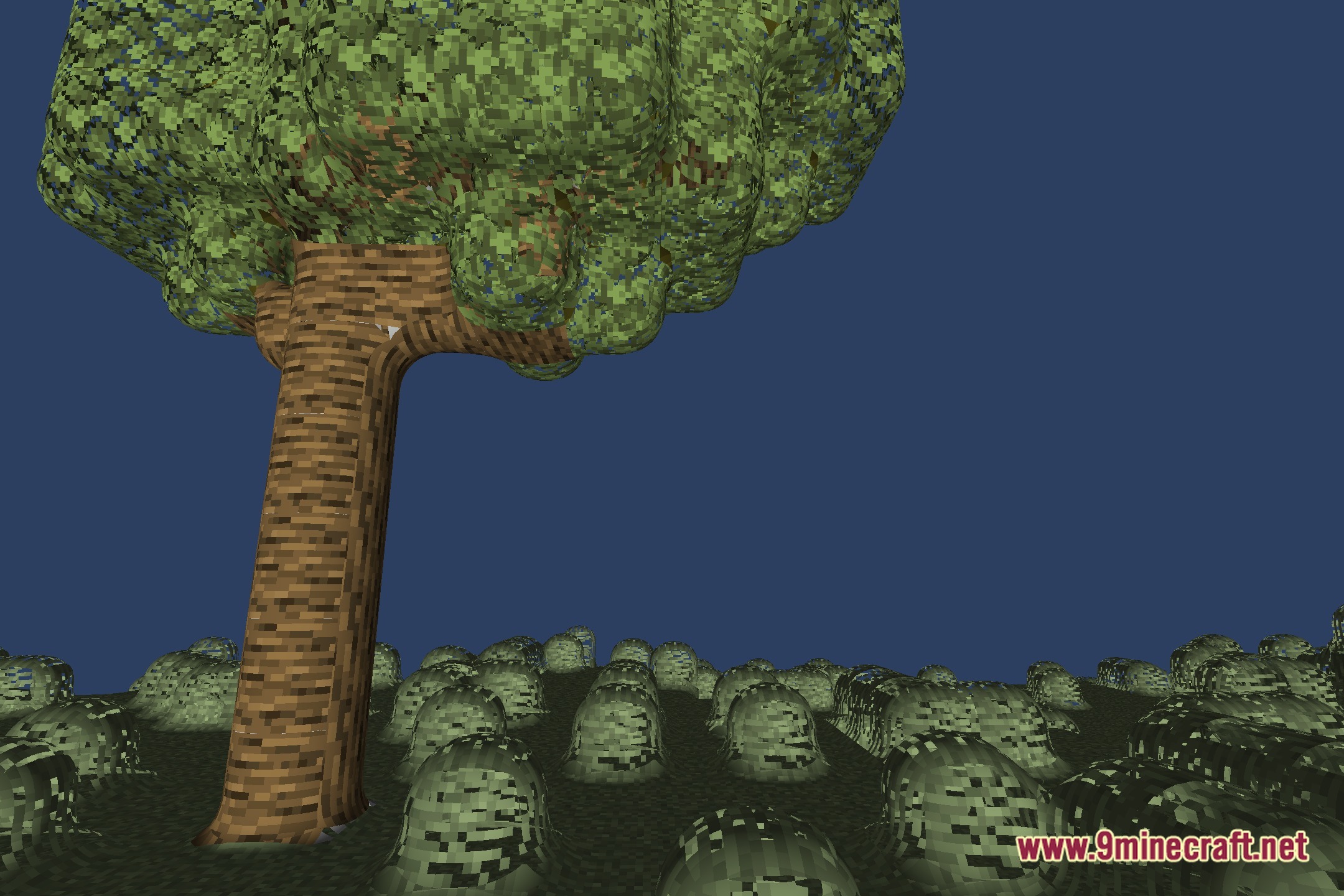
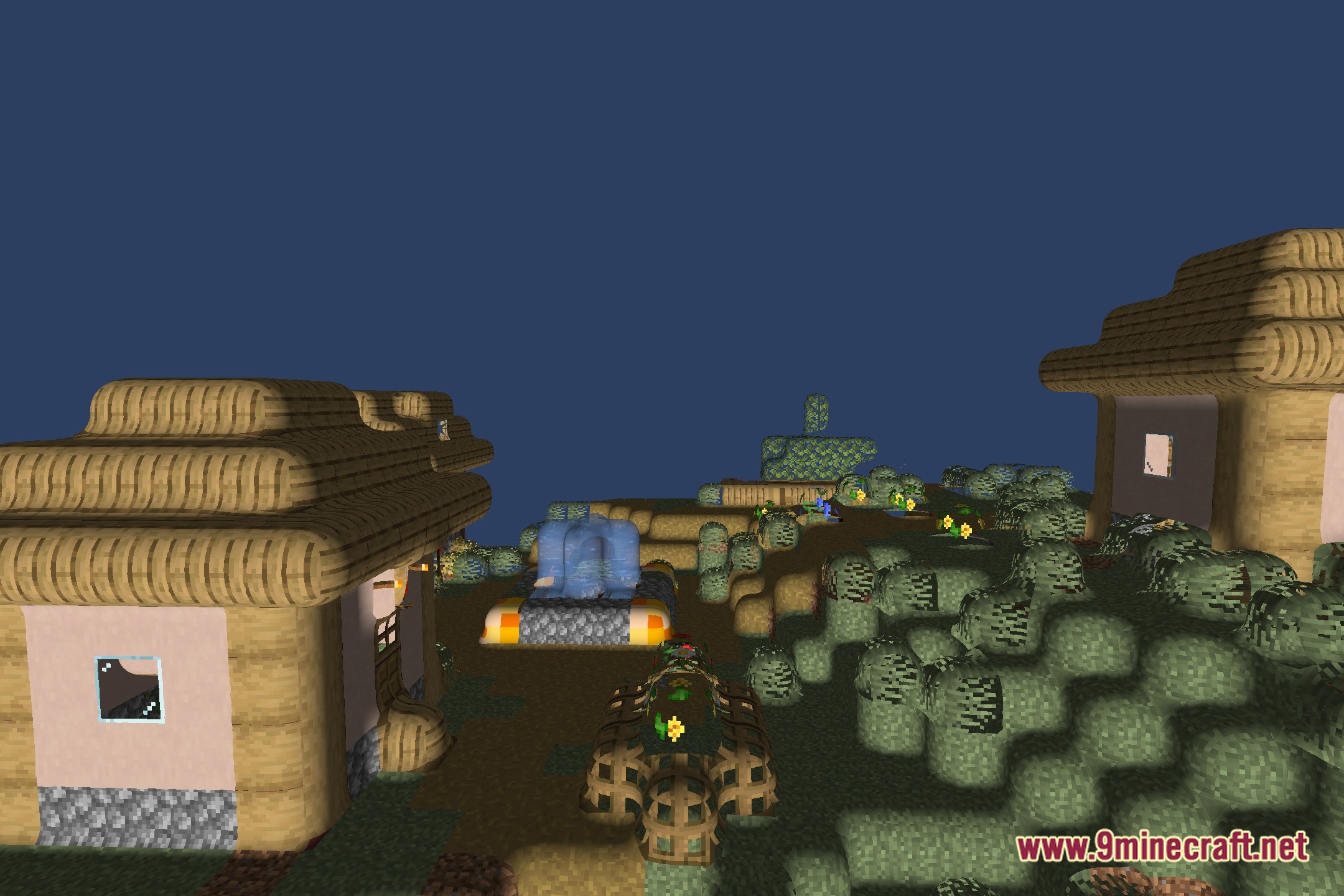
No Cubes Shaders smooths terrain and most natural blocks, but transparent blocks, entities, and certain decorative blocks may retain sharper edges by design. Adjusting the curvature settings in the shader config can increase smoothing across more block types.
Can I use No Cubes Shaders with my favorite resource pack?
Yes, No Cubes Shaders works alongside resource packs—the shader handles geometry while the resource pack handles textures and colors. Load both together and they'll layer without conflict.
My game is lagging with No Cubes Shaders on. What can I do?
Lower the smoothness or curvature settings to reduce shader complexity, disable advanced lighting features if available, or reduce your render distance. Check the performance optimization guide for more detailed tweaks.
See all 10 No Cubes Shaders questions ›
Gallery
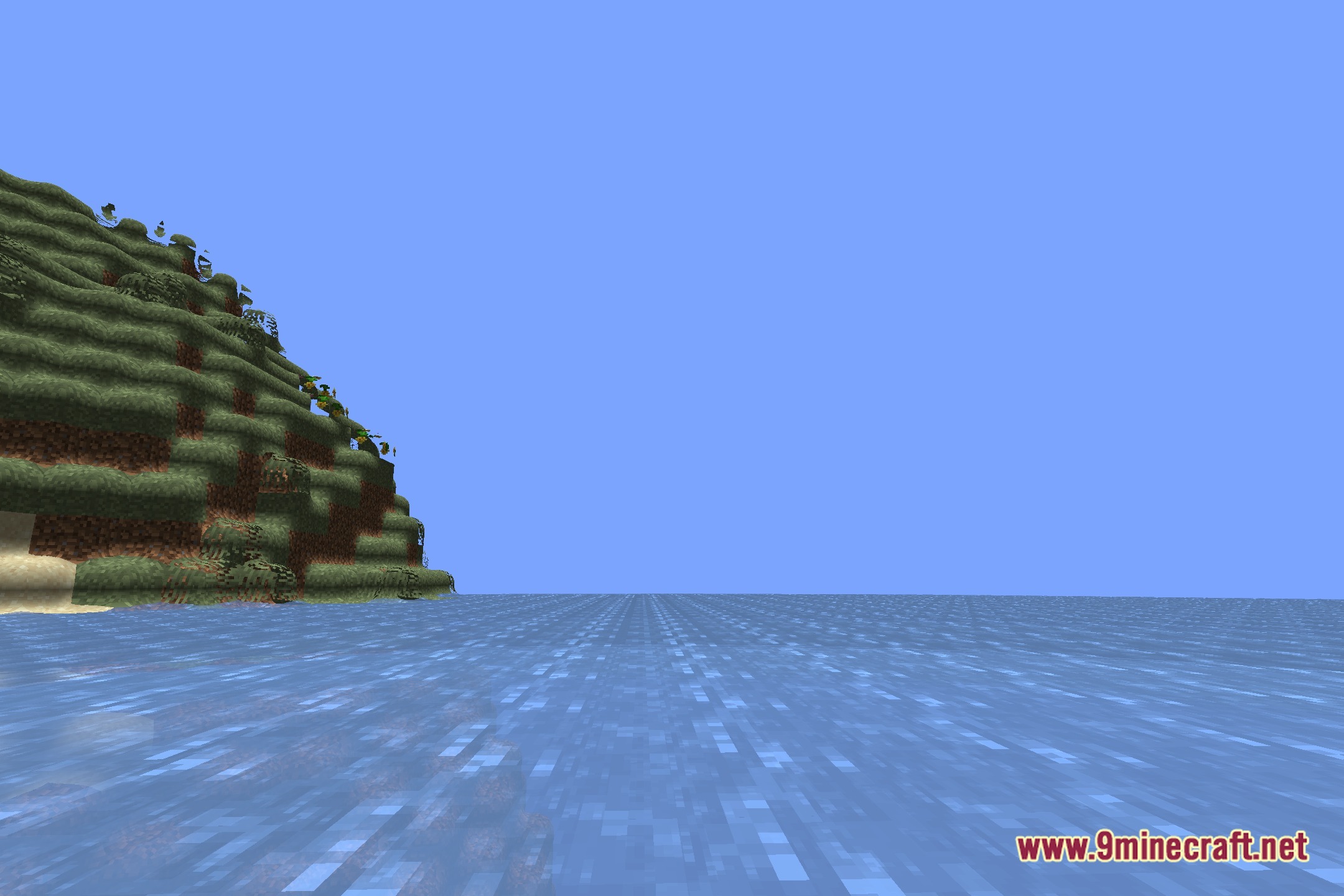
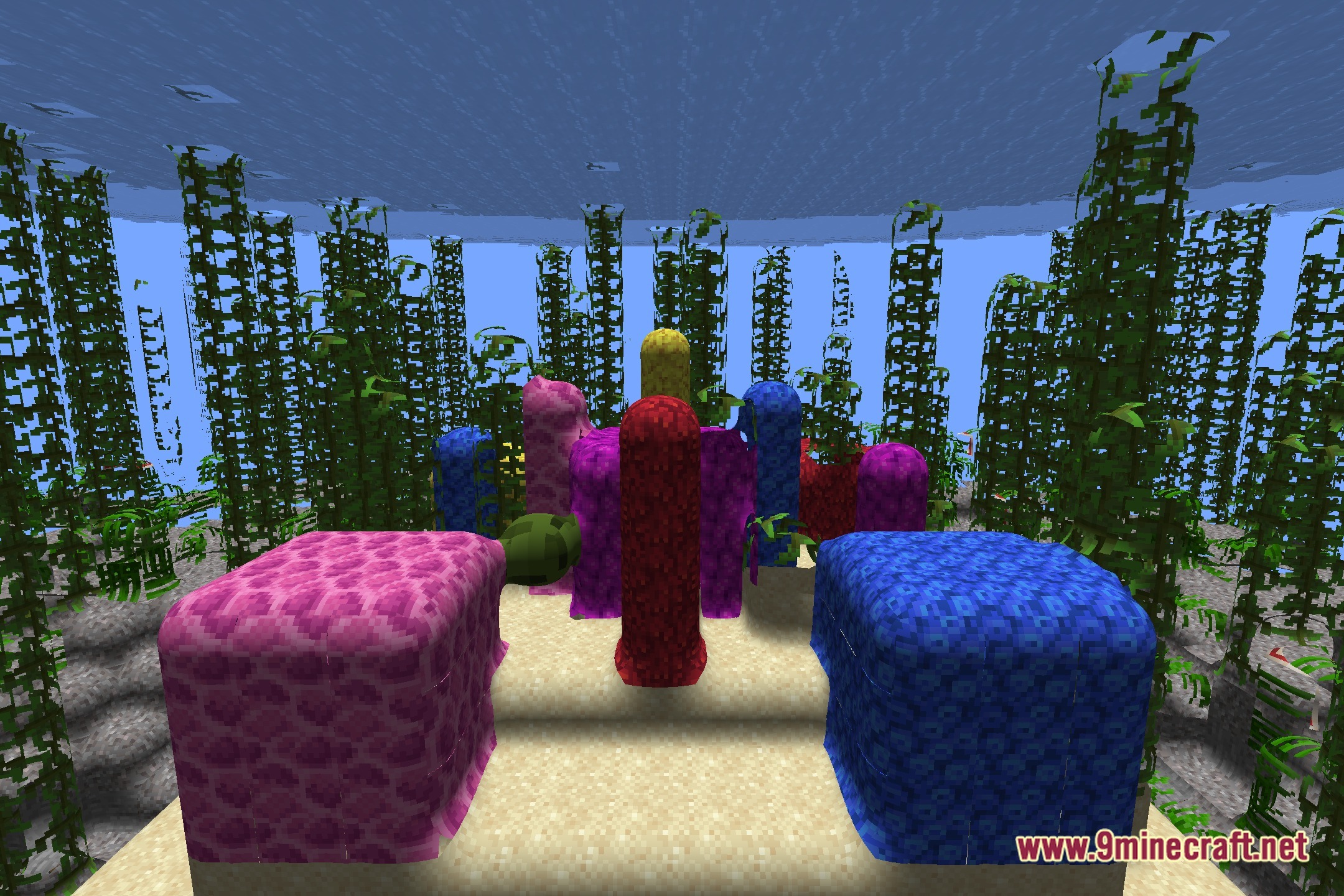
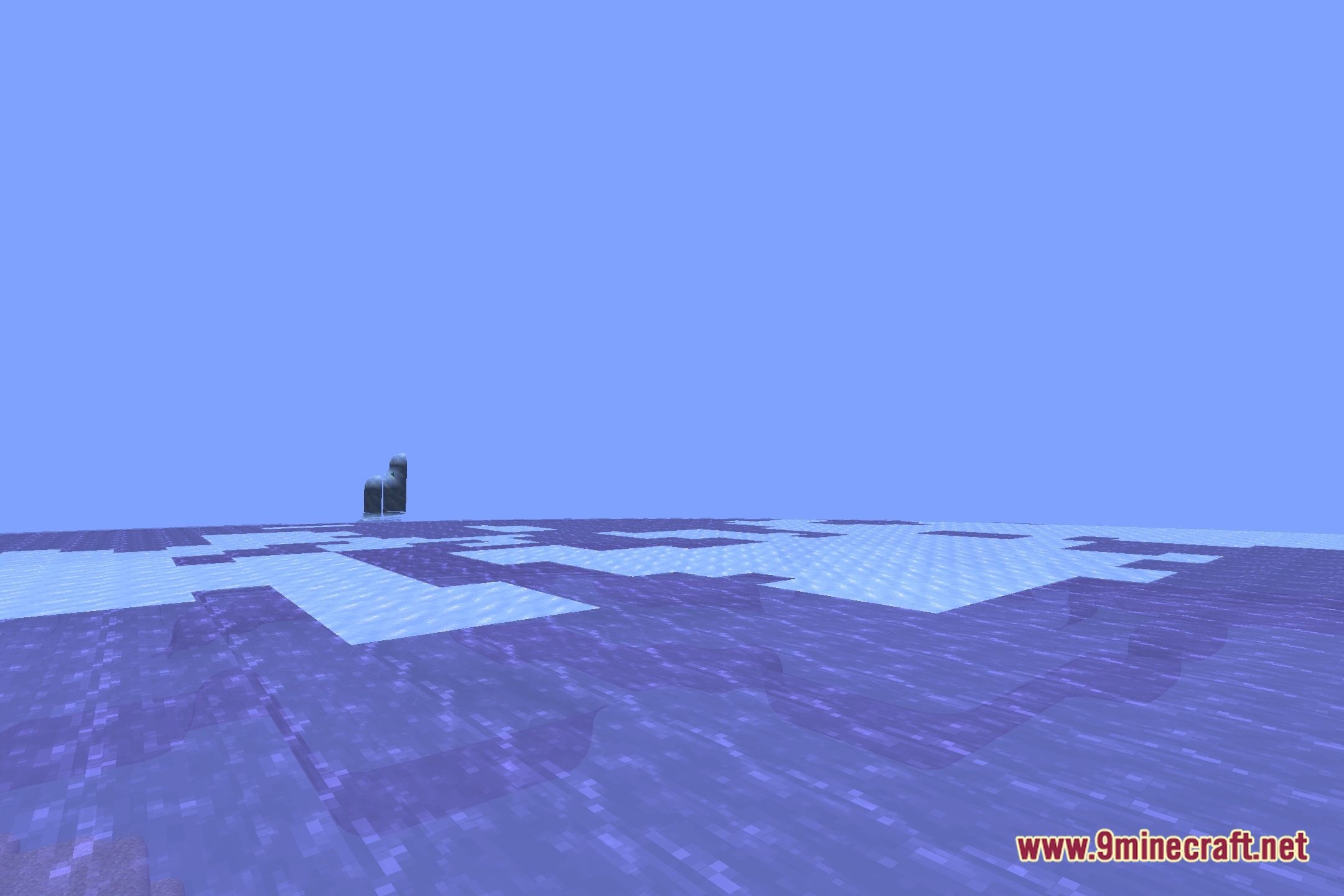
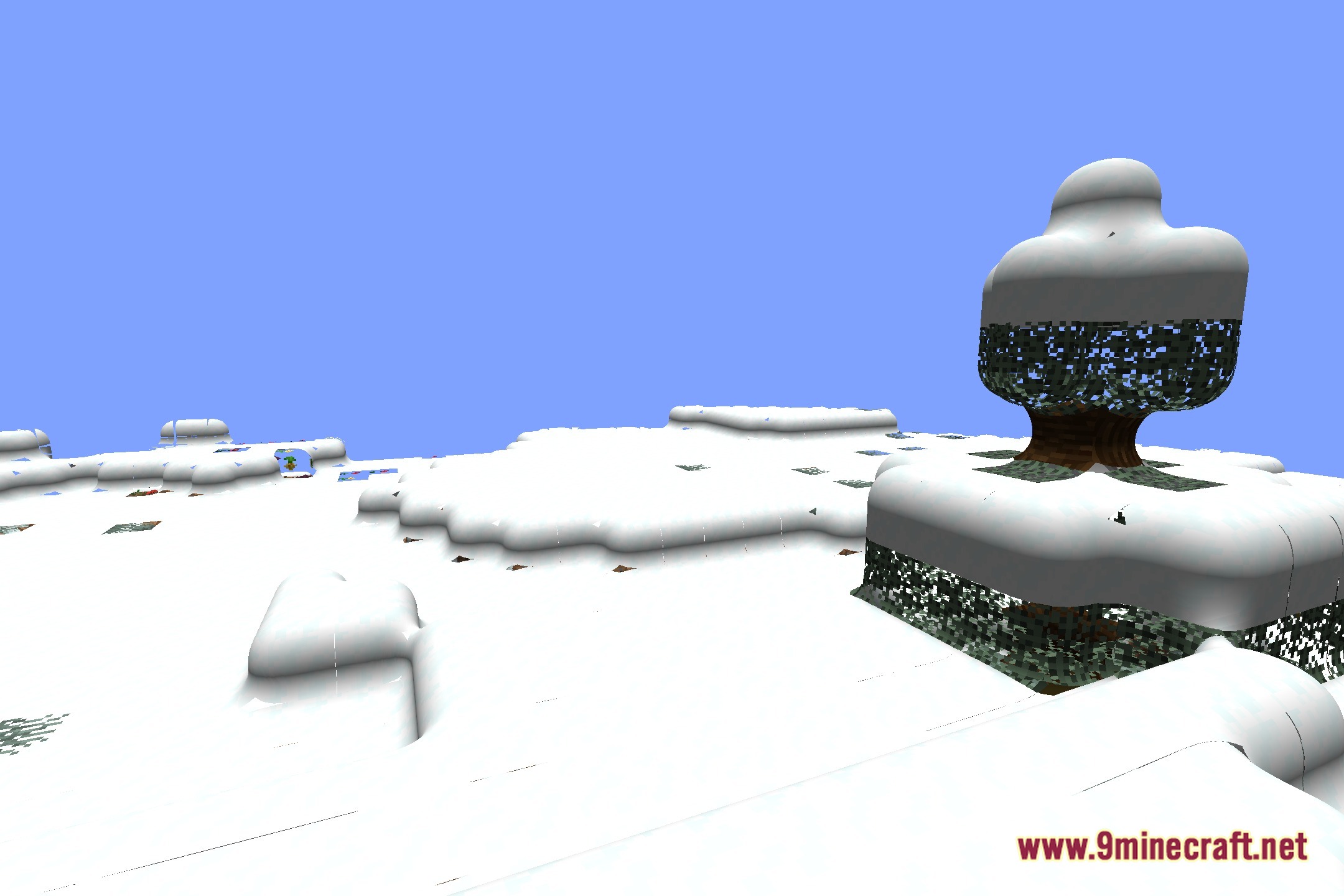
12 images from the No Cubes Shaders page.
You May Also Like
Wikis that share the most with this one
More shader wikis on the site
The most downloaded mods that have a wiki here