

 DownloadNo Hand Shaders
Get the files on 9Minecraft
Guides
Step-by-step, in-game.
Explore Caves and Tight Spaces With Better SightlinesNavigate Narrow Passages When exploring caves or crawling through tight spaces, your character's arm normally takes…Improve Performance on Lower-End ComputersWhy No Hand Shaders Is Lightweight Unlike many visual mods that add complex effects across your entire screen, No…Mine and Build While Maintaining Clear VisibilityUnderstand What's Hidden No Hand Shaders removes only your arm and held items from your view. Your tools, blocks, and…Take Clean Screenshots Without Your Hand in FrameEnable First-Person View Switch to first-person mode by pressing F5 (or your configured camera key) once. Your…
Frequently asked questions
Why can't I see my hand anymore?
No Hand Shaders is working correctly—it hides your arm and held items from the first-person view by design. If you want to see your hand again, you'll need to disable or uninstall the shader.
Does this mod work with other shaders?
No Hand Shaders is itself a shader, so it replaces your current shader rather than stacking with it. You can only use one shader at a time in Minecraft.
Will my tools and weapons still work normally?
Yes, your tools, weapons, and items function exactly as they do in vanilla Minecraft—only the visual appearance on your screen is hidden.
Can I see my hand in third-person mode?
Yes, switching to third-person view will show your character's arm and items normally, since this shader only affects the first-person camera.
See all 10 No Hand Shaders questions ›
Gallery
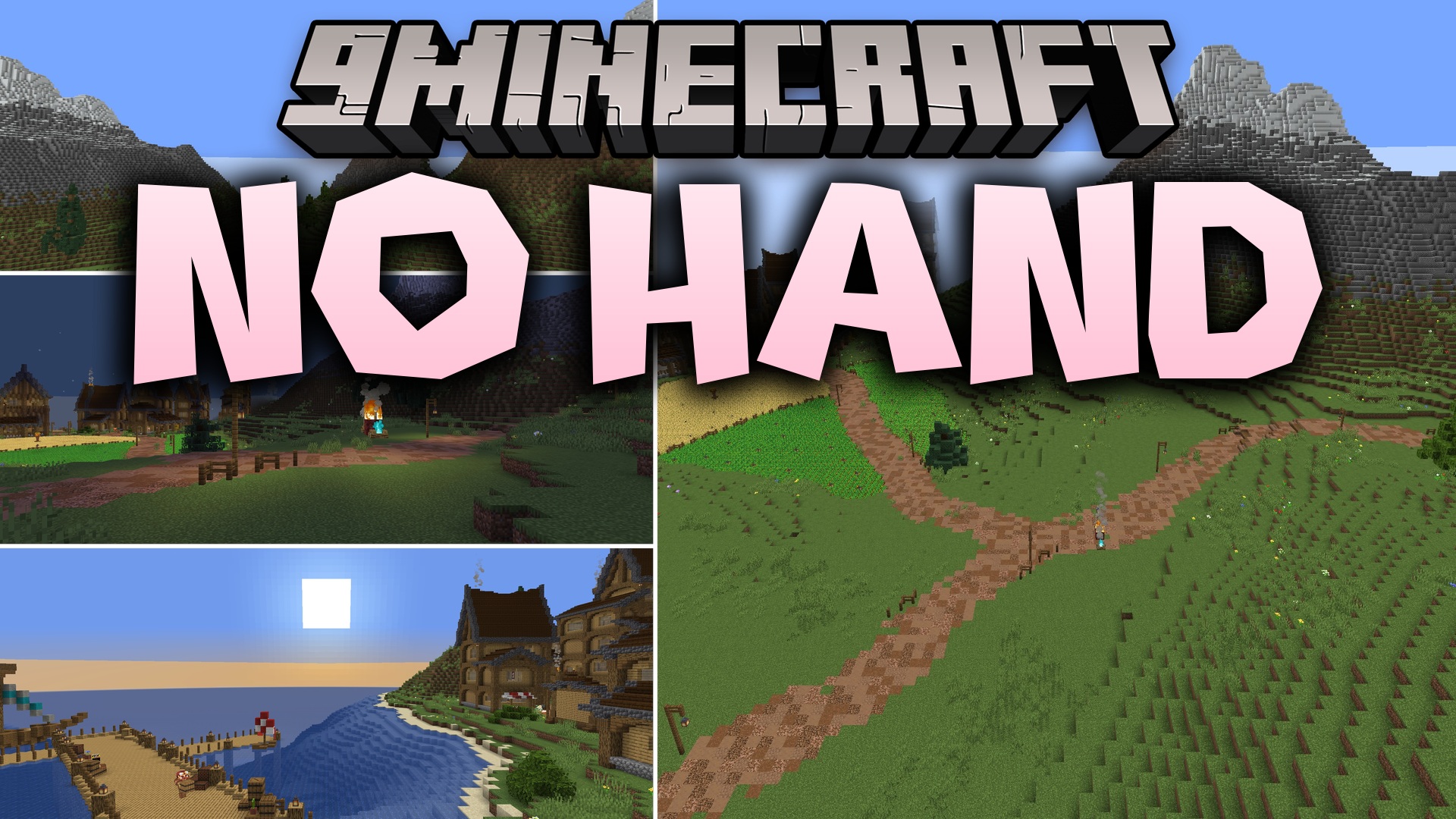
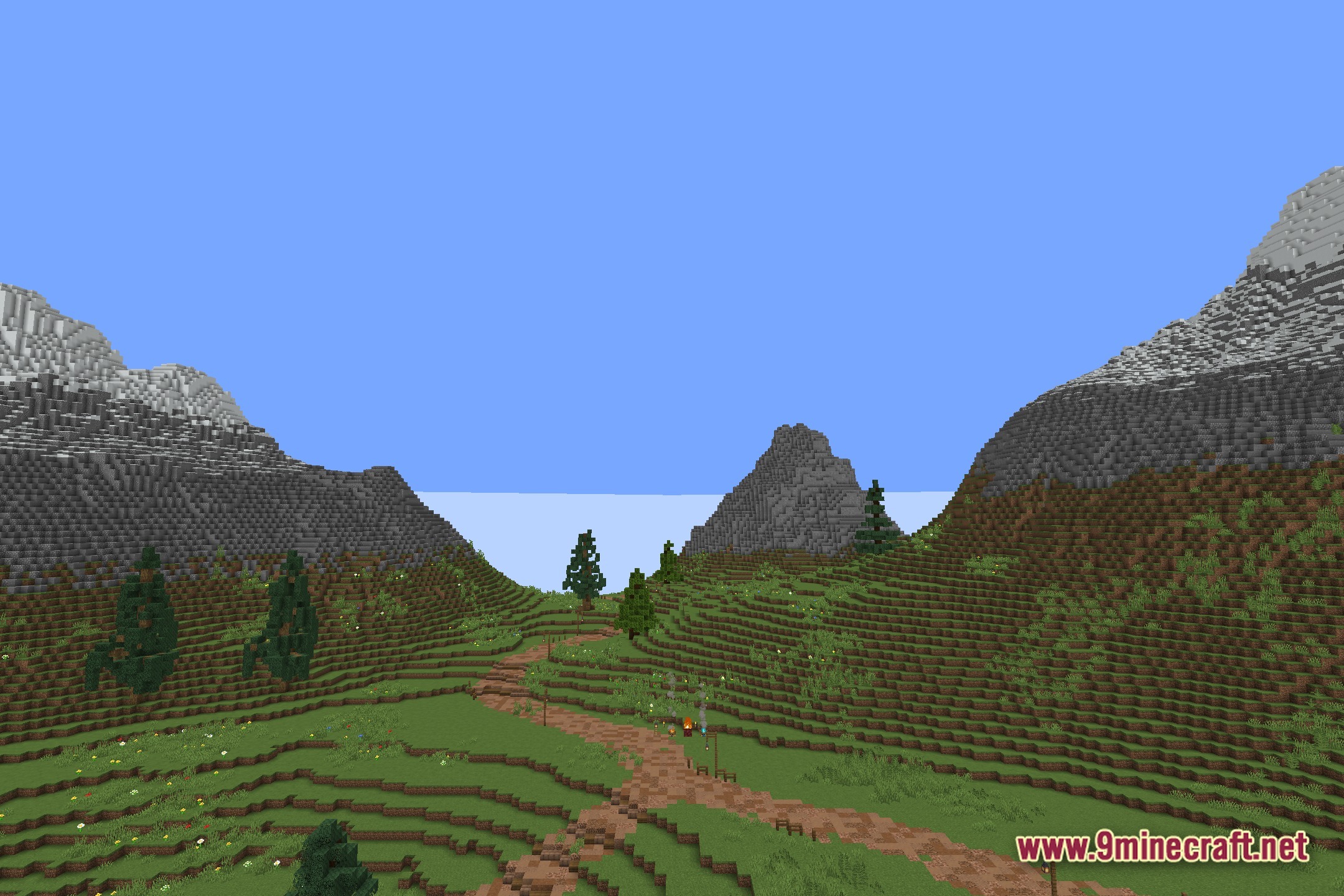
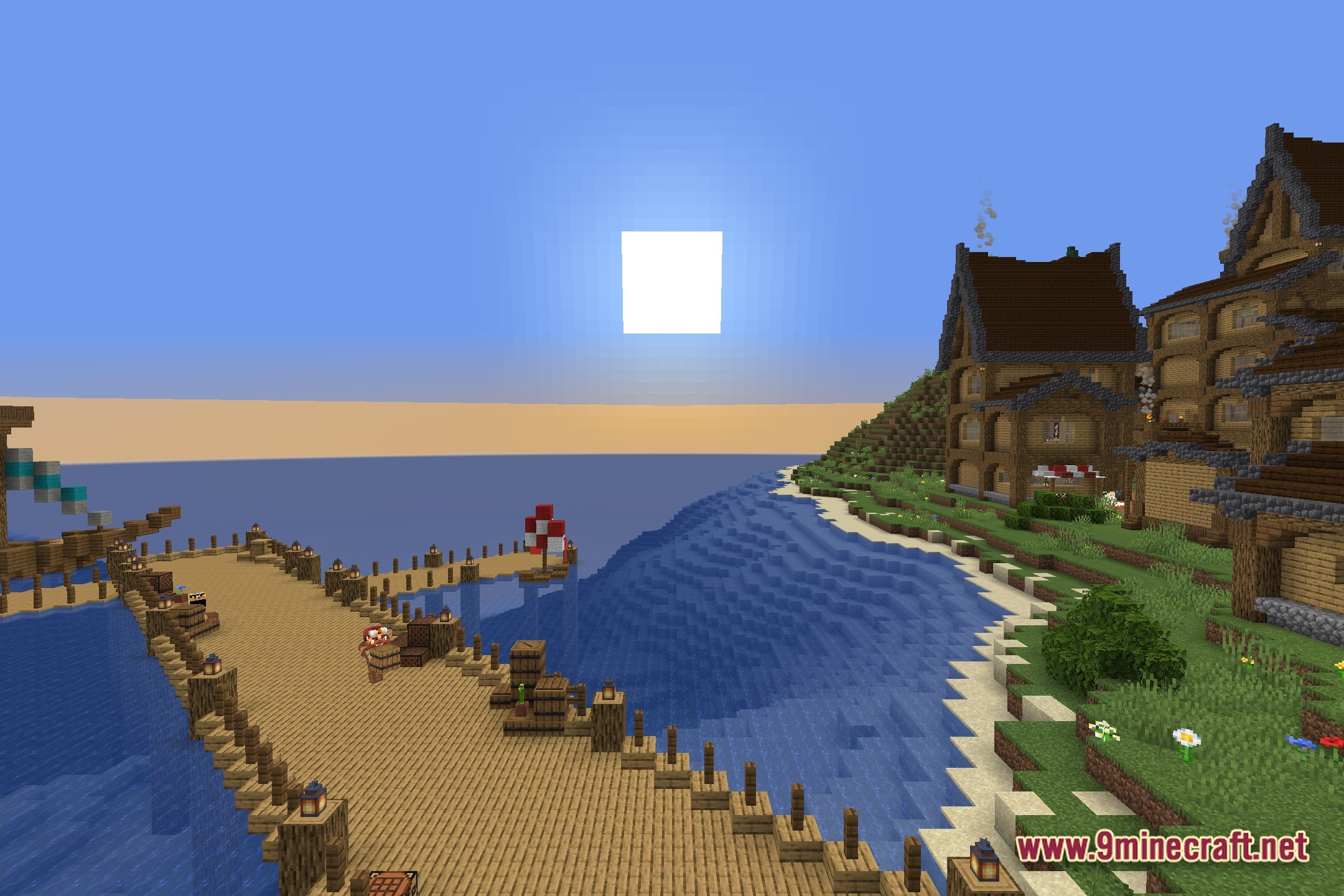
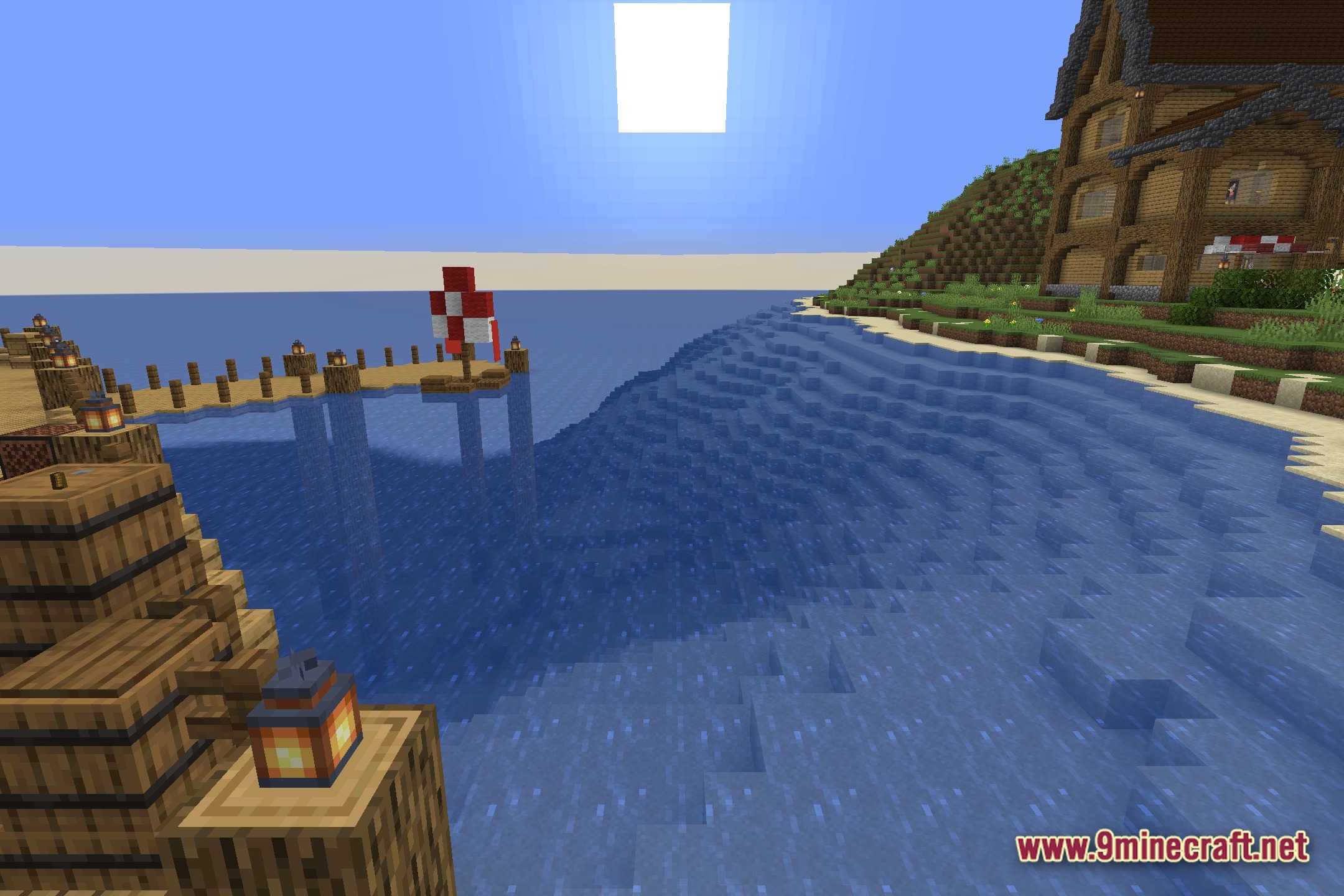
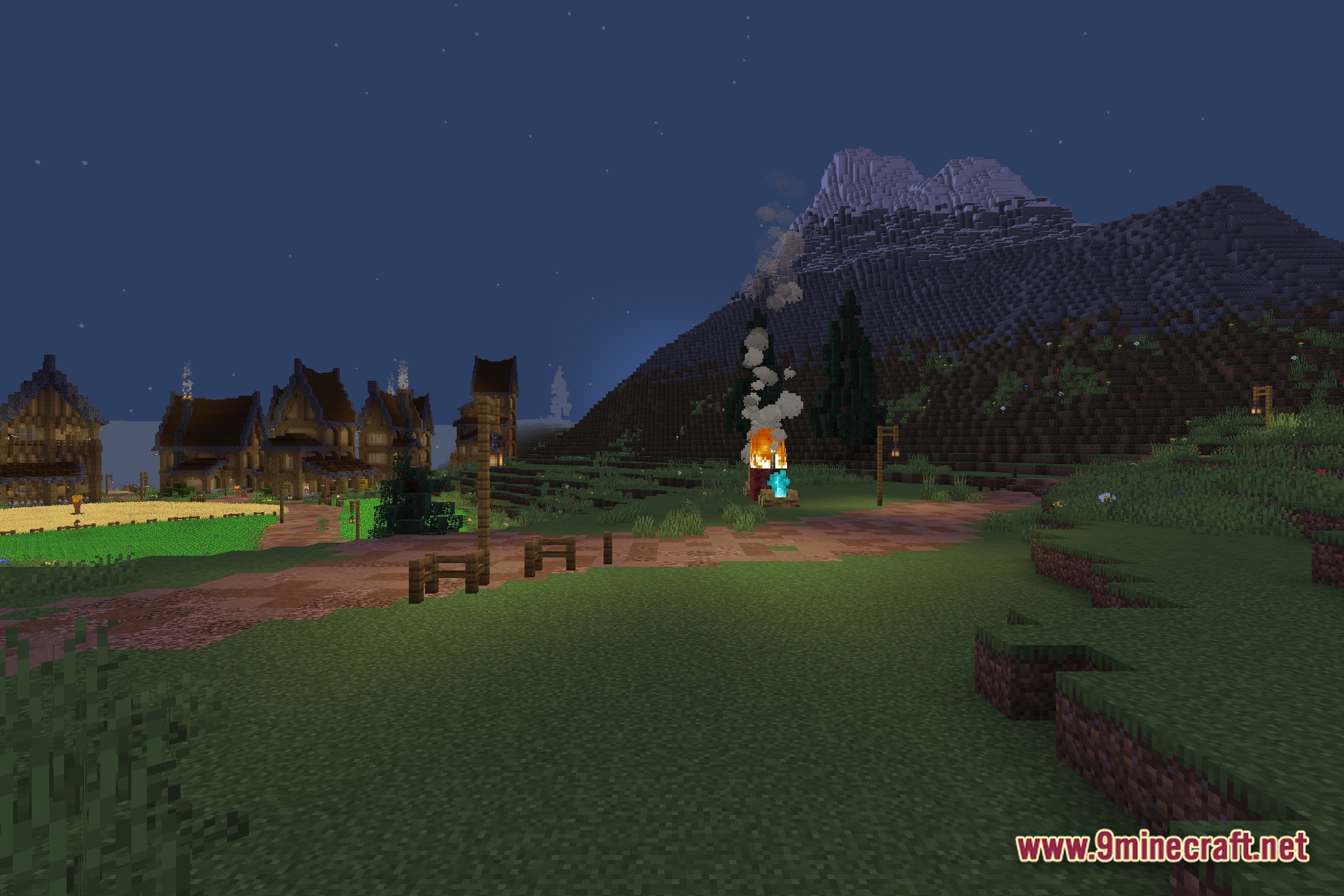
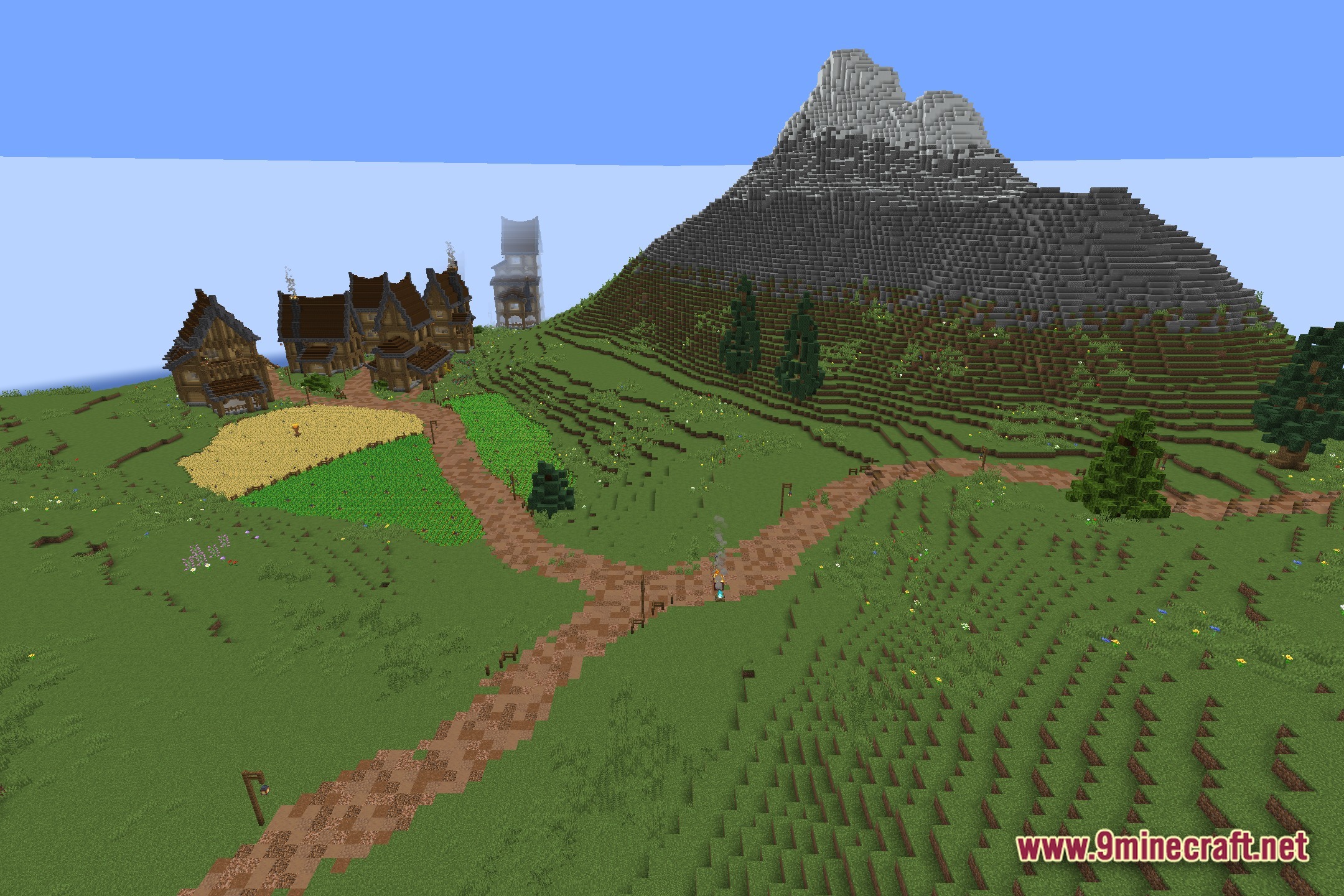
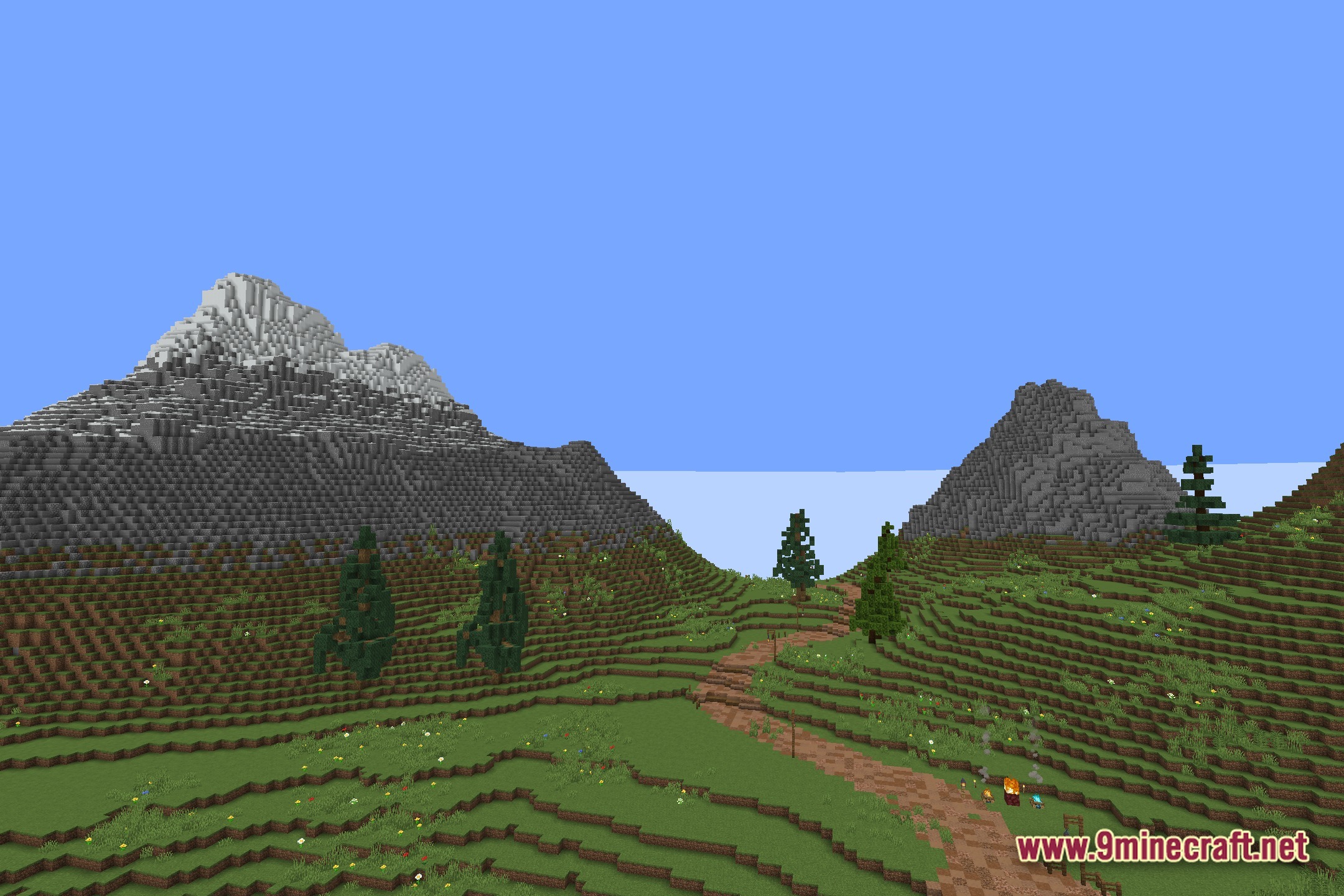
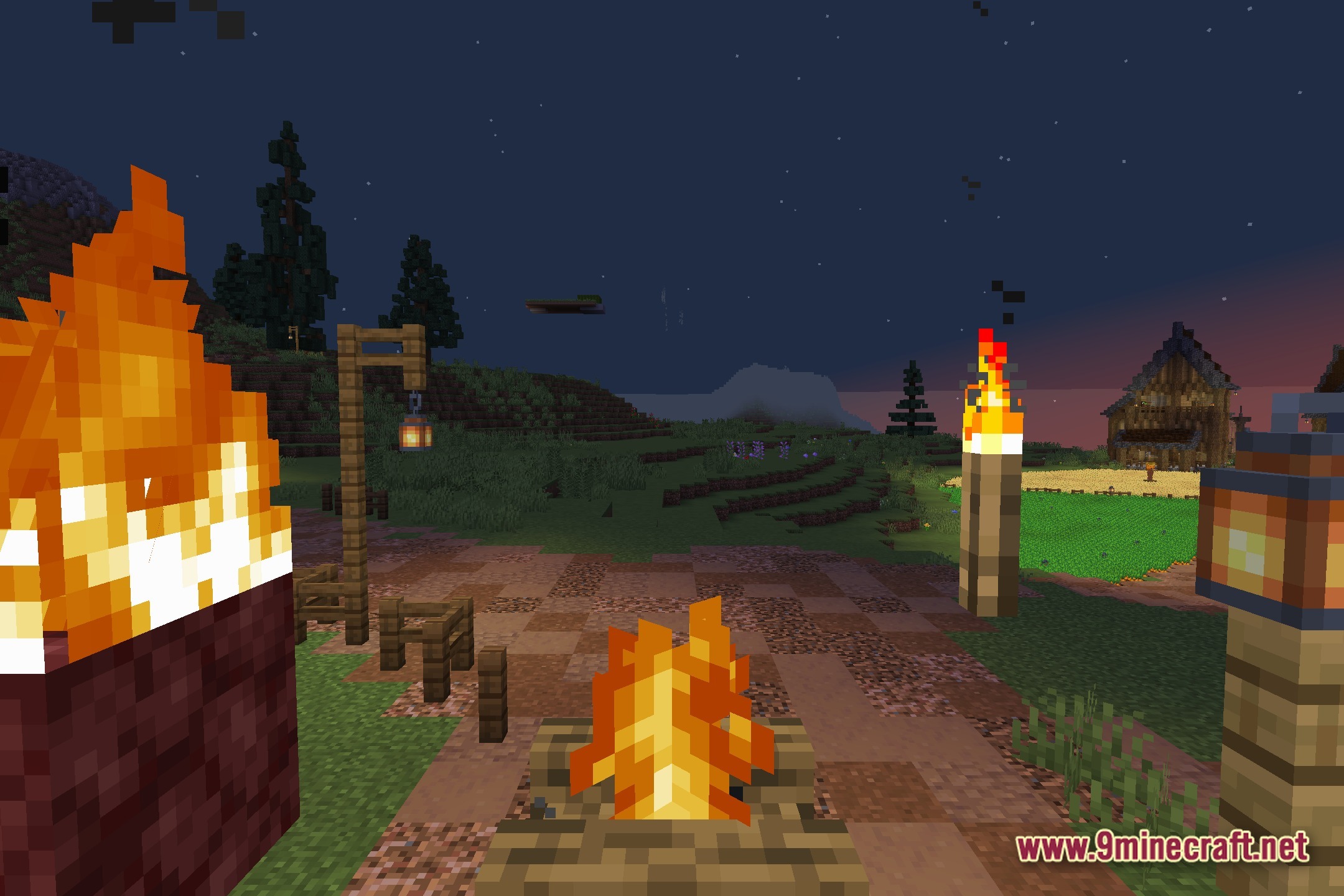
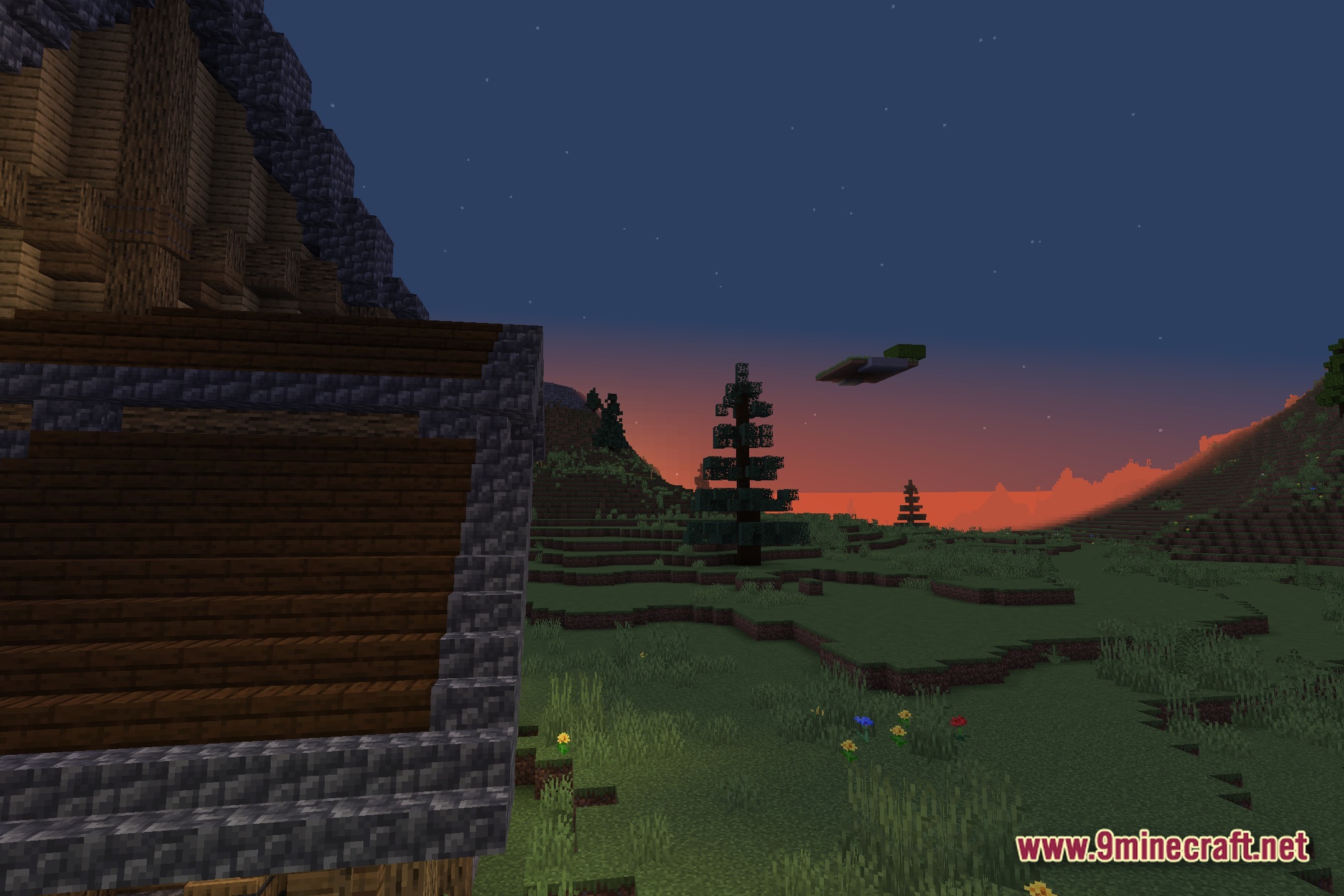
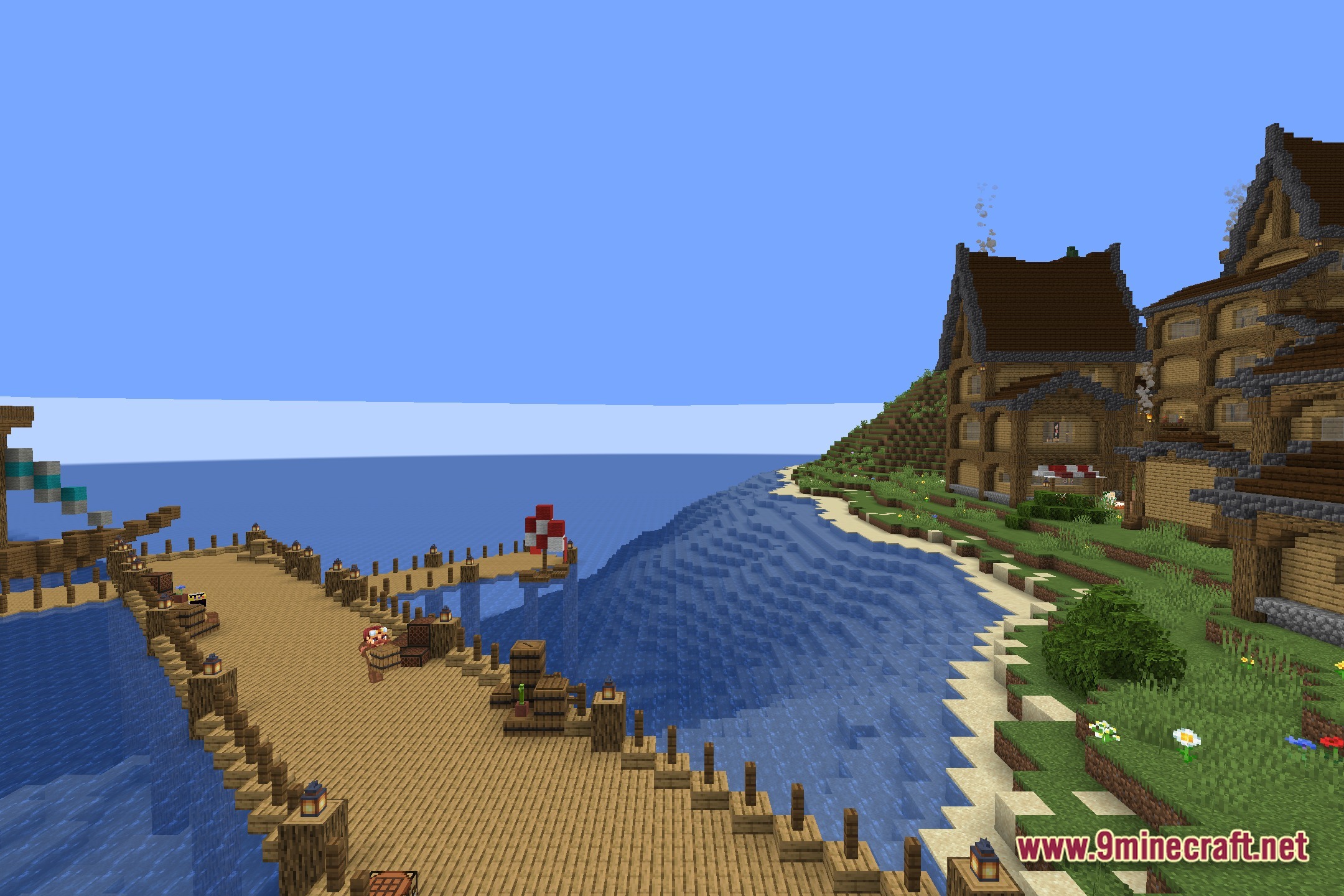
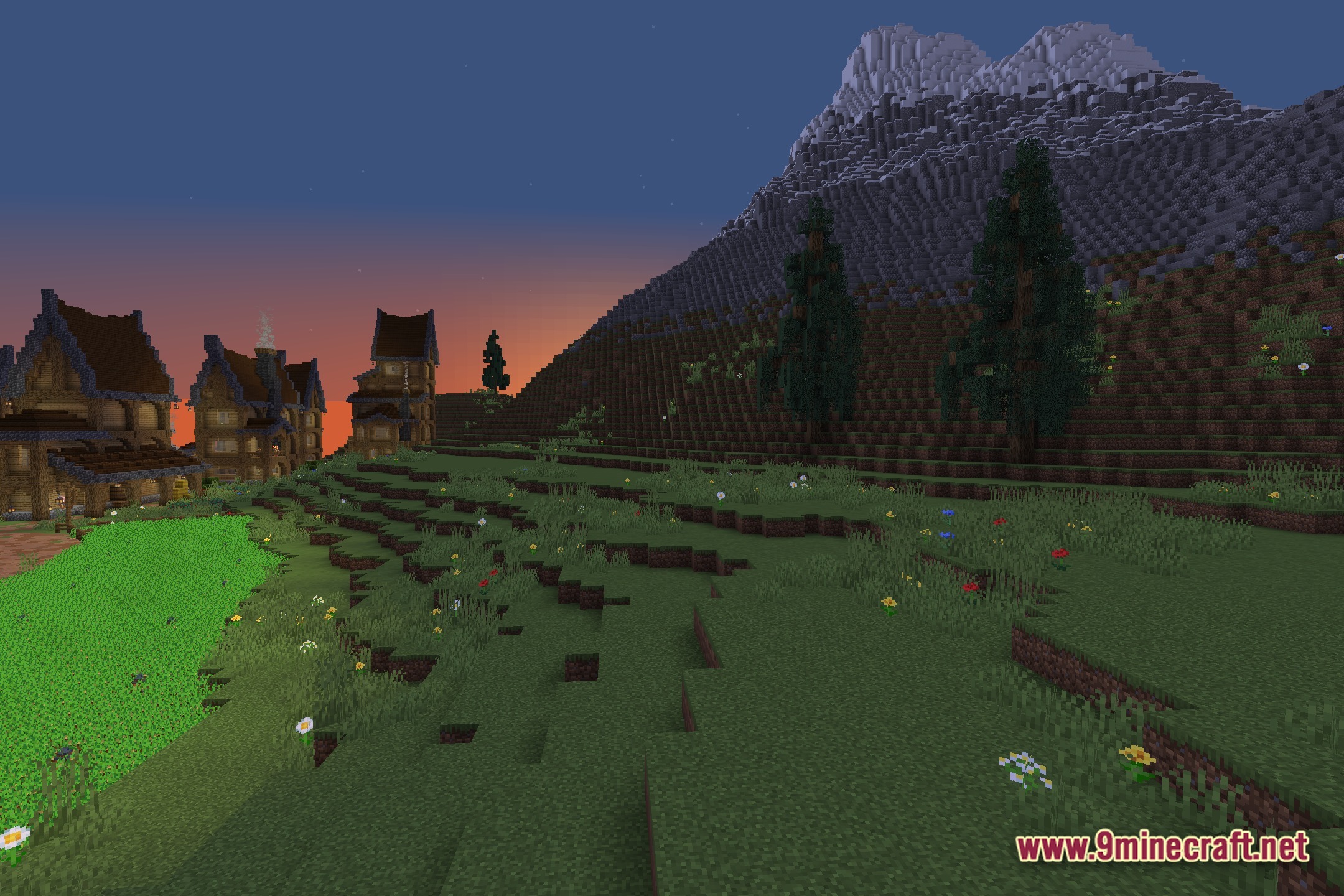
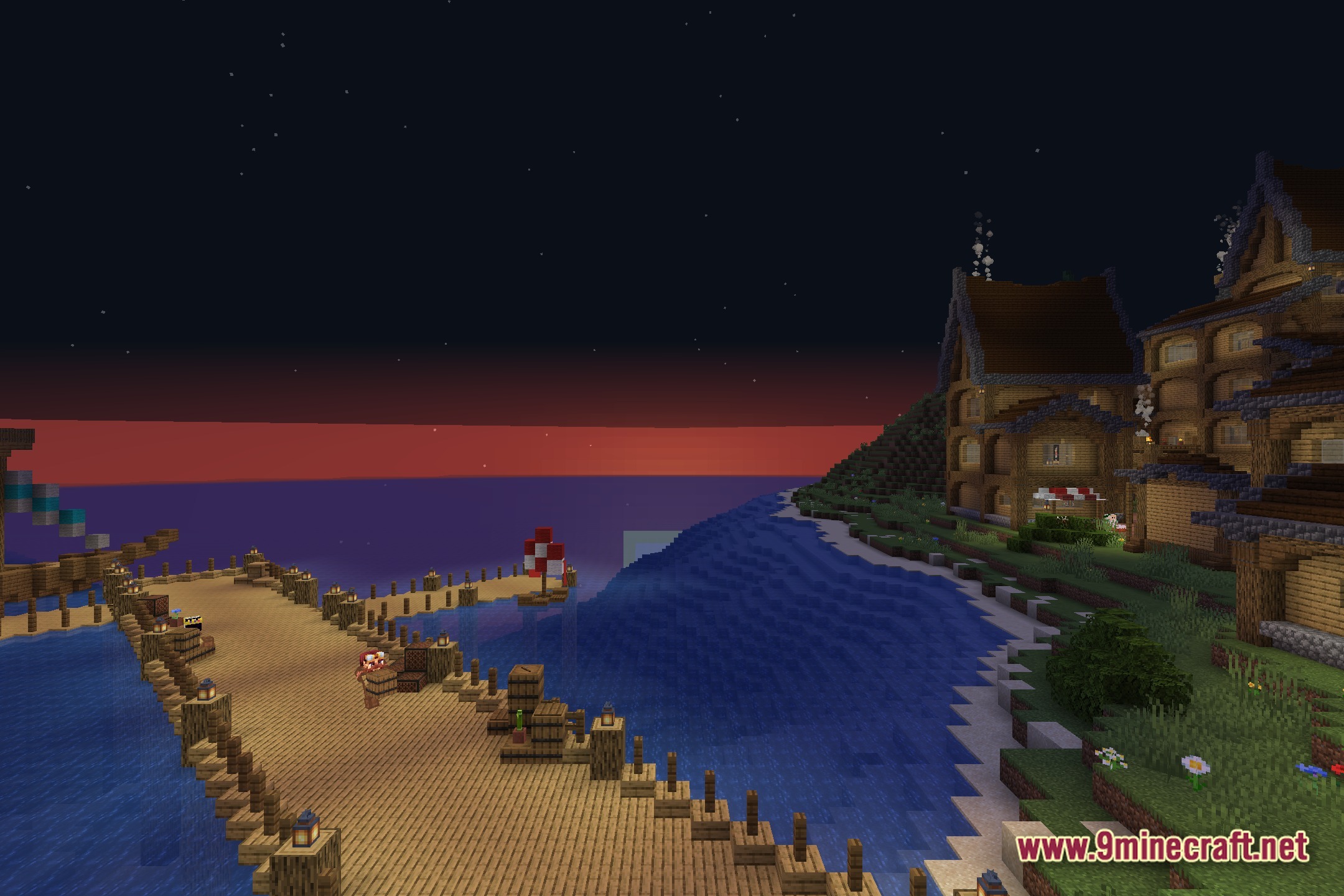
12 images from the No Hand Shaders page.
You May Also Like
Wikis that share the most with this one
Wikis on the same theme: end
More shader wikis on the site
The most downloaded mods that have a wiki here