

 DownloadLuminous Breeze Shaders
Get the files on 9Minecraft
Guides
Step-by-step, in-game.
Adjust Lighting Intensity for Your PlaystyleAccess Shader Settings Open the shader options menu while in-game. Press the key bound to open the shader GUI…Enhance Building Appearance with Shader LightingPosition Builds for Optimal Sun Angles Luminous Breeze's realistic sun rays are most visible when structures face the…Make Night Vision and Low-Light Environments VisibleUnderstand Ambient Lighting Luminous Breeze includes subtle ambient illumination for night scenes. This means caves…Optimize Performance on Low-End HardwareLower Shadow Resolution Access the shader settings and find shadow map resolution or quality options. Reduce this…
Frequently asked questions
How do I enable the shader after installing it?
Open your Video Settings in-game, select Shaders, then locate and activate Luminous Breeze from your shader list. You'll see lighting changes take effect immediately once applied.
Why do my shadows look too dark or too light?
Use the shader's settings menu (accessible from Video Settings > Shaders > Shader Options) to adjust shadow intensity and contrast until they match your preferred look. The guide 'Adjust Lighting Intensity for Your Playstyle' covers this in detail.
Can I use this shader on a low-end PC?
Yes—Luminous Breeze is designed for budget hardware and older graphics cards. If you still experience lag, check the 'Optimize Performance on Low-End Hardware' guide for tweaks like reducing render distance or disabling optional effects.
Does this shader work with mods that add new blocks?
Luminous Breeze is compatible with most block-adding mods, though custom blocks may not receive the same shadow detail as vanilla blocks. Lighting will still apply correctly to modded content.
See all 10 Luminous Breeze Shaders questions ›
Gallery
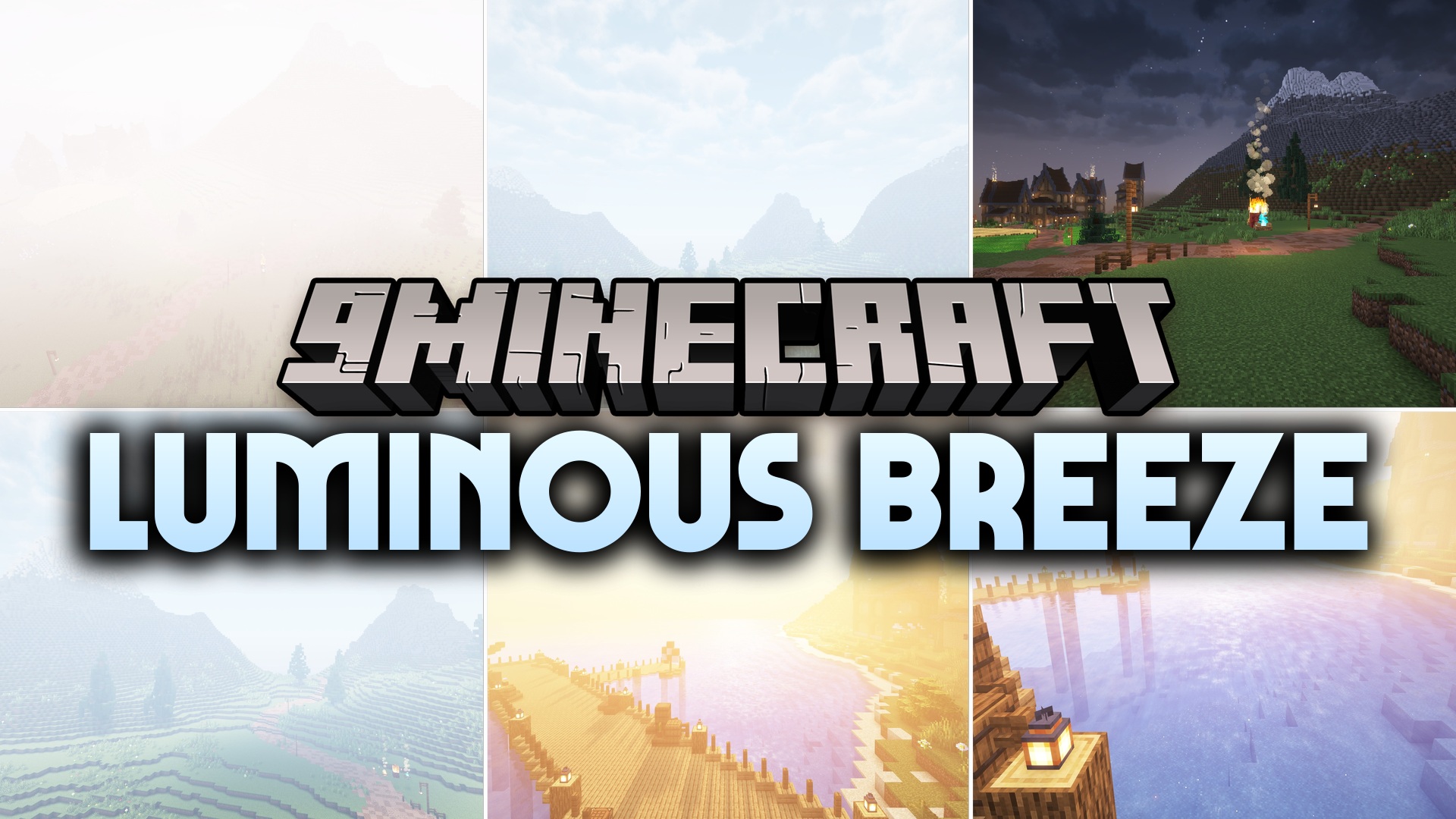
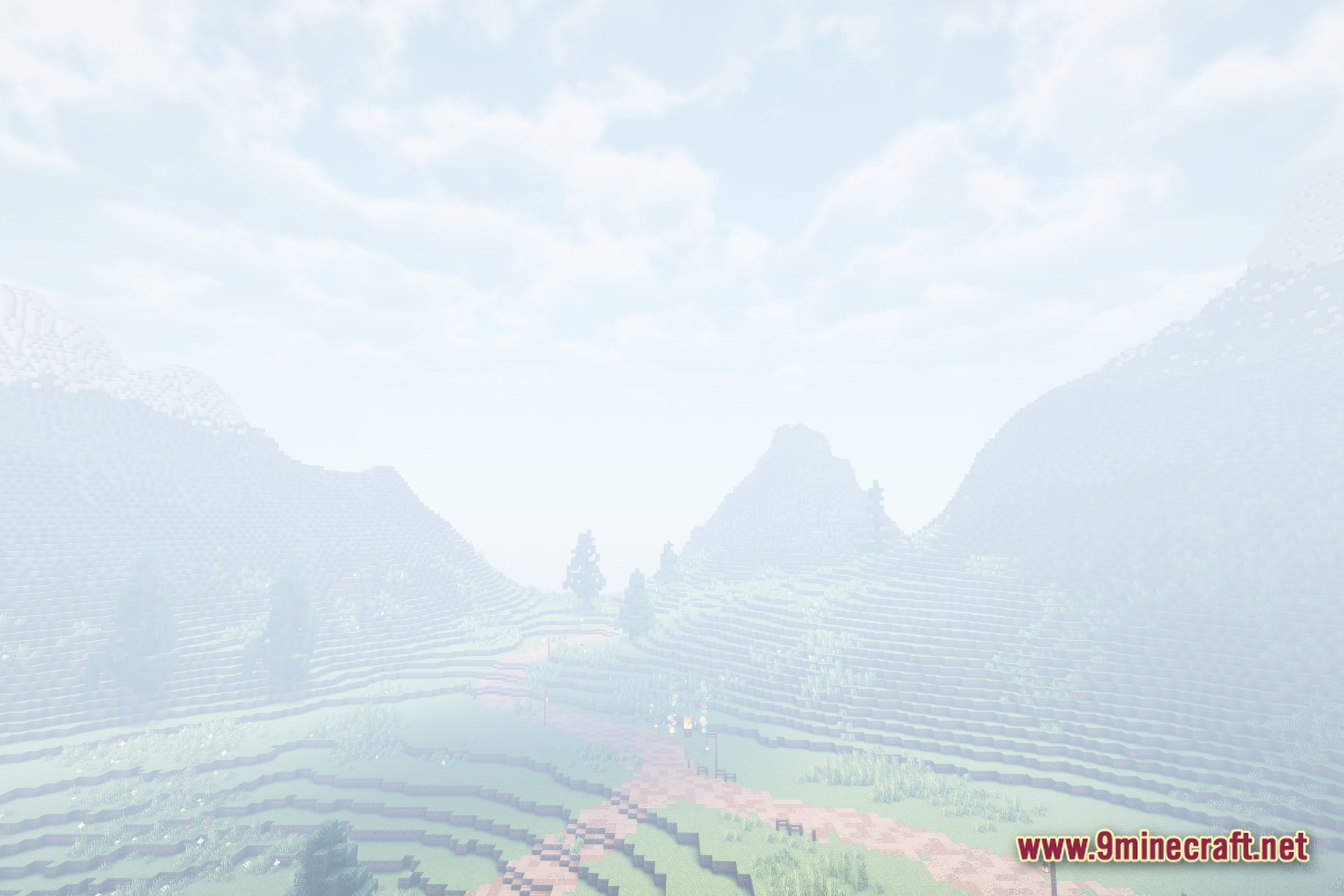
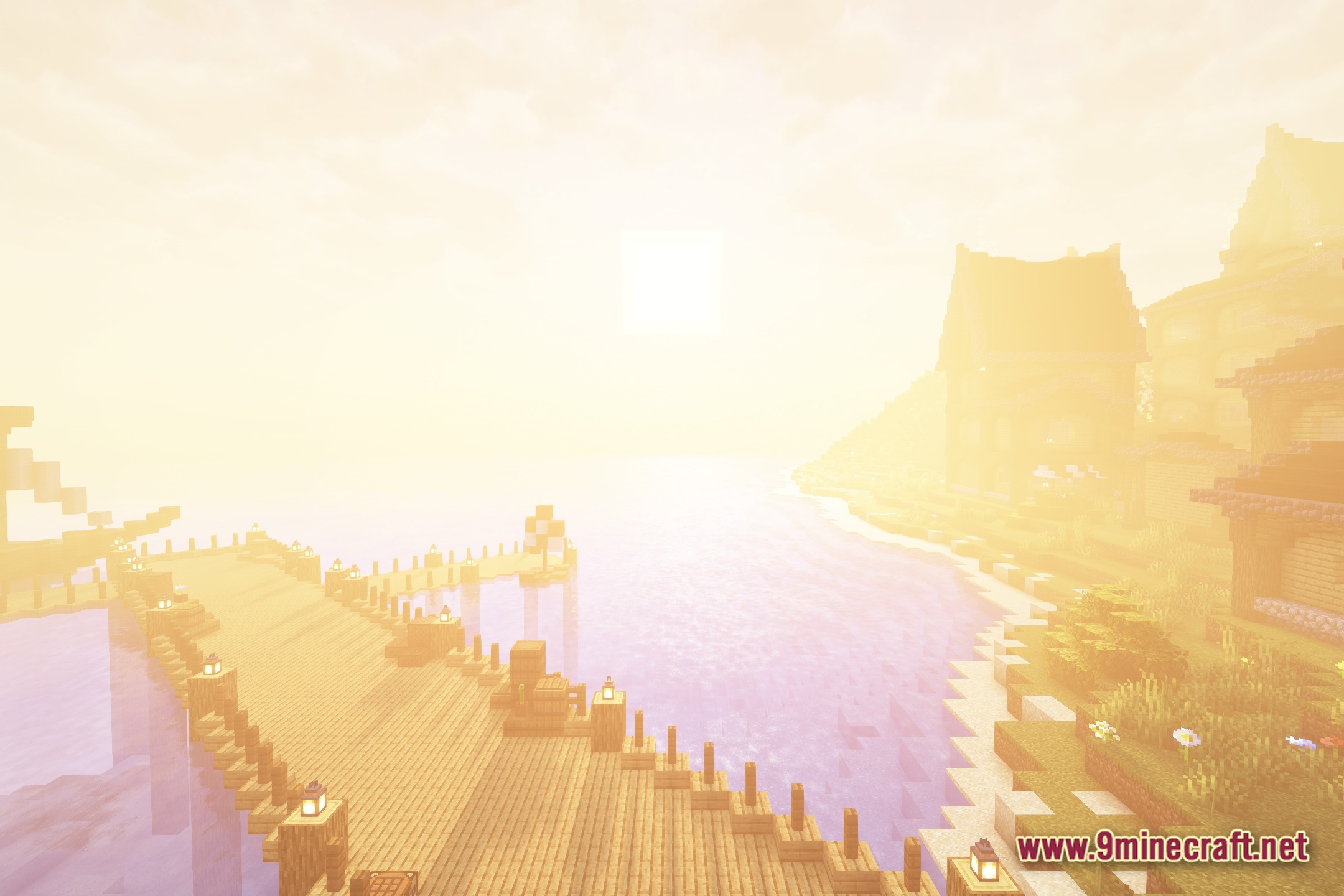
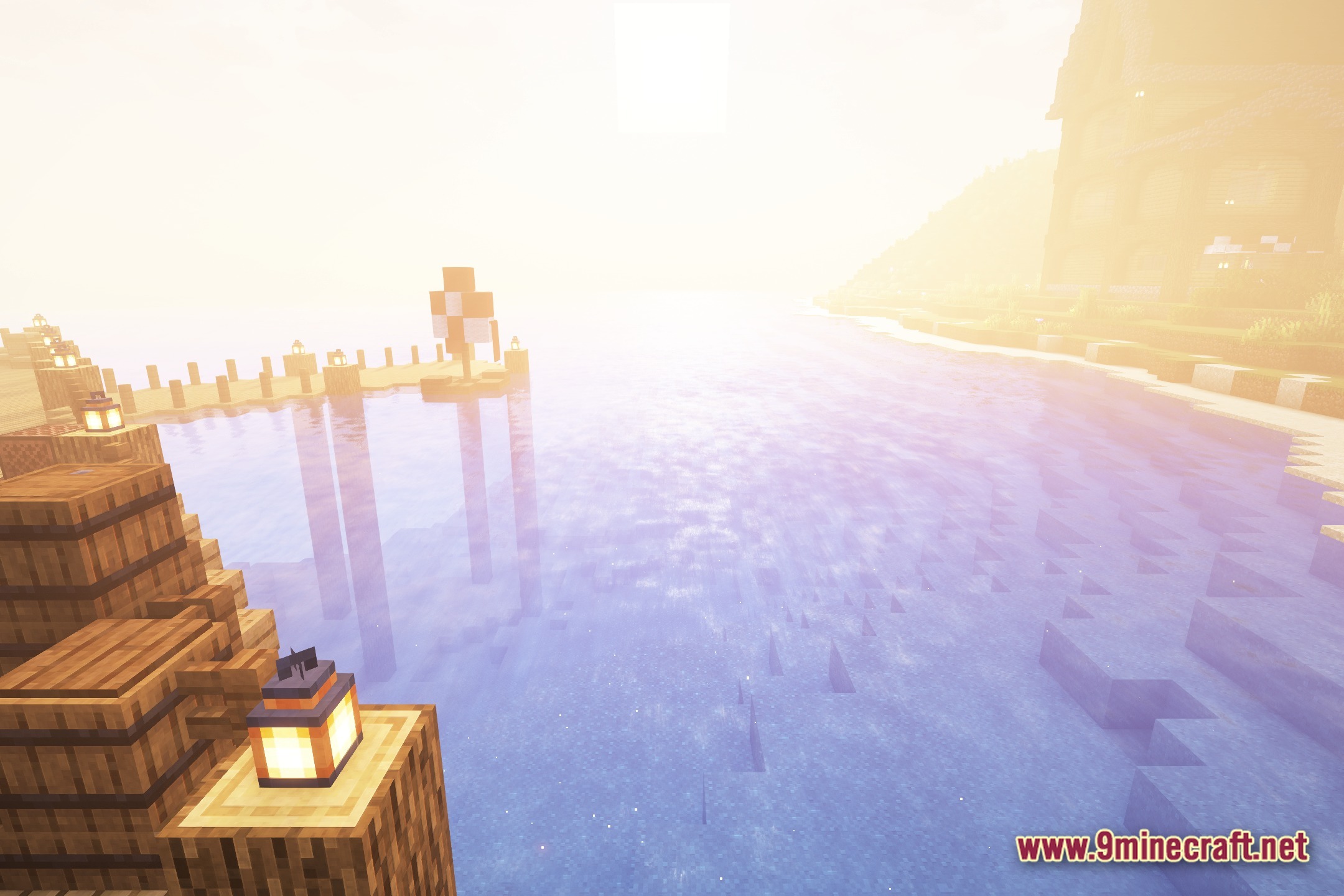
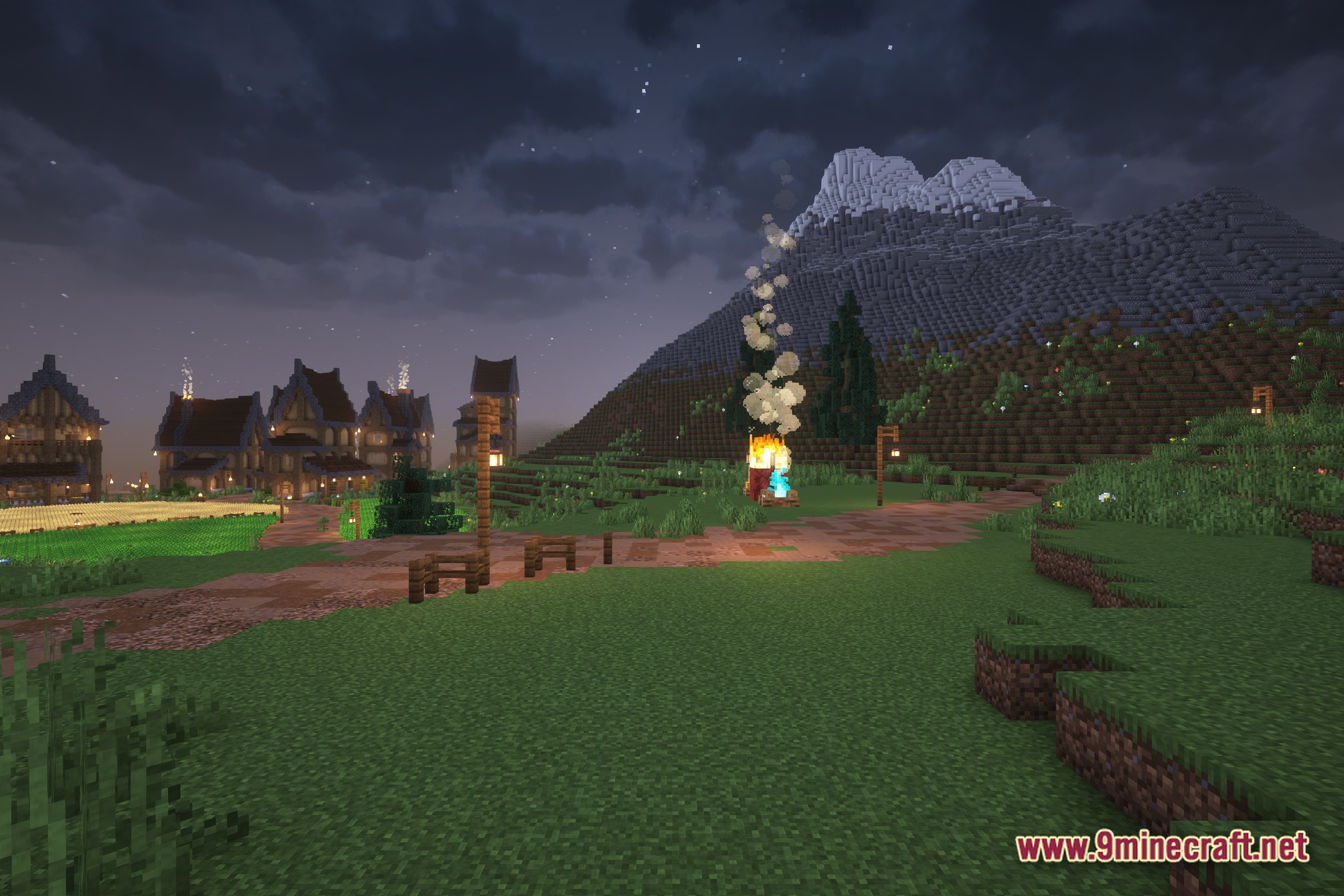
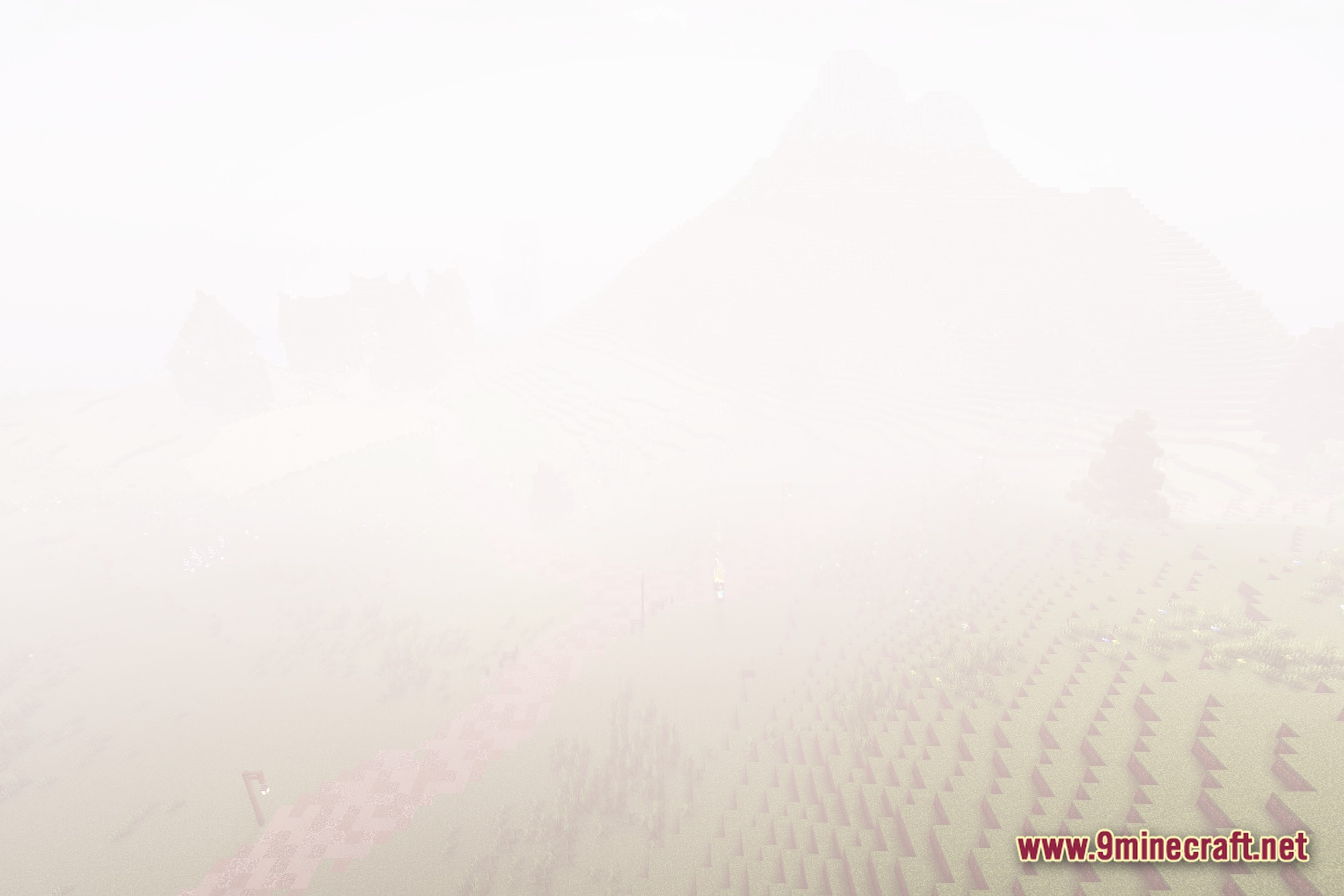
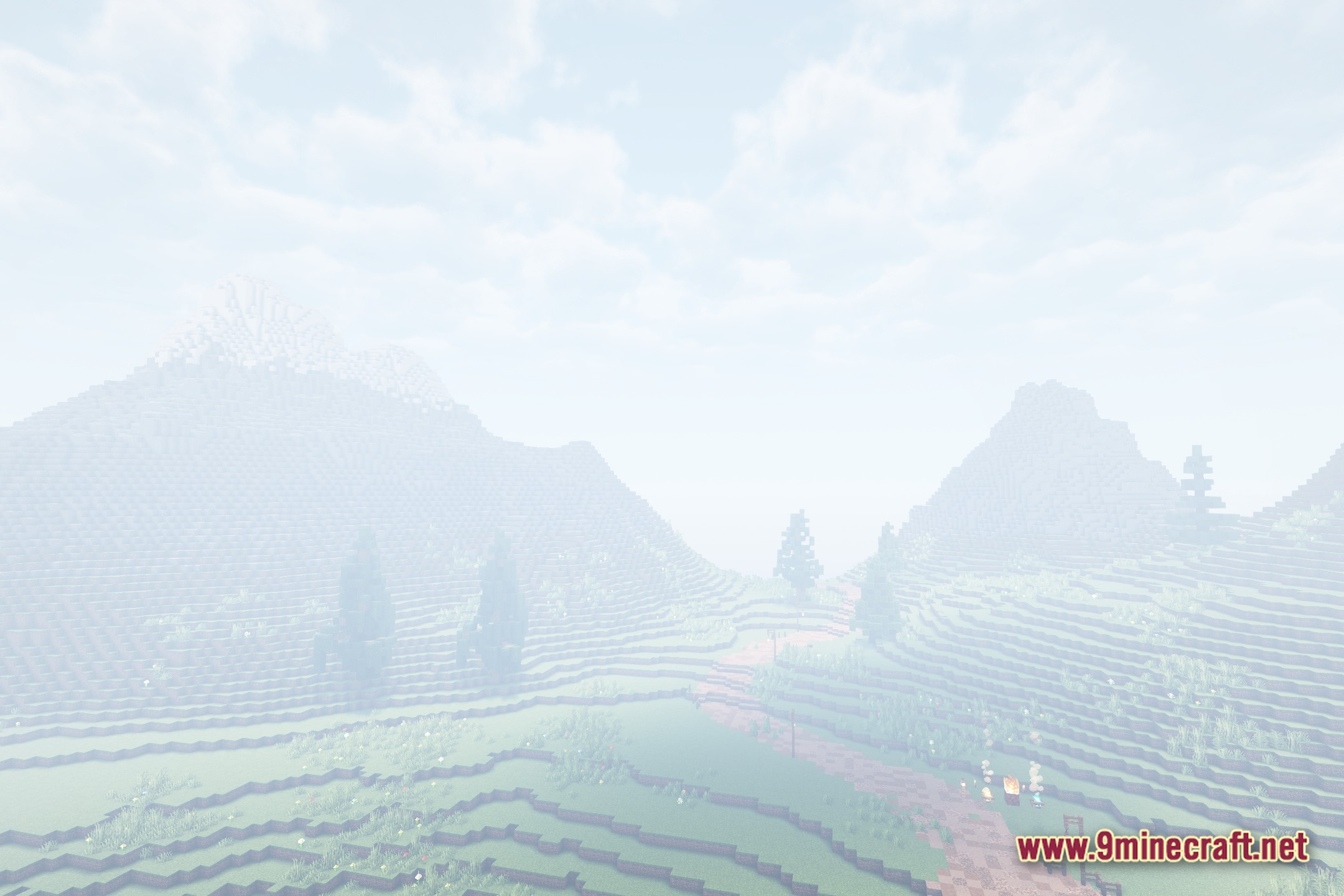
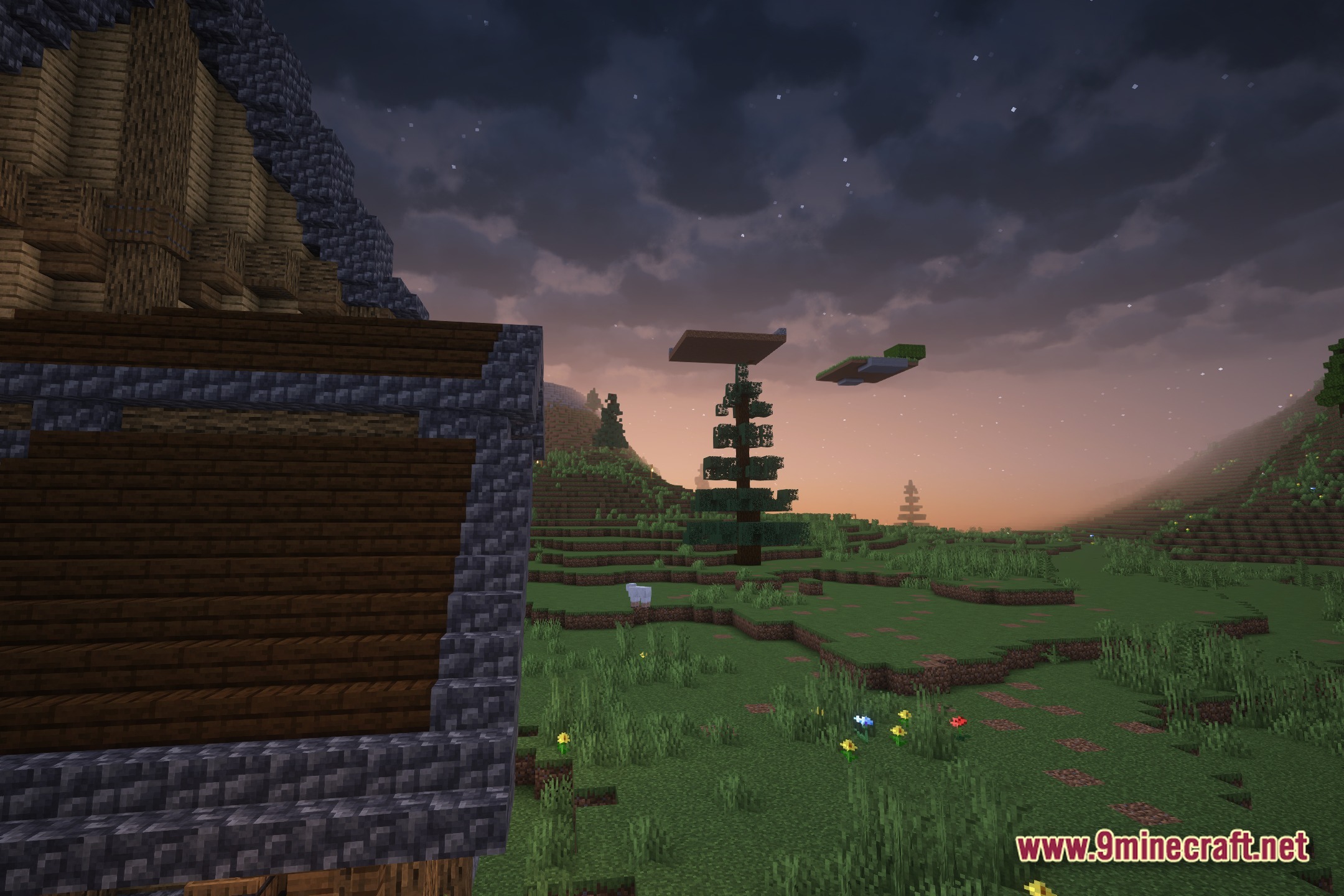
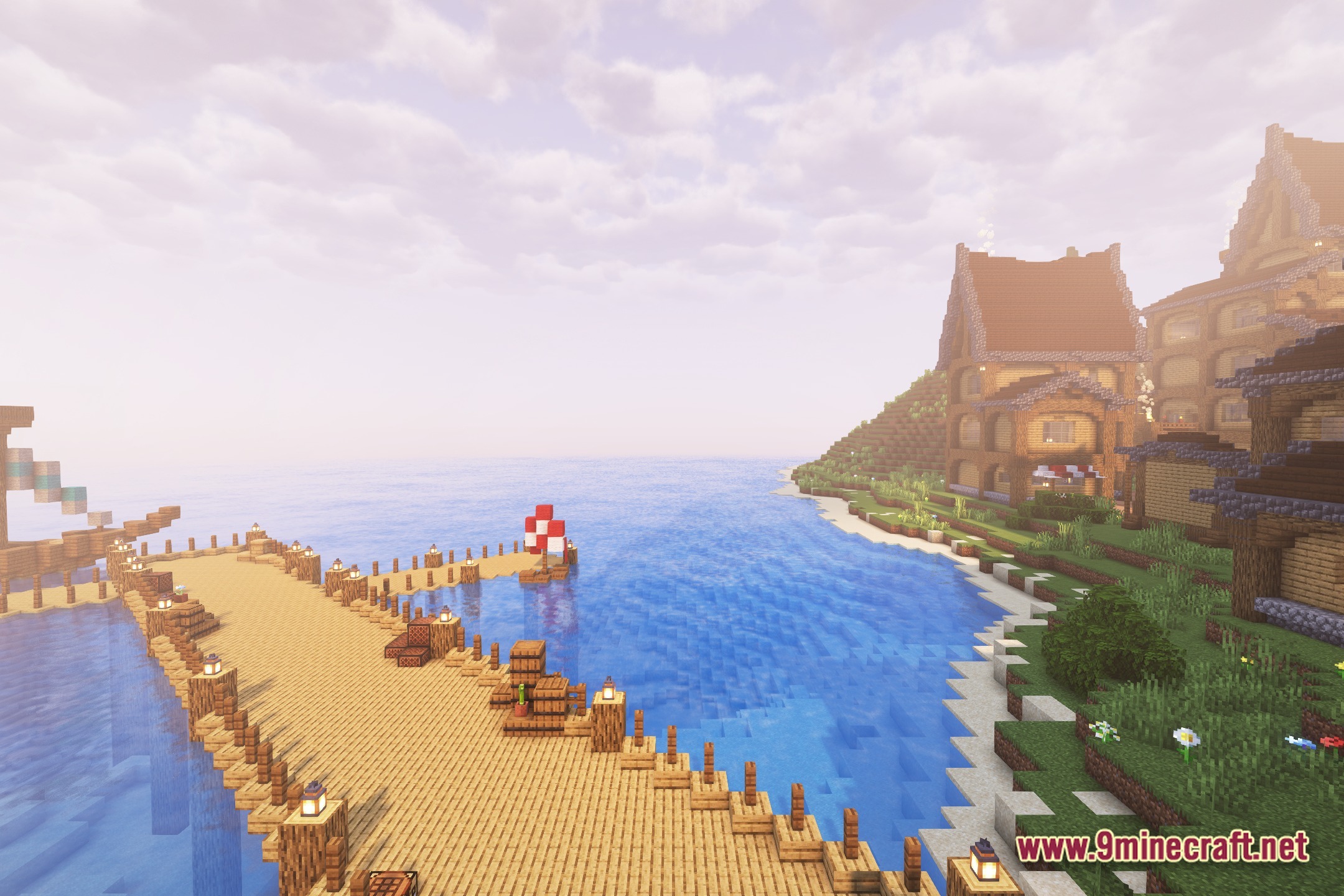
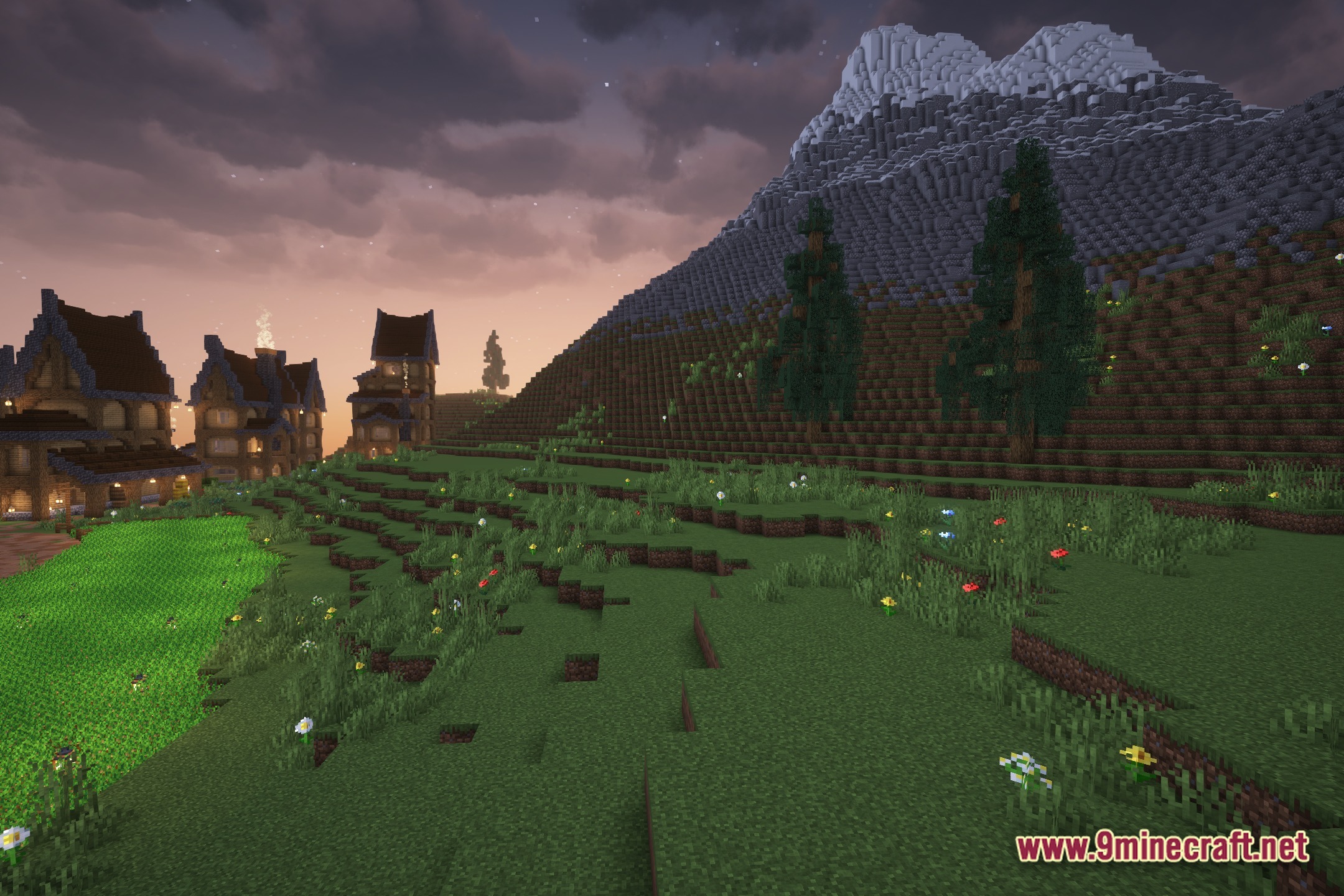
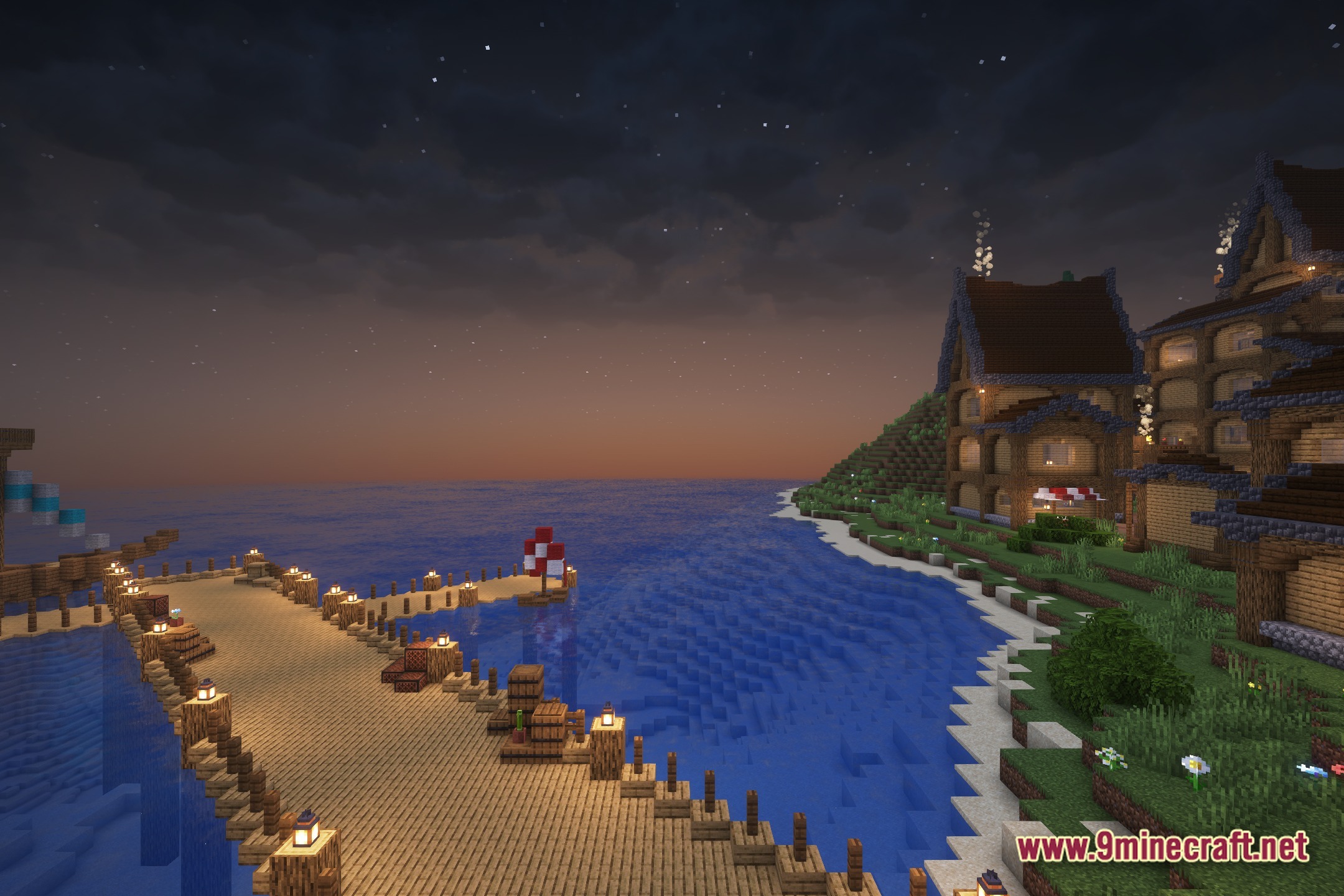
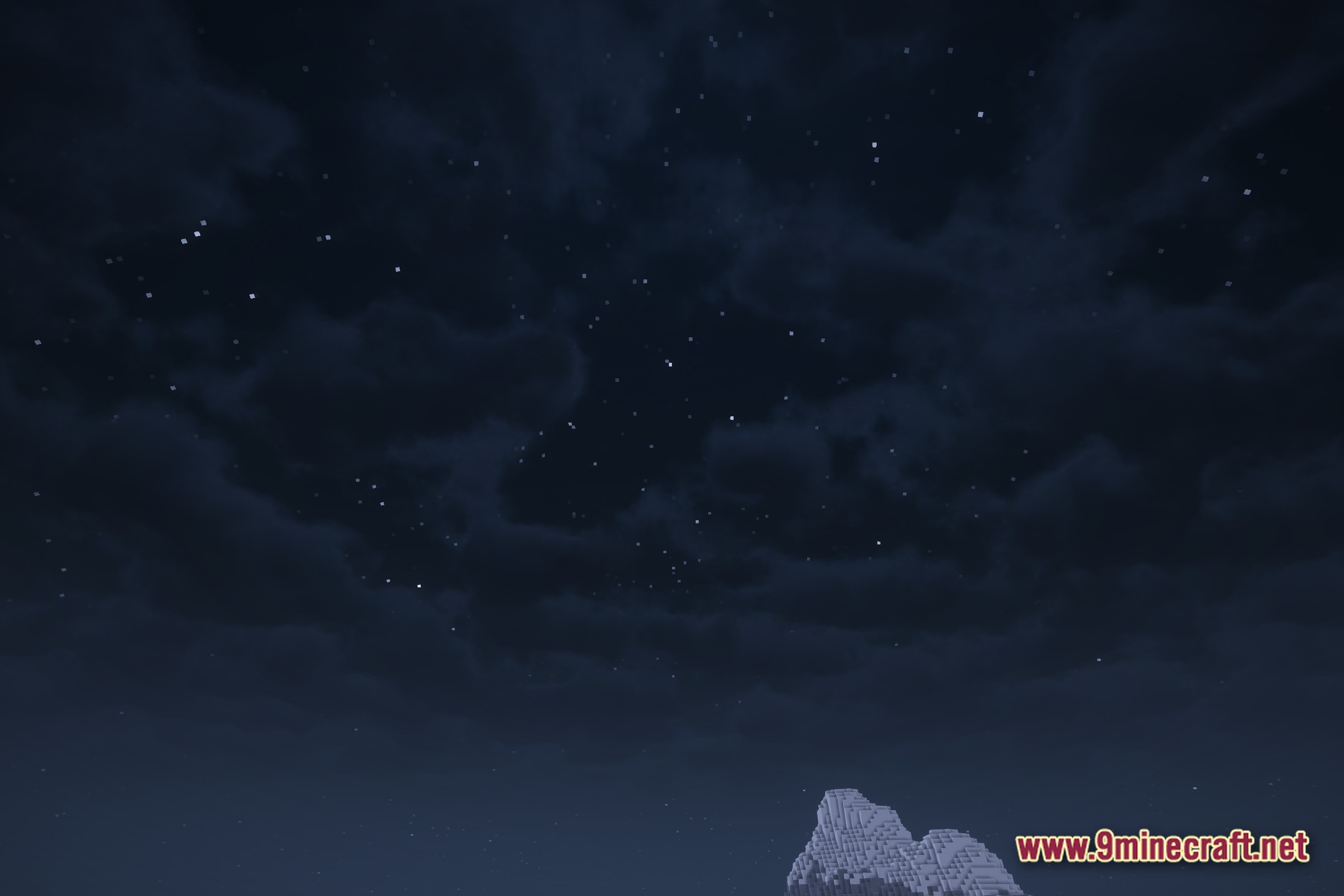
12 images from the Luminous Breeze Shaders page.
You May Also Like
Wikis that share the most with this one
Wikis on the same theme: light
More shader wikis on the site
 LumaVox Shaders
The most downloaded mods that have a wiki here