

 DownloadLost_Tape_Remastered Shaders
Get the files on 9Minecraft
Guides
Step-by-step, in-game.
Make the Shader Less Intense at Night or in Dark AreasAdjusting Vignette and Darkness The cinematic vignette darkens screen borders to enhance horror atmosphere, but this…Optimize Performance on Lower-End HardwareUsing the Lightweight Profile Lost_Tape_Remastered Shaders is designed to run on budget setups. Ensure you're using…Reduce Chroma Bleed for Clearer ColorsUnderstanding Chroma Bleed Chroma bleed mimics the color separation that occurs on old VHS tapes, where red, green,…Reduce VHS Glitches and Tracking ArtifactsAdjusting Glitch Intensity Lost_Tape_Remastered Shaders applies VHS tracking glitches and screen jitter by default to…
Frequently asked questions
How do I turn on the shader after installing it?
Open your Video Settings in-game, select Shaders, and choose Lost_Tape_Remastered from the list. The VHS effect will apply immediately to your world.
Why does my screen look so dark and grainy?
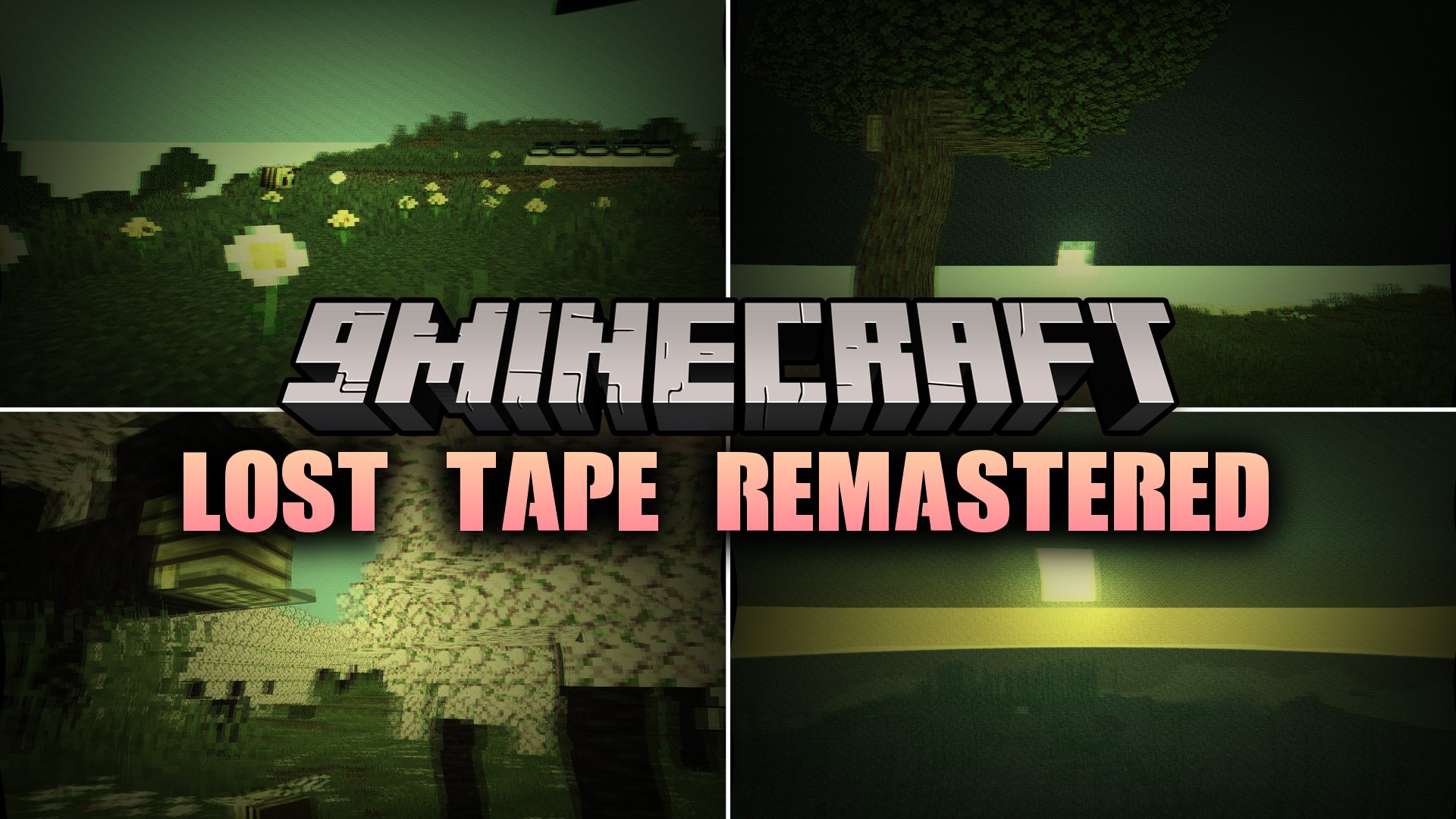
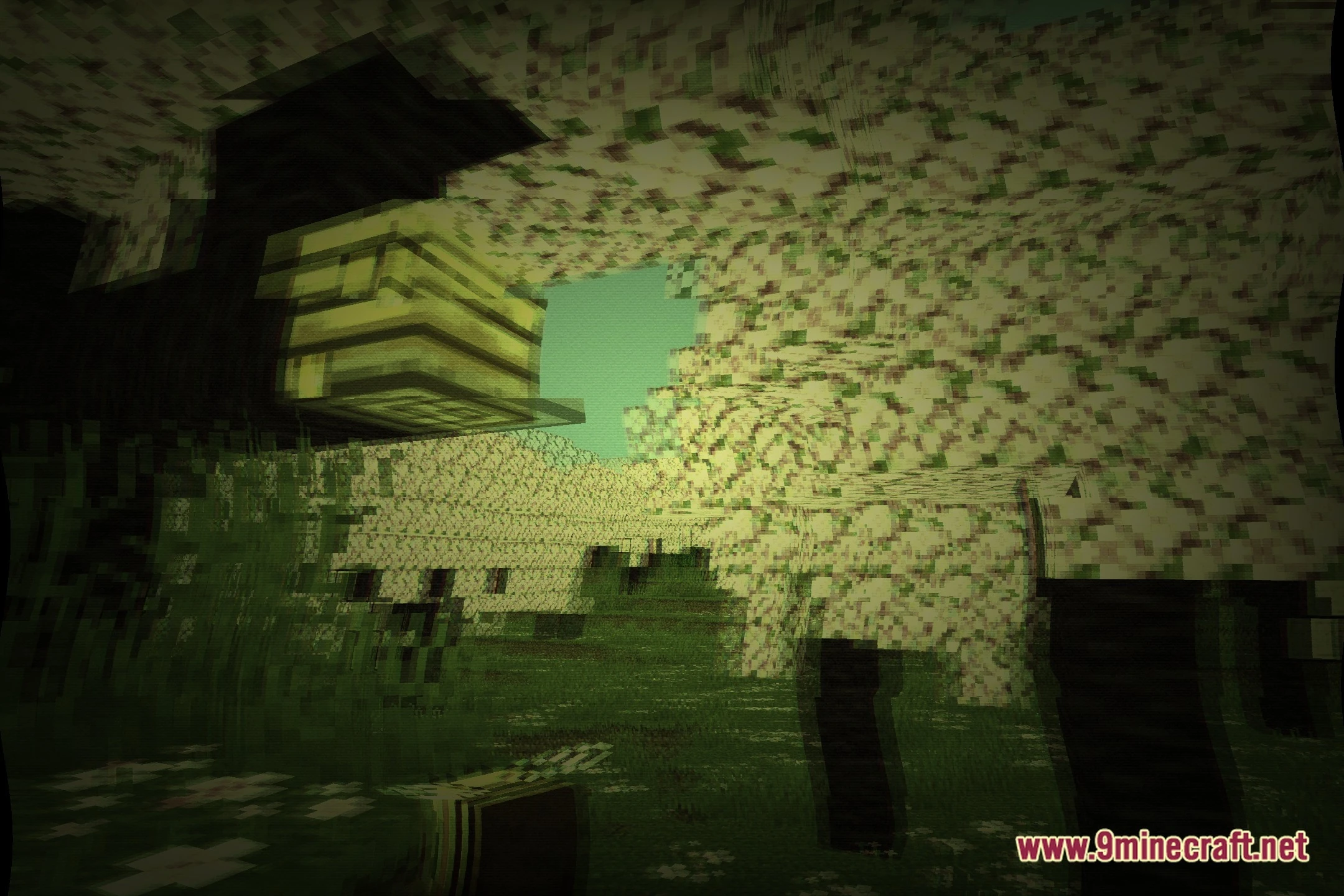
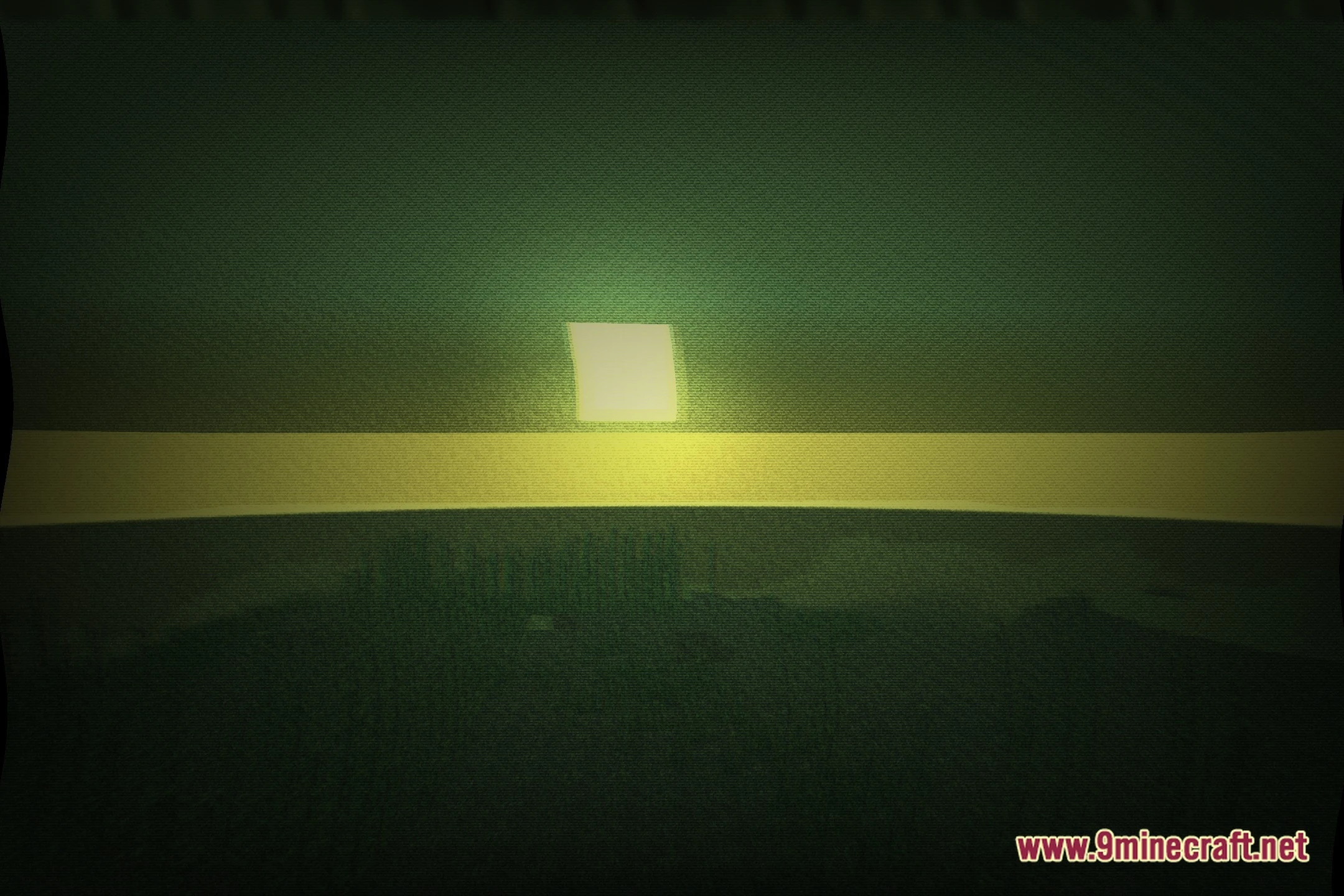
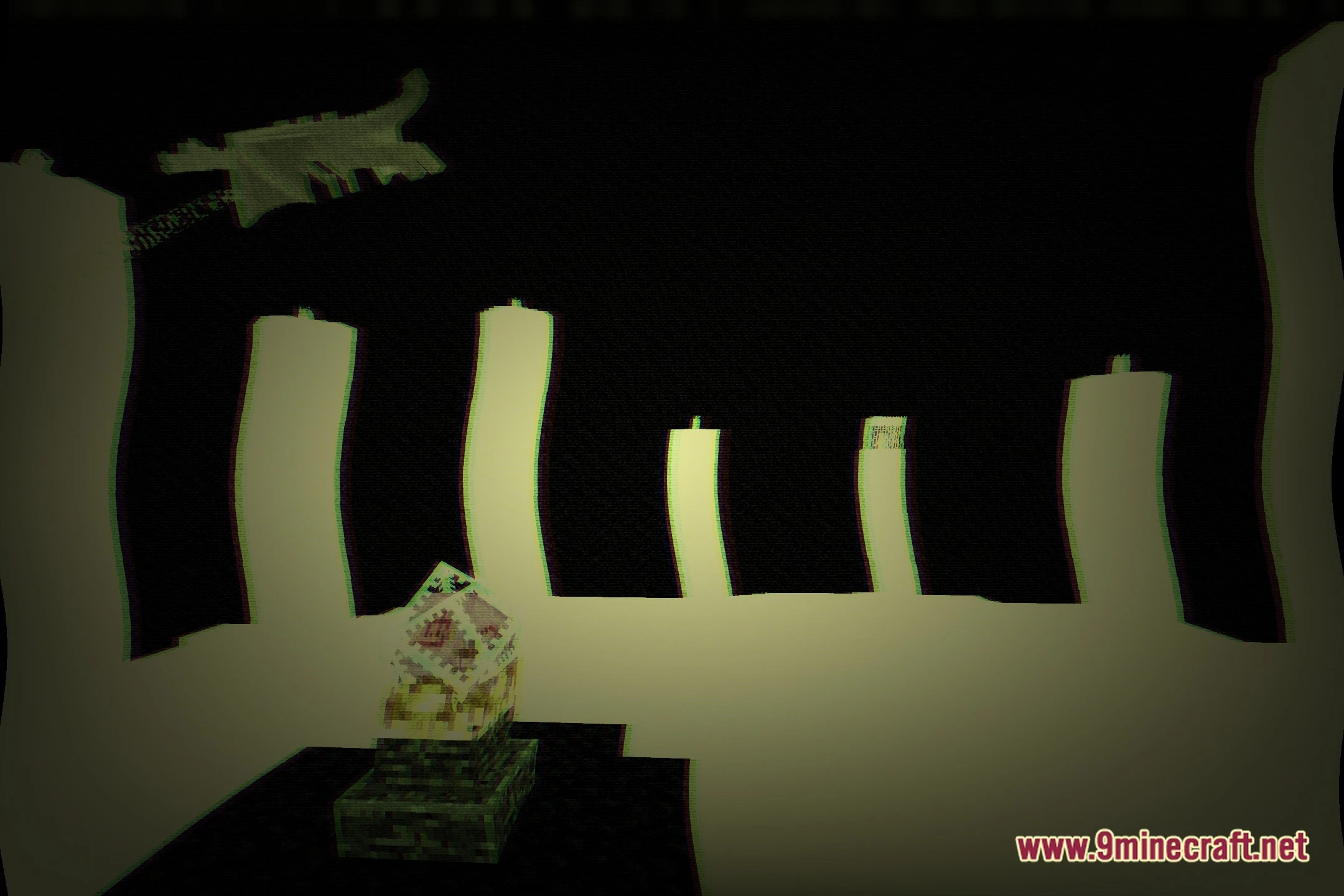
The grain overlay and vignette darkening are core features of the VHS aesthetic. If it's too intense, check your shader settings for options to reduce grain intensity or vignette strength.
Can I adjust how much the screen glitches and jitters?
Yes—open the shader options menu (usually by pressing a hotkey in Video Settings) and look for tracking glitch or jitter intensity sliders to dial down the effect to your preference.
The scanlines are making me feel sick. Can I remove them?
You can disable or reduce scanline intensity in the shader options. Some players also find that lowering the overall shader intensity helps if the visual effect is uncomfortable.
See all 10 Lost_Tape_Remastered Shaders questions ›
Gallery
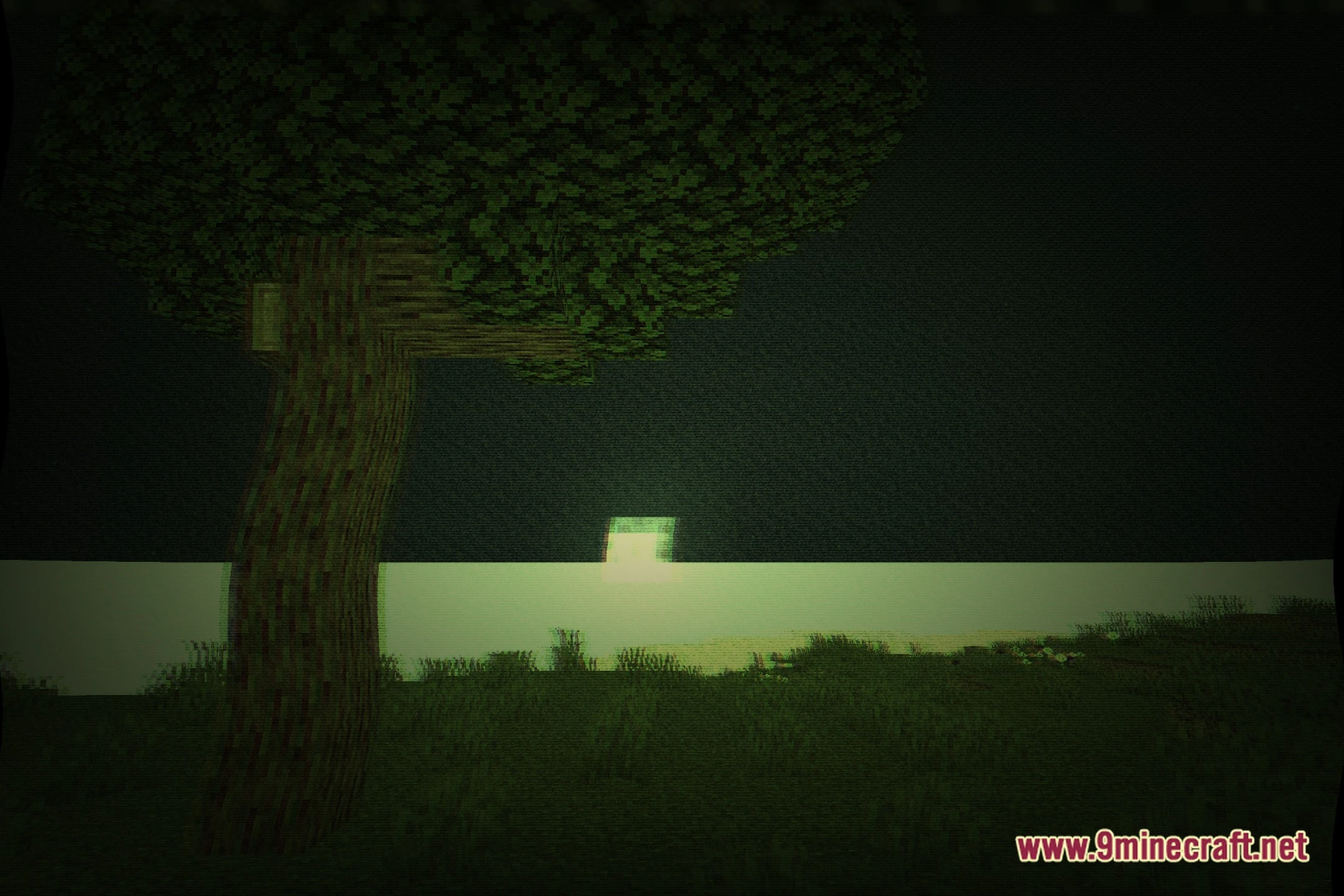
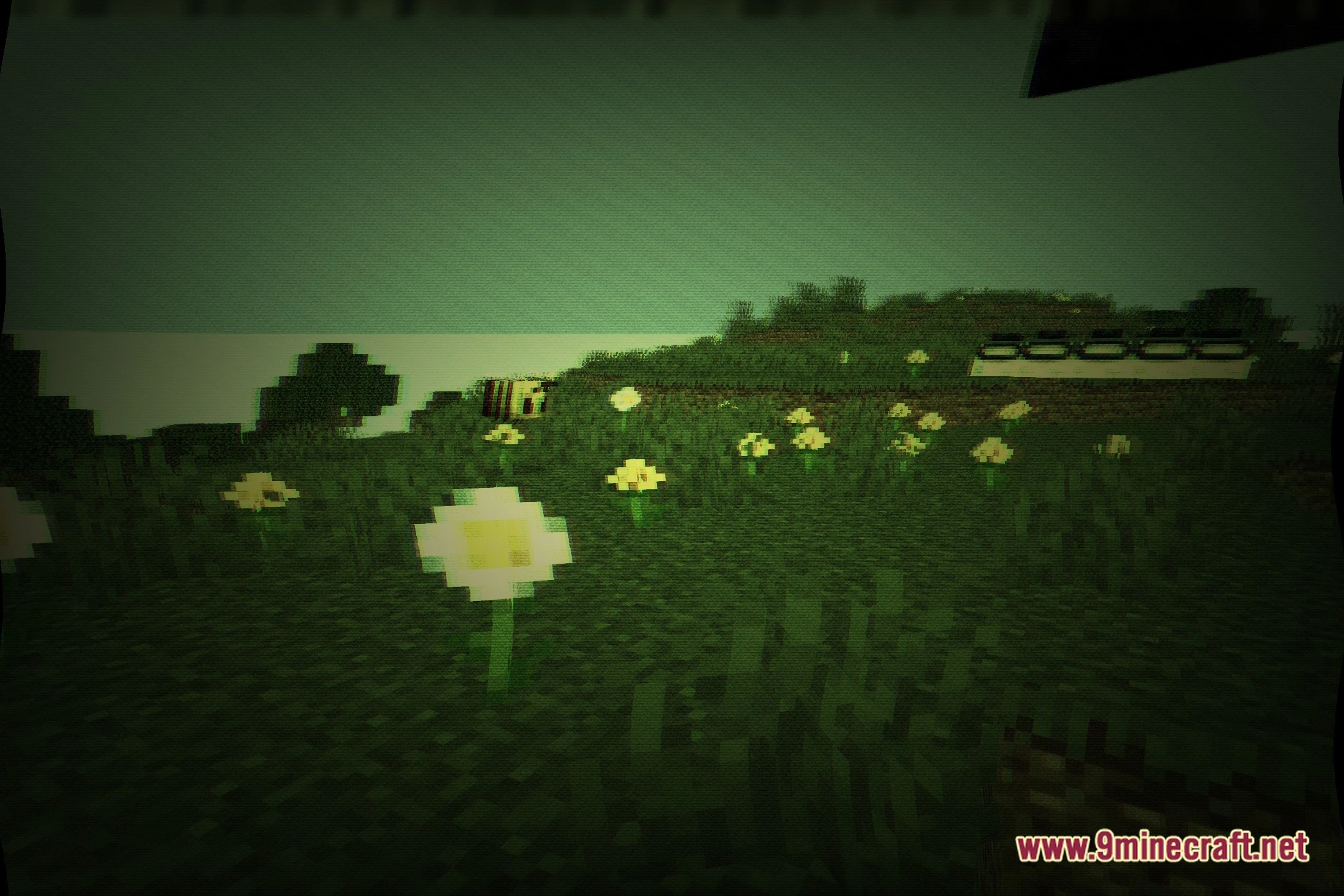
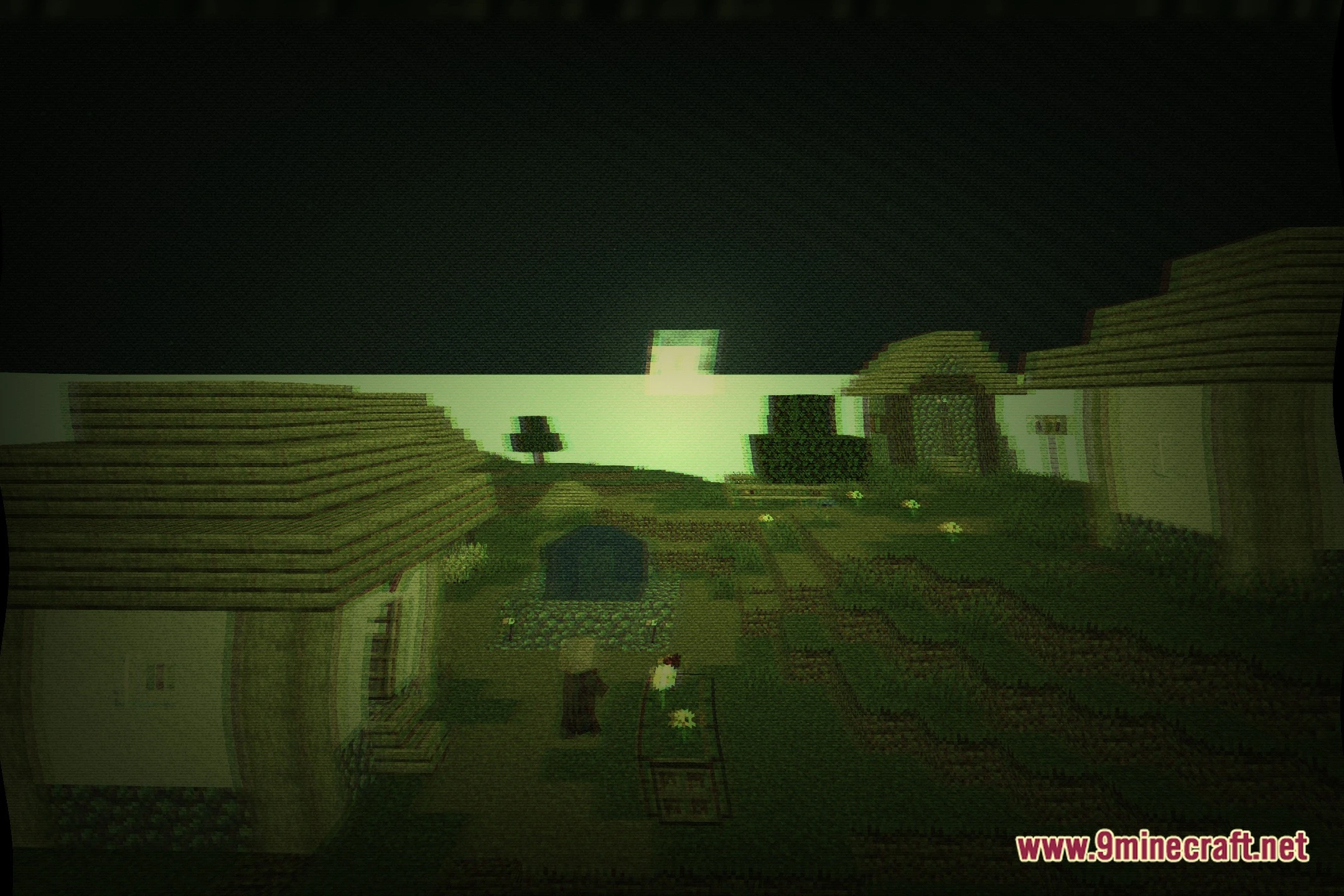
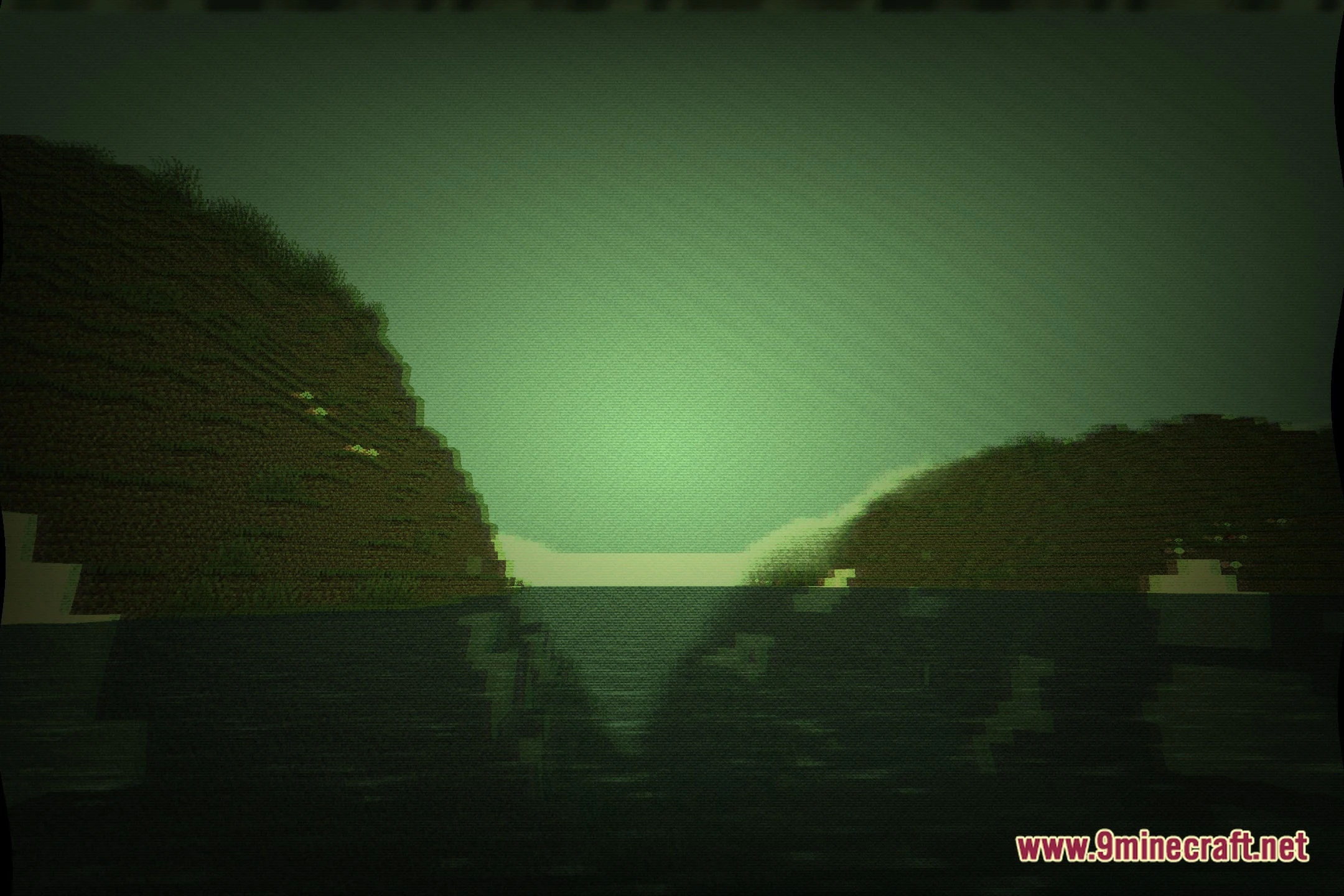
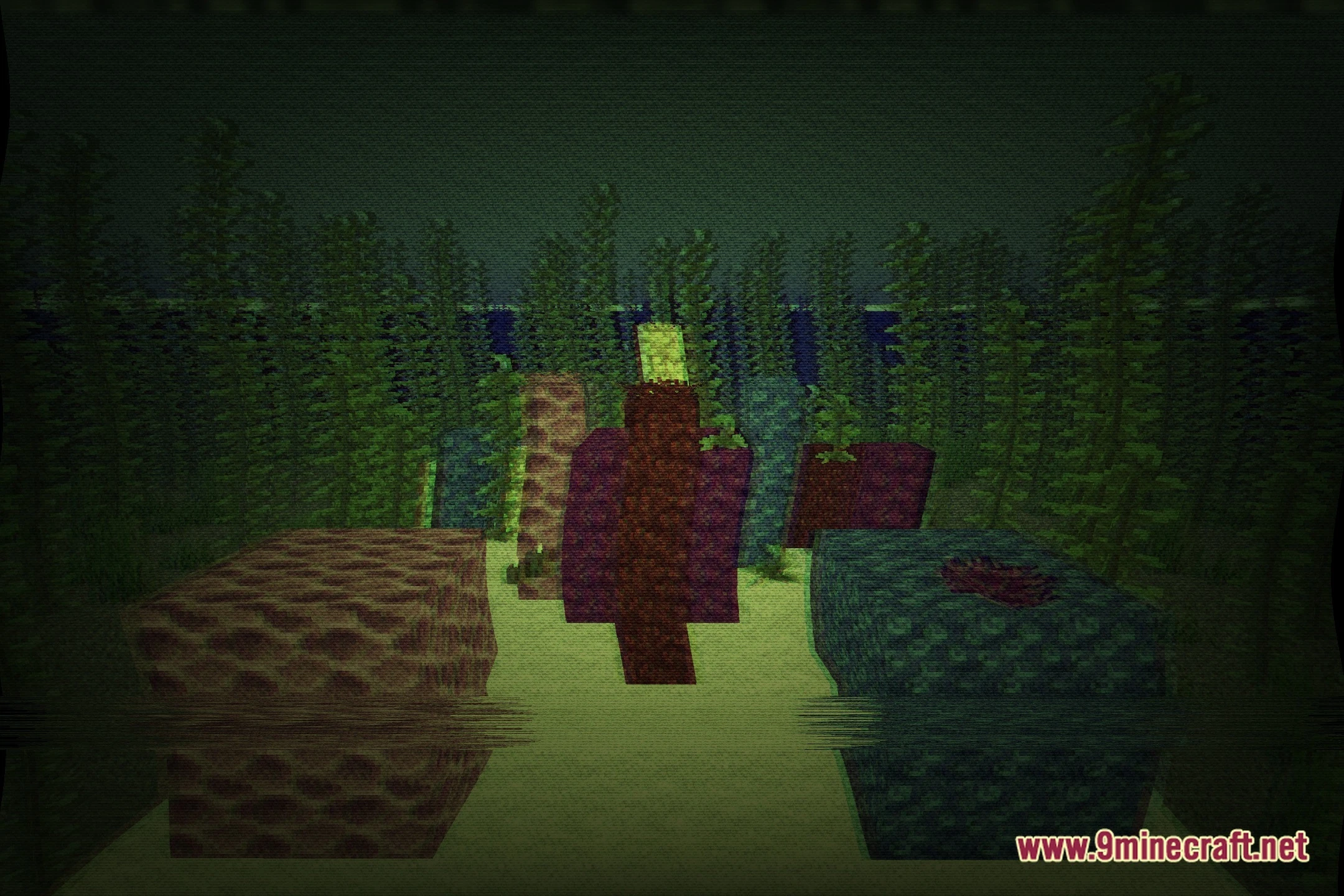
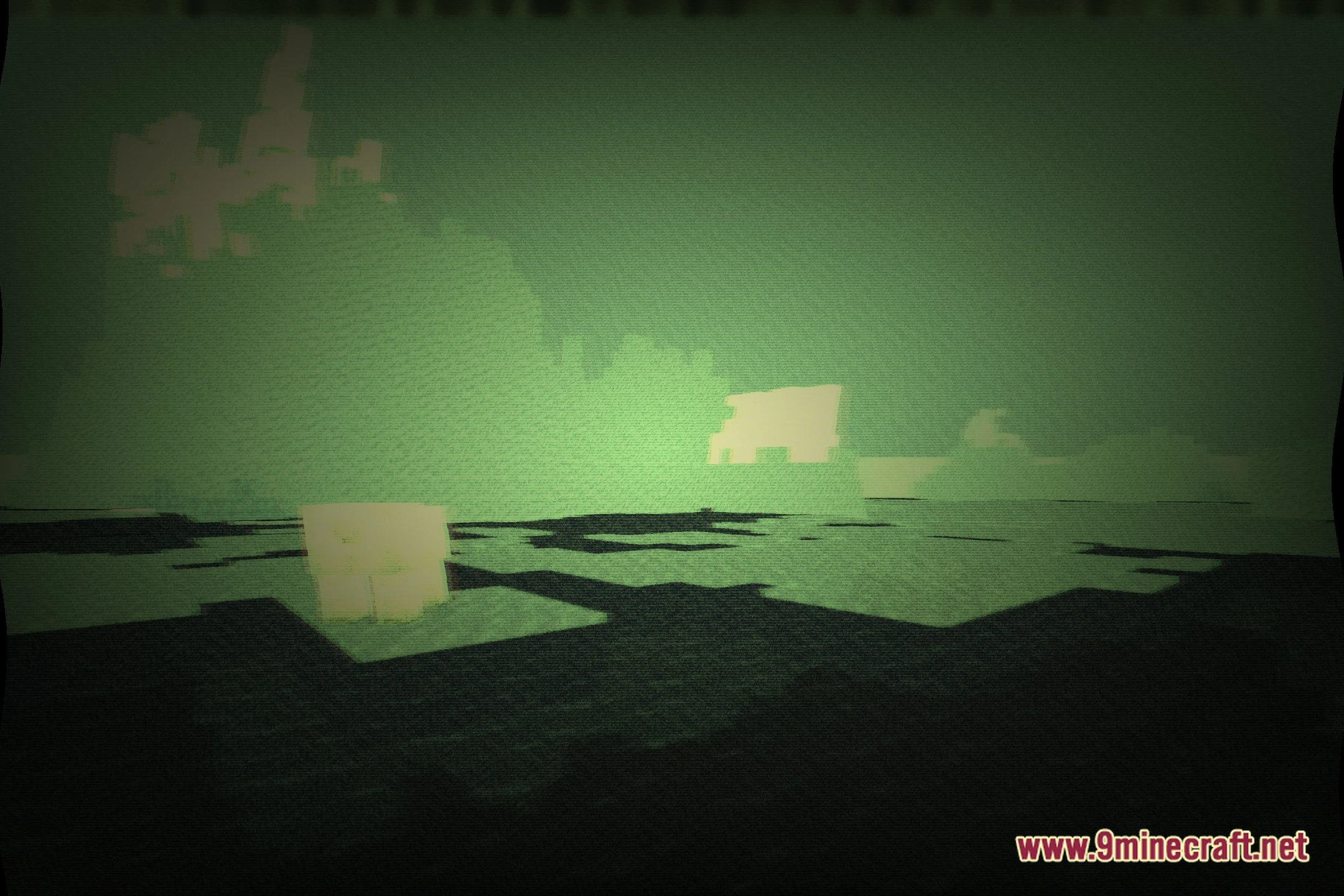
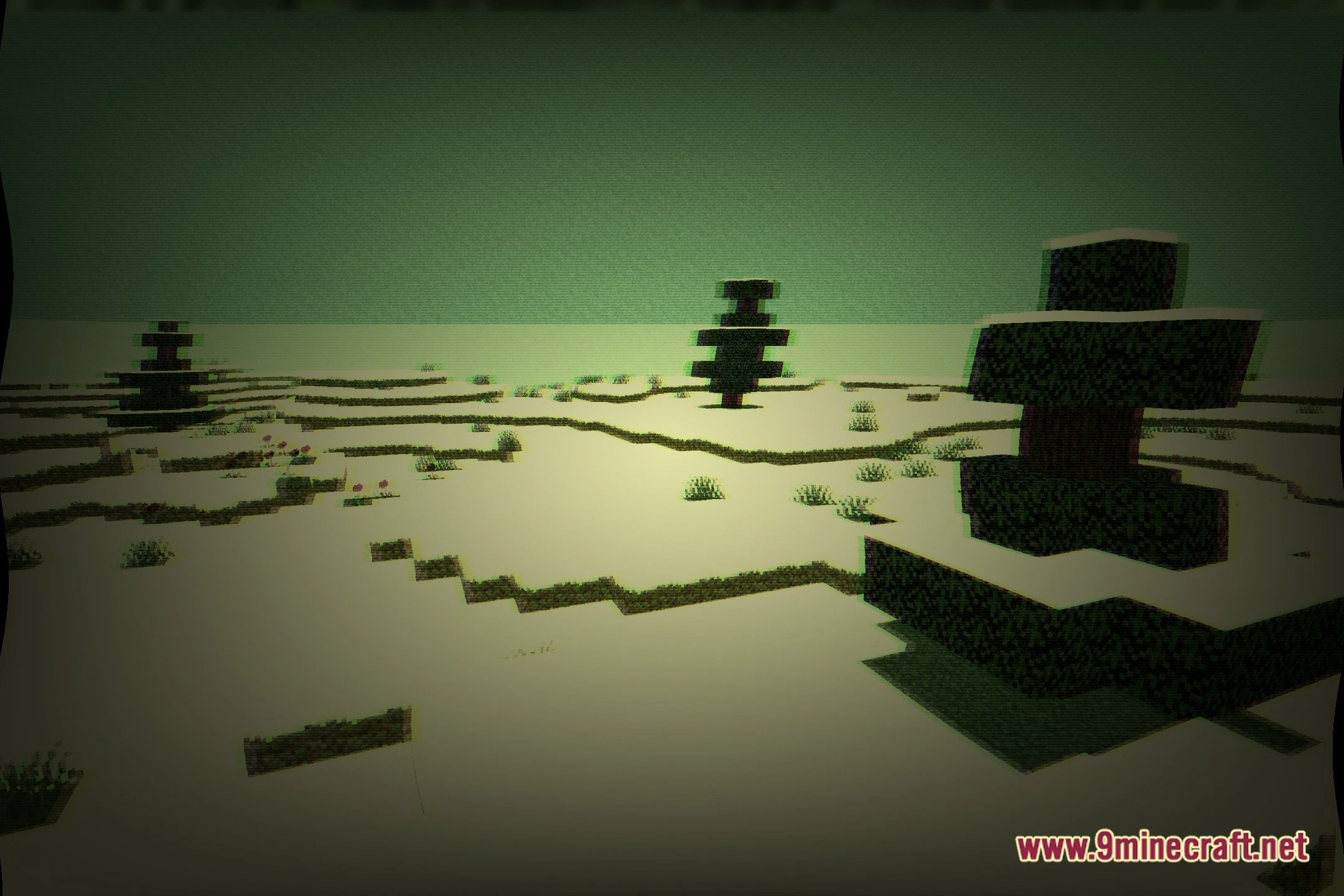
12 images from the Lost Tape Remastered Shaders page.
You May Also Like
Wikis that share the most with this one
More shader wikis on the site
 Lost Signal VHS Shaders
 Loot’s Very Vanilla Shaders
 Lixexis Shaders
 LitePerf Shaders
The most downloaded mods that have a wiki here